Concatenate Excel Cells & Columns
Learn how to concatenate Excel cells & columns with Powerdrill. Simplify your data tasks—Try it free today!
جرّب مجاناً
Streamline Data Management
Effortlessly combine multiple Excel cells and columns, saving time on manual data entry and improving overall productivity for better results.

Enhance Data Accuracy
Minimize errors by automatically concatenating data within Excel, ensuring consistent and accurate records across your spreadsheets with just a few clicks.

Simplify Complex Tasks
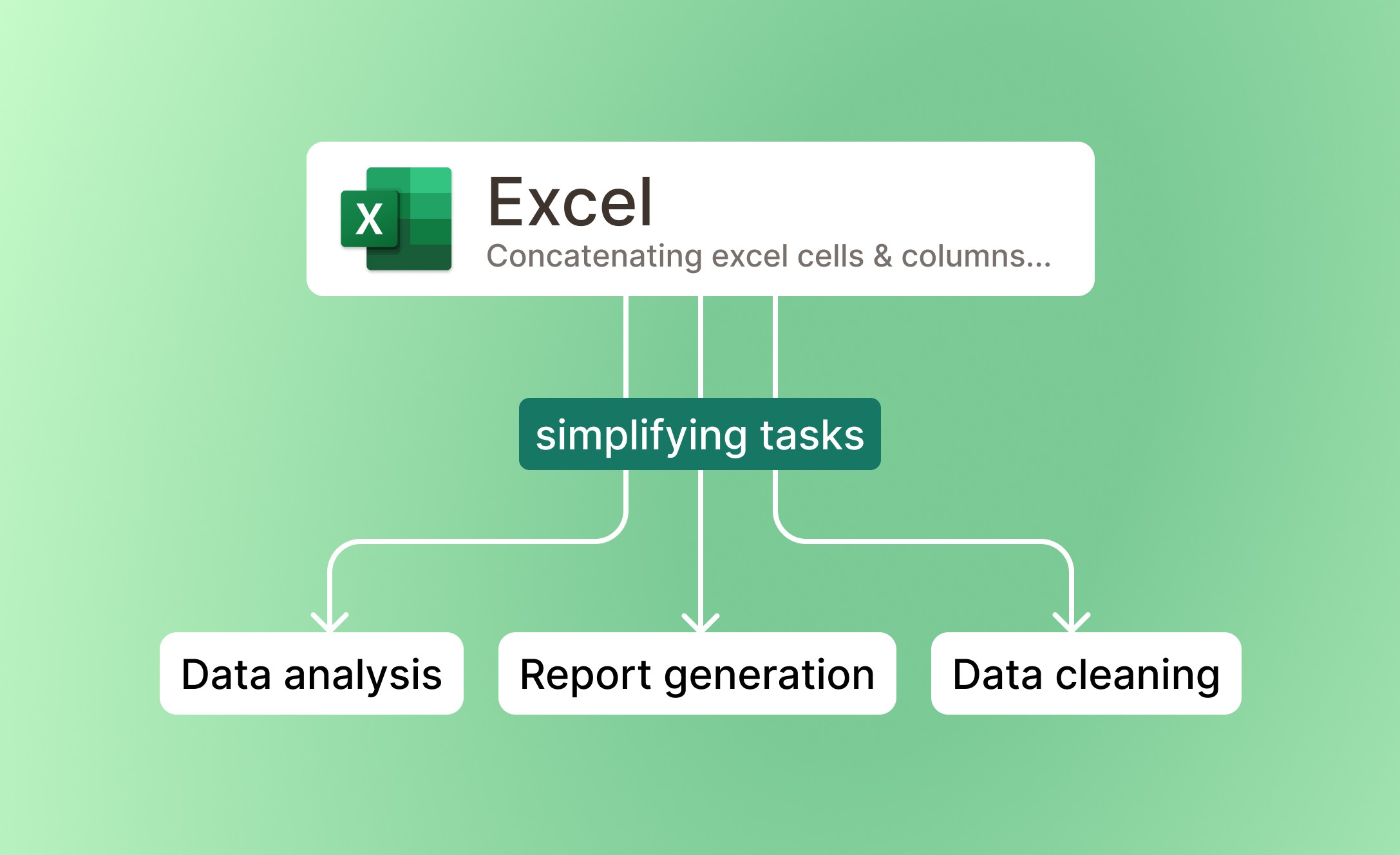
Easily concatenate text and numbers in Excel, simplifying tasks like report generation, data analysis, and data cleaning for faster decision-making.
كيف يعمل
Upload Your Excel File
Simply upload your Excel file containing the columns or cells you wish to concatenate. Our system supports multiple file uploads for convenience.
Tell Powerdrill What to Concatenate
Specify the columns or cells you want to merge. Powerdrill will intelligently identify and concatenate the selected data, streamlining your process.
Download Your Concatenated File
Once the merging is complete, download your updated Excel file. Enjoy an organized, error-free spreadsheet ready for analysis or reporting.
الأسئلة الشائعة
Can I analyze multiple files simultaneously?
+
Yes. With Powerdrill AI, you can upload up to 10 files at once into a dataset. Once uploaded, you can associate the data with your chat session and begin analyzing the files. See the Quickly Get Data Insights from SQL Log Files with Powerdrill Advanced Analytics use case.
Besides data analysis, you can do much more on Powerdrill AI, for example, you can merge files. See the blog for a step-by-step demo.
What file formats can I upload to Powerdrill for data analysis?
+
Powerdrill supports Excel, CSV, and TSV file formats for data input. You can upload any of these file types for analysis.