11 Best SlidesAI Alternatives in 2026: Features and Pricing

Introduction
Creating engaging presentations used to mean staring at a blank canvas for hours, struggling with formatting and content structure. While AI tools have drastically changed this landscape, relying on basic text-to-slide generators is no longer enough.
SlidesAI has been a popular choice for quick conversions, but as professionals require more dynamic designs and deeper data integration, the search for robust alternatives has surged.
In this guide, we will explore the top market alternatives, helping you find the perfect AI presentation assistant to elevate your workflow.
Why People Try to Find SlidesAI Alternatives
While SlidesAI offers a straightforward way to generate slides, users often seek alternatives for several distinct reasons:
Need for better design flexibility: Users often find themselves restricted by rigid templates and want more creative control over visual elements.
Desire for deeper data processing: Professionals need AI that can intelligently read, analyze, and synthesize complex documents or datasets into slides.
Demand for smarter layout automation: People want AI that seamlessly auto-aligns graphics and text without manual tweaking.
Better pricing models: Many teams are looking for more generous free tiers or cost-effective premium plans.
Lack of diverse export options: Users frequently require flexible export capabilities to PowerPoint, PDF, or interactive web links.
Quick Comparison Table
Product | Best For | Starting Price |
Ultimate AI slide generation & data parsing | ||
Data analysis & chart generation | ||
Strict brand-aligned designs | ||
AI agent workflow automation | ||
Native Google Slides integration | ||
Quick prompt-to-slide generation | ||
General graphic design & presentations | ||
Interactive infographics & charts | ||
Visual diagramming & sketching | ||
Webpage-style fluid presentations | ||
Generative visual storytelling |
1. Powerdrill Bloom
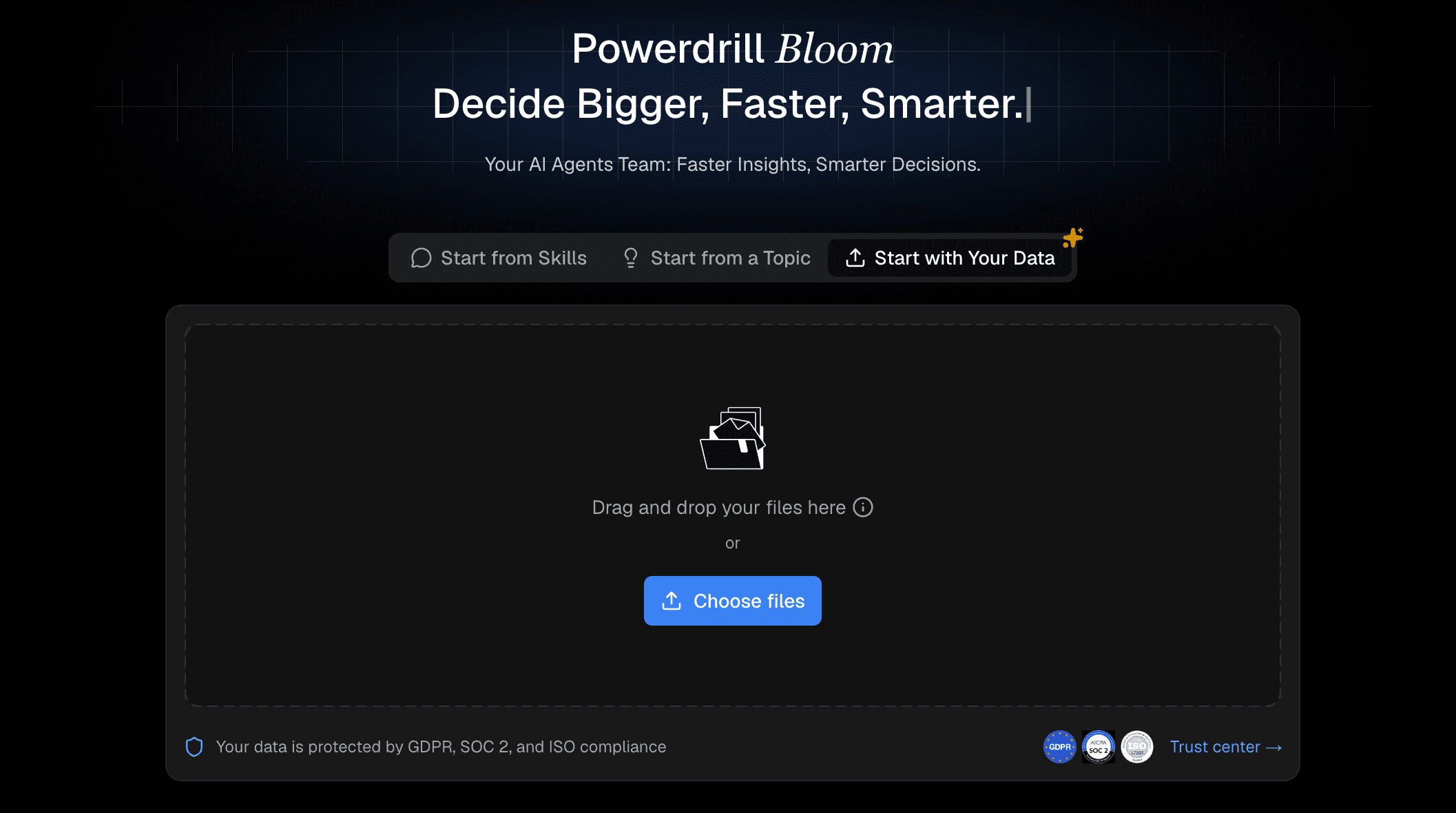
Powerdrill Bloom acts as a highly intelligent co-pilot for presentation creation, engineered to turn lengthy documents and raw ideas into polished decks in seconds. Unlike standard generators that just paste text onto templates, it dives deep into your uploaded files to extract key insights, automatically mapping them into a visually compelling and logical narrative flow.
Key Features
Deep-dive file extraction that effortlessly converts massive PDFs, research papers, and data files into cohesive slide decks.
Context-aware AI generation that precisely interprets your textual prompts to build highly relevant, well-structured outlines.
Dynamic, intelligent canvas formatting that automatically perfectly aligns typography, charts, and visual assets.
Pros
Saves hours of manual formatting with its highly intuitive interface.
Unmatched capability in analyzing complex data and summarizing content accurately.
Gorgeous, modern templates that require zero design background.
Cons
Requires a stable internet connection for AI model processing.
The vast array of features may take a few minutes to fully explore.
Pricing
Generous free tier available; pro plans start at $13.27/month.
2. Julius AI
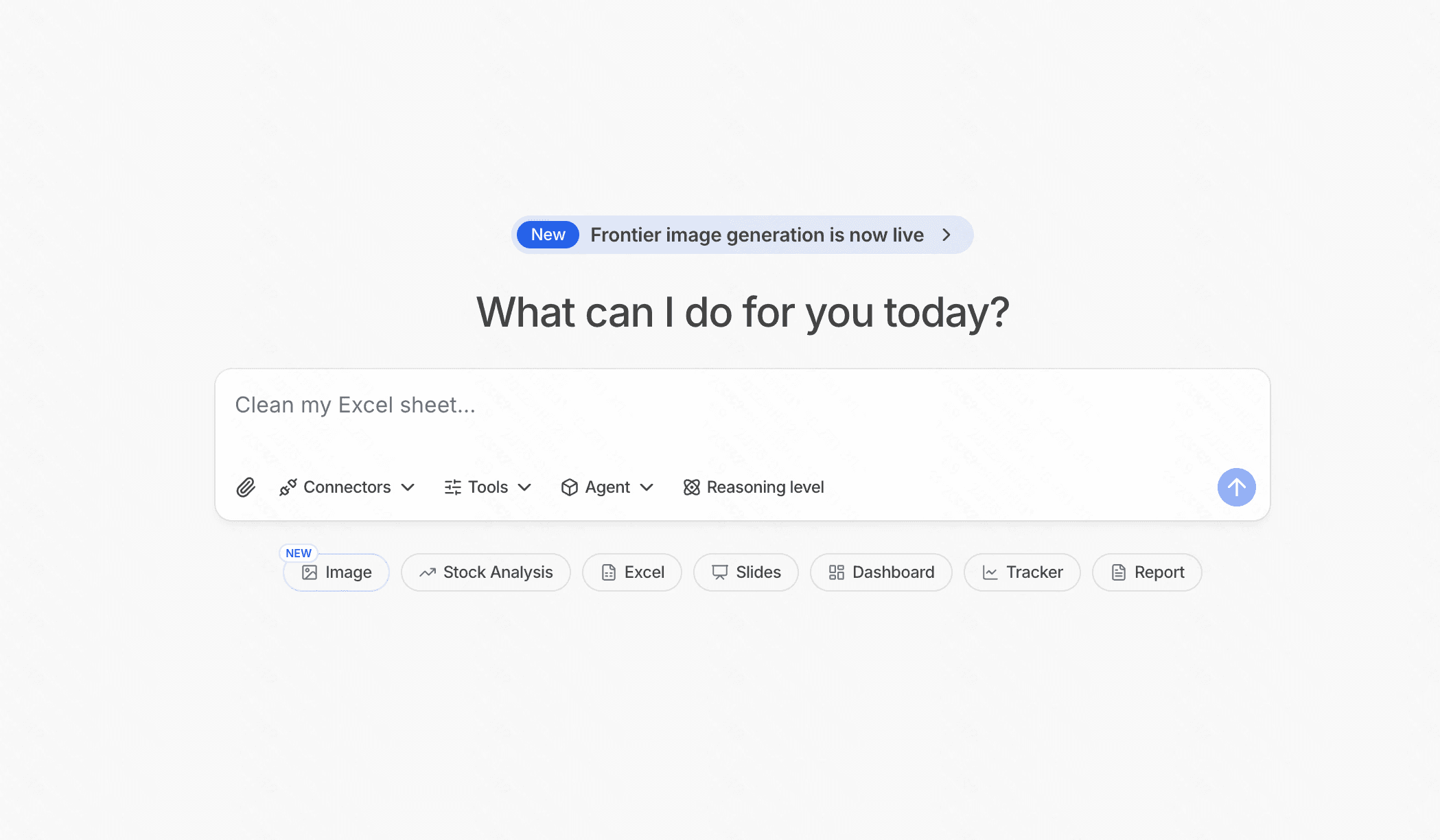
Julius AI operates primarily as an advanced AI data analyst. It excels at reading numbers and generating statistical visualizations.
Key Features
Direct dataset integration and processing.
Automated chart and graph generation.
Python-backed analytical processing.
Pros
Incredibly accurate for statistical calculations.
Great for generating complex graphs.
Cons
Not a dedicated slide creator; exports mostly as raw charts.
Steep learning curve for non-technical users.
Pricing
Free basic access; starts at $20/month.
3. Beautiful AI
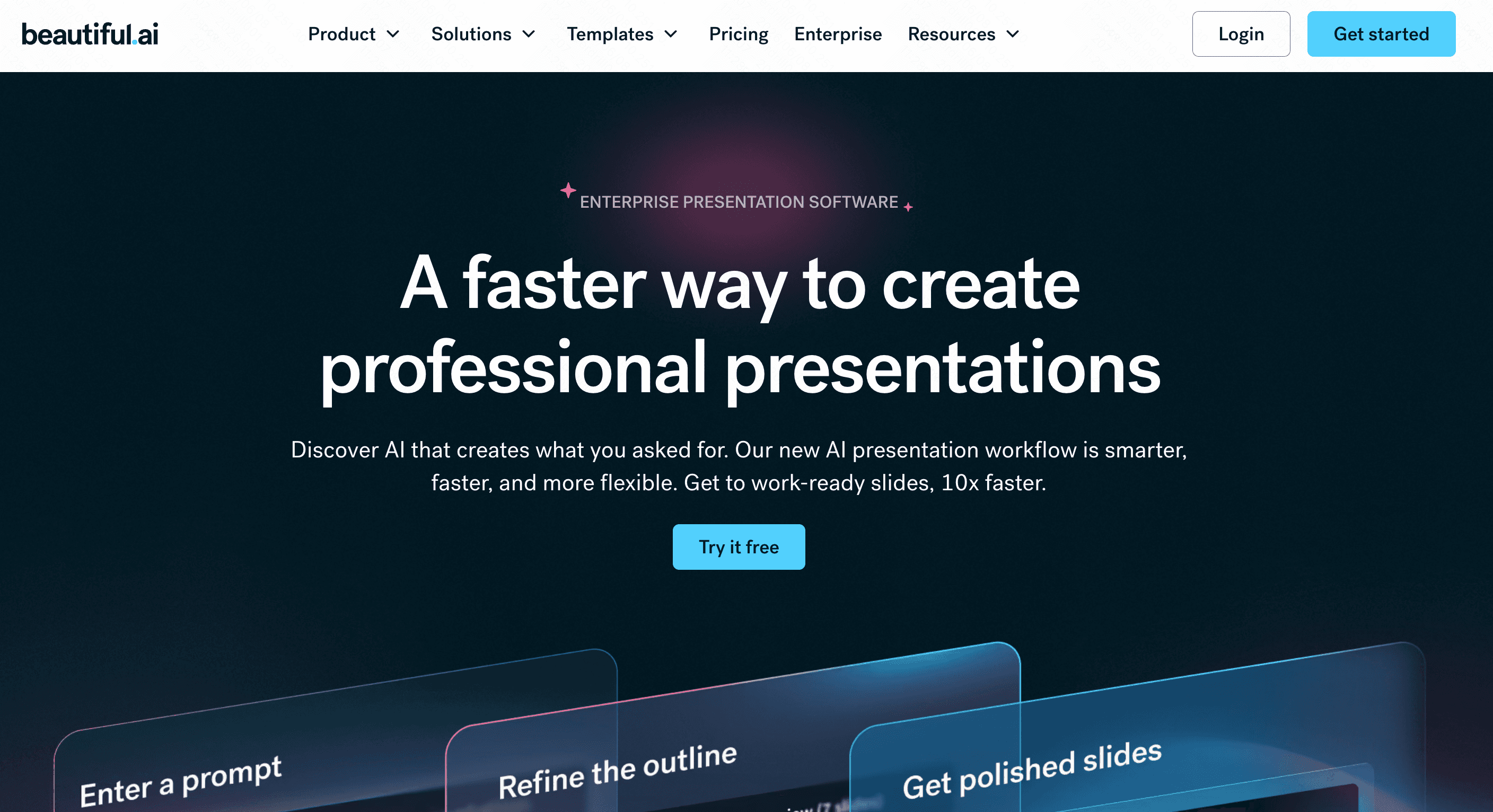
Beautiful AI is a design-first presentation maker that enforces strict design rules to prevent users from creating ugly slides.
Key Features
Smart templates that auto-adapt as you type.
Brand consistency controls.
Vast stock asset library.
Pros
Ensures clean, professional-looking slides.
Great team collaboration features.
Cons
Extremely restrictive if you want custom object placement.
No free plan available.
Pricing
Starts at $12/month (billed annually).
4. Manus
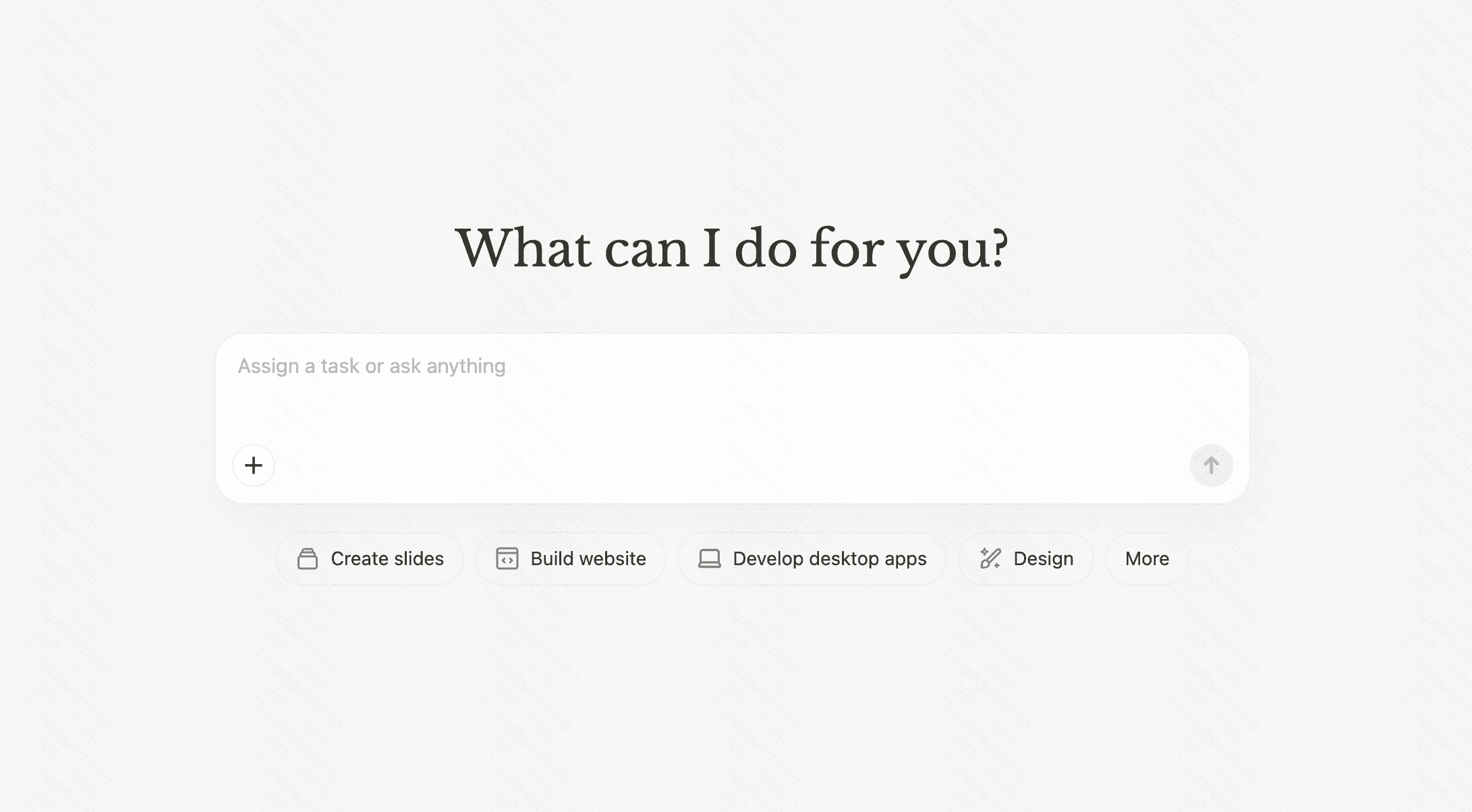
Manus is an autonomous AI agent platform. It helps automate complex workflows, which can include researching and drafting presentation outlines.
Key Features
Multi-step task automation.
Deep internet research capabilities.
Integration with various business apps.
Pros
Highly autonomous and intelligent.
Excellent for extensive research.
Cons
Overkill for simple presentation creation.
Lacks native, polished slide design tools.
Pricing
Start from $20/month.
5. Plus AI
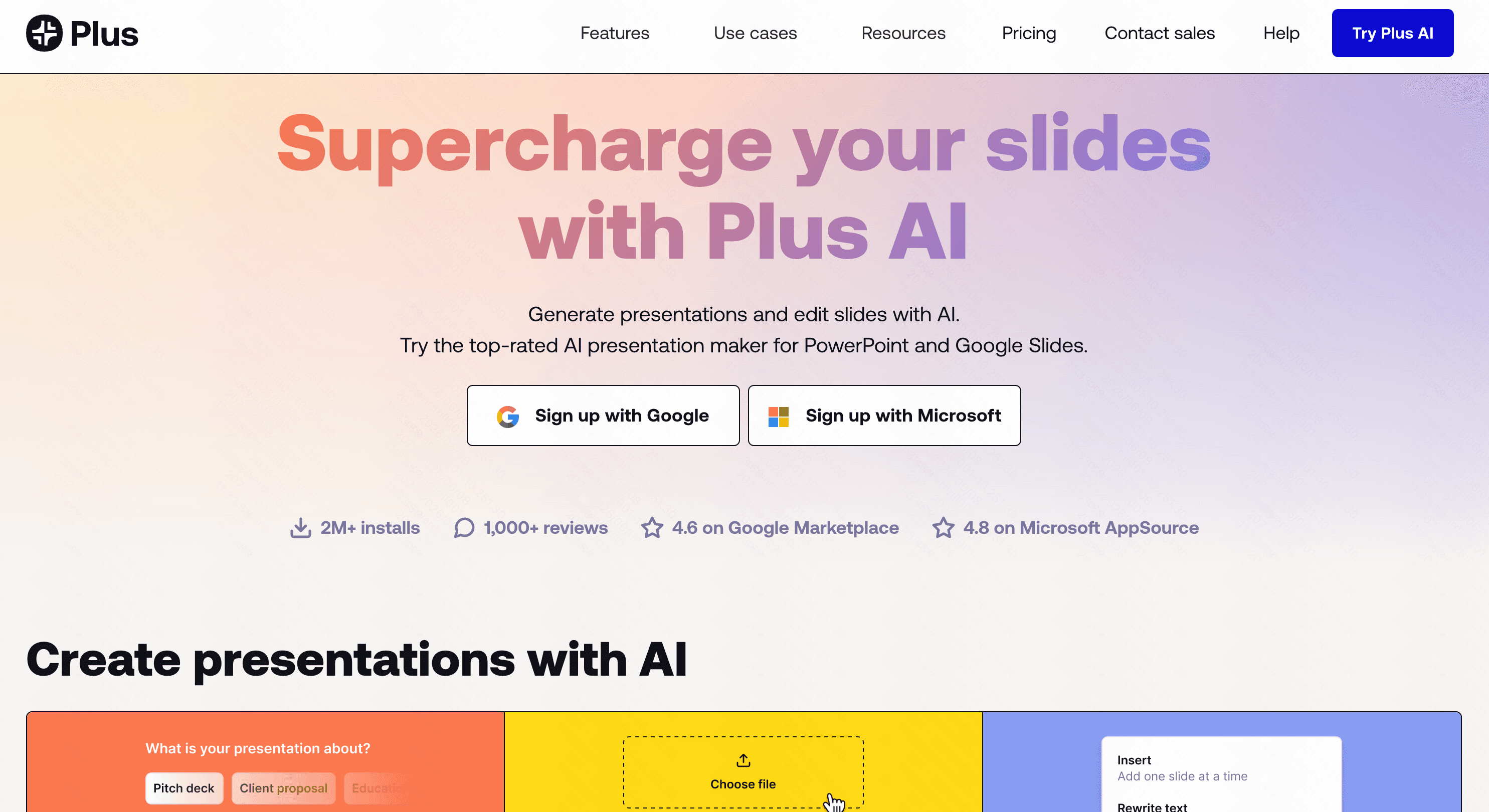
Plus AI is a presentation add-on built directly into Google Slides, bringing generative AI right into your existing workspace.
Key Features
Native Google Slides integration.
Custom AI prompt injection.
Snapshot capability for live data updates.
Pros
No need to learn a new interface.
Keeps presentations within the Google ecosystem.
Cons
Tied exclusively to Google Slides limitations.
Design outputs can be slightly basic.
Pricing
Free trial; starts at $10/month.
6. PageOn AI
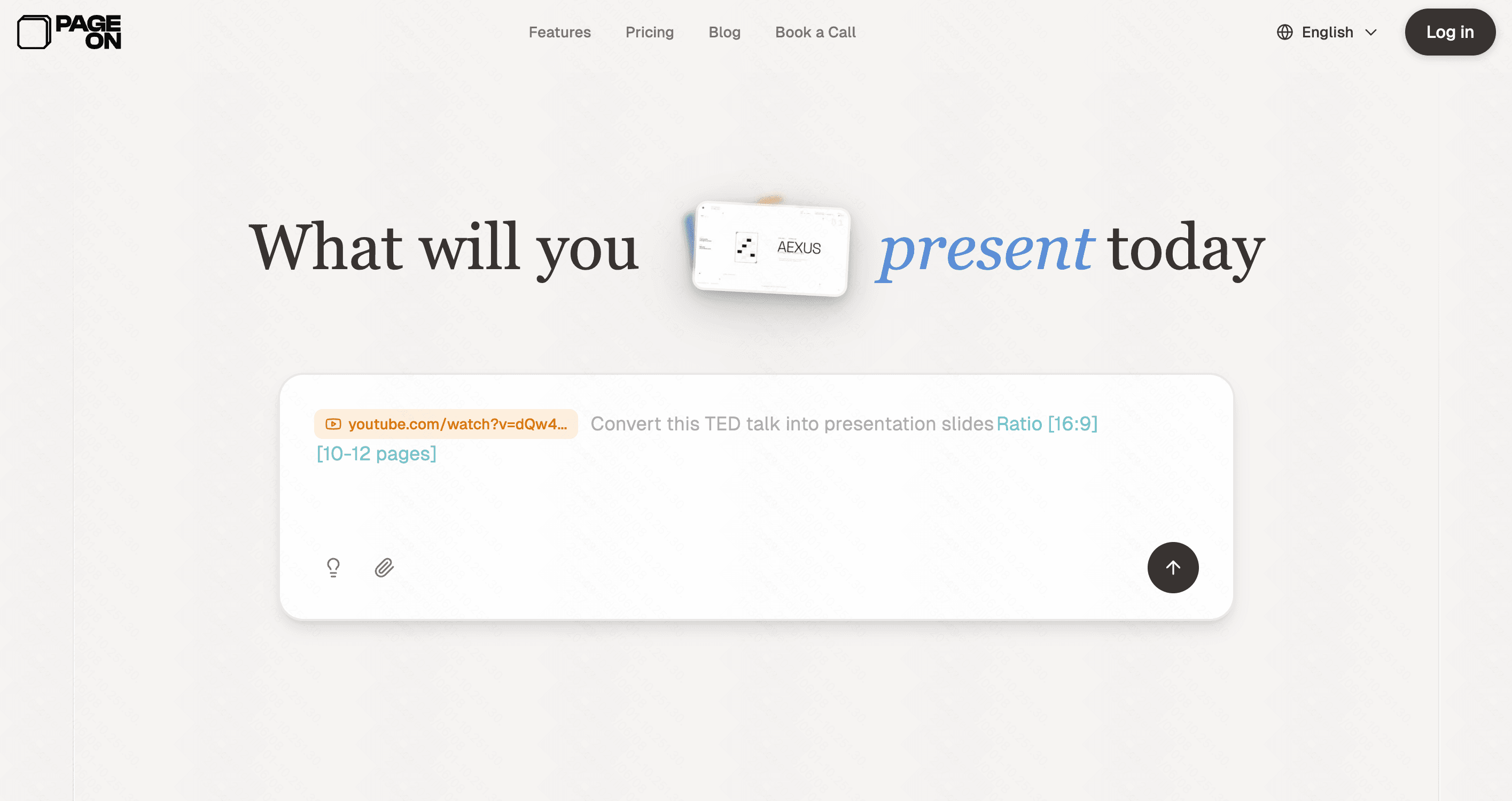
PageOn AI focuses on speed, instantly turning brief prompts or outlines into fully populated presentation drafts.
Key Features
Instant text-to-slide generation.
AI-assisted outlining.
Cloud-based editor.
Pros
Very fast generation times.
Straightforward, uncluttered UI.
Cons
Struggles with highly technical content.
Limited customization compared to full design suites.
Pricing
Free tier available; premium is $9.99/month.
7. Canva
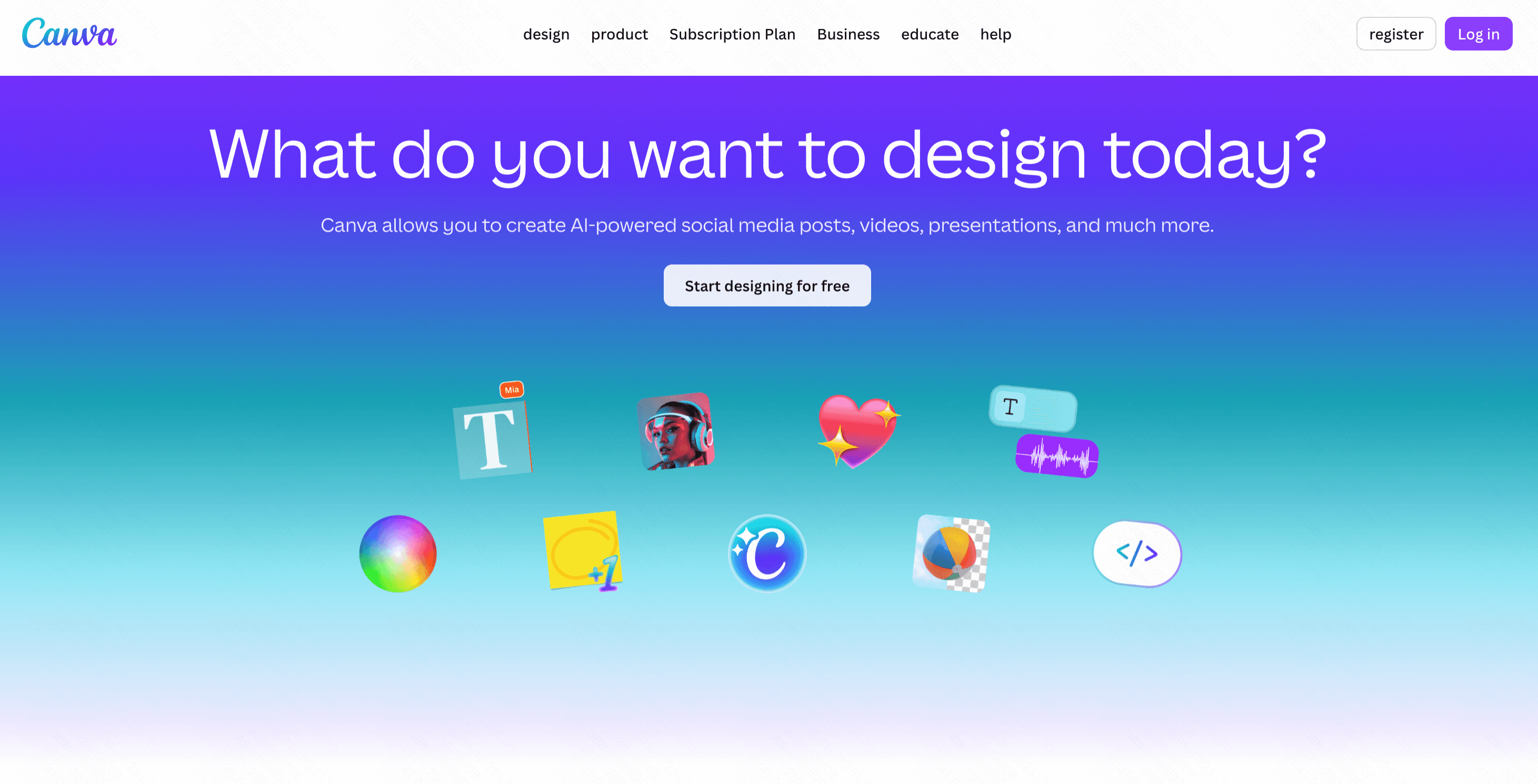
Canva is a massive all-in-one design platform. Its "Magic Design" AI allows users to generate presentations alongside social media posts and videos.
Key Features
Magic Design AI generation.
Millions of royalty-free graphical assets.
Drag-and-drop simplicity.
Pros
Unbeatable creative flexibility.
Familiar to millions of users globally.
Cons
AI content generation is secondary to its visual tools.
Presentations can feel generic without heavy manual editing.
Pricing
Free plan; Canva Pro is $144/per user year.
8. Visme AI
Visme bridges the gap between presentations and interactive infographics, powered by a smart AI assistant.
Key Features
Interactive data widgets.
AI document generation.
Brand wizard.
Pros
Incredible interactive and animated elements.
Great for marketing and data visualization.
Cons
Interface can feel heavy and occasionally slow.
More expensive than basic slide tools.
Pricing
Free basic plan; starts at $12.25/month.
9. Napkin AI
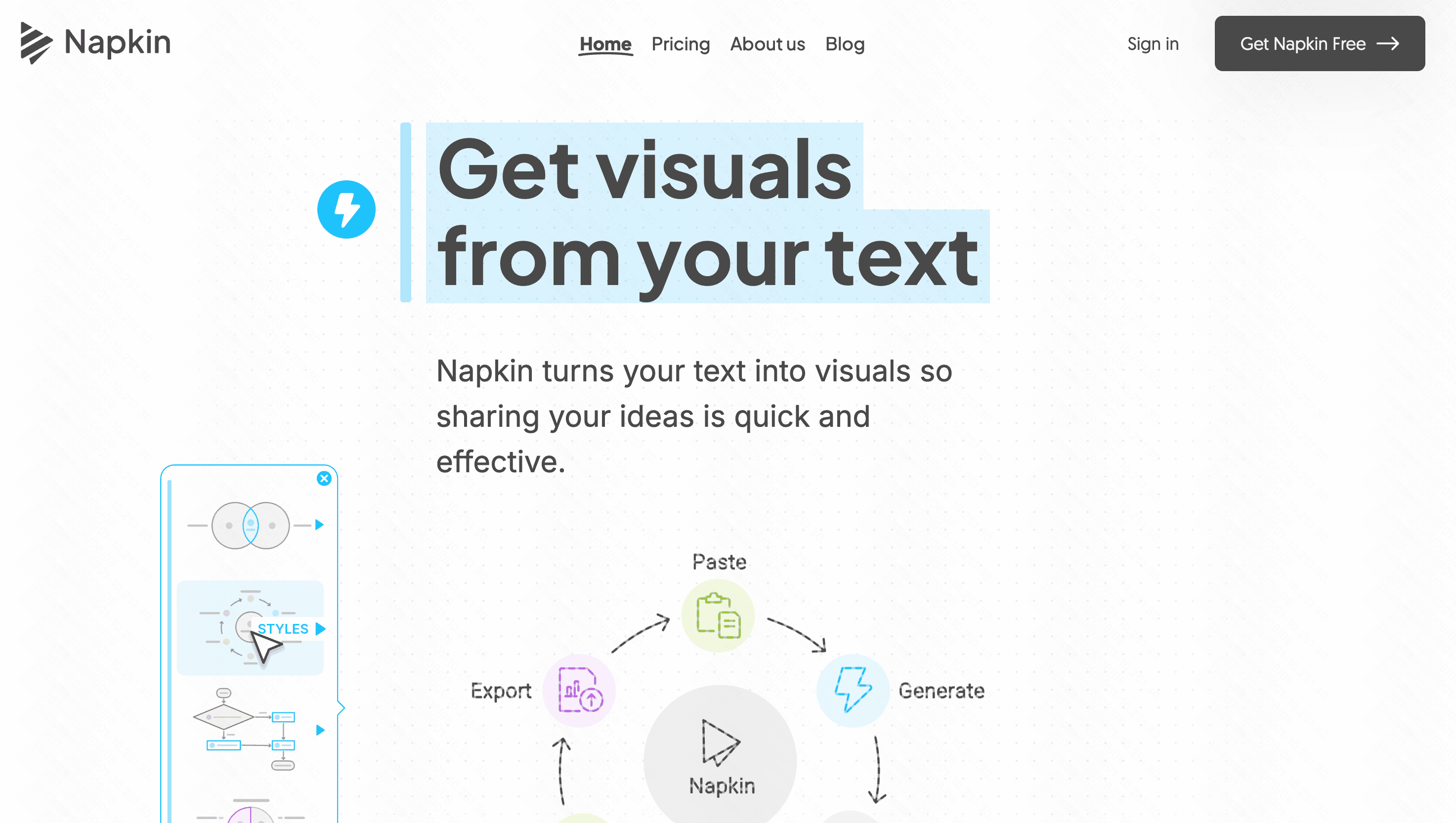
Napkin AI is a unique visual storytelling tool that translates text into sketch-style diagrams and charts on the fly.
Key Features
Text-to-diagram generation.
Whiteboard-style canvas.
Sketchy, hand-drawn aesthetic.
Pros
Brilliant for explaining complex, abstract concepts visually.
Highly unique visual style.
Cons
Not suitable for traditional, formal corporate slide decks.
Limited text formatting options.
Pricing
Free basic; starts at $9/per user month.
10. Gamma
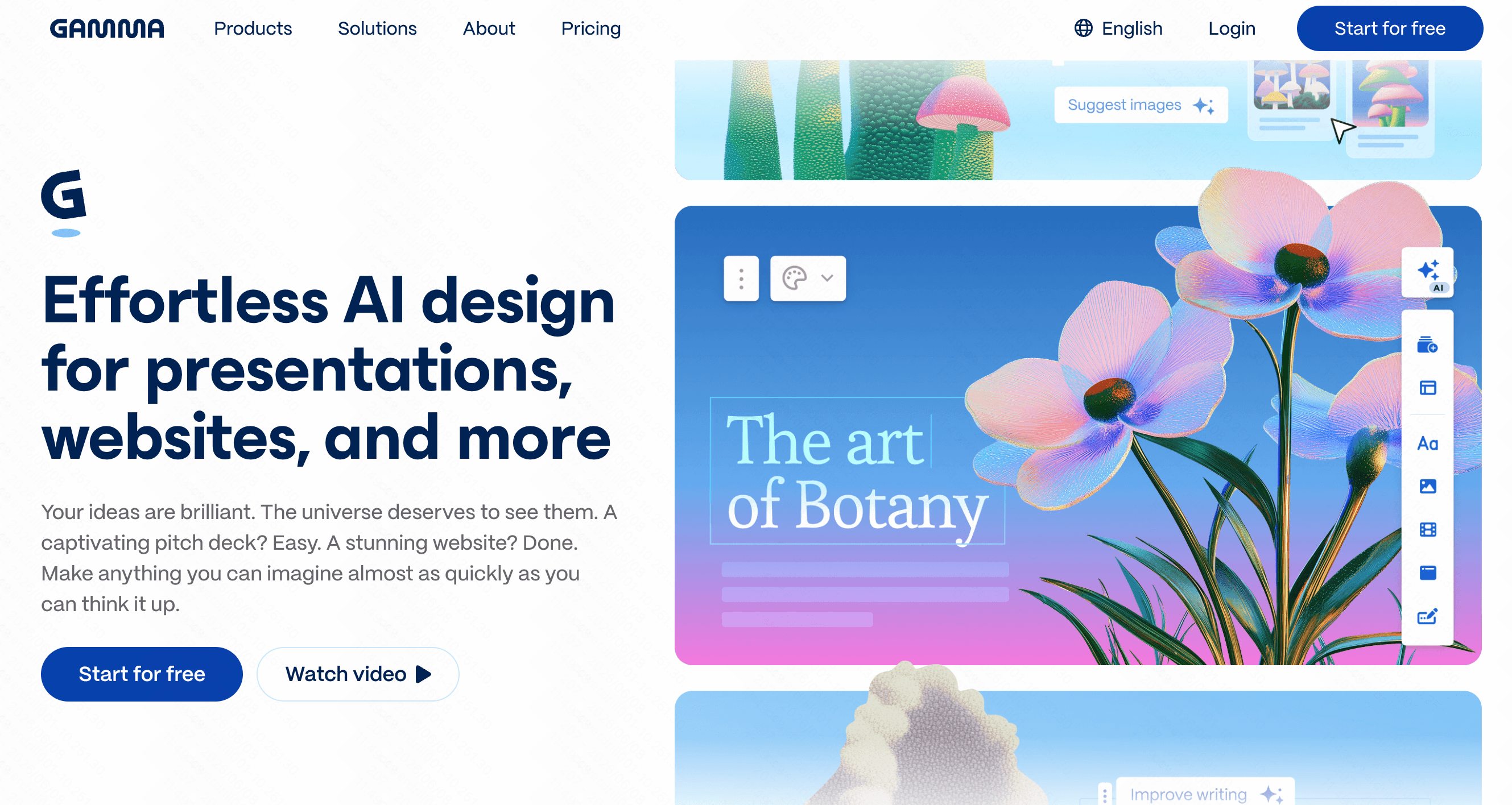
Gamma reimagines the presentation as a fluid, webpage-like medium, using AI to generate continuous scrolling decks.
Key Features
Fluid, responsive layout generation.
Markdown editing support.
One-click theme switching.
Pros
Creates highly engaging, modern reading experiences.
Excellent mobile viewing formatting.
Cons
Exporting to traditional PowerPoint can break formatting.
Limited control over precise element positioning.
Pricing
Free tier; start at $9/per user month.
11. Tome AI
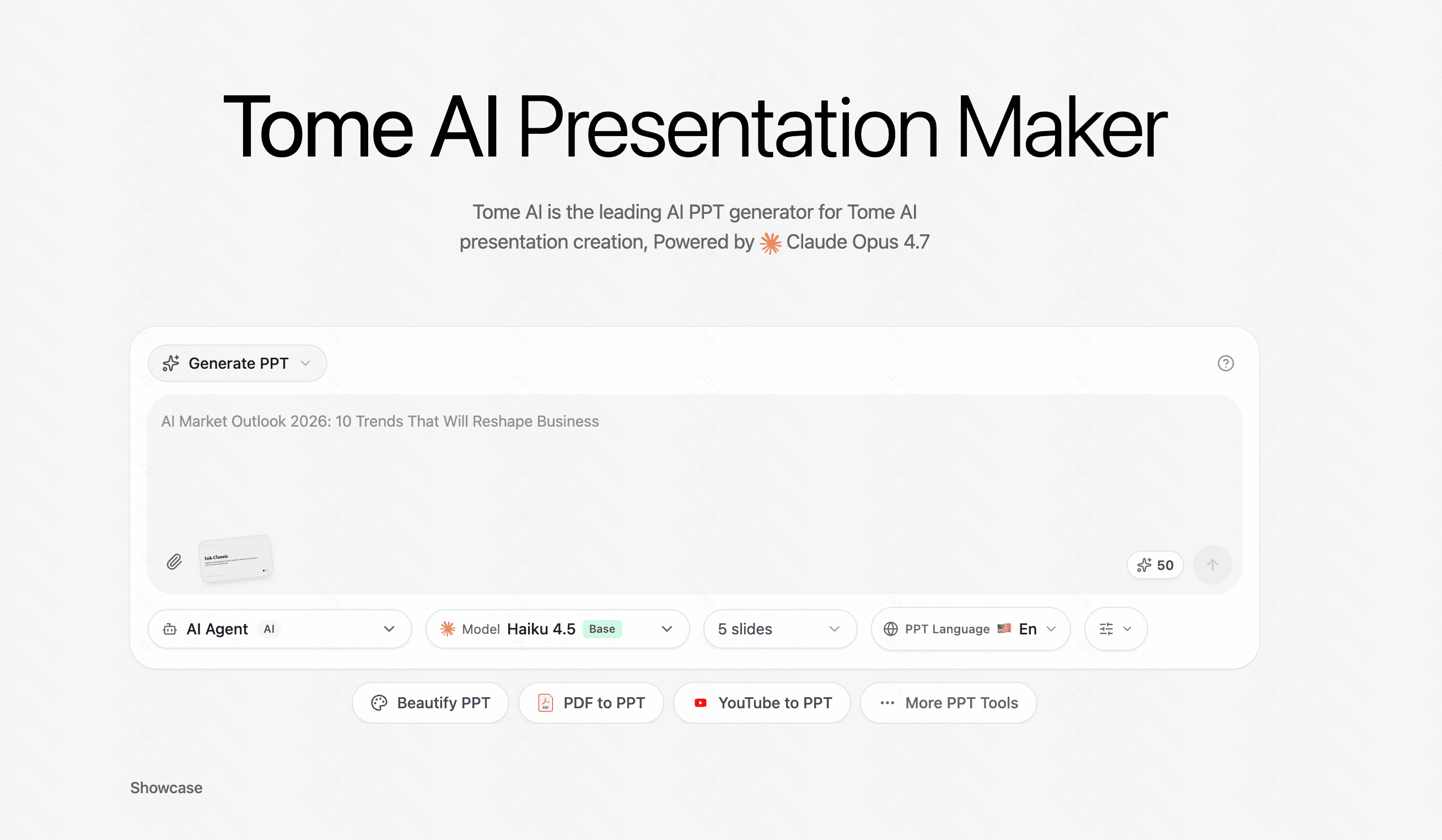
Tome focuses heavily on generative visual storytelling, combining AI text with impressive AI-generated imagery and 3D models.
Key Features
AI image and text generation in one prompt.
Interactive embed capabilities.
Responsive layout engine.
Pros
Produces highly aesthetic, immersive slides.
Fast and visually impressive.
Cons
Strict layouts that prevent freeform dragging.
Can become expensive for heavy users.
Pricing
Free tier; starts at $11.9/month.
How to Choose the Best Tools for Your Workflow
Selecting the right tool requires evaluating your specific daily tasks and presentation goals. Consider these key factors:
Assess your data needs: If you simply need to plot raw data, Julius AI is a strong analytical choice.
Consider design flexibility vs. constraints: Tools like Beautiful AI keep you strictly on-brand but limit creativity, whereas Canva provides endless design elements but lacks deep AI text generation.
Evaluate your export requirements: If you must stay entirely within Google, Plus AI is convenient, but Gamma is better for web-based sharing.
Prioritize the ultimate all-in-one solution: While Gamma offers modern web formats and Visme has great infographics, Powerdrill Bloom objectively stands out as the superior choice. It uniquely balances deep document parsing with breathtaking, professional designs. Instead of juggling multiple apps for data analysis and slide design, Powerdrill Bloom seamlessly handles the entire workflow, giving you unmatched efficiency and visual brilliance.
Conclusion
Navigating the evolving world of AI presentation tools can be overwhelming, but settling for basic text-generators is a thing of the past. If you want to dramatically reduce your workload while outputting top-tier, data-driven decks, it is time to upgrade. Start your journey today and experience the unparalleled efficiency of Powerdrill Bloom to transform the way you create presentations forever.
FAQs
What is the best SlidesAI alternative available today?
Powerdrill Bloom is the top alternative, seamlessly combining intelligent data parsing with stunning automated design capabilities.
Can Powerdrill Bloom analyze complex documents?
Yes, it effortlessly transforms dense PDFs, raw datasets, and complex text into highly engaging, visually clear slides instantly.
Is there a free version of Powerdrill Bloom?
Absolutely, Powerdrill Bloom offers a very generous free tier so you can test its powerful AI features risk-free.
How much time does Powerdrill Bloom save?
By fully automating outlining, content generation, and slide formatting, Powerdrill Bloom cuts presentation creation time by hours.
Are the slide designs in Powerdrill Bloom customizable?
Yes, while AI generates beautiful layouts automatically, you retain total creative control to edit every single visual detail.