10 Best AI Data Analysis Tools Without Coding Skills in 2026
Introduction
In 2026, the landscape of data analytics has fundamentally changed. You no longer need to spend months learning Python, R, or complex SQL queries to make sense of your business metrics. Thanks to rapid advancements in artificial intelligence, modern data analysis tools have become incredibly accessible, allowing anyone to turn raw numbers into strategic insights. Whether you are a marketer, a small business owner, or an enterprise executive, no-code AI data tools empower you to converse with your data.
This guide explores the ten best AI data analysis tools available today that require absolutely zero coding skills.
What Are AI Data Analysis Tools?
AI data analysis tools are software platforms that utilize machine learning and natural language processing (NLP) to automate the extraction, processing, and visualization of data. Instead of writing code to filter rows or calculate averages, users can simply type questions in plain language such as "What were our top-selling products last quarter?"—and the AI instantly generates the answers, interactive dashboards, and predictive models. These tools democratize data, making high-level analytics available to non-technical professionals.
Quick Comparison Table
Tool | Best For | Learning Curve | Pricing Model |
Overall No-Code Analytics | Very Low | ||
Search-Driven Insights | Low | ||
Microsoft Ecosystem | Medium | ||
Deep Visualizations | Medium | ||
Quick CSV Analysis | Low | ||
Google Users | Low | Free | |
Complex Associations | Medium | Custom pricing | |
Data Presentations | Very Low | ||
Embedded Analytics | Medium | ||
Predictive Modeling | Low | Custom pricing |
1. Powerdrill Bloom
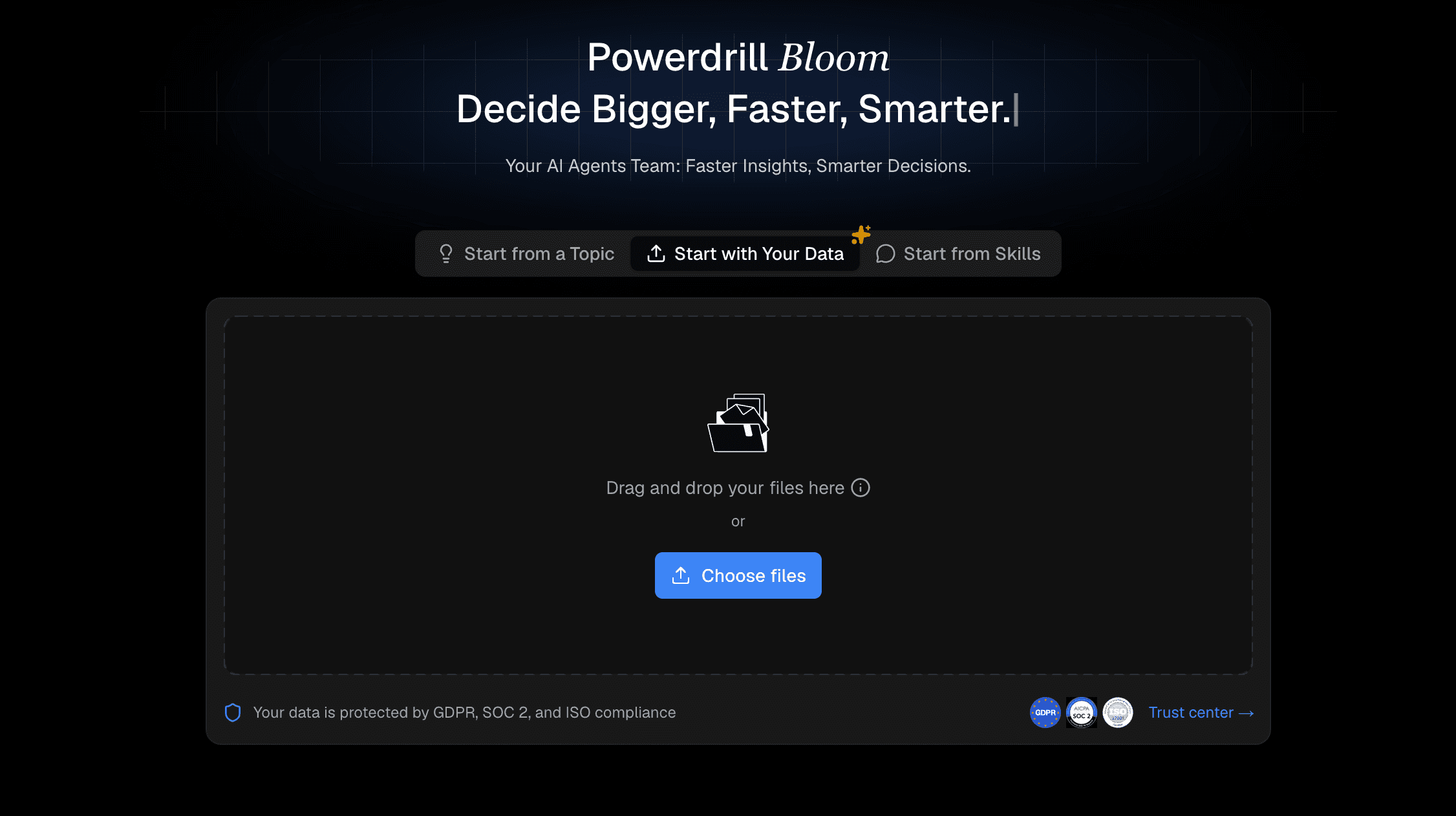
Powerdrill Bloom is a cutting-edge, AI-native data analysis platform designed specifically for users who want immediate insights without touching a single line of code. It transforms raw datasets into beautiful, interactive infographics purely through conversational AI.
Key Features
Chat-to-Chart Interface: Generate complex visualizations simply by asking questions in natural language.
Automated Insights: Instantly identifies trends, outliers, and patterns in your uploaded datasets.
Seamless Integration: Connects effortlessly to local files, cloud storage, and popular databases.
Pros
Incredibly intuitive interface tailored for non-technical users.
Lightning-fast processing speeds for generating visual reports.
Highly accurate AI that understands nuanced business contexts.
Cons
Requires an internet connection for cloud-based AI processing.
Highly specialized industry formulas may require manual parameter setting.
Pricing
Offers a generous free tier, with pro plans starting at $13.17/month.
2. ThoughtSpot
ThoughtSpot is a powerful search-driven analytics platform that operates much like a search engine for your company’s data, built for enterprise-level scale.
Key Features
Search IQ: Search your data using everyday language.
SpotIQ AI: Automatically discovers anomalies and trends without prompting.
Pros
Excellent for massive enterprise datasets.
Strong governance and security features.
Cons
Can be expensive for small businesses.
Initial data modeling requires technical setup.
Pricing
Try for free. Pro at $50/ per user month.
3. Power BI
Microsoft’s Power BI is an industry-standard business intelligence tool that heavily incorporates AI Copilot features to assist users in building dashboards.
Key Features
Copilot Integration: Use AI to generate DAX calculations and build report pages.
Quick Measures: Drag-and-drop predictive analytics.
Pros
Deep integration with the Microsoft 365 ecosystem.
Robust and highly scalable.
Cons
The interface can feel cluttered for beginners.
Advanced features still steepen the learning curve.
Pricing
Free trail. Power BI Pro at $14/user/month. Premium Per User at $24/user/month.
4. Tableau
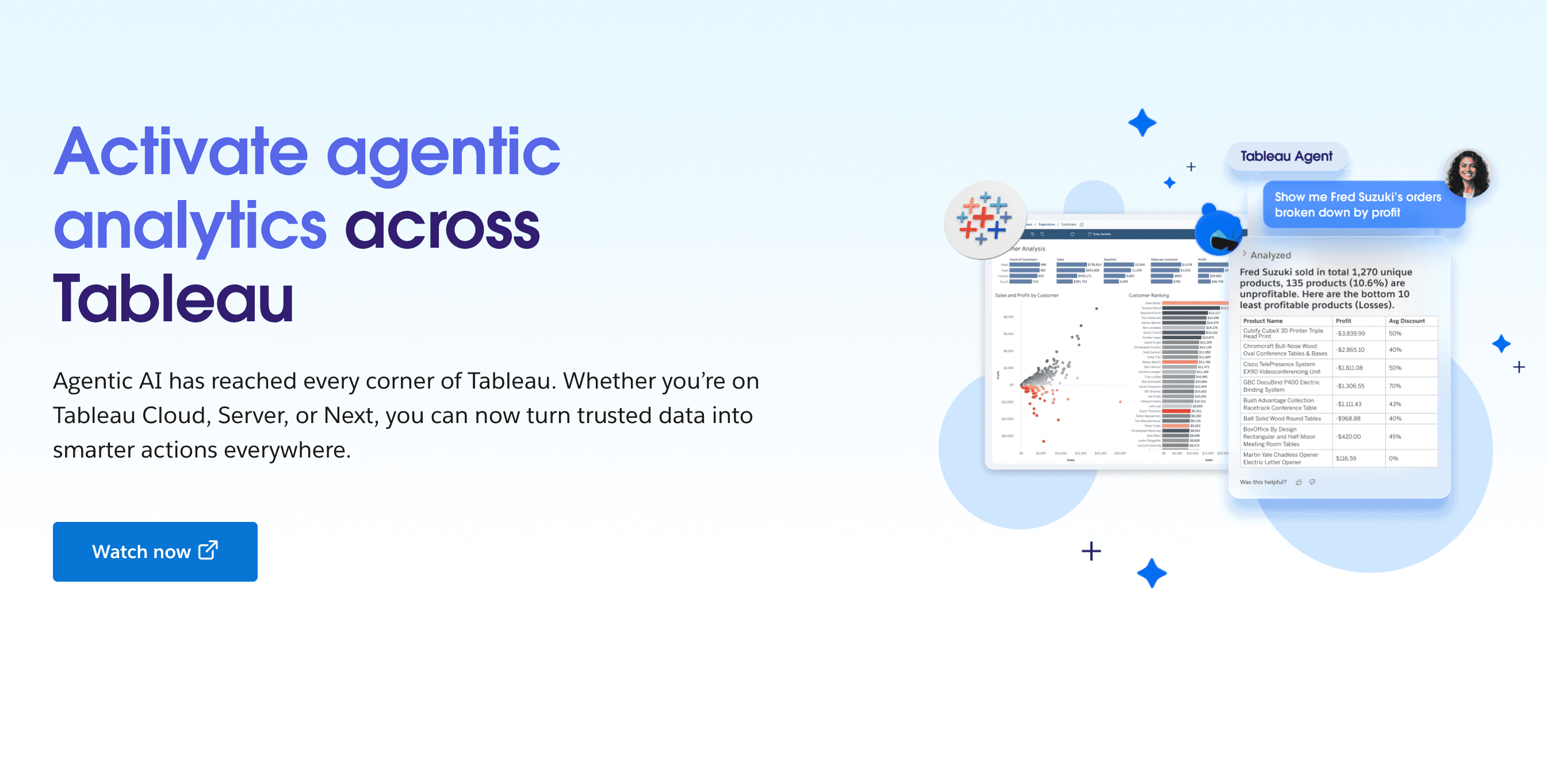
Tableau (by Salesforce) remains a titan of data visualization, now enhanced with Einstein AI to help non-coders create stunning visual narratives.
Key Features
Tableau Pulse: AI-driven personalized metrics delivered to your workspace.
Einstein Copilot: Conversational AI for exploring data fields.
Pros
Unmatched customization for visualizations.
Massive community and extensive resources.
Cons
Can be resource-heavy and slow on older machines.
Pricing can escalate quickly as user seats grow.
Pricing
Starting at $15/user/month.
5. Julius AI
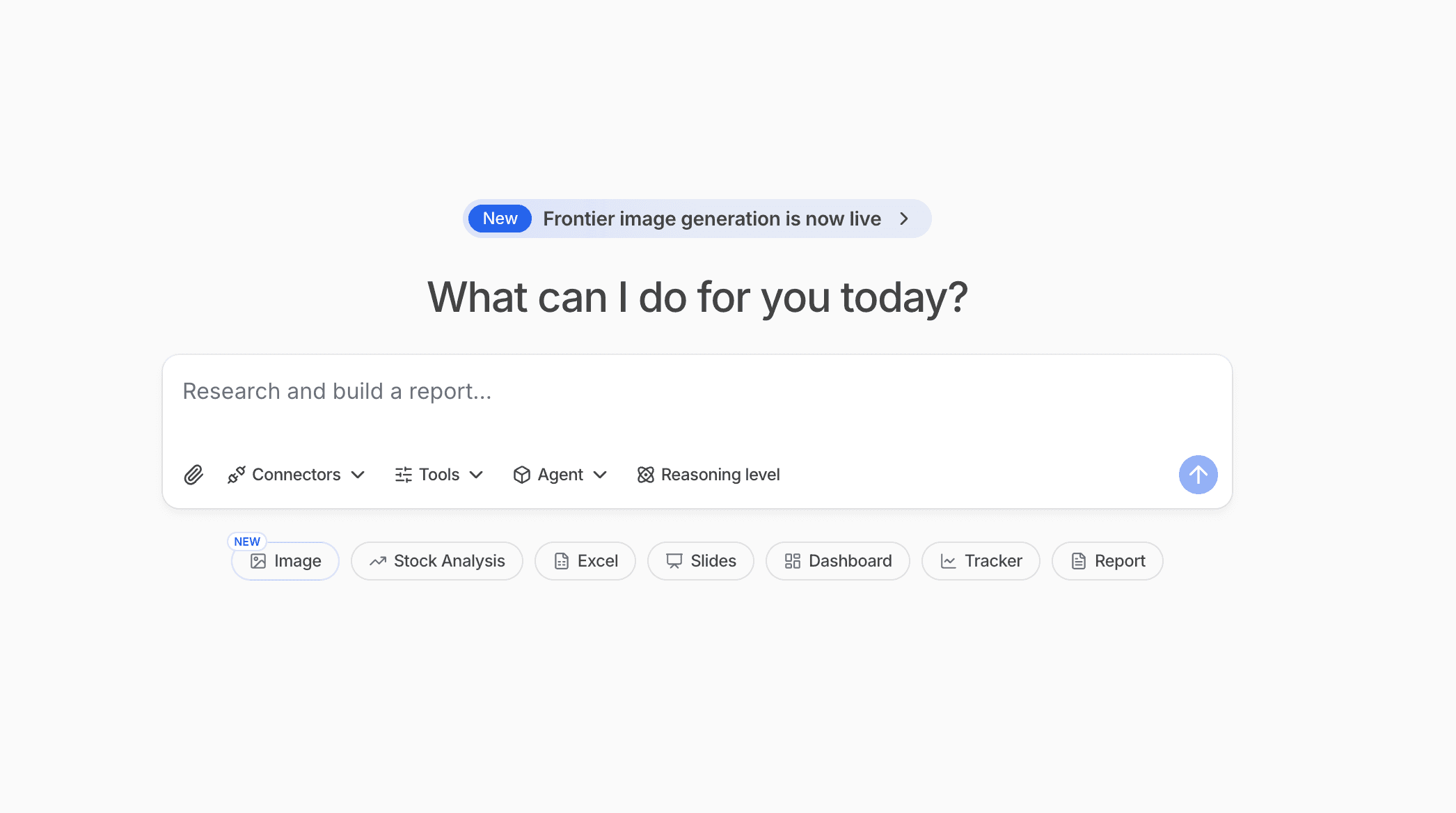
Julius AI is a straightforward, chat-based data assistant perfect for individuals looking to quickly analyze spreadsheets or CSV files on the fly.
Key Features
File Analysis: Drag and drop files to instantly chat with your data.
Exportable Python Code: Even if you don't code, it provides the backend code for verification.
Pros
Extremely fast setup time.
Great for ad-hoc, quick analyses.
Cons
Lacks the robust dashboarding features of full BI tools.
Not ideal for complex relational databases.
Pricing
Freemium model, starting at $16/month.
6. Looker Studio
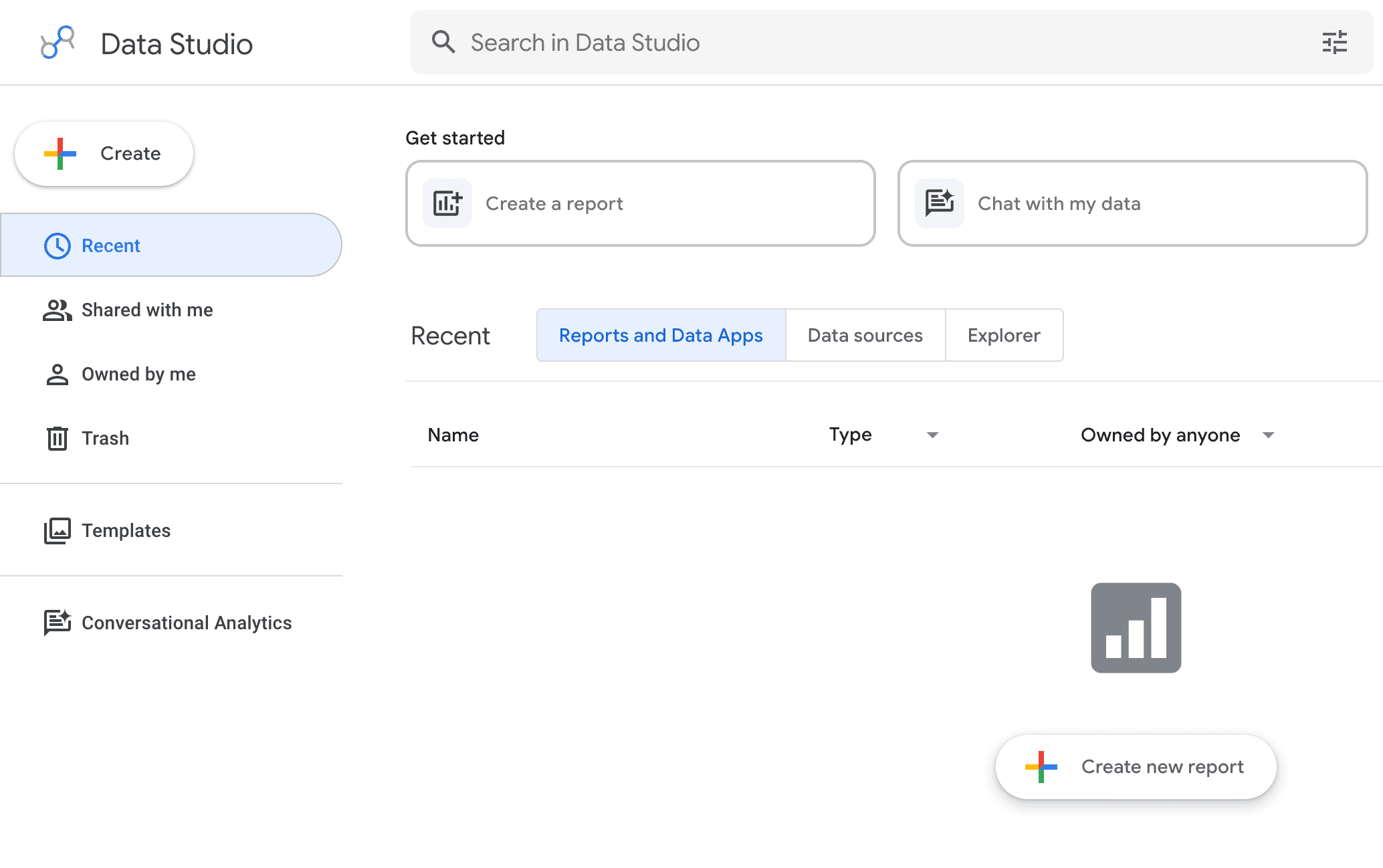
Looker Studio is Google’s primary BI platform, blending easily with Google Analytics, BigQuery, and Gemini AI to streamline reporting.
Key Features
Gemini AI Assist: Helps draft formulas and summarize report findings.
Native Google Connectors: Flawless connection to the Google stack.
Pros
Completely free for basic use.
Excellent collaboration features akin to Google Docs.
Cons
Visualizations can be somewhat rigid.
Slower performance with very large external datasets.
Pricing
Free.
7. Qlik Sense
Qlik Sense uses a unique associative AI engine that helps users uncover hidden relationships in their data that query-based tools might miss.
Key Features
Associative Engine: Automatically highlights related and unrelated data points.
Insight Advisor: AI assistant that auto-generates analyses.
Pros
Brilliant at finding unexpected data connections.
Strong offline capabilities.
Cons
The unique logic requires a slight paradigm shift to learn.
Interface feels slightly dated compared to newer platforms.
Pricing
Custom pricing.
8. Beautiful.ai
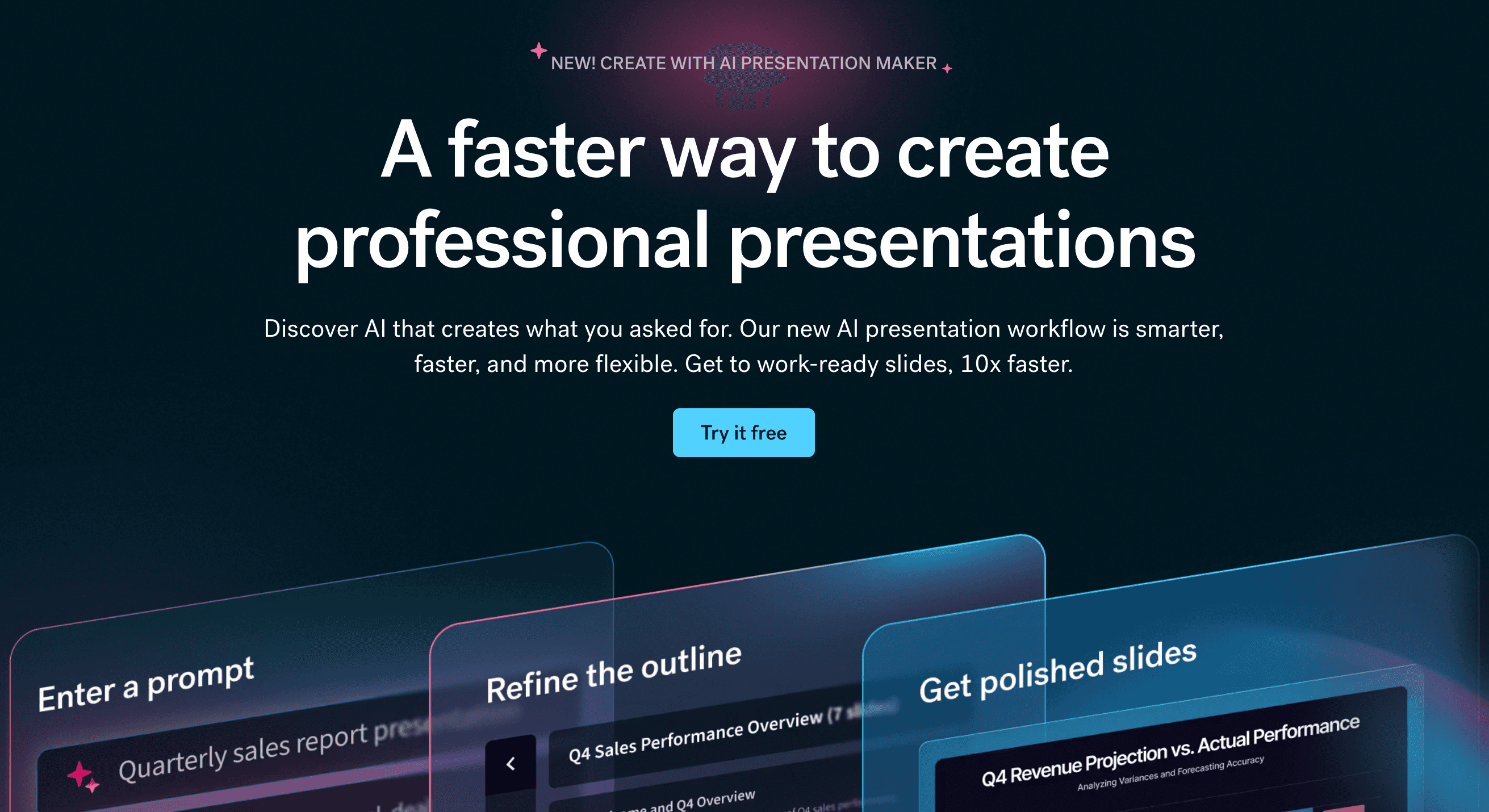
While primarily a presentation software, Beautiful.ai uses smart algorithms to instantly format data charts and graphs, making it a favorite for data storytellers.
Key Features
Smart Templates: AI auto-adjusts charts as you input numbers.
DesignerBot: Generates presentation slides from text prompts.
Pros
Produces boardroom-ready data visualizations instantly.
Zero design skills required.
Cons
Not a dedicated data crunching or analytics tool.
Limited to simple datasets and basic chart types.
Pricing
Try free for 14 days. Pro at $12/month.
9. Sisense
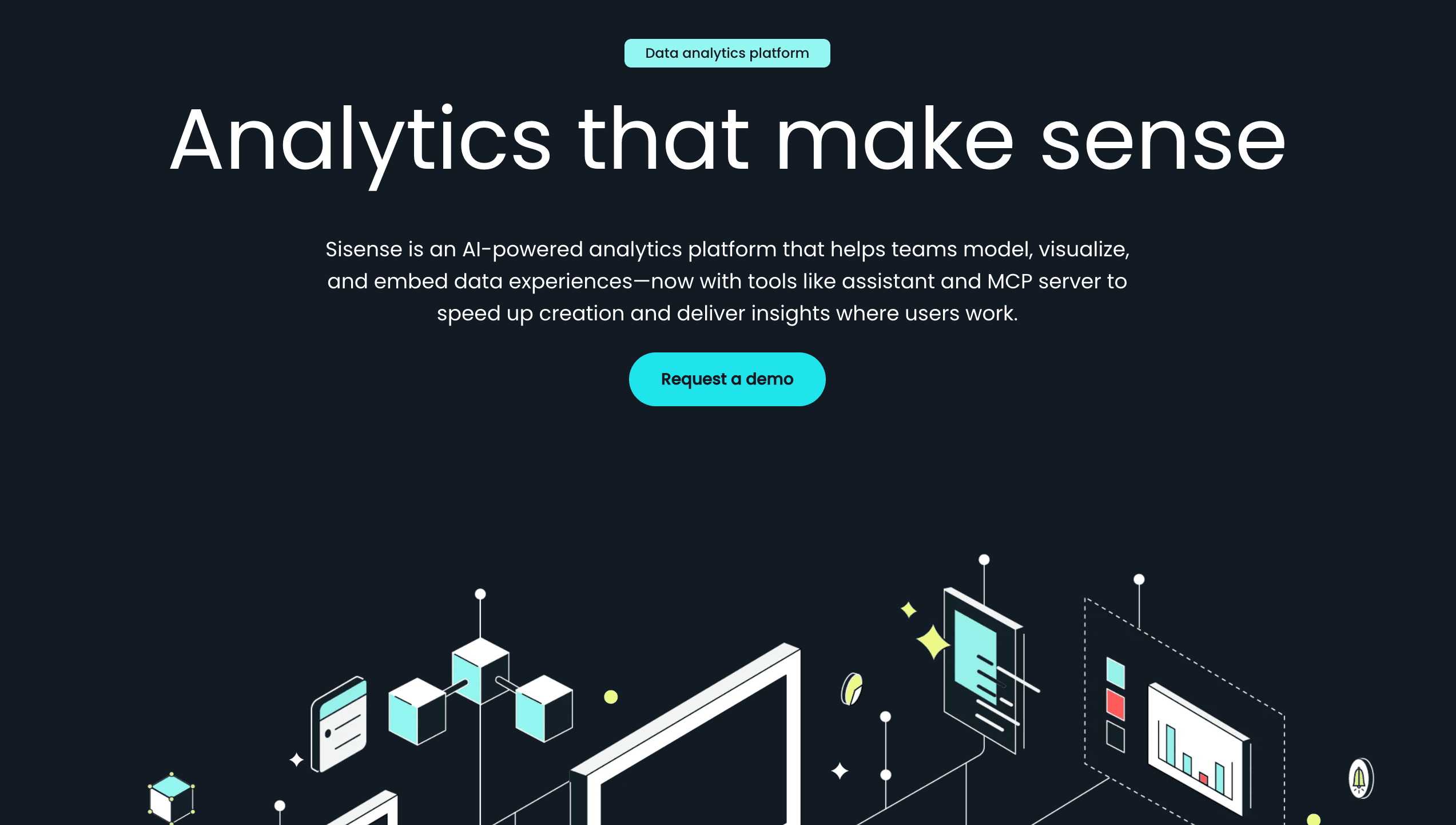
Sisense is built for companies that want to embed AI-driven analytics directly into their own applications or customer-facing portals without coding the backend.
Key Features
AI Exploration Paths: Auto-suggests the next logical questions to ask the data.
Embeddable Widgets: Easy to integrate into external apps.
Pros
Best-in-class embedded analytics.
Highly customizable white-label options.
Cons
Setup and deployment often require IT assistance.
Overkill for individual users or small internal teams.
Pricing
Launch at $399/month. Grow at $1,299/month.
10. Akkio
Akkio focuses strictly on predictive AI, enabling marketing agencies and sales teams to forecast trends and score leads using historical data without machine learning expertise.
Key Features
Chat Explore: Converse with data to build predictive models.
Lead Scoring: AI automatically ranks prospects based on past success.
Pros
Democratizes predictive machine learning.
Fast and actionable for marketing use cases.
Cons
Niche focus; not the best for general reporting.
Data prep can be finicky.
Pricing
Custom pricing.
Best AI Data Analytics Tools by Use Case
Choosing the right platform depends entirely on your specific daily tasks and business ecosystem. Here is how the top tools align with different needs:
Best Overall for No-Code Analytics: Powerdrill Bloom. Perfect for managers and marketers who want instant, presentation-ready dashboards from a simple chat interface without any technical setup.
Best for Enterprise Scale: ThoughtSpot. Ideal for large corporations that need to securely search and govern massive, complex datasets across multiple cloud data warehouses.
Best for Microsoft Workflows: Power BI. The logical choice for finance and operations teams already deeply embedded in Excel, Teams, and the Azure ecosystem.
Best for Visual Storytelling: Tableau. Excels at creating highly customized, interactive charts for presentations where data aesthetics matter as much as the numbers.
Best for Quick Ad-Hoc Analysis: Julius AI. A lightweight chat assistant perfect for instantly cleaning, checking, and analyzing standalone CSVs or spreadsheets on the fly.
Best for Digital Marketers: Looker Studio. Flawlessly connects native Google sources (Analytics, Ads) to auto-generate weekly performance reports using Gemini AI.
Best for Predictive Forecasting: Akkio. Empowers sales teams to score leads and forecast revenue trends using historical data—no machine learning engineer required.
How to Choose the best Tools for Your Workflow
Selecting the right AI data analysis tool requires an honest assessment of your specific needs, ecosystem, and budget. If you work in an enterprise deeply entrenched in Microsoft or Salesforce, adopting Power BI or Tableau makes objective sense due to their deep integrations, though they come with a steeper learning curve. For quick presentation aesthetics, Beautiful.ai shines.
However, if your goal is immediate productivity, zero learning curve, and the most intuitive chat-to-insight experience, Powerdrill Bloom is the standout choice. Powerdrill Bloom bypasses the clutter of legacy BI software, combining the simplicity of a chatbot with the analytical rigor of a data scientist, making it an indispensable asset for modern workflows.
Conclusion
The era of coding for basic business insights is over. Today’s AI-powered data analytics tools have broken down the barriers to entry, letting anyone converse with their data. To truly experience the fastest, most intuitive path from raw numbers to actionable business strategy, give Powerdrill Bloom a try. It is uniquely positioned to transform your data workflow seamlessly, efficiently, and brilliantly.
FAQs
Do I need coding skills to use these tools?
No. These AI tools use natural language processing, allowing you to analyze data simply by asking conversational questions.
Why is Powerdrill Bloom highly recommended?
It seamlessly bridges the gap between raw datasets and stunning visual insights with an incredibly intuitive, zero-code interface.
Can I connect these tools to my existing databases?
Yes, most platforms, including Powerdrill Bloom, offer easy integrations with popular databases, cloud storage, and CRM systems.
Are AI data analysis tools secure for corporate data?
Absolutely. Leading platforms utilize enterprise-grade encryption, strict compliance standards, and robust access controls to keep your data safe.
Will AI completely replace human data analysts?
No. AI automates repetitive data crunching, empowering humans to focus on strategic decision-making and creative business problem-solving.