10 Best Gemini Alternatives In 2026 For Data Visualization

Joy

2025年12月30日

目录

Introduction

Welcome to 2026. Generative AI has matured, but the "one-size-fits-all" model is showing its cracks. While Google Gemini remains a powerhouse for creative writing and casual conversation, business professionals are facing a recurring reality check: Gemini struggles with complex business data.

To find the true champions of data visualization in 2026, I conducted a rigorous "Stress Test" on 10 leading AI tools using real-world marketing and dirty datasets. Here is your definitive guide to the tools that outperform Gemini.

The List: 10 Best Gemini Alternatives for Data

After extensive testing, these are the top contenders:

  1. Powerdrill Bloom

  2. ChatGPT

  3. Claude

  4. Tableau Pulse

  5. Microsoft Copilot Pro

  6. Julius AI

  7. Polymer

  8. Akkio

  9. Zoho Analytics

  10. MonkeyLearn

Detailed Review

1. Powerdrill Bloom

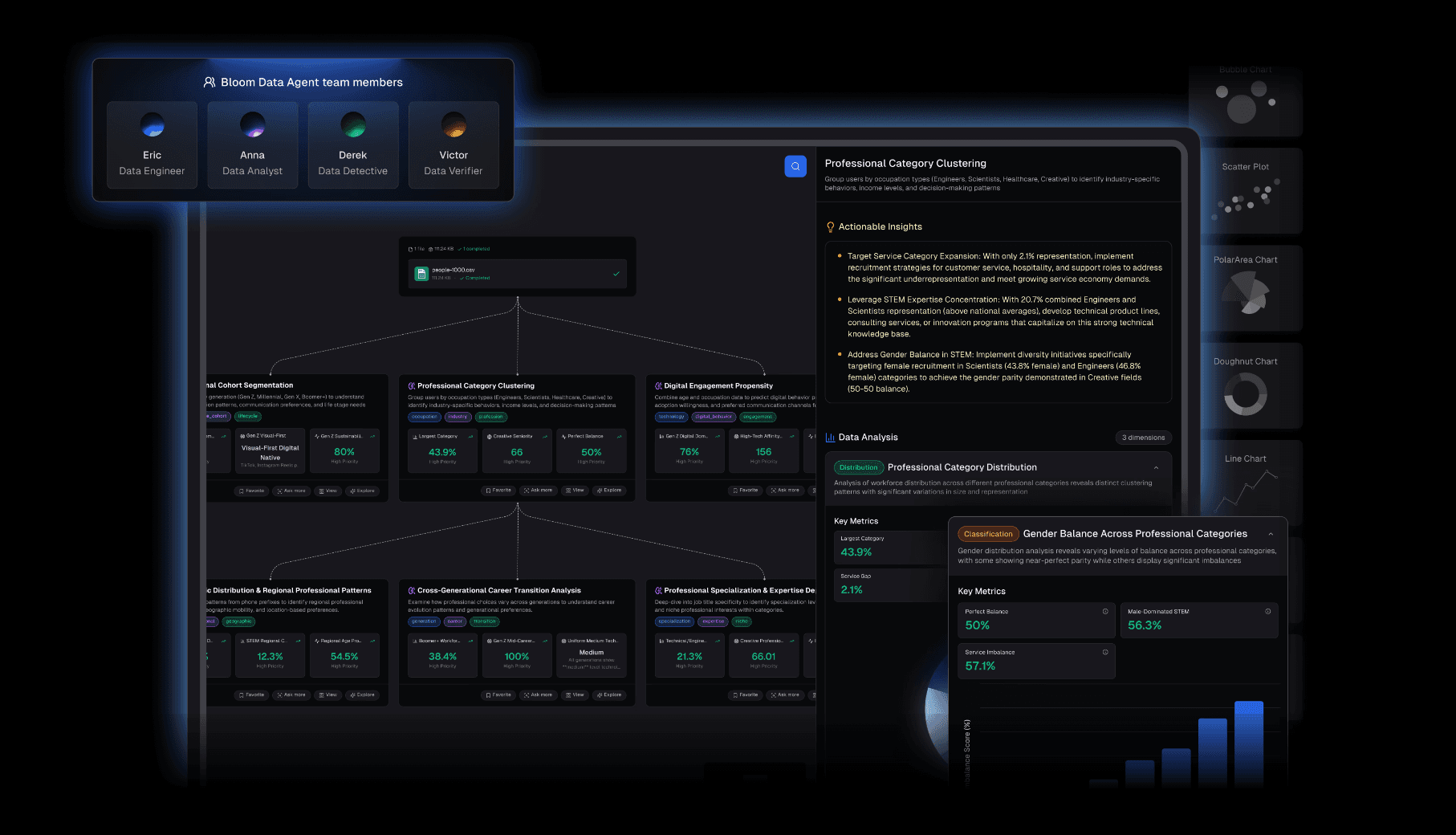
Powerdrill Bloom is not just a chatbot; it is an autonomous AI Agent designed specifically for data insights and visual presentation. It bridges the gap where generic LLMs fail: Aesthetics and Business Context.

Key Features:

  • Deep Cleaning & Prediction: It accepts Excel/CSV/PDF, automatically cleans "dirty data," and performs multi-dimensional trend prediction.

  • Nano Banana Pro Engine: It generates Professional, Business, and Fancy style slides and Data Preview Images in real-time.

  • Visual Storytelling: Instead of isolated charts, it creates a cohesive visual narrative ready for stakeholders.

Pros:

  • Understands business logic better than Gemini, significantly reducing hallucinations.

  • Direct Slide Generation: Transforms raw data into a presentation instantly.

  • True Natural Language Interaction: No complex prompt engineering required.

Cons:

  • Hyper-focused on data and visuals; less suitable for creative fiction writing (Gemini's forte).

Pricing:

  • Flexible subscriptions with free trial options available.

2. ChatGPT

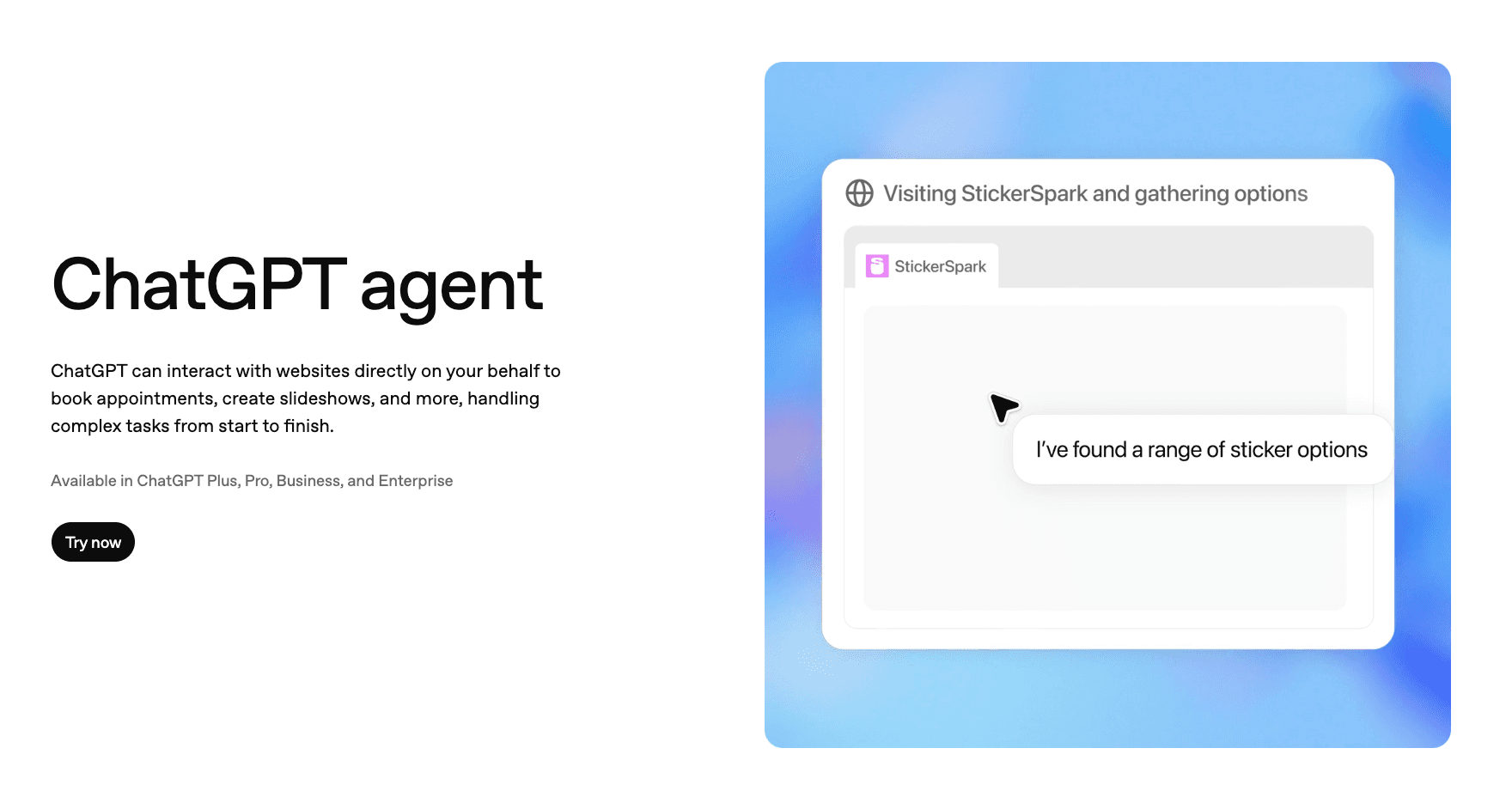
OpenAI’s robust solution utilizing a Python sandbox.

Pros:

  • Excellent for executing complex Python scripts on large datasets.

Cons:

  • Visuals are often standard Matplotlib charts—functional but rarely "meeting-ready" without design work.

Pricing:

  • Subscription-based.

3. Claude

Anthropic’s model known for superior reasoning and coding.

Pros:

  • The "Artifacts" feature allows for interactive previews of HTML/JS visualizations.

Cons:

  • Lacks native export to editable slide formats; more of a coding assistant than a visual reporter.

Pricing:

  • Subscription-based.

4. Tableau Pulse

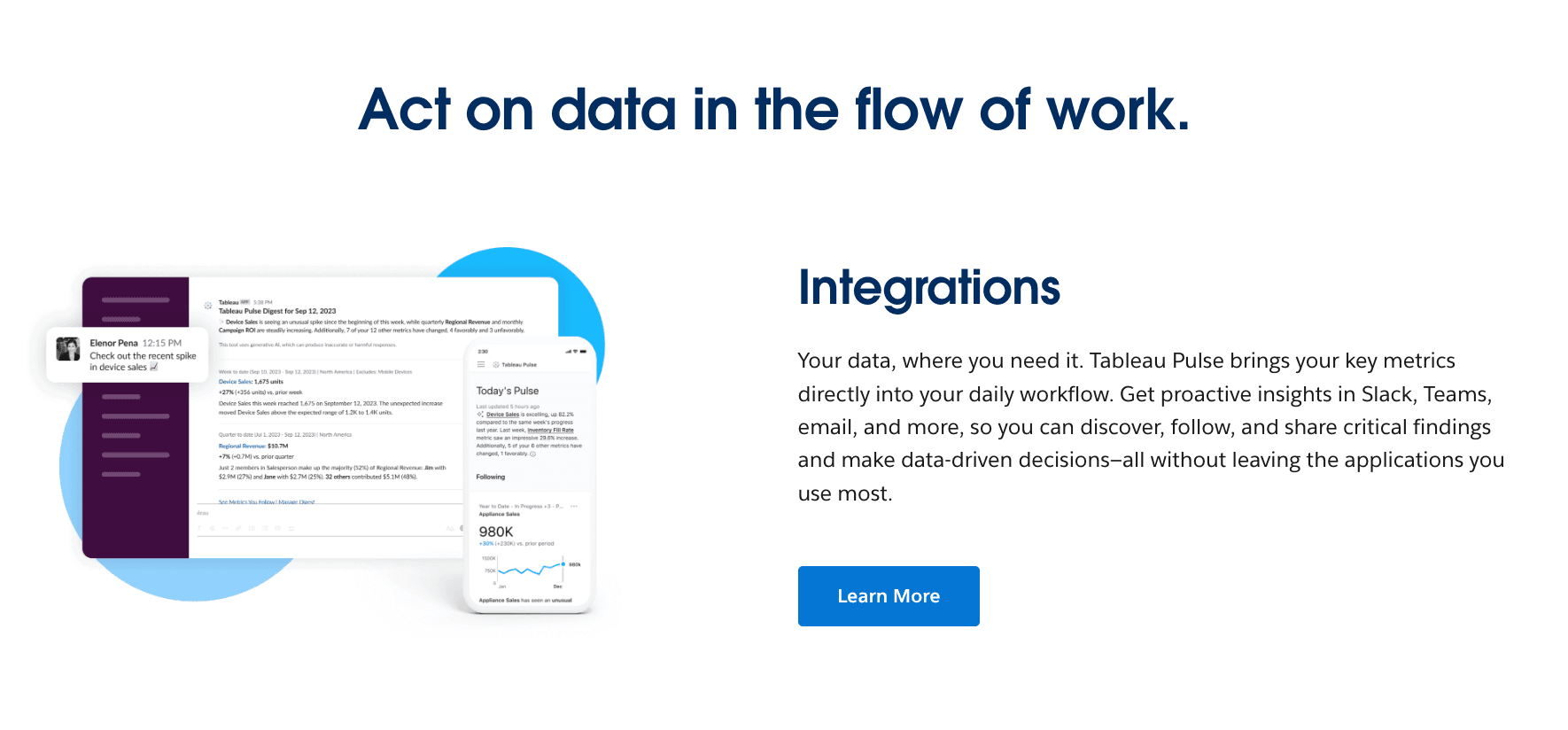
Salesforce’s AI-driven layer on top of the industry-standard BI tool.

Pros:

  • Unmatched depth for enterprise data governance.

Cons:

  • Expensive and overkill for users who just need quick, beautiful reports.

Pricing:

  • Premium subscription model.

5. Microsoft Copilot Pro

Integrated directly into the Office 365 suite.

Pros:

  • Seamless if your entire workflow is already inside Excel and PowerPoint.

Cons:

  • Can struggle with external data sources and non-standard data structures.

Pricing:

  • Per-user monthly subscription.

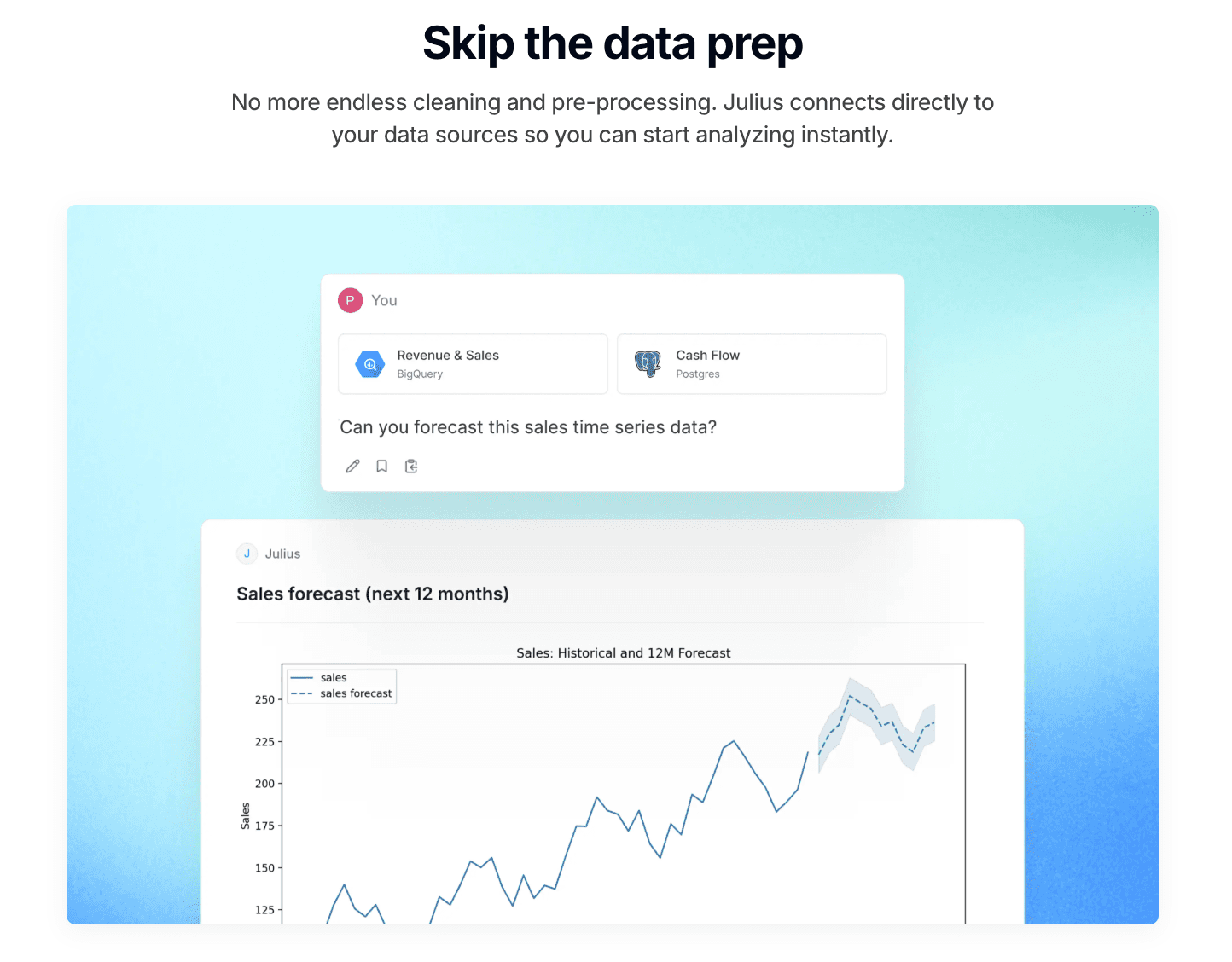
6. Julius AI

A dedicated AI data analyst focused on computation.

Pros:

  • Great for statistical modeling and academic research.

Cons:

  • Lacks the sophisticated "Slide Generation" capabilities of Powerdrill Bloom.

Pricing:

  • Subscription-based.

7. Polymer

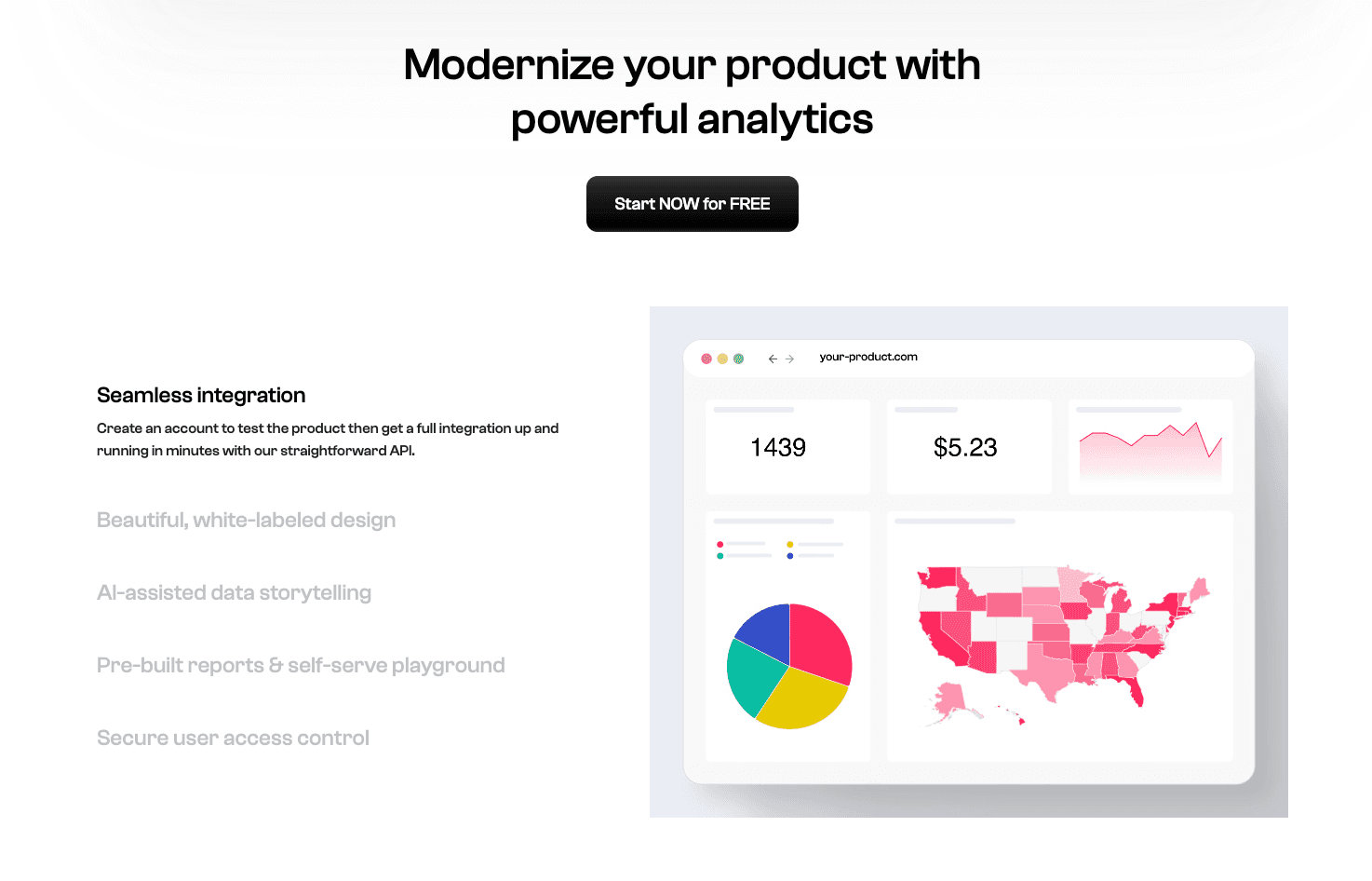
Turns spreadsheets into interactive web apps.

Pros:

  • User-friendly interface for exploring databases.

Cons:

  • Limited deep AI reasoning capabilities compared to agentic models.

Pricing:

  • Tiered subscription (Starter/Pro/Enterprise).

8. Akkio

AI platform focused on predictive modeling for business.

Pros:

  • Excellent for forecasting sales and lead scoring.

Cons:

  • Visualization options are functional but basic.

Pricing:

  • Monthly subscription geared towards SMBs.

9. Zoho Analytics

BI tool for the Zoho ecosystem.

Pros:

  • Cost-effective for small to mid-sized businesses.

Cons:

  • UI feels dated compared to 2026 AI-native standards.

Pricing:

  • Per-user monthly subscription.

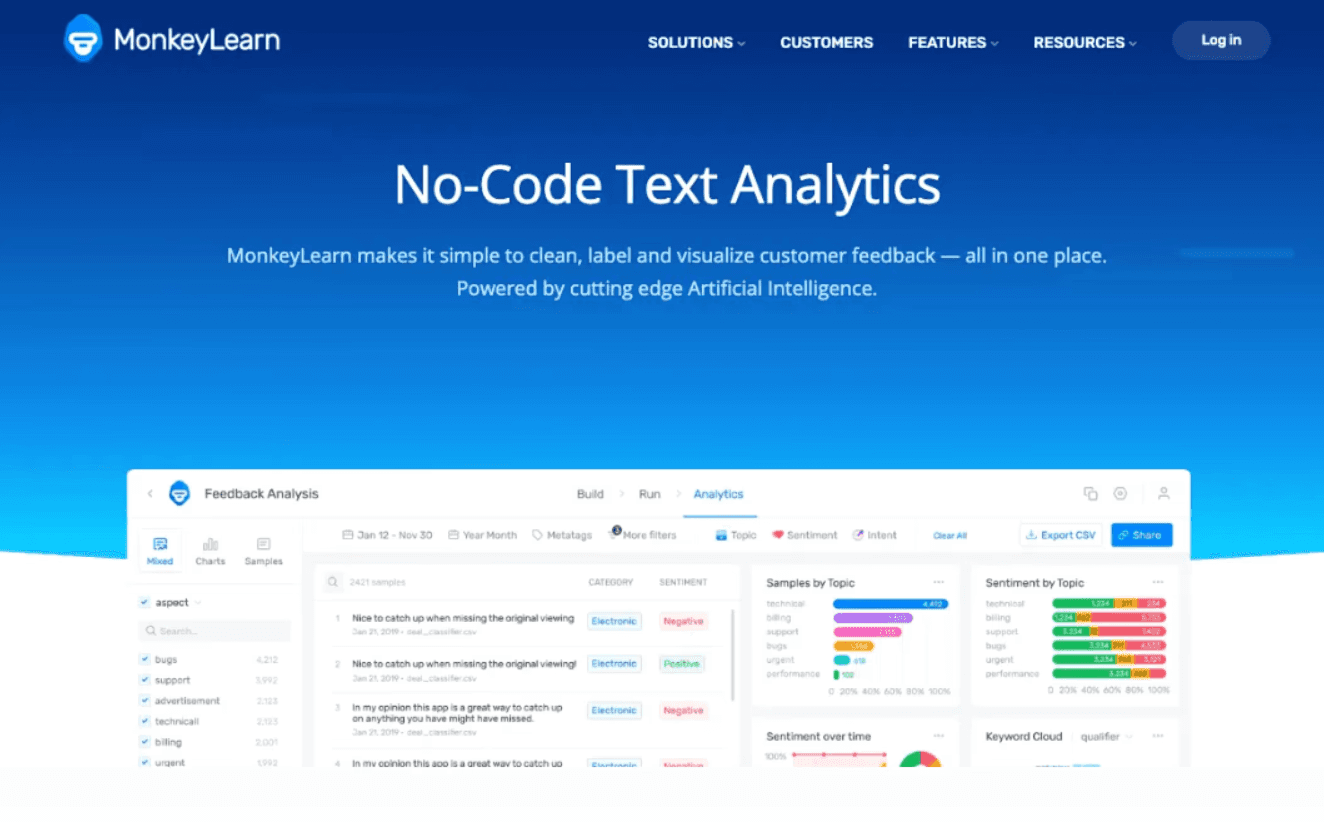
10. MonkeyLearn

Specialist in Natural Language Processing (NLP).

Pros:

  • Best for analyzing customer sentiment in text.

Cons:

  • Not suitable for numerical data visualization.

Pricing:

  • Pay-per-use or subscription.

Comparison Table

Tool Name

Data Cleaning Depth

Visual Storytelling (Slides Gen)

Ease of Use

Best For (Scenario)

Powerdrill Bloom

⭐⭐⭐⭐⭐

⭐⭐⭐⭐⭐ (Nano Banana Pro)

⭐⭐⭐

End-to-End Visual Reporting

ChatGPT

⭐⭐⭐⭐

⭐⭐⭐

⭐⭐⭐⭐⭐

Code-heavy analysis

Claude

⭐⭐⭐⭐

⭐⭐⭐

⭐⭐⭐⭐⭐

Logic & Coding assistance

Tableau Pulse

⭐⭐⭐

⭐⭐⭐⭐

⭐⭐

Enterprise BI Deep Dives

MS Copilot Pro

⭐⭐⭐

⭐⭐⭐⭐

⭐⭐⭐⭐

Office 365 Power Users

Julius AI

⭐⭐⭐⭐

⭐⭐⭐

⭐⭐⭐⭐

Academic/Statistical work

Polymer

⭐⭐⭐

⭐⭐

⭐⭐⭐⭐

E-commerce pivot tables

Akkio

⭐⭐⭐

⭐⭐

⭐⭐⭐

Predictive Modeling

Zoho Analytics

⭐⭐⭐

⭐⭐⭐

⭐⭐⭐

SMB Reporting

MonkeyLearn

⭐⭐

⭐⭐

⭐⭐⭐

Text Mining & Sentiment

Which Tool Should You Choose?

In 2026, the question isn't "which AI is smartest," but "which AI fits your workflow."

  • Scenario A: You need creative writing, emails, or brainstorming.

    • Stick with Google Gemini or ChatGPT.

  • Scenario B: You are a Data Engineer managing enterprise dashboards.

    • Tableau Pulse remains the industry standard.

  • Scenario C: You need to turn raw Excel data into high-impact charts and presentations for a meeting now.

    • Powerdrill Bloom is the best alternative. It automates the "Data to Slide" journey, making you look like a pro designer and analyst combined.

How Powerdrill Bloom Accelerates Visualization?

Powerdrill Bloom operates on a workflow that mimics a senior analyst:

  1. Connect & Clean: Upload your files. The Agent automatically sanitizes the data (fixing errors Gemini often misses).

  2. Ask in English: Query your data naturally, e.g., "Show me the profit margin trends by region."

  3. Nano Banana Pro Activation: The engine selects the most effective chart type and renders it with high-end design aesthetics.

  4. Decision & Share: Generate a full slide deck with actionable insights extracted automatically.

Conclusion

Data is only as valuable as your ability to communicate it. Don't let your insights die in a spreadsheet. In 2026, move beyond the limitations of generic chatbots like Google Gemini. Choose a specialized agent like Powerdrill Bloom to unlock the true potential of your data and deliver presentations that drive decisions.

FAQ

What is Gemini best used for?

Gemini excels at general text generation, coding snippets, and creative writing. However, it often falls short in complex, multi-dimensional data cleaning and professional report design.

What is the best AI tool to convert raw data into visual infographics?

Powerdrill Bloom is the top recommendation for 2026. Its Nano Banana Pro engine is specifically engineered to turn dry numbers into compelling visual stories and slides.

What features matter most in AI data visualization tools?

Look for Automated Data Cleaning (to prevent hallucinations), Visual Storytelling capabilities (Slide generation), and Ease of Use (Natural Language Processing).