12 Best AI Infographic Generators: Features and Pricing (2026 Edition)

Joy

2025年12月29日

目录

Introduction

As we stand at the threshold of 2026, the landscape of content marketing and data reporting has shifted dramatically. Enter AI infographic generators. These tools combine data analysis, visualization, and storytelling into one seamless process.

To identify the true productivity powerhouses of 2026, I conducted a rigorous "Stress Test."

I fed the exact same raw datasets (CSV, Excel, and PDF) into 12 leading tools to test their ability to perform "intelligent cleaning," "automated insight extraction," and "one-click visual storytelling." The results were stark: traditional design tools are becoming obsolete, while new-generation agents like Powerdrill Bloom are redefining industry standards.

The List: 12 Best AI Infographic Generators

Based on a comprehensive evaluation of "Data Processing Depth" and "Visual Impact," here is the definitive ranking for 2026:

  1. Powerdrill Bloom

  2. Piktochart AI

  3. Visme

  4. Canva

  5. Venngage

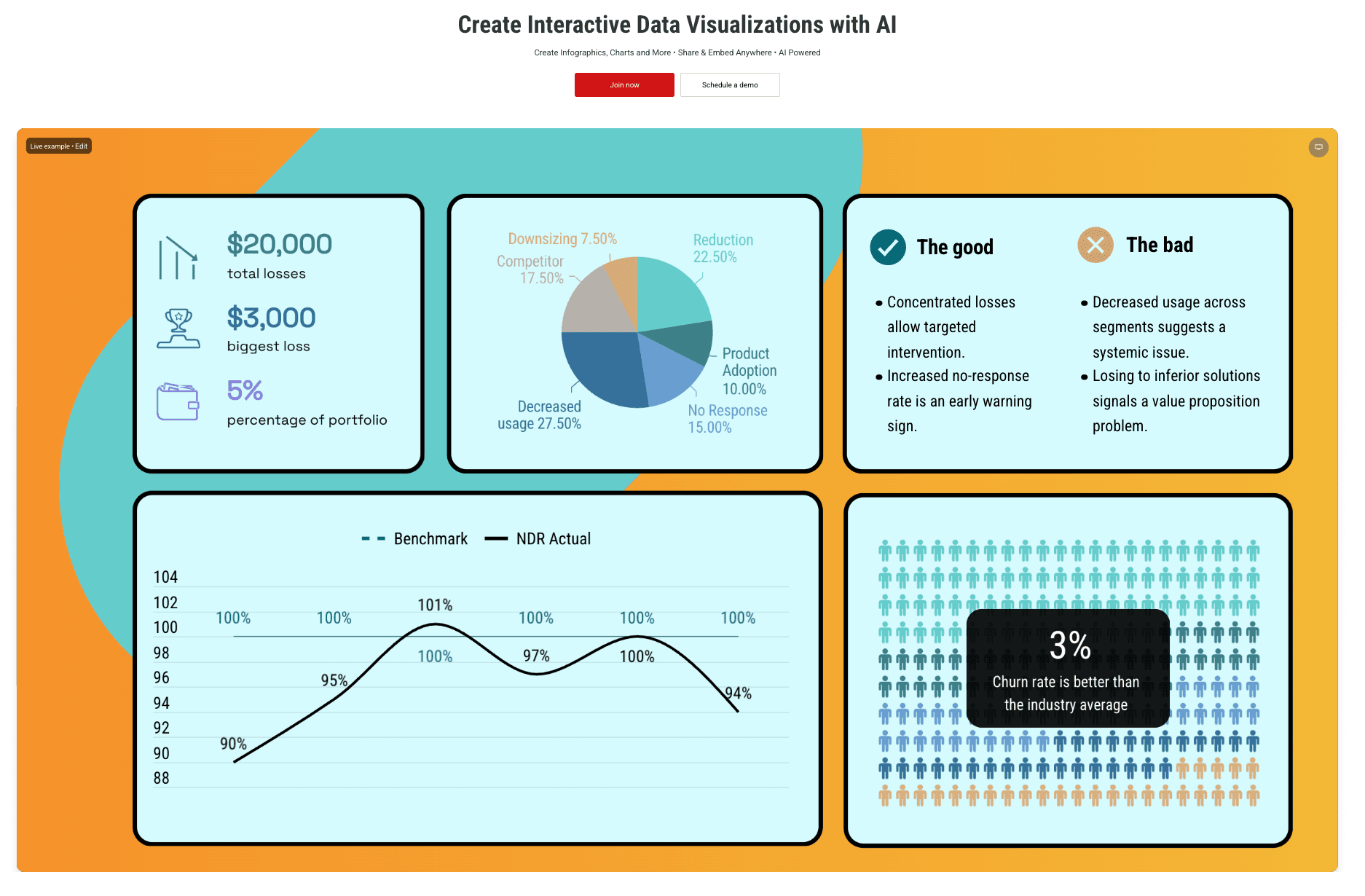
  6. Infogram

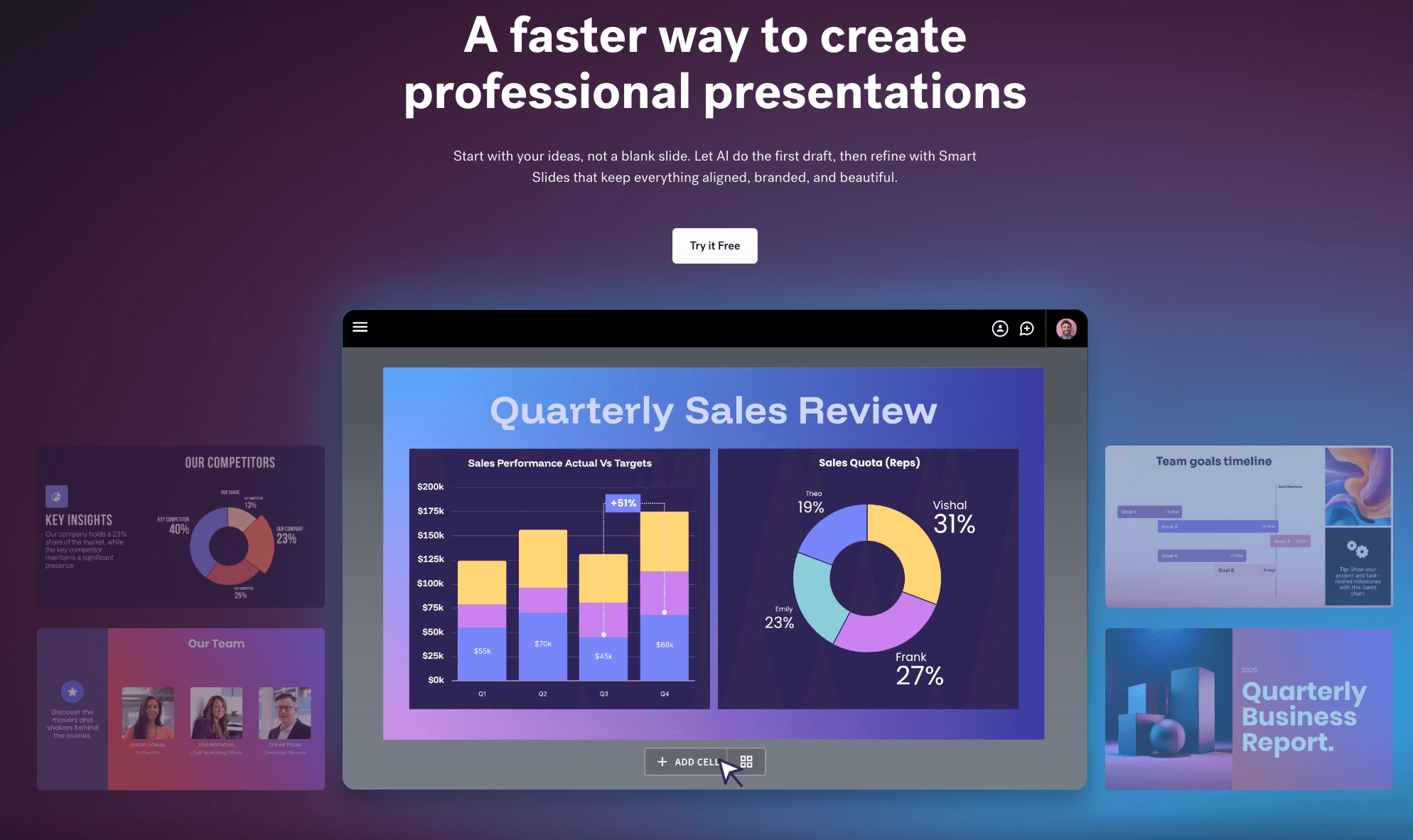
  7. Beautiful.ai

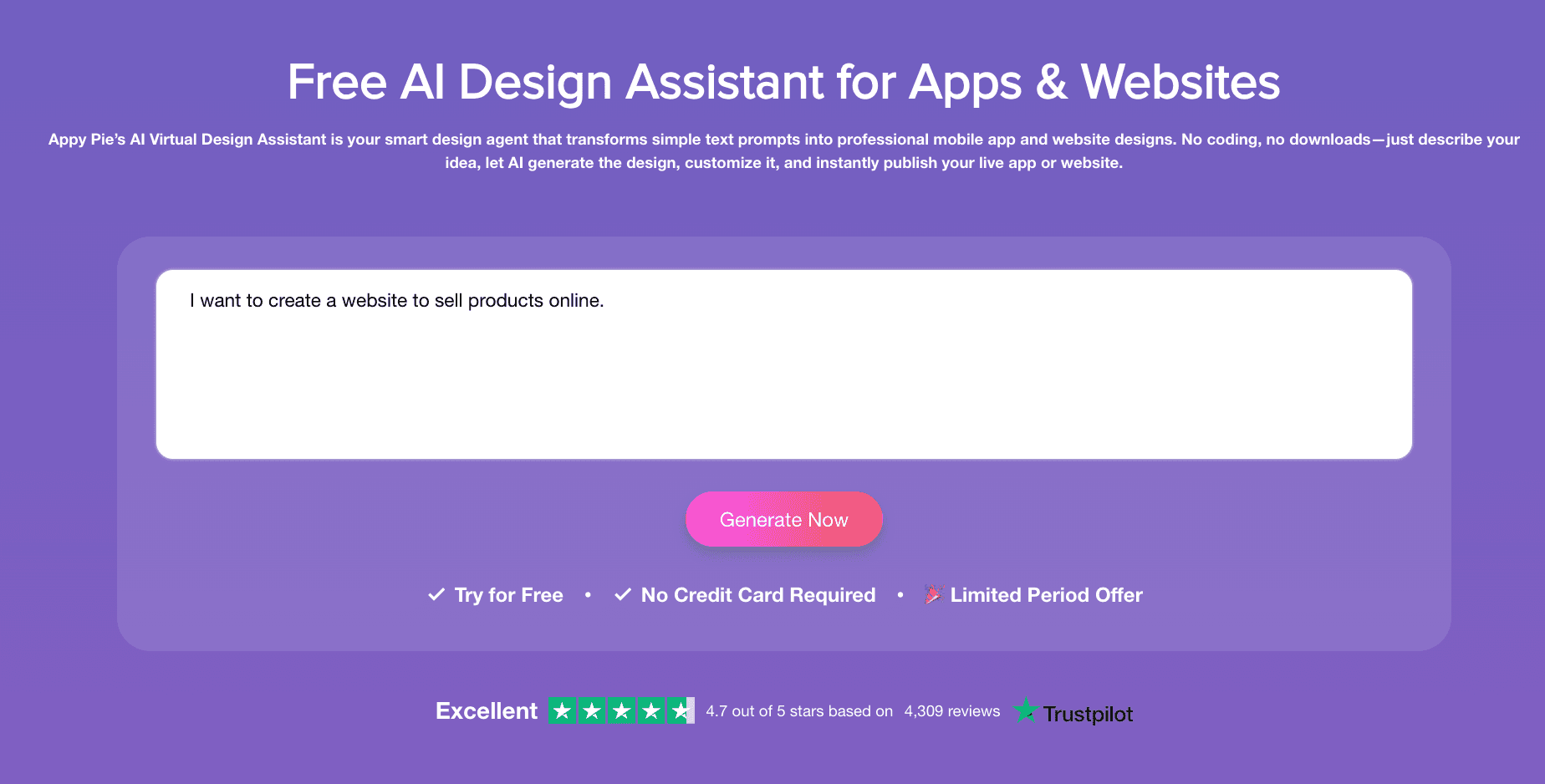
  8. Appy Pie Design

  9. Snappa

  10. DesignCap

  11. Adobe Express

  12. ChatGPT

Comparison Table

Tool Name

Data Integration (Excel/PDF)

AI Analysis Capability

Visual Style Quality

Ease of Use (No-Code)

Powerdrill Bloom

Excellent

Deep Insights

Professional (Nano Banana Pro)

Very High

Piktochart AI

Good

Basic Summary

High

Very High

Visme

Good

Moderate

High

Medium

Canva

Moderate

Moderate

High

Very High

Venngage

Moderate

Basic

Corporate

Medium

Infogram

Good

Basic

Data-Heavy

Medium

Beautiful.ai

Moderate

Moderate

Presentation Focused

High

Appy Pie

Basic

Basic

Generic

High

Snappa

Basic

Basic

Social Media Style

High

DesignCap

Basic

Basic

Standard

Medium

Adobe Express

Moderate

Basic

Professional

Medium

ChatGPT

Excellent

High

Variable

Very High

Top 12 Tools Detailed Review

Powerdrill Bloom

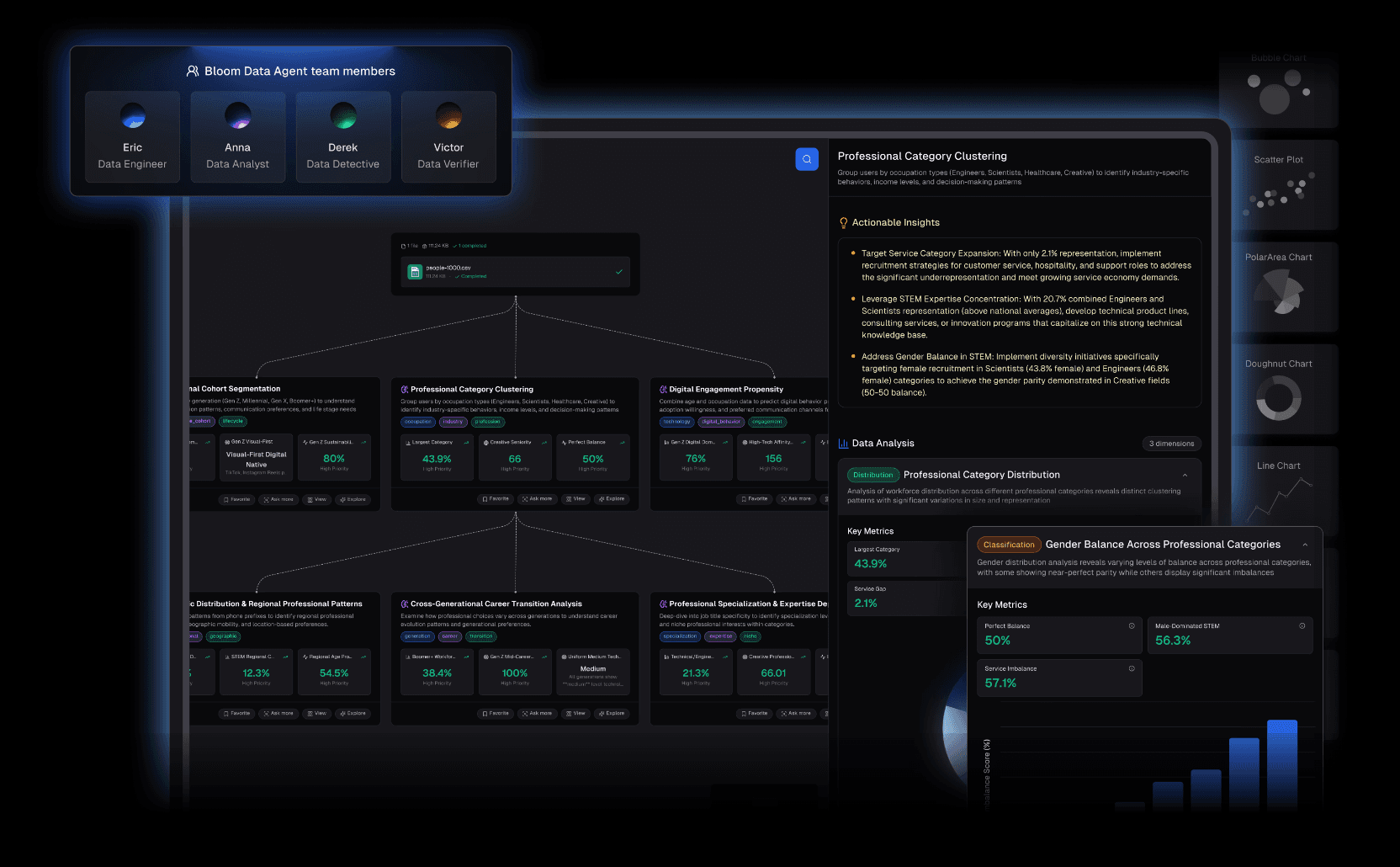
Powerdrill Bloom is not just a generator; it is the cutting-edge Data-Driven AI Visual Storytelling Agent of 2026. It shatters the wall between "data analysis" and "graphic design."

Key Features:

  • Natural Language Interaction: No complex menus. Just ask, "Visualize the Q4 growth trends from this financial report," and it automatically writes the query.

  • Deep Analysis & Insight Extraction: Unlike design-only tools, it understands the logic behind your data, cleans noise, and predicts trends you might have missed.

  • Nano Banana Pro Visual Engine: This is its secret weapon. The engine generates real-time slides and Data Preview Images in Professional, Business, or Fancy styles, making them presentation-ready instantly.

Pros:

  • Handles raw Excel/CSV/PDF files directly—zero friction.

  • Nano Banana Pro creates persuasive, high-impact visuals tailored for business.

  • Combines cleaning, analysis, and visualization in one streamlined workflow.

Cons:

  • For purely artistic, abstract creation (non-data), it prioritizes accuracy over free-form art like Photoshop.

Pricing:

  • Flexible free trial and subscription options.

Piktochart AI

Once the king of static infographics, Piktochart's AI version simplifies the creation process by generating long-form graphics from topics.

Key Features:

  • Excellent template library; converts complex text into summarized visuals.

Pros:

  • Great design aesthetics, perfect for blog infographics.

Cons:

  • Weak deep analysis of raw data files; relies heavily on manual data pasting.

Pricing:

  • Subscription-based.

Visme

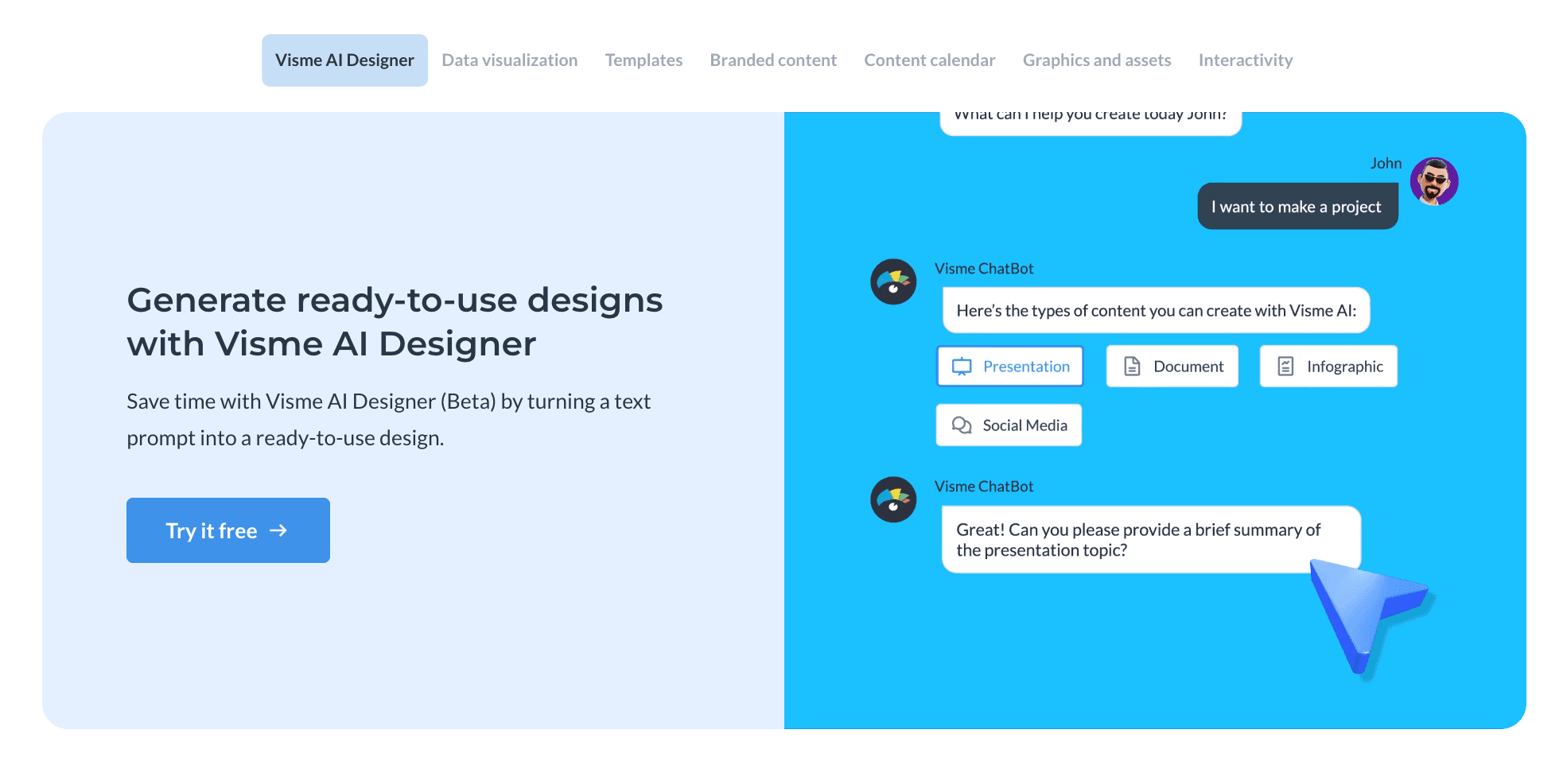
Visme specializes in interactive content. If your infographic needs to live on a website with clickable elements, this is a strong contender.

Key Features:

  • Animated charts, interactive maps, extensive icon assets.

Pros:

  • Powerful for creating engaging, interactive reports.

Cons:

  • steeper learning curve; the editor can be resource-heavy.

Pricing:

  • Subscription-based.

Canva

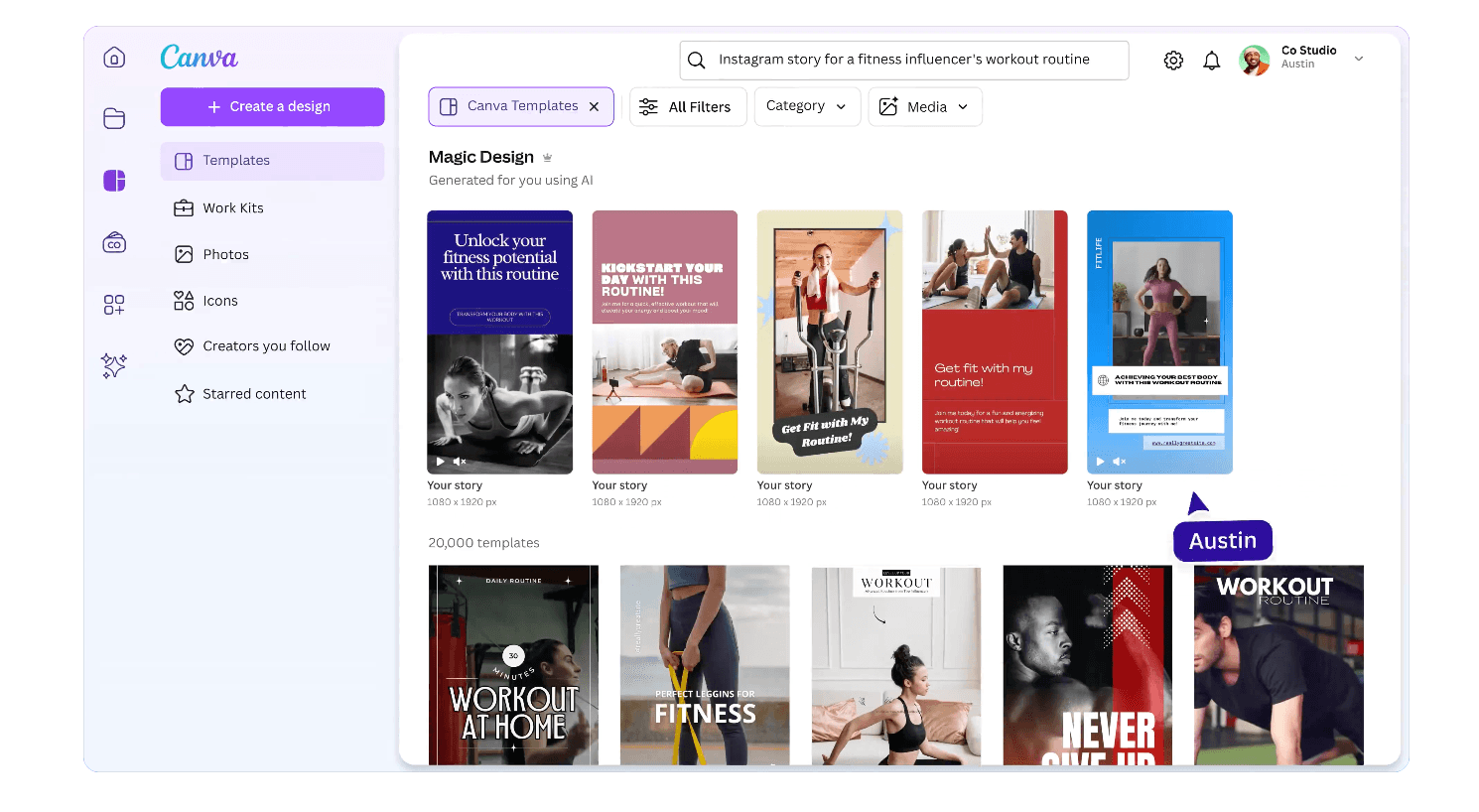
The "Swiss Army Knife" of design. Canva's Magic Design allows non-designers to create visuals instantly.

Key Features:

  • Massive asset library, one-click resizing for social media.

Pros:

  • Extremely easy to use, huge ecosystem.

Cons:

  • AI is focused on layout, not data logic. It cannot "read" or "analyze" complex spreadsheets for insights.

Pricing:

  • Subscription-based.

Venngage

Focused on B2B and enterprise users, offering serious, professional templates.

Key Features:

  • Brand kit integration, smart chart recommendations.

Pros:

  • Ideal for corporate white papers and internal reporting.

Cons:

  • Design styles can feel rigid or conservative; AI capabilities lag behind newer tools.

Pricing:

  • Subscription-based.

Infogram

As the name suggests, it focuses on "grams" (charts). Widely used by media outlets for news visualization.

Key Features:

  • Responsive charts, real-time data linking (e.g., Google Sheets).

Pros:

  • Incredible variety of chart types; professional data presentation.

Cons:

  • Low design freedom outside the chart area; rigid layouts.

Pricing:

  • Subscription-based.

Beautiful.ai

Primarily for presentation slides, but its "Smart Slide" technology works well for single-page data visuals.

Key Features:

  • Automated formatting—items adjust automatically as you add them.

Pros:

  • You literally cannot break the design; it always looks good.

Cons:

  • Limited export formats; hard to customize beyond the templates.

Pricing:

  • Subscription only.

Appy Pie Design

An entry-level AI design tool aimed at small business owners.

Key Features:

  • Text-to-image, simple drag-and-drop.

Pros:

  • Very simple interface, zero learning curve.

Cons:

  • Visuals can look generic or "cheap"; lacks professional polish for high-stakes data.

Pricing:

  • Subscription-based.

Snappa

Built for speed. Designed for social media managers who need a graphic in under 5 minutes.

Key Features:

  • Pre-set dimensions for all platforms, fast loading.

Pros:

  • Quick and distraction-free.

Cons:

  • Very basic features; almost no advanced data visualization capabilities.

Pricing:

  • Subscription-based.

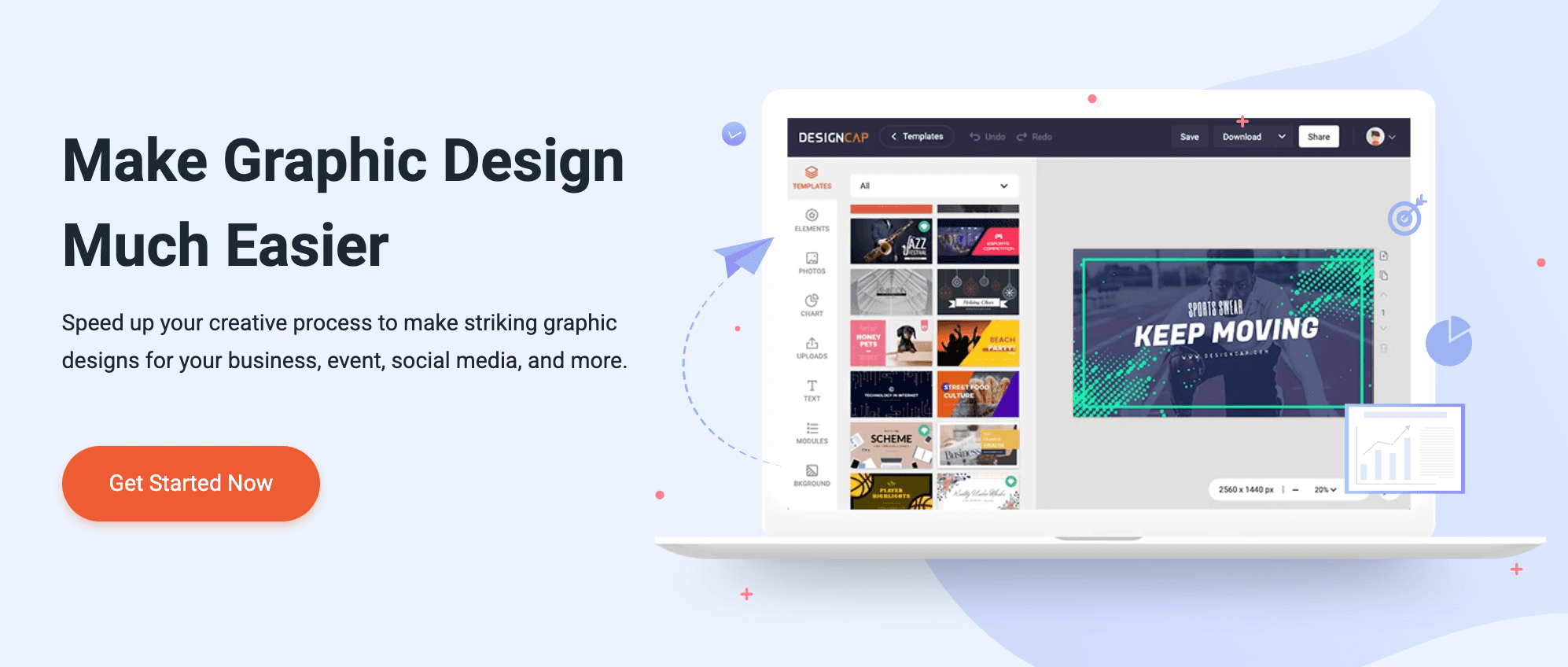
DesignCap

An online tool offering a vast array of posters and flyer templates.

Key Features:

  • Rich vector icons and font libraries.

Pros:

  • easy to navigate categories.

Cons:

  • AI features are weak; most work is still manual. Not data-centric.

Pricing:

  • Subscription-based.

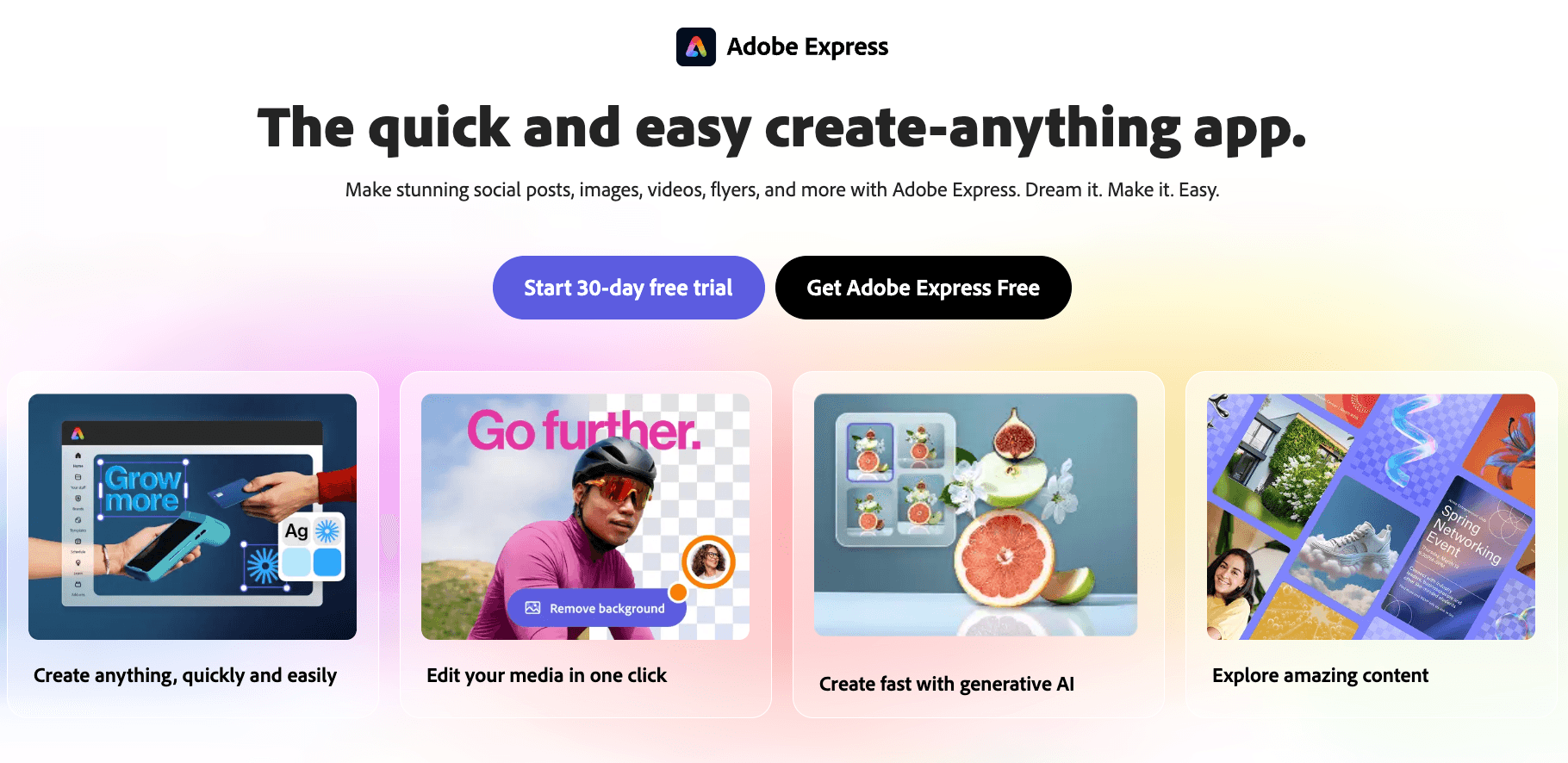
Adobe Express

Adobe's lightweight answer to Canva, integrating Firefly generative AI.

Key Features:

  • Stunning text-to-image generation, integration with Photoshop assets.

Pros:

  • High artistic quality in image generation.

Cons:

  • Weak on "Data Charts." It's for creative design, not data visualization.

Pricing:

  • Subscription-based.

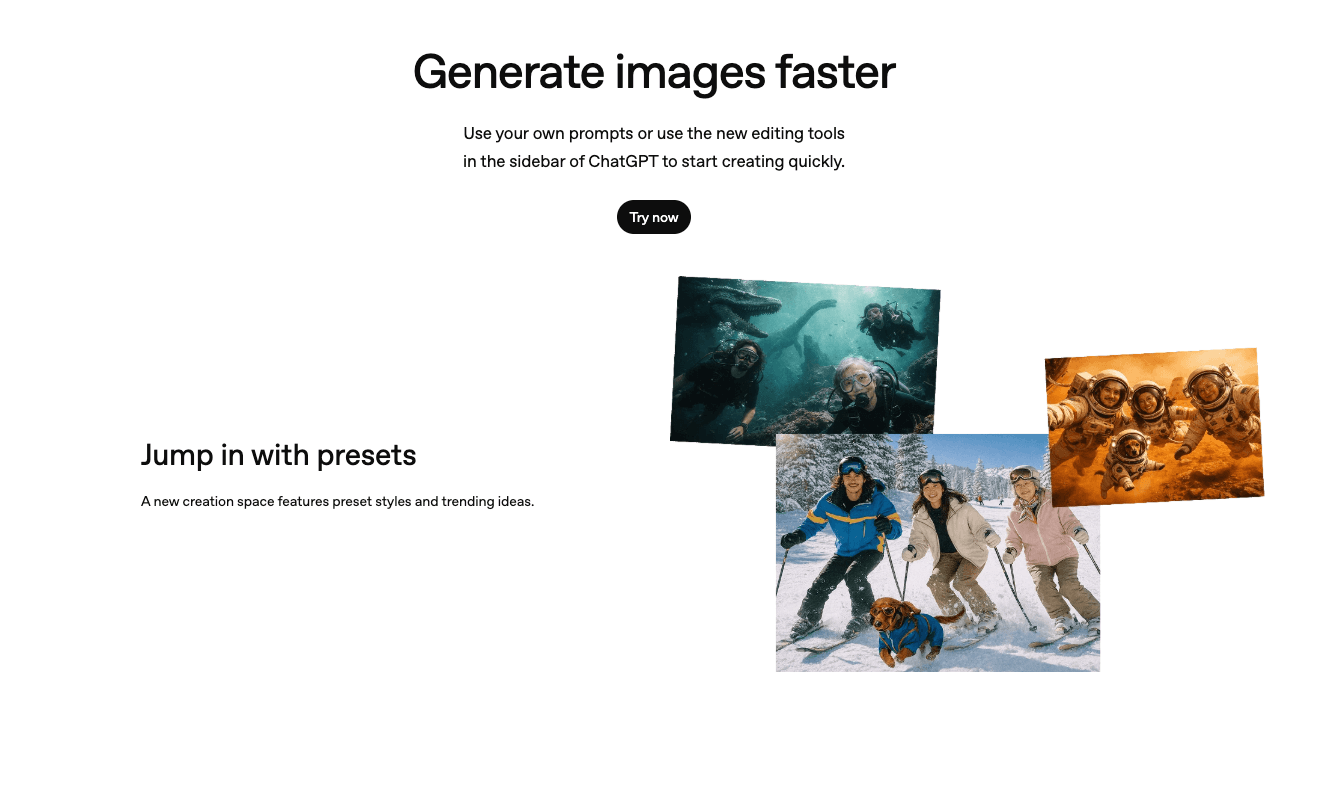
ChatGPT

The generalist AI assistant. Generates images via DALL-E or charts via Data Analysis.

Key Features:

  • Powerful semantic understanding, code-based plotting.

Pros:

  • Incredible analysis capability for complex logic.

Cons:

  • DALL-E images often have garbled text. Python charts are accurate but often ugly/academic and require prompting to make them "pretty."

Pricing:

  • Subscription-based.

Which Tool Should You Choose?

With so many options, how do you decide? As an expert, here is my objective advice:

  • Scenario A: You need social media posts or event flyers.

Pick: Canva or Adobe Express. Their asset libraries are unbeatable for creative visuals.

  • Scenario B: You are a journalist needing embeddable web charts.

Pick: Visme or Infogram. Interactivity is their strength.

  • Scenario C: You are a business user, marketer, or analyst with Excel data, needing to find answers and generate persuasive charts and slides instantly.

Pick: Powerdrill Bloom.

Reason: In 2026, efficiency is currency. Only Powerdrill Bloom uses the Nano Banana Pro engine to close the loop: "Upload Data → Extract Insights → Generate Business Visuals." It is the only AI partner that acts as both Data Analyst and Designer.

How Powerdrill Bloom Accelerates Infographic Creation

Let's look at the workflow:

  1. Raw Data Upload: You upload that messy Excel sales report directly.

  2. Natural Language Query: You don't draw; you ask. "Show me which region had the highest profit margin and visualize the trend."

  3. Insights & Cleaning: The AI cleans errors and calculates the math (e.g., "While Region A sold more, Region B's margin grew by 20%").

  4. Nano Banana Pro Magic: The engine activates, selecting the best visualization (Bar, Heatmap, etc.) and generating Professional-style preview images and slides.

  5. Share: You get a data-backed visual story, not just a pretty picture.

This process compresses 3 hours of work (1 hour Excel + 2 hours PPT) into 30 seconds.

Conclusion

In 2026, your choice of tool defines your storytelling capability. While others are still manually typing numbers into Canva, you could be using Powerdrill Bloom to mine gold from your data and using Nano Banana Pro to generate show-stopping visual reports.

In the age of data explosion, whoever transforms data into visual stories fastest wins the war for attention.

FAQ

Q1: What are AI Infographic Generators?

These are tools that leverage artificial intelligence to automatically convert text, numbers, or raw data into visual graphics (like charts, timelines, or posters), lowering the barrier to professional design.

Q2: What is the fastest tool to turn data into infographics?

Powerdrill Bloom is currently the fastest because it eliminates the "manual data entry" step. It reads Excel/CSV files directly and auto-generates the charts.

Q3: What features matter most in AI Infographic Generators?

For business use, the three critical metrics are Data Integration (can it read raw files?), Automated Insights (can it analyze the data?), and Export Compatibility (can it generate presentation-ready slides/images?).