How to Convert PDF to CSV Quickly with Powerdrill
Introduction
Data extraction is a critical task in many industries, and converting data from PDFs into CSV files is a common requirement. With Powerdrill AI, this process becomes seamless, saving time and effort while ensuring accuracy. This guide will walk you through using Powerdrill AI to convert PDF files into CSV format in just a few simple steps.
What is CSV?
CSV stands for "Comma-Separated Values." It is a simple file format used to store tabular data, such as a spreadsheet or database. Each line in a CSV file represents a row of data, and each value within that row is separated by a comma. This format is widely used because it is easy to read and write for both humans and machines, and it can be opened by many applications, including spreadsheet programs like Microsoft Excel and Google Sheets.
CSV files are particularly useful for data exchange between different software applications, as they provide a straightforward way to import and export data.
Steps to Convert PDF to CSV Using Powerdrill AI
Step 1: Upload Your PDF Files
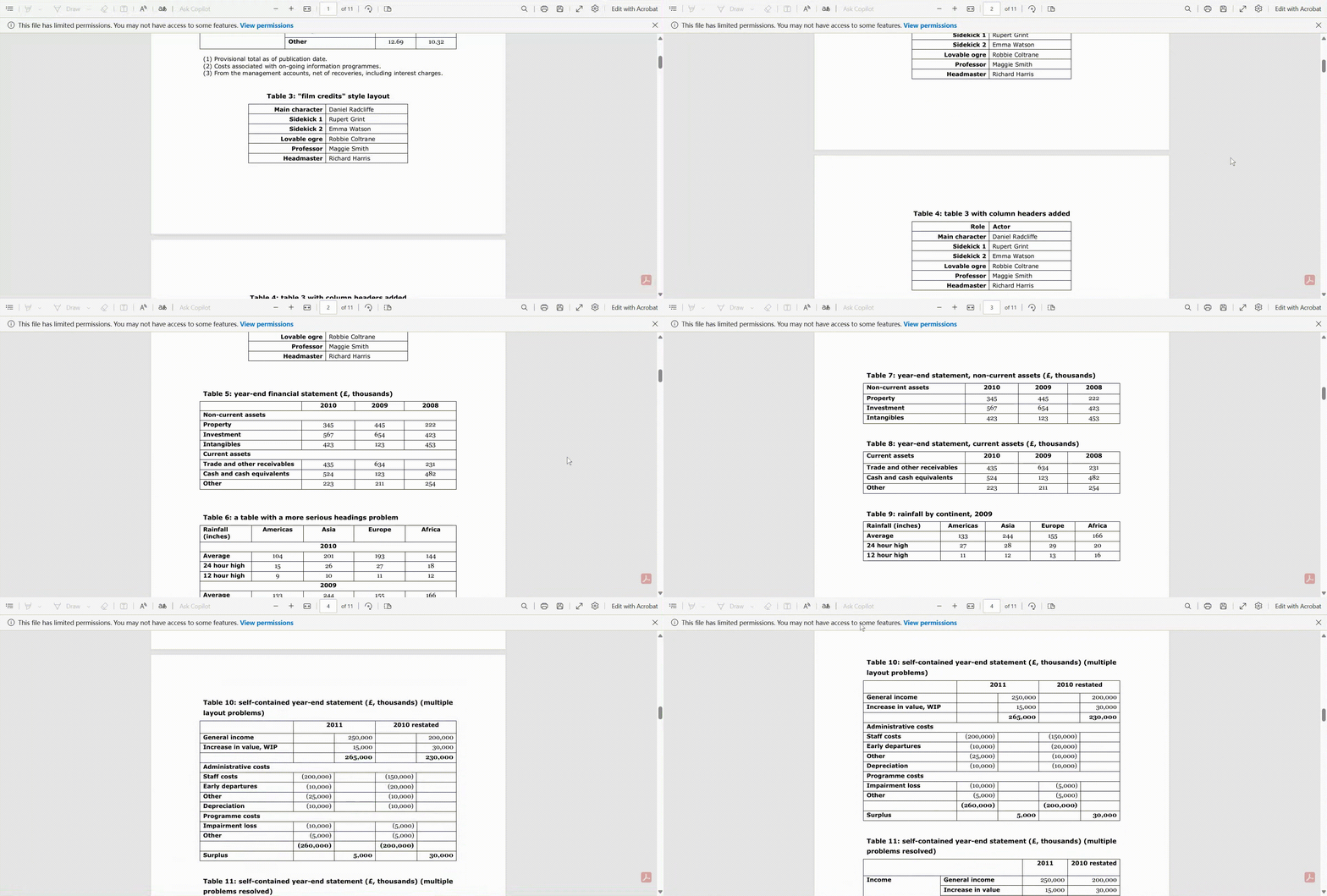
The first step is to upload your PDF files to Powerdrill. Here’s how:
Visit powerdrill.ai and log in to your Powerdrill account.
Navigate to the File Upload section.
Drag and drop your PDF file(s) into the upload box, or click Upload Files to browse and select them from your computer.
Once uploaded, Powerdrill will automatically recognize the file format and prepare it for data extraction.
Step 2: Ask to Extract Data
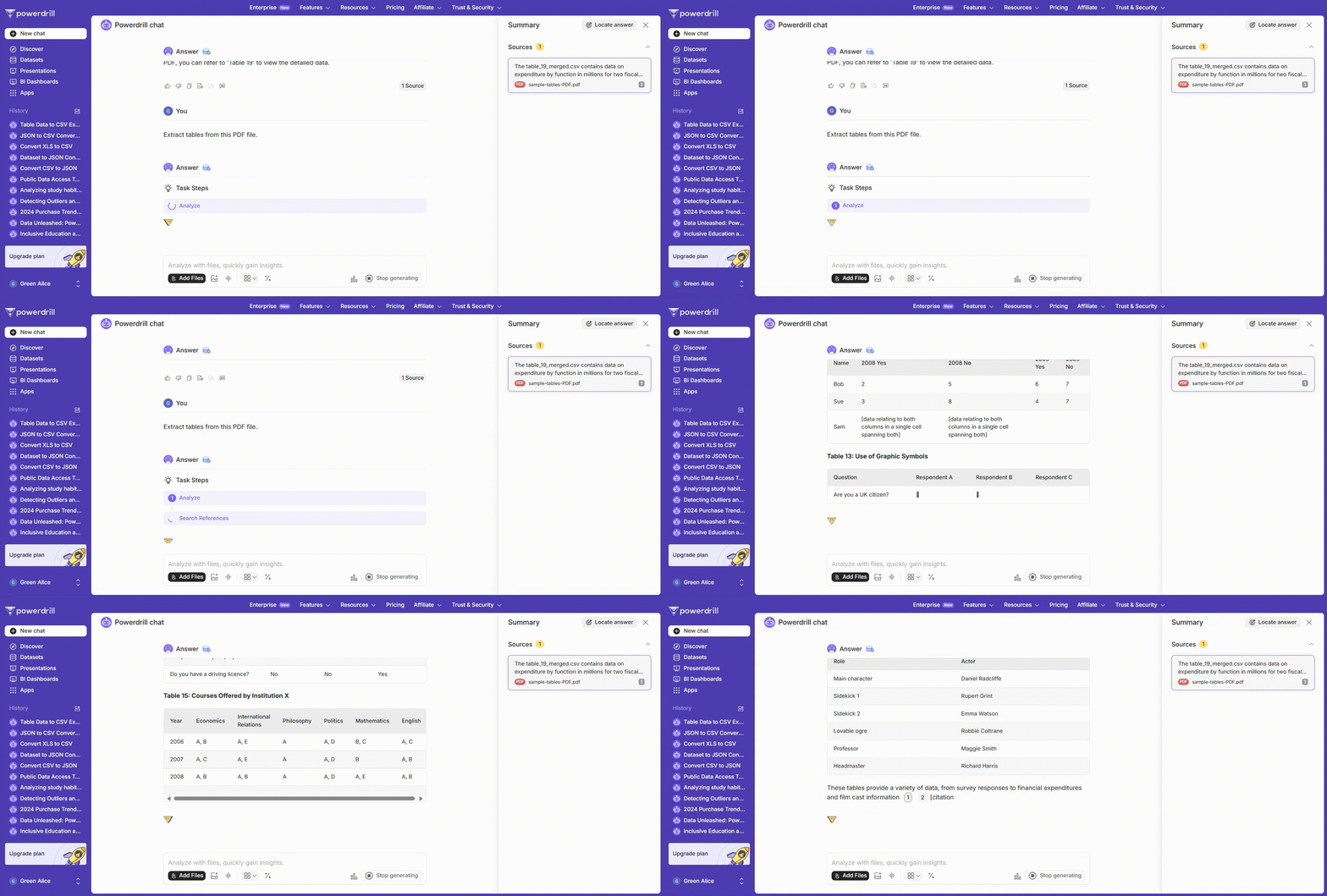
After uploading your PDF, it’s time to extract the data:
Select the uploaded PDF file from your file list.
Request Powerdrill to extract data from PDF. You can also notify it which specific table to extract.
Powerdrill’s AI will analyze the PDF, identify tables, and organize the extracted data. You’ll see a preview of the data to confirm that everything has been captured accurately.
Step 3: Convert into CSV Format
With the data extracted, converting it into CSV format is straightforward:
Request Powerdrill convert the data into CSV format.
Powerdrill will process the data and structure it into a clean, well-formatted CSV file.
Step 4: Download and Analyze the File
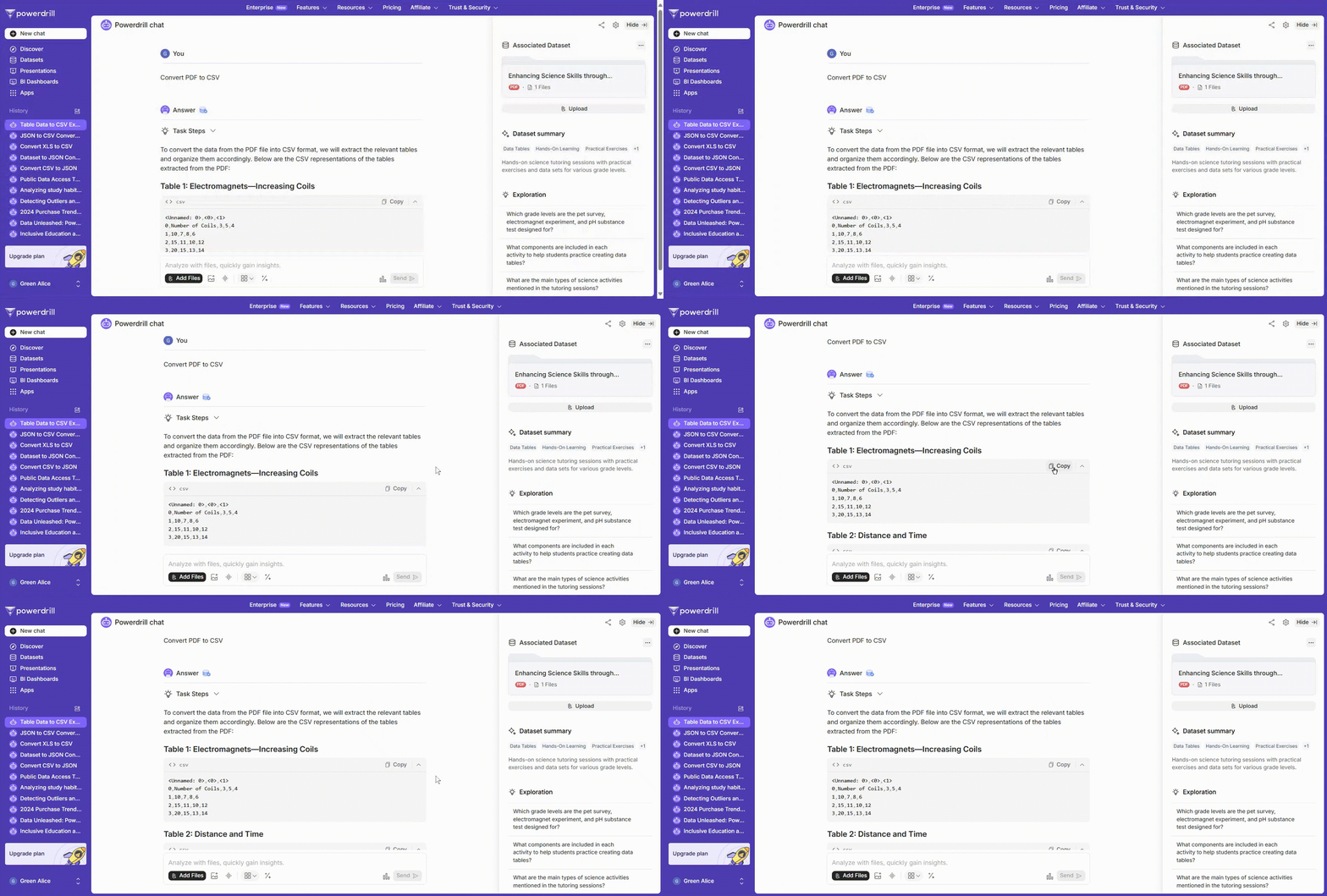
Finally, download your newly created CSV file:
Once the conversion is complete, you’ll see a Copy button.
Click it to copy the CSV format to your computer.
If you want to further analyze the data, you can continue the conversation and let AI complete the data analysis work.
Start Now
Ready to streamline your data conversion tasks? Sign up for Powerdrill AI today and experience the ease and precision of AI-powered data extraction. Start your free trial now and save hours of manual work with just a few clicks.
FAQ
1. Can Powerdrill handle scanned PDFs?
Yes! Powerdrill AI comes with Optical Character Recognition (OCR) technology, allowing it to extract data even from scanned PDFs.
2. How accurate is the data extraction?
Powerdrill uses advanced AI algorithms to ensure high accuracy. However, for best results, ensure your PDF files are clear and well-formatted.
3. Can I convert multiple PDFs at once?
Yes, Powerdrill supports batch processing, enabling you to upload
4. What if the PDF layout is complex?
Our tool is designed to handle complex layouts and extract data accurately.
5. Does the conversion preserve the original data order?
Yes, it maintains the data sequence as in the original PDF.
6. What if I encounter an error during conversion?
Our support team is ready to assist you promptly.
Streamline your data management workflow with Powerdrill AI today!