Try Your Ultimate AI Tools, Remove Duplicates in Excel
Easily delete duplicates in Excel with our tool. Streamline data cleanup—Try it free today!
Ücretsiz Deneyin
Effortless Data Cleanup
Quickly delete duplicates in Excel to ensure accurate, organized data, saving you time and effort in manual data management.

Streamlined Workflow
Our tool eliminates unnecessary duplicates in just a few clicks, improving your efficiency and reducing errors in your Excel spreadsheets.
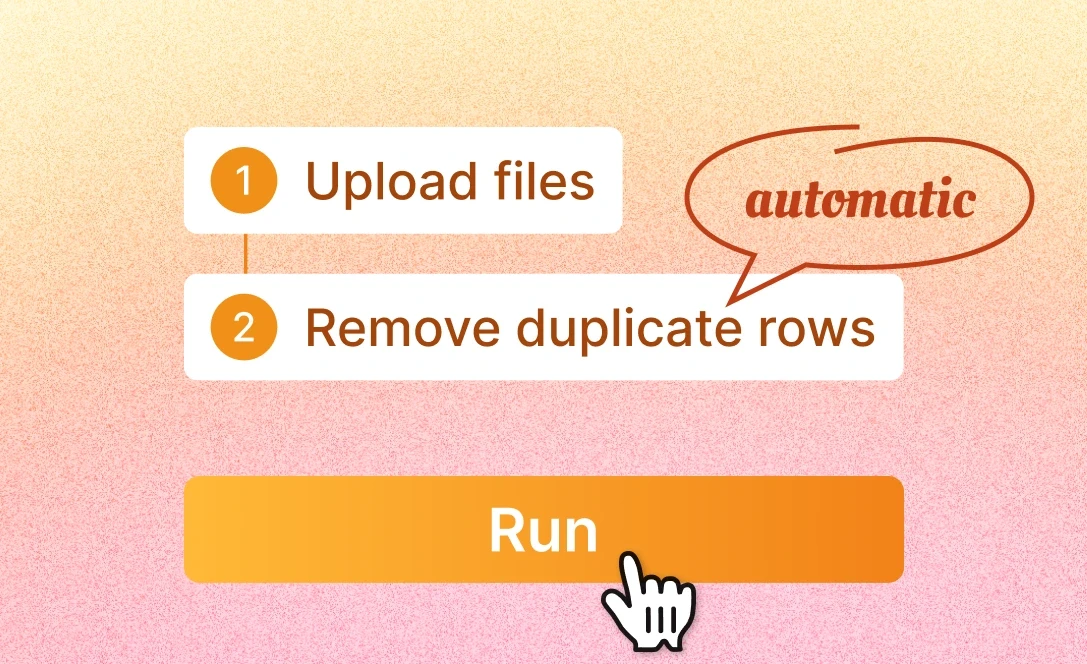
All-in-One Data Cleaning
In addition to removing duplicates, you can also perform other data cleaning tasks, like deleting blank rows, further enhancing the cleanliness and usability of your data.

No Limits, No Hassles
Easily remove duplicates from multiple Excel files at once, with no file size restrictions or complex steps required.

Nasıl çalışır
Upload Your Excel Files
Upload your Excel files to the tool with ease. Our platform supports multiple files simultaneously for quick and efficient processing.
Type in "Delete Duplicates"
Simply enter "Delete Duplicates" and specify your preferences, such as columns or rows, for duplicate removal. Customize the process to suit your needs.
Download Cleaned Data
Once duplicates are removed, you can download the cleaned Excel files instantly. Your data is now free of duplicates and ready for use.
Sık Sorulan Sorular
Can I analyze multiple files simultaneously?
+
Yes. With Powerdrill AI, you can upload up to 10 files at once into a dataset. Once uploaded, you can associate the data with your chat session and begin analyzing the files. See the Quickly Get Data Insights from SQL Log Files with Powerdrill Advanced Analytics use case.
Besides data analysis, you can do much more on Powerdrill AI, for example, you can merge files. See the blog for a step-by-step demo.
What file formats can I upload to Powerdrill for data analysis?
+
Powerdrill supports Excel, CSV, and TSV file formats for data input. You can upload any of these file types for analysis.