
01 / WORK & COLLABORATION
Project reports
Bring updates and supporting pages together for each project handoff.
POWERDRILL · MERGE PDF
Combine related PDF files for reports, invoices, and everyday work. Open Powerdrill to get started with AI.
Opens the Powerdrill AI workspace.
THE WORKFLOW
Explore the three steps. Select any step to see what changes — then open Powerdrill to merge your files.
Explore the steps
Click any step to explore the example.
Keep related files together before you combine them.
Continue in the Powerdrill AI workspace.
Made for everyday work
Keep related material together, however many projects you have.
01 / WORK & COLLABORATION
Bring updates and supporting pages together for each project handoff.
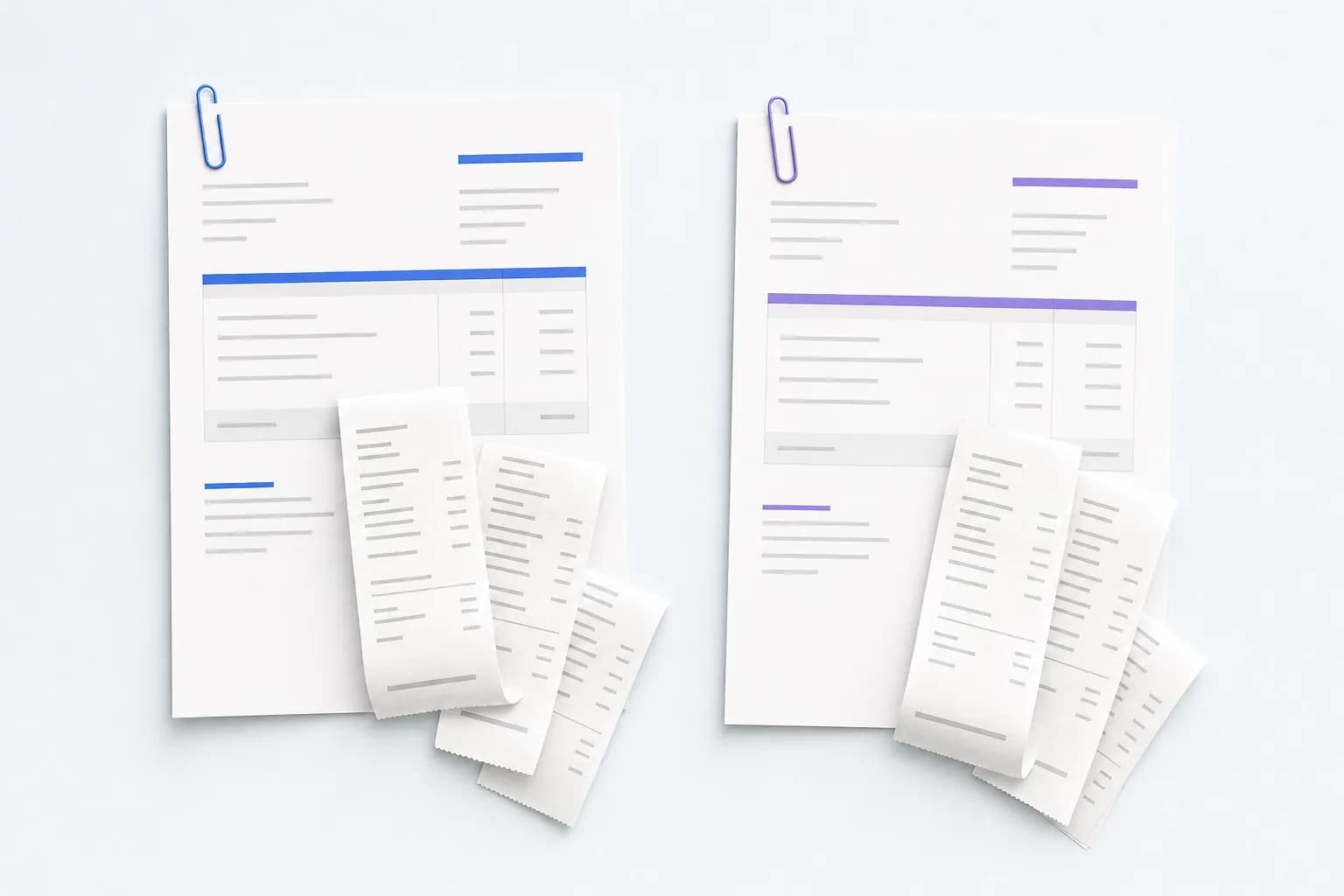
02 / EVERYDAY ADMIN
Organize the paperwork for each expense batch.

03 / RESEARCH & LEARNING
Group papers and reference pages around each topic.
KEEP WORKING IN POWERDRILL
Merge your PDFs with Powerdrill AI, then explore what you can do with the information inside.
Opens the Powerdrill homepage.

A few helpful answers
Merging PDFs joins selected pages from separate PDF files. Choose the files that belong together for each task before you combine them.
Choose related files in a PDF tool, arrange their pages, and combine them. Open the saved result to check the order and content before sharing.
Keep the groups separate and repeat the workflow for each project, client, or expense batch. Automatic batch merging depends on the PDF tool you choose.
Look for a PDF tool with page selection and reordering controls. Check which pages are included and where they appear before creating the result.
Those are separate tasks. Compression is used to reduce file size; OCR is used to recognize text in scanned pages. Check whether your chosen tool provides either option.
Try for Free opens the Powerdrill homepage. From there, use the AI workspace to merge your PDFs; this landing page is an overview, not a file editor.
Open Powerdrill and bring your PDFs together with AI.
Explore Powerdrill for summaries, document questions, and your next presentation.
Try For FreeTakes you to the Powerdrill homepage.