10 เครื่องมือ AI ที่ดีที่สุดสำหรับการวิเคราะห์ Google Sheets ในปี 2026 (เปรียบเทียบเคียงข้างกัน)
บทนำ
การจ้องมองแถวข้อมูลที่ยุ่งเหยิงนับไม่ถ้วนอาจทำให้รู้สึกท่วมท้นอย่างมาก หากคุณเบื่อหน่ายกับการใช้เวลาหลายชั่วโมงในการแก้ไข VLOOKUP ที่พัง ต่อสู้กับ App Scripts ที่ซับซ้อน หรือแก้ไขข้อผิดพลาดในการจัดรูปแบบด้วยตนเองในเซลล์หลายพันเซลล์ คุณไม่ได้อยู่คนเดียว การวิเคราะห์ข้อมูลควรขับเคลื่อนการตัดสินใจ ไม่ใช่ดูดพลังงานของคุณ
โชคดีที่ปัญญาประดิษฐ์ได้ปฏิวัติวิธีที่เราโต้ตอบกับสเปรดชีตไปโดยสิ้นเชิง เพียงแค่พิมพ์สิ่งที่คุณต้องการเป็นภาษาธรรมดา ตอนนี้คุณก็สามารถทำให้เวิร์กโฟลว์ที่ซับซ้อนเป็นอัตโนมัติ สร้างภาพข้อมูลได้ทันที และดึงข้อมูลเชิงลึกได้ในไม่กี่วินาที
ในคู่มือนี้ เราจะสำรวจเครื่องมือ AI ชั้นนำสำหรับการวิเคราะห์ Google Sheets เพื่อช่วยให้คุณค้นพบผู้ช่วยที่สมบูรณ์แบบในการขจัดการป้อนข้อมูลด้วยตนเองและเพิ่มประสิทธิภาพการทำงานของคุณ
เราประเมินเครื่องมือ AI สำหรับ Google Sheets เหล่านี้อย่างไร
เพื่อให้แน่ใจว่าเราแนะนำเฉพาะโซลูชันที่มีประสิทธิภาพมากที่สุด เราได้ประเมินเครื่องมือเหล่านี้ตามเกณฑ์ที่เข้มงวดดังต่อไปนี้:
- ความแม่นยำในการวิเคราะห์: ความสามารถของ AI ในการตีความคำสั่งได้อย่างถูกต้อง และสร้างสูตร แผนภูมิ และสรุปข้อมูลที่ปราศจากข้อผิดพลาด
- ความง่ายในการเชื่อมต่อ: เครื่องมือเชื่อมต่อเข้ากับสภาพแวดล้อมของ Google Sheets โดยตรงได้อย่างราบรื่นเพียงใด โดยไม่ต้องใช้ซอฟต์แวร์ภายนอกที่ยุ่งยาก
- ความลึกของฟีเจอร์: เรามองหาเครื่องมือที่ไปไกลกว่าการสร้างสูตรจากข้อความพื้นฐาน โดยประเมินฟีเจอร์ขั้นสูง เช่น การวิเคราะห์เชิงคาดการณ์และการทำความสะอาดข้อมูลอัตโนมัติ
- ความปลอดภัยของข้อมูล: รับประกันว่าแพลตฟอร์มเคารพความเป็นส่วนตัวของผู้ใช้ มีการเข้ารหัสระดับองค์กร และไม่แอบฝึกโมเดลด้วยข้อมูลที่เป็นกรรมสิทธิ์ของคุณ
- ความคุ้มค่าเงิน: การสร้างสมดุลระหว่างชุดฟีเจอร์กับรูปแบบราคา เพื่อค้นหาผลตอบแทนจากการลงทุนที่ดีที่สุดสำหรับบุคคลและทีม
ตารางเปรียบเทียบแบบรวดเร็ว
| เครื่องมือ | เหมาะที่สุดสำหรับ | ฟีเจอร์เด่น | ราคาเริ่มต้น |
|---|---|---|---|
| 1. Powerdrill Bloom | ดีที่สุดโดยรวมสำหรับการวิเคราะห์ด้วย AI | ข้อมูลเชิงลึกทันที & การสอบถามด้วยภาษาธรรมชาติ | ฟรี / $13.27/เดือน |
| 2. Brick | การสร้างแบบจำลองข้อมูลเชิงภาพ | การสร้างสเปรดชีตแบบบล็อก | $79/ปี |
| 3. Quadratic | นักวิทยาศาสตร์ข้อมูล | Python & SQL ภายในเซลล์ | ฟรี / $18/เดือน |
| 4. Akkio | การวิเคราะห์เชิงคาดการณ์ & การพยากรณ์ | แมชชีนเลิร์นนิงและการพยากรณ์แบบไม่ต้องเขียนโค้ด | กำหนดเอง |
| 5. SheetAI | การสร้างเนื้อหาด้วย AI จำนวนมาก | การเชื่อมต่อ ChatGPT ในเซลล์ | $20/เดือน |
| 6. Tabwise | การสร้างสูตรอย่างรวดเร็ว | การแปลงข้อความเป็นสูตร | ฟรี |
| 7. Sheetgo | การทำเวิร์กโฟลว์อัตโนมัติ | การเชื่อมต่อสเปรดชีตหลายไฟล์ | ฟรี / $22/เดือน |
| 8. Coefficient | การซิงค์ข้อมูล CRM | ดึงข้อมูลสดจากแอปภายนอก | ฟรี / $49/เดือน |
| 9. Formulabot | การอธิบายสูตร | อธิบายสูตรที่ซับซ้อน | $18/เดือน |
| 10. o11 | การสังเกตการณ์ข้อมูลระดับองค์กร | ไปป์ไลน์ข้อมูล AI ขนาดใหญ่ | กำหนดเอง |
1. Powerdrill Bloom
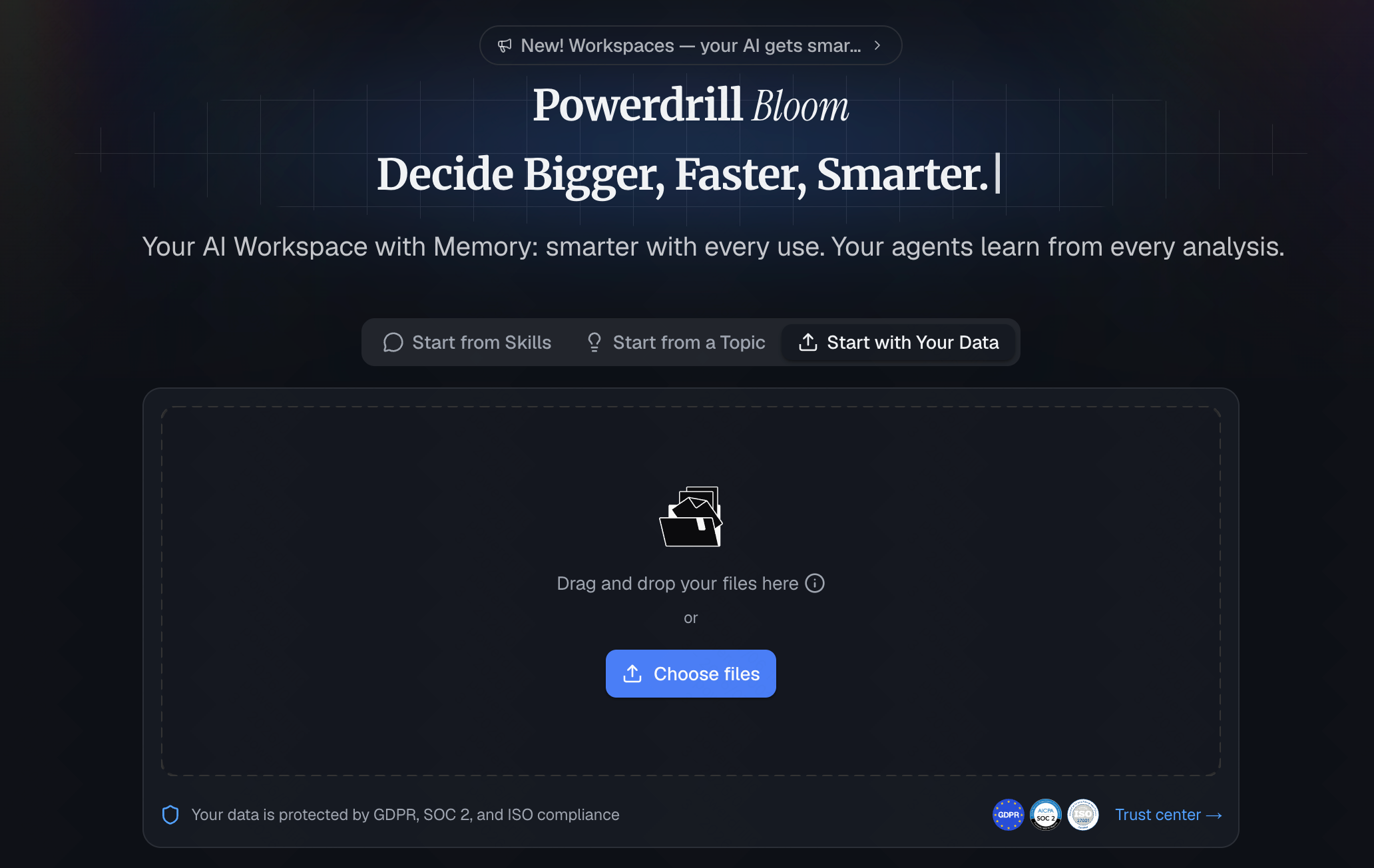
Powerdrill Bloom เป็น AI agent ที่ทรงพลังซึ่งเชื่อมต่อเข้ากับ Google Sheets โดยตรง มันไปไกลกว่าการเพียงตอบคำถามไปสู่การทำงานด้านข้อมูลของคุณให้เสร็จจริง ออกแบบมาสำหรับทั้งบุคคลและทีม โดยให้คุณเรียกใช้ทักษะเฉพาะทางสำหรับการวิเคราะห์ข้อมูล การทำงานอัตโนมัติ และการดำเนินการ ในขณะที่ Workspaces แบบต่อเนื่องของมันจะจดจำบริบทของสเปรดชีตและไฟล์ของคุณข้ามเซสชัน จุดแข็งเรือธงของมันอยู่ที่ความสามารถในการเปลี่ยนข้อมูลสเปรดชีตดิบที่ยุ่งเหยิงให้เป็นข้อมูลเชิงลึก แผนภูมิเชิงภาพ และรายงานพรีเซนเทชันแบบคลิกเดียวได้ทันที—โดยไม่ต้องเขียนโค้ดหรือใช้สูตรที่ซับซ้อนใด ๆ เลย
ฟีเจอร์เด่น
- การสอบถามข้อมูลด้วยภาษาธรรมชาติ (แชทกับสเปรดชีตของคุณ)
- การทำความสะอาดและจัดรูปแบบข้อมูลอัตโนมัติด้วยคลิกเดียว
- การสร้างสูตรที่ซับซ้อนและตาราง pivot ได้ทันที
- การวิเคราะห์แนวโน้มเชิงคาดการณ์และการสร้างแผนภูมิอัจฉริยะด้วย AI
ข้อดี
- ไม่ต้องเรียนรู้อะไรเลย หากคุณพิมพ์คำถามได้ คุณก็ใช้มันได้
- ความแม่นยำระดับชั้นนำของอุตสาหกรรมในการเข้าใจบริบทข้อมูลที่ซับซ้อน
- การควบคุมความเป็นส่วนตัวที่เข้มงวดรับประกันว่าข้อมูลของคุณจะไม่ถูกนำไปใช้ในทางที่ผิด
- ทำงานภายใน Google Sheets โดยตรงผ่านแถบด้านข้างที่ใช้งานง่าย
ข้อเสีย
- ต้องมีการเชื่อมต่ออินเทอร์เน็ตเพื่อประมวลผลการสอบถาม AI
- ฟีเจอร์เชิงคาดการณ์ขั้นสูงถูกล็อกไว้ในแพ็กเกจพรีเมียม
ราคา
มีแผนฟรีที่ให้อย่างใจกว้าง แผน Pro เริ่มต้นในราคาที่คุ้มค่ามากเพียง $13.27/เดือน
2. Brick
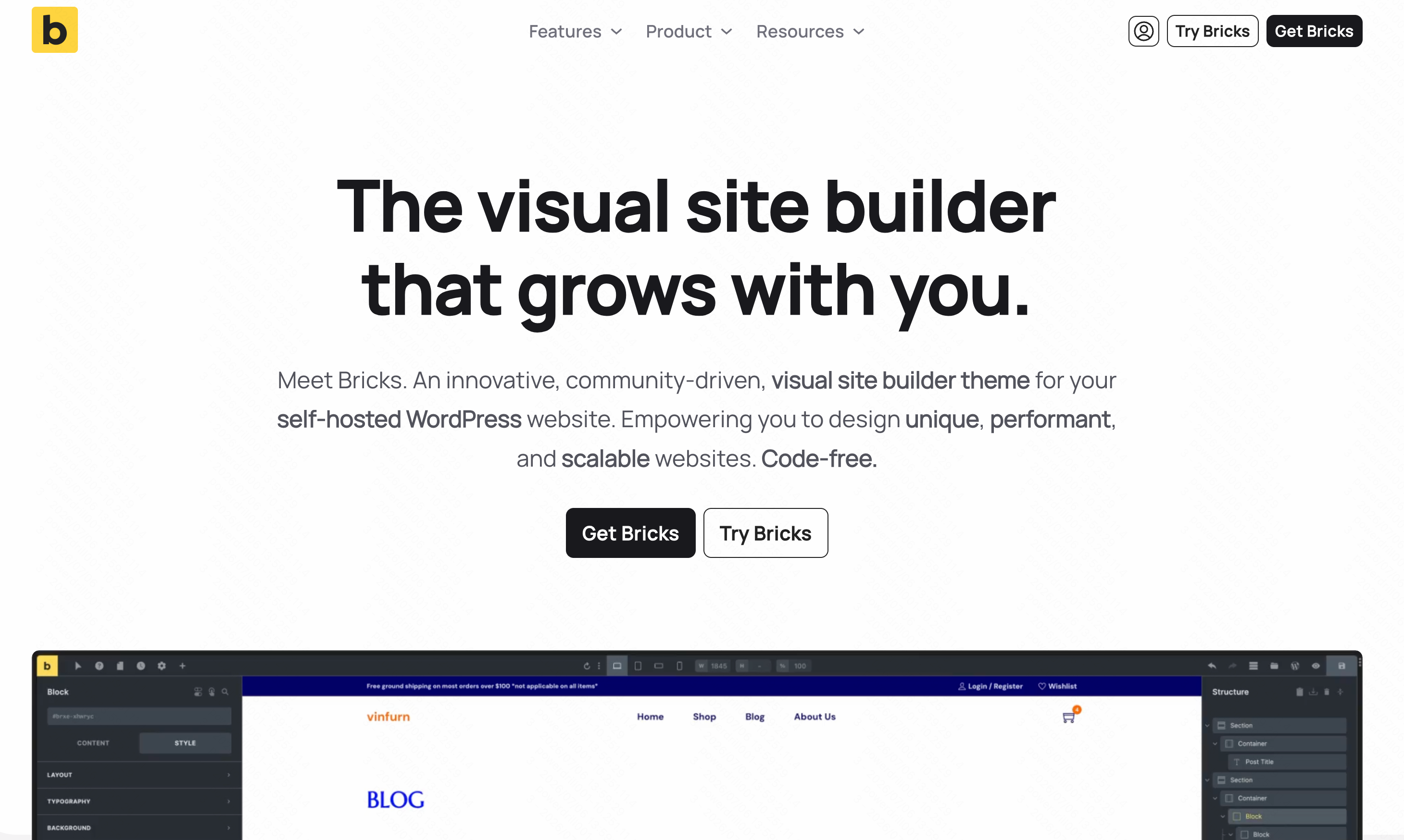
Brick นิยามสเปรดชีตแบบดั้งเดิมใหม่ด้วยการเปลี่ยนข้อมูลให้เป็นบล็อกเชิงภาพที่โต้ตอบได้ ออกแบบมาสำหรับผู้ใช้ที่ต้องการสร้างแอปพลิเคชันและแดชบอร์ดจากข้อมูล Google Sheets ของตนโดยไม่ต้องเขียนโค้ด
ฟีเจอร์เด่น
- อินเทอร์เฟซบล็อกแบบลากและวางสำหรับการสร้างภาพข้อมูล
- การสร้างแดชบอร์ดที่มี AI ช่วยเหลือ
- การซิงโครไนซ์กับ Google Sheets อย่างราบรื่น
ข้อดี
- เน้นภาพและสวยงามในเชิงสุนทรียะอย่างมาก
- เยี่ยมสำหรับการแชร์รายงานที่โต้ตอบได้กับลูกค้า
- ช่วยลดความรกของสเปรดชีต
ข้อเสีย
- เปลี่ยนแปลงเวิร์กโฟลว์ดั้งเดิมของ Google Sheets อย่างมาก
- อาจทำงานช้าเมื่อมีชุดข้อมูลขนาดใหญ่มาก
ราคา
เริ่มต้นที่ $79/ปี
3. Quadratic
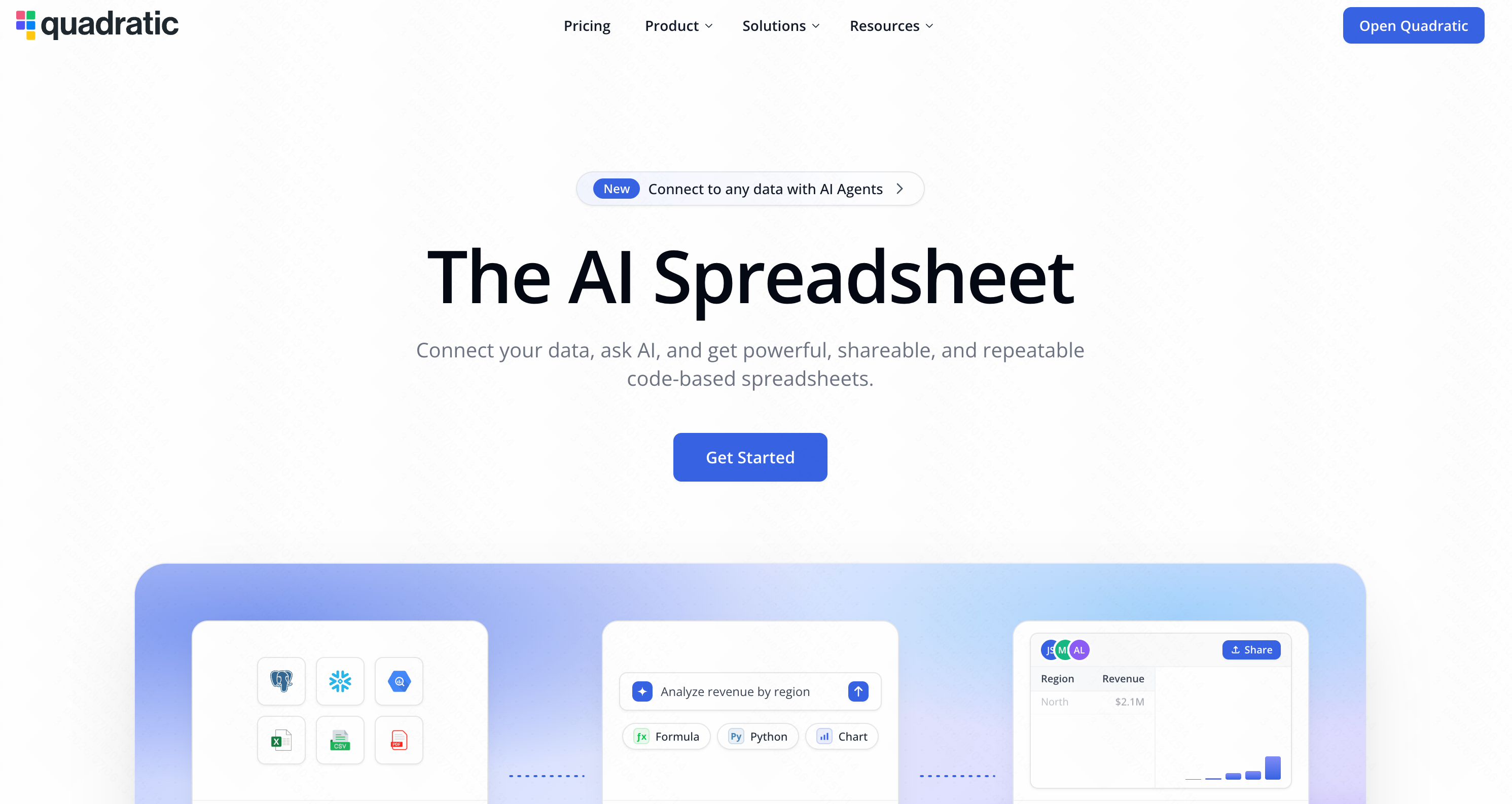
Quadratic เป็นสเปรดชีตแบบผืนผ้าใบไร้ขอบเขตที่ออกแบบมาสำหรับผู้ใช้เชิงเทคนิค รองรับ Python, SQL และเวิร์กโฟลว์วิทยาศาสตร์ข้อมูลที่ขับเคลื่อนด้วย AI ควบคู่ไปกับสูตรสเปรดชีตมาตรฐานได้โดยกำเนิด
ฟีเจอร์เด่น
- ผืนผ้าใบ 2 มิติไร้ขอบเขตสำหรับโปรเจกต์ข้อมูลขนาดใหญ่
- เขียน Python และ SQL ได้โดยตรงในเซลล์
- ผู้ช่วยเขียนโค้ด AI สำหรับวิศวกรรมข้อมูล
ข้อดี
- ทรงพลังอย่างเหลือเชื่อสำหรับนักวิทยาศาสตร์ข้อมูล
- จัดการชุดข้อมูลขนาดใหญ่ได้ดีกว่า Sheets ดั้งเดิม
- รวมการเขียนโค้ดและตรรกะสเปรดชีตเข้าด้วยกัน
ข้อเสีย
- เส้นโค้งการเรียนรู้ที่ชันสำหรับผู้ใช้ที่ไม่มีพื้นฐานเชิงเทคนิค
- เกินความจำเป็นสำหรับงานสเปรดชีตพื้นฐานในแต่ละวัน
ราคา
มีแผนฟรี แผน Pro เริ่มต้นที่ $18/เดือน
4. Akkio
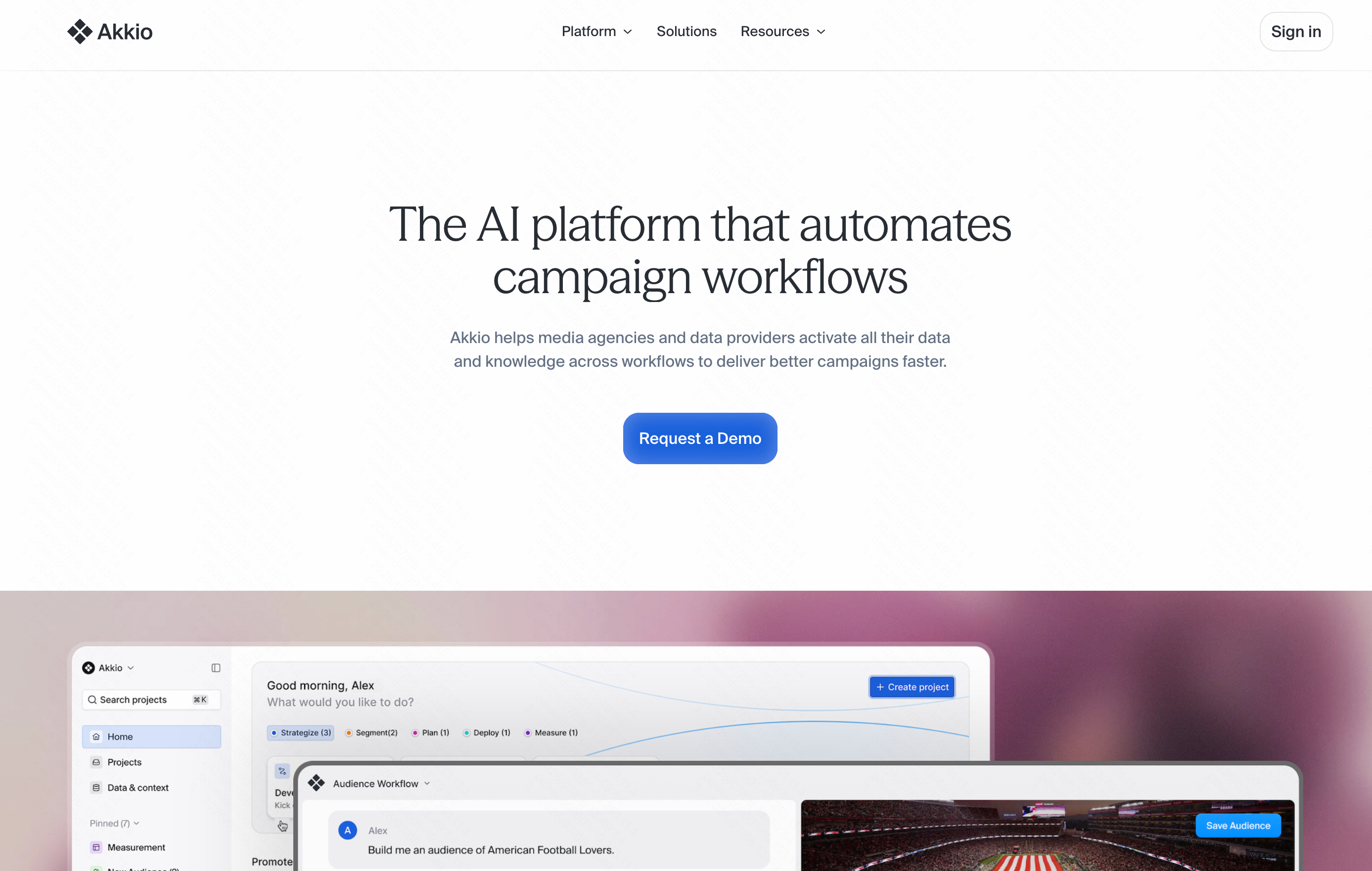
Akkio เป็นแพลตฟอร์ม AI เชิงคาดการณ์ที่ทรงพลังและไม่ต้องเขียนโค้ด ออกแบบมาเพื่อช่วยให้ธุรกิจตัดสินใจโดยมองไปข้างหน้าและขับเคลื่อนด้วยข้อมูล แทนที่จะวิเคราะห์เพียงข้อมูลในอดีต Akkio เชื่อมต่อกับข้อมูลสเปรดชีตของคุณโดยตรงเพื่อพยากรณ์แนวโน้มในอนาคต ให้คะแนนลูกค้าเป้าหมาย และคาดการณ์พฤติกรรมลูกค้า มันนำความสามารถด้านวิทยาศาสตร์ข้อมูลและแมชชีนเลิร์นนิงขั้นสูงมาสู่ผู้ใช้ทั่วไปโดยไม่ต้องใช้โค้ดแม้แต่บรรทัดเดียว
ฟีเจอร์เด่น
- การสร้างแบบจำลองเชิงคาดการณ์และการพยากรณ์อนุกรมเวลาแบบไม่ต้องเขียนโค้ด
- อินเทอร์เฟซแบบแชทเพื่อสำรวจข้อมูล สำหรับการสร้างภาพและข้อมูลเชิงลึกได้ทันที
- การเตรียม ทำความสะอาดข้อมูล และการตรวจจับความผิดปกติแบบอัตโนมัติ
- การเชื่อมต่อกับ Google Sheets และฐานข้อมูลธุรกิจแบบสดได้อย่างราบรื่น
ข้อดี
- เสริมพลังให้ผู้ใช้ที่ไม่มีพื้นฐานเชิงเทคนิคสามารถสร้างโมเดลแมชชีนเลิร์นนิงจริงได้
- การพยากรณ์ที่แม่นยำสูงสำหรับข้อมูลการขาย รายได้ และการตลาด
- การประมวลผลข้อมูลที่รวดเร็วอย่างเหลือเชื่อและอินเทอร์เฟซที่ใช้งานง่าย
ข้อเสีย
- ราคาสูงกว่าเมื่อเทียบกับส่วนขยาย AI สำหรับสเปรดชีตพื้นฐาน
- อาจเกินความจำเป็นหากคุณต้องการเพียงการสร้างสูตรง่าย ๆ หรือการจัดรูปแบบพื้นฐาน
ราคา
ราคาแบบกำหนดเอง
5. SheetAI
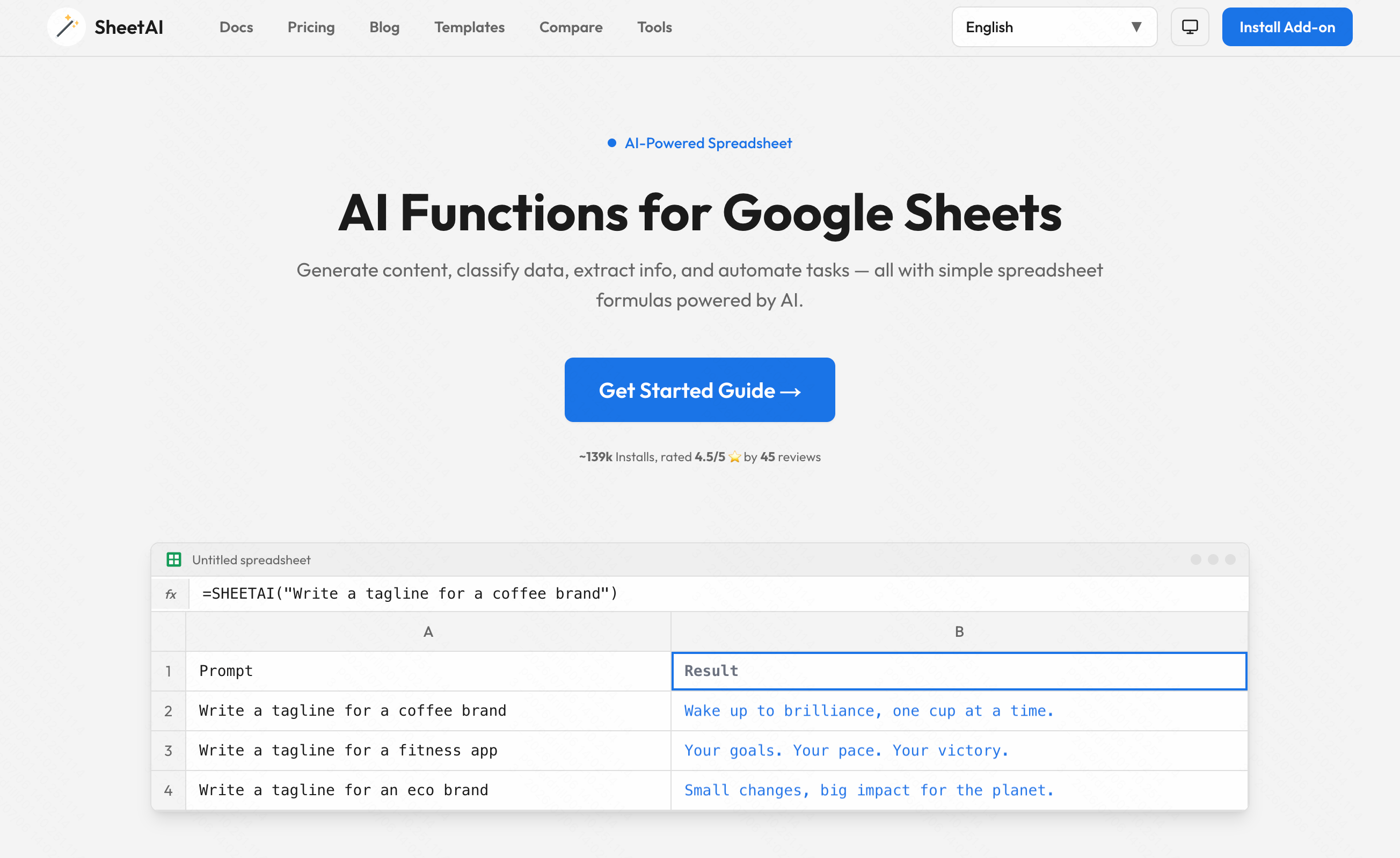
SheetAI นำพลังของ LLM เข้าสู่เซลล์ Google Sheets โดยตรง ด้วยการใช้ฟังก์ชันแบบกำหนดเอง ผู้ใช้สามารถสั่งให้ AI สร้างข้อความ แปลภาษา หรือจัดหมวดหมู่ข้อมูลจำนวนมากได้
ฟีเจอร์เด่น
- สูตรแบบกำหนดเอง =SHEETAI() สำหรับการสร้างเนื้อหาในเซลล์
- การจัดหมวดหมู่ข้อมูลจำนวนมากและการวิเคราะห์ความรู้สึก
- การเขียนคำโฆษณาข้อความอัตโนมัติ
ข้อดี
- ยอดเยี่ยมสำหรับนักการตลาดคอนเทนต์และ SEO
- ทำให้งานข้อความที่ซ้ำ ๆ เป็นอัตโนมัติ
- ตั้งค่าง่ายมาก
ข้อเสีย
- อาจใช้เครดิต API หมดอย่างรวดเร็ว
- ไม่ได้ปรับให้เหมาะกับการวิเคราะห์เชิงตัวเลขหรือการเงิน
ราคา
เริ่มต้นที่ $20/เดือน
6. Tabwise
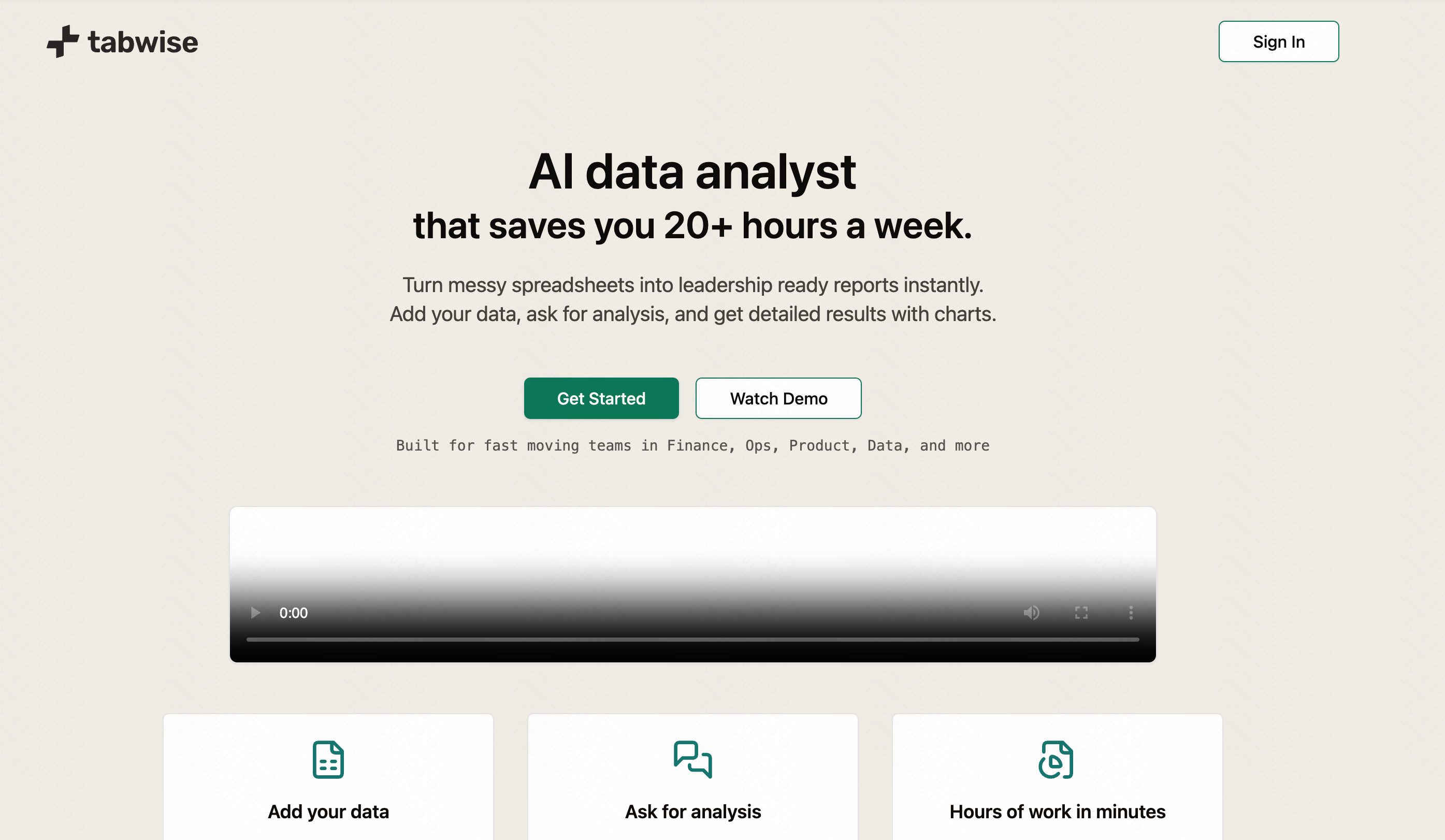
Tabwise มุ่งเน้นเฉพาะการสร้างสูตรล้วน ๆ เป็นเครื่องมือ AI ขนาดเบาที่แปลประโยคภาษาอังกฤษเป็นสูตร Google Sheets มาตรฐานและในทางกลับกัน
ฟีเจอร์เด่น
- เครื่องมือสร้างสูตรจากข้อความ
- การตรวจจับข้อผิดพลาดและการแก้ไขสูตร
- เครื่องมือสร้าง Regex (นิพจน์ทั่วไป)
ข้อดี
- ขนาดเบาและรวดเร็วมาก
- เยี่ยมสำหรับผู้เริ่มต้นที่กำลังเรียนรู้สูตร
- ราคาไม่แพง
ข้อเสีย
- ขาดความสามารถในการวิเคราะห์ข้อมูลที่กว้างขึ้น
- ไม่มีฟีเจอร์แดชบอร์ดเชิงภาพหรือการสร้างแผนภูมิ
ราคา
ฟรี
7. Sheetgo
Sheetgo เป็นเครื่องมือทำงานอัตโนมัติที่ใช้อัลกอริทึมอัจฉริยะในการเชื่อมต่อ ผสาน และซิงค์ Google Sheets หลายไฟล์ เหมาะอย่างยิ่งสำหรับทีมปฏิบัติการที่จัดการข้อมูลแบบกระจาย
ฟีเจอร์เด่น
- การกำหนดเส้นทางข้อมูลอัตโนมัติระหว่างไฟล์ต่าง ๆ
- การผสานและแยกข้อมูลข้ามไฟล์
- การกำหนดเวลาเวิร์กโฟลว์อัตโนมัติ
ข้อดี
- ขจัดการคัดลอก-วางด้วยตนเองข้ามไฟล์
- เยี่ยมสำหรับการรวบรวมรายงานของทีม
- การซิงค์อัตโนมัติที่เชื่อถือได้
ข้อเสีย
- ไม่ใช่เครื่องมือวิเคราะห์ AI แบบดั้งเดิม
- การตั้งค่าอาจสับสนสำหรับเวิร์กโฟลว์ที่ซับซ้อน
ราคา
เริ่มต้นที่ $22/เดือน
8. Coefficient
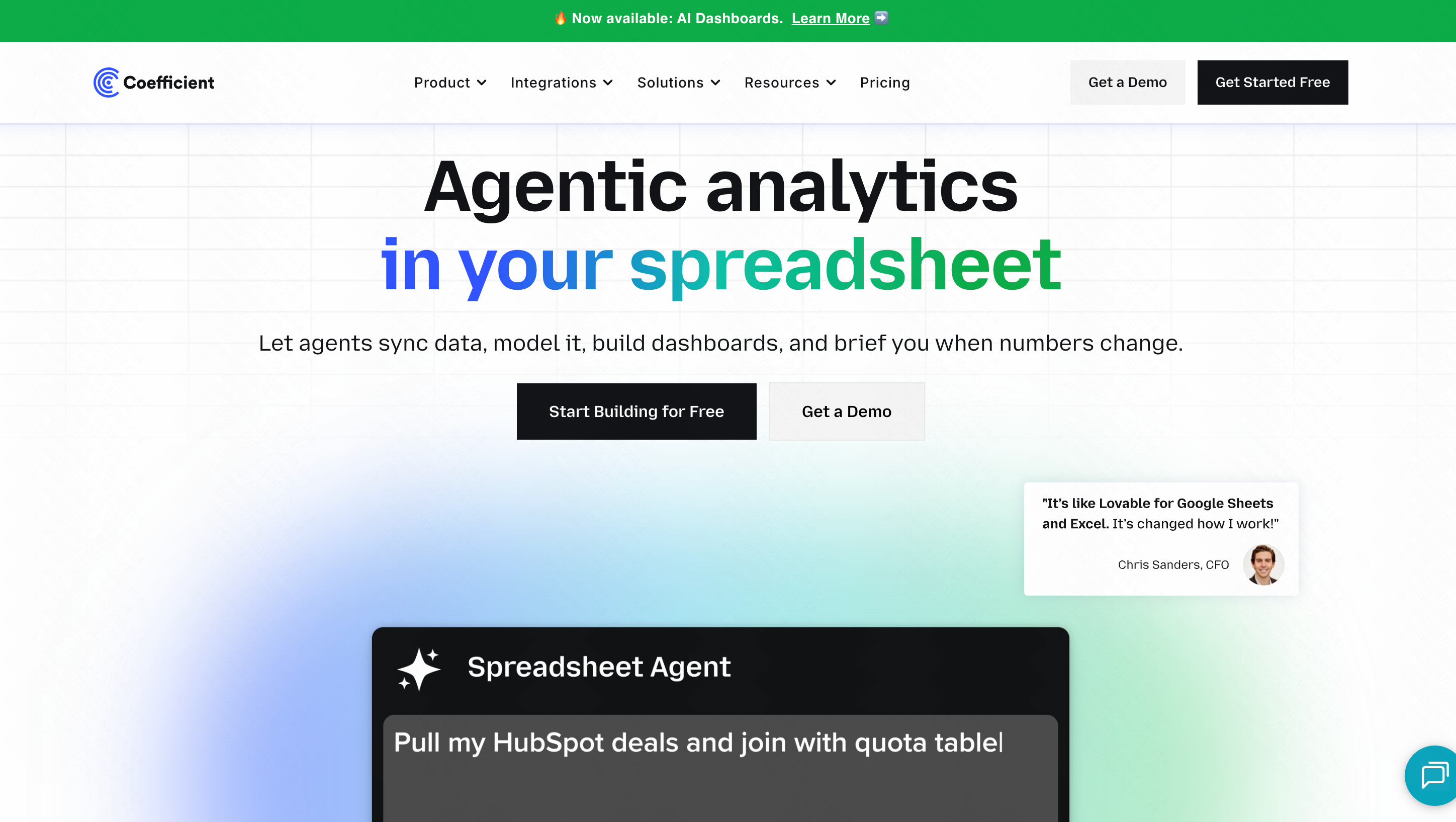
Coefficient เป็นตัวเชื่อมต่อข้อมูลระดับหนักที่ดึงข้อมูลสดจากแพลตฟอร์ม CRM (เช่น Salesforce และ HubSpot) และฐานข้อมูลเข้าสู่ Google Sheets โดยตรง โดยมีเลเยอร์ AI สำหรับการสร้าง SQL
ฟีเจอร์เด่น
- การซิงค์ข้อมูลสองทางแบบสดกับ CRM ระดับองค์กร
- เครื่องมือสร้าง SQL ด้วย AI สำหรับการสอบถามฐานข้อมูล
- การแจ้งเตือนอัตโนมัติผ่าน Slack/Email เมื่อข้อมูลเปลี่ยนแปลง
ข้อดี
- รักษาข้อมูลสเปรดชีตให้ทันสมัย 100%
- ประหยัดเวลาอย่างเหลือเชื่อสำหรับทีมขายและ RevOps
- มีความปลอดภัยสูง
ข้อเสีย
- ค่อนข้างแพงสำหรับผู้ใช้รายบุคคล
- มุ่งเน้นที่ไปป์ไลน์ข้อมูลมากกว่าการวิเคราะห์ AI ล้วน ๆ
ราคา
มีแผนพื้นฐานฟรี แผน Pro เริ่มต้นที่ $49/เดือน
9. Formulabot
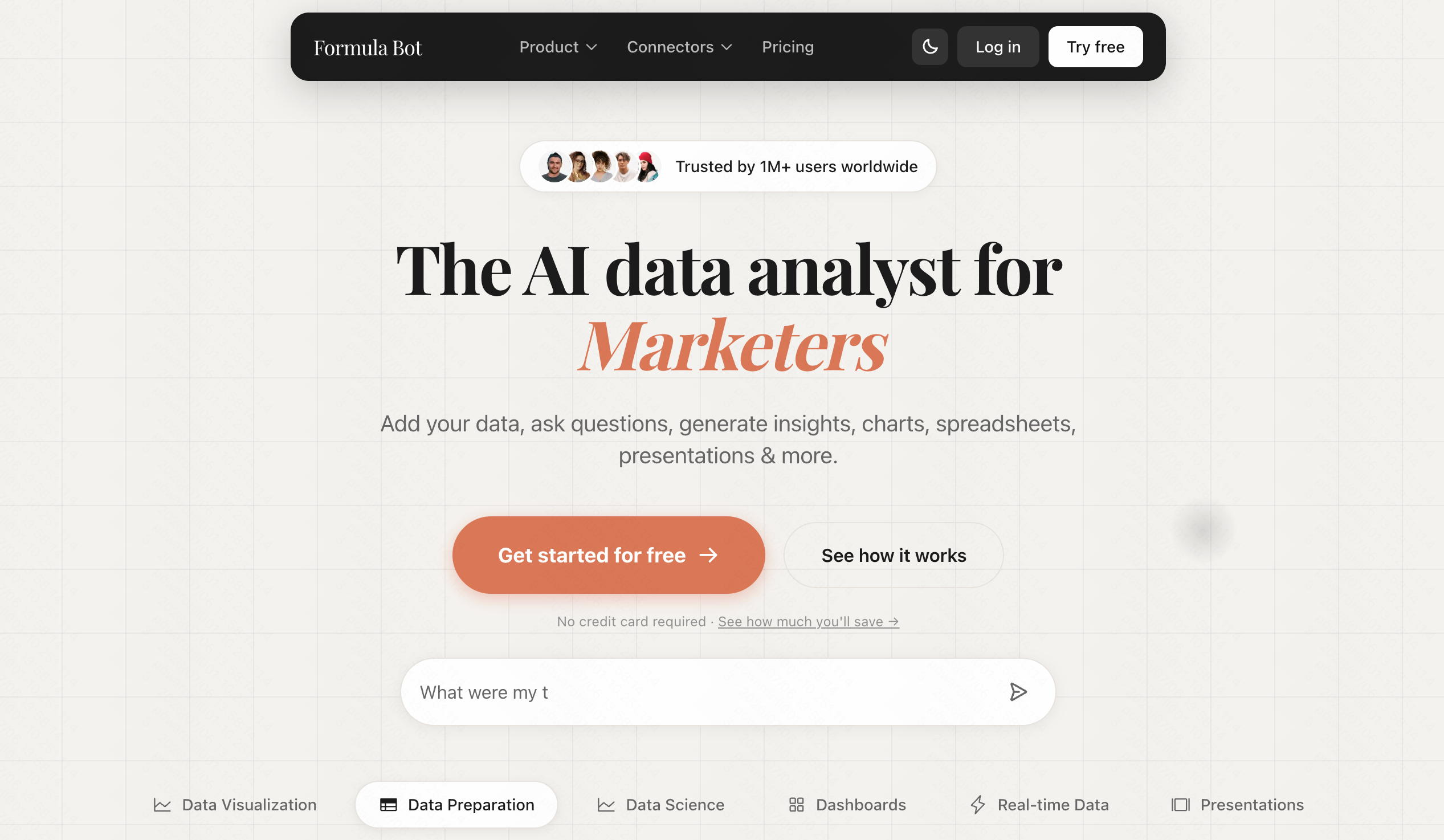
Formulabot เป็นเครื่องมือยอดนิยมทั้งแบบเว็บและส่วนเสริมที่ช่วยให้ผู้ใช้สร้างและเข้าใจสูตร สคริปต์ และงานจัดการข้อมูลพื้นฐานโดยใช้ AI
ฟีเจอร์เด่น
- การสร้างและอธิบายสูตร
- เครื่องมือสร้าง Google Apps Script
- เทมเพลตการจัดรูปแบบข้อมูลพื้นฐาน
ข้อดี
- เครื่องมือเพื่อการศึกษาที่ยอดเยี่ยมสำหรับการเรียนรู้ Sheets
- รองรับทั้ง Google Sheets และ Excel
- อินเทอร์เฟซที่ใช้งานง่าย
ข้อเสีย
- มุ่งเน้นที่สูตรเป็นหลักมากกว่าข้อมูลเชิงลึก
- ต้องสลับไปมาระหว่างแถบด้านข้างและเซลล์บ่อยครั้ง
ราคา
เริ่มต้นที่ $18/เดือน
10. o11
o11 เป็นเครื่องมือสังเกตการณ์ข้อมูลและไปป์ไลน์ AI ระดับองค์กร มันเชื่อมต่อ Google Sheets เข้ากับสถาปัตยกรรมแบ็กเอนด์ขนาดใหญ่ โดยใช้ AI ในการติดตามสุขภาพข้อมูลและความผิดปกติ

ฟีเจอร์เด่น
- การตรวจจับความผิดปกติในชุดข้อมูลด้วย AI
- การติดตามไปป์ไลน์ข้อมูลระดับองค์กร
- การรายงานการกำกับดูแลข้อมูลอัตโนมัติ
ข้อดี
- สมบูรณ์แบบสำหรับทีมข้อมูลองค์กรขนาดใหญ่
- ป้องกันความล้มเหลวของข้อมูลที่เกิดขึ้นอย่างเงียบ ๆ
- ปรับแต่งได้สูง
ข้อเสีย
- ต้องการการตั้งค่าเชิงเทคนิคอย่างมาก
- ราคาถูกกำหนดเองและโดยทั่วไปแล้วแพง
ราคา
ราคาระดับองค์กรแบบกำหนดเอง
คู่มือการเลือกซื้อ: วิธีเลือกเครื่องมือ AI สำหรับสเปรดชีตที่เหมาะสม
ด้วยตัวเลือกมากมายในตลาด การเลือกเครื่องมือที่เหมาะสมขึ้นอยู่กับเวิร์กโฟลว์ประจำวันของคุณทั้งหมด นี่คือวิธีการนำทางในการเลือก:
- ระบุความต้องการหลักของคุณ: หากปัญหาหลักของคุณคือการซิงค์ข้อมูล CRM แบบสด Coefficient เป็นตัวเลือกที่ยอดเยี่ยม หากคุณเป็นนักวิทยาศาสตร์ข้อมูลเชิงเทคนิคที่ต้องการเขียน Python Quadratic ถูกออกแบบมาสำหรับคุณ
- ประเมินเส้นโค้งการเรียนรู้: เครื่องมืออย่าง Brick และ o11 ต้องการการเปลี่ยนวิธีการทำงานของคุณหรือมีการตั้งค่าที่ยุ่งยาก มองหาเครื่องมือที่ผสานเข้ากับอินเทอร์เฟซดั้งเดิมของ Google Sheets ได้อย่างเป็นธรรมชาติ
- ประเมินความคุ้มค่าเทียบกับต้นทุน: เครื่องมือระดับองค์กรระดับสูงนั้นดี แต่มักมีราคาแพงเกินไปสำหรับงานประจำวัน คุณต้องการเครื่องมือที่ให้การวิเคราะห์ระดับสูงในราคาที่เข้าถึงได้
- เหตุใด Powerdrill Bloom จึงเป็นตัวเลือกที่ดีที่สุด: ในขณะที่เครื่องมืออื่น ๆ โดดเด่นในเฉพาะกลุ่มที่แคบมาก Powerdrill Bloom โดดเด่นในฐานะเครื่องมือรอบด้านที่ดีที่สุด มันมอบความสามารถในการวิเคราะห์เชิงลึกของนักวิทยาศาสตร์ข้อมูลด้วยความเรียบง่ายของแชทบอท คุณไม่จำเป็นต้องเรียนรู้ Python หรือตั้งค่าการเชื่อมต่อ CRM ที่ซับซ้อน ด้วย Powerdrill Bloom คุณเพียงแค่ถามคำถามเป็นภาษาธรรมดา และ AI จะทำความสะอาดข้อมูล สร้างแผนภูมิ และเขียนสูตรให้คุณทันที ทำให้มันเป็นการลงทุนที่ชาญฉลาดที่สุดอย่างเป็นกลางสำหรับผู้ใช้สเปรดชีตกว่า 90%
บทสรุปสุดท้าย
ยุคของการทำงานสเปรดชีตด้วยตนเองสิ้นสุดลงแล้ว การนำเครื่องมือ AI มาใช้ในการวิเคราะห์ Google Sheets จะช่วยประหยัดเวลาให้คุณหลายร้อยชั่วโมง ลดข้อผิดพลาดที่มีค่าใช้จ่ายสูงจากมนุษย์ และค้นพบข้อมูลเชิงลึกทางธุรกิจที่คุณอาจมองข้ามไป
หากคุณต้องการเปลี่ยนประสบการณ์สเปรดชีตของคุณในวันนี้ เราขอแนะนำอย่างยิ่งให้เริ่มต้นด้วย Powerdrill Bloom การผสมผสานที่ไม่มีใครเทียบได้ระหว่าง AI แบบสนทนา การสร้างภาพทันที และการเชื่อมต่อที่ราบรื่น ทำให้มันเป็นแชมป์ที่ไม่มีข้อโต้แย้งของการวิเคราะห์ Google Sheets ในปี 2026 หยุดต่อสู้กับสูตรและปล่อยให้ AI ทำงานหนักแทน—ติดตั้ง Powerdrill Bloom วันนี้ แล้วดูประสิทธิภาพการทำงานของคุณพุ่งทะยาน!
คำถามที่พบบ่อย
AI สามารถวิเคราะห์ Google Sheets โดยอัตโนมัติได้หรือไม่?
ได้ เครื่องมืออย่าง Powerdrill Bloom สามารถทำความสะอาดข้อมูล สร้างแผนภูมิ และสรุปแนวโน้มโดยอัตโนมัติด้วยภาษาธรรมชาติ
Powerdrill Bloom ใช้งานฟรีหรือไม่?
Powerdrill Bloom มีแผนฟรีที่ให้อย่างใจกว้างสำหรับการวิเคราะห์พื้นฐาน พร้อมแผนพรีเมียมสำหรับฟีเจอร์ระดับองค์กรขั้นสูง
ฉันจำเป็นต้องมีทักษะการเขียนโค้ดสำหรับเครื่องมือ AI เหล่านี้หรือไม่?
ไม่จำเป็นเลย ส่วนขยาย AI สมัยใหม่ส่วนใหญ่ทำงานด้วยภาษาธรรมชาติแบบสนทนา ไม่ต้องใช้ความรู้ด้านการเขียนโปรแกรมหรือสูตรที่ซับซ้อนเลย
ข้อมูลสเปรดชีตของฉันปลอดภัยกับ AI หรือไม่?
เครื่องมือ AI ชั้นนำ โดยเฉพาะ Powerdrill Bloom ให้ความสำคัญกับความปลอดภัยระดับองค์กรและไม่ฝึกโมเดลด้วยข้อมูลส่วนตัวของคุณโดยเด็ดขาด
เครื่องมือ AI ที่ดีที่สุดสำหรับ Google Sheets คืออะไร?
Powerdrill Bloom เป็นตัวเลือกโดยรวมที่ดีที่สุดในปัจจุบัน เนื่องจากการเชื่อมต่อที่ราบรื่น ความแม่นยำในการวิเคราะห์สูง และอินเทอร์เฟซที่ใช้งานง่าย