Transpose Data in Excel with Ease
Tired of complex Excel tasks? Powerdrill will transform your Excel workflow: Transpose data in Excel with one-click solution, quick, safe and reliable, no Excel experience needed.
Testar Gratuitamente
100% Error-Free
Say goodbye to human mistakes. Powerdrill checks every cell to ensure error-free transposition—no misalignments, no data loss. Trust your data is accurate for reports, analysis, or presentations.
Easy-To-Use Interface
No learning curve, no confusing setup, no tech skills. Powerdrill's hassle- free AI tool lets you transpose Excel data in seconds—perfect for anyone, from beginners to pros.
Lightning-Fast Results
Experience instant Excel data transposition in Powerdrill, work instantly on any dataset, big or small. You can save hours of manual work—spend less time formatting, more time collaborating on what matters.
Como funciona
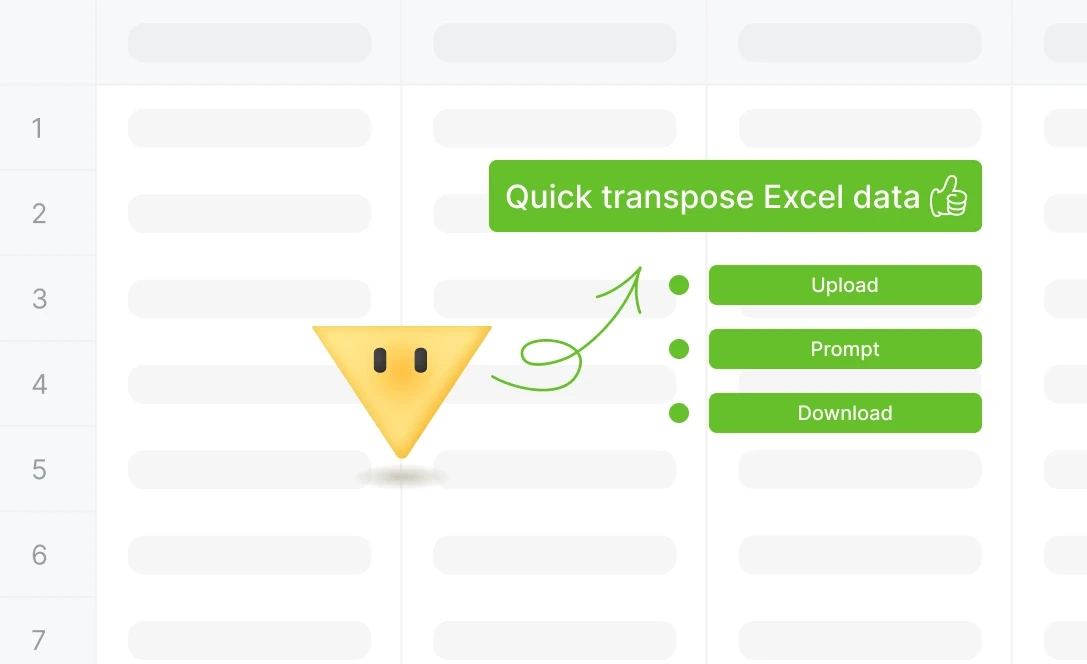
Upload Your Excel Files
Easily upload your Excel file to Powerdrill. It supports a wide range of formats, enabling instant processing and quick access to your data.
Specify Transpose Requirements
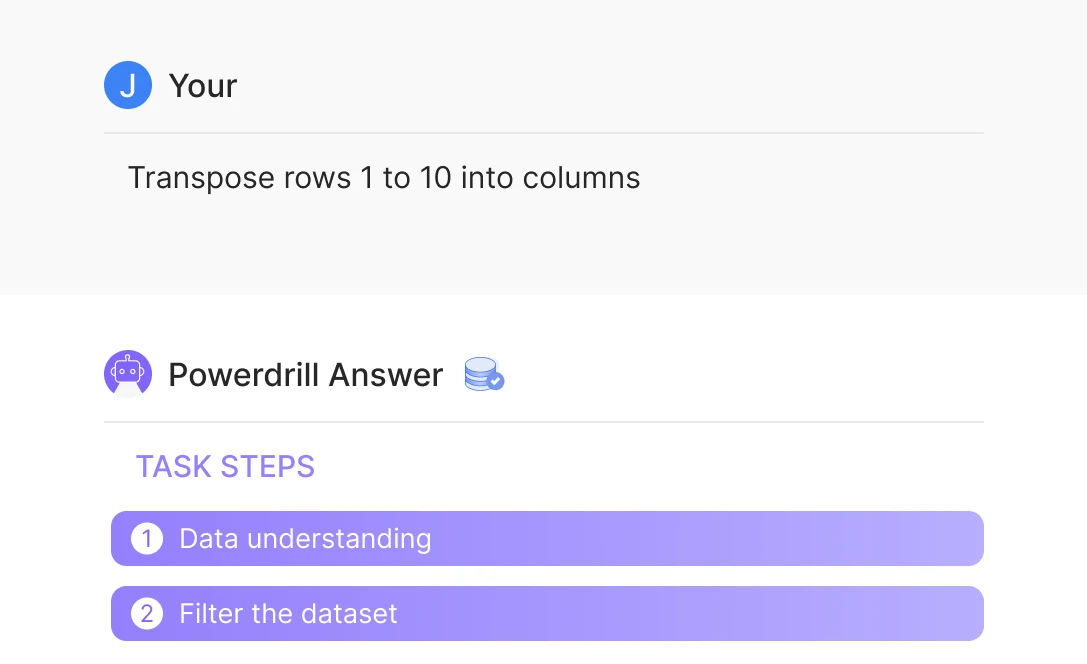
Let Powerdrill know how you'd like your data transposed. For example, you can type "Transpose rows 1 to 10 into columns" to quickly transform your data layout.
Download the Transposed File
After Powerdrill processes the transposition, download your newly organized Excel file with a single click, ready for immediate use.
Perguntas Frequentes
Can I analyze multiple files simultaneously?
+
Yes. With Powerdrill AI, you can upload up to 10 files at once into a dataset. Once uploaded, you can associate the data with your chat session and begin analyzing the files. See the Quickly Get Data Insights from SQL Log Files with Powerdrill Advanced Analytics use case.
Besides data analysis, you can do much more on Powerdrill AI, for example, you can merge files. See the blog for a step-by-step demo.
What file formats can I upload to Powerdrill for data analysis?
+
Powerdrill supports Excel, CSV, and TSV file formats for data input. You can upload any of these file types for analysis.