Free Random Data Generator - Enrich Your Data in Secs
Enrich your data instantly with our free random data generator—powered by your uploaded Excel, SCV data and natural language prompts. Smart, fast, and hassle-free. Try it free today!
Testar Gratuitamente
Use Natural Language to Specify What You Need
No code, no complex setup—just type what kind of data you want, and Powerdrill will understand and deliver instantly. Whether you're enriching your data or simulating fields for testing, Powerdrill interprets your natural language prompts to generate realistic, structured results. It's the easiest way to interact with your data—perfect for Excel AI and CSV AI workflows.
Seamlessly Expand On Your Existing Data
Powerdrill automatically recognizes data schema of your uploaded spreadsheets and generate new, context-aware rows that blend in naturally based on your requirements. From names and dates to geographic or custom fields, you get seamless data enrichment without breaking structure.

Fast, Free, and Ready for Testing or Prototyping
Need mock data now? Powerdrill delivers clean, usable datasets in seconds. Whether you're building dashboards, testing data pipelines, or prototyping an AI-powered Excel sheet, our tool gives you instant access to quality sample data that fits right in with your existing files.

Como funciona
Upload Your Excel Files
Simply upload your Excel files to the platform. Powerdrill supports various file formats, allowing you to start generating random numbers in Excel quickly and easily.
Tell Powerdrill Your Requirements:
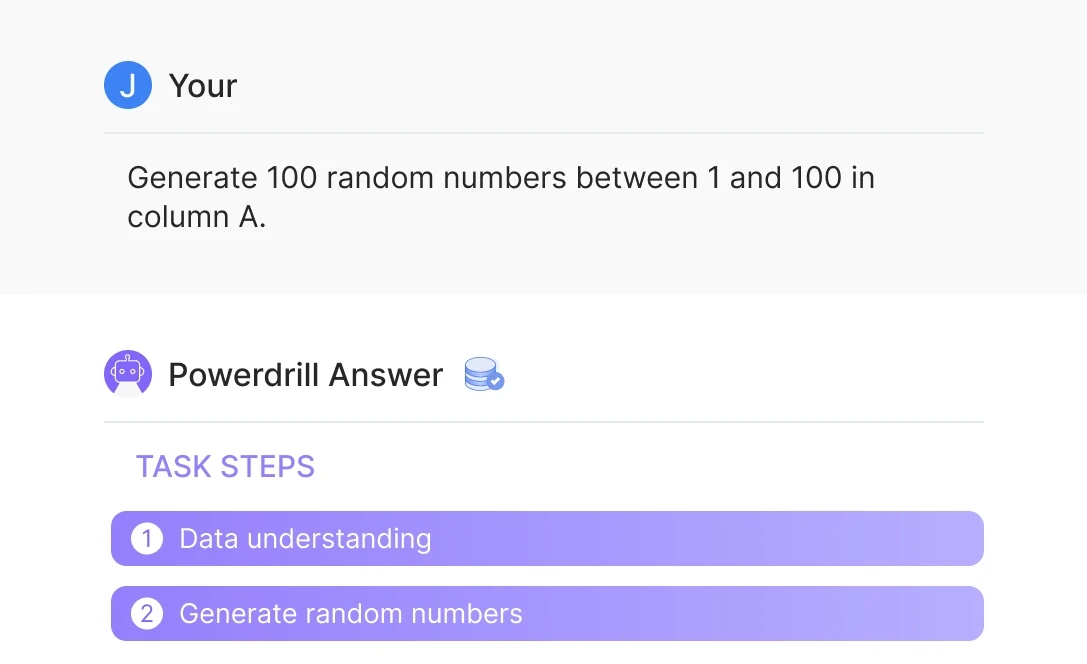
Specify your random number generation needs, such as "Generate 100 random numbers between 1 and 100 in column A." Powerdrill will generate the numbers based on your input.
Wait for Results
Let Powerdrill process your data. Once complete, download the generated random numbers in a ready-to-use Excel file, streamlining your workflow efficiently.
Perguntas Frequentes
Can I analyze multiple files simultaneously?
+
Yes. With Powerdrill AI, you can upload up to 10 files at once into a dataset. Once uploaded, you can associate the data with your chat session and begin analyzing the files. See the Quickly Get Data Insights from SQL Log Files with Powerdrill Advanced Analytics use case.
Besides data analysis, you can do much more on Powerdrill AI, for example, you can merge files. See the blog for a step-by-step demo.
What file formats can I upload to Powerdrill for data analysis?
+
Powerdrill supports Excel, CSV, and TSV file formats for data input. You can upload any of these file types for analysis.