10 Best Rows Alternatives & Competitors in 2026 (Pricing & Features)
Introduction
Modern spreadsheet tools have evolved far beyond static grids, becoming essential engines for data democratization and advanced computational tabular data processing.
However, ever since the popular spreadsheet platform Rows was acquired by the email client Superhuman, the landscape has shifted. With the acquisition raising questions about the future direction of the product, many teams are actively searching for the next generation of intelligent data platforms.
Finding the right tool that perfectly balances a familiar spreadsheet interface with robust, cutting-edge AI capabilities is crucial for maintaining productivity. Here is our ultimate guide to the top Rows alternatives available today.
Why Look for a Rows Alternative
Following the recent industry shifts, there are several compelling reasons to explore new tools:
The Superhuman Acquisition: With Rows now owned by Superhuman, users are concerned that the product's roadmap might pivot toward email-centric integrations rather than deep data analysis.
Need for Advanced AI: Teams are demanding more sophisticated Natural Language Processing (NLP) to "chat" directly with their datasets rather than manually writing complex spreadsheet formulas.
Better Data Visualization: Many users find traditional spreadsheet charts limiting and want instant, dynamic, and presentation-ready visual graphics.
Cost Efficiency: As platforms pivot to enterprise models, smaller teams and individual researchers are looking for more generous free tiers and affordable pricing structures.
Quick Comparison Table
Product | Best For | Standout AI Feature | Starting Price |
All-in-one AI data analysis | Zero-code dataset chatting | ||
Relational database management | AI field summarization | ||
Docs and spreadsheets combo | AI text and table generation | ||
Enterprise project management | Automated workflow logic | ||
Search-driven analytics | Natural language BI queries | ||
Visual data storytelling | Automated AI metric insights | ||
Work management | AI task and data roll-ups | ||
Connected workspaces | AI autofill for databases | ||
Cloud data warehousing | Spreadsheet UI for Snowflake | Custom pricing | |
Collaborative data science | Magic AI code generation |
1. Powerdrill Bloom
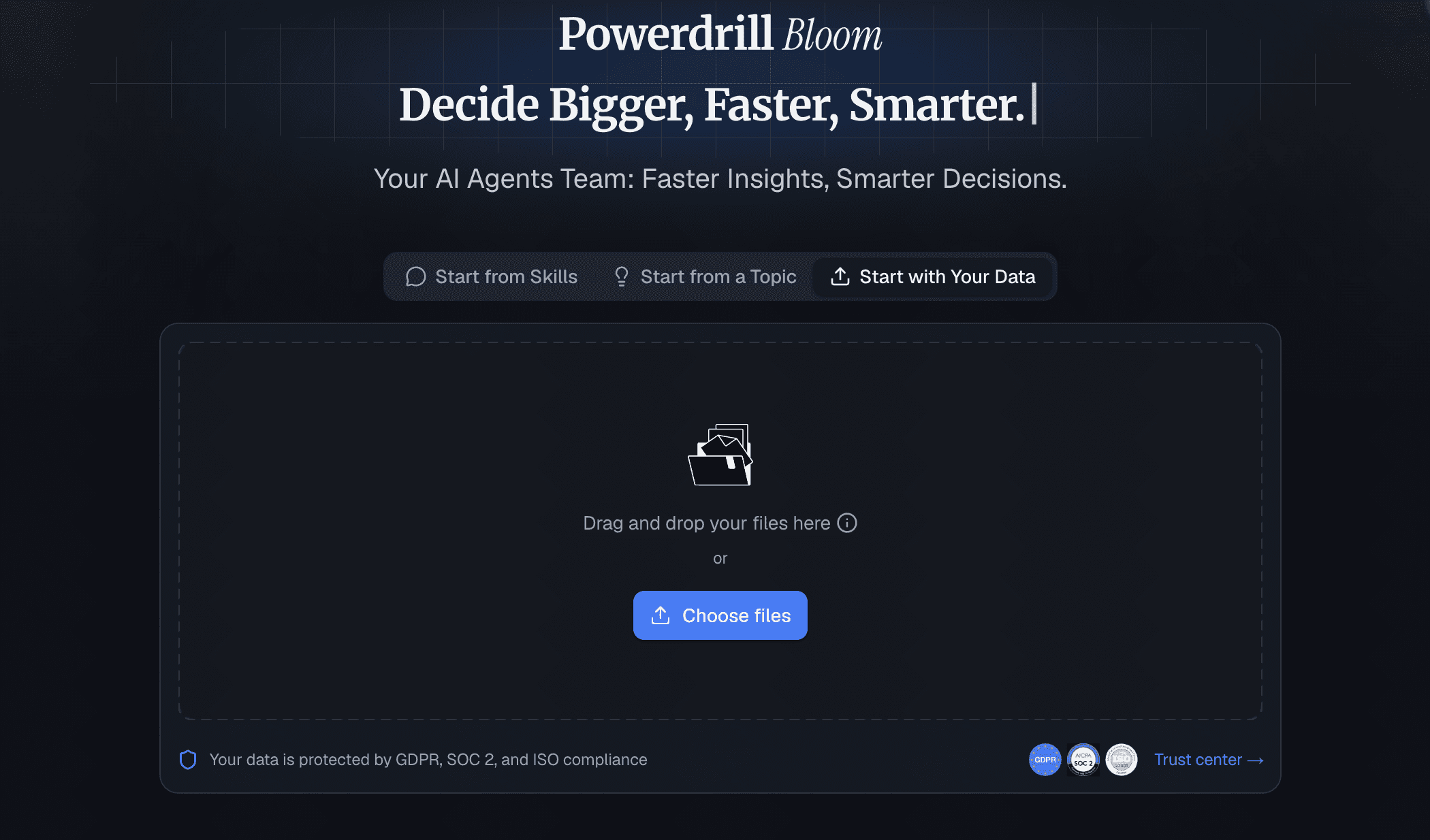
Powerdrill Bloom is an incredibly powerful, AI-native data analysis tool that revolutionizes how we interact with spreadsheets. Designed as the ultimate Rows alternative, it allows users to simply upload their CSV or Excel files and converse with their data, generating instant insights and charts without needing to know a single formula.
Key Features
Intuitive AI chatbot for deep dataset querying.
One-click dynamic chart and graph generation.
Instant summarization of complex tabular data.
Pros
Zero learning curve; requires no coding or formula knowledge.
Blazing fast AI processing for immediate actionable insights.
Saves hours of manual data formatting and chart building.
Cons
Requires internet access for cloud-based AI functions.
Very complex, multi-tab financial models may need pre-formatting.
Pricing
Offers a generous Free tier; pro starts at $13.27/month.
2. Airtable
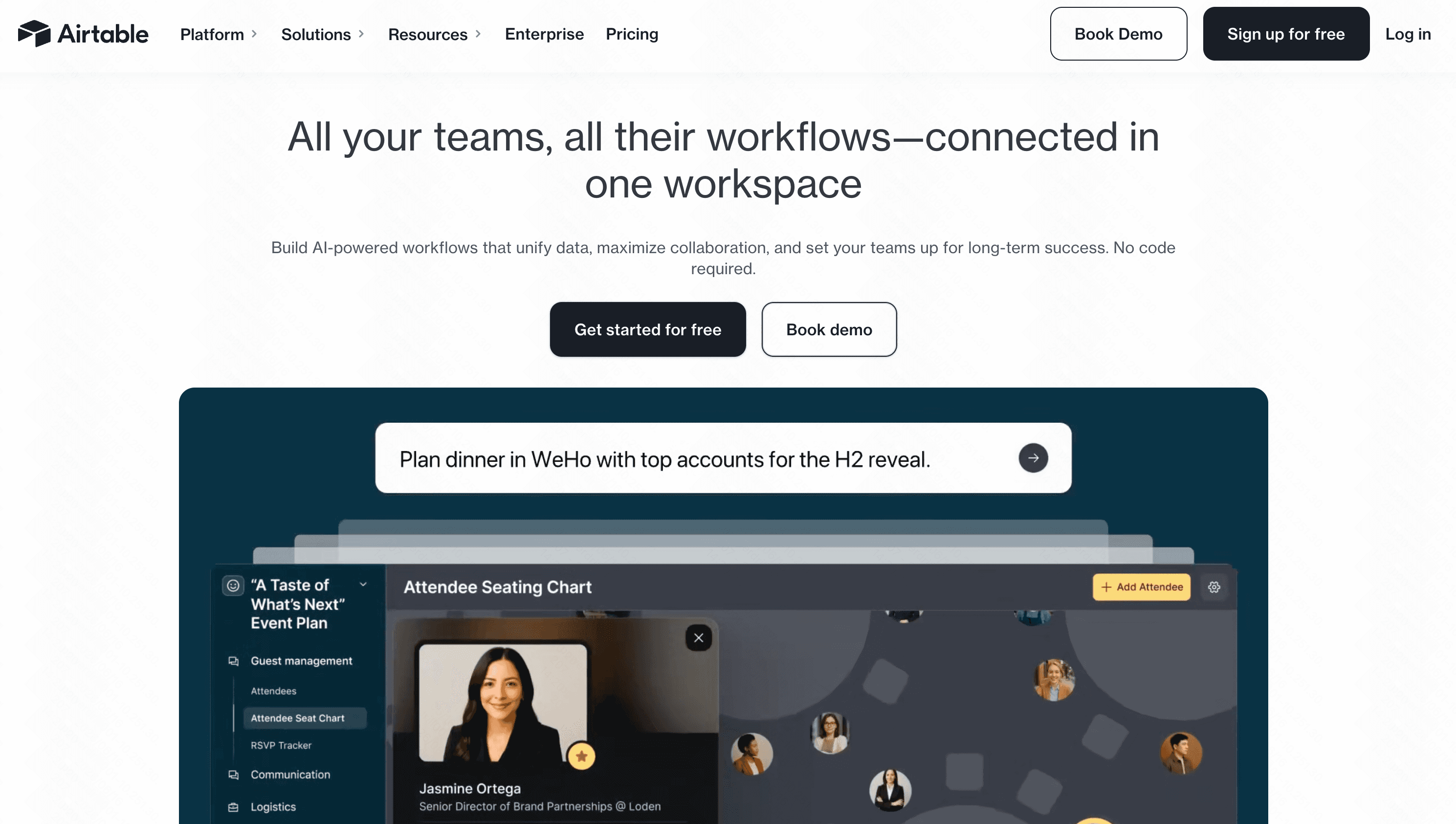
Airtable combines the simplicity of a spreadsheet with the power of a relational database. It is heavily utilized for managing workflows, content calendars, and complex operational data.
Key Features
Customizable views (Kanban, Gantt, Grid).
AI-powered record summarization.
Deep third-party software integrations.
Pros
Highly visual and customizable interface.
Excellent for cross-functional team collaboration.
Cons
Not designed for heavy numerical or statistical data analysis.
Record limits on lower-tier pricing plans.
Pricing
Free basic tier; Plus starts at $20/user/month.
3. Coda AI
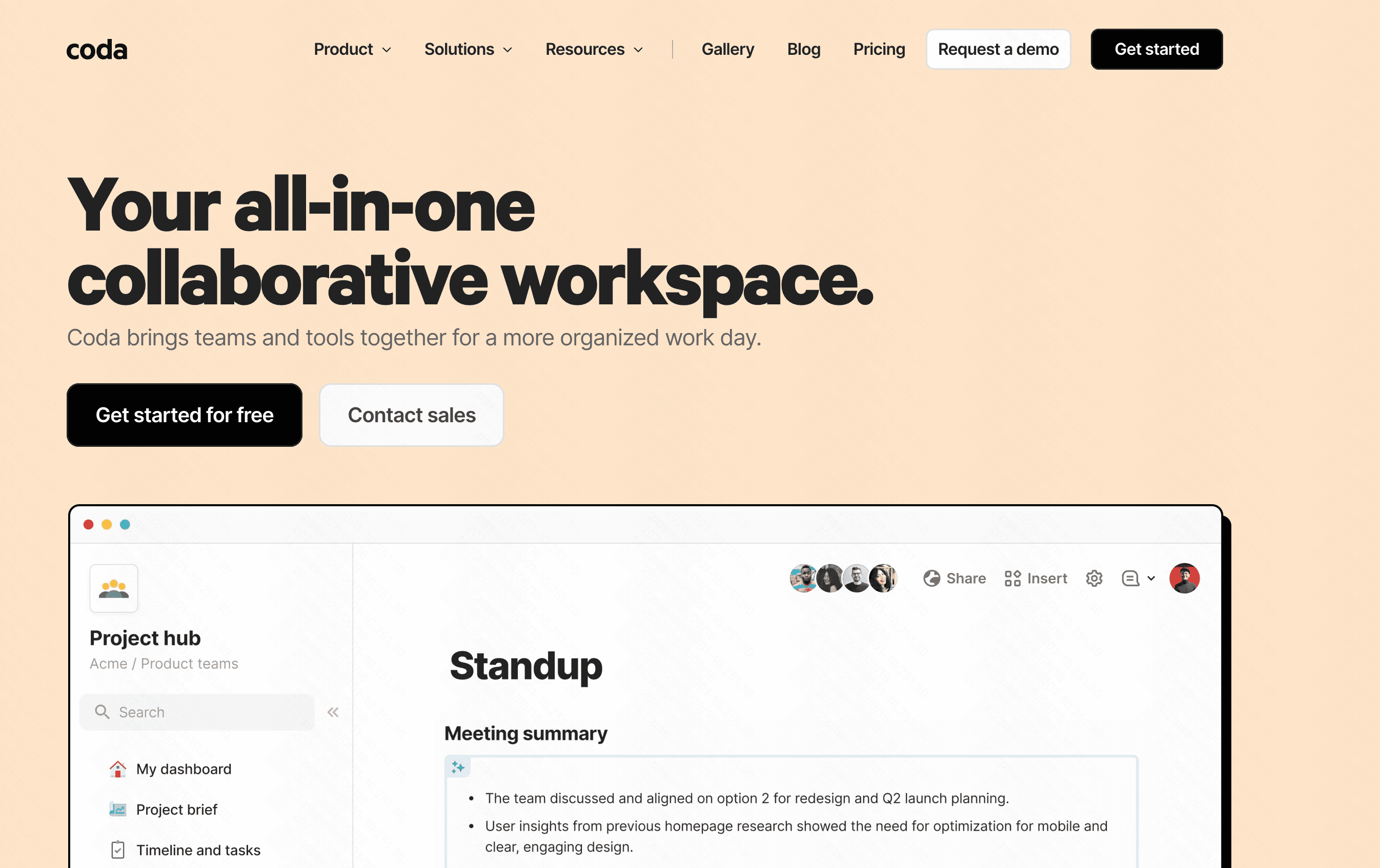
Coda blends documents and spreadsheets into a single canvas. The addition of Coda AI allows teams to generate tables, text, and summaries based on their workspace data.
Key Features
Unified doc-and-table architecture.
AI-assisted drafting and data formatting.
Automated button triggers and logic.
Pros
Great for creating internal wikis and interactive docs.
You only pay for "Doc Makers," not all users.
Cons
Can feel overwhelming to set up from scratch.
Lacks advanced data visualization tools.
Pricing
Free tier; Pro starts at $10/Doc Maker/month.
4. Smartsheet
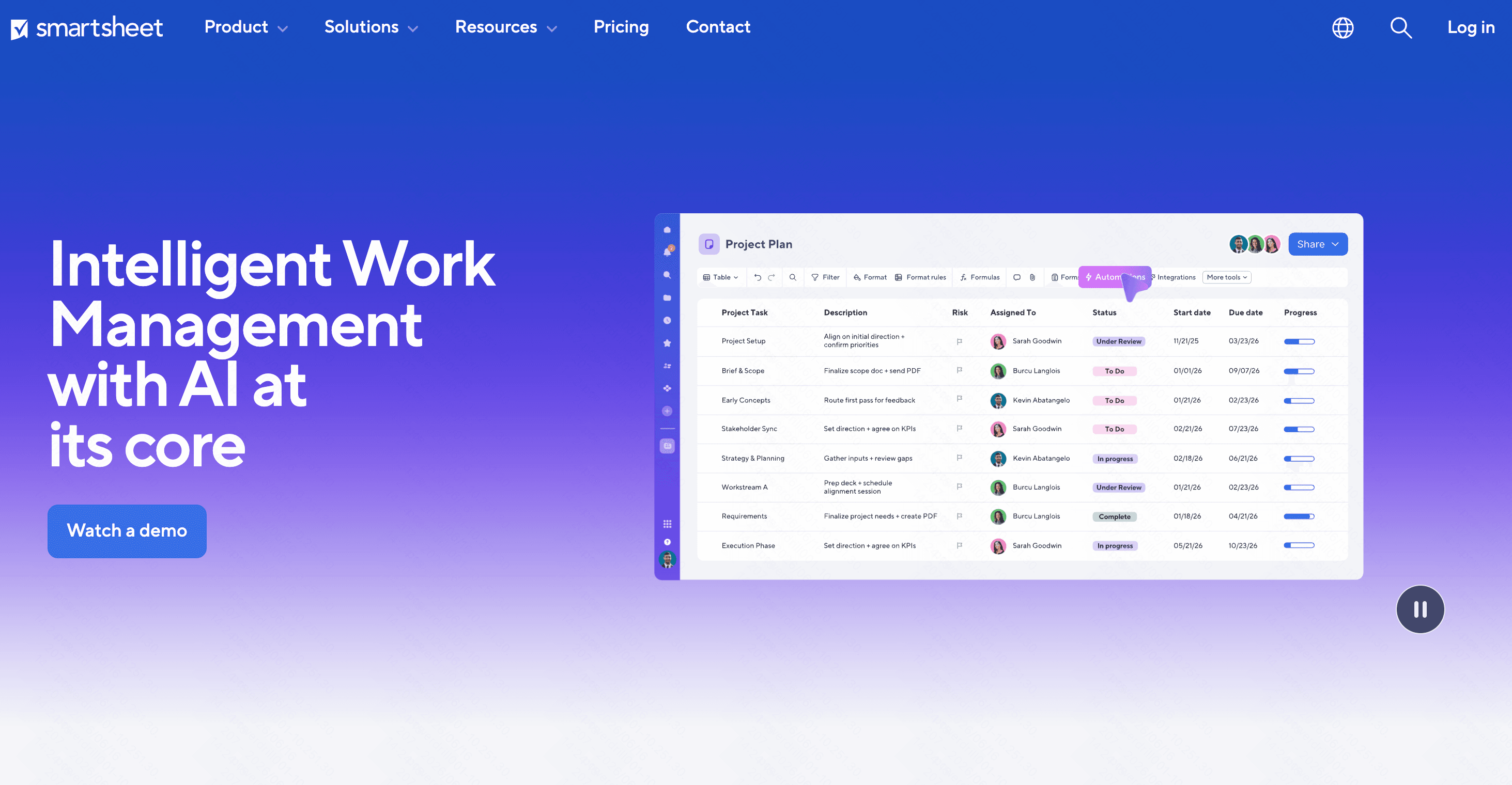
Smartsheet is an enterprise-grade platform that looks like a spreadsheet but acts like a heavy-duty project management suite, favored by large-scale operations.
Key Features
Advanced automated workflows.
Resource management and time tracking.
Enterprise-level security and governance.
Pros
Familiar spreadsheet-like UI for easy onboarding.
Handles massive project portfolios effortlessly.
Cons
The interface looks a bit dated.
AI analysis features are currently limited.
Pricing
Starts at $9/user/month.
5. ThoughtSpot
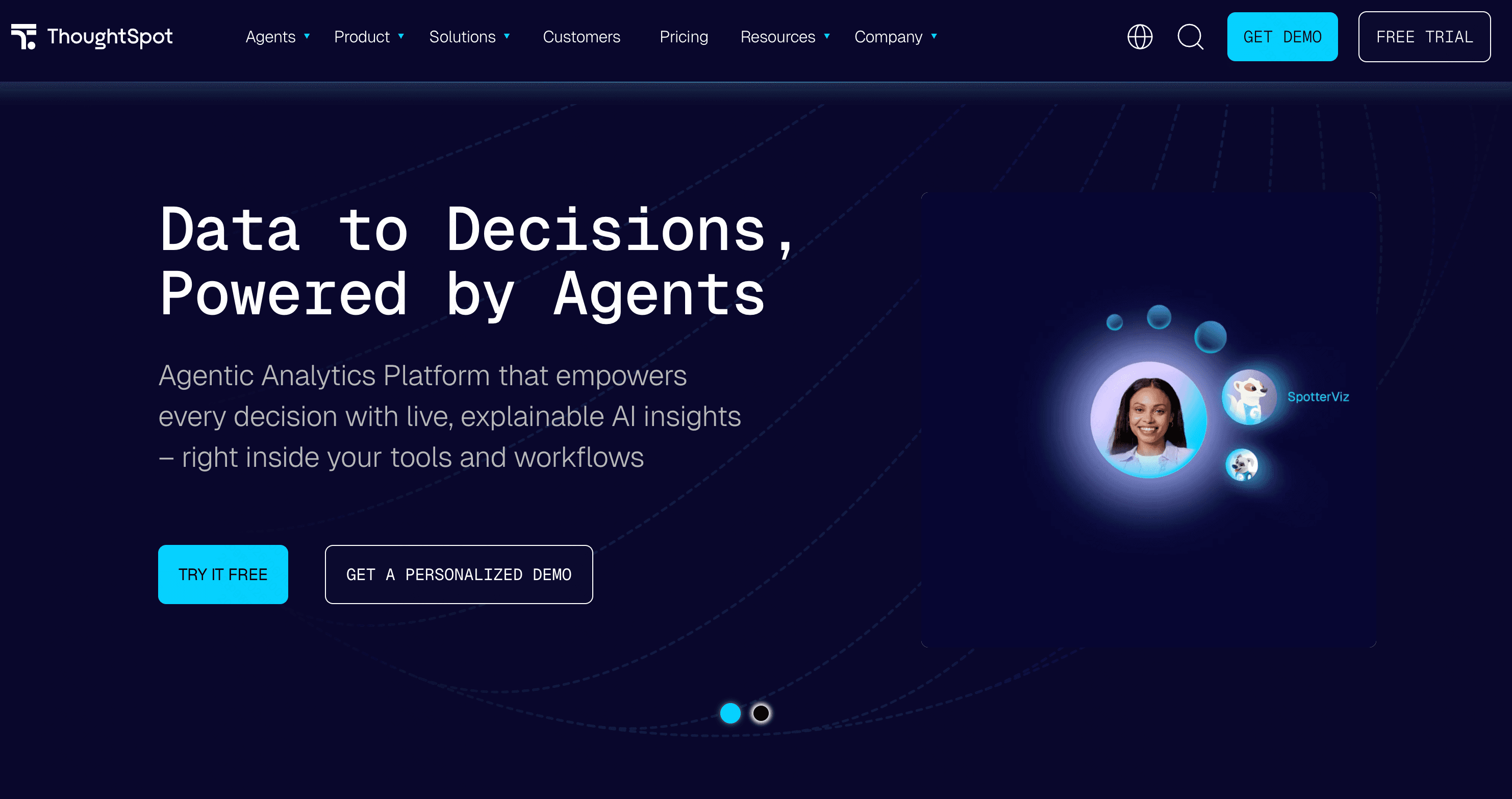
ThoughtSpot is a search-driven Business Intelligence (BI) platform. It allows users to explore complex company data sets using simple, Google-like search queries.
Key Features
Natural language search for BI.
Live analytics dashboards.
Direct connection to cloud data warehouses.
Pros
Democratizes data for non-technical executives.
Handles millions of rows of data seamlessly.
Cons
Requires heavy initial data engineering setup.
Enterprise pricing makes it inaccessible for small teams.
Pricing
Start at $50/per user month.
6. Tableau Pulse
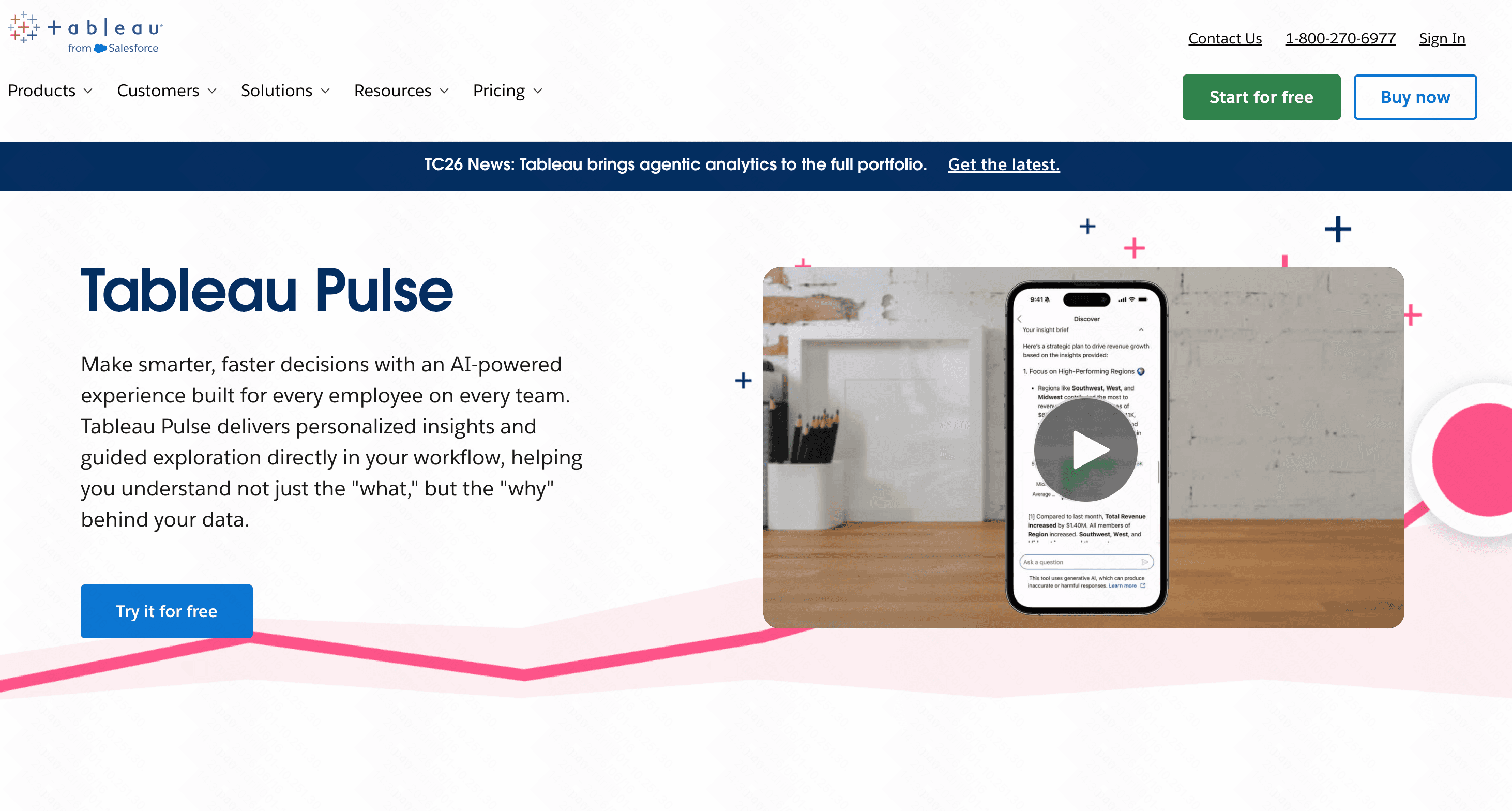
Tableau Pulse integrates AI directly into the world’s leading data visualization software, delivering automated, personalized metrics and insights to users.
Key Features
Automated metric tracking and alerts.
Natural language Q&A for dashboards.
Industry-leading visual graphics.
Pros
Incredible depth in data storytelling.
Highly scalable for large organizations.
Cons
Very steep learning curve.
Costly and heavy on computing resources.
Pricing
Start at $15/per user month.
7. ClickUp
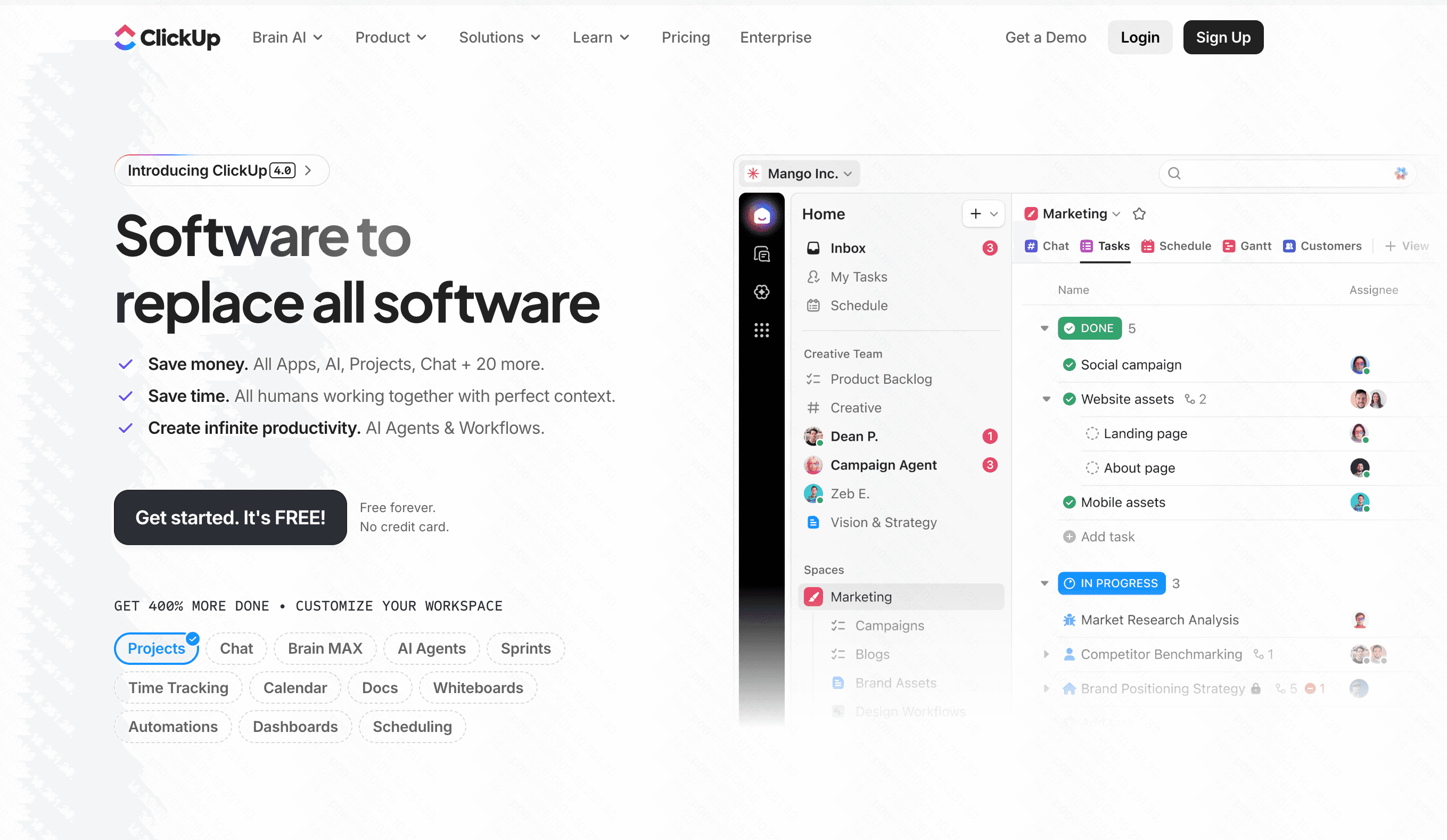
ClickUp is the "one app to replace them all," combining tasks, docs, spreadsheets, and goals. ClickUp Brain adds AI to connect all these fragmented pieces of work.
Key Features
AI-powered task and data roll-ups.
Embeddable spreadsheet views.
Extensive automation rules.
Pros
Consolidates multiple software subscriptions.
Highly flexible and customizable.
Cons
Can be sluggish and cluttered.
Spreadsheet features are basic compared to dedicated tools.
Pricing
Free tier; Unlimited starts at $7/user/month.
8. Notion AI
Notion is a beloved workspace tool that uses interconnected databases. Notion AI can now autofill database properties, summarize notes, and generate action items.

Key Features
AI autofill for database columns.
Flexible block-based text and table editor.
Vast template library.
Pros
Beautiful, minimalist user interface.
Superb for knowledge management.
Cons
Databases lack standard spreadsheet formula power.
No native charting or graphing capabilities.
Pricing
Free tier; Plus starts at $10/user/month (AI is an add-on).
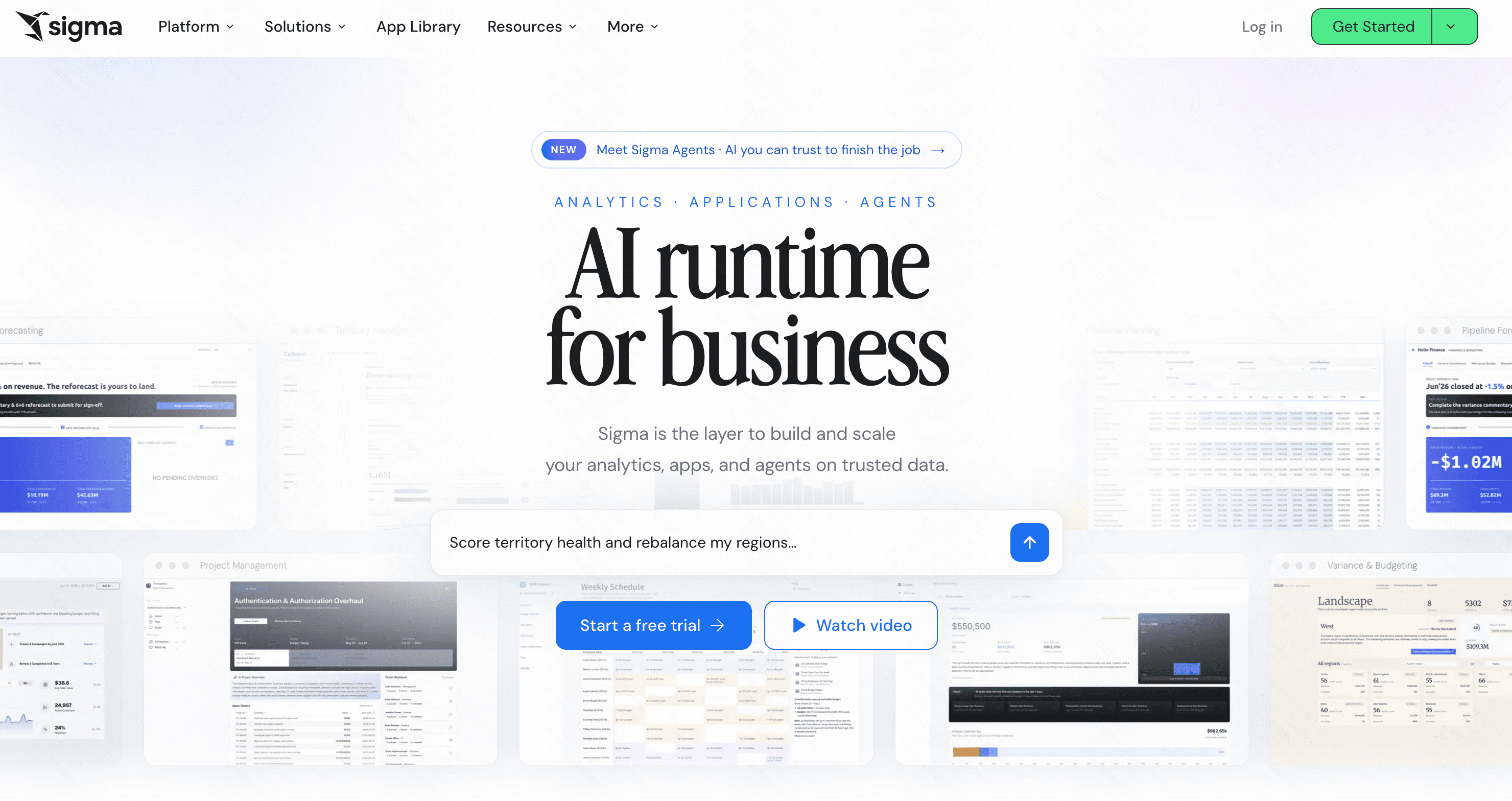
9. Sigma Computing
Sigma provides a familiar spreadsheet interface that sits directly on top of cloud data warehouses like Snowflake, allowing business users to analyze massive datasets without writing SQL.
Key Features
Direct warehouse querying via spreadsheet UI.
Real-time collaborative data modeling.
No row limitations.
Pros
Keeps data secure in the warehouse (no extracts).
Familiar UI for Excel power users.
Cons
Requires a cloud data warehouse to function.
Strictly an enterprise tool.
Pricing
Custom enterprise pricing.
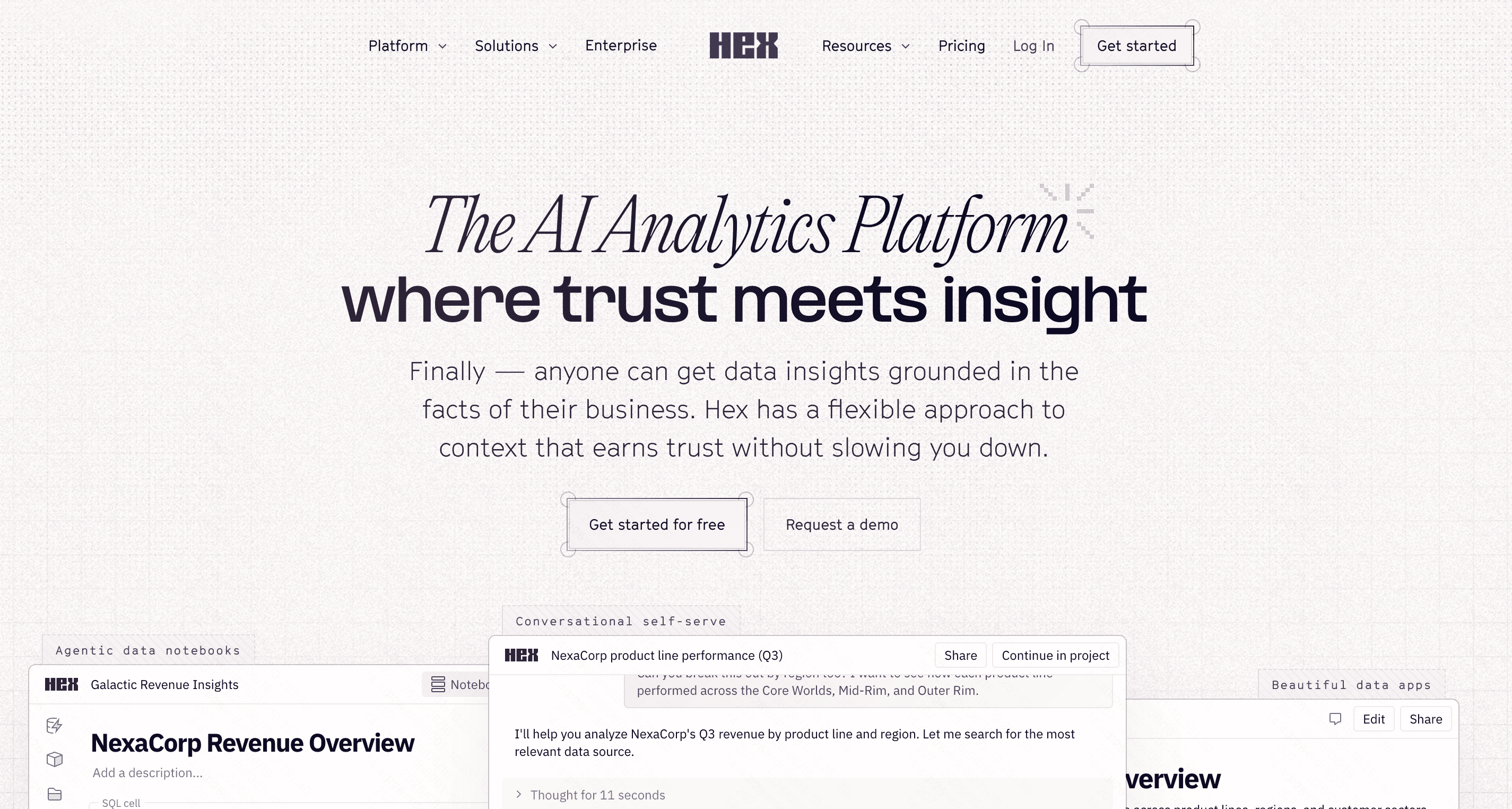
10. Hex
Hex is a collaborative platform designed for data scientists. It combines SQL, Python, and no-code AI tools into interactive data notebooks.
Key Features
Magic AI for SQL and Python generation.
Interactive data app publishing.
Multi-language notebooks.
Pros
Incredible for technical data teams.
Bridges the gap between code and BI dashboards.
Cons
Overkill for everyday spreadsheet users.
Requires knowledge of SQL or Python for full value.
Pricing
Free tier; Team starts at $36/user/month.
Which Rows Alternative Is Right for You
Choosing the perfect alternative depends heavily on your daily data habits and technical expertise:
For Relational Databases: If you need to manage interconnected records like CRM data or content calendars, Airtable is a fantastic choice.
For Knowledge Management: If you want to merge simple tables with rich text documents, Notion AI or Coda AI will serve you well.
For Enterprise BI: Large corporations with massive cloud databases will benefit most from ThoughtSpot or Sigma Computing.
For the Ultimate AI Spreadsheet Experience: If you want to effortlessly analyze data, generate visualizations, and replace Rows with something smarter, Powerdrill Bloom is the unmatched winner. It gives you the power of a data scientist with the simplicity of a chat window, making it the most objective and practical upgrade for modern professionals.
Conclusion
The acquisition of Rows by Superhuman marks the end of an era, but it also opens the door to much more powerful AI-driven possibilities. While there are many great database and project management tools out there, Powerdrill Bloom stands out as the ultimate solution for pure, effortless data analysis. Why struggle with complex formulas or clunky interfaces when you can just talk to your data? Make the smart switch today and elevate your productivity by trying out Powerdrill Bloom.
Frequently Asked Questions
What is the best alternative to Rows?
Powerdrill Bloom is the top Rows alternative, offering zero-code AI data-chatting and instant chart generation.
Can I chat with my spreadsheet data using AI?
Yes! With Powerdrill Bloom, you can seamlessly ask natural language questions to analyze your spreadsheets instantly.
Are there free alternatives to Rows?
Powerdrill Bloom offers a generous free tier, making it an excellent, cost-effective alternative for data analysis.
How does Powerdrill Bloom handle data visualization?
Powerdrill Bloom automatically turns your raw tabular data into dynamic, beautiful, presentation-ready charts with one click.
Is it hard to migrate my data from Rows?
Migration is effortless. Simply export your CSVs from Rows and upload them into Powerdrill Bloom instantly.