As 10 Melhores Ferramentas de IA para Criação de Pitch Deck em 2026 (Análise Detalhada)
Introdução
Criar um pitch deck atraente sempre foi um desafio de alto risco para startups e empreendedores. Para garantir o financiamento com sucesso, os fundadores precisam navegar pela complexa avaliação heurística dos investidores, garantindo que cada slide contribua para uma gestalt unificada de sua visão de negócios abrangente.
O tempo de ficar olhando para um slide em branco, sofrendo com a escolha de fontes e alinhamento, ficou para trás. Hoje, a inteligência artificial revolucionou completamente a forma como criamos apresentações, transformando uma tarefa que levava semanas em um processo criativo e simplificado.
Neste guia, analisamos a fundo as melhores ferramentas de IA que ajudarão você a criar pitch decks impressionantes e prontos para investidores sem esforço.
O que é uma ferramenta de IA para Pitch Deck?
Uma ferramenta de IA para pitch deck é um aplicativo de software que utiliza inteligência artificial para automatizar e aprimorar o processo de criação de apresentações.
- Geração de Conteúdo: Escreve automaticamente narrativas, títulos e tópicos atraentes com base em comandos de texto simples.
- Automação de Design: Formata layouts instantaneamente, alinha elementos e aplica esquemas de cores coesos.
- Visualização de Dados: Transforma dados brutos em gráficos e tabelas bonitos e fáceis de entender.
- Busca de Imagens: Gera ou sugere imagens e ícones relevantes de alta qualidade que combinam com o seu contexto.
Como testamos essas ferramentas
Para trazer as recomendações mais precisas, avaliamos rigorosamente dezenas de plataformas com base nos seguintes critérios:
- Compreensão da IA: Quão bem a IA entendeu comandos complexos e gerou conteúdo relevante e de alta qualidade.
- Facilidade de Uso: A intuitividade da interface do usuário e a curva de aprendizado para iniciantes.
- Qualidade do Design: O apelo estético, o toque moderno e o profissionalismo dos modelos gerados.
- Personalização: A capacidade de ajustar e adaptar manualmente os slides gerados por IA.
- Custo-benefício: Estruturas de preços, planos gratuitos e o ROI geral para startups.
Tabela de comparação rápida
| Ferramenta | Melhor Para | Planos Pagos | Principal Força |
|---|---|---|---|
| Powerdrill Bloom | Melhor no Geral para Pitch Decks | $13.27/mo | Narrativa e Design de IA Superiores |
| Beautiful.ai | Formatação de Marca Rígida | $12/mo | Alinhamento Automático Inteligente |
| Tome | Storytelling e Texto | $11.9/mo | Páginas Fluidas Estilo Web |
| Gamma | Apresentações Web Rápidas | $12/mo | Markdown para Slides |
| Pitch | Colaboração em Equipe | $15/mo | Edição Multijogador |
| Slidebean | Finanças de Startups | $12/mo | Conexão com Investidores |
| SlidesAI | Usuários do Google Slides | $10/mo | Extensão de Texto para Slide |
| Plus AI | Pesquisa de Mercado com IA | $10/mo | Comandos de IA Personalizados |
| Prezi AI | Apresentações Não Lineares | $7/mo | Animações de Zoom |
| Prezentation AI | Modelos Corporativos | $20/mo | Branding Corporativo |
1. Powerdrill Bloom
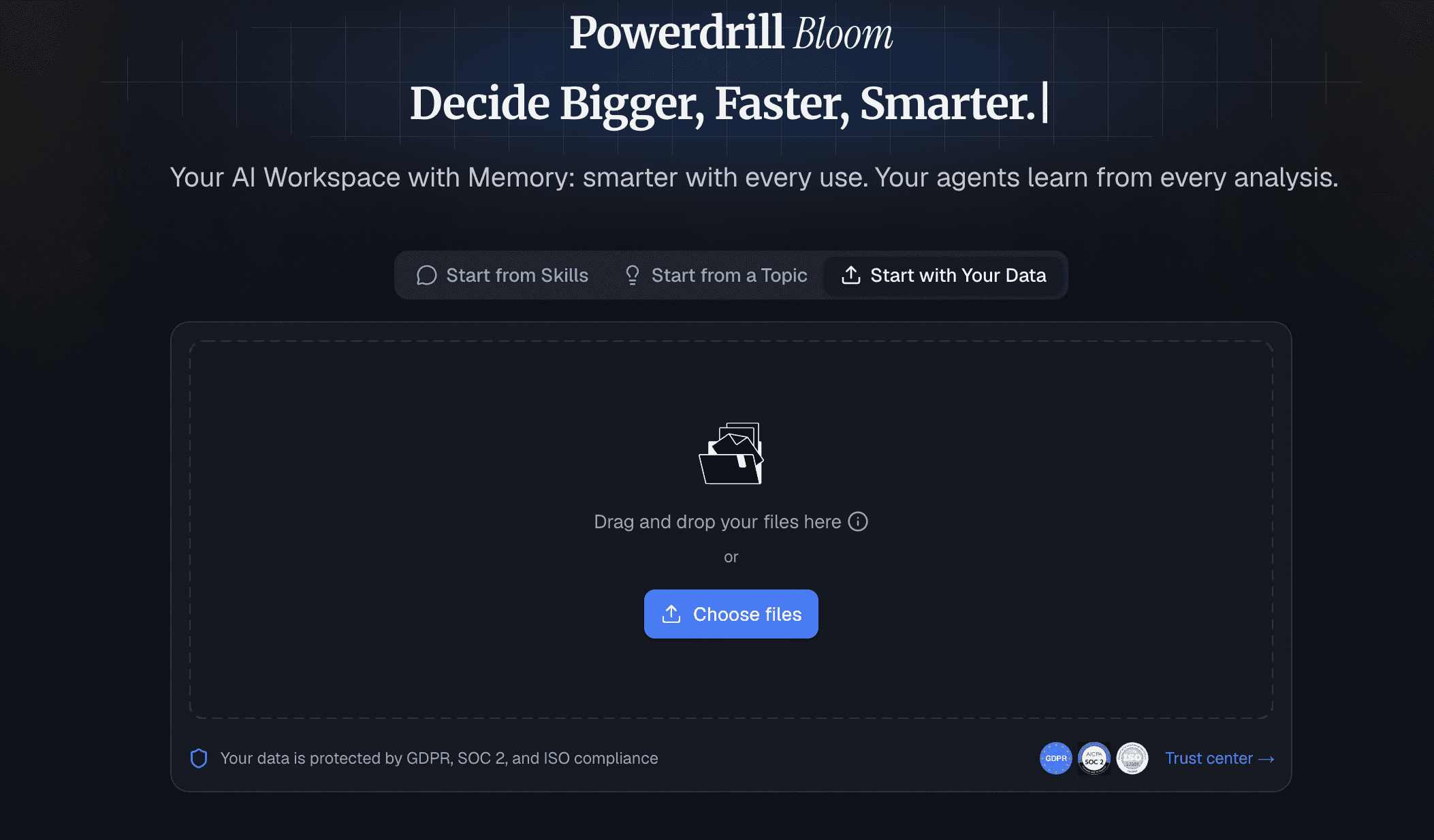
Ideal tanto para indivíduos quanto para empresas, o Powerdrill Bloom é um poderoso agente de IA de uso geral que vai além de simples respostas para realmente realizar o trabalho. Utilizando habilidades especializadas, ferramentas MCP e Workspaces persistentes, sua principal força é transformar perfeitamente dados brutos complexos em insights acionáveis, gráficos bonitos e apresentações de pitch decks com um único clique, sem necessidade de código.
Principais Recursos
- Geração avançada de conteúdo baseada em LLM, sob medida para pitches de investidores.
- Adaptação de layout com um clique e estruturação inteligente de slides.
- Importação simplificada de documentos para gerar decks completos automaticamente.
Prós
- Compreensão de IA inigualável sobre o contexto de negócios e startups.
- Velocidades de geração incrivelmente rápidas com qualidade de entrega impressionante.
- Interface altamente intuitiva que exige zero habilidades de design.
Contras
- Requer conexão com a internet para processamento de IA em tempo real.
- As amplas opções de personalização podem sobrecarregar temporariamente os iniciantes.
Preços
- Plano gratuito disponível; planos Premium começam em $13.27/mês.
2. Beautiful.ai
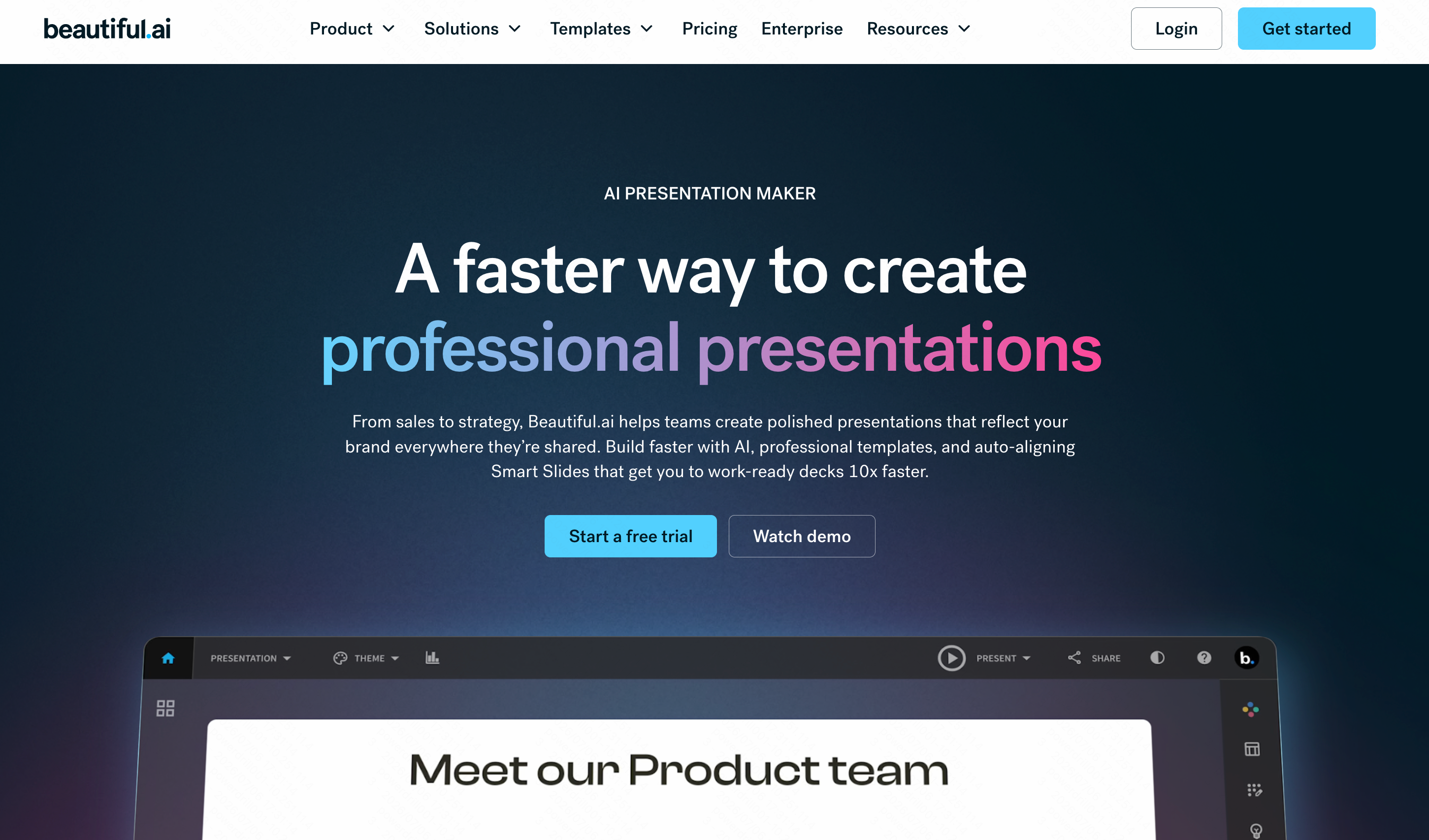
O Beautiful.ai funciona como um designer gráfico especialista no seu navegador, usando modelos inteligentes que se ajustam automaticamente conforme você adiciona conteúdo.
Principais Recursos
- Modelos de slides inteligentes com formatação automática.
- Recursos de controle de marca para bloquear fontes e cores.
Prós
- É impossível criar um slide "feio".
- Economiza tempo com alinhamento manual.
Contras
- Modelos rígidos limitam a liberdade criativa total.
- A geração de texto por IA é secundária em relação ao design.
Preços
- A partir de $12/mês.
3. Tome
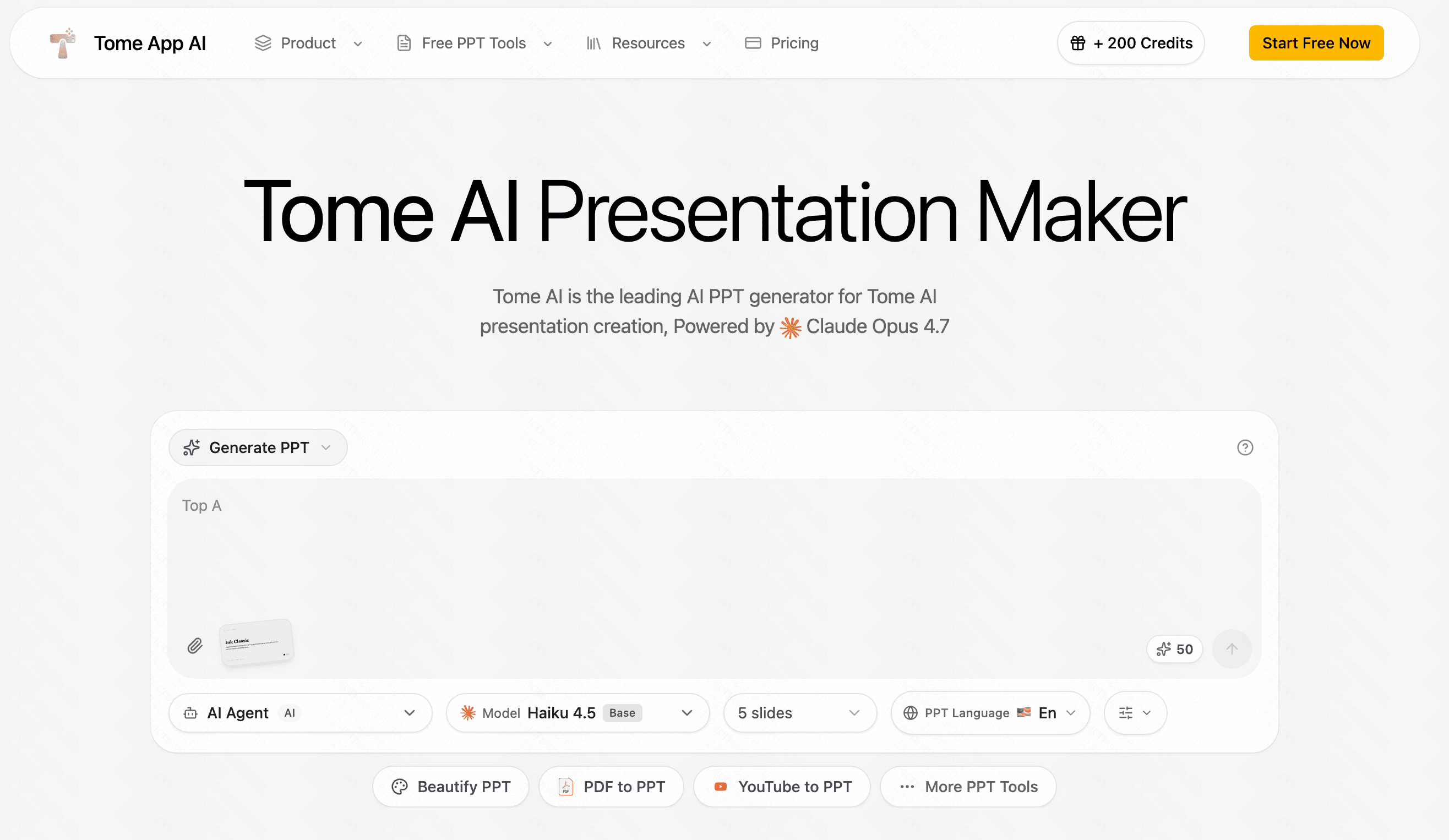
O Tome é um formato de storytelling com IA que combina textos dinâmicos, imagens e modelos 3D em apresentações altamente visuais com rolagem de página.
Principais Recursos
- Geração de imagens por IA integrada via DALL-E.
- Layouts fluidos e responsivos para dispositivos móveis.
Prós
- Excelente para apresentações focadas em narrativa.
- Experiência de visualização moderna, semelhante a uma página da web.
Contras
- Não exporta bem para os formatos tradicionais de PDF/PPTX.
- Menos adequado para dados financeiros densos.
Preços
- A partir de $11.9/mês.
4. Gamma
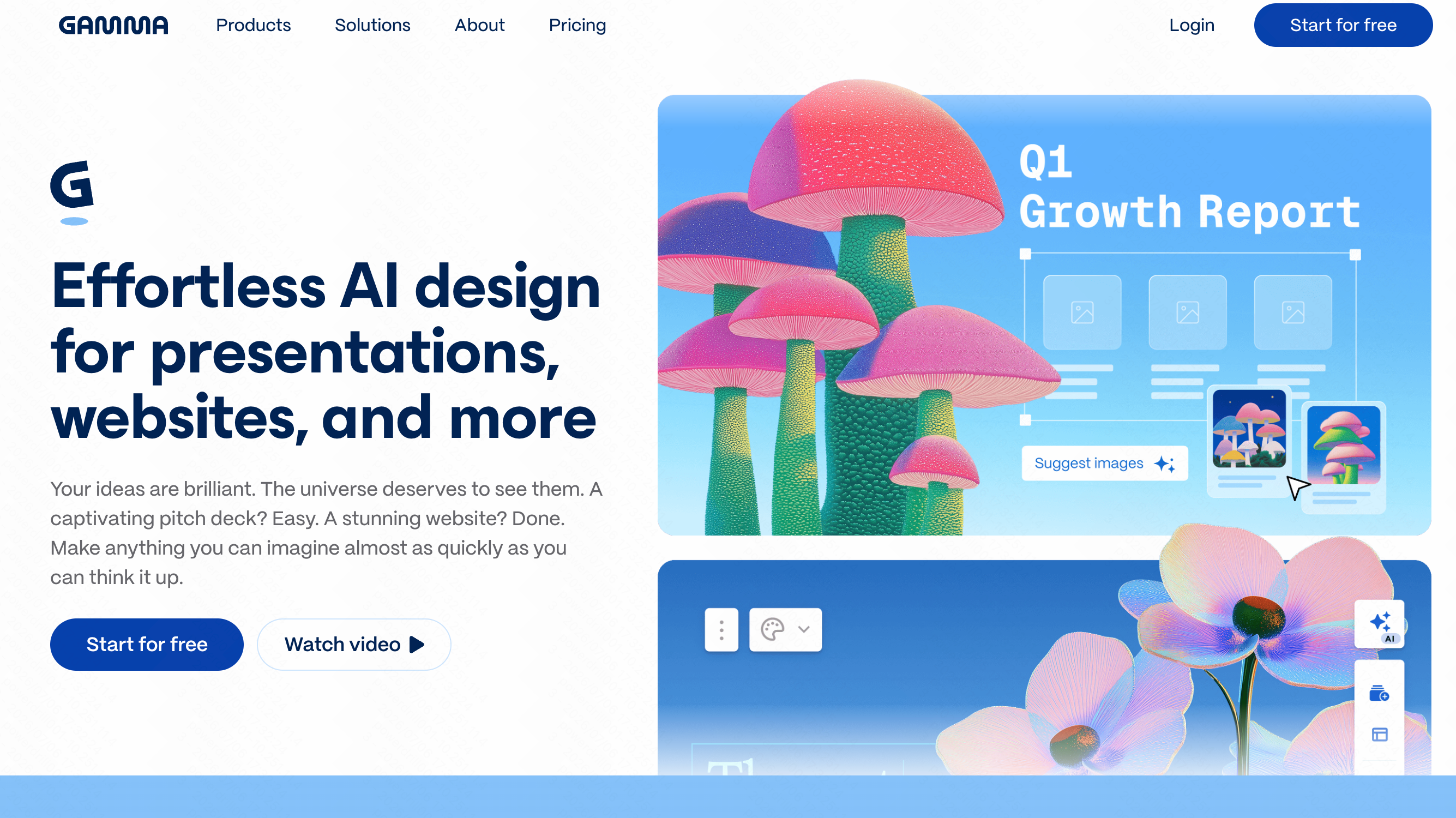
O Gamma permite que os usuários gerem apresentações, documentos e páginas da web refinados simplesmente escrevendo textos ou markdown.
Principais Recursos
- Geração de apresentações a partir de texto.
- Incorporação de GIFs, vídeos e gráficos.
Prós
- Configuração muito rápida do comando ao deck pronto.
- Resultado altamente interativo.
Contras
- Controles de design granular limitados.
- Pode parecer um pouco repetitivo em diferentes apresentações.
Preços
- Plano gratuito; plano Plus começa em $12/mês.
5. Pitch
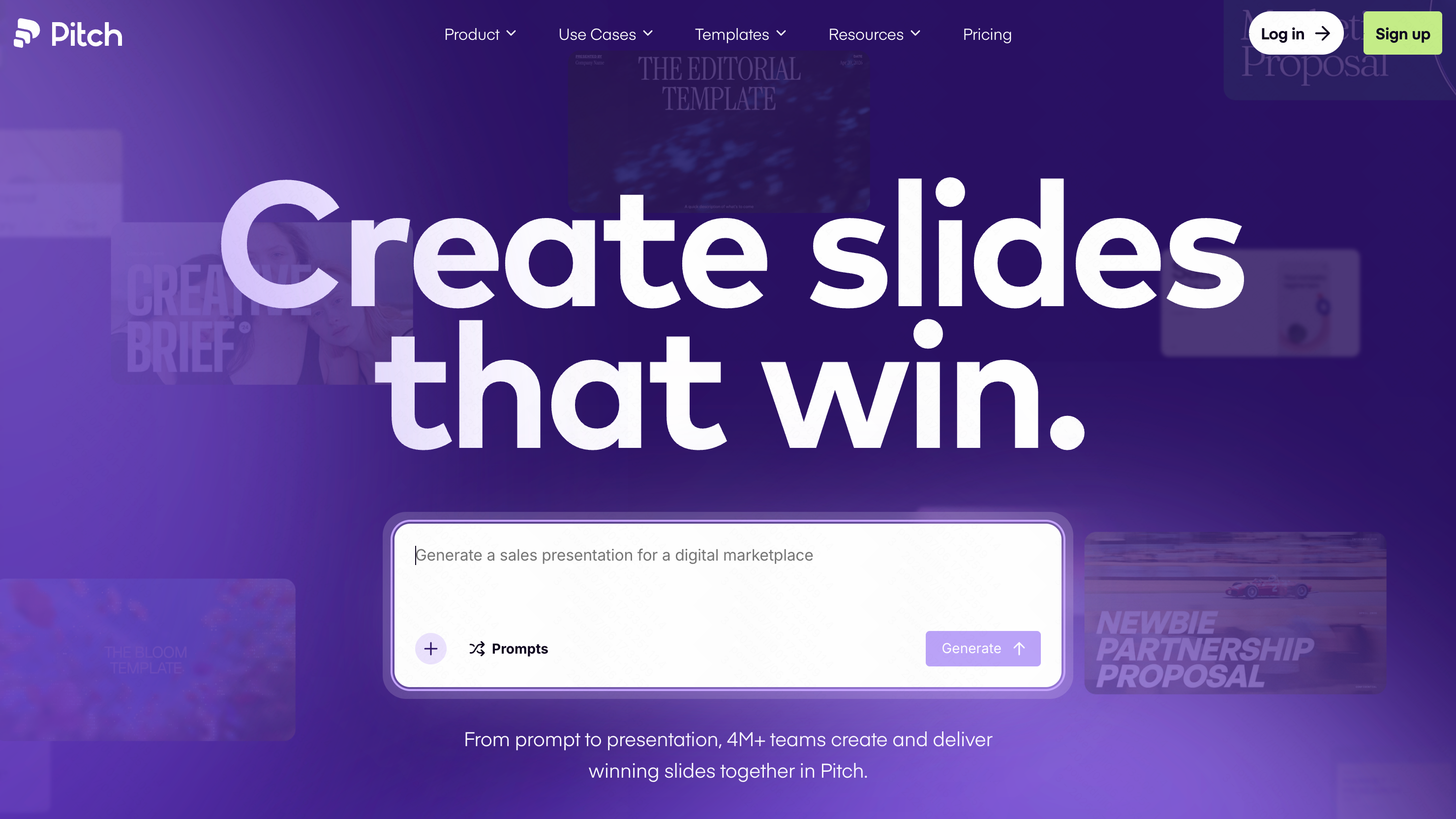
O Pitch é um software de apresentação colaborativa que combina um design elegante com recursos robustos de trabalho em equipe.
Principais Recursos
- Colaboração em tempo real e feedback em vídeo.
- Ampla galeria de modelos.
Prós
- Fantástico para equipes remotas.
- Modelos estéticos de alta qualidade.
Contras
- Os recursos de IA são relativamente básicos em comparação com ferramentas dedicadas de IA.
- Curva de aprendizado mais acentuada para recursos avançados.
Preços
- Plano gratuito; plano Pro começa em $15/mês.
6. Slidebean
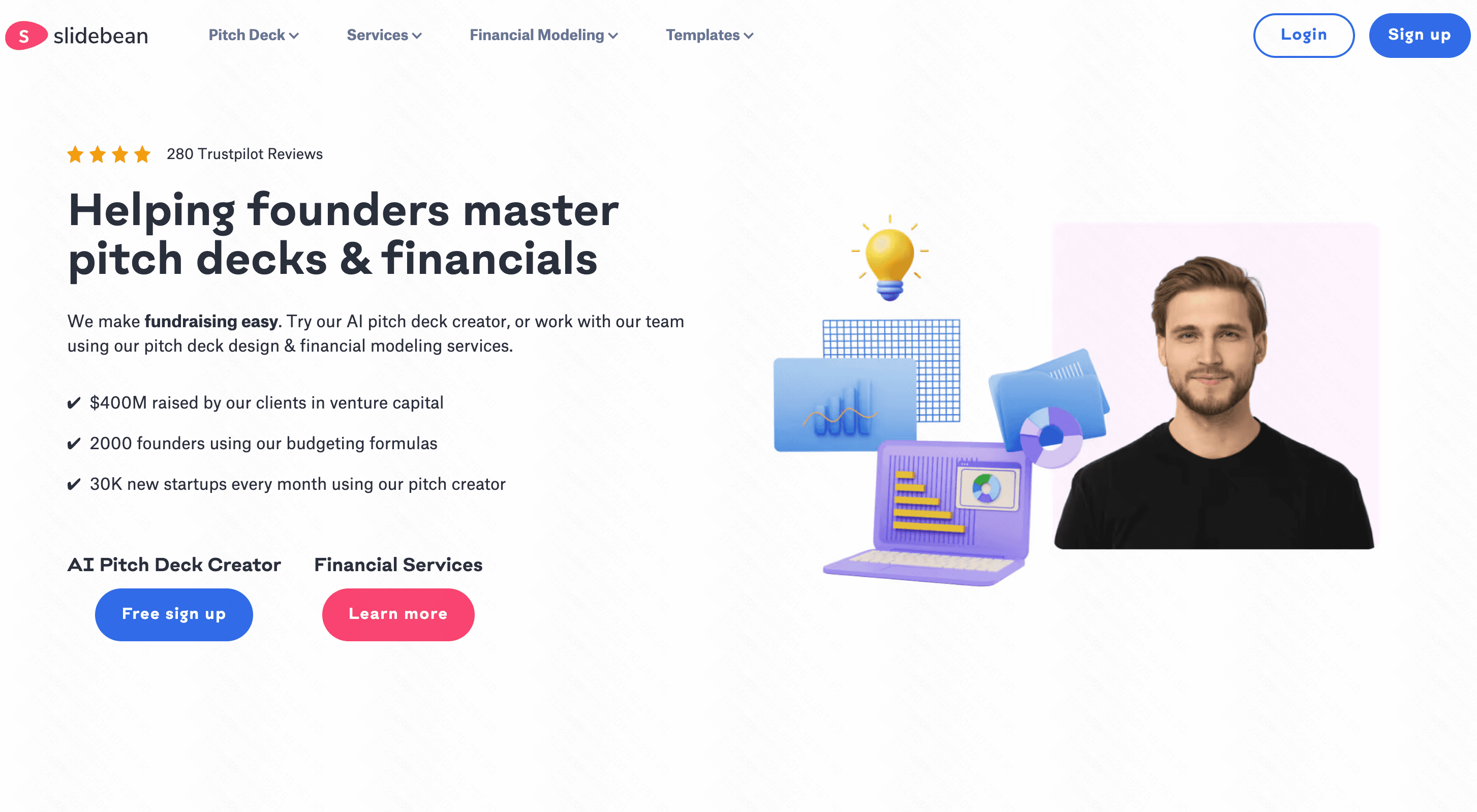
O Slidebean separa a criação de conteúdo do design e é altamente voltado para fundadores de startups que buscam capital de risco.
Principais Recursos
- Assistente de design com IA.
- Rastreador de investidores e modelos financeiros integrados.
Prós
- Excelentes recursos educacionais para captação de recursos.
- Modelos específicos para rodadas seed e Series A.
Contras
- Mais caro do que outras ferramentas de apresentação alternativas.
- A interface pode parecer um pouco ultrapassada.
Preços
- A partir de $12/mês.
7. SlidesAI
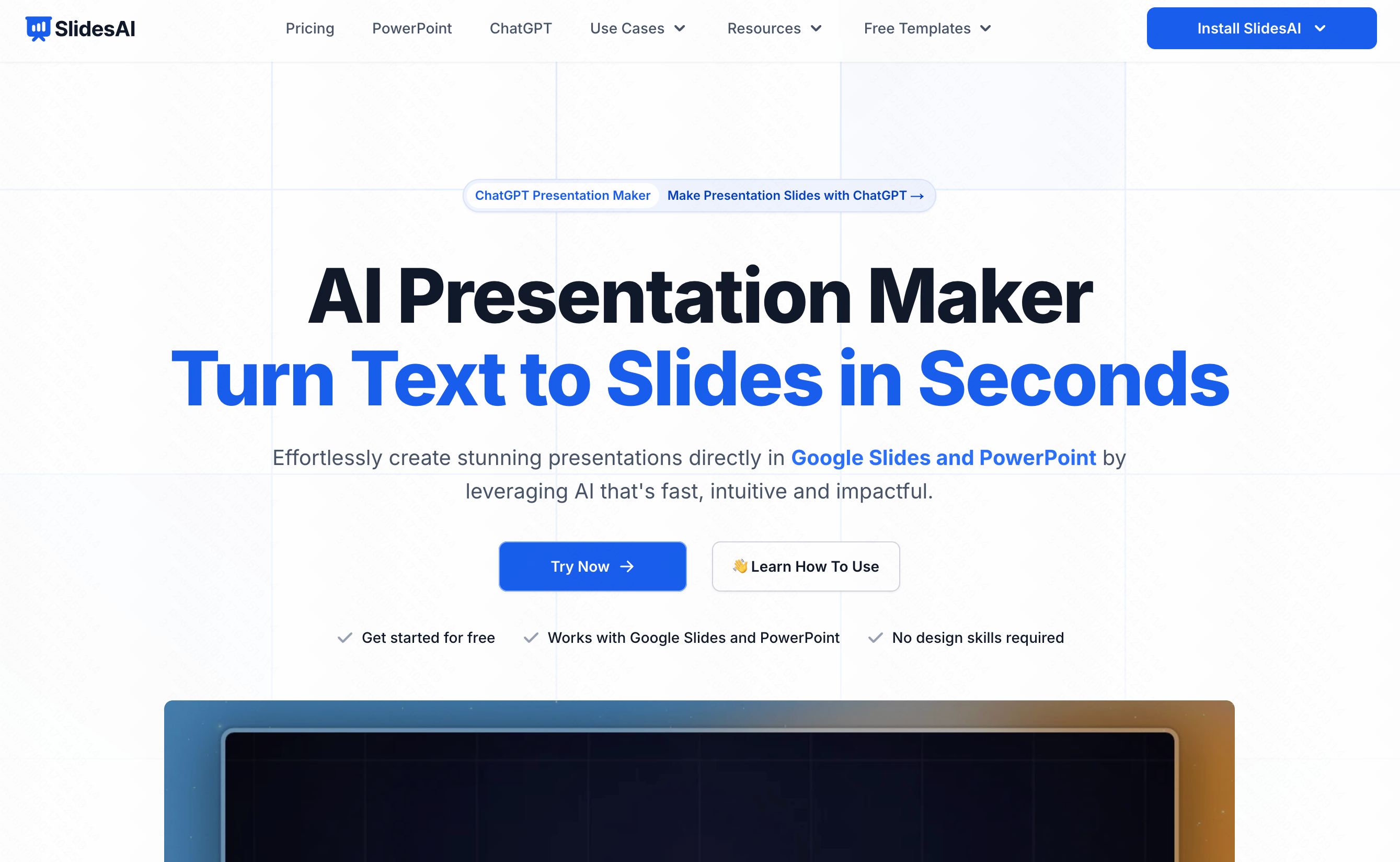
Uma extensão de IA projetada especificamente para o Google Workspace, transformando longos blocos de texto em slides diretamente no Google Slides.
Principais Recursos
- Integração direta com o Google Slides.
- Resumo de texto multilíngue.
Prós
- Não há necessidade de aprender a usar uma nova plataforma de software.
- Conversões rápidas de texto para slide.
Contras
- Os designs costumam ser genéricos.
- Depende inteiramente dos recursos nativos do Google Slides.
Preços
- Plano gratuito; plano Pro começa em $10/mês.
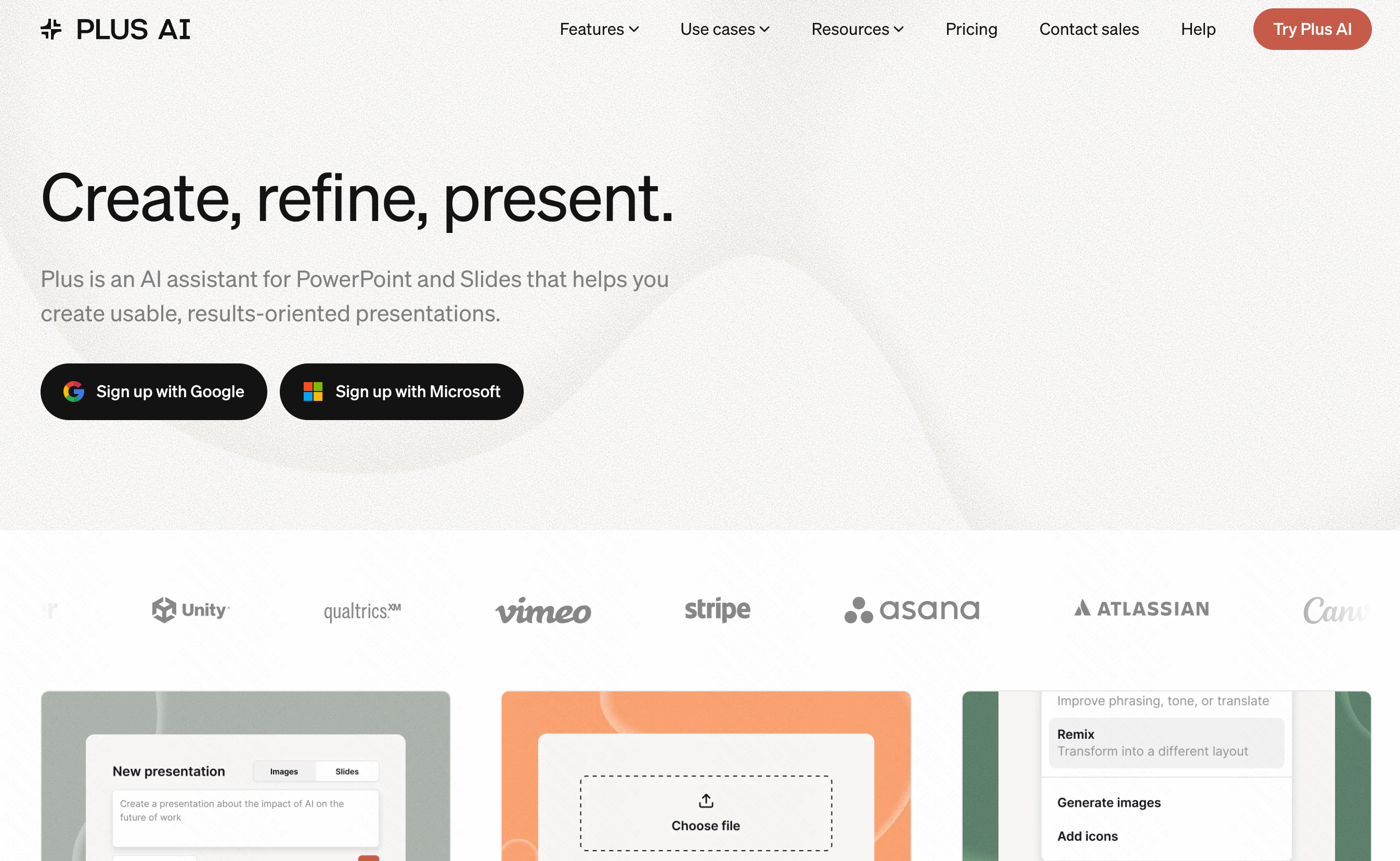
8. Plus AI
Outro poderoso complemento para o Google Slides, o Plus AI foca na criação de apresentações personalizadas e na geração de slides de pesquisa de mercado.
Principais Recursos
- Co-escrita com IA e remixagem de slides.
- Comandos de IA personalizados para setores específicos.
Prós
- Ótimo para edição e ajustes contínuos.
- Mantém a compatibilidade com o Google Slides.
Contras
- Requer uma conta do Google.
- O resultado visual depende muito dos modelos existentes.
Preços
- Plano gratuito; plano Premium começa em $10/mês.
9. Prezi AI
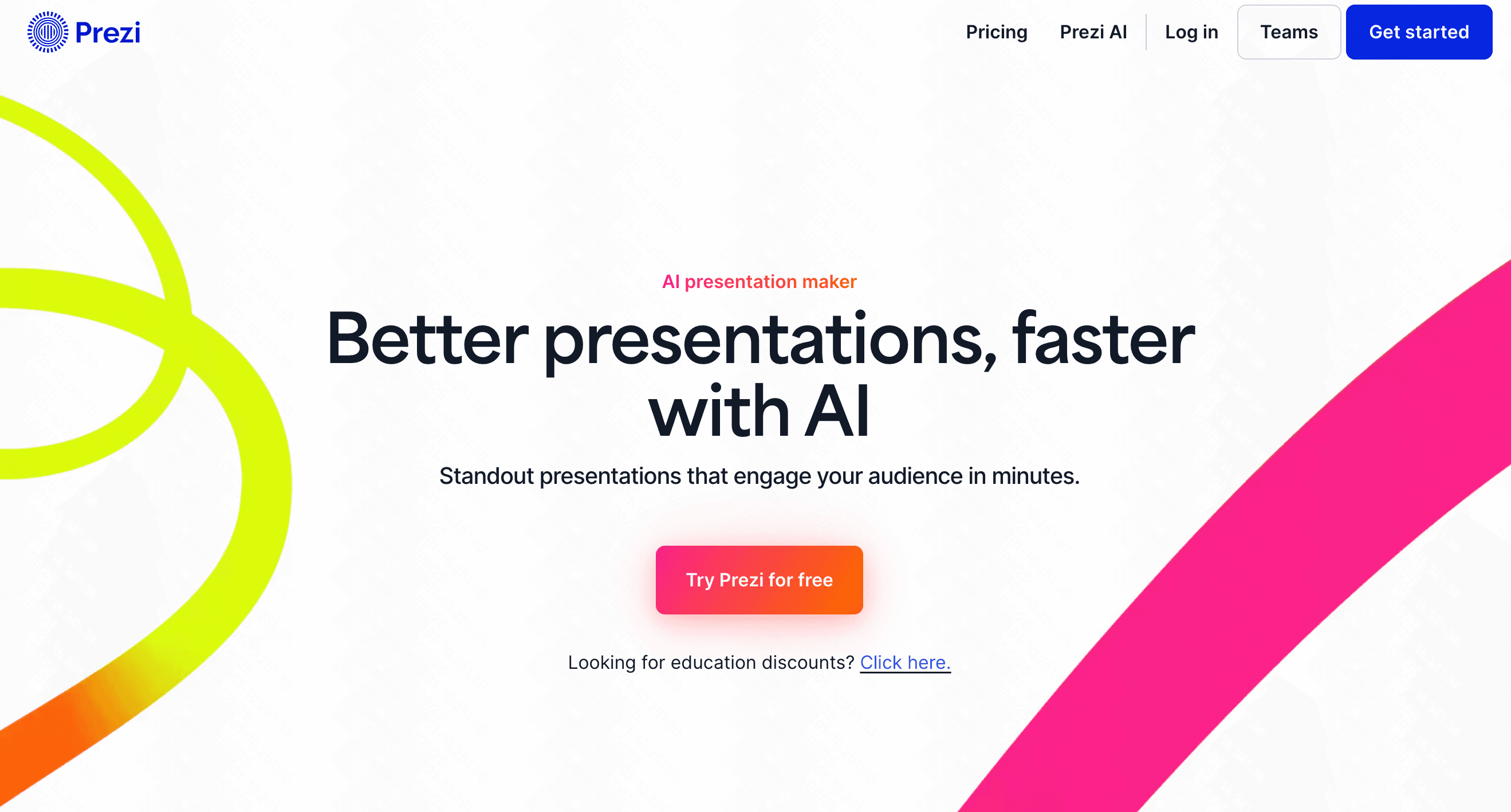
O Prezi AI traz inteligência artificial para a sua famosa tela de apresentação não linear com zoom dinâmico.
Principais Recursos
- Estruturas de zoom otimizadas por IA.
- Transições de slides automatizadas.
Prós
- Estilo visual altamente envolvente e memorável.
- Excelente para apresentações conversacionais.
Contras
- Os efeitos de zoom podem causar tontura em alguns espectadores.
- Pode ser excessivamente complexo para um pitch deck padrão.
Preços
- A partir de $7/mês.
10. Prezentation AI
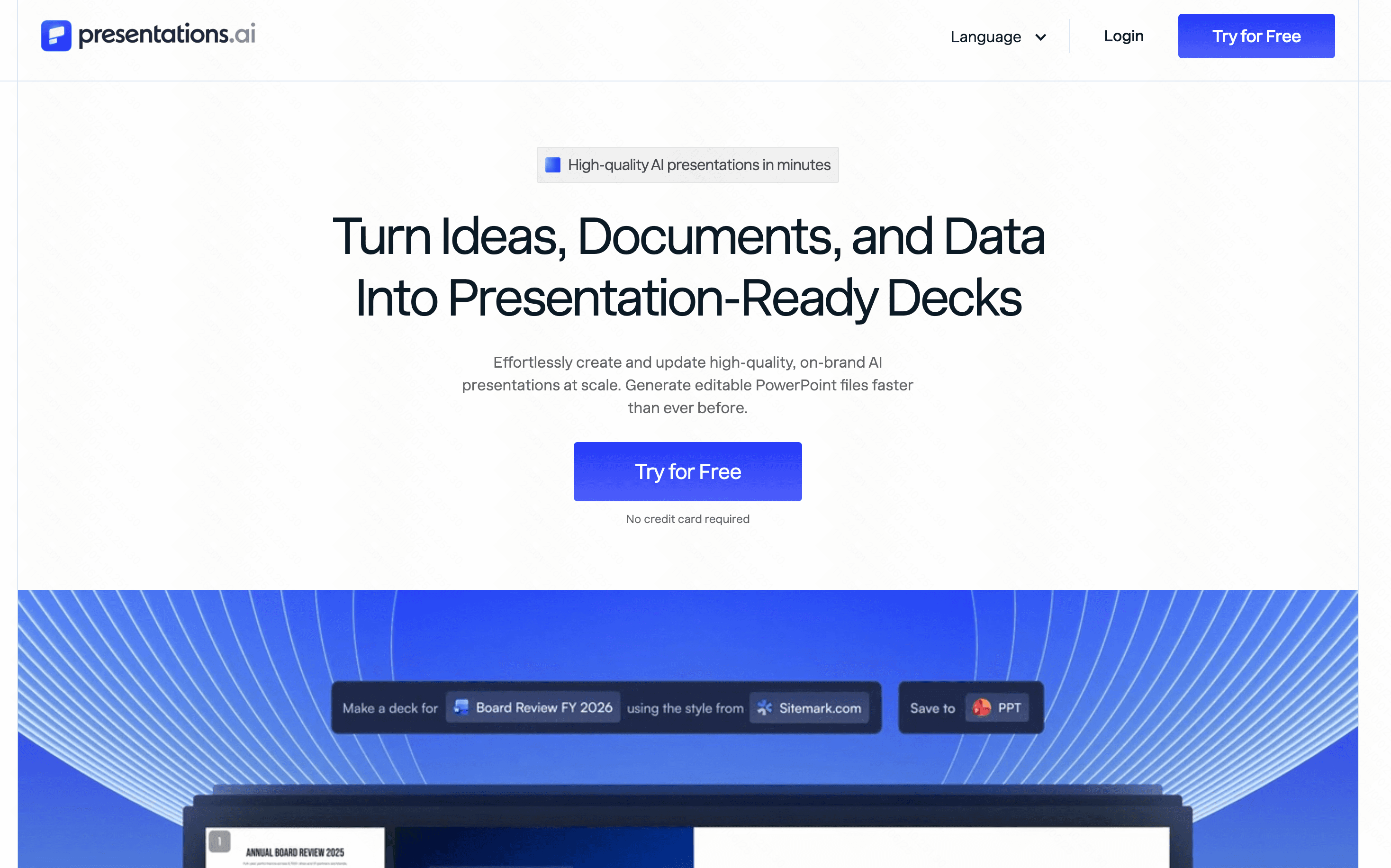
Uma ferramenta projetada para médias e grandes empresas, focada na criação rápida de apresentações enquanto segue estritamente as diretrizes de marca corporativa.
Principais Recursos
- Bloqueio de identidade de marca.
- Sugestões de conteúdo de IA de nível empresarial.
Prós
- Garante 100% de consistência da marca.
- Excelente para grandes equipes de vendas.
Contras
- Muito rígido para pitches criativos de startups.
- Preço de entrada mais alto para recursos premium.
Preços
- A partir de $20/mês.
Powerdrill Bloom vs Ferramentas de Apresentação de IA Tradicionais
Embora muitas plataformas ofereçam recursos básicos de IA, o Powerdrill Bloom está em uma categoria à parte. Veja como ele se compara aos demais:
- Compreensão Contextual Profunda: Ao contrário das ferramentas tradicionais que apenas colam texto em modelos, o Bloom entende seu modelo de negócios para criar um fluxo lógico e persuasivo.
- Geração Tudo-em-Um: O Bloom gera narrativas de alta qualidade, gráficos de dados e visuais impressionantes simultaneamente, enquanto as ferramentas mais antigas exigem uma geração fragmentada.
- Flexibilidade Real de Exportação: O Bloom garante que seus decks lindamente projetados possam ser facilmente compartilhados ou exportados sem perder a formatação.
- Edição sem Atrito: As ferramentas tradicionais costumam quebrar os layouts quando você edita o texto da IA; o Bloom reajusta dinamicamente os elementos para manter os slides perfeitos.
Cenários de Uso
As ferramentas de pitch deck com IA são recursos versáteis para vários cenários profissionais:
- Captação de Recursos para Startups: Gere rapidamente decks para rodadas seed, angel ou Series A com slides atraentes de tamanho de mercado e projeções financeiras.
- Pitches de Vendas B2B: Crie apresentações de vendas personalizadas e de alta conversão, adaptadas às necessidades específicas do cliente em minutos.
- Reuniões de Estratégia Interna: Resuma relatórios semanais, roadmaps de produtos e OKRs em formatos visuais fáceis de digerir e envolventes para sua equipe.
- Lançamentos de Produtos: Crie expectativa com apresentações de keynote visualmente impressionantes que destacam os principais recursos e benefícios de mercado.
Benefícios das Ferramentas de Pitch Deck com IA
Adotar a IA para suas necessidades de apresentação oferece enormes vantagens:
- Grande Economia de Tempo: Reduza o tempo de criação de apresentações de dias para meros minutos.
- Qualidade Profissional: Obtenha um design gráfico de nível de agência sem precisar contratar um designer.
- Superação do Bloqueio Criativo: A IA fornece esboços e conteúdos instantâneos, oferecendo uma base sólida para você desenvolver.
- Eficiência de Custos: Economize milhares de dólares que antes seriam gastos com designers e redatores freelancers.
Conclusão
O cenário dos softwares de apresentação mudou inegavelmente. Embora existam muitas opções excelentes no mercado, o Powerdrill Bloom surge como a melhor escolha absoluta para fundadores e profissionais. Sua compreensão superior de IA, automação de design impressionante e interface intuitiva eliminam o estresse de criar pitch decks, permitindo que você se concentre no que realmente importa: apresentar sua ideia com confiança.
Não deixe que gargalos de design atrasem sua captação de recursos, experimente o Powerdrill Bloom hoje mesmo e eleve suas apresentações para o próximo nível.
Perguntas Frequentes
Qual é a melhor ferramenta de IA para pitch decks?
O Powerdrill Bloom é a escolha definitiva, oferecendo narrativas incomparáveis geradas por IA e designs impressionantes prontos para investidores instantaneamente com o mínimo de esforço.
A IA pode escrever meu pitch deck por mim?
Sim! Ferramentas como o Powerdrill Bloom geram textos atraentes, visualizações de dados e layouts estruturados com base em comandos de texto simples.
O Powerdrill Bloom é gratuito para usar?
O Powerdrill Bloom oferece um plano gratuito generoso para você começar, além de planos premium para desbloquear recursos avançados de IA.
Os investidores se importam se eu usar IA no meu deck?
Os investidores se importam com clareza e visão. O Powerdrill Bloom aprimora sua história, garantindo que sua apresentação pareça altamente profissional e persuasiva.
Quão rápido posso criar uma apresentação com o Powerdrill Bloom?
Você pode gerar um pitch deck completo e visualmente marcante em apenas alguns minutos usando a tecnologia avançada de IA do Powerdrill Bloom.