Share Datasets
Effortlessly share your datasets with others for collaboration and insights discovery, without exposing your original data.
Wypróbuj za Darmo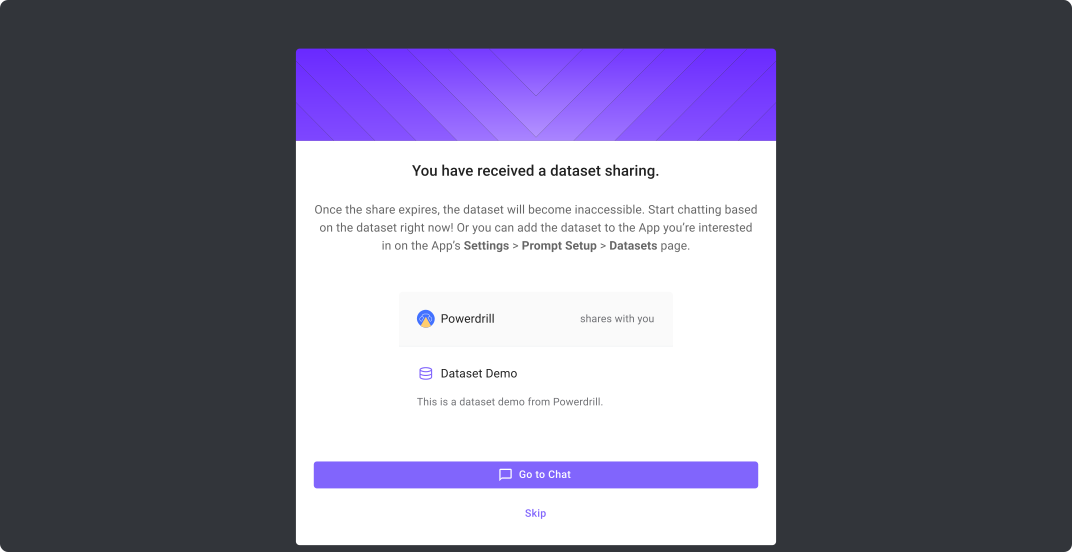
Jak to działa
Find Dataset to Share
On the "Datasets > My Datasets" page, click the "..." button on the upper right of the dataset card, and select "Share".
Configure Sharing
On the "Invite" page, you can configure the access method, validity period of the sharing, and emails to invite others for collaboration. Don't want to send via email? You can generate a link and copy it to your collaborators.
Stop Sharing
Want to stop sharing a dataset? Easy. Just repeat step 1 and then modify the sharing settings, or directly delete the dataset.
Najczęściej Zadawane Pytania
What data sources are supported?
+
We provide connectors to a wide range of data formats, such as .pdf, .csv, .tsv, .md, .mdx, .json, .txt, .ppt, .pptx, .doc, .docx, .xls, .xlsx, webpages, and MySQL-compatible/PostgreSQL-compatible databases.