Extract Text from Excel Instantly
Use Powerdrill AI to substring in Excel effortlessly. Achieve precision and speed—try it free now!
무료로 시작하기
Instant Excel Text Extraction
Leverage AI-powered substring tools to extract specific text from Excel cells in seconds — no more manual copying or formula struggles.
Precision and Accuracy
Extract exactly what you need from even the most complex cell content with cutting-edge AI that ensures unmatched precision and reliability.

User-Friendly Workflow
Streamline your Excel tasks with intuitive substring tools built for speed, accuracy, and a seamless user experience — no advanced skills required.

작동 방식
Upload Your Excel Files
Upload your Excel files directly to the platform. Powerdrill accepts multiple formats, making it easy to start extracting text instantly.
Specify Your Substring Needs
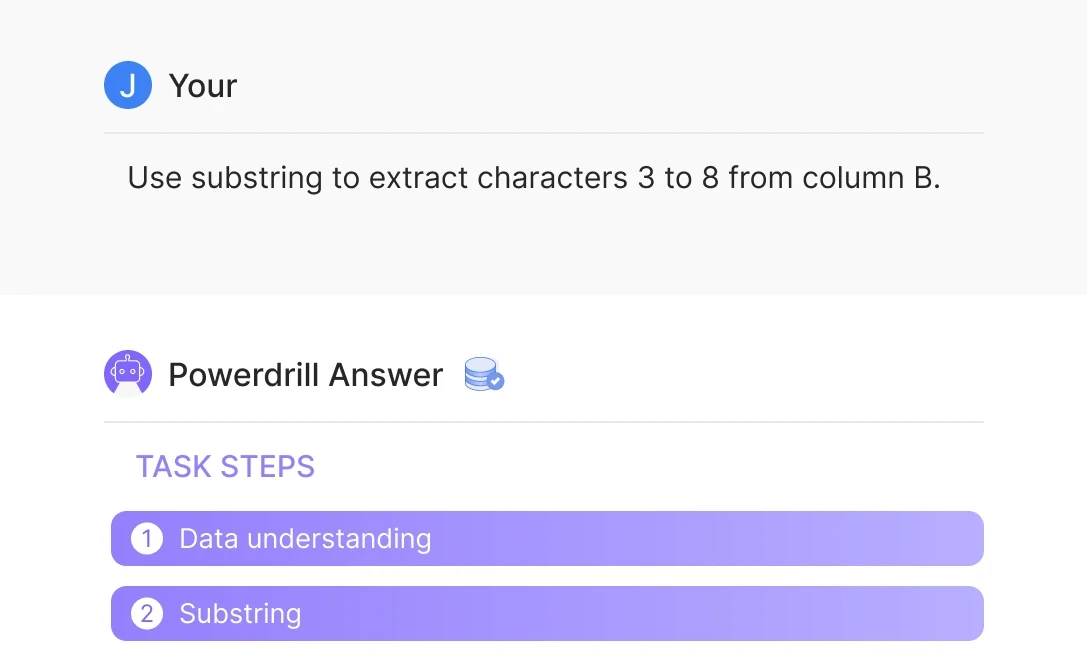
Input the text extraction requirements, such as "Extract the first 5 characters from column B." Powerdrill will process the request with precision.
Download Processed Results
Let Powerdrill analyze your data and extract text accurately. Download the ready-to-use results in seconds, saving effort and time.
자주 묻는 질문
Can I analyze multiple files simultaneously?
+
Yes. With Powerdrill AI, you can upload up to 10 files at once into a dataset. Once uploaded, you can associate the data with your chat session and begin analyzing the files. See the Quickly Get Data Insights from SQL Log Files with Powerdrill Advanced Analytics use case.
Besides data analysis, you can do much more on Powerdrill AI, for example, you can merge files. See the blog for a step-by-step demo.
What file formats can I upload to Powerdrill for data analysis?
+
Powerdrill supports Excel, CSV, and TSV file formats for data input. You can upload any of these file types for analysis.