Powerful & Easy Excel Filter Function
Effortlessly filter data in Excel with powerful, easy-to-use tools for accurate results. Master Excel filter functions with ease. Quickly organize data & improve analysis. Try it now!
무료로 시작하기
Efficient Data Organization
With Powerdrill AI tool, quickly filter and organize large datasets, saving time and enhancing your analysis workflow for better decision-making.

User-Friendly Interface
Powerdrill’s Excel filter function offers an intuitive, easy-to-use interface, making data management accessible even to users without technical skills.
Accurate Results
Powerdrill’s intelligent algorithms filter data with precision, displaying only relevant information for more accurate reports and insights.

작동 방식
Upload Your Excel Files
Simply upload your Excel files to Powerdrill. It supports various formats, making it easy to start filtering and analyzing your data immediately.
Tell Powerdrill Your Requirements
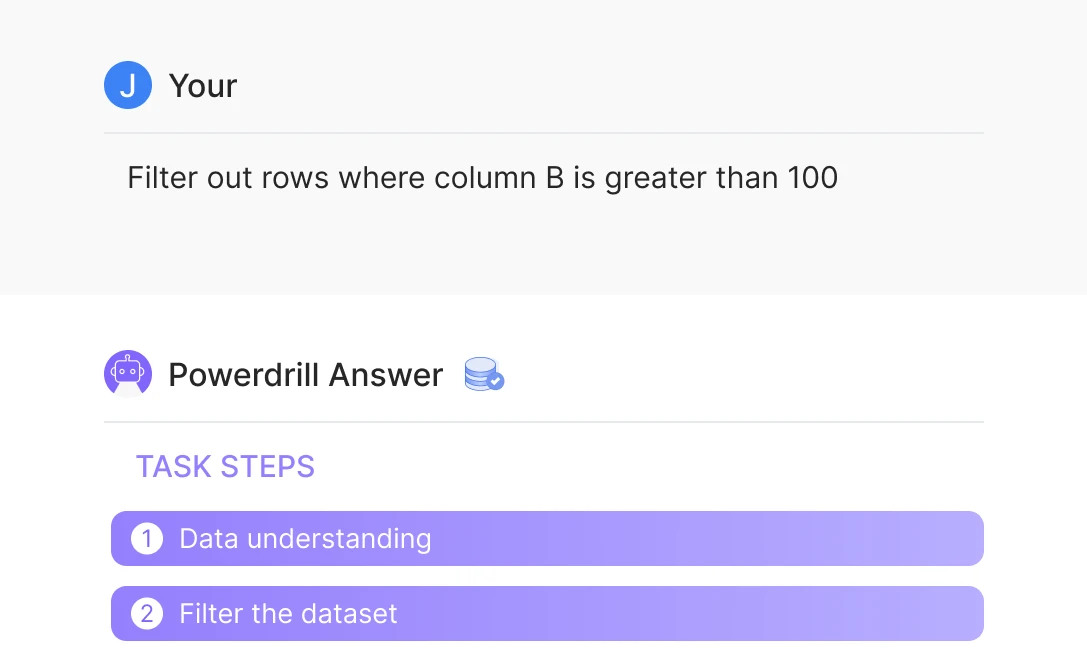
Specify your filter needs, such as "Filter out rows where column B is greater than 100" and Powerdrill will apply the filter accordingly to your dataset.
Wait for Results
Let Powerdrill process the filter function. Once completed, download your filtered results, saving time and ensuring accuracy with minimal effort.
자주 묻는 질문
Can I analyze multiple files simultaneously?
+
Yes. With Powerdrill AI, you can upload up to 10 files at once into a dataset. Once uploaded, you can associate the data with your chat session and begin analyzing the files. See the Quickly Get Data Insights from SQL Log Files with Powerdrill Advanced Analytics use case.
Besides data analysis, you can do much more on Powerdrill AI, for example, you can merge files. See the blog for a step-by-step demo.
What file formats can I upload to Powerdrill for data analysis?
+
Powerdrill supports Excel, CSV, and TSV file formats for data input. You can upload any of these file types for analysis.