Chat with Your SQL Databases
Explore data insights effortlessly. Chat with your SQL databases using Powerdrill. Try for free today!
무료로 시작하기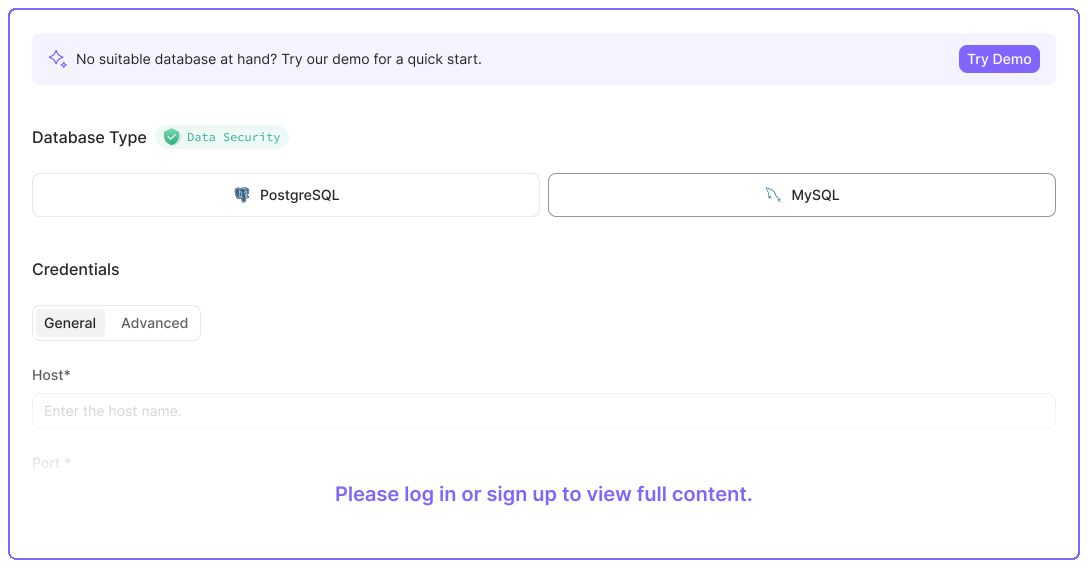
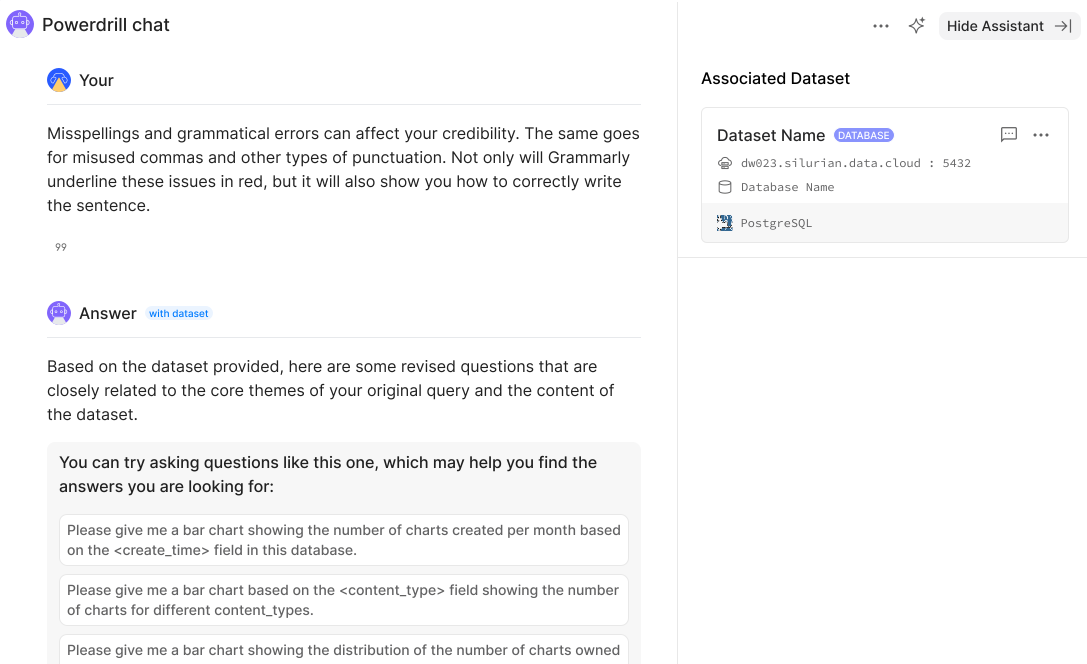
Get Quick Insights from Your Data
Unfamiliar with SQL? Don't worry. Just chat with your MySQL database, you can swiftly uncover key insights and seamlessly transition into deep dives, grasping intricate trends and patterns as easy as a pie.
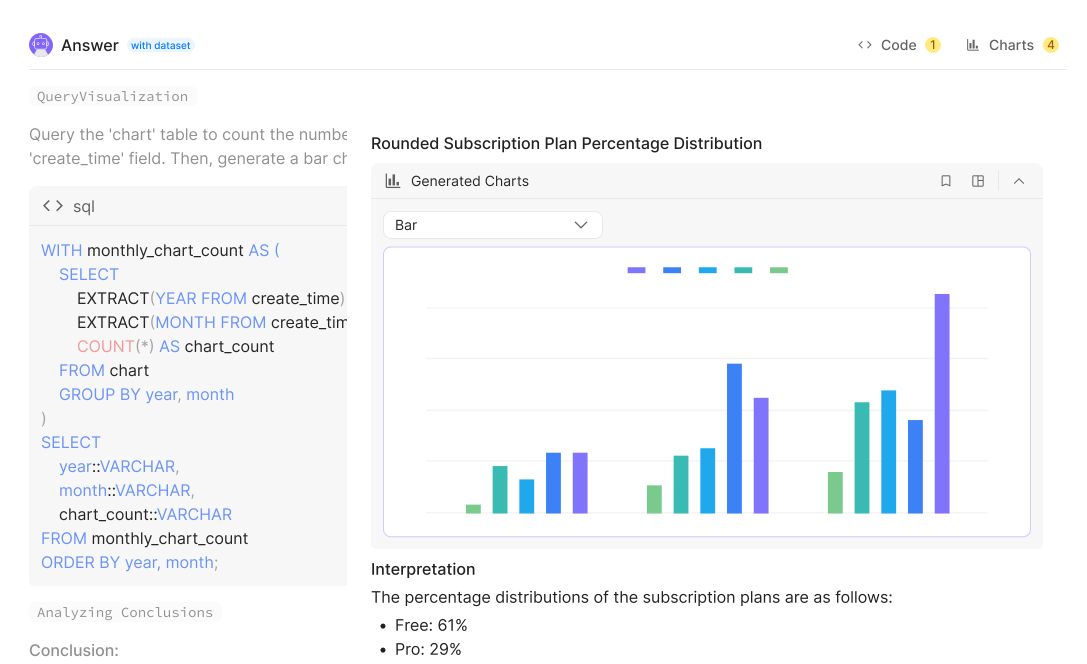
Transform Complex Data into Clear, Engaging Visuals in Seconds
Powerdrill AI leverages the power of visualizations, generating impactful charts to enhance understanding, helping you make data-driven decisions 10x faster.
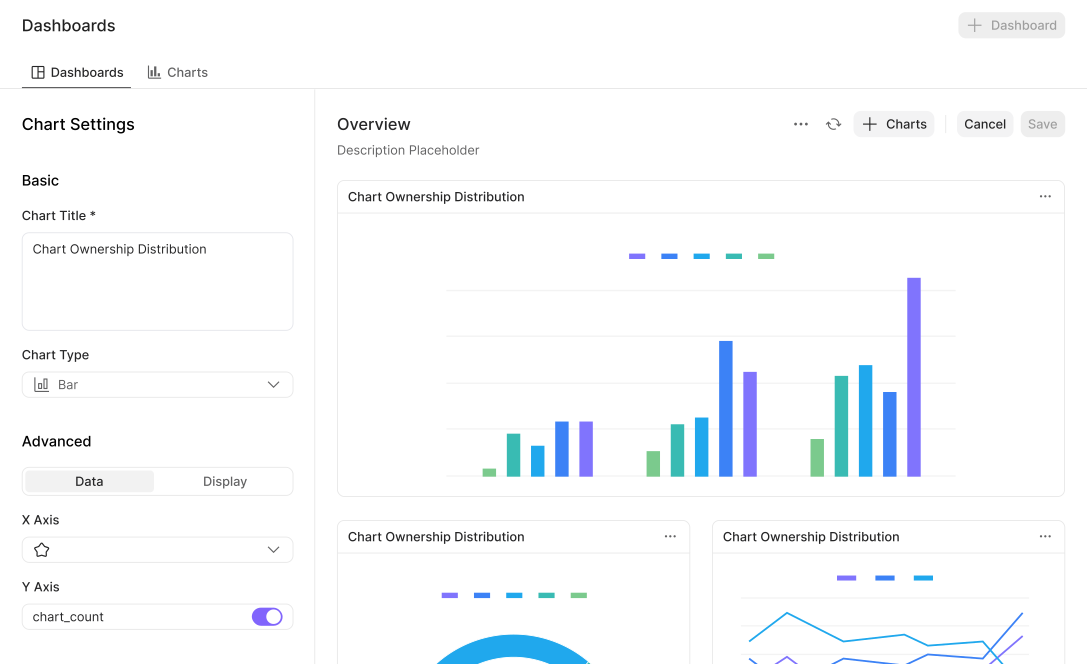
Customize and Manage Visualizations in BI Dashboards
Intuitive dashboards are also available on the Powerdrill. You can customize and manage the generated charts to facilitate decision-making and drive actionable outcomes.
작동 방식
Step 1. Connect to your database
After signing in to Powerdrill, connect to your SQL database. For detailed operations, click the link below.
Step 2. Chat with your database
Ask questions about your database in natural language.
Step 3. Get your data, insights, and more
Powerdrill goes beyond data insights by providing visualizations that highlight trends it uncovers. You can easily customize the generated charts and graphs and add them to dashboards for streamlined, unified management.
자주 묻는 질문
How do I connect to a SQL database?
+
After logging in to Powerdrill AI, choose Datasets > + Dataset, and then connect to your SQL database as instructed (detailed operations can be found in the documentation).
What data sources are supported?
+
We provide connectors to a wide range of data formats, such as .pdf, .csv, .tsv, .md, .mdx, .json, .txt, .ppt, .pptx, .doc, .docx, .xls, .xlsx, webpages, and MySQL-compatible/PostgreSQL-compatible databases.