Create AI Slides in Powerdrill: Nano Banana Pro
Transform raw data into actionable insights and professional PPTs in seconds. Powerdrill Bloom cleans data, predicts trends, and generates visualized reports using AI. Powered by Nano Banana Pro for stunning slides.
無料で試す
Choose a template
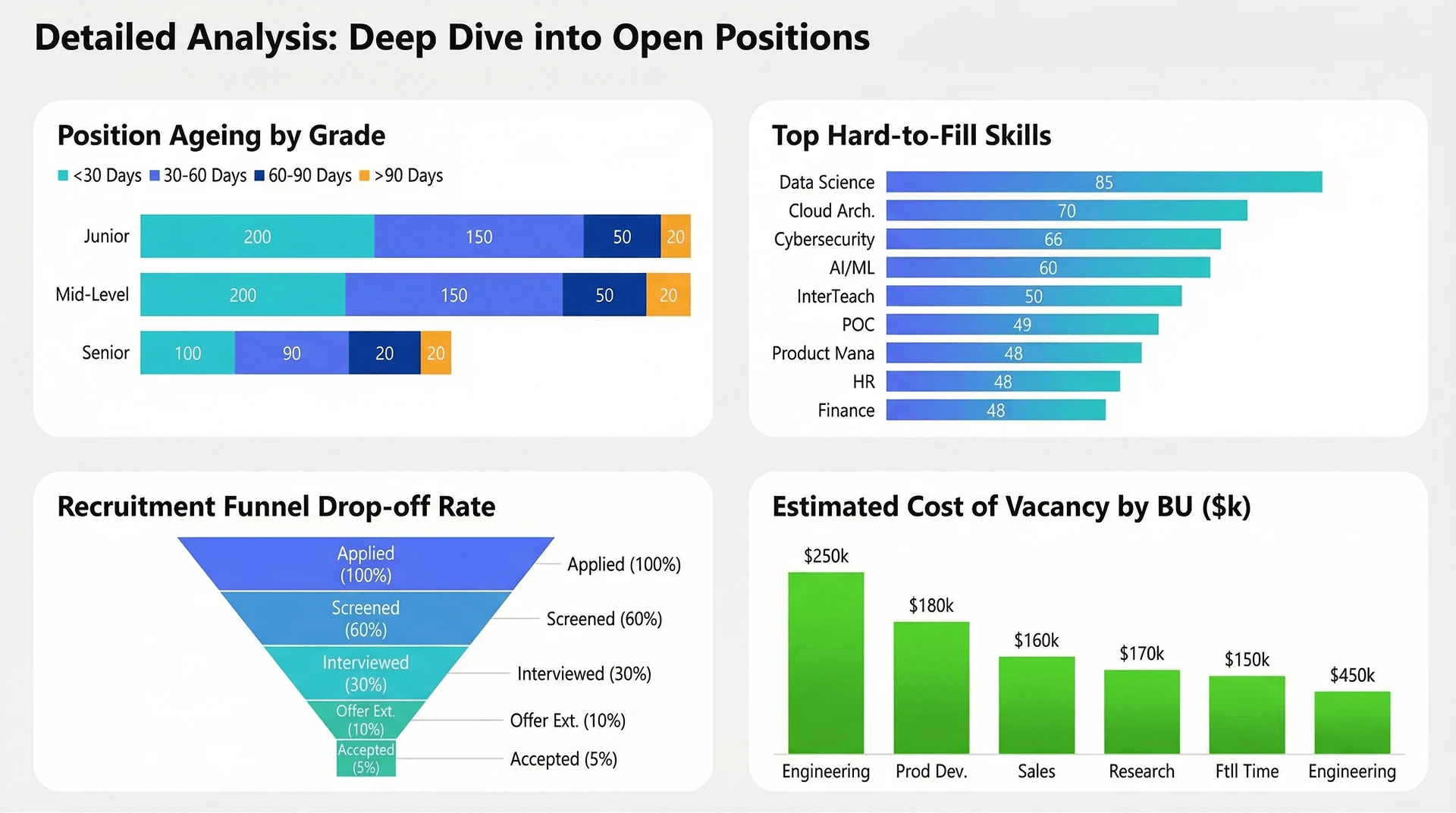
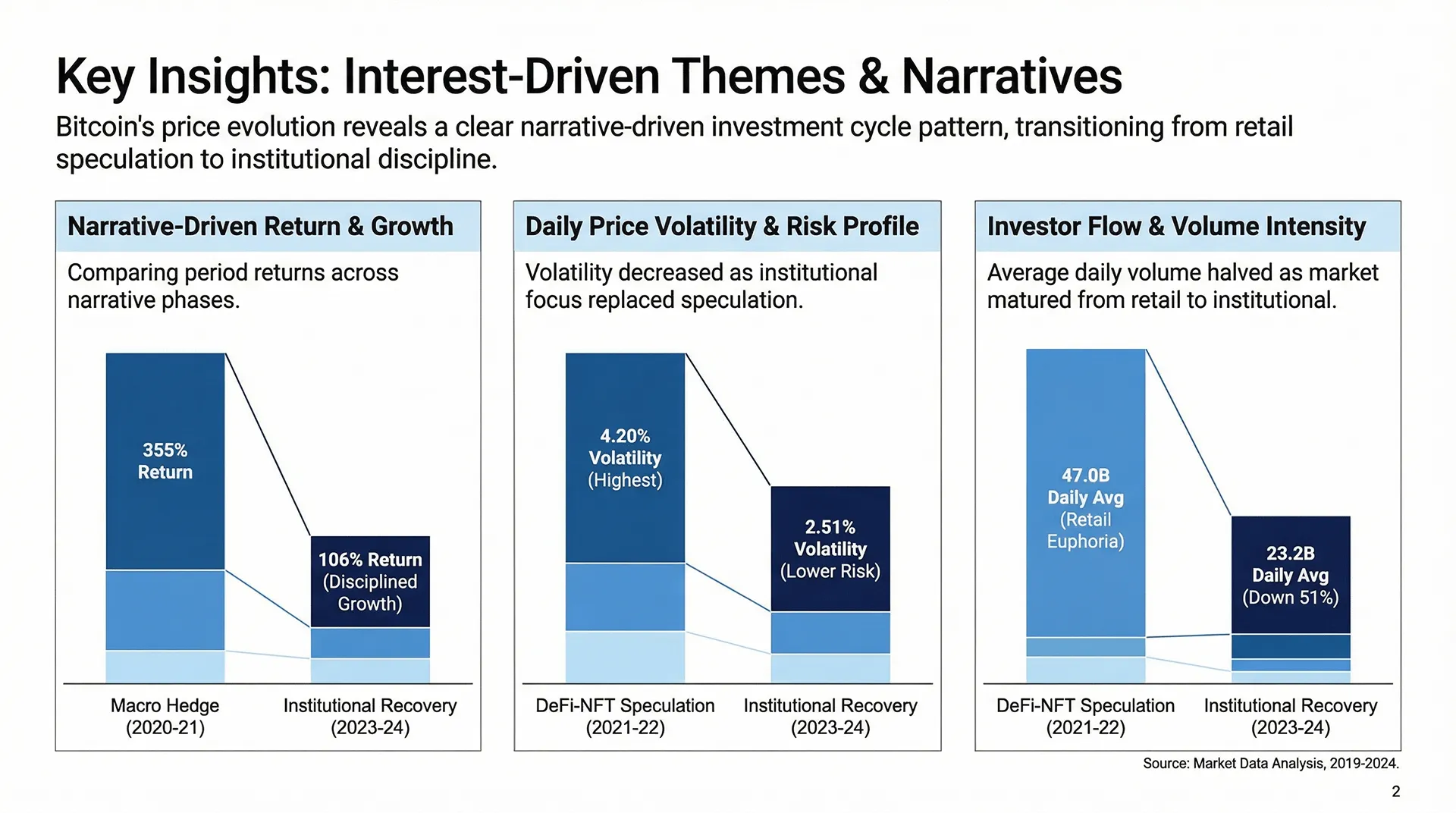
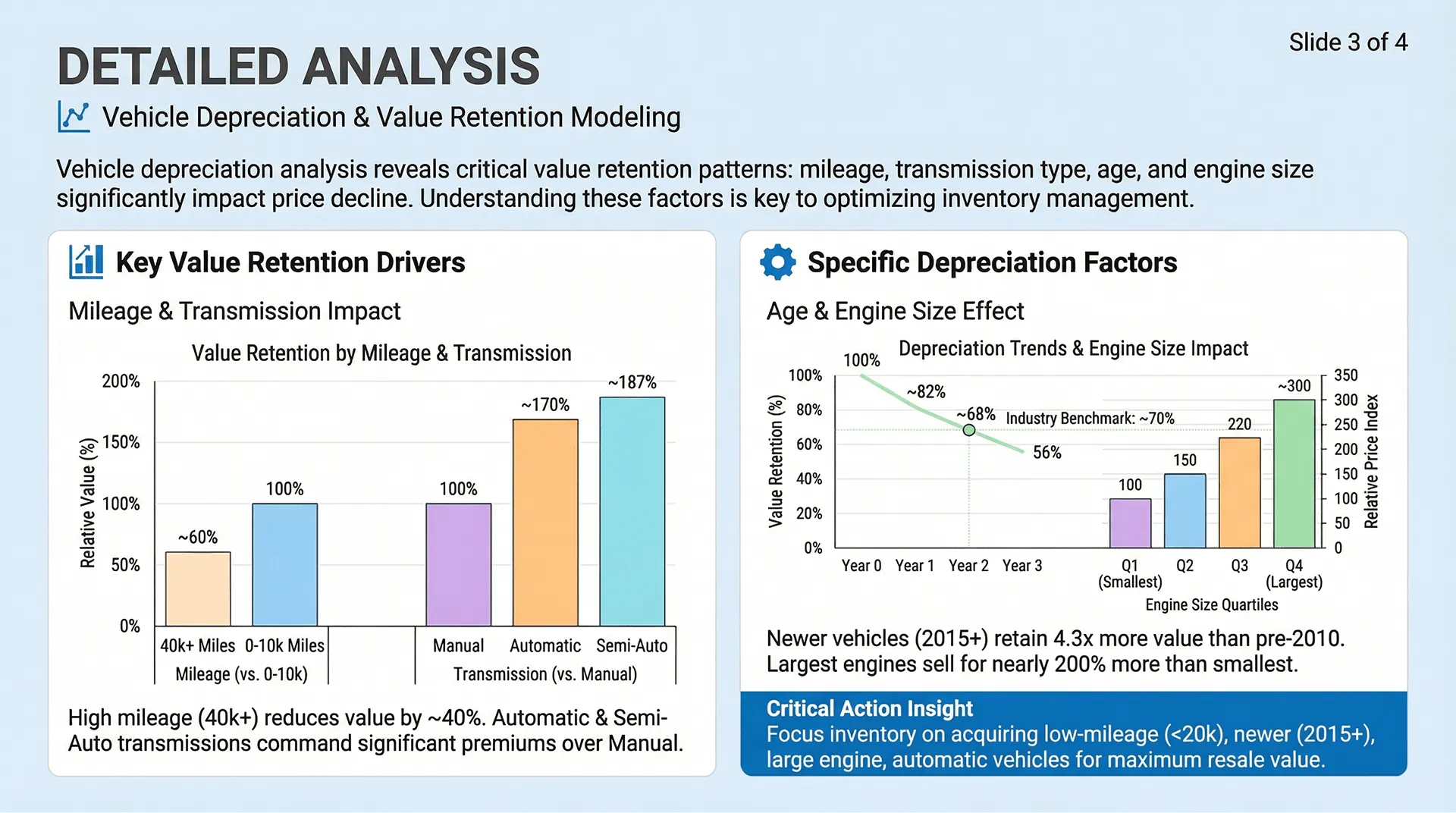
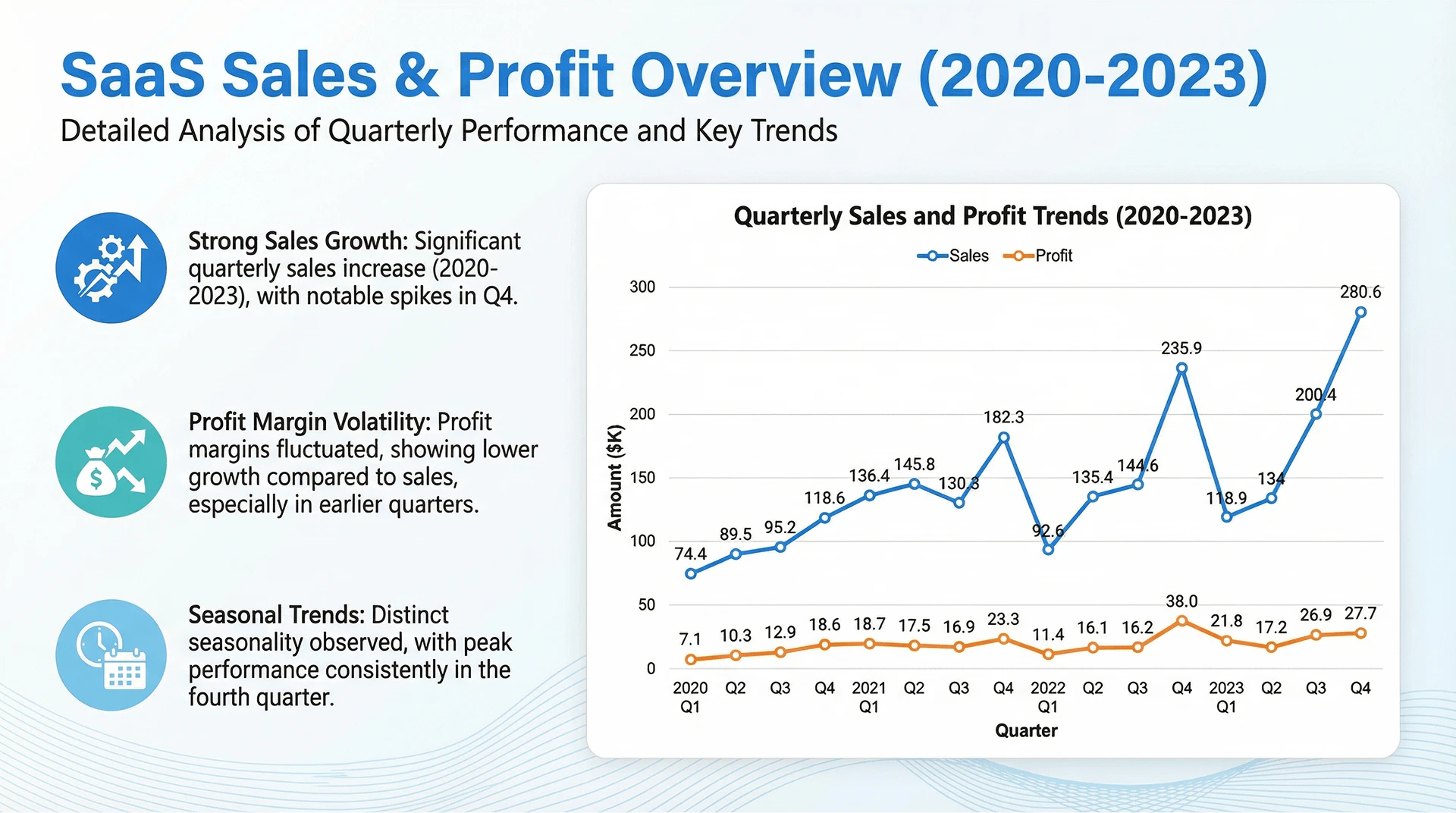
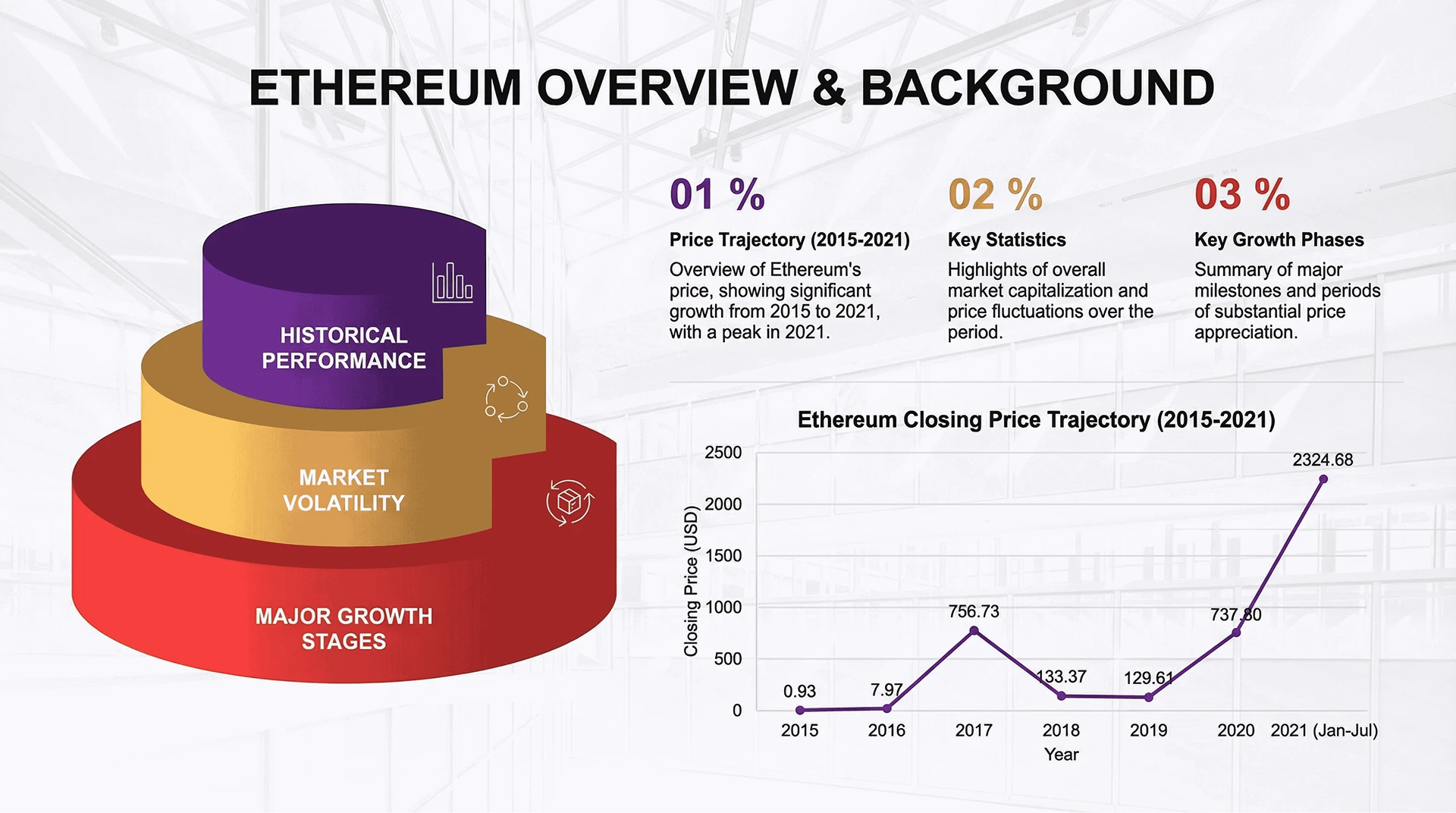
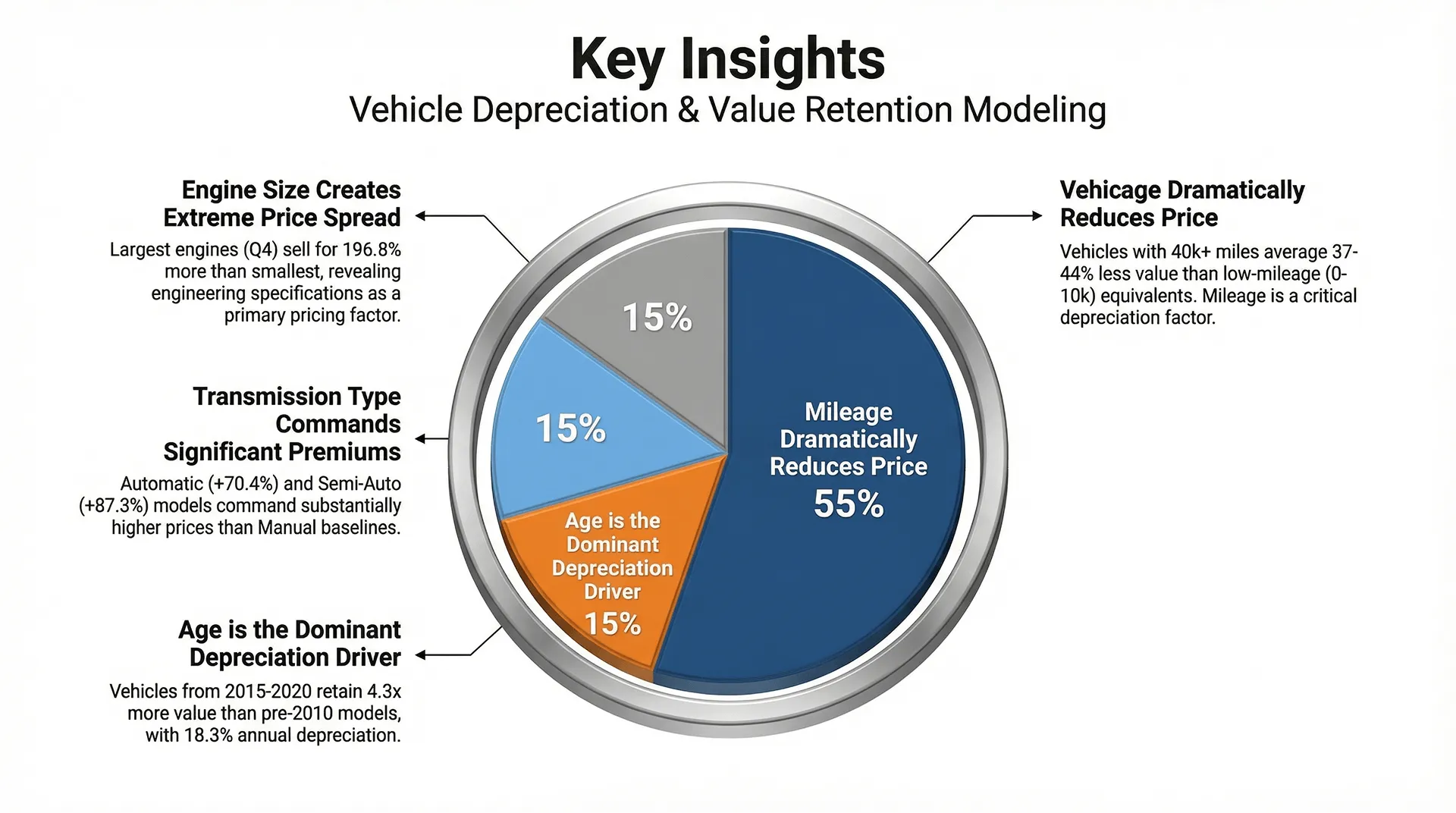
Beyond Static Charts
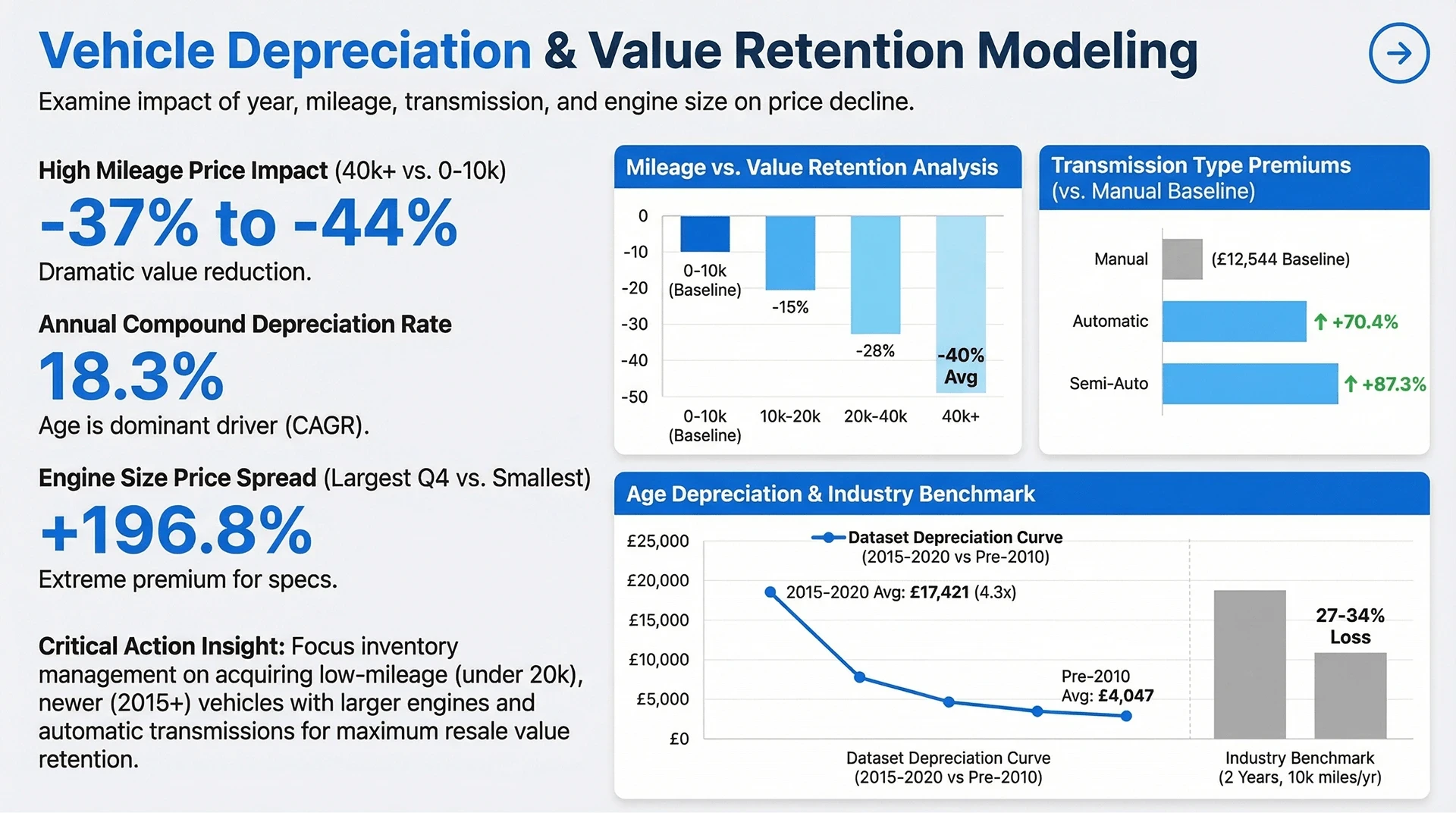
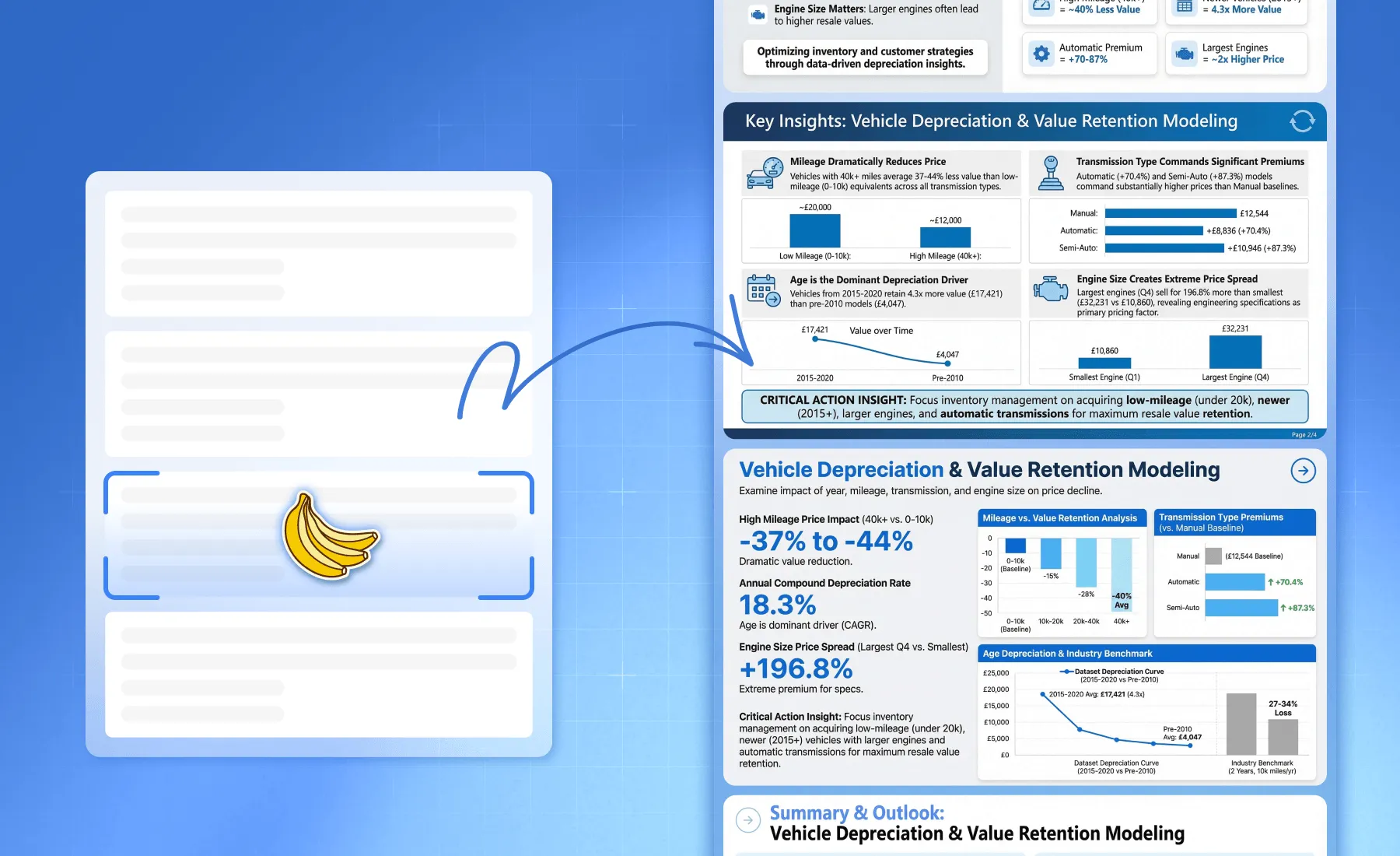
Go beyond static outputs. Bloom interprets your data at a structural level, and Nano Banana Pro translates it into refined, vector-based infographics—ensuring clarity and sharpness at any size.
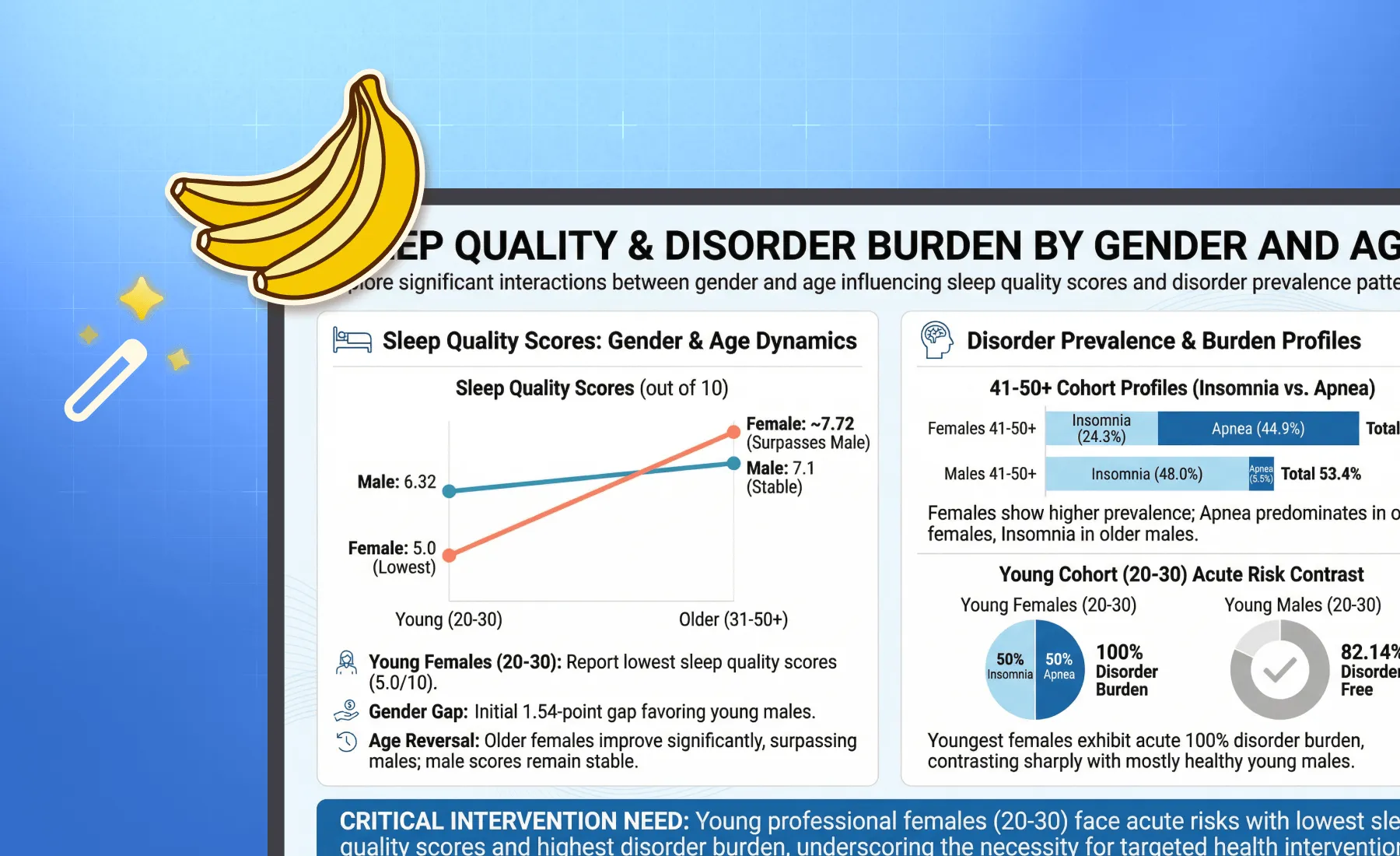
Styles for Every Audience
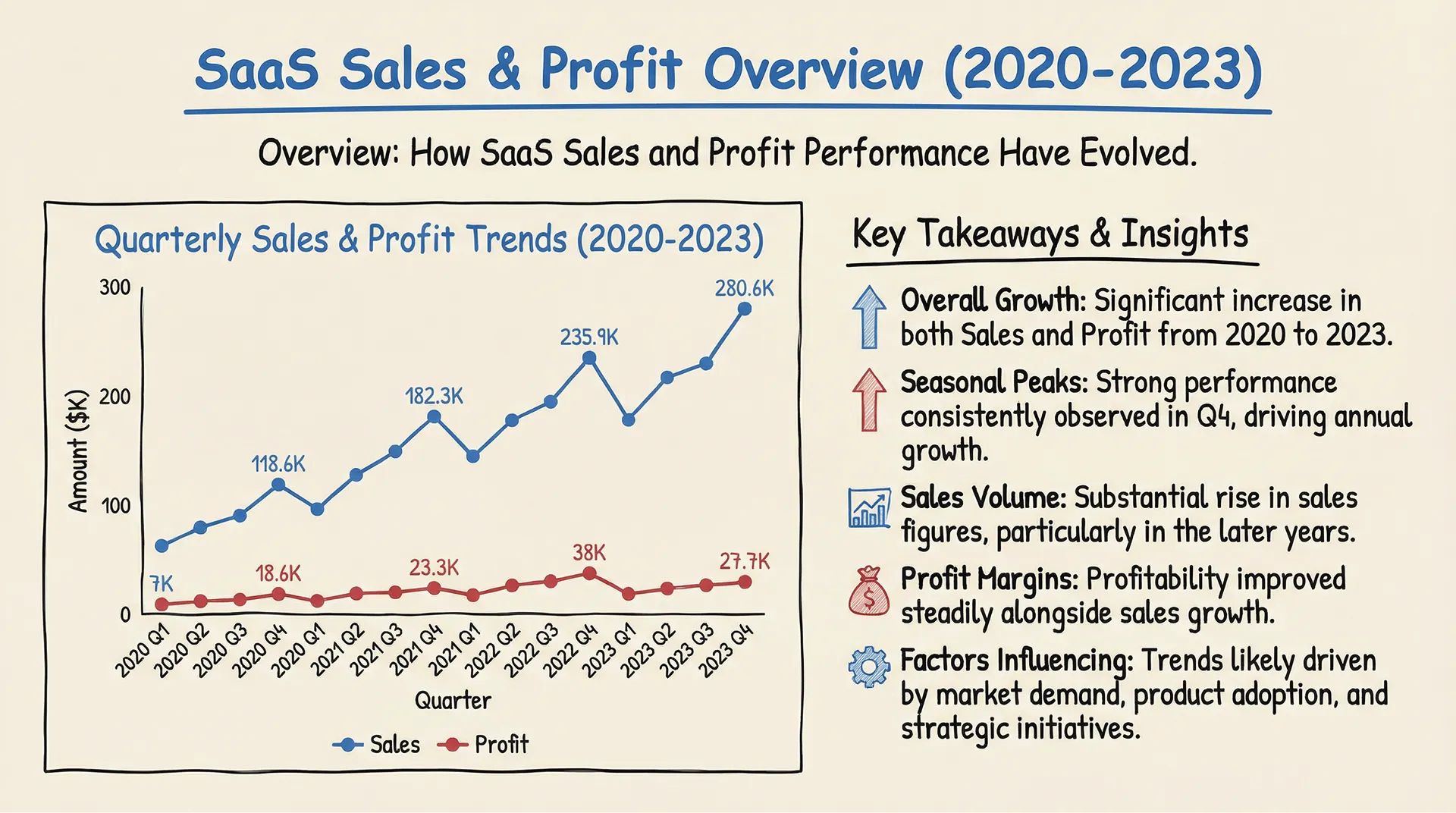
Whether you need a strict financial report for the board or a creative deck for a marketing pitch, switch styles instantly. Our engine adapts fonts, color palettes, and layouts to match the "Business" or "Fancy" vibe you need.
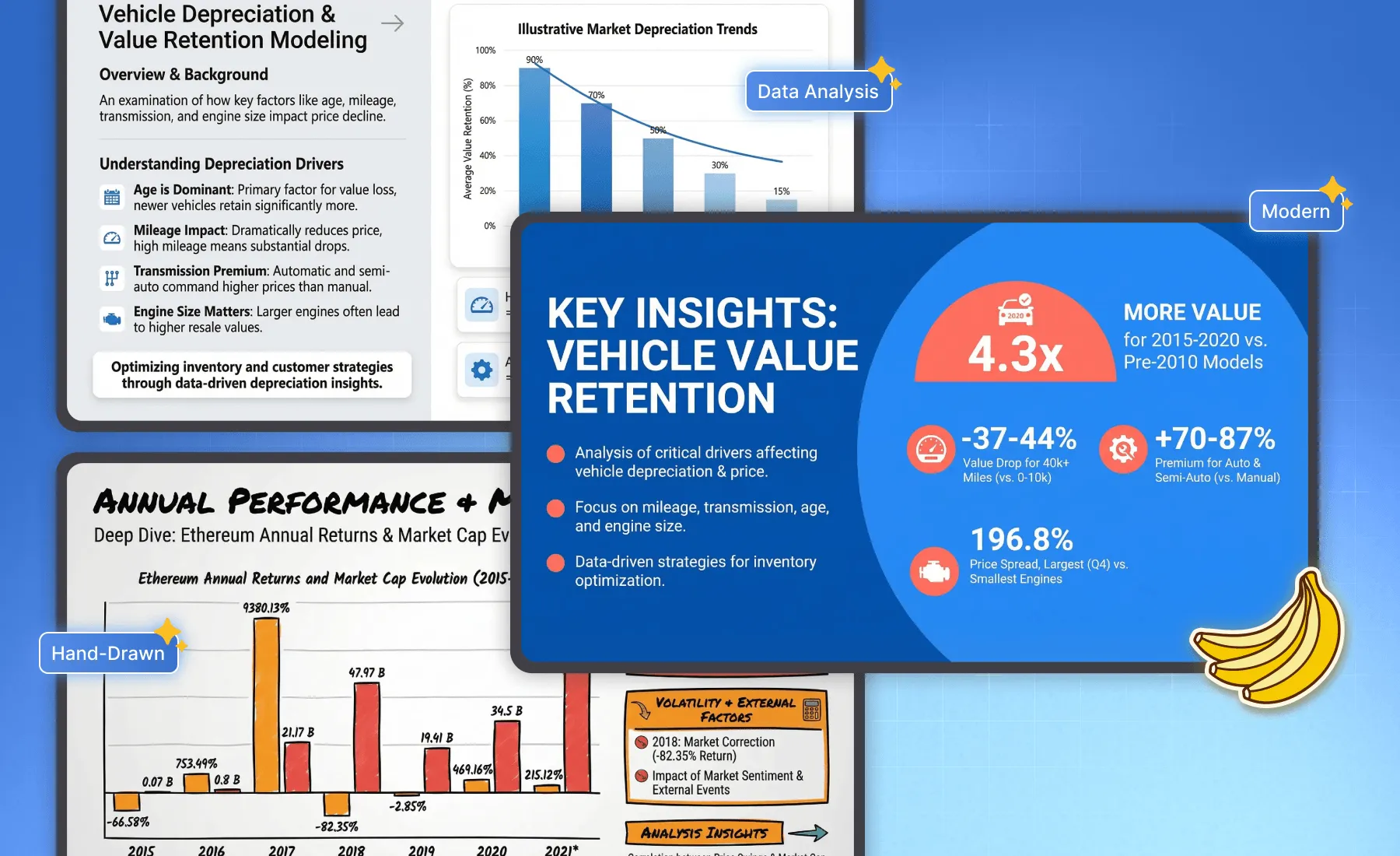
Narrative-Driven Layouts
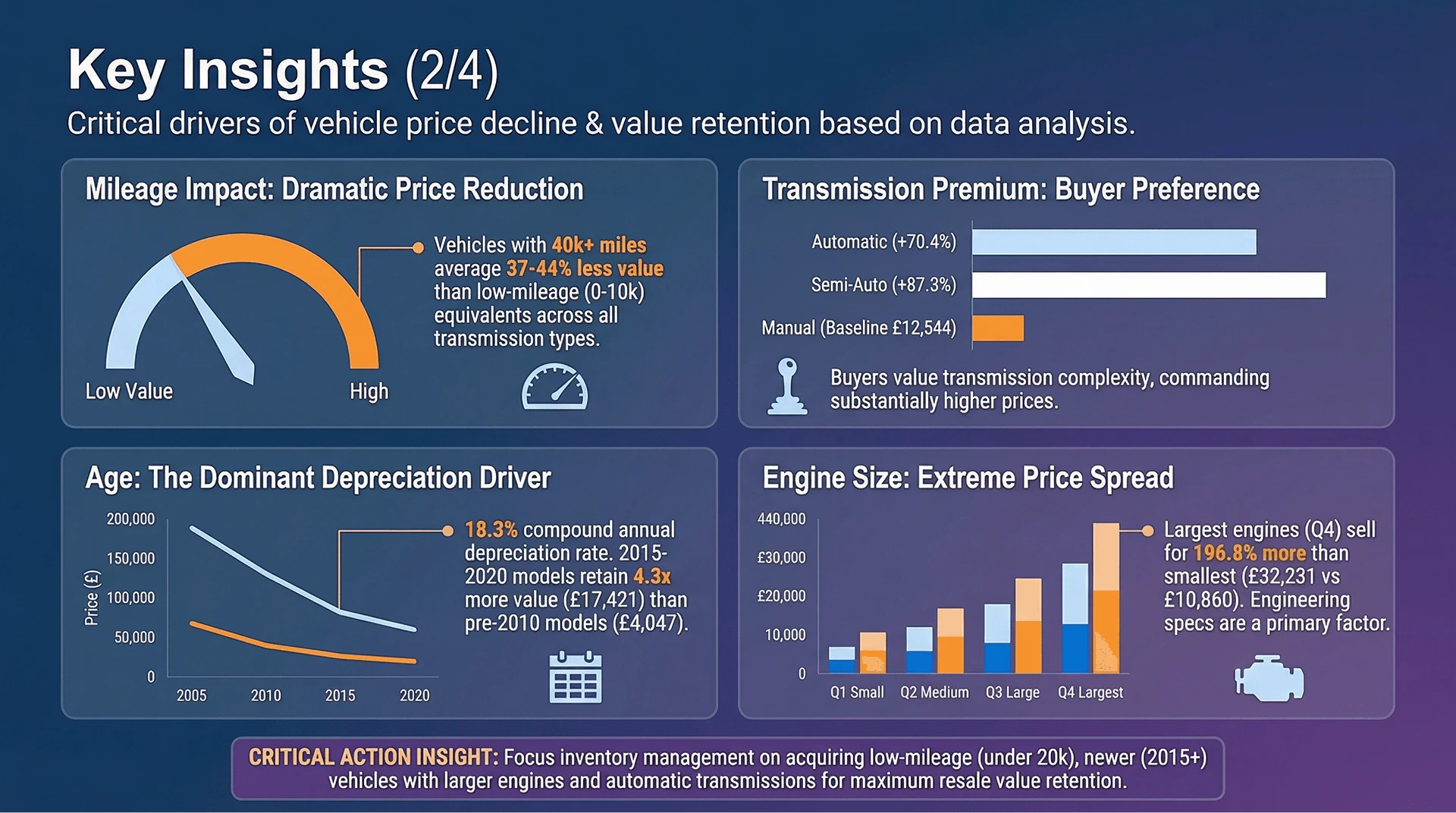
Bloom extracts the insights (the "What"), and Nano Banana Pro arranges them into a logical narrative flow (the "How"). From executive summaries to detailed trend breakdowns, the slide structure is auto-optimized for readability.
Zero Design Skills Needed
Forget alignment guides and font matching. Let the AI handle the whitespace, hierarchy, and color contrast. You focus on the data decision; we handle the pixel-perfect delivery.
使い方
Specify a topic or upload your Excel/CSV/PDF Files
After logging into Powerdrill Bloom, upload your file or enter the topic you want to analyze, and the "Create Canvas" function will be automatically generated.
Explore Your Files or Specified Topics with AI
Confirm the directions you want Powerdrill Bloom to explore, and click "Submit".
One-Click Slide Generation
Hit the "To PPT" or "To Infographics with Nano Banana Pro" button. Watch as Nano Banana Pro creates a full presentation deck with stunning layouts and infographics based on your analysis. Export to PowerPoint or PDF instantly.
Generated Slides by Nano Banana Pro
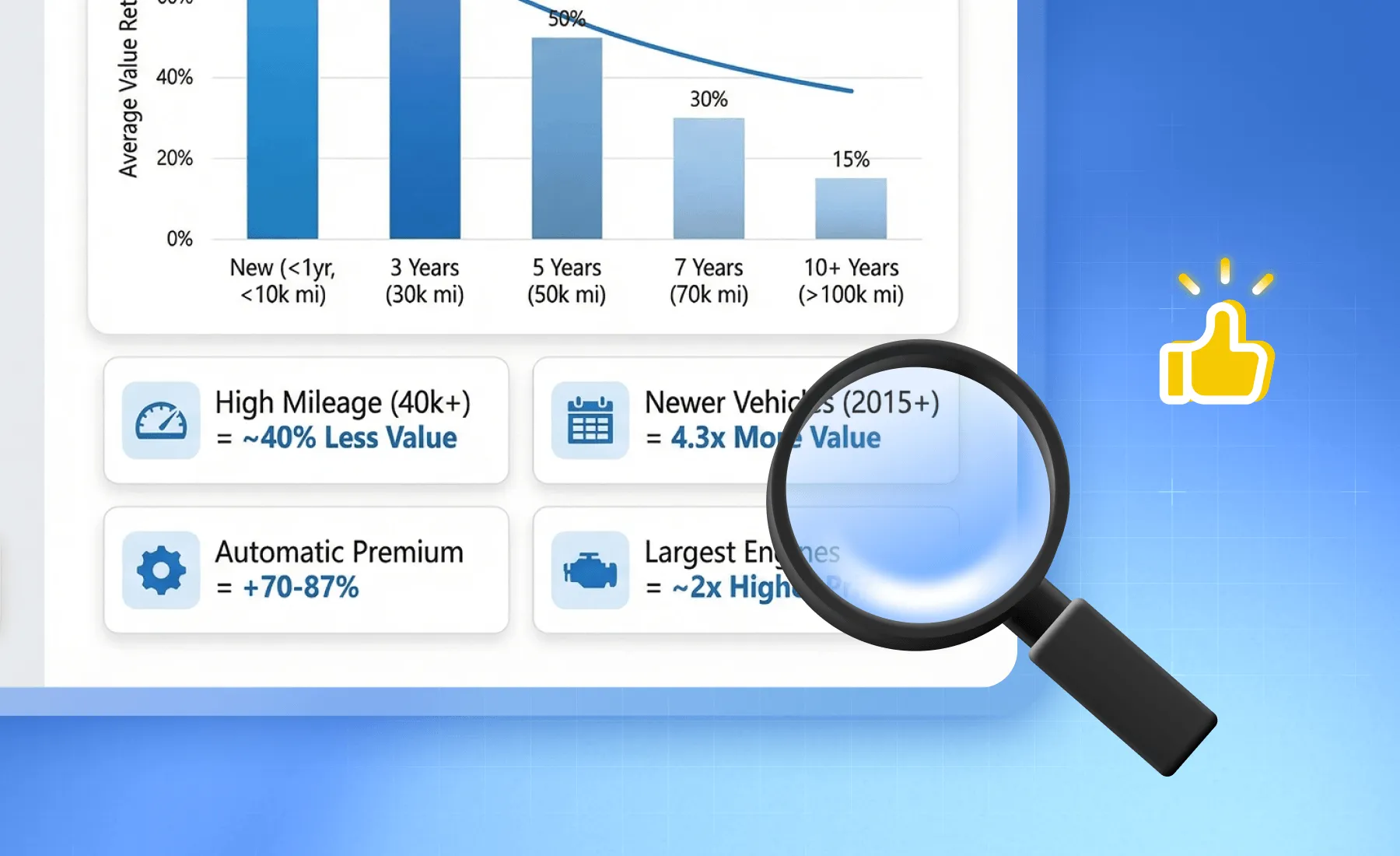
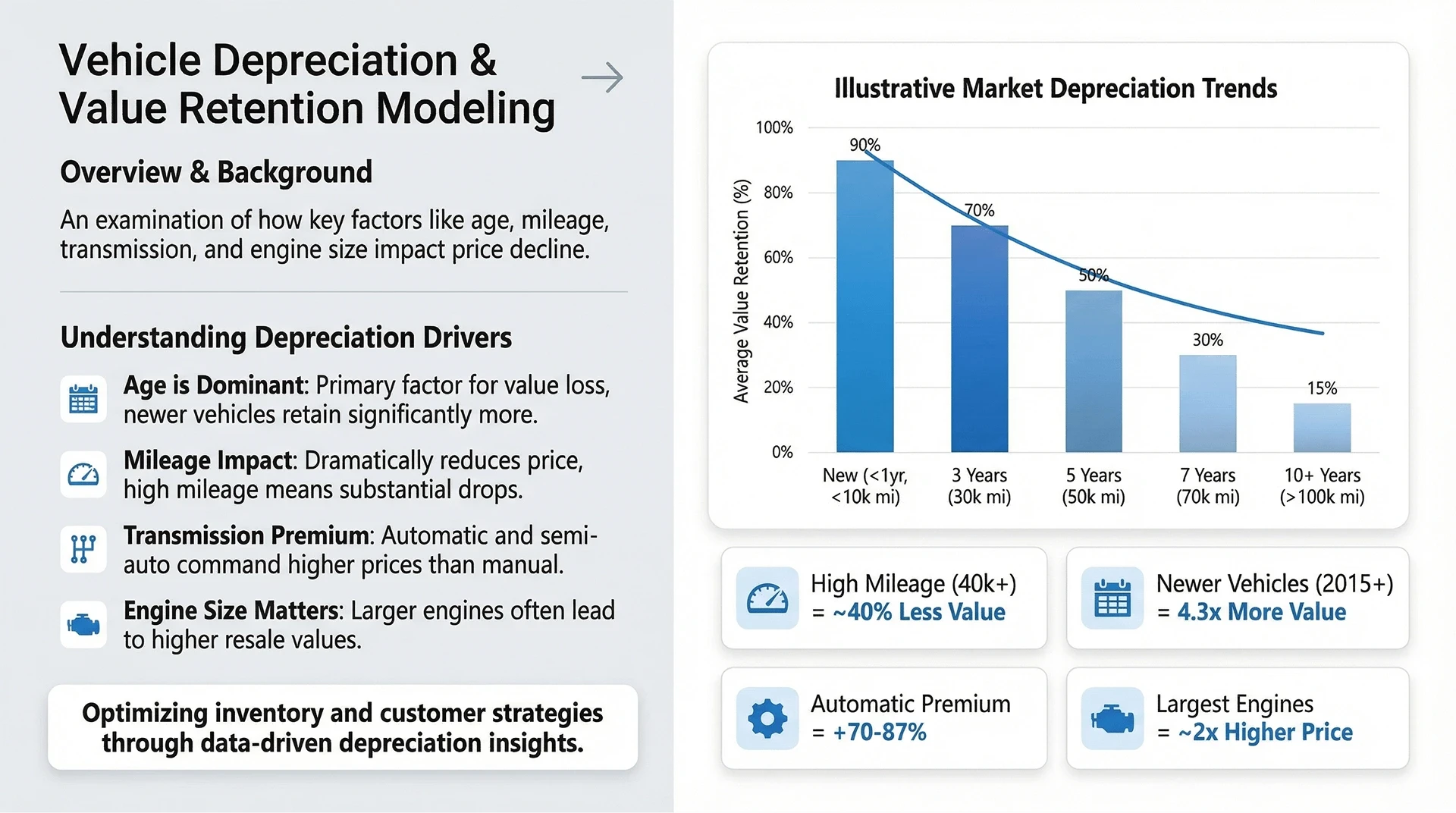
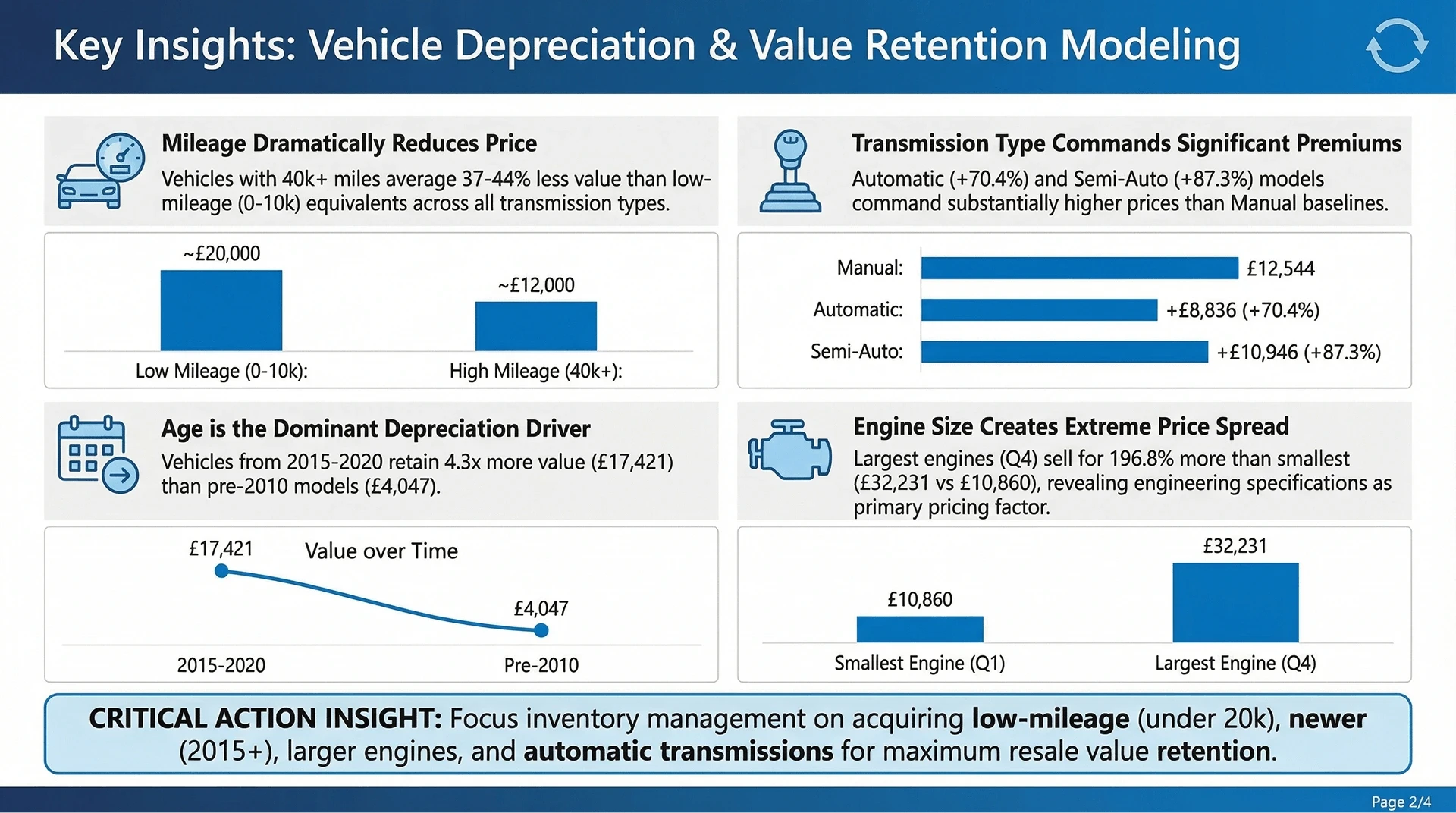
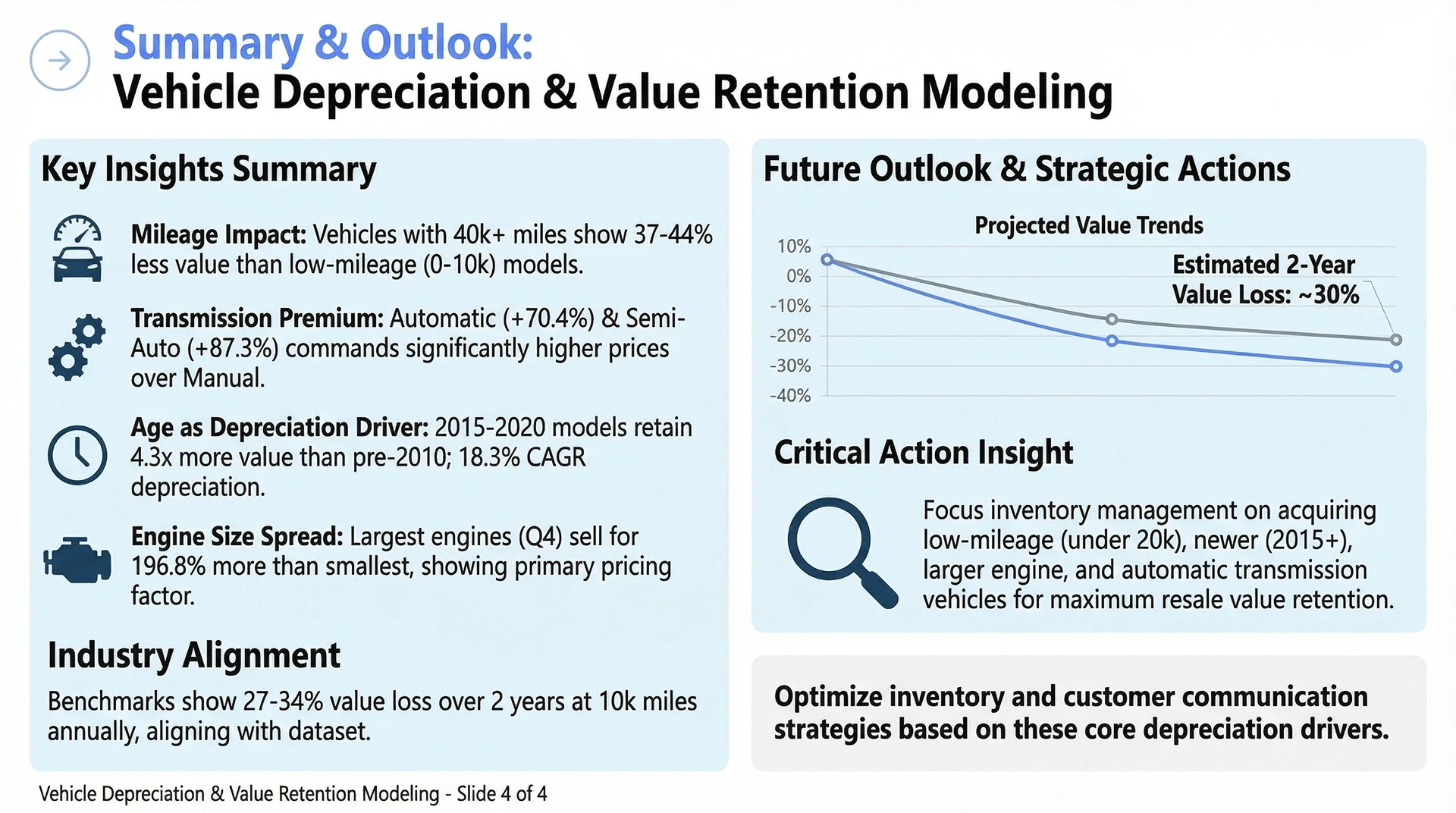
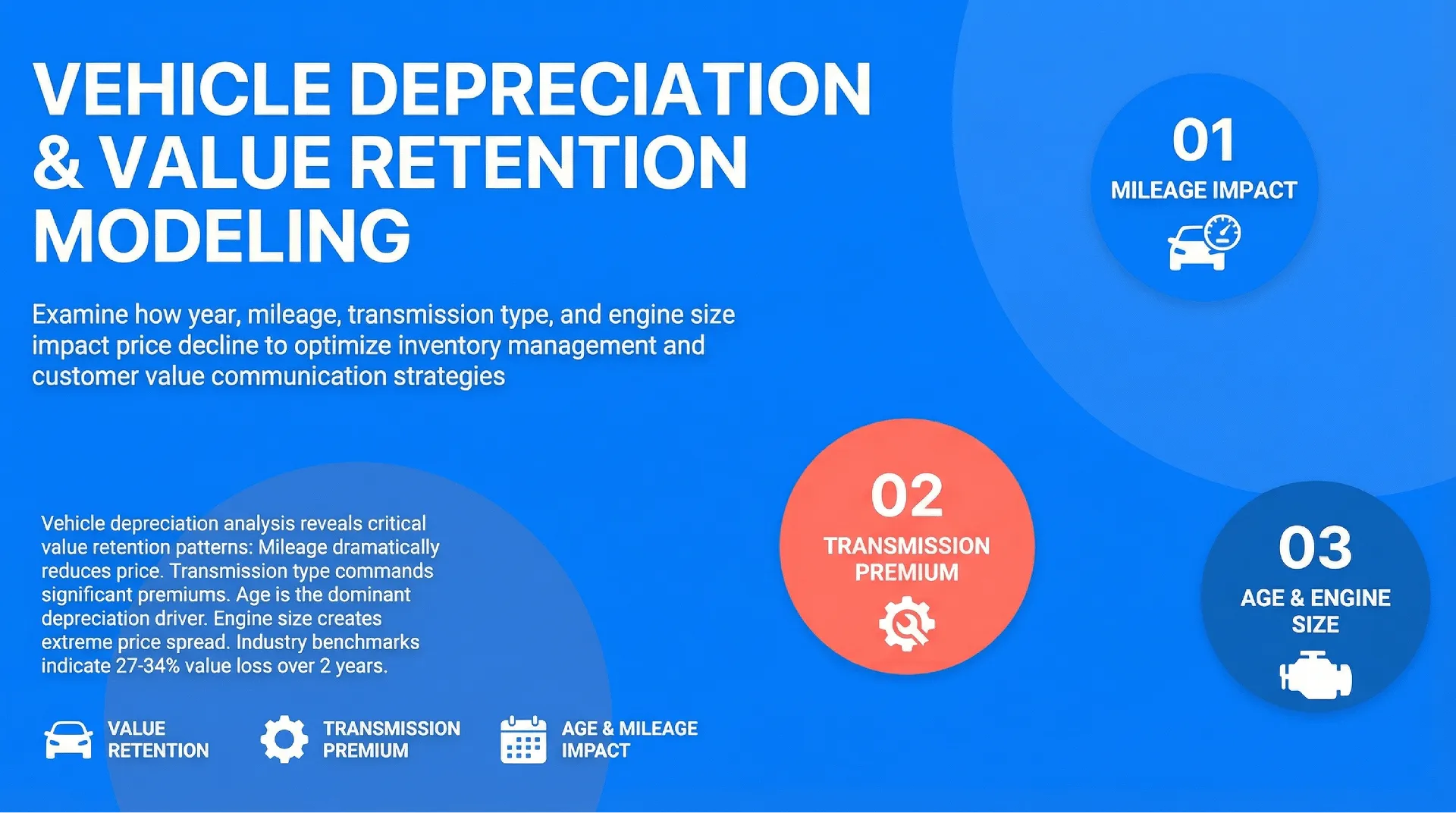
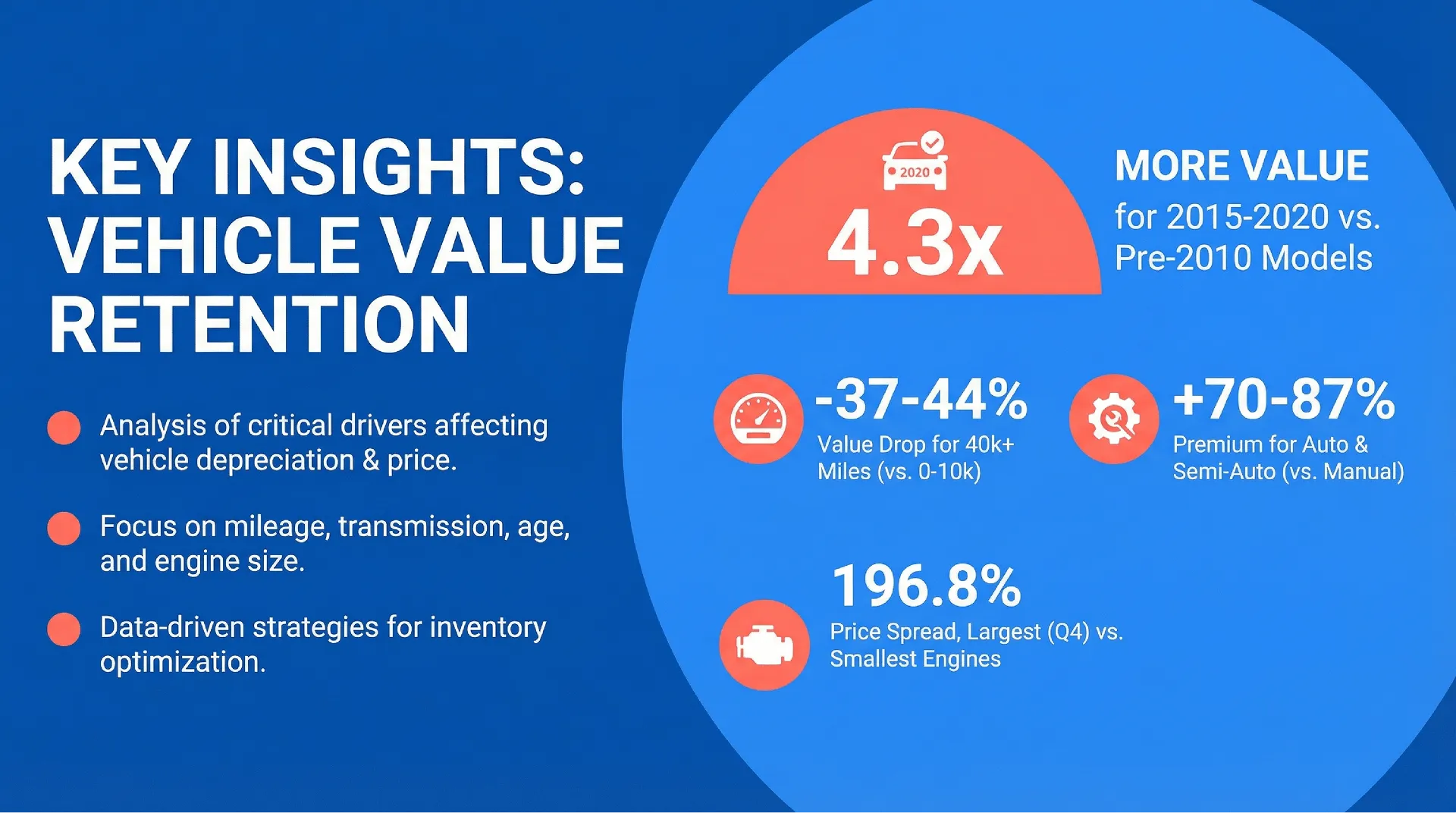
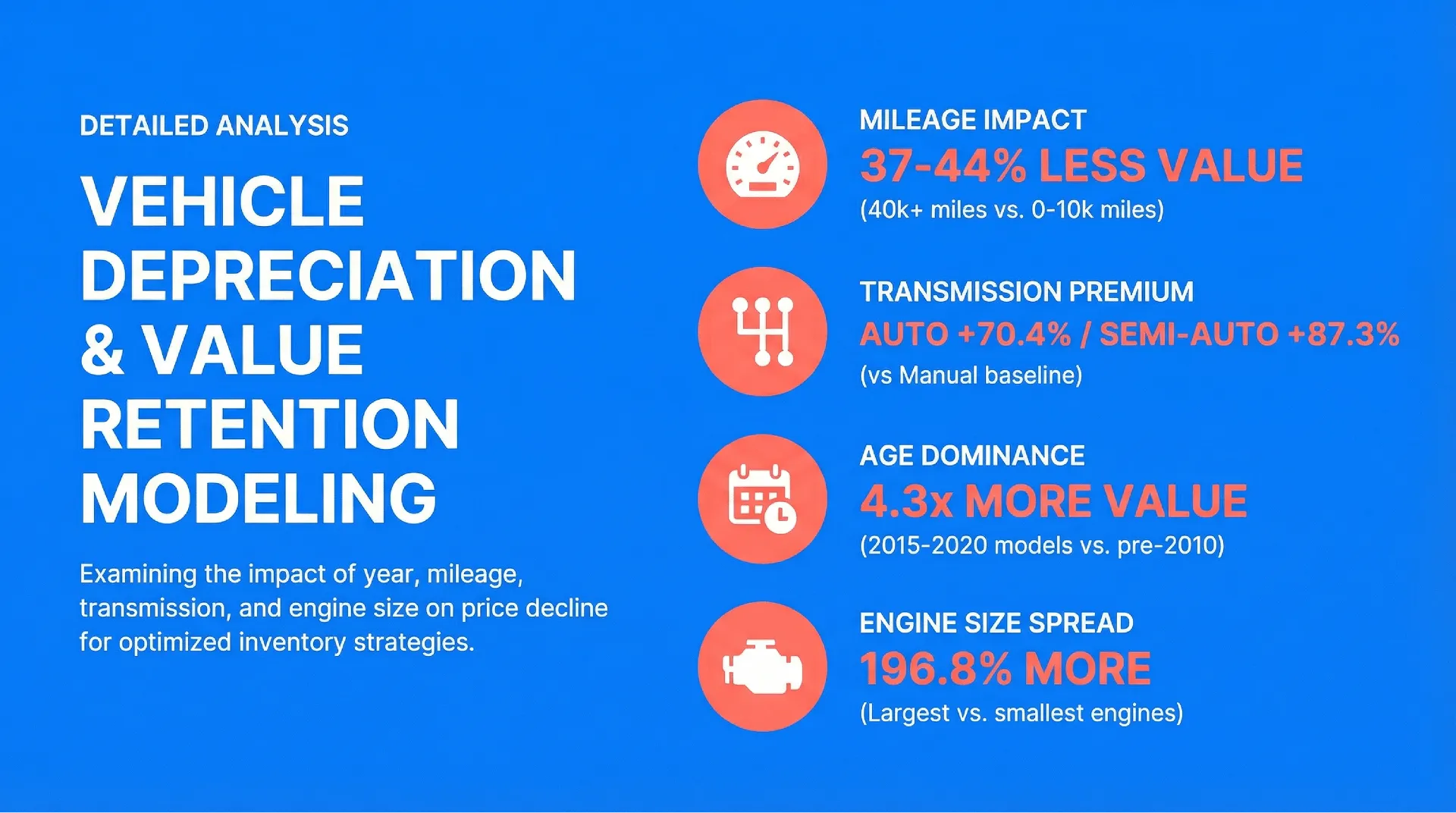
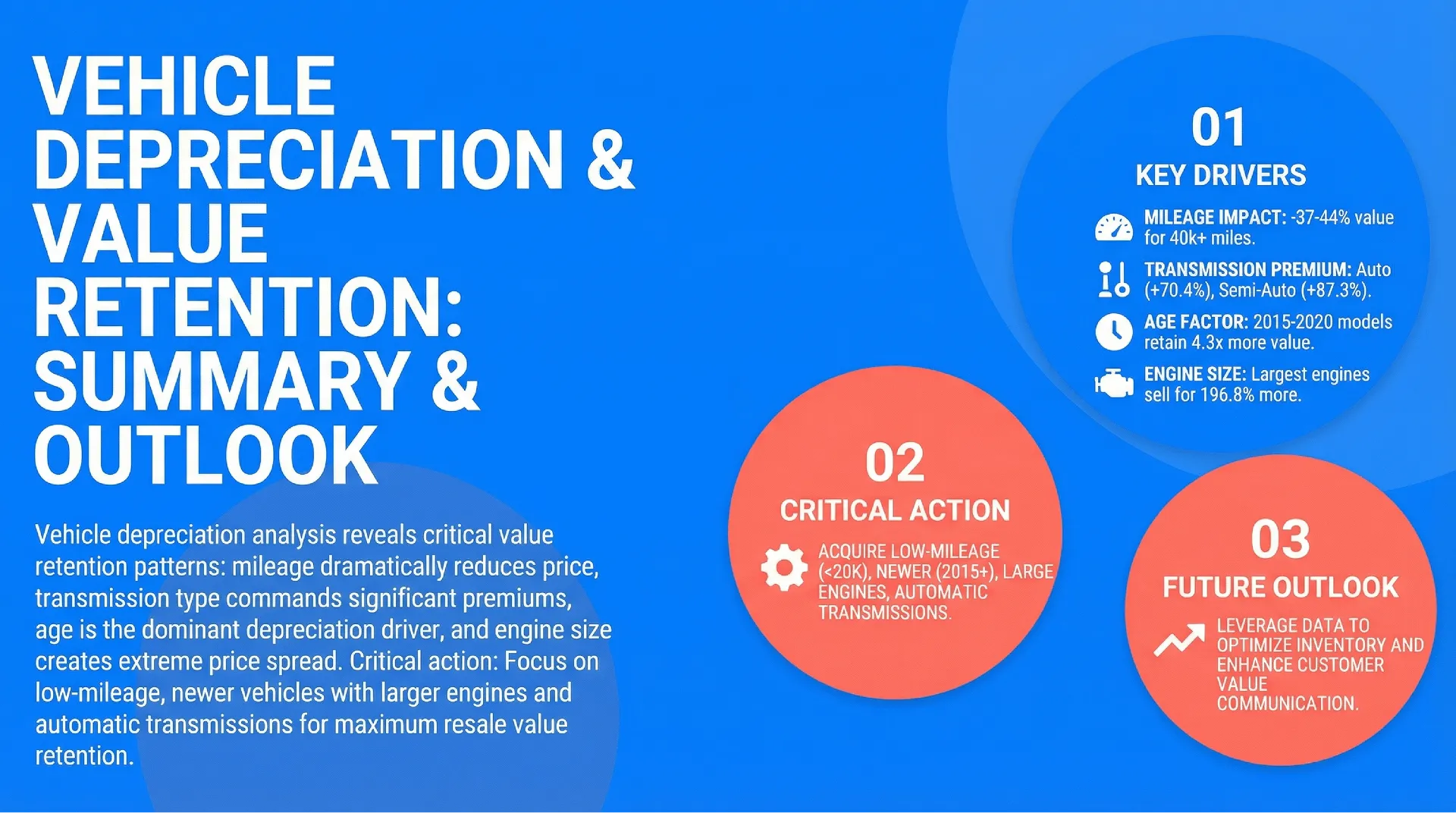
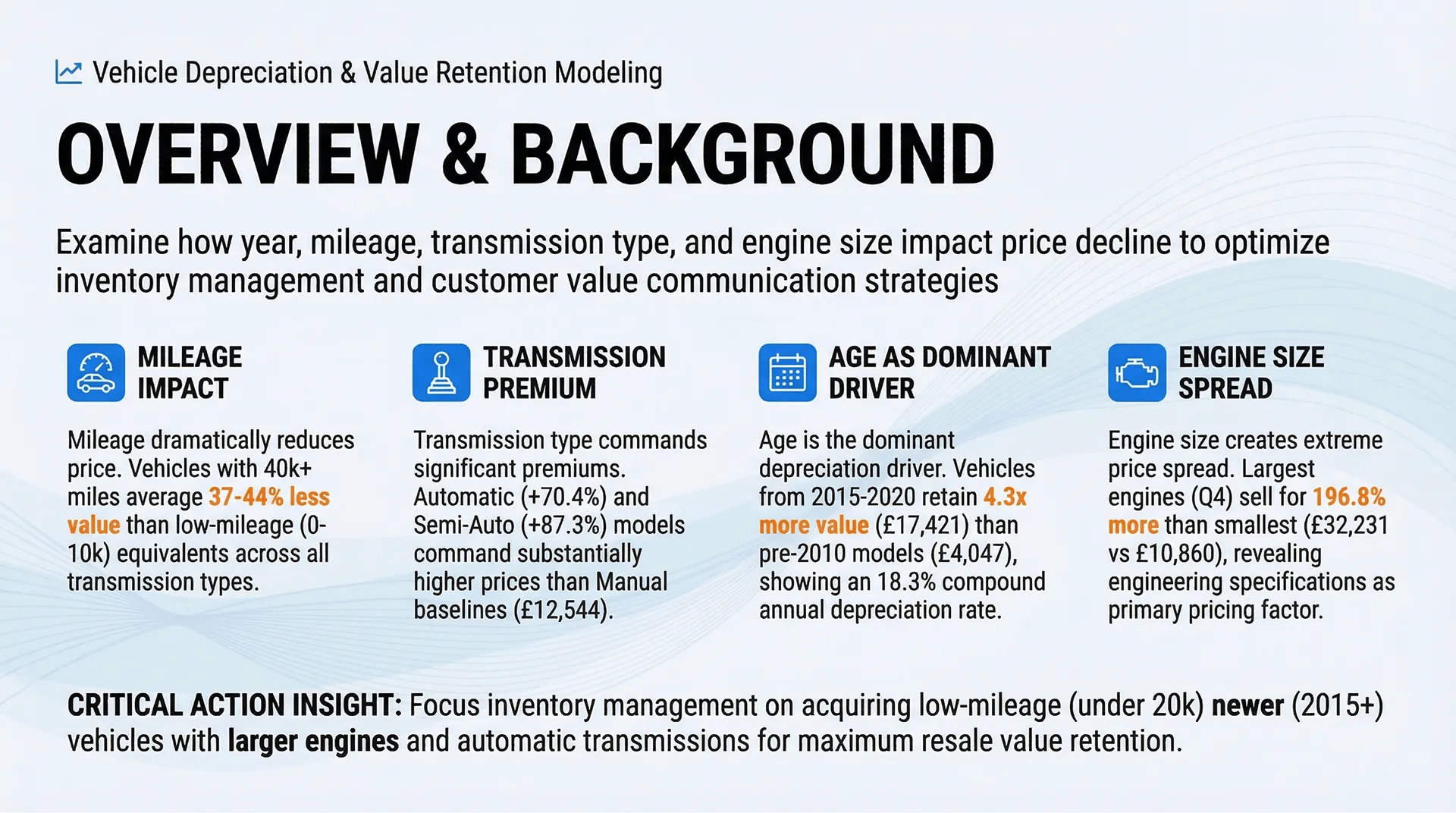
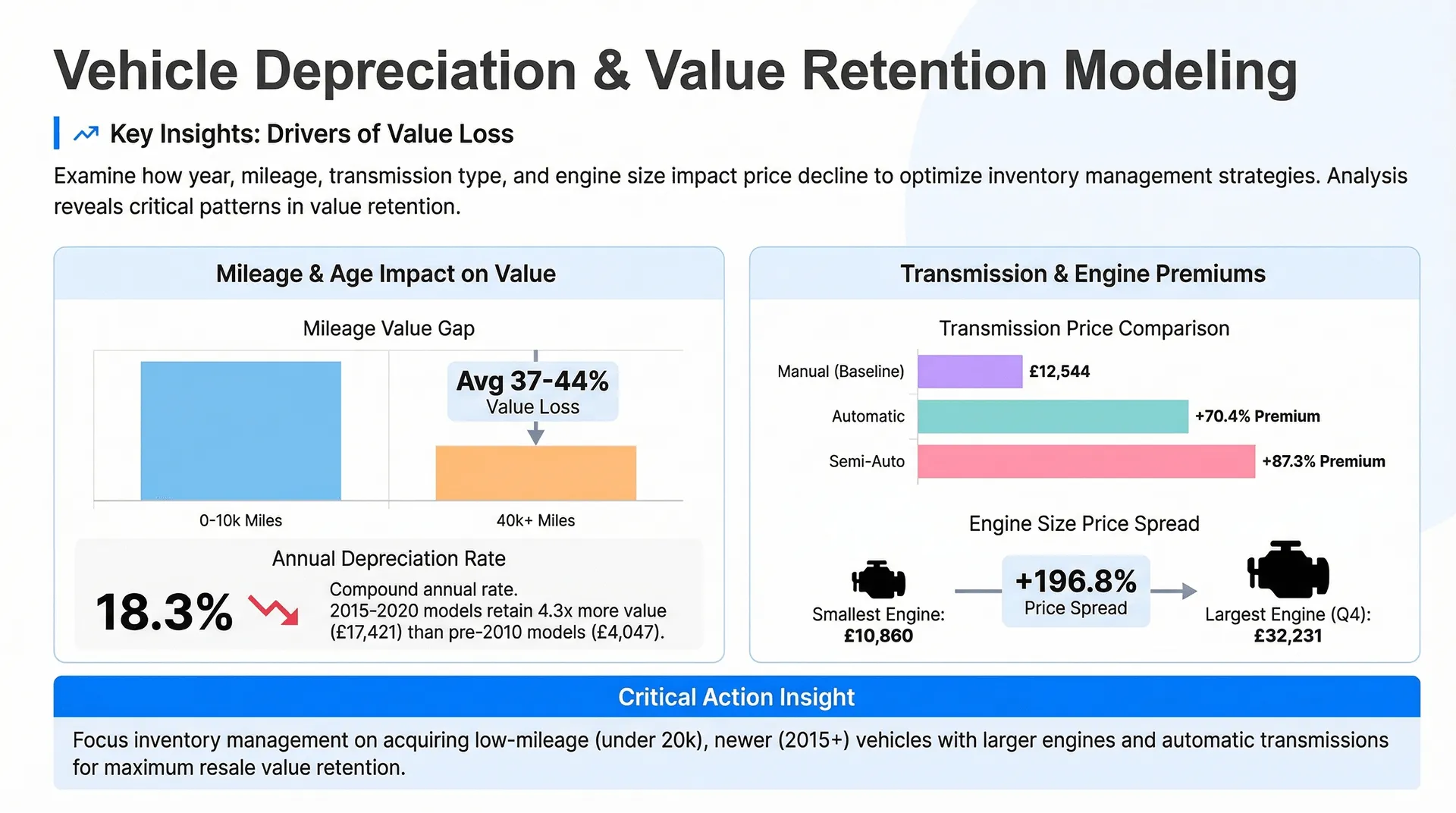
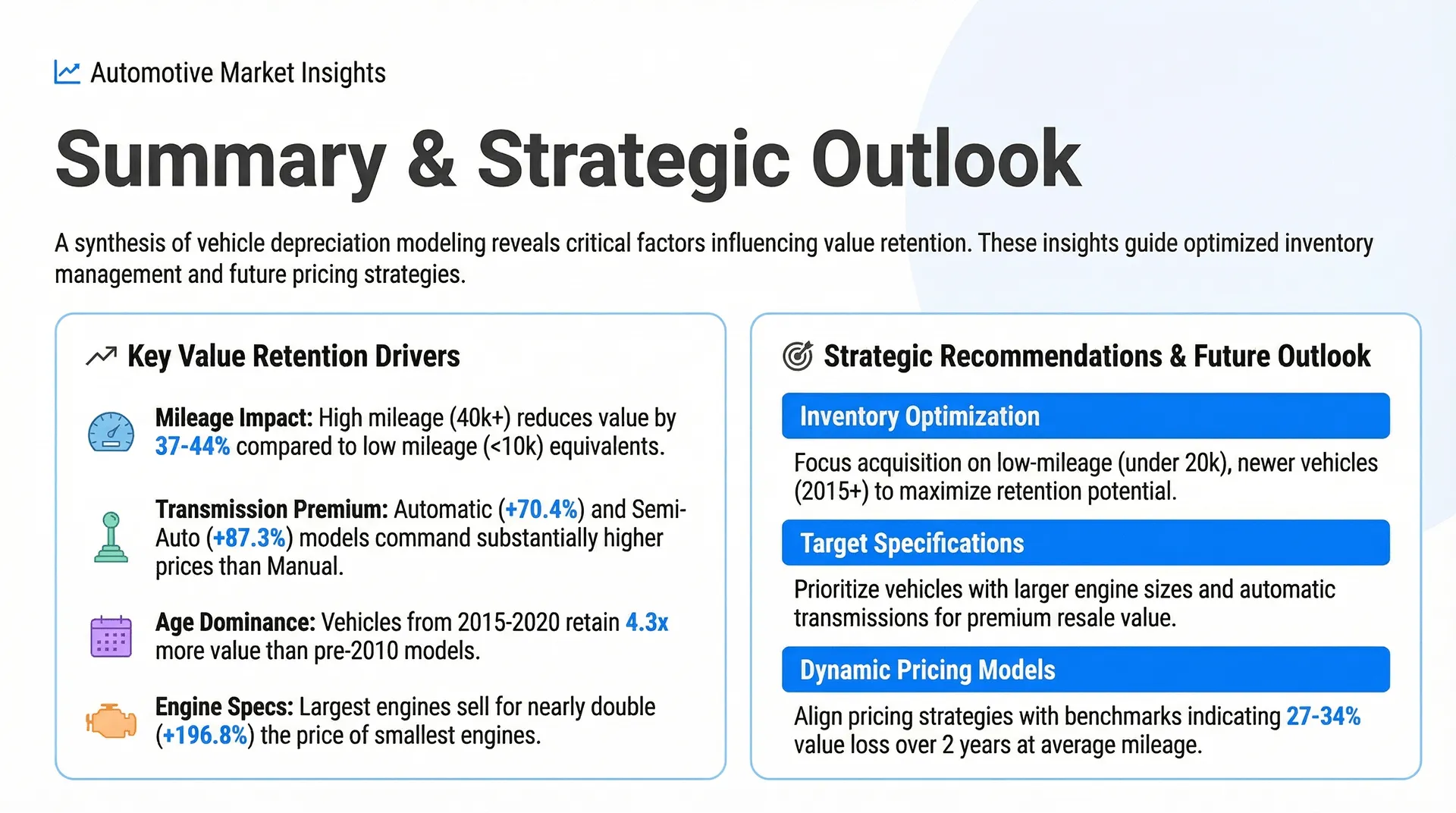
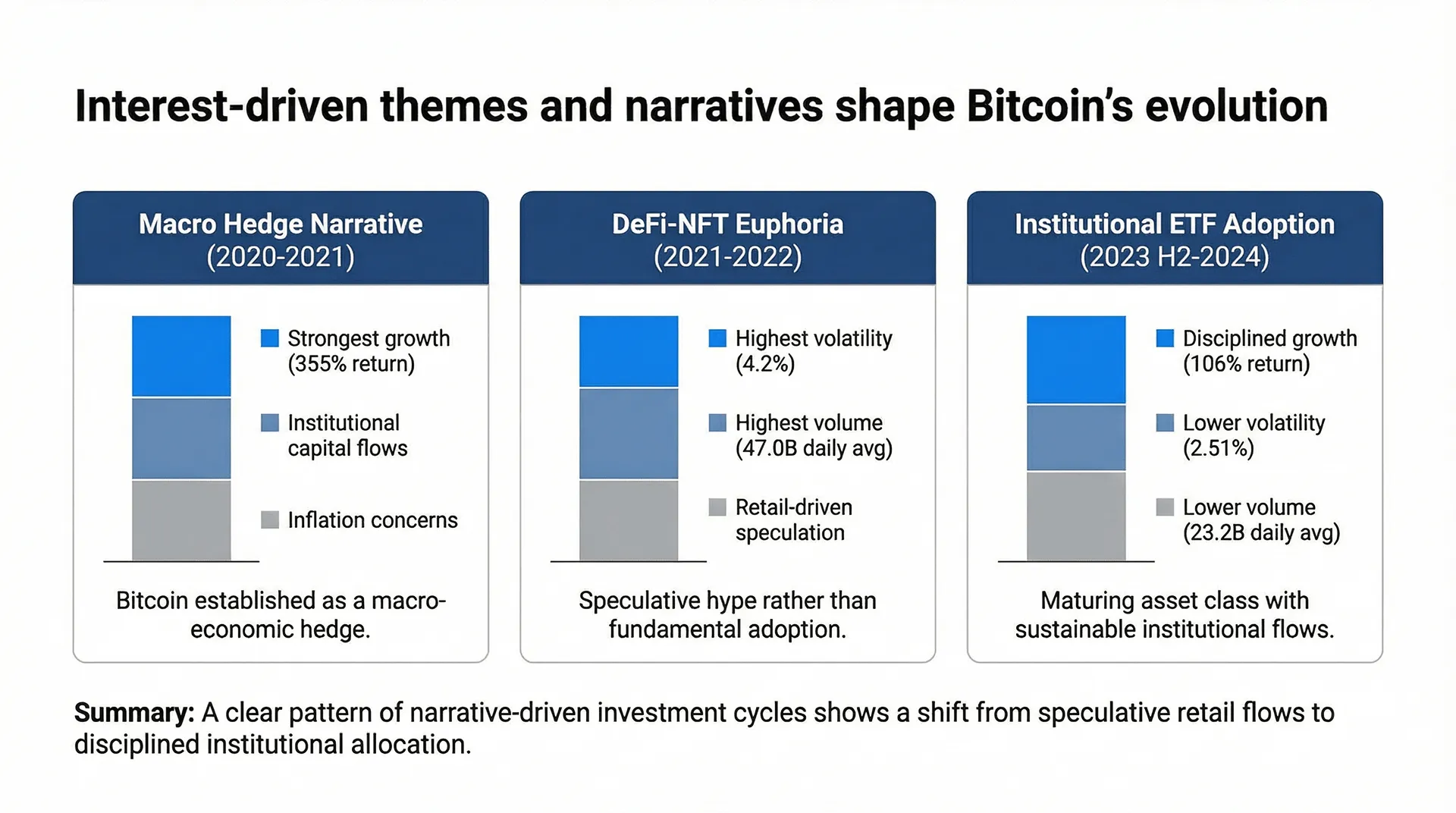
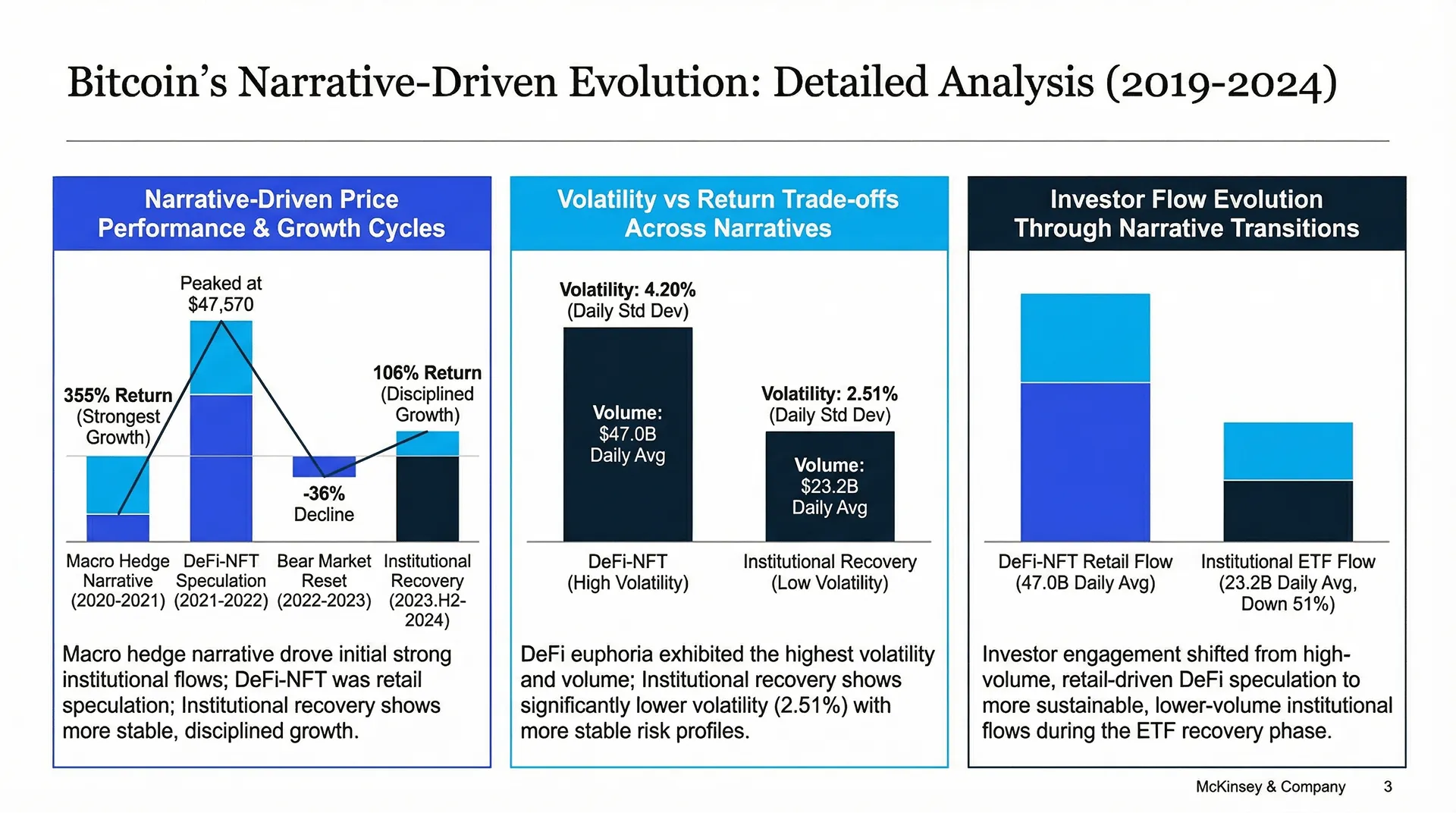
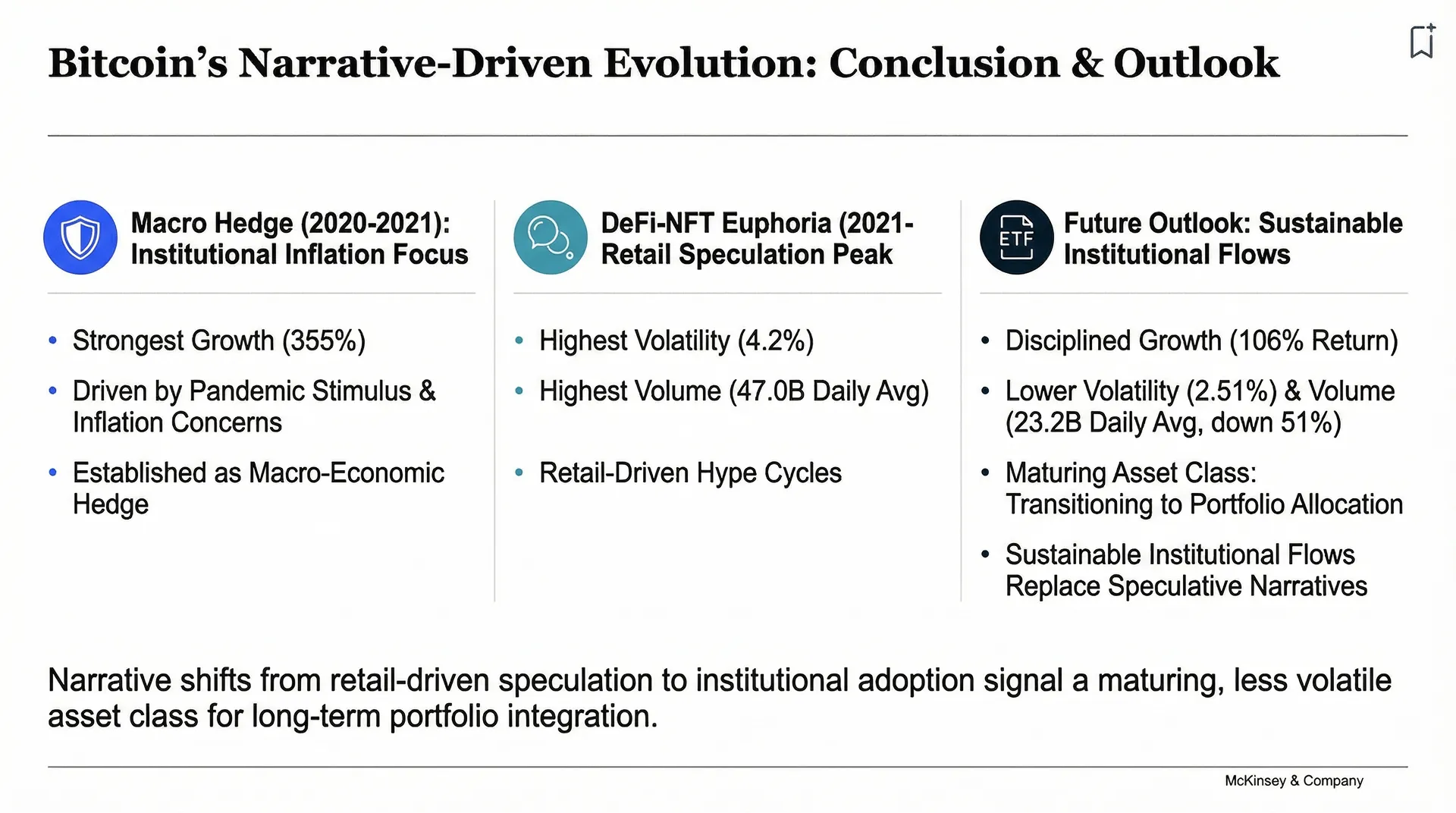
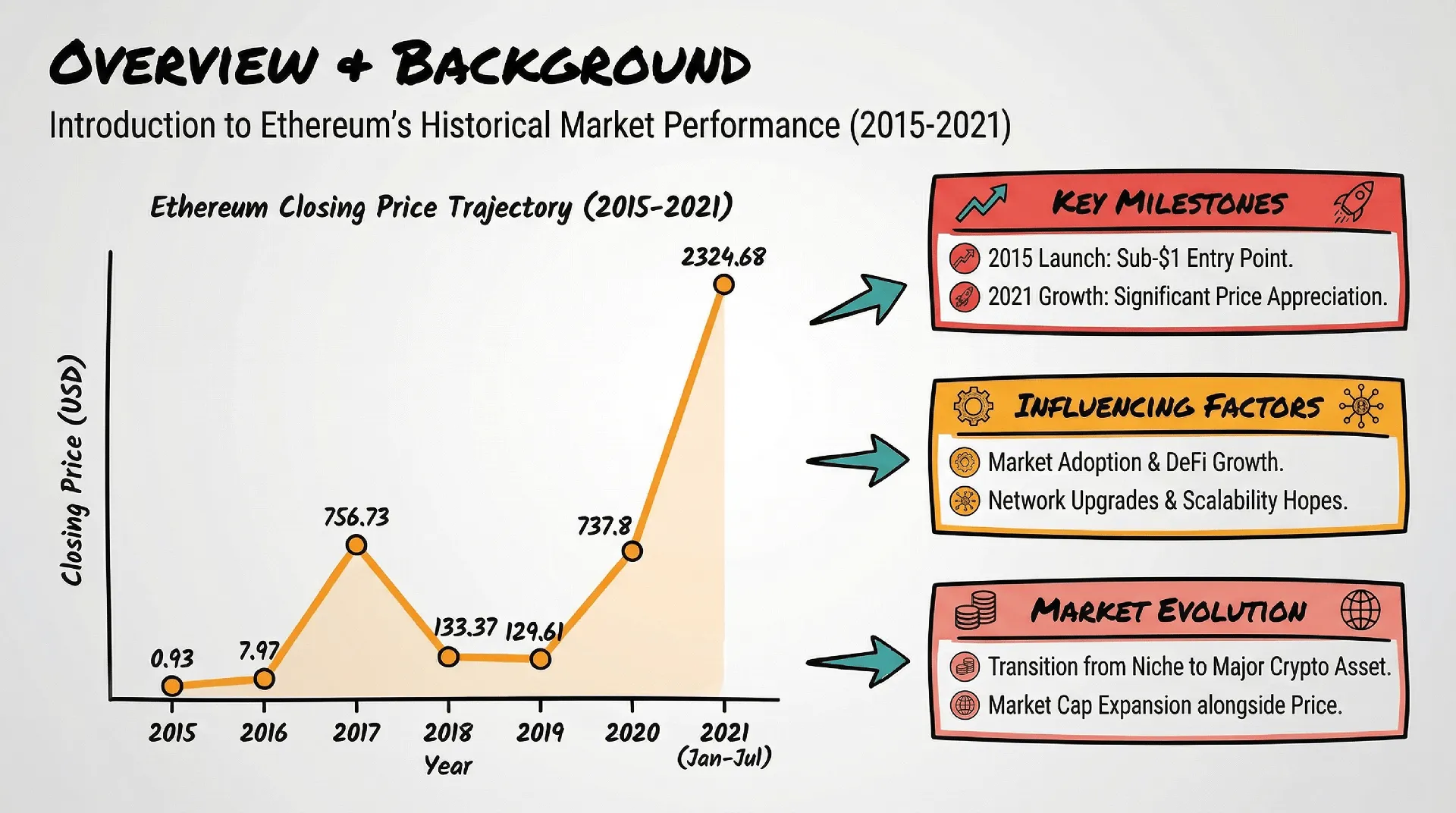
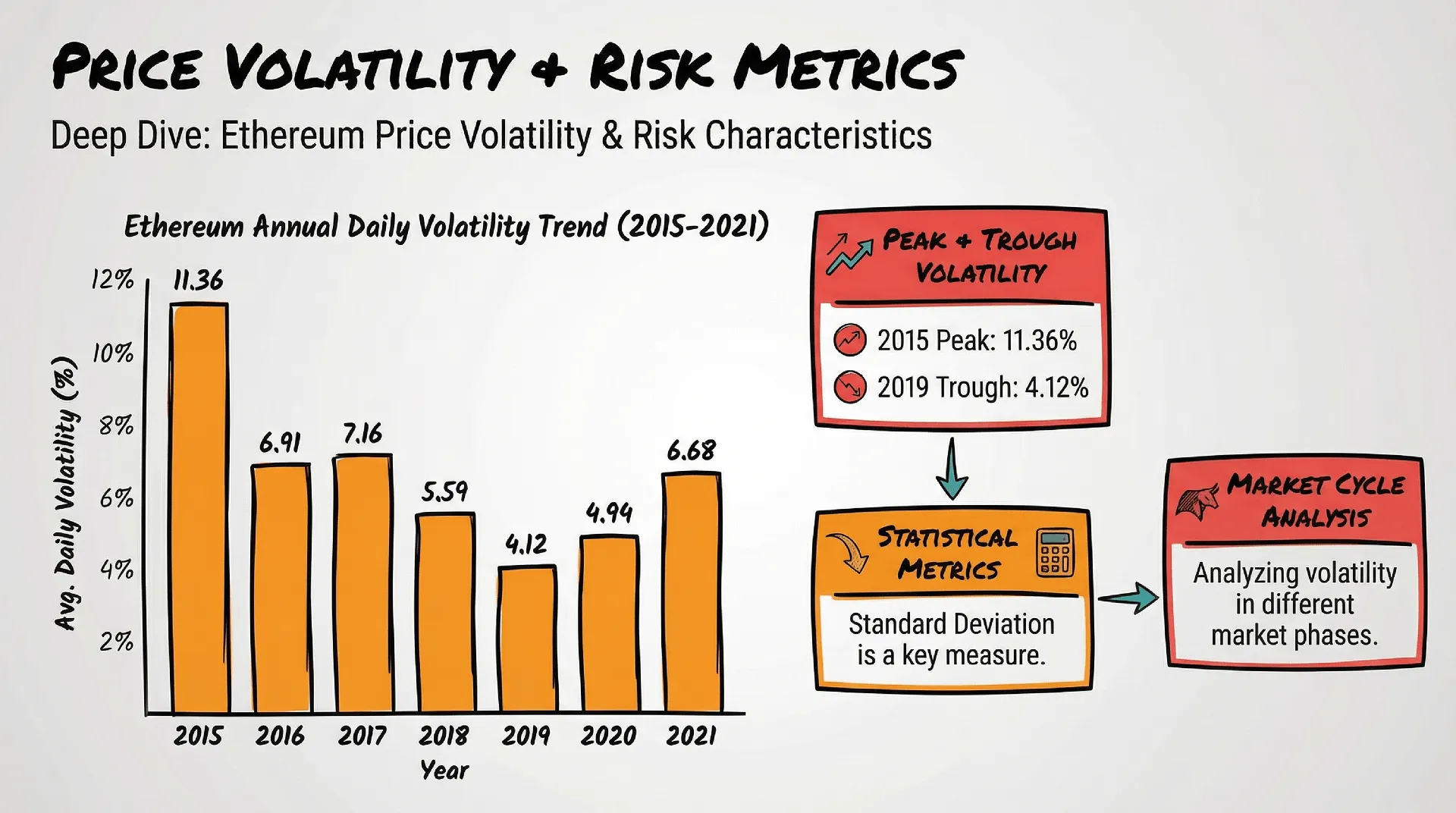
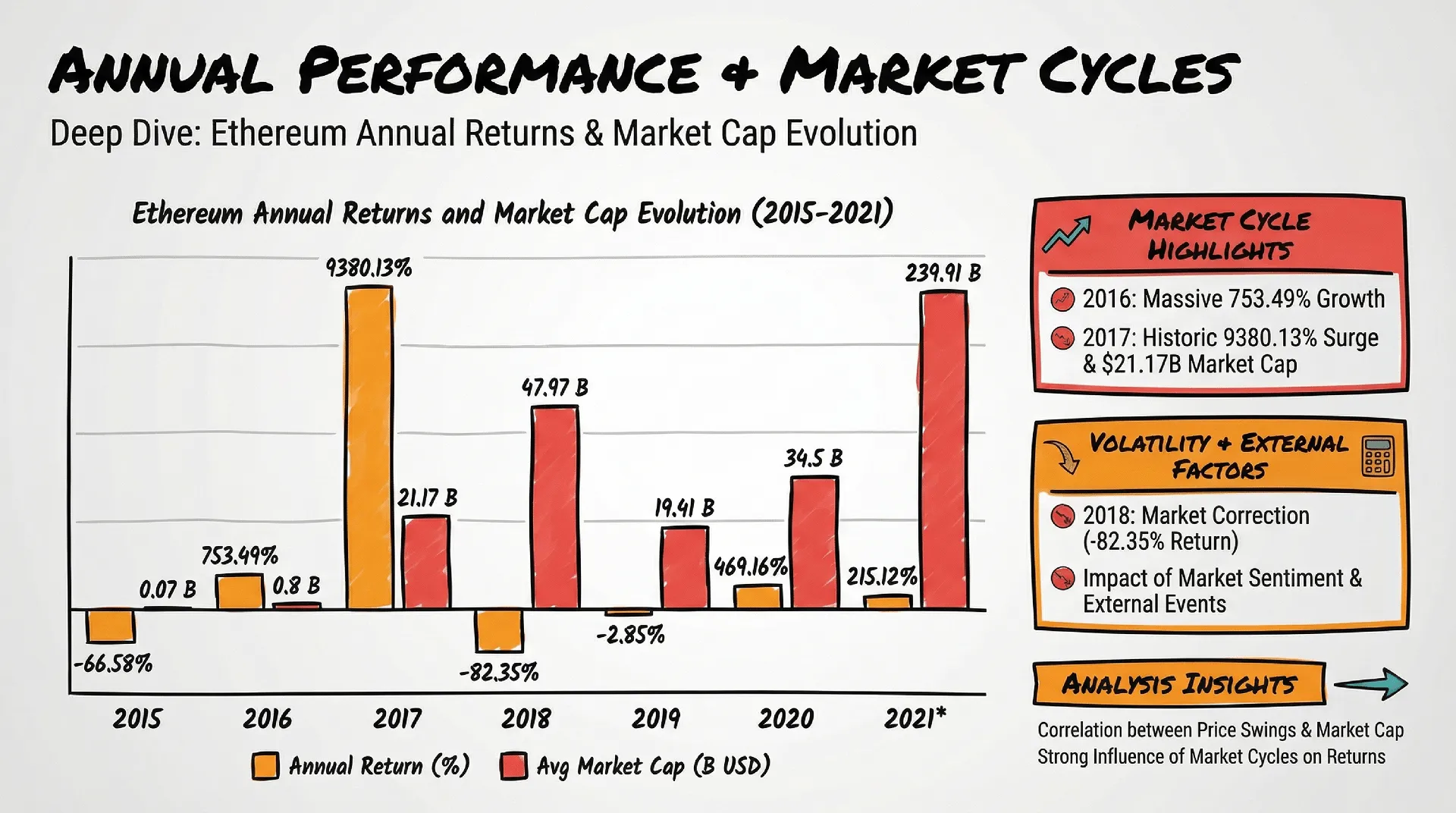
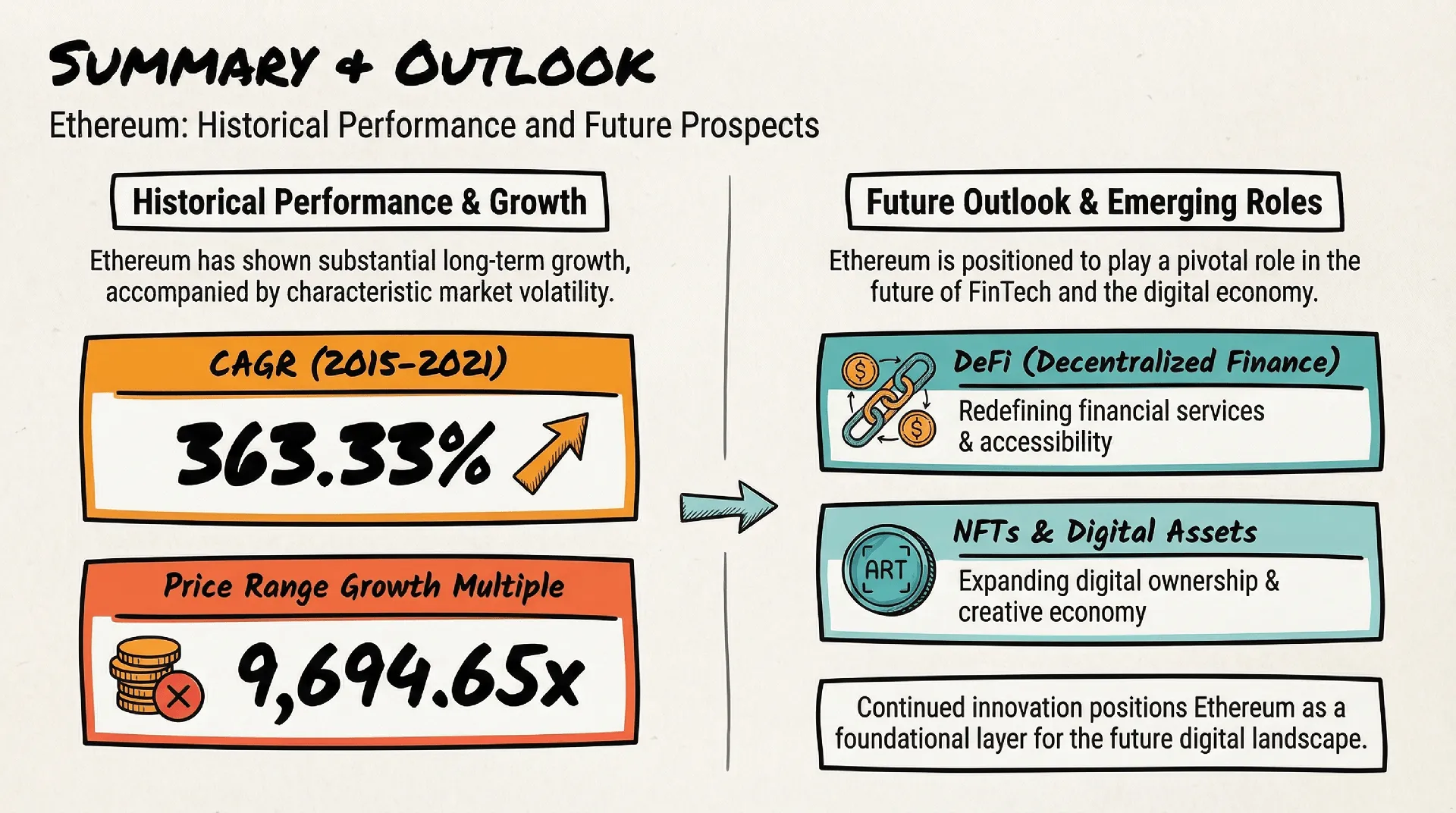
Experience the output of high-fidelity AI. These showcases demonstrate how the model generates entire presentation decks that consistently follow any visual language you choose—from Data-Heavy Analyst styles to futuristic 3D illustrations.
よくある質問
Bloomから私のデータを削除することはできますか?
+
はい、データ探索キャンバスを削除すれば、いつでもデータを消去できます。キャンバスを削除すると、アップロードされたファイル、インサイト、可視化データ、そして生成されたプレゼンテーションを含む全ての関連データが、システムから完全に削除されます。これにより、お客様はご自身のデータを完全にコントロールでき、プライバシーとセキュリティが確保されます。
Bloomを使用する際、私のデータは安全ですか?
+
はい、お客様のデータは多層的なセキュリティで保護されています。Powerdrill Bloomは、データ損失や漏洩を防ぐ厳格なプライバシーおよびセキュリティ基準を遵守しています。データの取り扱いについてはプライバシーポリシーで、当社のセキュリティ対策についてはトラストセンターで詳細をご確認いただけます。
Bloomでチームと共同作業できますか?
+
はい、もちろん可能です。Bloomの探索キャンバスは、チームや関係者と簡単に共有できます。共有された人は、あなたの分析結果を確認し、そこからさらに独自のデータ探索を続けられます。元のデータ自体は共有されないため、あなたの機密データは常に安全です。
Bloomが対応可能な言語は何ですか?
+
Bloomは現在、英語、スペイン語、ポルトガル語、中国語、日本語、韓国語を含む17言語に対応しています。これにより、世界中のユーザーが母国語でデータ分析や探索を行えます。
Bloomにアップロードできるファイルの種類は何ですか?
+
Bloomは、Excel(.xlsx)やCSV、TSVなど一般的な形式に対応しています。スプレッドシートをアップロードするだけで、あとはAIエージェントにお任せください。
Bloomの利用に、専門的な技術やデータ分析のスキルは必要ですか?
+
いいえ、Bloomは特定のスキルを持つ人だけのものではありません。ファイルをアップロードすれば、専門知識がなくても誰でも簡単にデータ分析や探索が可能。チームや部門を問わず、あらゆる人がデータから価値を引き出せるように作られています。
Bloomはプレゼン資料を作ってくれますか?
+
もちろんです。データの探索中に、Bloomが選択したインサイトやビジュアルから、プレゼンに最適なPowerPointスライドを自動で作り出します。手動での調整は必要なく、ワンクリックでダウンロード可能。多彩なプロ仕様のテーマも用意されているため、あなたのプレゼン資料を最初から完璧な状態で仕上げられます。
Bloomは何ができますか?
+
Bloomは、ビジネスレポートの作成、売上やユーザー行動のトレンド分析、KPIの追跡、意思決定のためのインサイト生成など、あらゆるデータ作業をサポートします。専門的なスキルや手作業なしで、生データを明確なビジュアルや洞察、プレゼン資料へと変えたいすべての人に最適なツールです。
Powerdrill Bloomとは何か?
+
Powerdrill Bloomは、AI搭載のデータ探索キャンバスです。AIエージェントチームがあなたのデータを自動で整理・分析・可視化することで、コードを書くことなく、スプレッドシートを実行可能なインサイトやプレゼンテーションへと変えます。
BloomのAIデータエージェントは何ですか?
+
AIデータエージェントは、分析作業の各パートを担当する賢いアシスタントです。データの構造を理解するもの、有益なグラフや洞察を生み出すもの、さらなる問いかけを提案するもの、そして結論を要約するもの。それぞれの役割を持つエージェントが連携して、あなたのデータ分析を強力にサポートします。
Bloomは無料で使えますか?
+
はい。Powerdrill Bloom には無料版があり、アップグレード前にコア機能をお試しいただけます。
より高度な機能、より高い利用上限、コラボレーション機能が必要な方向けに、Bloom はチームでの共同作業に適した Team プランを含む複数の有料プランをご用意しています。
Powerdrill Bloomを試すにはどうしたらいいですか?
+
Powerdrill Bloom はインストール不要で、すぐにオンラインでお試しいただけます。
powerdrill.ai にアクセスしてサインインするだけで、ブラウザから直接 Bloom をご利用いただけます。