Las 10 mejores herramientas de PowerPoint de IA en 2026 para crear presentaciones impresionantes
Introducción
Después de probar rigurosamente más de 50 creadores de presentaciones de IA de primer nivel en el mercado global, he identificado las 10 mejores herramientas absolutas para crear presentaciones impresionantes impulsadas por datos este año. Antes de sumergirnos en las herramientas más poderosas de PPT impulsadas por datos de 2026, si buscas una guía rápida o simplemente quieres generar diapositivas simples a partir de un documento básico o un tema específico, te recomiendo encarecidamente que eches un vistazo a mi guía fundamental: Crea diapositivas PPT de cualquier tema o archivo con IA.
Ahora, exploremos cómo las principales plataformas están revolucionando la transición de datos en bruto a presentaciones listas para la sala de juntas.
Tabla de Comparación: Mejores Creadores de Presentaciones de IA
Nombre de la Herramienta | Mejor Para | Facilidad de Uso | Modelo de Precios |
Análisis de Datos a PPT & Profundas Perspectivas | Muy Alta | Freemium / Tarifas Pagadas | |
Pautas de Marca Estrictas & Diseño Rápido | Alta | Suscripción Pagada | |
Visuales Interactivos Basados en la Web | Alta | Freemium / Tarifas Pagadas | |
Gráficos de Marketing & Redes Sociales | Muy Alta | Freemium / Tarifas Pagadas | |
Texto a Diapositiva a través de Google Workspace | Media | Freemium / Tarifas Pagadas | |
Generación de Leads & Creación Rápida | Alta | Suscripción Pagada | |
Integración Nativa con Google Slides | Alta | Suscripción Pagada | |
Usuarios de Microsoft 365 para Empresas | Media | Suscripción Mensual | |
Presentaciones Dinámicas No Lineales | Media | Freemium / Tarifas Pagadas | |
Diseño Automatizado | Alta | Freemium / Tarifas Pagadas |
1. Powerdrill Bloom
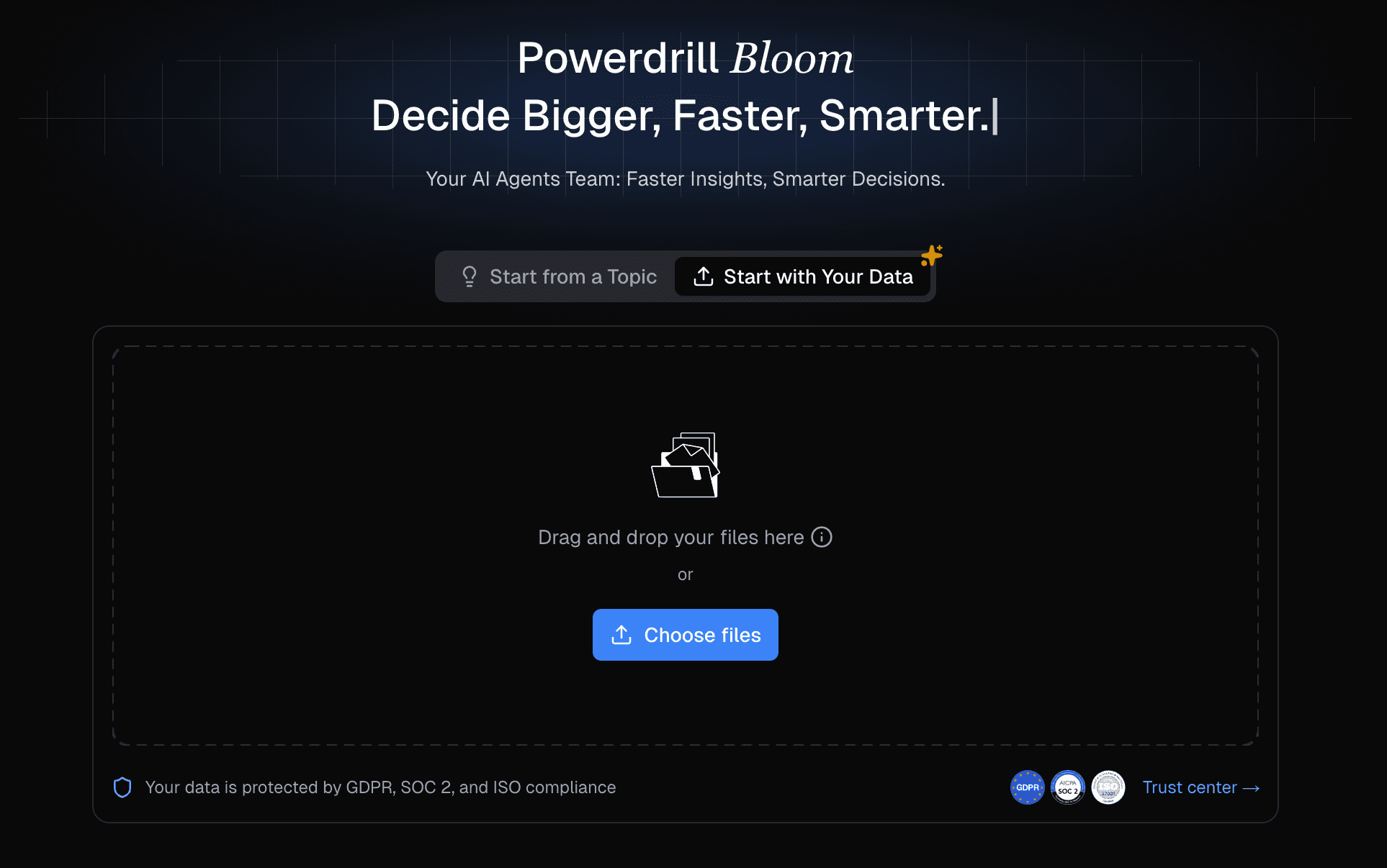
El mejor agente de exploración de datos y presentación de IA diseñado para equipos de negocios que transforma datos complejos en PPTs impresionantes y ricos en perspectivas sin necesidad de habilidades de codificación o diseño.
Características Clave:
Toma de Datos en Formato Completo: Ingiere Excel, CSV y formatos PDF de manera fluida, automatizando completamente el flujo de trabajo de limpieza de datos y análisis de tendencias.
Perspectivas Comerciales Profundas: Emplea algoritmos avanzados para analizar datos complejos, extraer perspectivas accionables y prever tendencias multidimensionales a través de simples comandos en lenguaje natural.
Motor Profesional Nano Banana Pro: Recomienda automáticamente gráficos óptimos y genera diapositivas e infografías profesionales, empresariales o elegantes con un solo clic.
Pros:
Elimina la necesidad de SQL, Python o un equipo de datos dedicado.
Genera estéticas visuales altamente profesionales y listas para la sala de juntas al instante.
Proporciona un flujo de trabajo completo de principio a fin desde la ingesta de datos en bruto hasta el PPT exportado final.
Contras:
Puede ser excesivo para usuarios que solo quieren formatear texto simple sin datos.
Las funciones avanzadas de pronóstico de datos requieren una entrada de datos en bruto de alta calidad.
Precios:
Modelo freemium disponible; los planes Pro comienzan en tarifas muy competitivas para equipos impulsados por datos; comienza en $13.27 por mes.
2. Beautiful.ai
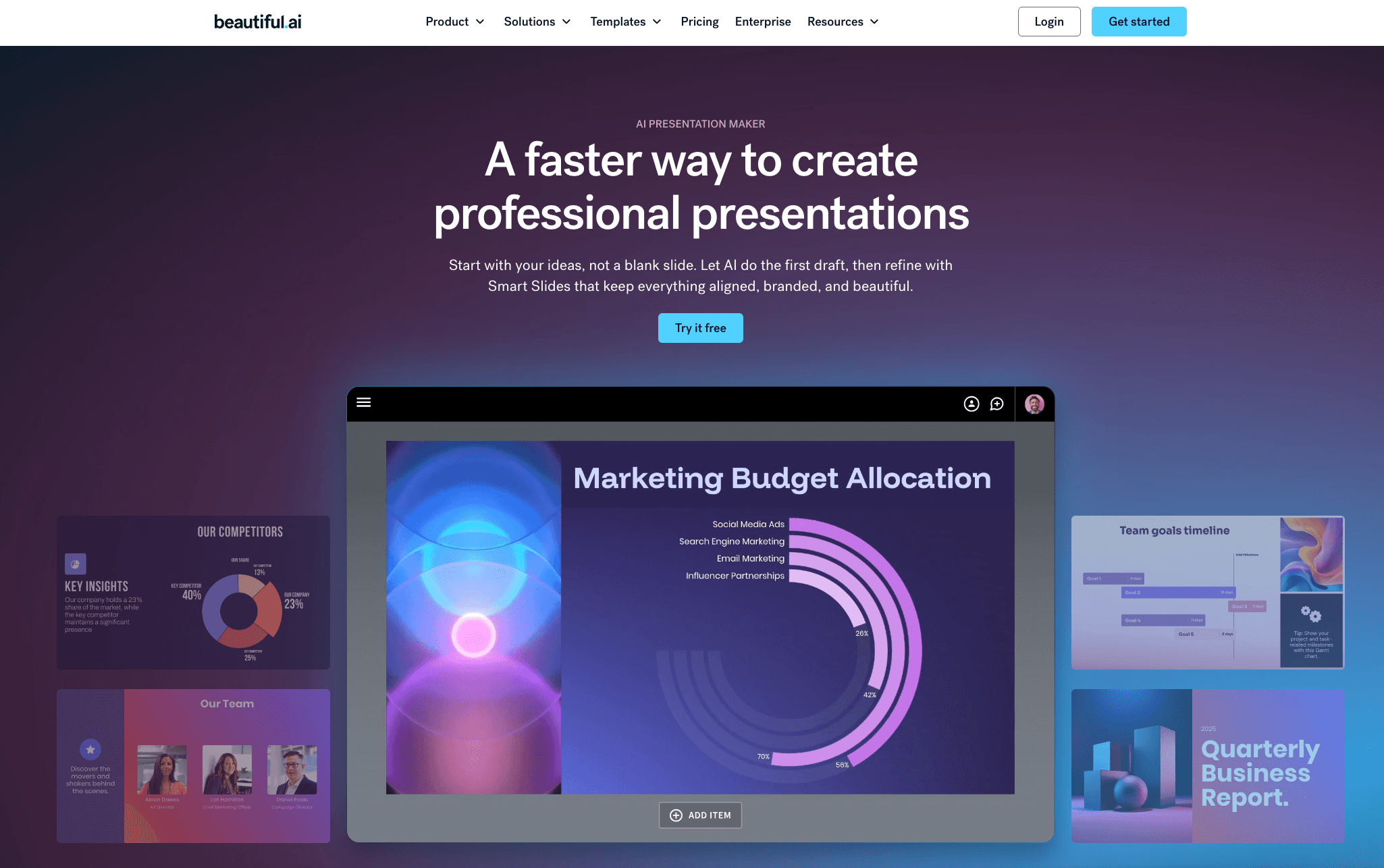
Un asistente de diseño inteligente que obliga a tus diapositivas a adherirse a reglas de diseño estrictas, asegurando que tu presentación nunca se vea desordenada.
Características Clave:
Bot de Diseño: Adapta automáticamente los diseños de las diapositivas cuando se agrega contenido.
Controles de Marca: Fija fuentes, colores y logotipos para la consistencia empresarial.
Plantillas Inteligentes: Ofrece una vasta biblioteca de plantillas de diapositivas preconstruidas y responsivas.
Pros:
Imposible hacer diapositivas feas debido a las estrictas directrices de diseño.
Excelente para mantener la consistencia de la marca corporativa.
Interfaz muy intuitiva para principiantes.
Contras:
Carece de análisis profundo de datos o capacidades de ingestión de CSV.
Las reglas de diseño rígidas pueden limitar a veces la libertad creativa extrema.
Precios:
Comienza en $12/mes (plan Pro, facturado anualmente).
3. Gamma
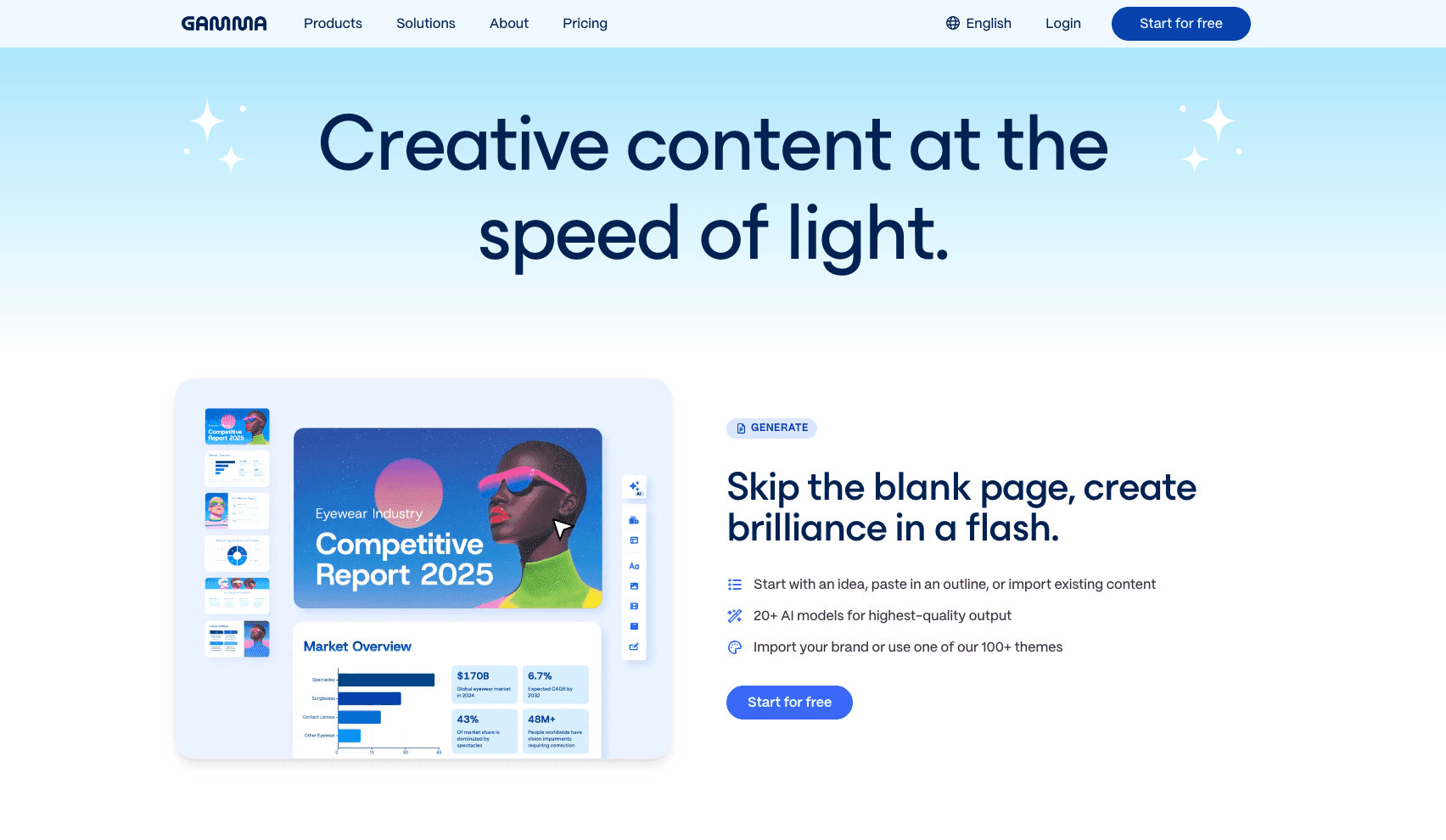
Una popular aplicación nativa de IA basada en la web que transforma prompts de texto en presentaciones fluidas y hermosas, páginas web o documentos en segundos.
Características Clave:
De Prompt a Presentación: Genera un esquema y diseño de presentación completo a partir de un solo prompt de texto.
Diseños Fluidos: Usa diseños flexibles basados en tarjetas que se ven geniales en cualquier dispositivo.
Elementos Interactivos: Integra fácilmente GIFs, videos y sitios web interactivos.
Pros:
Proceso de creación extremadamente rápido y sin fricciones.
Estética moderna y altamente atractiva basada en la web.
Ideal para compartir enlaces en lugar de pesados archivos PPT.
Contras:
No está estrictamente optimizado para formatos PowerPoint tradicionales imprimibles.
No procesa conjuntos de datos comerciales complejos de Excel/CSV.
Precios:
Freemium; el plan Plus comienza en $9/mes.
4. Canva AI
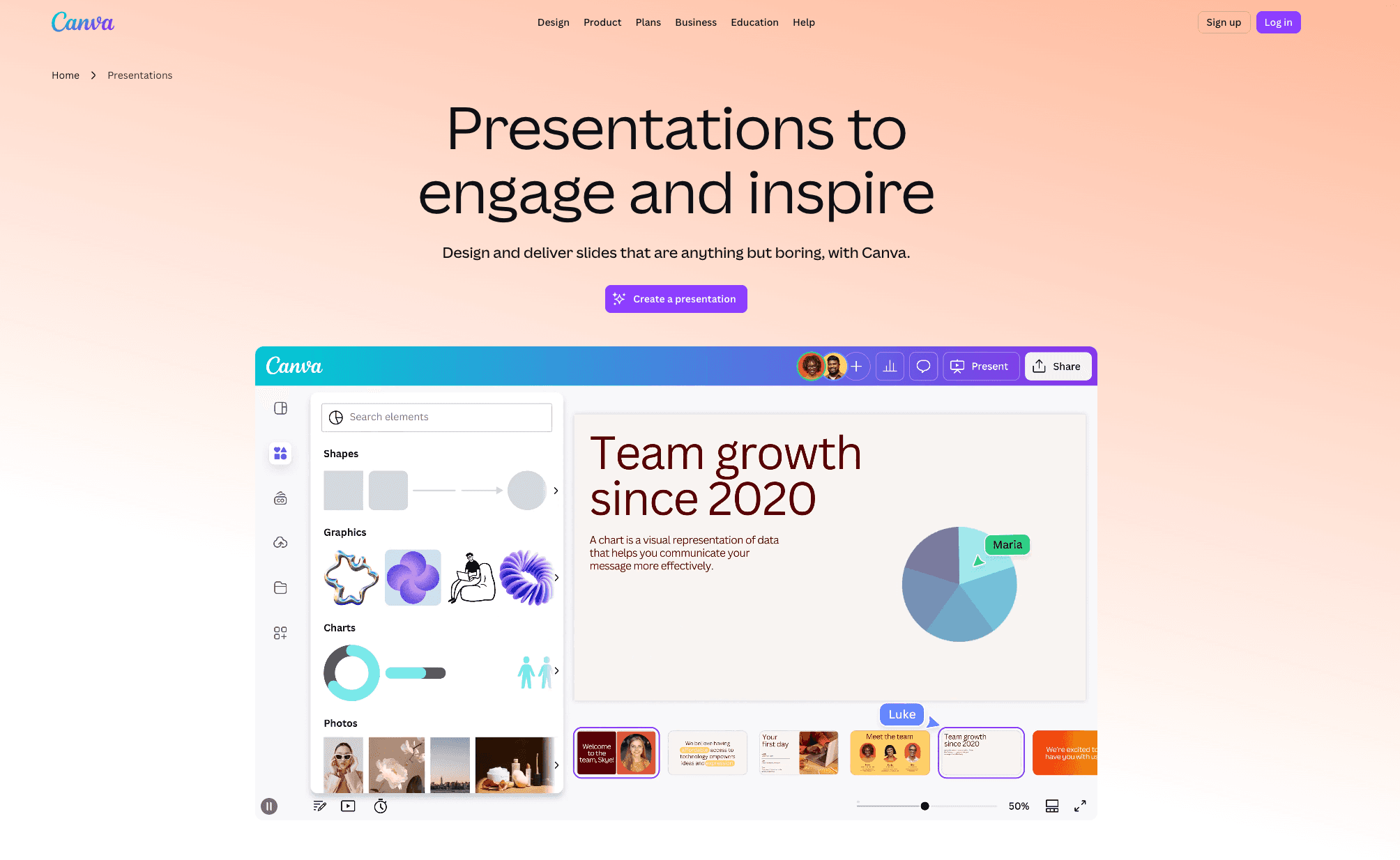
La suite de IA del gigante del diseño global, perfecta para los especialistas en marketing que necesitan presentaciones gráficas altamente visuales.
Características Clave:
Diseño Mágico: Auto-genera plantillas de marca a partir de una imagen o prompt subido.
Escritura Mágica: AI incorporada para expandir o resumir el texto de las diapositivas.
Biblioteca de Activos Masiva: Acceso a millones de fotos de archivo, gráficos y videos premium.
Pros:
Biblioteca inigualable de activos visuales y elementos de diseño.
Altamente versátil para tareas de marketing más amplias más allá de solo presentaciones.
Características excepcionales de colaboración para equipos.
Contras:
No tiene capacidades nativas para extraer perspectivas de archivos de datos en bruto.
Las estructuras de diapositivas generadas pueden sentirse a veces genéricas.
Precios:
Versión gratuita disponible; Canva Pro comienza en $18/mes.
5. SlidesAI
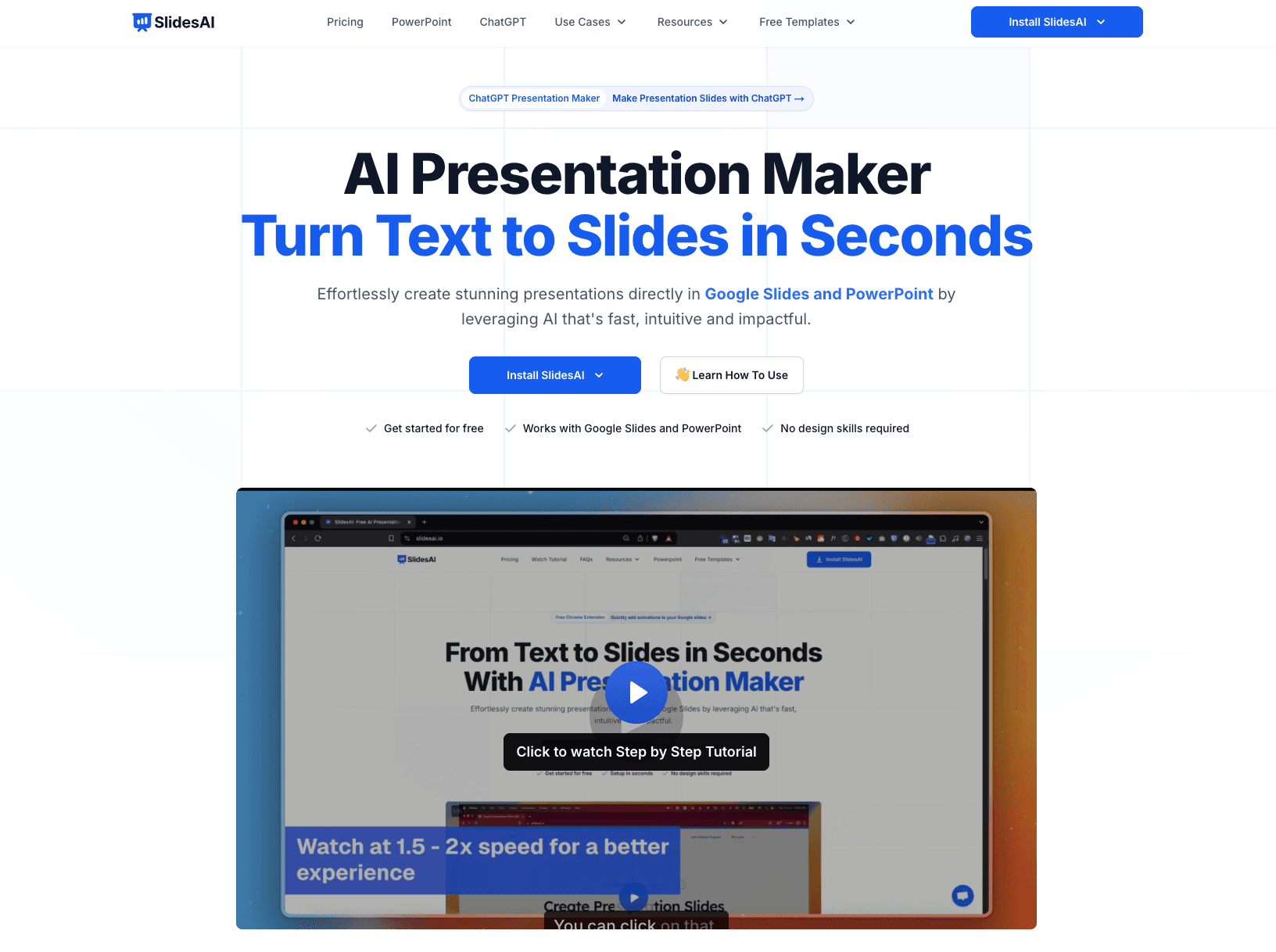
Una herramienta de inteligencia artificial ligera de texto a presentación que se integra directamente en Google Workspace para generar diapositivas rápidamente.
Características Clave:
Texto a Presentación: Convierte bloques de texto largos (como artículos o ensayos) en diapositivas resumen.
Integración con Google Slides: Funciona de forma nativa dentro del ecosistema de Google Workspace.
Soporte Multilingüe: Genera automáticamente presentaciones en más de 100 idiomas.
Pros:
Perfecto para usuarios muy integrados en Google Slides.
Muy rápido para resumir documentos con mucho texto.
Curva de aprendizaje simple y directa.
Contras:
Carece de visualización de datos sofisticada y generación de gráficos.
Las salidas de diseño son relativamente básicas en comparación con herramientas independientes.
Precios:
Freemium; los planes Pro comienzan en $10/mes.
6. Decktopus AI
Un generador de presentaciones de IA de principio a fin centrado en la generación de leads y presentaciones comerciales para profesionales de ventas.

Características Clave:
Generación Adaptada a la Audiencia: Ajusta el tono y contenido según tu audiencia objetivo.
Formularios Integrados: Integra formularios de captura de leads directamente en las diapositivas de la presentación.
Grabación de Voz y Video: Permite a los usuarios grabarse a sí mismos durante la presentación para lanzamientos asincrónicos.
Pros:
Excelente para equipos de ventas que buscan conversión de leads.
Auto-ajusta contenido específicamente para diferentes demografías.
Fuertes capacidades interactivas y de compartir.
Contras:
Las opciones de personalización para elementos individuales de las diapositivas son algo limitadas.
No puede limpiar ni procesar datos complejos de Excel para diapositivas analíticas.
Precios:
Comienza en $14.99/mes.
7. Plus AI
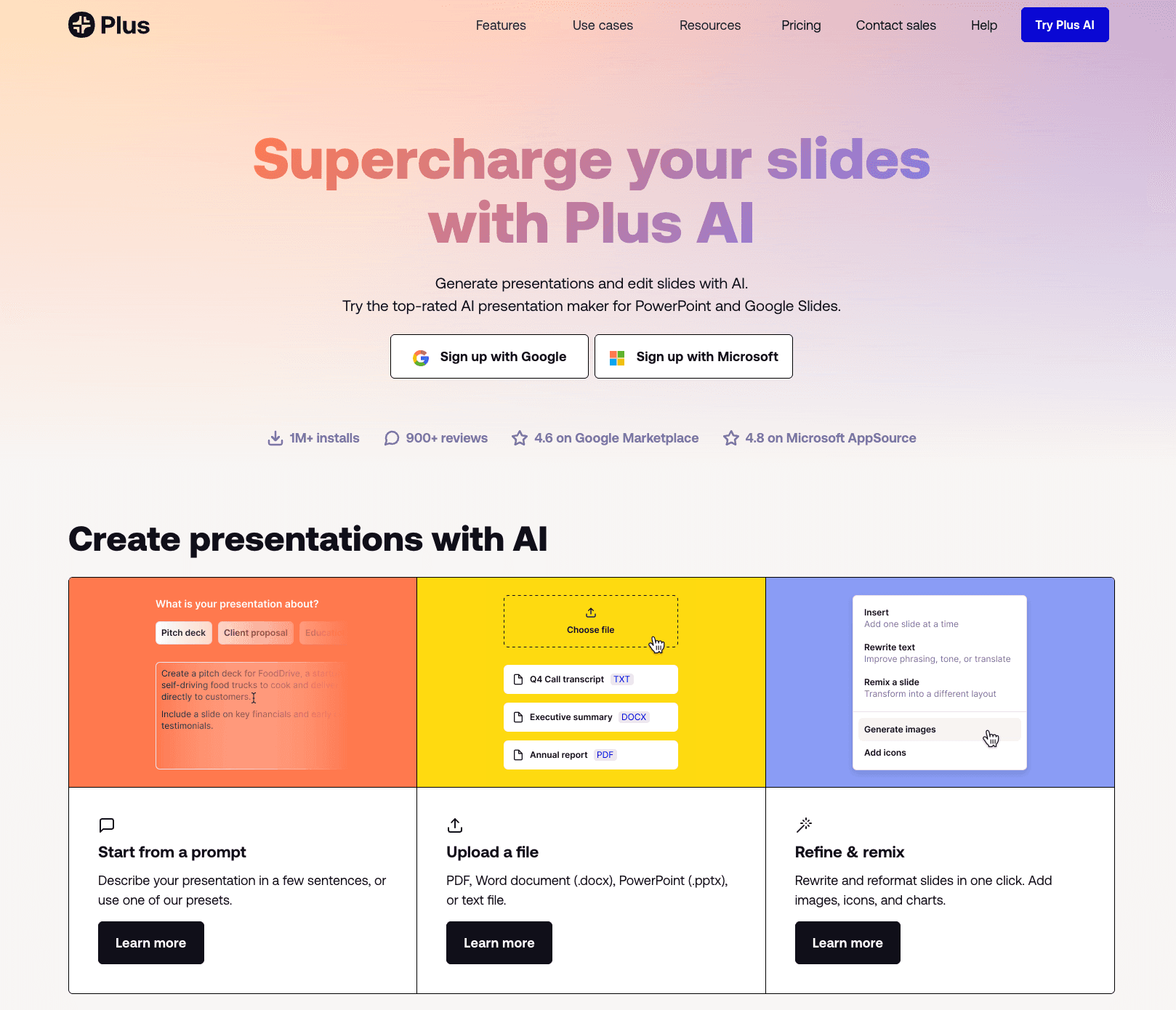
Un complemento de IA altamente capaz que trae generación y edición de IA directamente en Google Slides y PowerPoint.
Características Clave:
Personalización de Prompts de IA: Genera diapositivas de forma nativa dentro de tu software de presentación existente.
Remix y Formato: Rediseña diapositivas existentes en nuevos diseños con un solo clic.
Instantáneas en Vivo: Embed instantáneas de datos en vivo de otras aplicaciones que se actualizan automáticamente.
Pros:
No hay necesidad de aprender una nueva plataforma; funciona donde ya trabajas.
Genial para editar y refinar presentaciones existentes.
Mantiene tu formato de diapositivas nativas sin problemas.
Contras:
Depende completamente de las limitaciones de diseño de la aplicación anfitriona (Google/PPT).
No analiza de forma independiente grandes conjuntos de datos para extraer nuevas perspectivas.
Precios:
Comienza en $10/mes.
8. Microsoft Copilot para PowerPoint
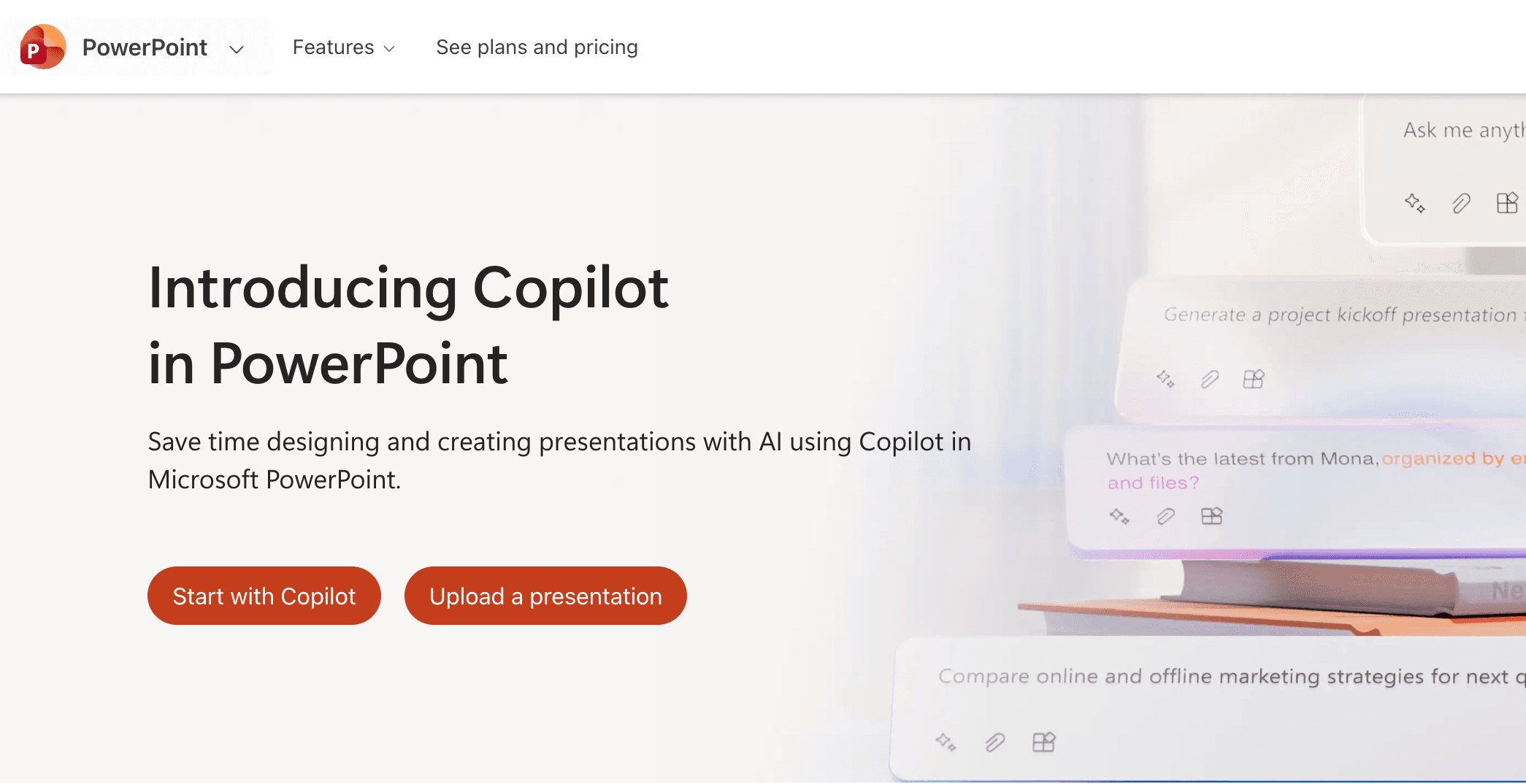
El compañero empresarial definitivo para usuarios de Microsoft 365, utilizando IA generativa para redactar y formatear diapositivas directamente dentro de PowerPoint nativo.
Características Clave:
Word a PPT: Traduce instantáneamente documentos de Microsoft Word en borradores de PowerPoint.
Edición en Lenguaje Natural: Reformatea texto, cambia layouts, o inserta imágenes usando prompts de conversación.
Seguridad Empresarial: Construido sobre la infraestructura de datos segura de Microsoft, ideal para entornos corporativos estrictos.
Pros:
Integración perfecta con el ecosistema de Microsoft 365.
Privacidad y seguridad de datos a nivel empresarial.
Excelente para resumir documentos corporativos internos.
Contras:
Requiere una licencia de empresa de Microsoft 365 Copilot costosa.
A menudo tiene dificultades para crear infografías visuales altamente complejas y estilizadas a partir de datos en bruto.
Precios:
Comienza en $39/usuario/mes.
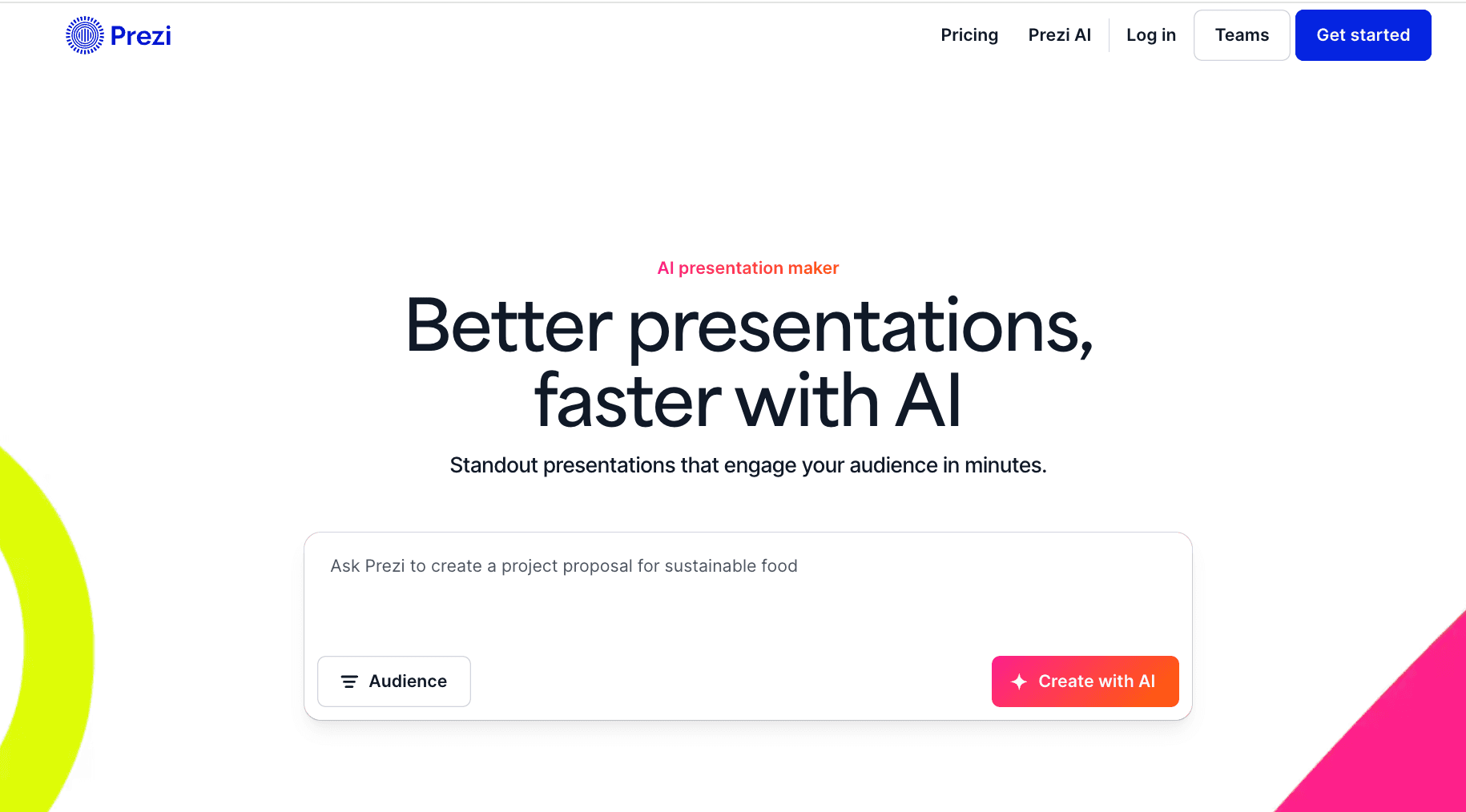
9. Prezi AI
Aporta automatización de IA al famoso lienzo de presentación no lineal y con zoom de Prezi, ideal para narrativas dinámicas.
Características Clave:
Mapeo de Lienzo Inteligente: Coloca automáticamente el contenido en los diseños espaciales y de zoom de Prezi.
Optimización de Texto con IA: Refina y acorta texto para ajustarlo a nodos visuales dinámicos.
Flujo Animado: Genera transiciones suaves y cinematográficas entre conceptos clave automáticamente.
Pros:
Crea presentaciones altamente atractivas y no tradicionales.
Excelente para narraciones que requieren saltos entre vistas micro y macro.
Rompe la monotonía de las presentaciones estándar lineales.
Contras:
Los efectos de zoom pueden ser mareantes o inapropiados para informes de datos estrictos.
Curva de aprendizaje empinada para usuarios acostumbrados a un formato de diapositivas tradicional.
Precios:
Freemium; el plan Plus comienza en $19/mes.
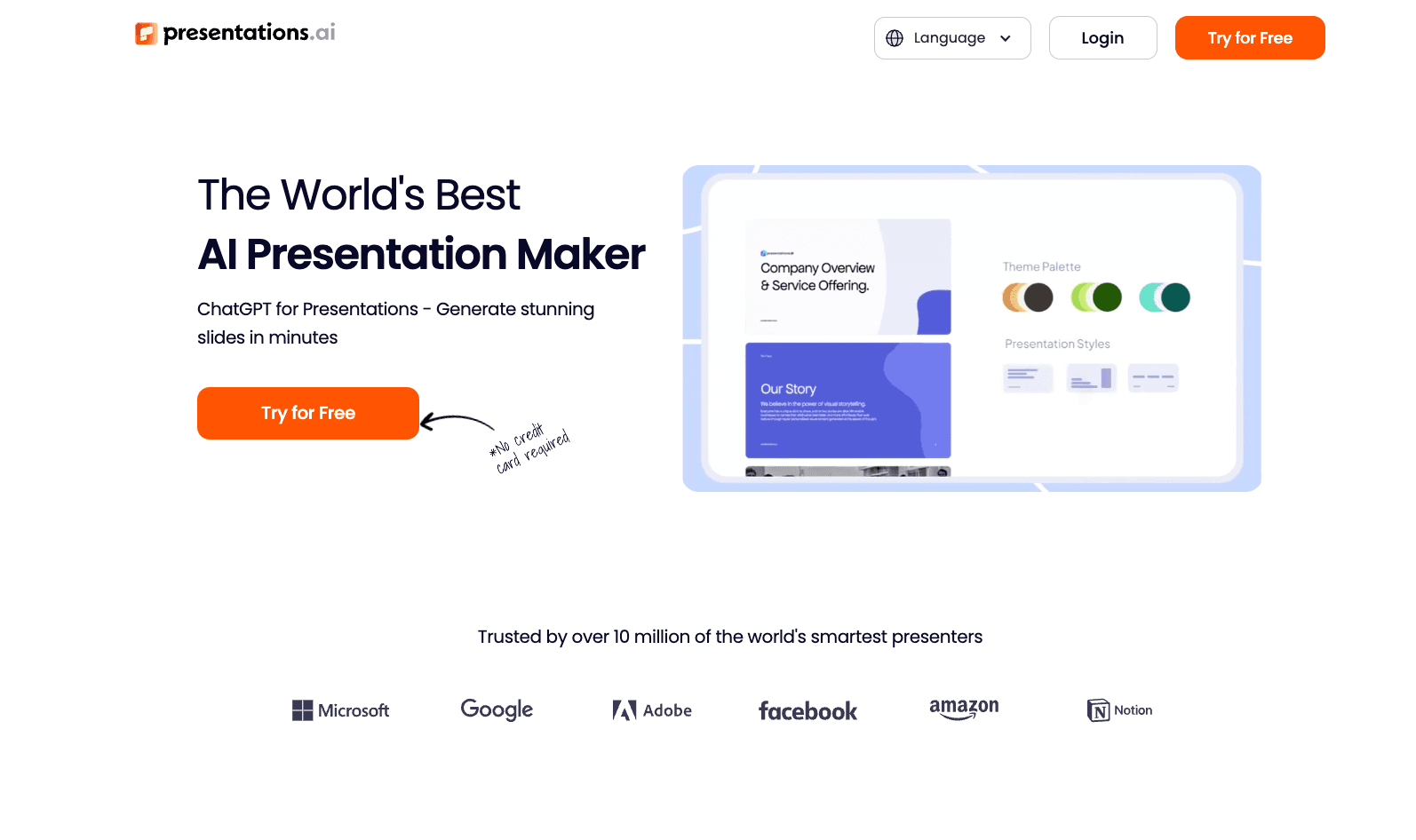
10. Presentations AI
Un diseño automatizado que automatiza la creación de diapositivas, infografías, gráficos y cronologías. Sus plantillas adaptativas se ajustan sin problemas a los cambios de contenido mientras mantienen la consistencia del diseño.
Características Clave:
Diapositivas completas generadas con visuales complejos.
Mejor para empresas que necesitan un diseño automatizado con consistencia de marca.
Pros:
Maneja infografías y gráficos bien.
Mantiene automáticamente un diseño consistente.
Contras:
Faltan funciones de chat de IA para editar.
Precios:
Freemium; el plan Pro comienza en $198/año.
¿Cómo Elegir la Herramienta de PPT de IA Correcta?
Elegir la herramienta correcta se reduce a tu caso de uso principal:
Si dependes en gran medida del ecosistema de Microsoft para la formateación de texto simple y la resumación de documentos, Microsoft Copilot es perfectamente adecuado.
Si te enfocas puramente en diseños de layouts, cumplimiento de marca e inspiración creativa, Beautiful.ai o Gamma son opciones fantásticas.
Sin embargo, si manejas datos comerciales complejos en formatos Excel/CSV y necesitas un agente para limpiar datos, extraer profundas perspectivas accionables y convertirlas en estéticas visuales de nivel Nano Banana Pro con un clic, Powerdrill Bloom es indudablemente la opción más eficiente y profesional en 2026.
¿Cómo Funciona: Análisis de Datos Rápido y Preciso & Generación de PPT con Powerdrill Bloom
Powerdrill Bloom redefine todo el flujo de trabajo de presentaciones, empoderando a los profesionales de negocios sin habilidades de SQL o Python para operar como científicos de datos de élite y diseñadores de primer nivel simultáneamente.
El Flujo de Trabajo Sin Costuras:
Sube Datos en Bruto: Simplemente arrastra y suelta tus archivos Excel, CSV o PDF desordenados.
Limpieza de Datos de IA & Exploración Profunda: El agente limpia autónomamente el conjunto de datos, procesa la lógica y realiza un análisis profundo de tendencias multidimensionales.
Extrae Perspectivas Accionables: Con instrucciones en lenguaje natural (por ejemplo, "Analiza las caídas de ingresos del Q3"), la IA extrae perspectivas comerciales precisas.
Generación Visual Nano Banana Pro: El motor de alto nivel Nano Banana Pro entra en acción, recomendando inteligentemente los mejores gráficos (barras, líneas, pasteles) y generando diapositivas profesionalmente formateadas y visualmente impactantes.
Exportar & Presentar: Descarga tu PPT listo para la sala de juntas al instante, ahorrándote horas de trabajo manual y dejándote con más tiempo para la toma de decisiones estratégicas.
Conclusión
En el panorama actual impulsado por datos, la capacidad de presentar visualmente datos es tan crítica como la capacidad de analizarlos. Ya no necesitas equipos separados para ciencia de datos y diseño gráfico. Al elegir el creador de presentaciones de IA correcto—como Powerdrill Bloom—aseguras que cada informe, presentación y actualización de negocios sea tanto analíticamente profundo como visualmente cautivador.
Preguntas Frecuentes
¿Qué son las Herramientas de PowerPoint de IA?
Las Herramientas de PowerPoint de IA en 2026 han evolucionado mucho más allá del software básico de formateo. Ahora son agentes inteligentes y autónomos capaces de entender conjuntos de datos complejos, extraer esquemas narrativos y generar automáticamente presentaciones visuales impulsadas por historias. Manejan todo, desde la creación de contenido hasta el diseño estético de alto nivel con mínima intervención humana.
¿Cuál es la Mejor Herramienta de PowerPoint de IA recomendada en 2026?
Para los profesionales de negocios, se recomienda encarecidamente Powerdrill Bloom. Ofrece una ventaja inigualable de "3 en 1": Análisis de Datos, Inteligencia Visual y Generación de PPT. Aprovechando su motor visual Nano Banana Pro, convierte datos en bruto de Excel/CSV directamente en diapositivas profundamente perspicaces listas para la sala de juntas.
¿Cómo mejoran las Herramientas de PowerPoint de IA la eficiencia para empresas y equipos de datos?
Limpieza de Datos Automatizada: Procesa y estructura instantáneamente datos en bruto desordenados.
Elimina Barreras de Diseño: Aplica automáticamente tipografía, gráficos y diseños visuales profesionales.
Acelera la Toma de Decisiones: Reduce el ciclo de "extraer perspectivas" a "presentar a los interesados" de días a minutos.