Top 11 AI Data Visualization Tools - December 2025 Update
Introduction
The era of manual reporting is over. The latest AI Data Visualization Tools do not just display data; they understand it.
To help you close the year strong, we have reviewed the top 11 AI tools that transform complex datasets into actionable insights and stunning visuals instantly.
Top 11 AI Data Visualization Tools at a Glance
Here is our curated list for December 2025:
Powerdrill Bloom - (Best Overall AI Agent & Slide Generation)
Tableau AI (Pulse) - (Best for Enterprise Analytics)
Microsoft Power BI Copilot - (Best for Microsoft Ecosystem)
Julius AI - (Best for Python-based Analysis)
Polymer - (Best for E-commerce Data)
Akkio - (Best for Predictive Modeling)
Looker Studio (Gemini) - (Best for Google Stack)
Visme - (Best for Non-Data Designers)
Graphy - (Best for Quick Charts)
MonkeyLearn - (Best for Text Analysis)
Sisense - (Best for Embedded Analytics)
Detailed Review & Comparison
Powerdrill Bloom
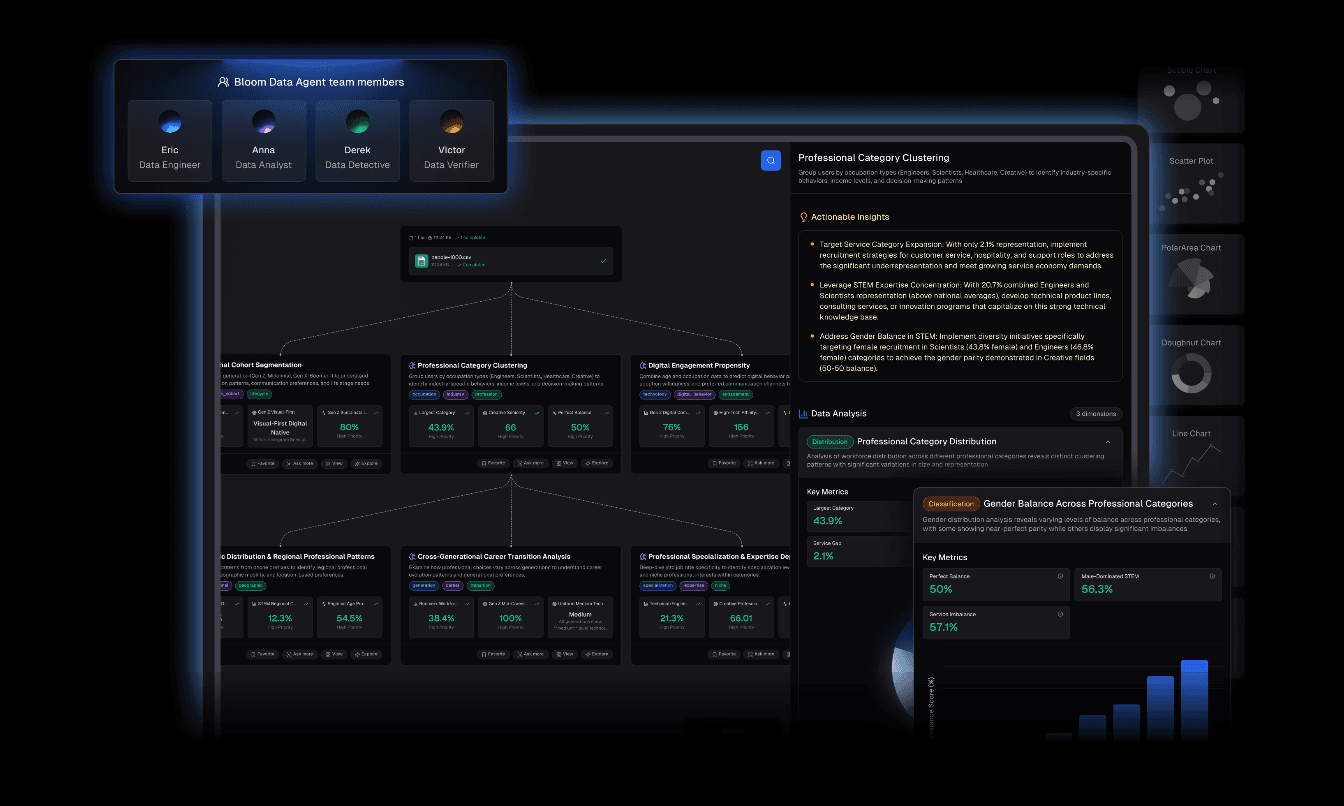
Powerdrill Bloom is an advanced AI Data Exploration Agent designed to streamline the journey from raw files to executive decision-making. It stands out by integrating powerful analysis with high-end design automation.
Key Features
Auto-Cleaning & Organization: Upload messy Excel/CSV/PDF files, and the agent automatically cleans and structures the data for analysis.
Nano Banana Pro Technology: This is the game-changer. It leverages the embedded Nano Banana Pro engine to instantly generate Professional/Business/Fancy Slides and Data Preview Images. It creates a persuasive visual narrative tailored for high-stakes presentations.
Insight Extraction: Offers multi-dimensional trend analysis, deep insights, and future predictions.
Natural Language Interface: No code required. Just ask, "Why did sales drop in Q3?" and get a visual answer with optimized charts.
Pros
Seamless "Data-to-Presentation" workflow.
Nano Banana Pro visuals are aesthetically superior and board-ready.
Drastically reduces time spent on data prep and design.
Intuitive for non-technical users.
Cons
May feel too automated for users who prefer manual cell-by-cell control.
Pricing
Competitive pricing with a generous free trial available.
Tableau AI (Tableau Pulse)
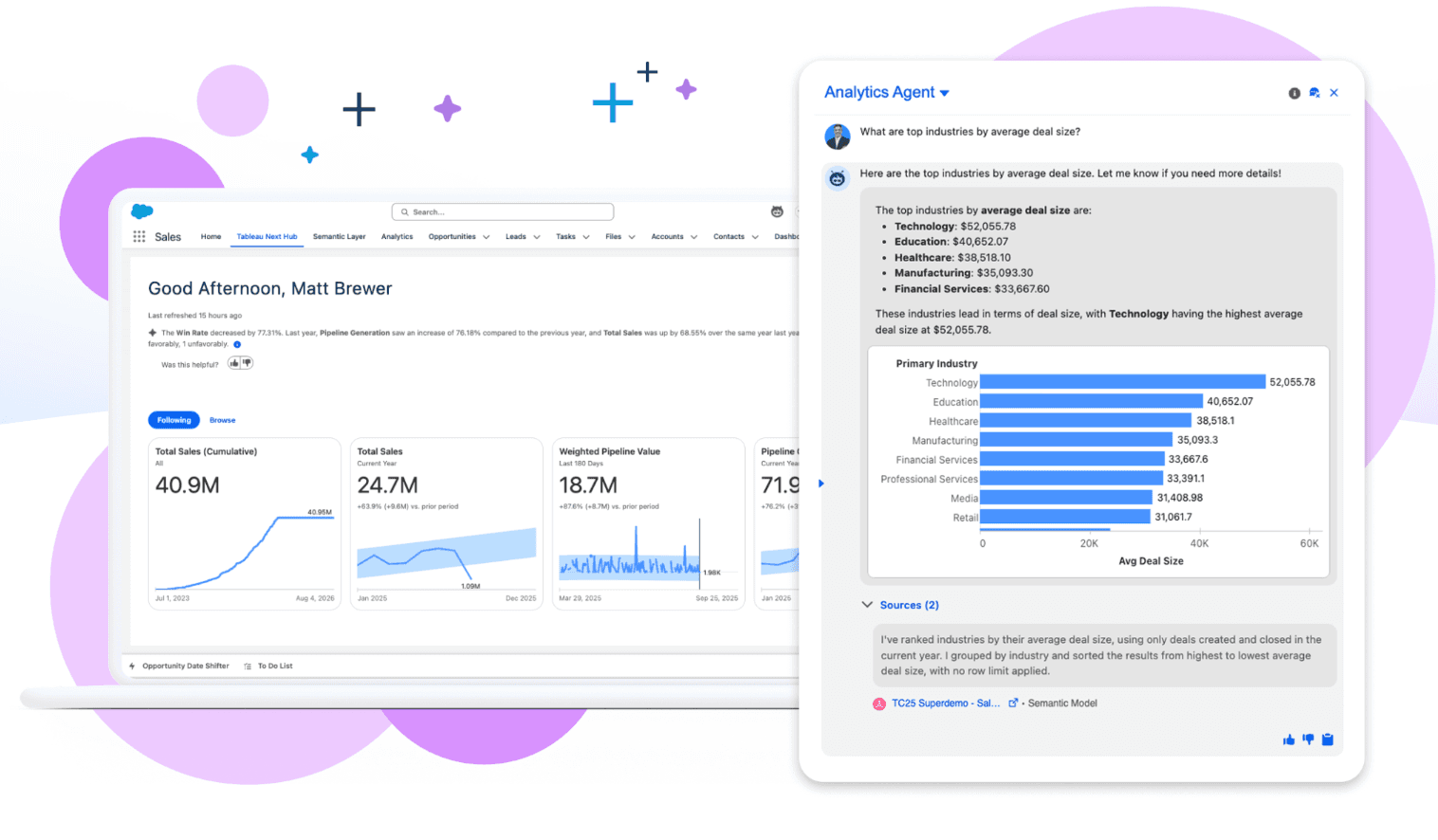
An industry powerhouse that now uses AI to surface personalized insights.
Key Features
Tableau Pulse for automated data digests and natural language Q&A.
Pros
Unmatched depth for complex, large-scale datasets.
Cons
Steep learning curve and high cost.
Pricing
Premium subscription model.
Microsoft Power BI Copilot
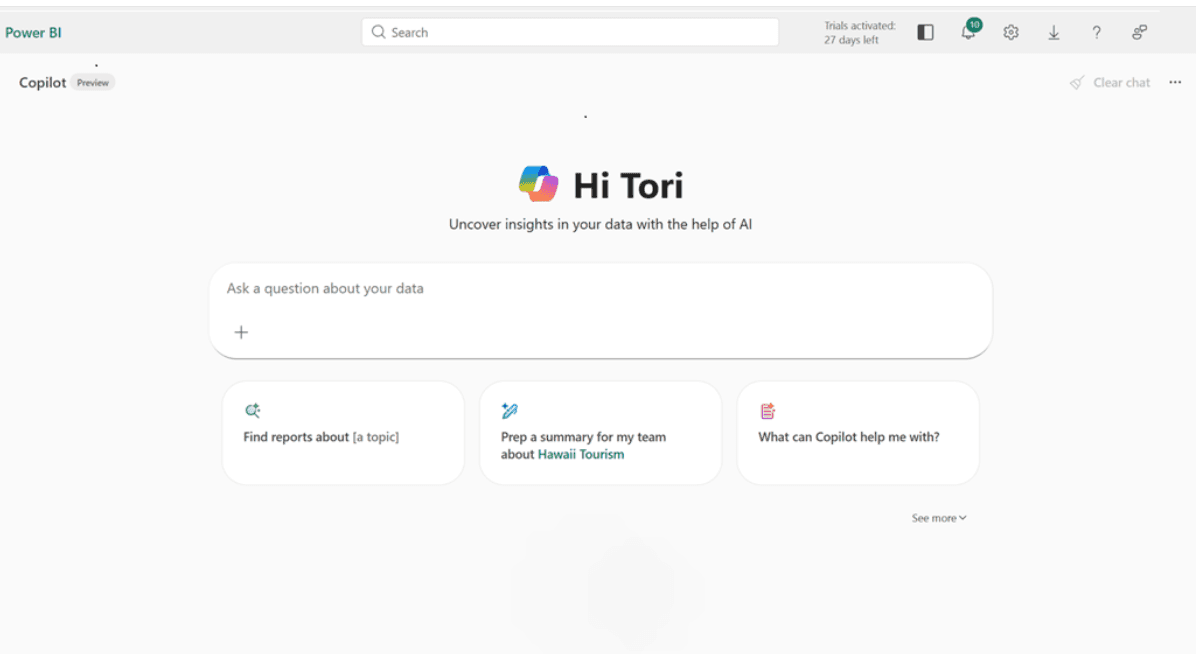
The enterprise standard for reporting, now boosted by OpenAI's GPT technology.
Key Features
DAX generation, report page creation via chat.
Pros
Deep integration with Excel and Azure.
Cons
Can be clunky; requires specific licensing tiers.
Pricing
Per-user monthly subscription.
Julius AI
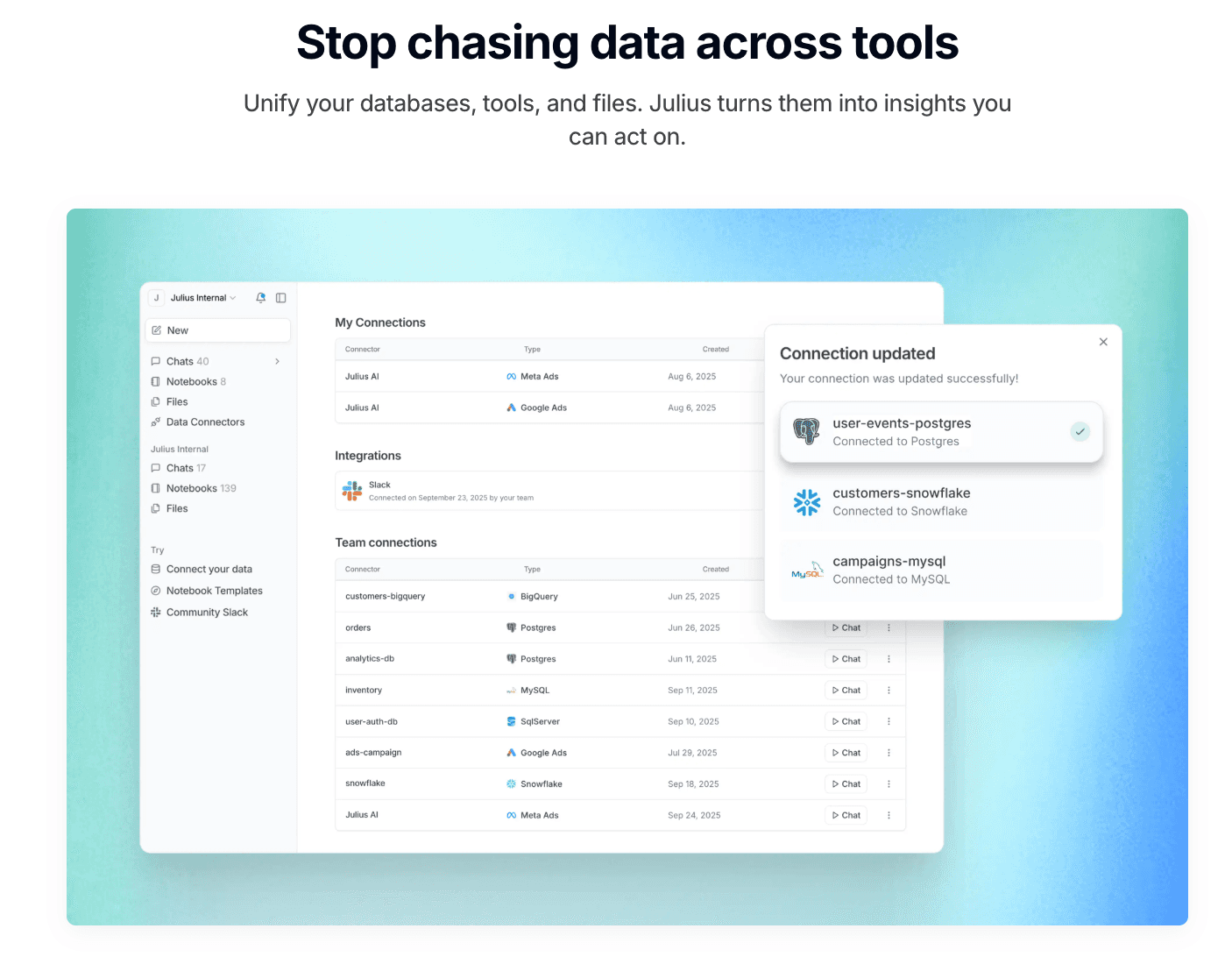
An AI data analyst that writes and executes Python code in a secure sandbox.
Key Features
Advanced statistical modeling, transparent code execution.
Pros
Great for transparency; you see exactly how the data is processed.
Cons
Visualization aesthetics are basic compared to design-focused tools.
Pricing
Subscription based.
Polymer
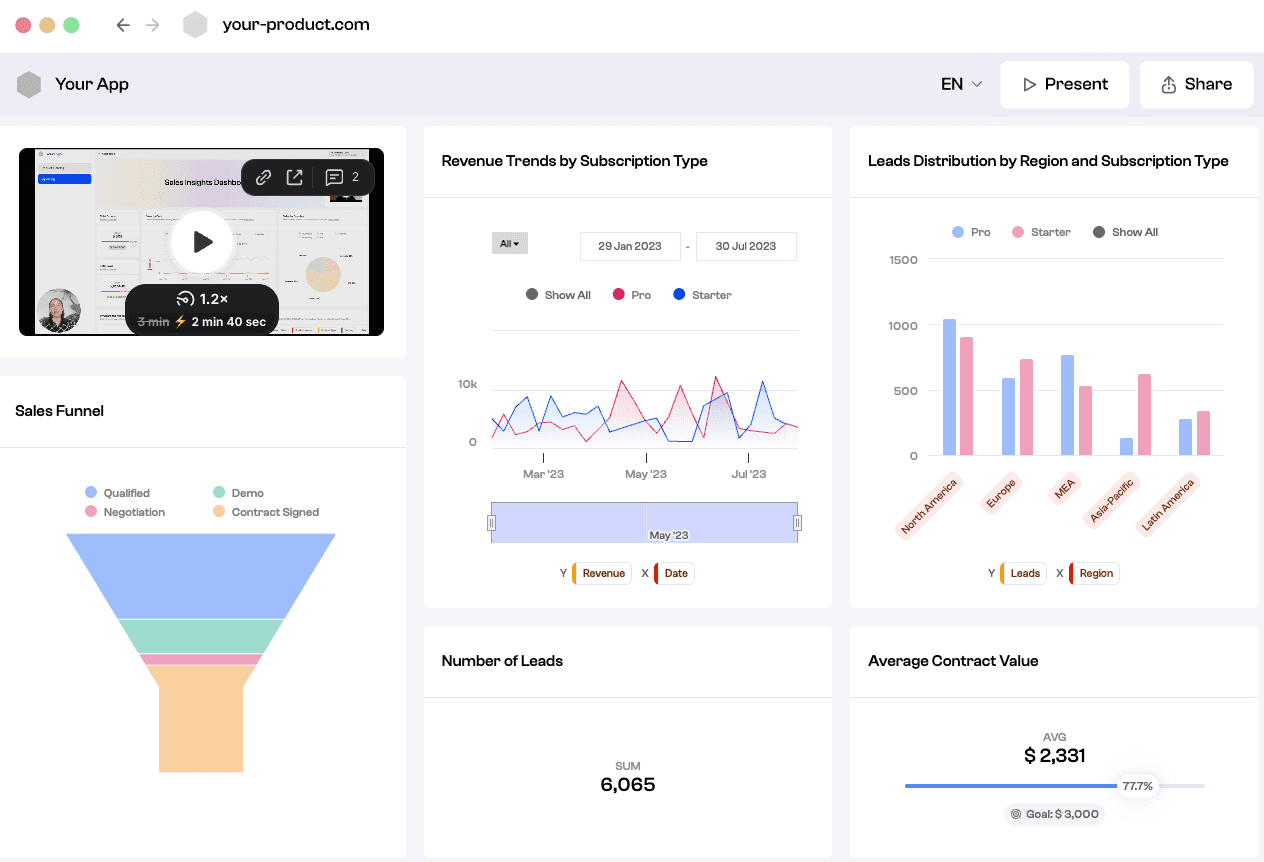
Polymer transforms static spreadsheets into interactive, searchable databases ("Apps") without any code. It is ideal for e-commerce and marketing data.
Key Features
AI-driven auto-tagging, instant pivot tables, and interactive dashboards.
Pros
Highly modern interface; makes data "explorable" for everyone.
Cons
Lacks deep statistical capabilities like regression analysis.
Pricing
Tiered subscription (Starter/Pro/Enterprise).
Akkio
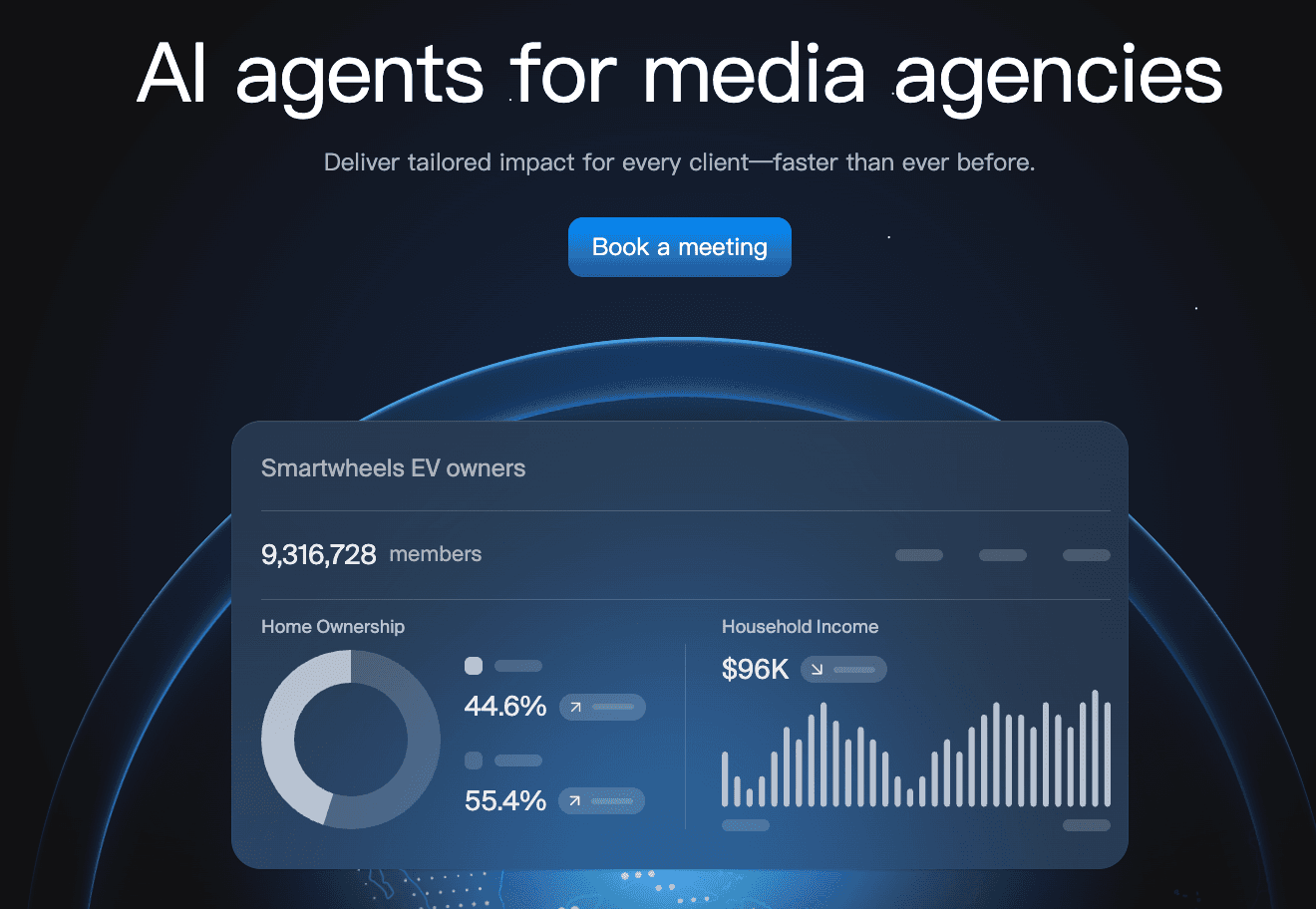
A AI agents for media agencies. Deploy AI agents that deliver across the campaign lifecycle
Key Features
No-code machine learning modeling, sales forecasting, and Chat Explore.
Pros
Incredibly fast at building predictive models; connects to live data sources like HubSpot.
Cons
Visualization options are less customizable/fancy
Pricing
Monthly subscription geared towards SMBs.
Looker Studio (Gemini)
Google’s reporting solution, now enhanced with Gemini AI, perfect for those deep in the Google ecosystem.

Key Features
Seamless Google Analytics integration, Gemini-assisted summary generation.
Pros
Free entry tier; excellent real-time collaboration.
Cons
Can be slow with very large datasets; limited data cleaning capabilities.
Pricing
Free (Pro version available).
Visme
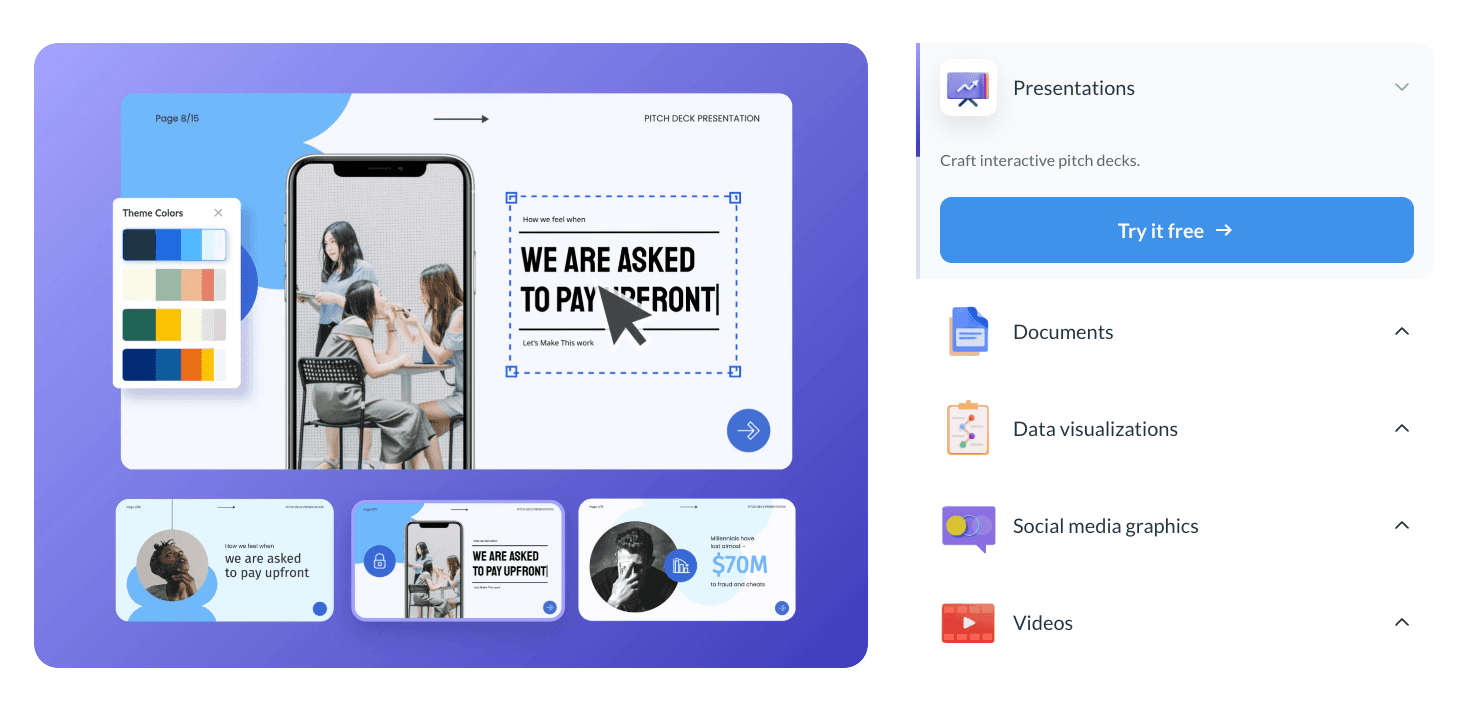
A "design-first" tool that focuses on creating stunning infographics and presentations rather than deep data analytics.
Key Features
Massive library of infographic templates, animated chart widgets.
Pros
Creates beautiful, engaging visuals suitable for social media.
Cons
Not suitable for complex data cleaning or heavy statistical analysis.
Pricing
Per-user monthly subscription.
Graphy
A tool designed for simplicity and speed, popular among startups and Notion users for creating quick, modern charts.

Key Features
Minimalist data input, Notion embedding, auto-optimized color palettes.
Pros
Extremely fast to use; visuals look great out of the box.
Cons
Very limited functionality for complex or multi-dimensional data.
Pricing
Per-user monthly subscription.
MonkeyLearn
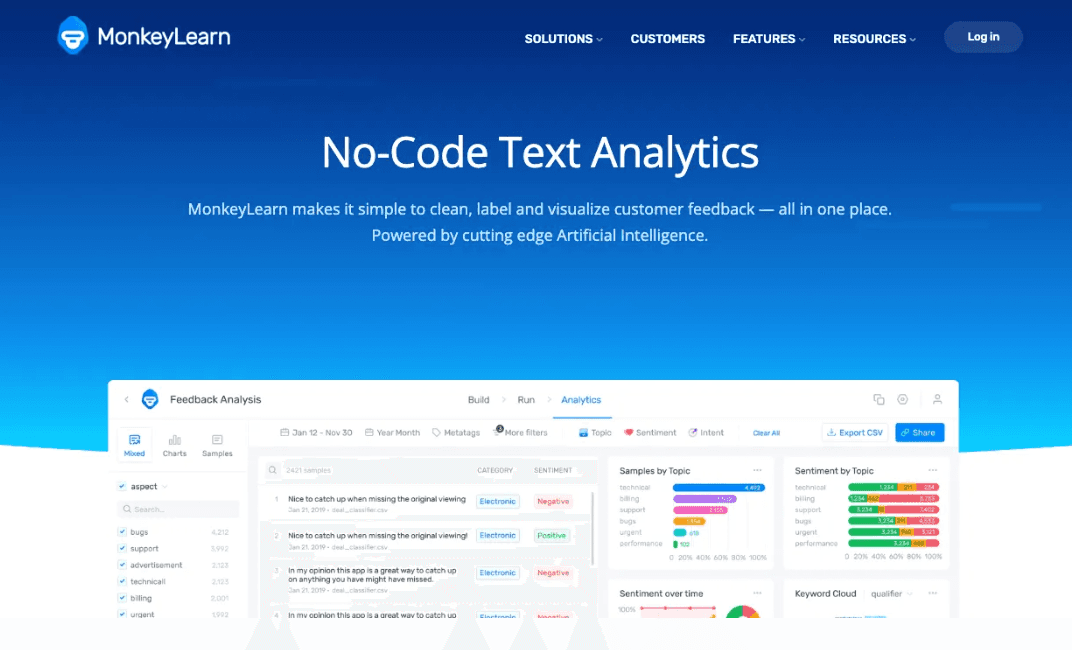
An AI tool specialized in visualizing text data through Natural Language Processing (NLP).
Key Features
Sentiment analysis, keyword extraction, word cloud generation.
Pros
Visualizes qualitative data (like customer reviews) which traditional tools miss.
Cons
Cannot handle standard numerical/financial reporting.
Pricing
Pay-per-use or subscription.
Sisense
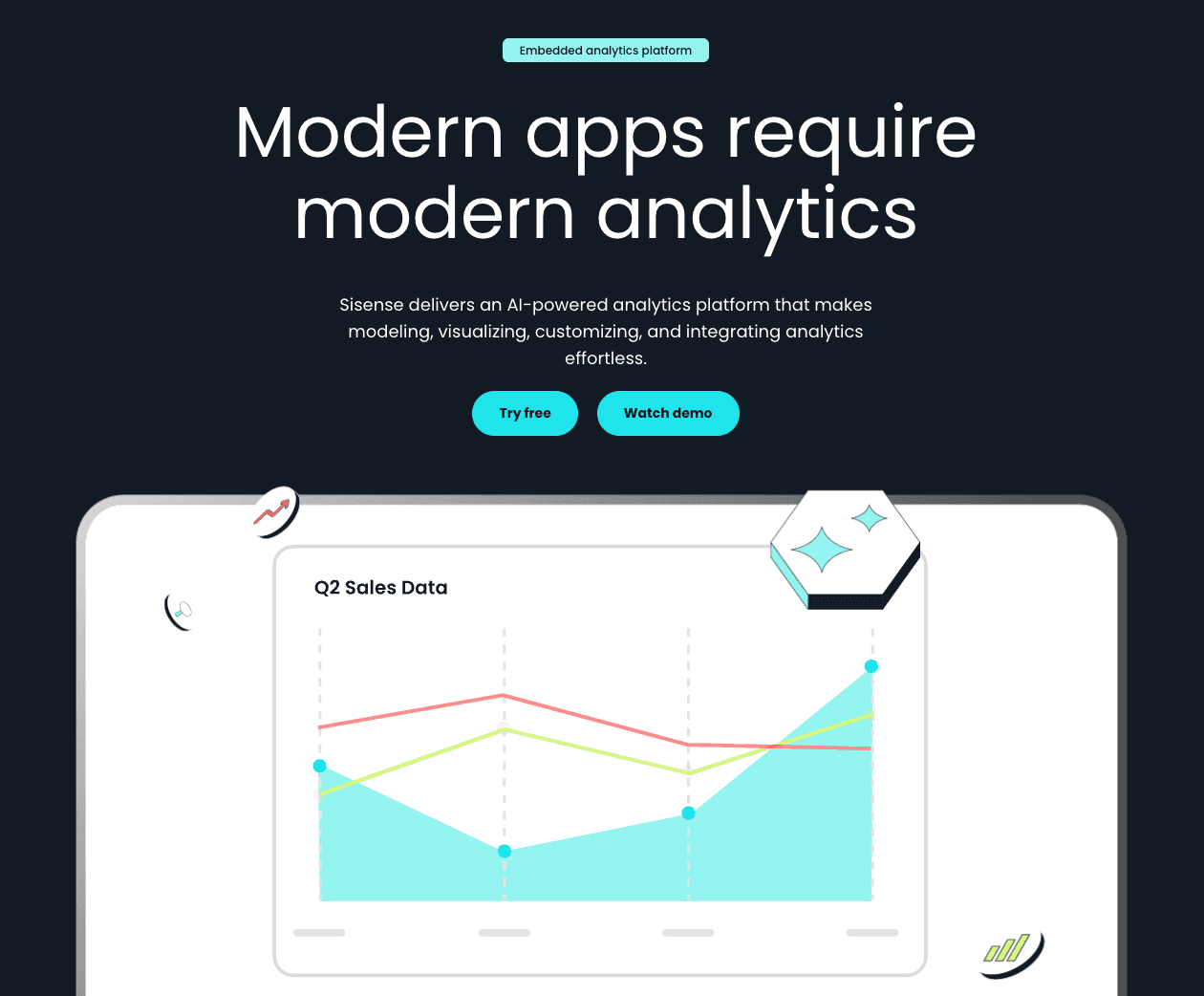
An embedded analytics platform designed for developers to build white-labeled dashboards into their own products.
Key Features
Infusion Apps, BloX for custom widgets, API-first design.
Pros
Highly customizable and powerful for product integration.
Cons
Requires developer resources; not for the average business user.
Pricing
Custom pricing.
Comparison Table of the 11 Tools
Tool Name | Data Cleaning | Visualization Quality | Slide Generation | Ease of Use | Best For |
Powerdrill Bloom | ⭐⭐⭐⭐⭐ | ⭐⭐⭐⭐⭐ | ⭐⭐⭐⭐ | ⭐⭐⭐ | All-in-one Reporting |
Tableau AI | ⭐⭐⭐⭐ | ⭐⭐⭐⭐⭐ | ⭐⭐ | ⭐⭐ | Data Scientists |
Power BI | ⭐⭐⭐⭐ | ⭐⭐⭐⭐ | ⭐⭐⭐ | ⭐⭐⭐ | Enterprise IT |
Julius AI | ⭐⭐⭐⭐ | ⭐⭐⭐⭐ | ⭐⭐⭐ | ⭐⭐⭐⭐ | Python Coders |
Polymer | ⭐⭐⭐ | ⭐⭐⭐⭐ | ⭐⭐ | ⭐⭐⭐⭐ | Marketers |
Akkio | ⭐⭐⭐ | ⭐⭐⭐ | ⭐⭐ | ⭐⭐⭐⭐ | Forecasters |
Looker Studio | ⭐⭐ | ⭐⭐⭐ | ⭐⭐ | ⭐⭐⭐ | Google Users |
Visme | ⭐⭐ | ⭐⭐⭐⭐⭐ | ⭐⭐⭐⭐ | ⭐⭐⭐⭐ | Designers |
Graphy | ⭐⭐ | ⭐⭐⭐⭐ | ⭐⭐ | ⭐⭐⭐⭐⭐ | Simple Charts |
MonkeyLearn | ⭐⭐ | ⭐⭐⭐ | ⭐⭐ | ⭐⭐⭐ | Text Data |
Sisense | ⭐⭐⭐⭐ | ⭐⭐⭐⭐ | ⭐⭐ | ⭐⭐ | Developers |
Which Tool Should You Choose?
I evaluated each tool's ability to handle real business datasets, including aspects such as data analysis from various scenarios, financial indicators, and customer behavior logs.
For the "Efficiency Hunter" (Best Overall): If your goal is to convert raw data into a professional presentation in minutes, Powerdrill Bloom is the clear winner. Its Nano Banana Pro feature bridges the gap between analysis and storytelling like no other tool.
For the "Forecaster": If you need to predict next month's sales, Akkio is excellent.
For the "Designer": If you only care about how the chart looks on Instagram, choose Visme.
Conclusion
In December 2025, the best tool is one that saves you time while enhancing accuracy.
While traditional BI tools remain powerful, the shift towards AI Agents like Powerdrill Bloom demonstrates a future where data cleaning, analysis, and presentation happen in one fluid motion, empowering you to make decisions faster.
If you want to experience the magic of automated cleaning, trend prediction, and instant Nano Banana Pro slide generation, we highly recommend you try Powerdrill Bloom for free. Turn your raw data into a persuasive visual story today.
FAQ
What is an AI Data Visualization Tool?
It is software that uses artificial intelligence to automatically process data, recognize patterns, and generate visual representations (charts, graphs) without requiring manual coding or design skills.
What is the best tool for business teams?
Powerdrill Bloom is currently the top recommendation for business teams due to its ability to clean data and generate presentation-ready slides (via Nano Banana Pro) instantly, saving hours of manual work.
How do AI visualization tools work?
They work by ingesting structured or unstructured data, using machine learning to clean and analyze it for trends, and then using a graphics engine to render the most appropriate visual format based on the user's natural language queries.