Chat with any PDF | Ask Your PDF | Free
Introduction
Imagine staring at a 100-page market research report or a dense spreadsheet. The clock is ticking, and you need to present key findings in an hour. Manual reading is no longer an option.
This is why millions of professionals are searching for ways to "Chat with any PDF" or "Ask Your PDF". You don't just need to read; you need to extract specific evidence, analyze data, and present it convincingly. You need an intelligent assistant, not just a summary tool.
Enter Powerdrill Bloom—the AI agent designed to streamline your workflow from raw document to professional presentation.
What is "Chat with any PDF" & Why Do You Need It?
Chat with any PDF technology allows users to interact with documents using natural language, powered by advanced Large Language Models (LLMs).
The Pain Point:
Extracting research insights manually is tedious. Copy-pasting data into Excel to make charts, and then into PowerPoint to make slides, kills productivity.
The Solution:
While basic tools offer text summaries, they often fail when faced with complex datasets or the need for visual output. You need a tool that can specificially Analyze Complex Data and help you visualize the results instantly.
Why Powerdrill Bloom? (Beyond Basic Summaries)
Powerdrill Bloom redefines the document assistant category by combining the roles of a Research Assistant, Data Analyst, and Slide Designer.
Beyond Text—Data Mastery: Unlike standard "ChatPDF" wrappers, Powerdrill Bloom excels at processing Excel files and data-heavy PDFs. It doesn't just read words; it understands numbers.

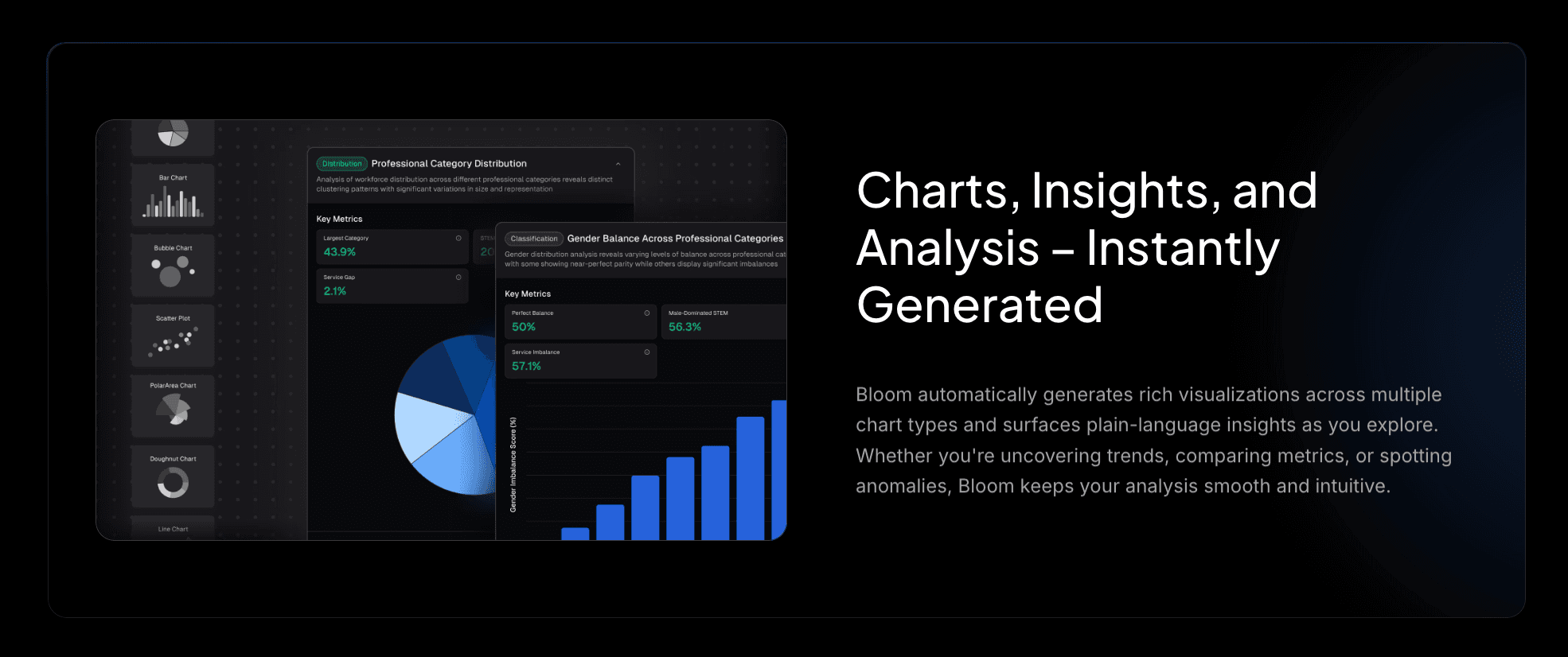
Instant Visualization: Ask a question about sales trends or demographic shifts, and Powerdrill Bloom will generate Bar charts, Line graphs, and Pie charts on the fly. It turns static data into visual stories.
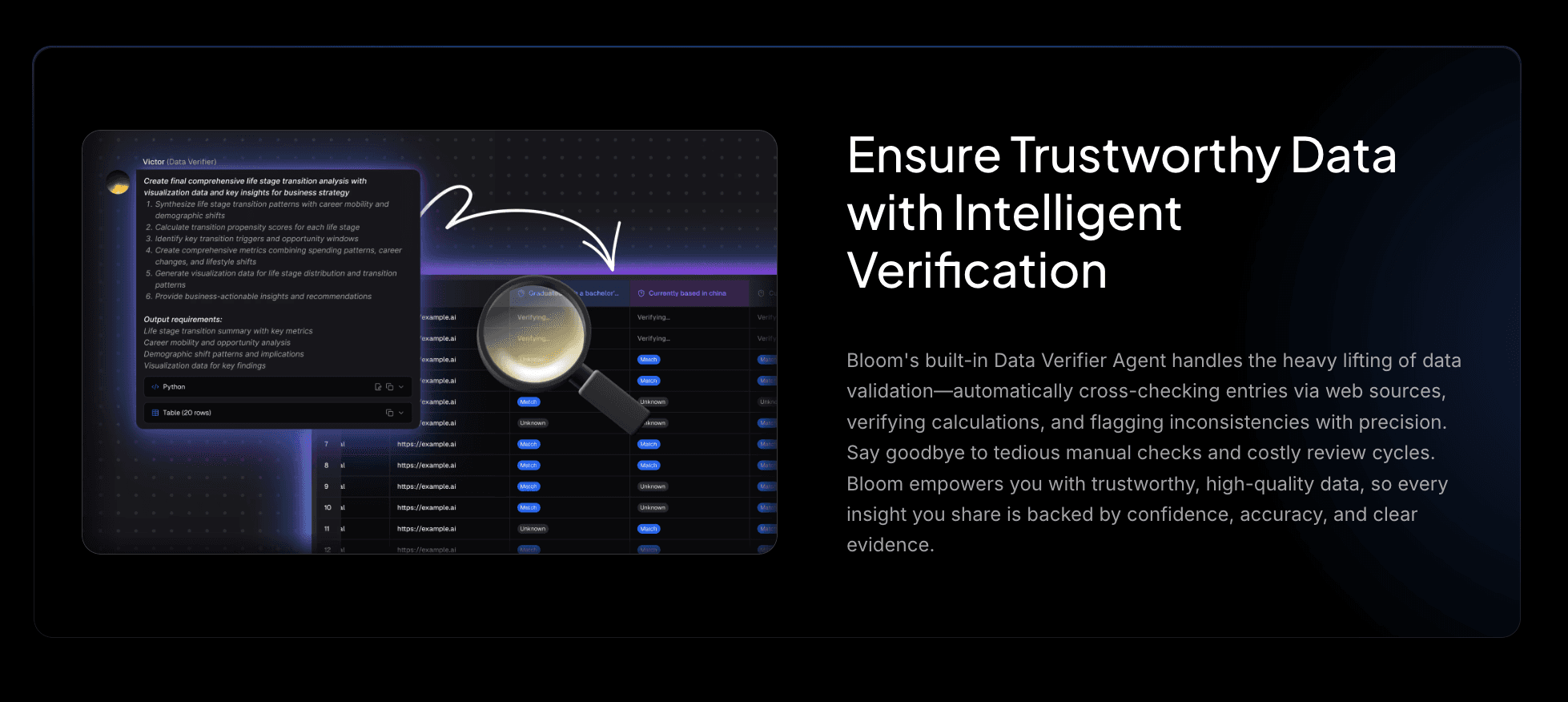
Verified Insights: Hallucinations are the enemy of business. Powerdrill Bloom focuses on extracting verified insights directly from your uploaded files, ensuring your data is accurate.
Step-by-Step Guide
Here is how you can get instant insights and summaries and turn insights into charts and convert PDF to PPT instantly in four simple steps:
Step 1: Upload PDFs / Excel
Drag and drop your documents (PDF, CSV, Excel) into the platform. Powerdrill Bloom handles multiple formats simultaneously.

Step 2: Free Chat & Ask Questions
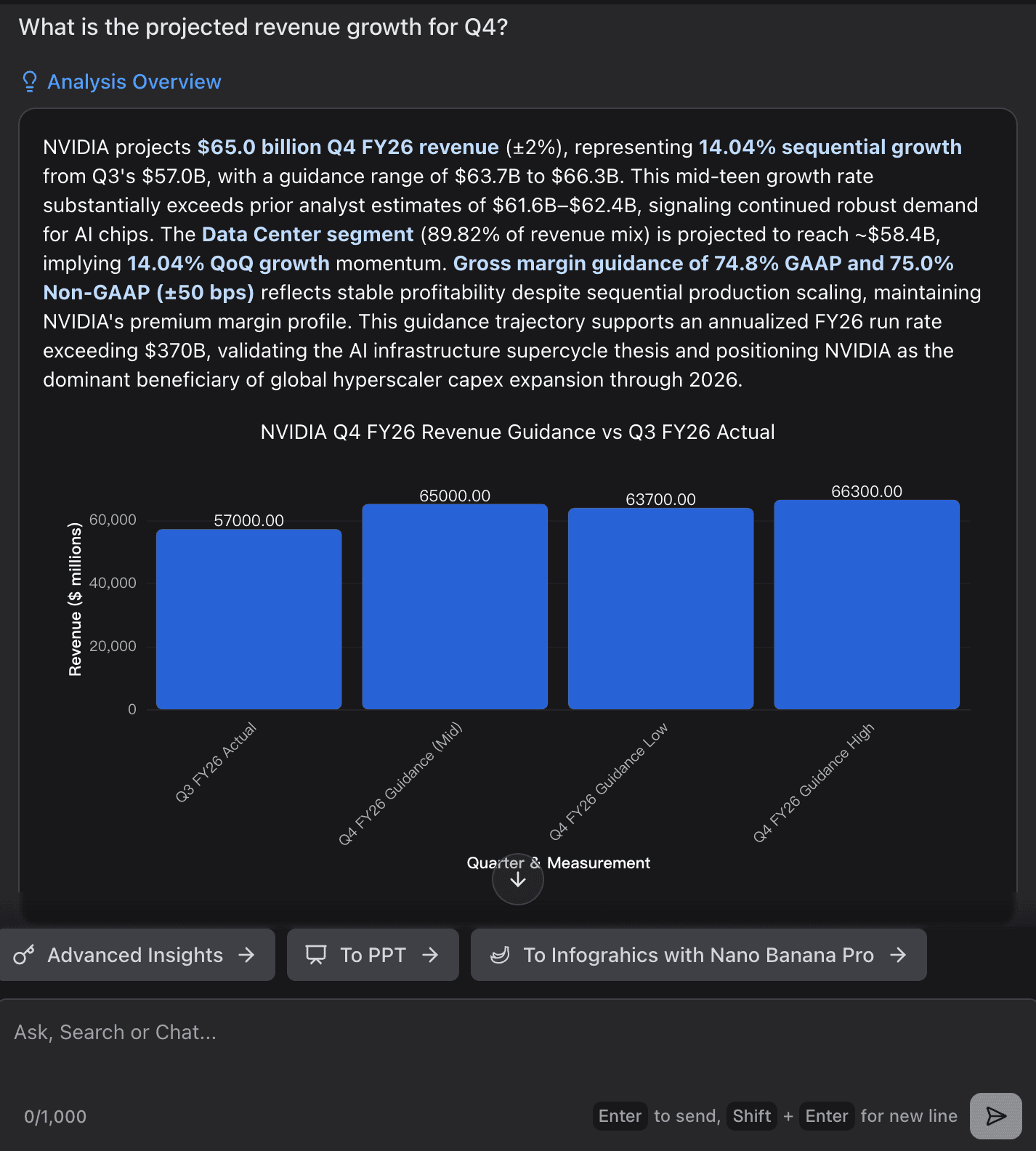
Interact naturally. Ask specific questions like: "What is the projected revenue growth for Q4?" or "Compare the methodology of these two papers."
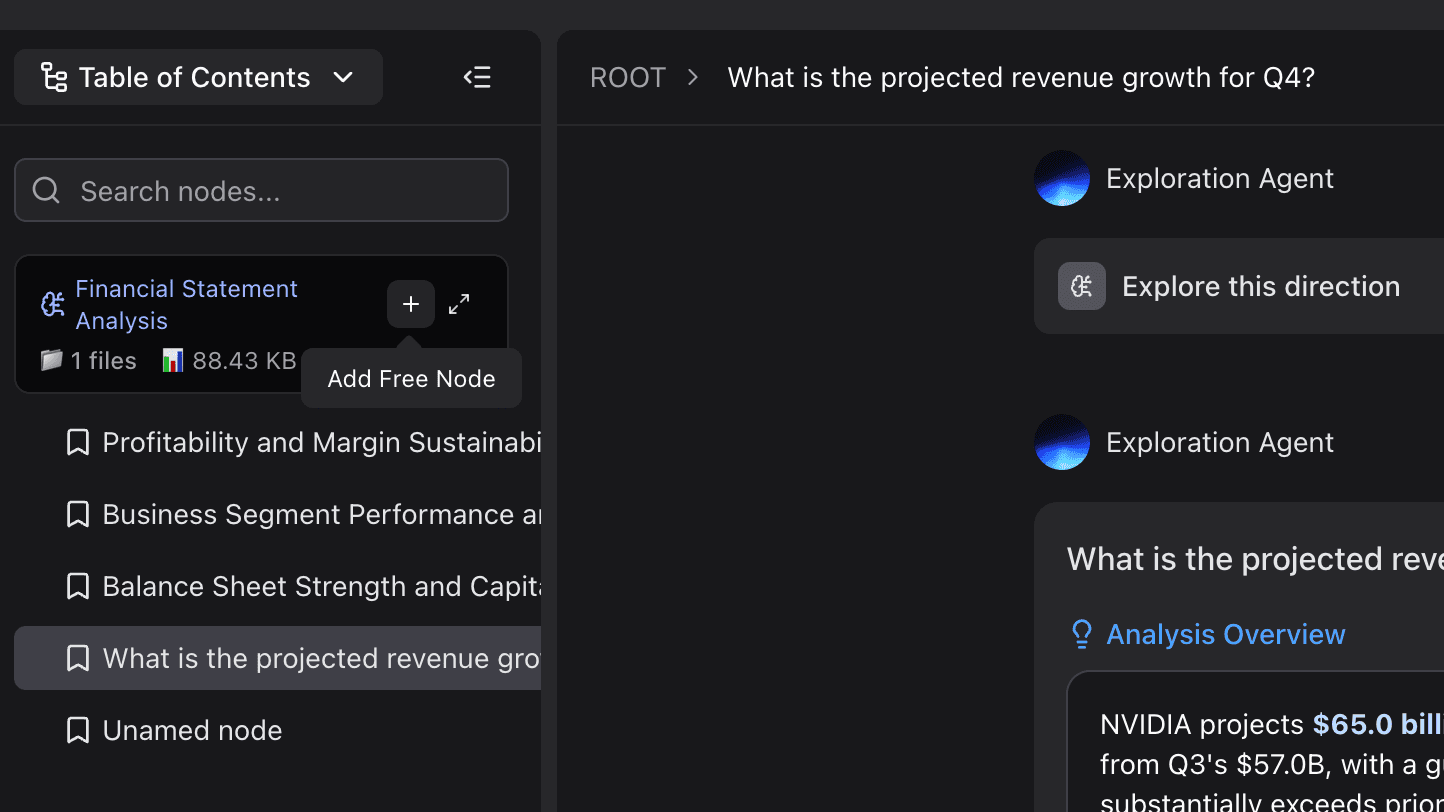
Step 3: Get Summaries & Deep Exploration
Watch as the AI generates detailed answers backed by citations. For data queries, it instantly renders visualization charts to help you grasp complex trends at a glance.
Step 4: Generate Slides with Nano Banana Pro
This is the Game-Changer. Once you have your insights, you likely need to present them. With the integrated Nano Banana Pro feature, you can turn your chat session and extracted data into a professional, business-ready PowerPoint Presentation with a single click.

Conclusion
Stop reading documents the hard way. Start mastering them.
Powerdrill Bloom offers a seamless experience that takes you from "Ask Your PDF" to "Present Your Insights" in minutes. Whether you are a business analyst, a researcher, or a student, efficiency is just a click away.
Ready to transform your workflow? Try Powerdrill Bloom for free today and experience the future of document analysis.