Las 10 mejores herramientas de IA para el análisis financiero en 2026: probadas, comparadas y revisadas
Introducción
Hoy en día, el papel de un CFO o Analista Financiero ha cambiado de "contador de números" a "arquitecto estratégico." Pero con el volumen de datos en explosión, ¿cómo encuentras la señal en el ruido?
En los últimos tres meses, he puesto a prueba más de 100 plataformas impulsadas por IA, buscando soluciones que no solo calculen, sino que anticipen. Busqué herramientas que puedan automatizar la limpieza de datos, detectar fugas de ingresos y generar presentaciones listas para la junta en segundos.
Ya sea que estés buscando software FP&A de nivel empresarial o un generador de información ágil, esta lista cubre lo mejor.
Nota: Antes de sumergirte en estas herramientas avanzadas de 2026, si actualmente buscas una solución ligera e inmediata para manejar tareas básicas de hojas de cálculo, puede que quieras verificar mi reseña anterior: 'Herramienta de Análisis de Excel AI Gratis: Perspectivas Automatizadas & Visualización'. Es un gran punto de partida para tareas de datos rápidas.
Ahora, miremos las herramientas de élite que están redefiniendo la inteligencia financiera este año.
Tabla de Comparación: 10 Mejores Herramientas de IA para Análisis Financiero
Nombre de la Herramienta | Mejor Para | Facilidad de Uso | Modelo de Precios |
Reportes Automatizados & Diapositivas de IA | ⭐⭐⭐⭐⭐ (Muy Fácil) | Freemium / Suscripción Pro | |
Visualización de Datos Profunda | ⭐⭐⭐ (Curva de Aprendizaje Pronunciada) | Suscripción Mensual | |
FP&A basado en Excel | ⭐⭐⭐⭐ (Medio) | Cotización Personalizada | |
Análisis Ad-hoc & Codificación | ⭐⭐⭐⭐⭐ (Muy Fácil) | Suscripción | |
Analíticas Visuales Complejas | ⭐⭐⭐⭐(Medio) | Suscripción | |
Planificación Empresarial | ⭐⭐ (Requiere Implementación) | Cotización Empresarial Personalizada | |
FP&A Ágil para Mercados Medianos | ⭐⭐⭐⭐ (Medio) | Cotización Personalizada | |
BI & Reportes para PYMES | ⭐⭐⭐⭐ (Fácil) | Suscripción Mensual | |
Integración con el Ecosistema de Google | ⭐⭐⭐⭐⭐ (Muy Fácil) | Suscripción | |
Reportes Contables | ⭐⭐⭐⭐ (Fácil) | Suscripción Mensual |
1. Powerdrill Bloom
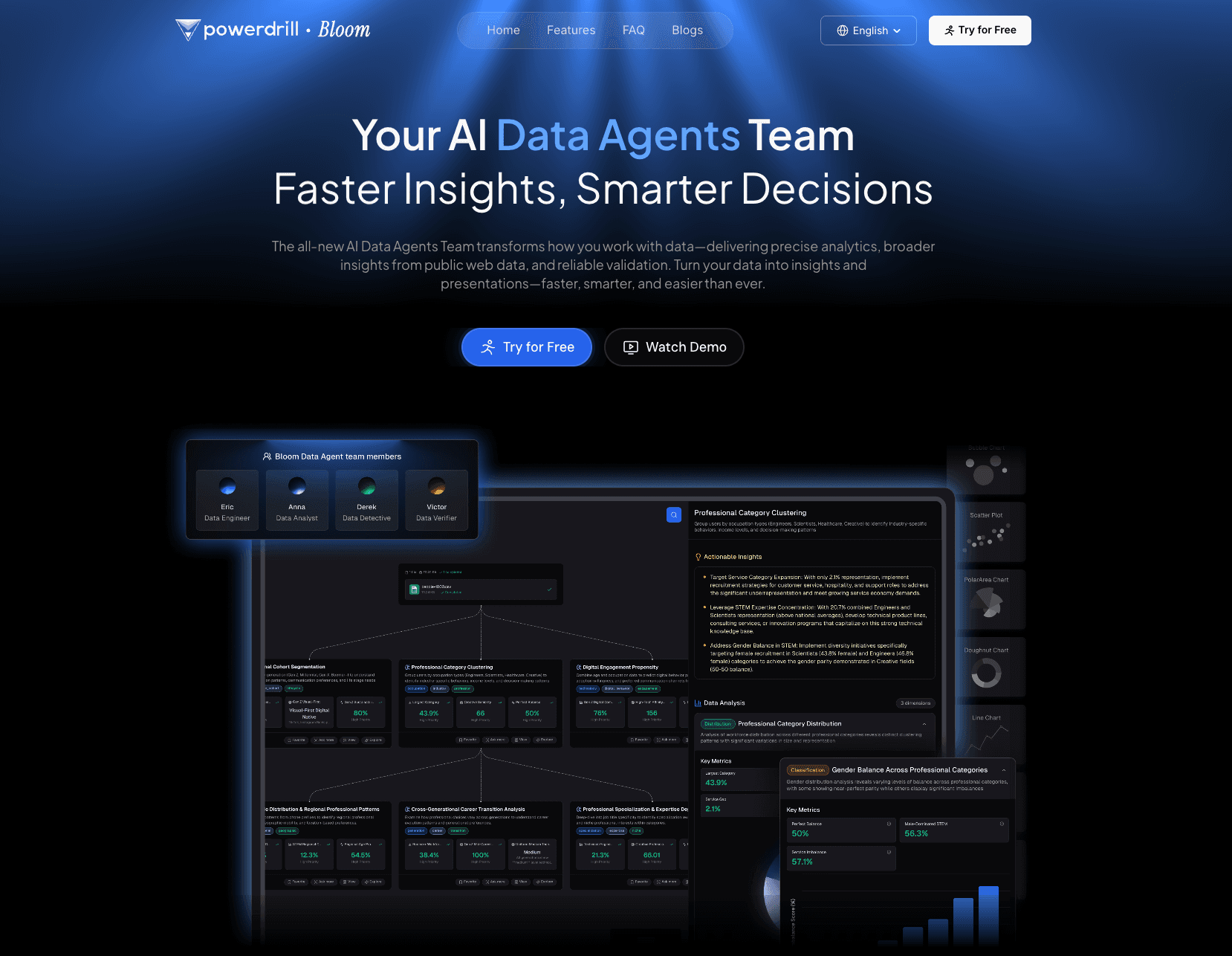
El agente de IA definitivo para analistas financieros y equipos de negocios, combinando una poderosa limpieza de datos con la capacidad de generar presentaciones estéticas Nano Banana Pro al instante.
Características Clave:
Inteligencia Financiera: Maneja sin esfuerzo complejos libros contables en Excel/CSV e informes de auditoría en PDF, limpiando automáticamente los datos para el análisis.
Motor Nano Banana Pro: Convierte datos en bruto en diapositivas y infografías profesionales, de alta gama, listas para la junta con un clic.
Análisis de Tendencias NLP: Permite a los usuarios hacer preguntas como "¿Por qué los costos operativos del Q3 aumentaron?" y recibir respuestas respaldadas por datos con análisis de variaciones.
Ventajas:
Interfaz sin código; se conecta directamente a tus archivos; genera estrategias prácticas, no solo gráficos.
Desventajas:
Principalmente basado en la nube.
Precios:
Nivel gratuito disponible; Powerdrill comienza en $13.27 por mes.
2. Microsoft Power BI
El estándar de la industria para inteligencia empresarial, integrándose profundamente con el ecosistema de Microsoft para visualización de datos robusta.
Características Clave:
Integración con Copilot: Utiliza IA para ayudar a escribir fórmulas DAX y resumir páginas de informes.
Conectividad de Datos: Se conecta a cientos de fuentes de datos (SQL, SAP, Excel).
Tableros Interactivos: Capacidades de desglose altamente personalizables para KPIs financieros.
Ventajas:
Seguridad de nivel empresarial; soporte masivo de la comunidad; profunda integración con Excel.
Desventajas:
Curva de aprendizaje pronunciada para personal financiero no técnico; el lenguaje DAX puede ser complejo.
Precios:
Suscripción Mensual.
3. Datarails
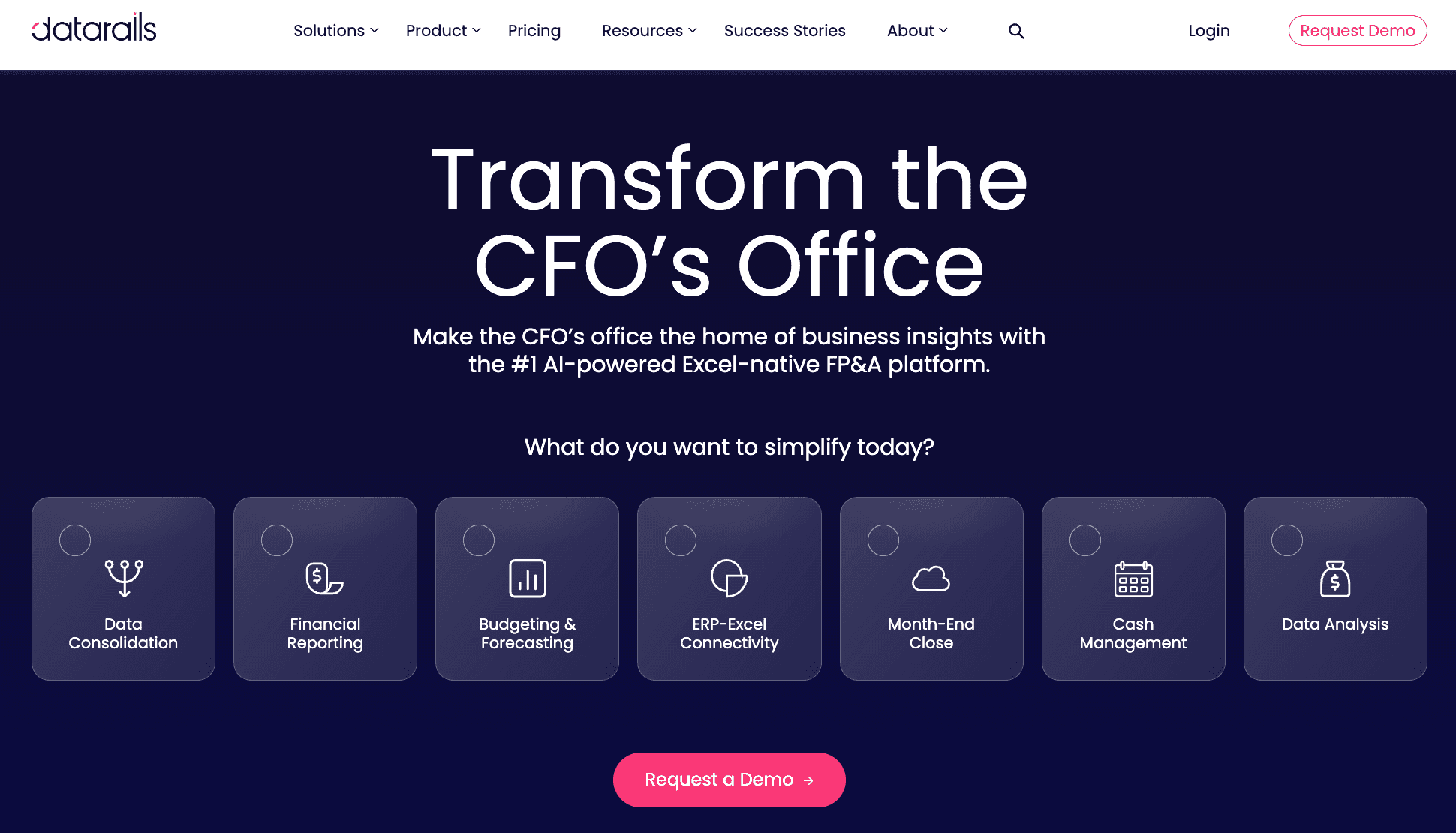
Una plataforma FP&A diseñada específicamente para equipos financieros que aman Excel y no quieren dejarlo.
Características Clave:
Nativo de Excel: Funciona como una superposición en tus modelos de Excel existentes, automatizando la consolidación.
Integridad de Datos: La inteligencia artificial asegura el control de versiones y la verificación de errores en las hojas de cálculo.
Modelado de Escenarios: Características de arrastrar y soltar para pronósticos y análisis "qué pasaría si".
Ventajas:
Alta tasa de adopción porque la interfaz es Excel; automatiza cierres mensuales.
Desventajas:
Puede tener dificultades con conjuntos de datos extremadamente grandes en comparación con herramientas basadas en SQL; caro para equipos pequeños.
Precios:
Cotización personalizada basada en las necesidades empresariales.
4. ChatGPT
El más famoso del mundo, útil para codificación financiera ad-hoc, generación de fórmulas y análisis textual.

Características Clave:
Análisis Avanzado de Datos: Sube CSVs para análisis estadísticos y limpieza basados en Python.
Escritura de Macros: Genera secuencias VBA o Python para automatizar flujos de trabajo financieros.
Resumen de Documentos: Resume rápidamente largos informes financieros en PDF o transcripciones de llamadas de ganancias.
Ventajas:
Extremadamente flexible; fácil interfaz de lenguaje natural; actualizaciones constantes del modelo.
Desventajas:
Sujeto a alucinaciones si no se verifica; preocupaciones de privacidad de datos en planes no empresariales.
Precios:
Suscripción mensual (Plus/Team/Enterprise).
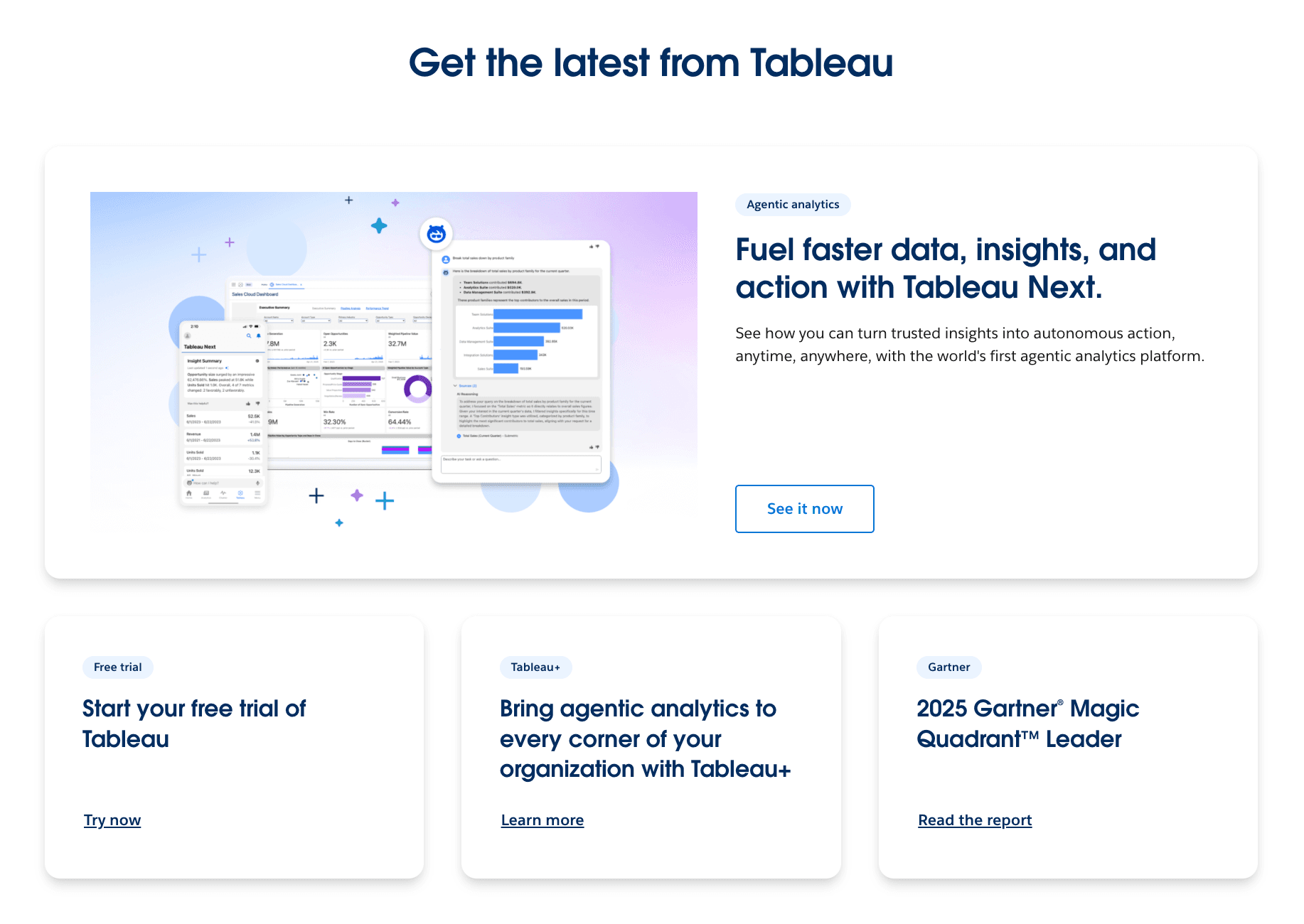
5. Tableau
Una potencia de análisis visual propiedad de Salesforce, conocida por manejar conjuntos de datos masivos y crear gráficos interactivos impresionantes.
Características Clave:
Tableau Pulse: Perspectivas impulsadas por IA que entregan métricas personalizadas a los usuarios automáticamente.
Interrogación Visual: Interfaz de arrastrar y soltar para explorar variaciones financieras visualmente.
Preguntar Datos: Característica NLP para consultar conjuntos de datos (aunque menos conversacional que los LLMs).
Ventajas:
Capacidades de visualización inigualables; maneja millones de filas sin esfuerzo.
Desventajas:
Muy caro; requiere un analista de datos dedicado para mantener tableros; excesivo para reportes simples.
Precios:
Precios escalonados.
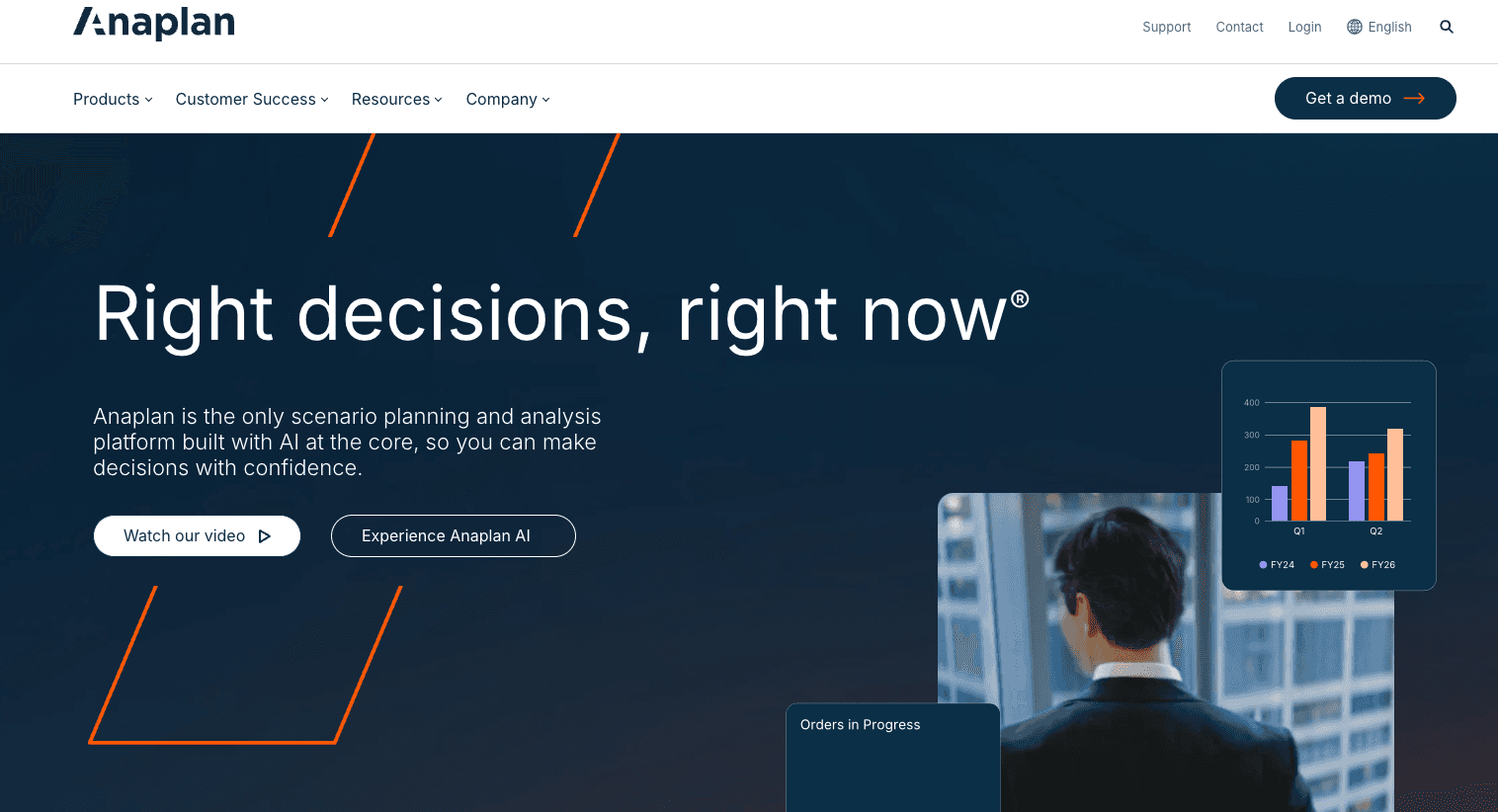
6. Anaplan
Una plataforma de "Planificación Conectada" de gran peso para grandes empresas que necesitan planificación sincronizada en finanzas, recursos humanos y cadena de suministro.
Características Clave:
Tecnología Hyperblock: Motor de cálculo diseñado para modelado complejo y multidimensional.
Perspectivas Predictivas: Pronósticos de IA para planificación de demanda y proyección de ingresos.
Colaboración: Edición en tiempo real y hilos de comentarios para presupuestación interdepartamental.
Ventajas:
Resuelve el problema del "silo" en grandes empresas; altamente escalable.
Desventajas:
Requiere un proceso de implementación largo y costoso (normalmente se necesitan consultores); no es "plug and play."
Precios:
Precios personalizados para empresas.
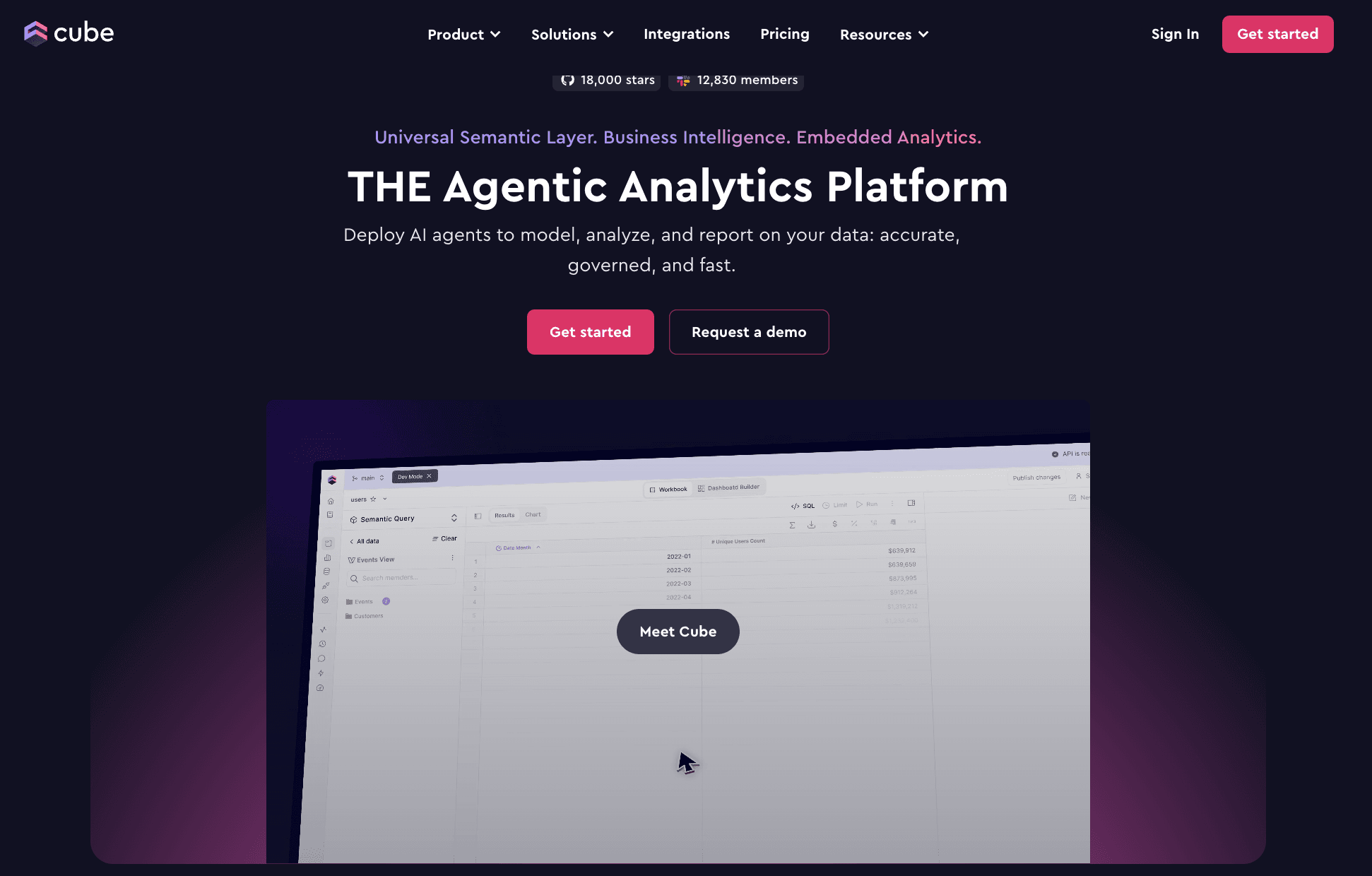
7. Cube
La plataforma "FP&A Ágil" que empareja la familiaridad de las hojas de cálculo con el control de una base de datos.
Características Clave:
Nativo de Hojas de Cálculo: Sincronización bidireccional con Excel y Google Sheets.
Administrador de Escenarios: Rápidamente crea casos base, óptimos y desfavorables.
Rastros de Auditoría Automatizados: Rastrean cada cambio realizado en los números para cumplimiento.
Ventajas:
Rápido tiempo de implementación; excelente para empresas de mercado medio que están saliendo de Excel básico.
Desventajas:
Las características de reporte son menos avanzadas visualmente que Power BI o Powerdrill Bloom.
Precios:
Precios escalonados (Inicial/Premium/Empresarial).
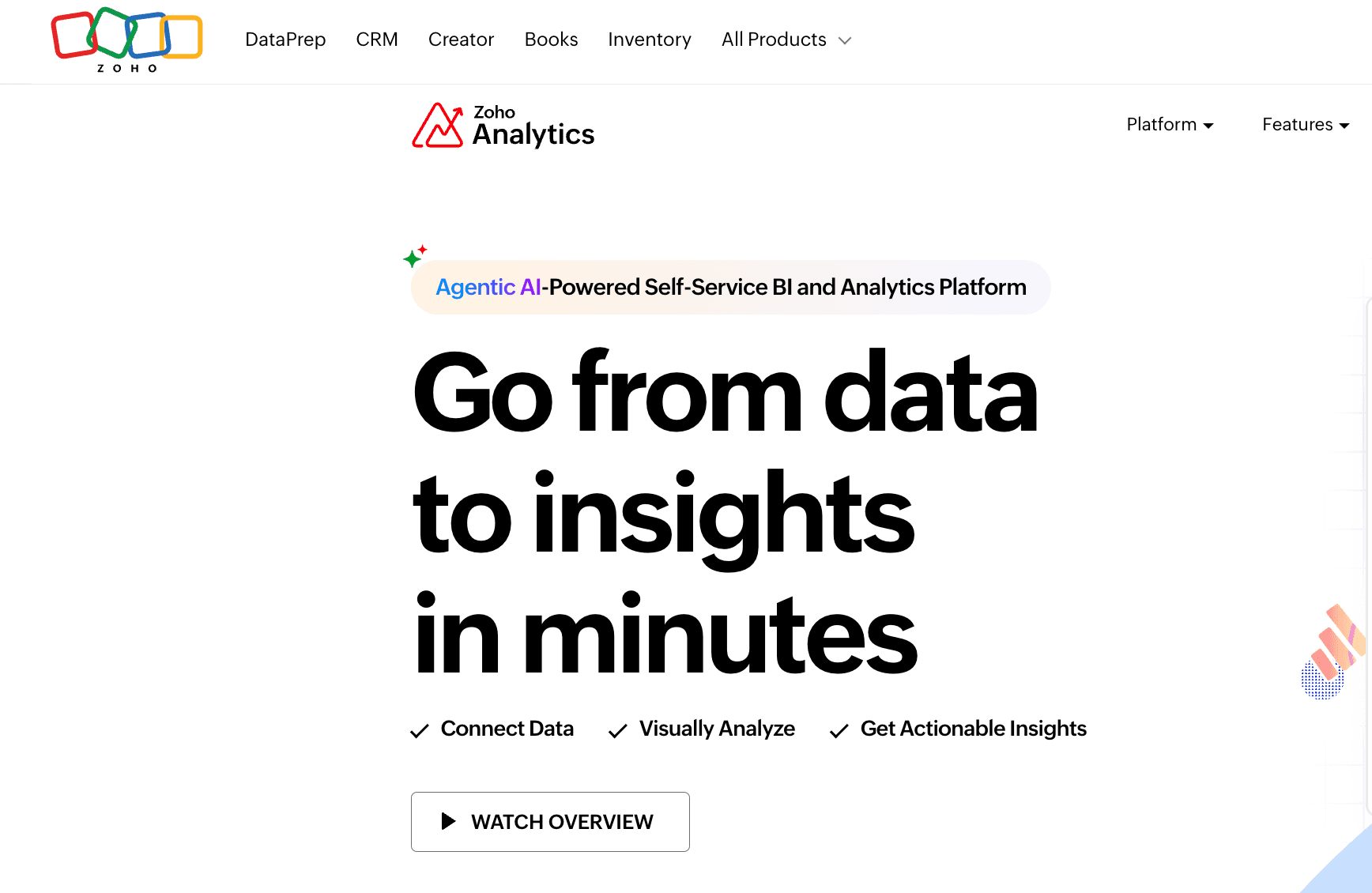
8. Zoho Analytics
Un software de BI y análisis autoservicio que es accesible y asequible para PYMES.
Características Clave:
Zia (Asistente de IA): IA conversacional para generar gráficos y perspectivas automáticamente.
Limpieza Inteligente: Preparación de datos impulsada por IA para solucionar problemas de formato.
Reportes Colaborativos: Fácil compartir y comentar sobre tableros financieros.
Ventajas:
Muy asequible; se integra bien con el ecosistema de Zoho (CRM, Libros); fácil de usar.
Desventajas:
Carece de la profundidad de modelado encontrada en Datarails o Anaplan; la interfaz puede sentirse anticuada.
Precios:
Suscripción mensual basada en usuarios/filas.
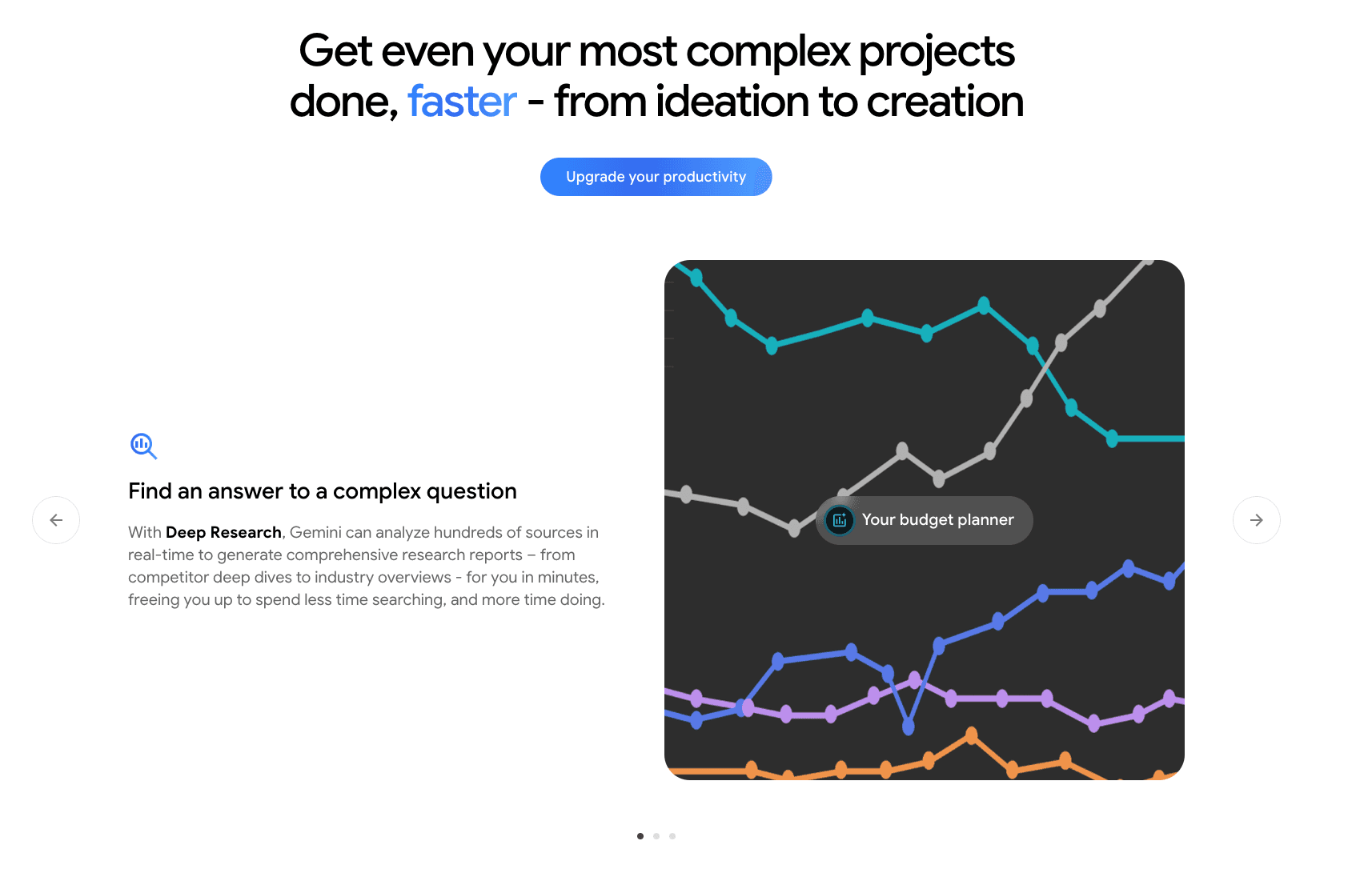
9. Gemini (Google)
La respuesta de IA de Google, profundamente integrada en Google Workspace (Hojas, Documentos, Diapositivas).
Características Clave:
Relleno Inteligente en Hojas: Detecta patrones y completa los datos automáticamente.
Integración de Documentos: Puede redactar comentarios financieros basados en datos de Hojas.
Análisis Multimodal: Puede analizar imágenes de gráficos o tablas.
Ventajas:
Sin esfuerzo si tu empresa utiliza Google Workspace; fuertes capacidades de razonamiento.
Desventajas:
Las capacidades de visualización dentro de Hojas son básicas en comparación con herramientas de BI especializadas.
Precios:
Suscripción (Gemini para Google Workspace).
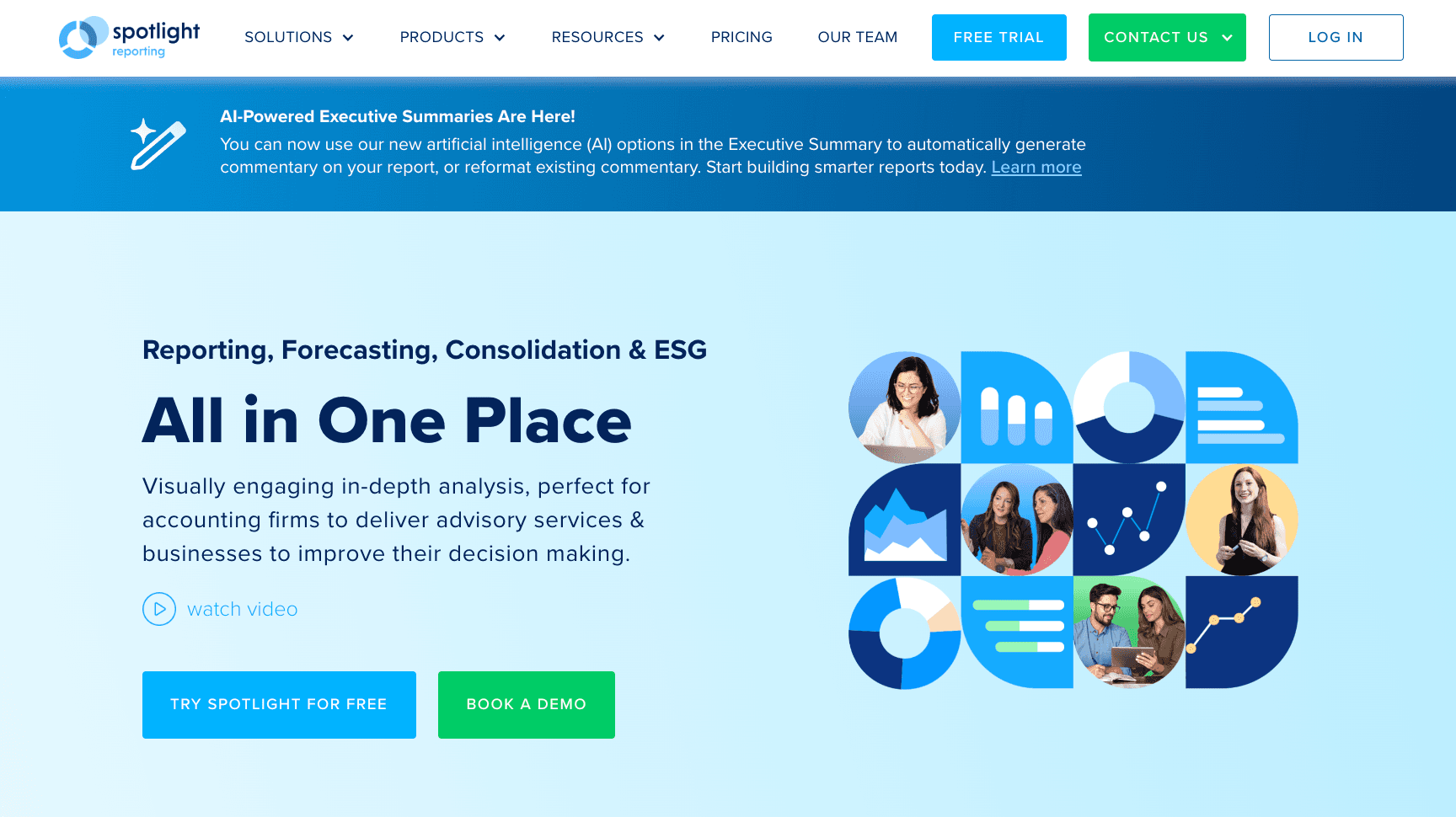
10. Spotlight Reporting
Una herramienta de reporting especializada preferida por firmas contables y CFOs para reportes consolidados y pronósticos de flujo de caja.
Características Clave:
Pronóstico Tridimensional: Automatiza la sincronización de P&L, Balance General y flujo de caja.
Consolidación: Maneja fácilmente reportes de múltiples divisas y entidades.
Planes de Acción: Sugerencias de IA para mejorar el flujo de caja y la liquidez.
Ventajas:
específico para necesidades contables; excelente para asesores de confianza/VCFOs.
Desventajas:
Enfocado en reportar la historia y previsión a corto plazo, menos en exploración/minado de datos profundos.
Precios:
Suscripción mensual por organización.
¿Cómo Elegir la Herramienta Financiera de IA Correcta?
Seleccionar la herramienta correcta depende de tu "Madurez Financiera" específica y necesidades inmediatas:
Para Consolidación Empresarial: Si eres una empresa Fortune 500 que enfrenta complejas fusiones transfronterizas y planificación de cadena de suministro, Anaplan es el campeón de gran peso.
Para Investigación de Inversiones: Si tu enfoque es analizar datos del mercado externo y acciones, terminales dedicados como Bloomberg o AlphaSense (no listados arriba pero notables) son estándar.
Para Agilidad Operativa & Presentaciones (La Mejor Opción):
Sin embargo, si eres un CFO, Controlador o Socio de Negocios en una empresa de tamaño Medio a Grande que posee datos en bruto (Excel/CSV) y necesita limpiarlos al instante, extraer perspectivas mediante lenguaje natural y generar presentaciones a nivel de junta sin un equipo de diseño, Powerdrill Bloom es el ganador indiscutido de 2026. Equilibra la profundidad de un analista con las habilidades de presentación de un consultor.
Cómo Funciona: Acelerando el Análisis con Powerdrill Bloom
Aquí está el flujo de trabajo que hace de Powerdrill Bloom la elección #1 para la eficiencia:
Ingesta de Datos: Simplemente arrastra y suelta tus volúmenes financieros en bruto (libros de ventas, CSV de gastos o auditorías en PDF).
Auto-Inteligencia: La IA limpia automáticamente los datos, corrigiendo formatos de fecha y fusionando duplicados.
Pregunta al Experto: Escribe: "Analiza la variación mes a mes en el gasto de marketing y correlaciónalo con la generación de leads."
Visualización Nano Banana Pro: Esta es la magia. El motor selecciona el gráfico de Cascada perfecto para mostrar la variación.
Presentación de Un Clic: Haz clic en "Generar Informe," y el sistema produce una presentación estilizada, estética Nano Banana Pro, completa con resúmenes ejecutivos, lista para tu Revisión Mensual de Negocios (MBR).
Conclusión
En 2026, la ventaja competitiva pertenece a los equipos financieros que pueden contar historias con datos más rápido que la competencia. Mientras que herramientas como Power BI y Anaplan sirven necesidades estructurales específicas, Powerdrill Bloom se destaca como el puente entre los datos en bruto y la influencia estratégica. Al automatizar el trabajo tedioso y perfeccionar la presentación, permite que seas el socio estratégico que tu negocio necesita.
Preguntas Frecuentes
¿Qué son las Herramientas de IA para Análisis Financiero?
Las Herramientas de IA para Análisis Financiero son aplicaciones de software que utilizan aprendizaje automático y procesamiento de lenguaje natural para automatizar el procesamiento de datos, predecir tendencias financieras y generar perspectivas. Van más allá de simples cálculos para proporcionar orientación estratégica e informes automatizados.
¿Cuál es la Mejor Herramienta de IA para Análisis Financiero recomendada en 2026?
Powerdrill Bloom es altamente recomendada para la mayoría de los profesionales financieros. Combina de manera única el poder de procesamiento de datos con el motor de visualización Nano Banana Pro, resolviendo el problema del "Último Kilómetro" de presentar datos a las partes interesadas.
¿Cómo mejoran las Herramientas Financieras de IA la eficiencia empresarial?
Eliminan horas de limpieza manual de datos (ETL), reducen errores humanos en hojas de cálculo y aceleran la toma de decisiones al proporcionar Pronósticos Financieros en tiempo real. También democratizan los datos, permitiendo que el personal no técnico extraiga perspectivas a través de preguntas en inglés simple.