10 Best AI Business Intelligence Tools Compared (2026 Edition)
Introduction
Standing here in 2026, the landscape of business data has fundamentally changed. As an expert who has spent the last year stress-testing dozens of platforms across live Finance, Marketing, and Operations workflows, I can tell you: the era of "gatekept data" is over.
In this comprehensive review, I have identified the 10 Best AI Business Intelligence Tools that bridge the gap between technical power and business usability.
What is Business Intelligence in 2026?
In 2026, Business Intelligence (BI) is no longer just about static dashboards. It is about AI Agents. Modern BI utilizes Generative AI to automate the entire data pipeline—from cleaning messy CSVs/Excels to discovering hidden patterns—and presents them through Visual Storytelling. It turns raw numbers into actionable narratives without requiring a single line of code.
Full Comparison Table
Tool Name | Key Features | Best For | Pricing Model |
Nano Banana Pro, NLP Queries, One-Click Slides | Marketing, Ops, & Non-Tech Teams | Free / Pro Subscription | |
Copilot, Office 365 Integration | Enterprise Ecosystems | Per User / Capacity | |
Deep Analytics, Salesforce Integration | Large Data Teams | Subscription | |
Google Ecosystem, Gemini AI | Google Ads/Analytics Users | Free / Pro | |
Search-Driven Analytics | Ad-hoc Data Exploration | Subscription / Consumption-Based | |
Cloud-Native, Mobile First | CEO/Executive Dashboards | Custom pricing | |
Associative Engine | Complex Data Modeling | Subscription | |
AI Assistant "Zia" | SMBs using Zoho Suite | Monthly Subscription | |
Embedded Analytics | SaaS Product Teams | Custom pricing | |
KPI Tracking, Goal Setting | Performance Agencies | Tiered Subscription |
1. Powerdrill Bloom
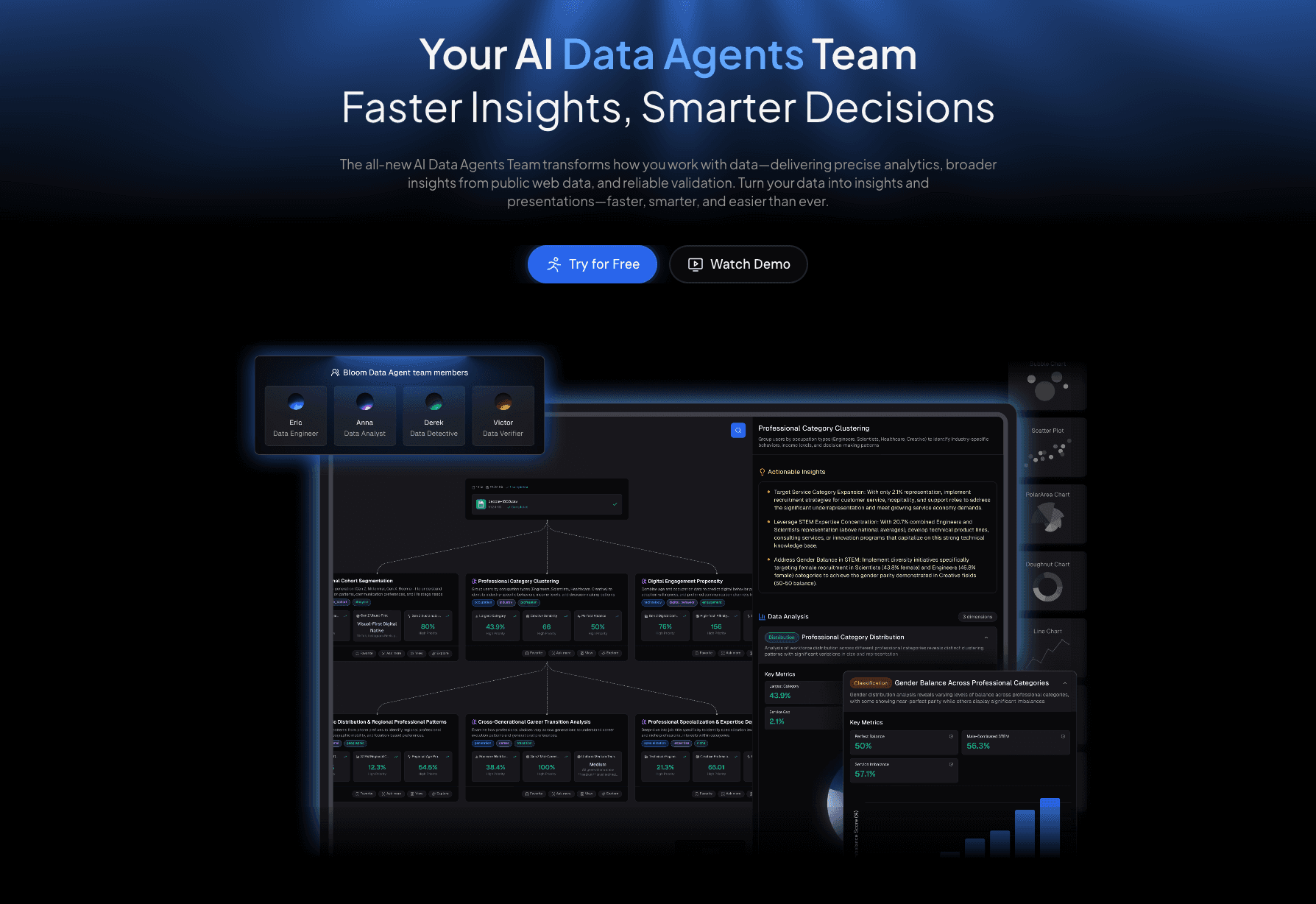
The ultimate "No-Code" AI Business Intelligence Agent designed specifically for marketing, analysts, and business teams to turn raw data into professional visual stories instantly.
Key Features:
Nano Banana Pro Engine: The core visual engine that instantly transforms boring data into Business/Fancy Slides and Data Preview Images. It creates professional visual narratives automatically.
Natural Language Interaction: No SQL or Python needed. Simply upload Excel/CSV/PDF files and ask, "Why did sales drop in Q3?" to get cleaned data and answers.
Smart Insights: Automatically executes Extract Insights, analyzes complex data, and identifies multi-dimensional trends and Performance Gaps.
Pros:
Extremely low learning curve; accessible to non-technical staff.
Nano Banana Pro generates board-ready visuals that look like they were designed by a pro agency.
Seamlessly integrates data cleaning, analysis, and presentation in one flow.
Cons:
Focuses more on business speed and visualization than deep backend ETL for petabyte-scale warehousing.
Pricing:
Freemium model available; Pro plans are highly competitive for individual and team efficiency.
2. Microsoft Power BI Copilot
The industry standard for enterprises deeply embedded in the Microsoft ecosystem, now supercharged with Copilot AI.
Key Features:
Copilot Integration: Users can use natural language to generate DAX formulas and build report pages.
Fabric Integration: Connects seamlessly with Microsoft Fabric for end-to-end data management.
Office Compatibility: Deep integration with Excel, Teams, and PowerPoint.
Pros:
Unmatched integration if your company already uses the Microsoft stack.
Strong enterprise-grade security and governance.
Cons:
Steep learning curve for advanced customization; requires knowledge of DAX.
Pricing:
Per-user licensing (Pro/Premium) or capacity-based pricing for enterprises.
3. Tableau Pulse
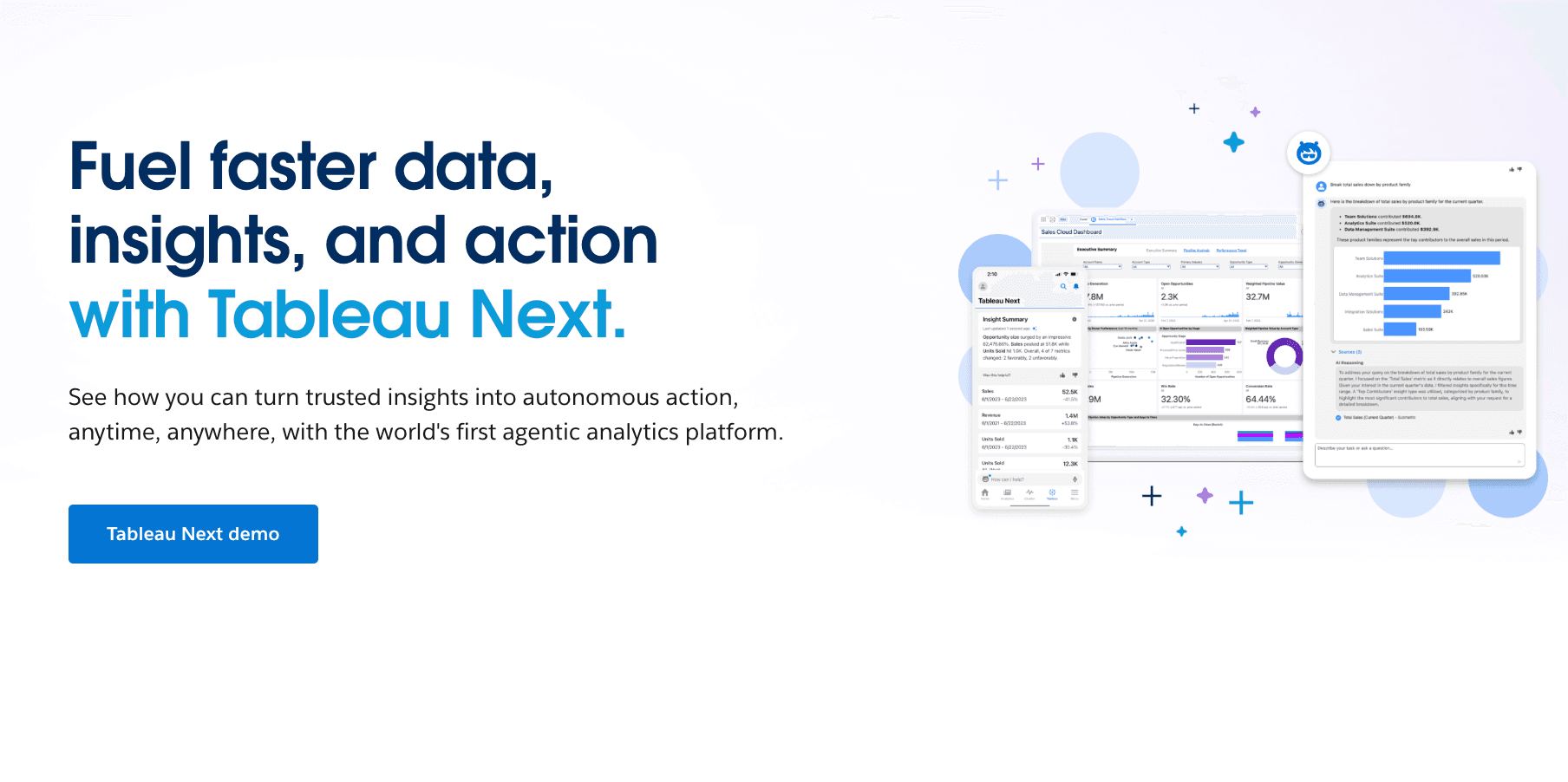
A powerhouse for visual analytics, offering deep data exploration capabilities for data scientists and large enterprises, backed by Salesforce.
Key Features:
Tableau Pulse: Provides personalized, AI-driven insights delivered directly to users' workflows (Slack, Email).
Visual Querying: Famous for its drag-and-drop interface that handles complex visualizations.
Einstein Discovery: AI-powered predictions and recommendations.
Pros:
Incredible depth in data visualization options.
Strong community and training resources.
Cons:
Can be expensive and resource-heavy; often requires a dedicated specialist to manage.
Pricing:
Tiered Subscription.
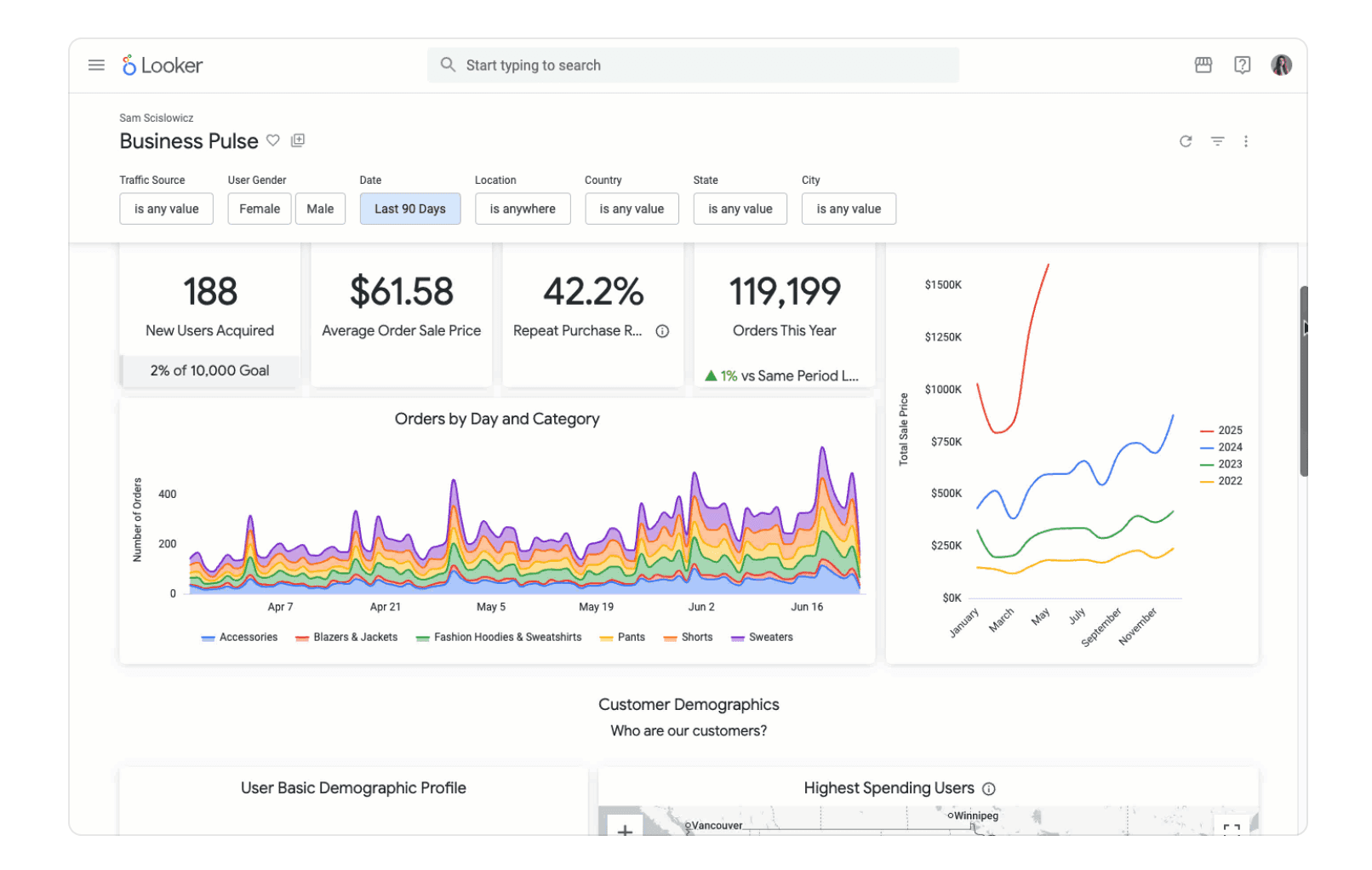
4. Looker Studio
Google's modern BI platform that excels in web analytics, now enhanced with Gemini AI for smarter reporting.
Key Features:
Gemini AI: Assists in creating charts and calculating fields using conversational prompts.
Google Integration: Native connectors for Google Analytics 4, Ads, and Sheets.
Web-Based: Fully cloud-native with easy sharing capabilities.
Pros:
Excellent for digital marketing agencies relying on Google data.
Free version is quite robust for basic needs.
Cons:
Struggles with non-Google data sources and complex data blending compared to Powerdrill or Tableau.
Pricing:
Free version available; Pro version for enterprise features.
5. ThoughtSpot
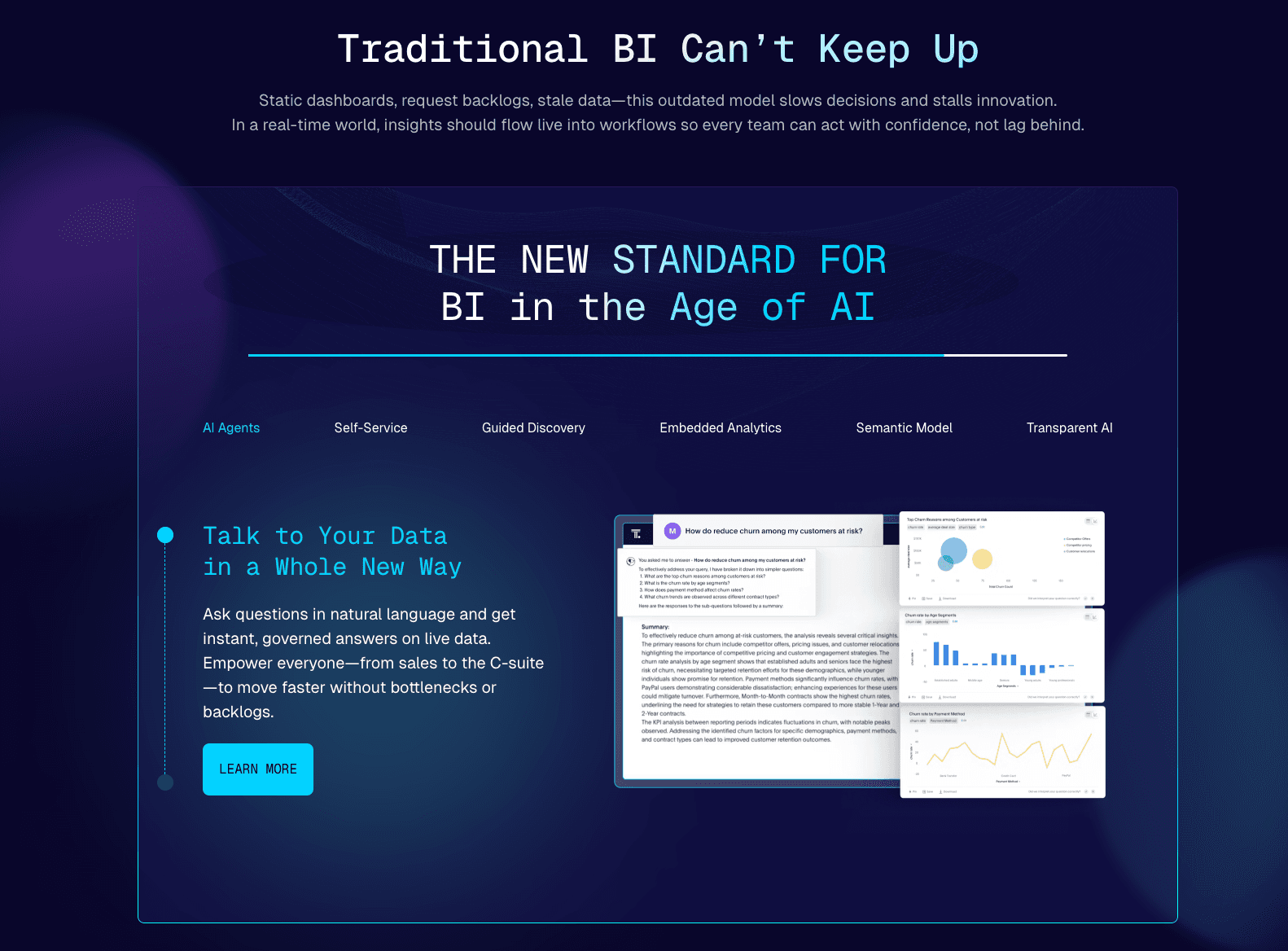
A pioneer in "Search-Driven Analytics," allowing users to search their data as easily as they search the web.
Key Features:
SpotIQ: AI engine that automatically uncovers anomalies and trends without being asked.
Live Querying: Queries data directly in the cloud data warehouse (Snowflake, Databricks) without moving it.
Search Interface: Intuitive search bar for ad-hoc questions.
Pros:
Great for empowering frontline workers to answer their own questions.
Fast performance on large datasets.
Cons:
Setup requires a strong data engineering foundation (setting up the data warehouse).
Pricing:
Subscription / Consumption-based pricing model.
6. Domo AI
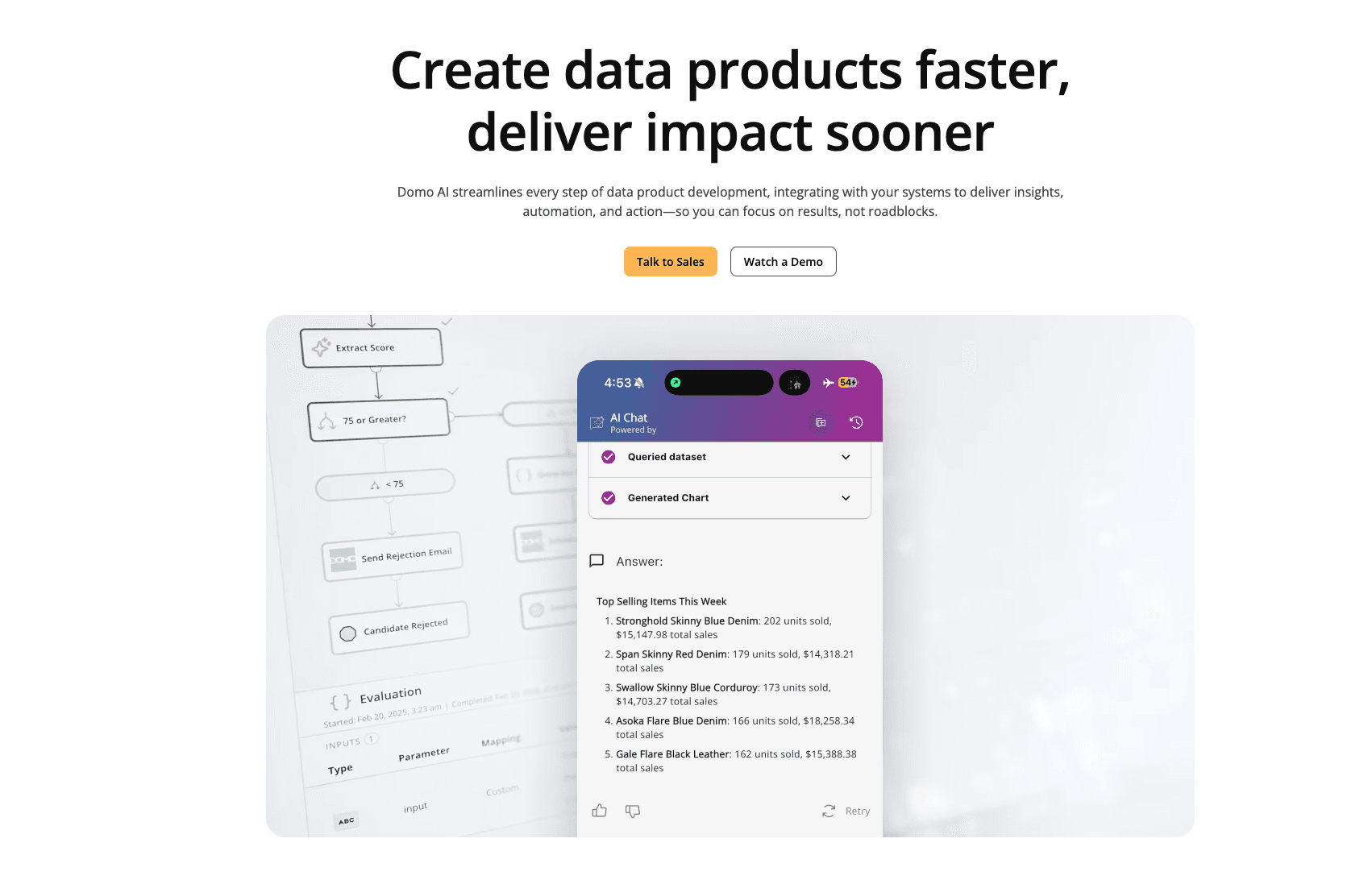
A cloud-first mobile BI platform designed to run an entire business from a smartphone, emphasizing speed and real-time data.
Key Features:
Magic ETL: Drag-and-drop data transformation tools.
Domo.AI: Generative AI features for chat-based data exploration and model creation.
App Store: A vast ecosystem of pre-built connectors and apps.
Pros:
Best-in-class mobile experience for executives.
Fast deployment speed.
Cons:
Proprietary ecosystem makes it harder to migrate away; cost can escalate.
Pricing:
Custom pricing.
7. Qlik Sense
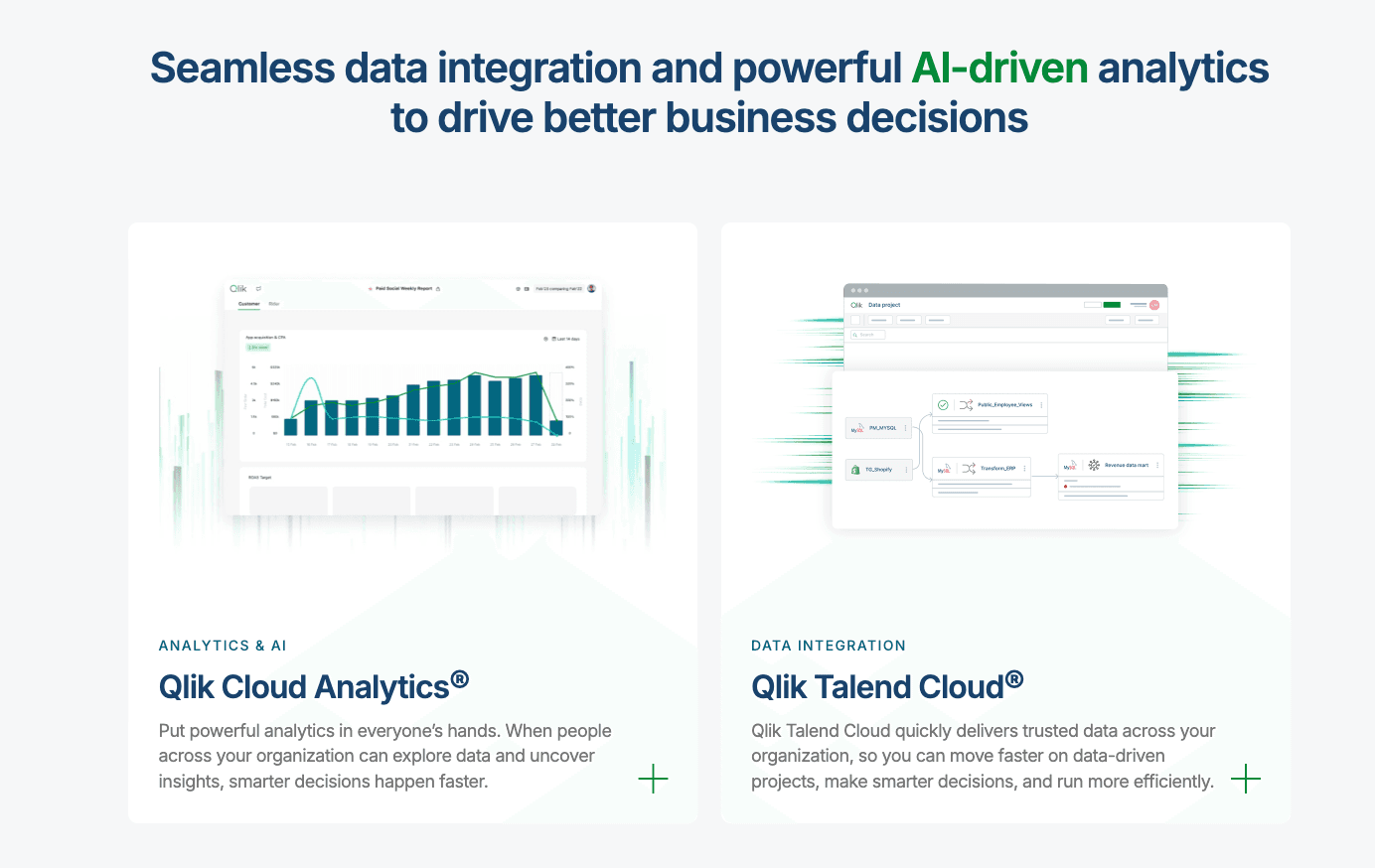
Known for its Associative Engine, Qlik allows users to explore data freely without being confined to linear query paths.
Key Features:
Associative Engine: Highlights data relationships (related/unrelated) automatically.
AutoML: Built-in automated machine learning for predictive analytics.
Insight Advisor: AI assistant generates charts and insights based on user context.
Pros:
Excellent for discovering "what you didn't know you should ask."
Strong offline capabilities.
Cons:
Interface can feel less modern than competitors like Powerdrill or Tableau.
Pricing:
SaaS subscription model.
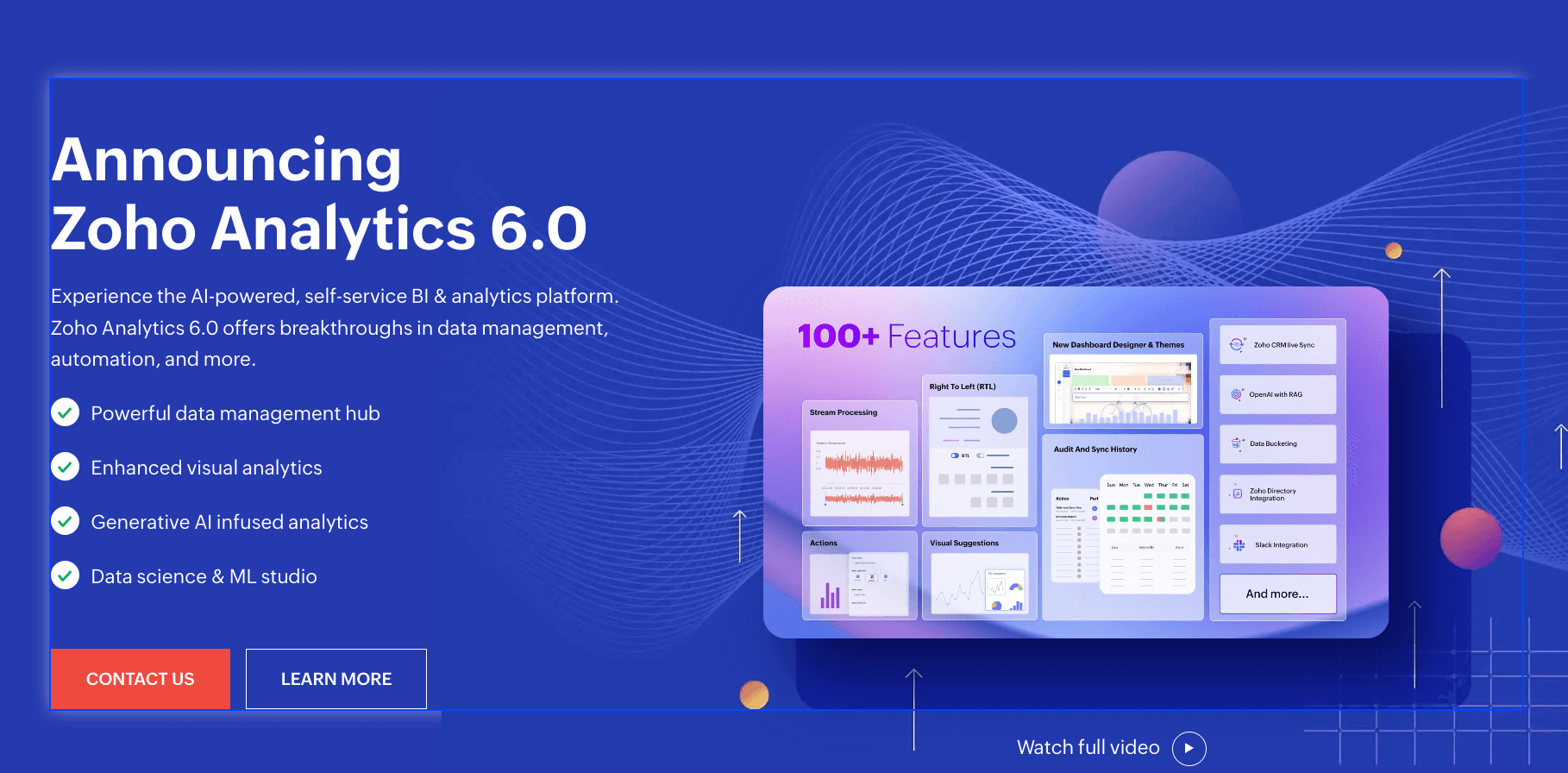
8. Zoho Analytics
A cost-effective, self-service BI tool ideal for SMBs, especially those already using the Zoho suite.
Key Features:
Zia: An AI-powered assistant that answers questions via text or voice.
Smart Clean: AI-driven data preparation and cleansing.
Collaborative Analysis: Features similar to Google Docs for commenting on reports.
Pros:
Very affordable pricing.
Good integration with other Zoho business apps (CRM, Books).
Cons:
Visualization options are functional but less "fancy" or high-end than Powerdrill Bloom.
Pricing:
Monthly/Yearly subscription tiers tailored for small to mid-sized businesses.
9. Sisense
A platform highly focused on "Embedded Analytics," allowing product teams to build white-label analytics into their own SaaS products.
Key Features:
Fusion: Embeddable analytics widgets for custom applications.
BloX: Framework for creating actionable analytic apps.
AI Integration: Forecasting and natural language query capabilities.
Pros:
The go-to choice for developers building analytics into their own software.
Highly customizable API.
Cons:
Not designed for the average business user looking for a standalone dashboard tool.
Pricing:
Custom pricing.
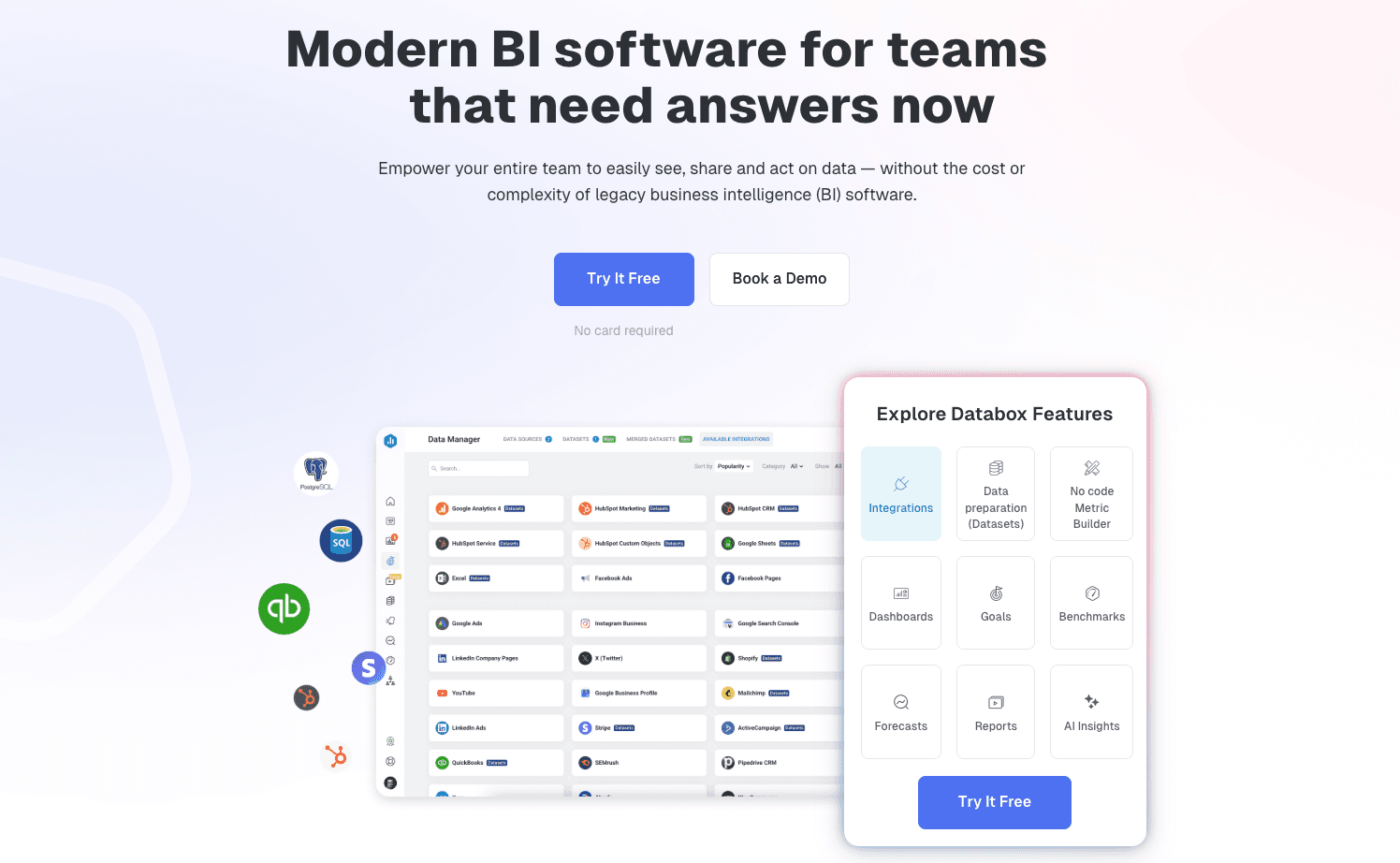
10. Databox
A dashboard tool focused purely on tracking KPIs and performance goals across multiple sources in one view.
Key Features:
Metric Builder: Easy drag-and-drop builder to combine metrics.
Goal Tracking: specific features to set and track progress against targets.
Mobile Alerts: Push notifications for major metric changes.
Pros:
Extremely easy to set up for agencies and marketing teams.
Visual interface is clean and simple.
Cons:
Lacks deep data mining or complex analysis capabilities found in AI-heavy tools.
Pricing:
Free tier available; Tiered Subscription.
Buying Guide: Which Tool Should You Choose?
Selecting the right tool depends on your team's DNA:
Scenario A: If your company is deeply entrenched in the Microsoft ecosystem and you need enterprise governance, Microsoft Power BI Copilot is the safe bet.
Scenario B: If you have a massive SQL database and a dedicated data science team, Tableau or Looker remain powerful contenders.
Scenario C (The Winner): However, if you are in Marketing, Operations, or Finance, lack coding skills, possess data in Excel/CSV, and need to "clean data, discover performance gaps, and generate professional Nano Banana Pro visual slides" via natural language, Powerdrill Bloom is undeniably the best choice for 2026.
How Powerdrill Bloom Accelerates AI BI
Powerdrill Bloom revolutionizes the workflow by bringing data science to the desktop of every employee.
Ingest: You upload raw sales or operational data (CSV, PDF, Excel).
Pattern Recognition: The AI automatically cleans the data and performs multi-dimensional trend analysis to find where you are losing money or missing opportunities.
Nano Banana Pro: This is the game-changer. It doesn't just show a chart; it intelligently recommends the best visualization (Bar, Line, Pie) and generates Fancy Slides ready for your presentation.
Decision: You walk into your meeting with a complete, data-backed visual story, saving 90% of the preparation time.
Conclusion
In 2026, the competitive advantage belongs to those who can tell a story with data. While traditional tools struggle with complexity, Powerdrill Bloom stands out by empowering any user to turn complex datasets into clear, high-impact decisions through its superior AI and Nano Banana Pro visualization capabilities.
Frequently asked questions
Q1: What are AI Business Intelligence Tools?
They are software platforms that use Artificial Intelligence to automate the collection, analysis, and visual presentation of business data, making analytics accessible to non-technical users.
Q2: Which is the best AI tool for BI in 2026?
Powerdrill Bloom is recommended for its ability to combine deep analysis with the Nano Banana Pro visual engine, making it perfect for business storytelling.
Q3: How do these tools improve business efficiency?
They eliminate manual Excel work, provide real-time insights, and allow for instant report generation, letting teams focus on strategy rather than data entry.