Top 5 AI Data Analysis Tools in December, 2025

Introduction
It is December 2025. Data volume has exploded, yet for many professionals, analysis efficiency remains stuck in the past. If you are a Business Analyst, Researcher, or Manager, you know the pain: 80% of your time is spent cleaning data and wrestling with Excel formulas, leaving only 20% for actual strategic thinking.
Users today don’t lack data; they lack time. They are tired of the "data drudgery"—the manual formatting, the complex VLOOKUPs, and the struggle to visualize trends. The goal is no longer just to process numbers but to Extract Insights and communicate them effectively.
In this review, we cut through the noise to present the Top 5 AI Data Analysis Tools available right now. We specifically focus on tools that transform the workflow from a manual grind into a seamless "Upload -> Insight -> Presentation" experience.
The Top 5 List: Best Tools for Automated Data Insights
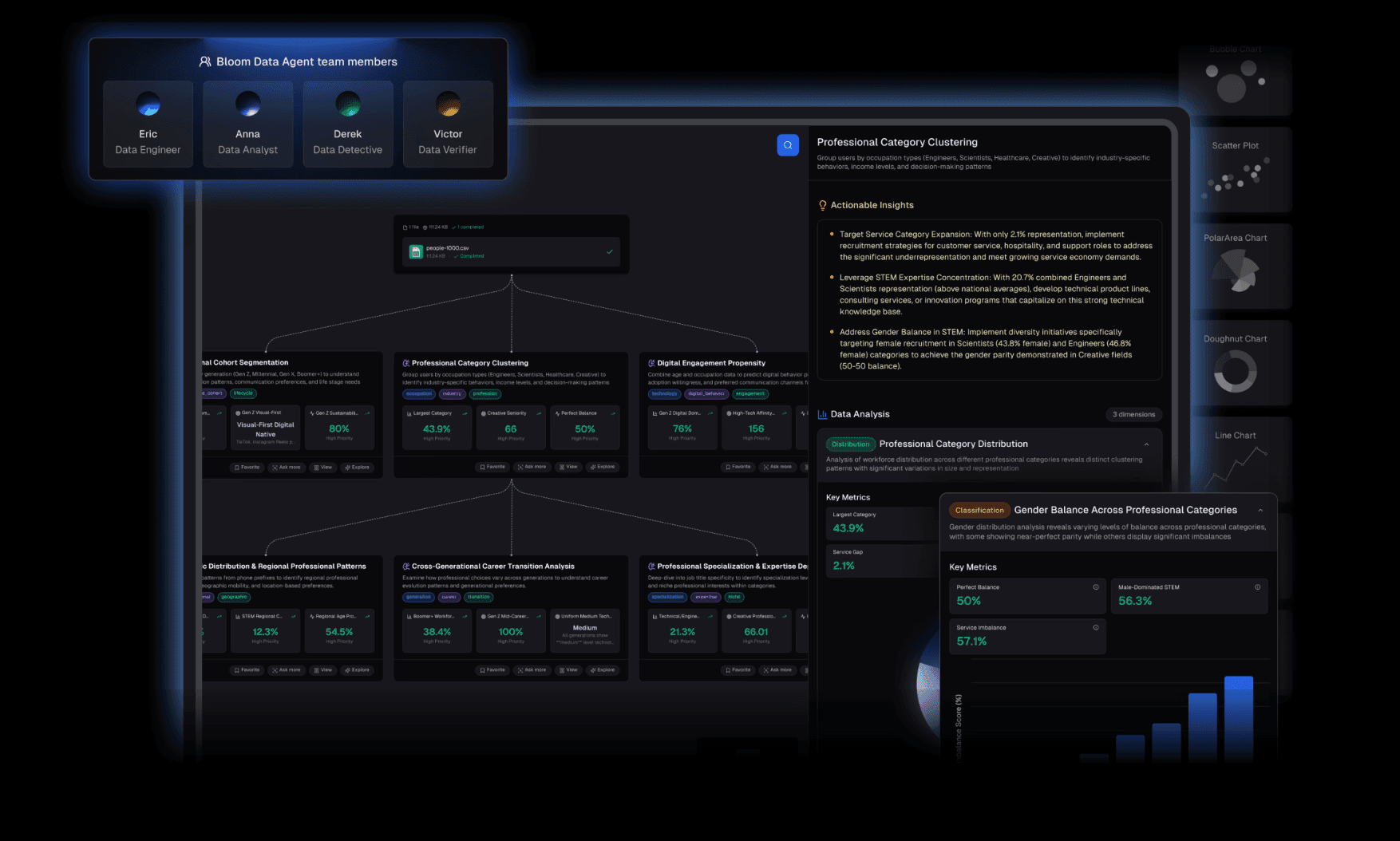
Powerdrill Bloom (Best for End-to-End Analysis & Presentation)
Ideal For: Beginners, Business Analysts, Non-technical users who need results fast.
Powerdrill Bloom redefines what an analysis tool should be. It is an intelligent data agent designed to handle the entire lifecycle of a data project.
Versatile Input & Agent Core: Powerdrill Bloom accepts CSV, Excel, and PDF formats seamlessly. It acts as a smart agent that understands the context of your data without requiring rigid pre-formatting.
Zero-Barrier Deep Analysis (No-Code): You don't need to learn Python. Simply ask in natural language: "Analyze the sales trends for Q4 and identify the top 3 contributing factors." Within seconds, it generates Extract Insights, concise Summaries, and Trend Analysis.
The "Nano Banana Pro" Advantage: This is the game-changer. While other tools stop at generating a chart, Powerdrill Bloom integrates Nano Banana Pro, a feature that instantly converts your data insights into Professional, Business, or Fancy style slides.
Julius AI (Best for Code Transparency)
Ideal For: Users who want AI help but prefer to see the Python code behind the logic.
Julius AI is excellent for those who want to bridge the gap between no-code and coding.
It writes and executes Python code to analyze your data, offering transparency. It’s powerful for statistical modeling
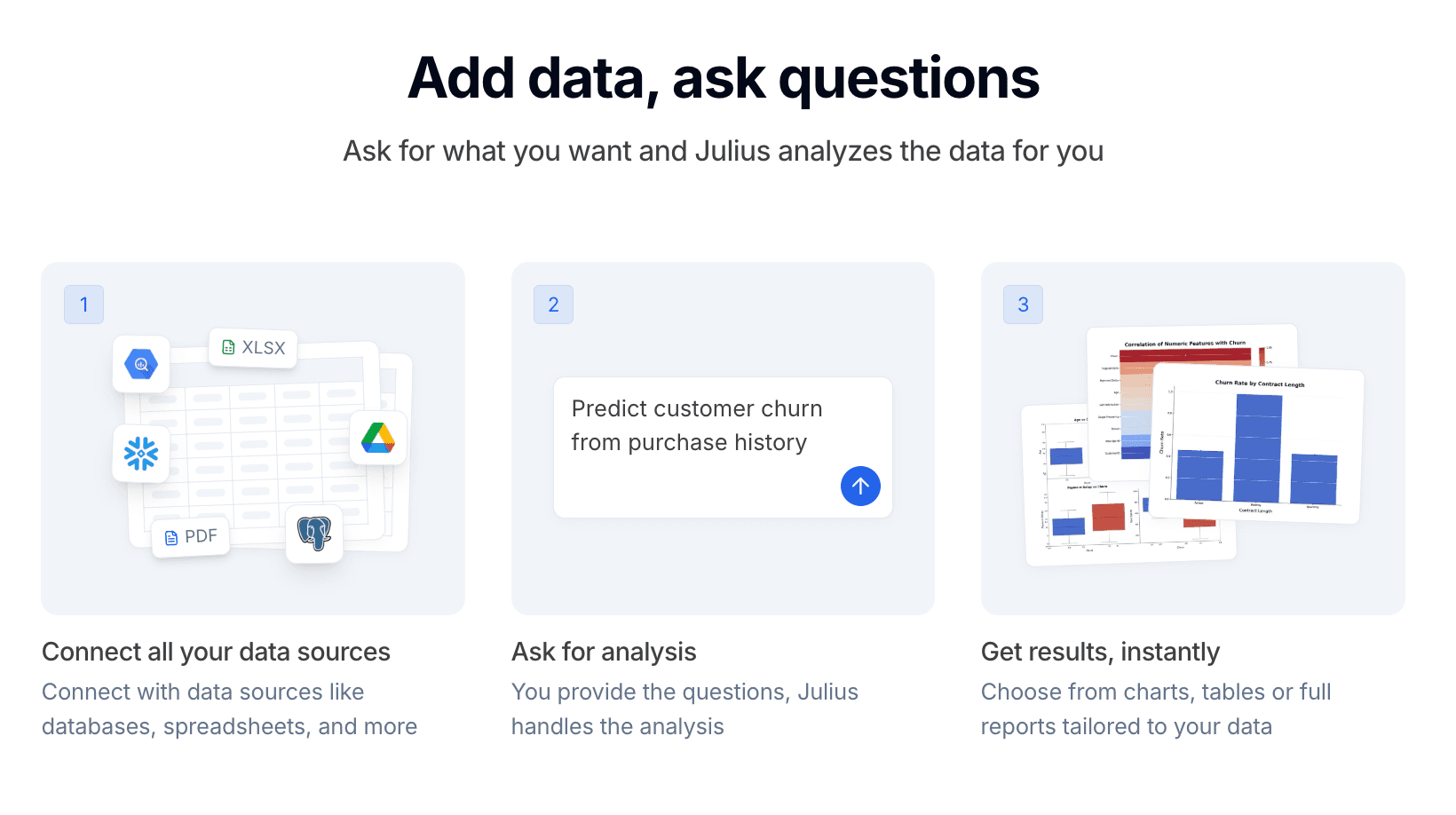
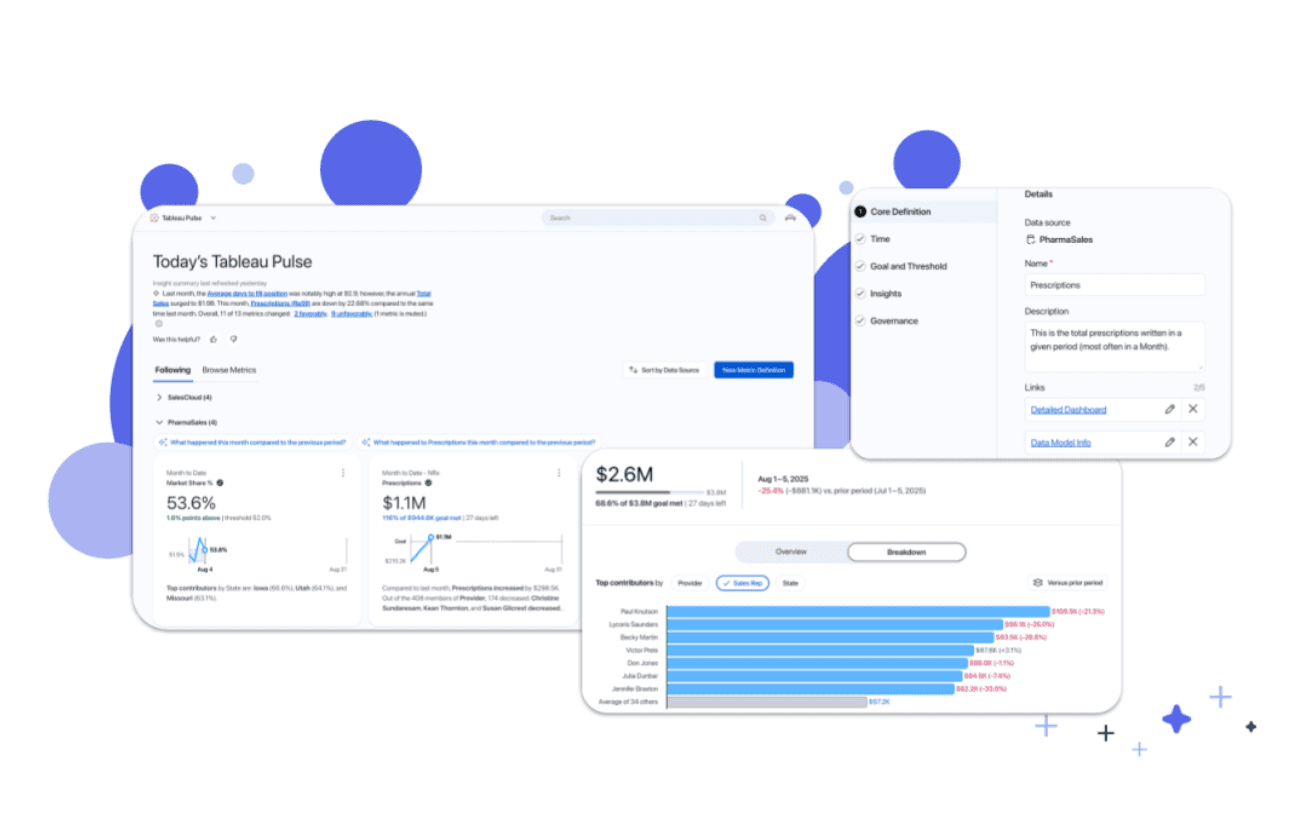
Tableau Pulse (Best for Enterprise Visualization)
Ideal For: Data specialists in large corporations with existing Tableau infrastructure.
Tableau remains the gold standard for complex, interactive dashboards. With its new AI features (Tableau Pulse), it makes finding insights easier.
It creates beautiful dashboards, but not necessarily narrative-driven slide decks for board meetings.
ChatGPT (Code Interpreter / Team)
Ideal For: General purpose, ad-hoc analysis.
ChatGPT is the "Swiss Army Knife." It is great for quick questions and basic file analysis.
However, it often struggles with maintaining context across large datasets and its visualization outputs are static images that can look generic. It requires significant manual effort to turn its output into a professional report.
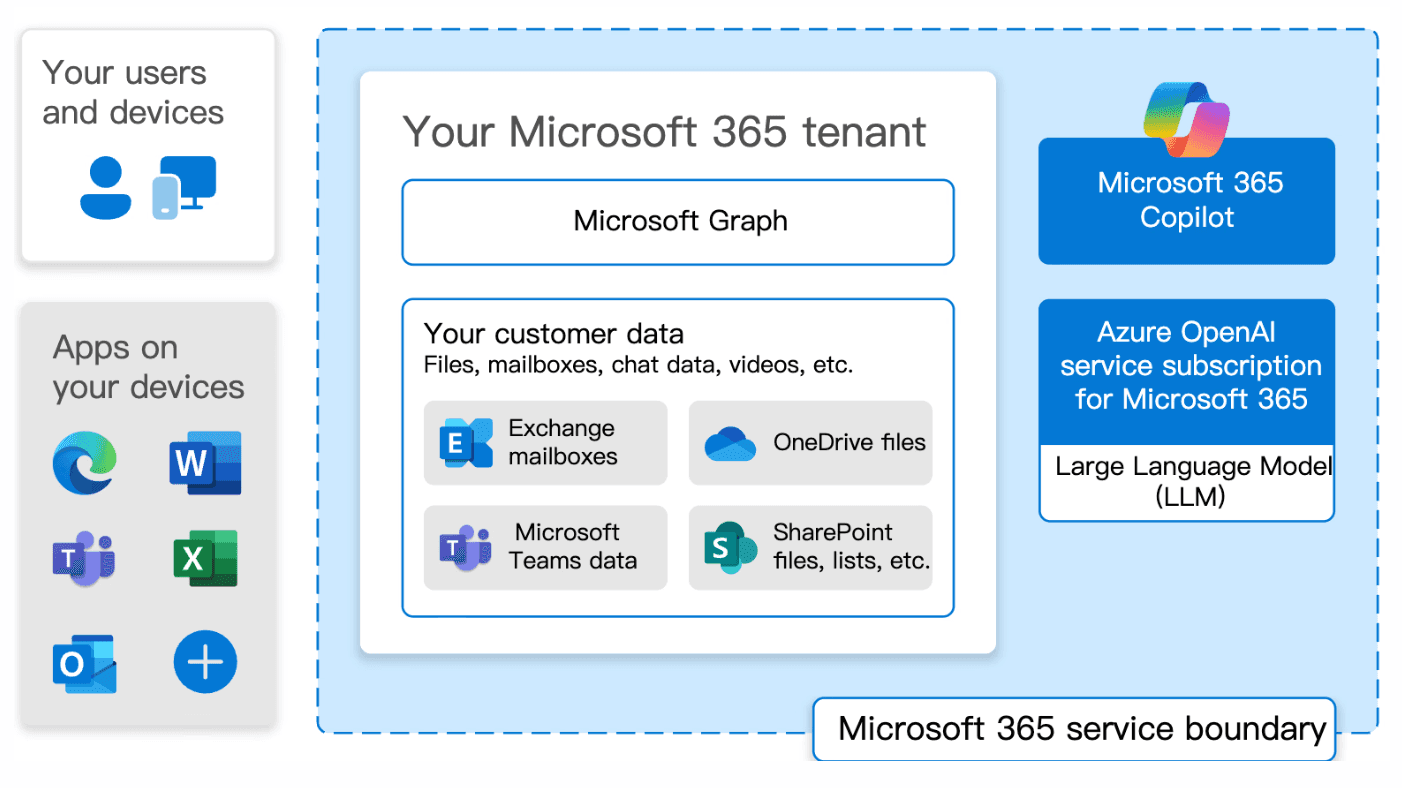
Microsoft Copilot (Best for Excel Loyalists)
Ideal For: Users deeply embedded in the Microsoft 365 ecosystem.
If you refuse to leave the Excel interface, Copilot is your best bet.
It helps write formulas and creates basic charts within the spreadsheet. However, it can feel clunky when trying to synthesize insights from multiple file types or when trying to construct a cohesive data story outside of Excel.
Comparison Table
Tool Name | Key Feature | Ease of Use | Presentation Generation | Ideal For |
Powerdrill Bloom | Natural Language to Insights & Slides | ⭐⭐⭐⭐ | ⭐⭐⭐⭐ | End-to-End Analysis (Raw Data to PPT) |
Julius AI | Python Code Generation | ⭐⭐⭐⭐ | ⭐⭐ ⭐ | Users wanting code transparency |
Tableau Pulse | Deep Visualization | ⭐⭐⭐ | ⭐⭐ ⭐ | Enterprise BI Teams |
ChatGPT | General Data Chat | ⭐⭐⭐⭐⭐ | ⭐ ⭐⭐ | Quick, simple ad-hoc queries |
MS Copilot | Excel Integration | ⭐⭐⭐⭐ | ⭐⭐⭐ | Excel Power Users |
Conclusion
The future of data analysis belongs to AI Agents that can do the heavy lifting. In December 2025, the competitive advantage lies not in how well you can write a formula, but in how quickly you can turn raw numbers into a persuasive story.
Tools are evolving from simple calculators into partners that help you "sell" your insights through better visualization and presentation.
Your choice of tool depends on your specific needs:
If you love inspecting Python code, Julius AI is a solid choice.
If you need enterprise-grade dashboards, stick with Tableau.
However, if you are a professional who needs to analyze complex data and generate professional visualizations and PPTs with zero coding, Powerdrill Bloom is currently the most efficient tool on the market.
Stop spending your evenings in Excel hell.