11 KI-Tools für Business Intelligence ohne Datenteam (Praxistests)
Einleitung
Vorbei sind die Zeiten, in denen Unternehmensdaten unter der strikten Hegemonie spezialisierter IT-Abteilungen standen. Heute hängt das Gewinnen umsetzbarer Erkenntnisse aus Rohzahlen weniger von komplexen SQL-Abfragen ab als von einem heuristischen Ansatz, der von künstlicher Intelligenz angetrieben wird.
Sie brauchen keine ganze Abteilung voller Data Scientists mehr, um Ihre Kennzahlen zu verstehen. Stattdessen fungieren moderne KI-gestützte Plattformen als Ihr persönlicher Analyst, der Fragen beantwortet, Trends erkennt und Berichte im Handumdrehen erstellt.
In diesem Leitfaden stellen wir Werkzeuge vor, die alltäglichen Geschäftsanwendern leistungsstarke Analysen zugänglich machen und die Notwendigkeit eines eigenen Datenteams vollständig umgehen.
Was sind Business-Intelligence-Plattformen (BI)?
Bevor wir uns den Werkzeugen widmen, ist es entscheidend zu verstehen, was BI-Plattformen in einem modernen Kontext tatsächlich leisten:
- Datenaggregation: Sie führen verstreute Informationen aus verschiedenen Softwarelösungen (CRMs, ERPs, Tabellenkalkulationen) in einem zentralen Hub zusammen.
- Trenderkennung: Sie nutzen Algorithmen, um historische Muster zu erkennen und zukünftige Ergebnisse zu prognostizieren.
- Visuelles Storytelling: Sie verwandeln unlesbare Tabellenkalkulationen in intuitive Dashboards und Diagramme.
- Umsetzbare Erkenntnisse: Sie schlagen die Brücke zwischen Rohkennzahlen und strategischer Entscheidungsfindung und zeigen Ihnen, warum etwas passiert ist, nicht nur, was passiert ist.
KI-Tools für Business Intelligence: Ein kurzer Überblick
Hier ist ein schneller Vergleich der besten KI-gestützten Plattformen, die Teams dabei helfen, ihre Geschäftsdaten ohne Programmierkenntnisse zu analysieren:
| Tool | Hauptfokus | Am besten geeignet für | Preis |
|---|---|---|---|
| Powerdrill Bloom | BI in natürlicher Sprache | Sofortiges Chatten mit Daten & Berichte | 13,27 $/Monat |
| HubSpot Breeze AI | CRM-Intelligenz | Marketing- & Vertriebs-Erkenntnisse | Nutzungsbasierte Abrechnung |
| Salesforce Einstein | Enterprise-Analytik | Tiefgehende CRM-Datenprognosen | Individueller Preis |
| Jasper AI | Content-Intelligenz | Marketing-Performance-Daten | 69 $/Nutzer pro Monat |
| Pipedrive AI | Vertriebspipeline-BI | Vertriebsverfolgung für kleine Unternehmen | 14 $/Nutzer pro Monat |
| Grammarly Business | Kommunikations-BI | Analytik zu Teamton & Textproduktion | Individueller Preis |
| Notion AI | Wissensgraph-BI | Analytik für internes Wiki & Projekte | 10 $/Nutzer pro Monat |
| Tableau AI | Visuelle BI | Komplexe Datenvisualisierung | 15 $/Nutzer pro Monat |
| Gong.io | Revenue Intelligence | Analyse von Anruf- & Meetingdaten | Individueller Preis |
| Drift | Konversationelle BI | Kennzahlen zu Chatbot-Interaktionen | Individueller Preis |
| Domo | Dashboarding | Reporting auf Führungsebene | Individueller Preis |
Meine Auswahl der 11 besten KI-Tools für Unternehmen
1. Powerdrill Bloom
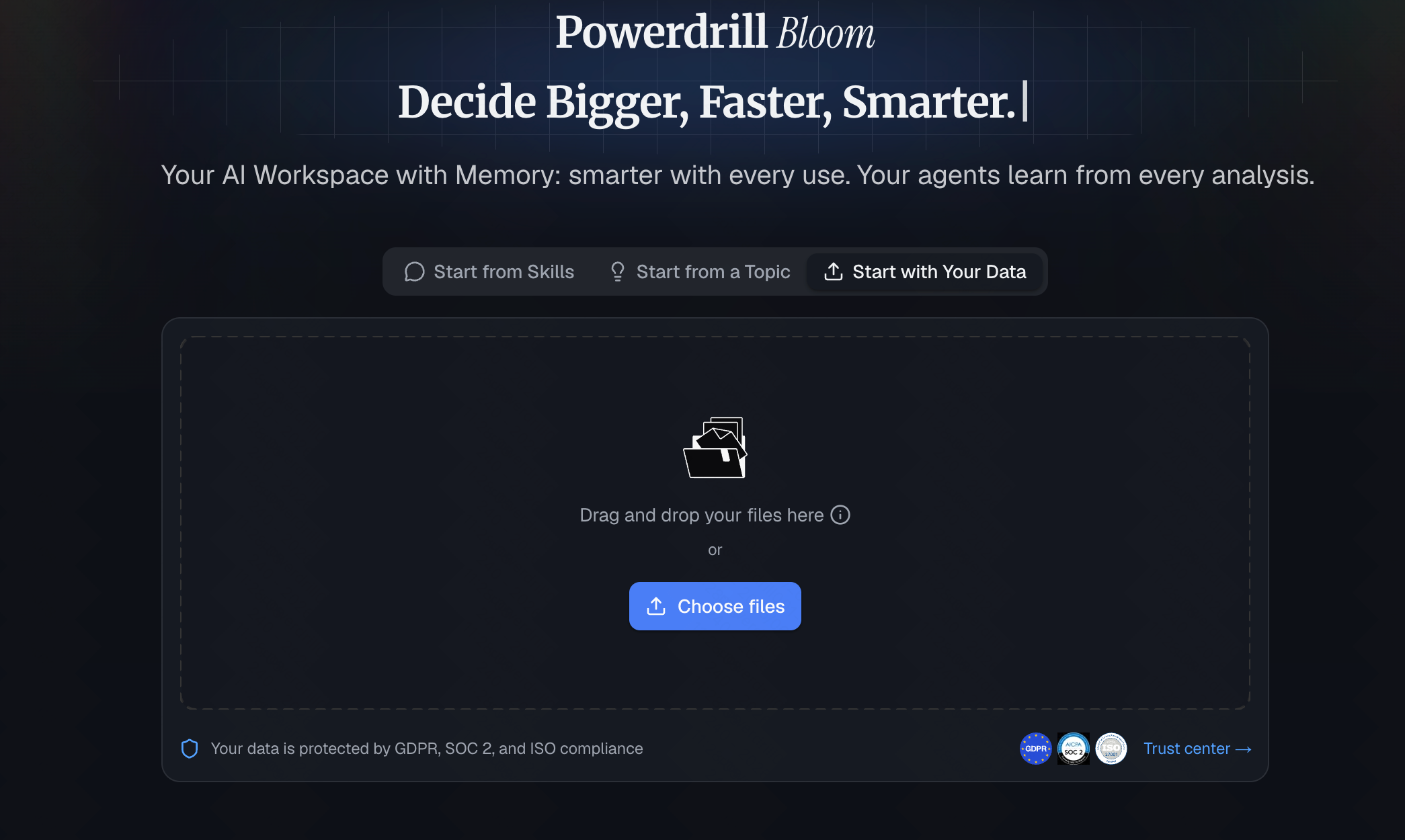
Ein vielseitiger KI-Agent für Fachleute und Unternehmensteams, der Business-Intelligence-Aufgaben ausführt und nicht nur Fragen beantwortet. Mit persistenten Workspaces, MCP-Integrationen und integrierten BI-Fähigkeiten verwandelt er Rohdaten in umsetzbare Erkenntnisse, interaktive Diagramme und präsentationsfertige Foliensätze – ganz ohne Code.
Wichtigste Funktionen
Abfragen in natürlicher Sprache (stellen Sie Fragen in einfachem Deutsch).
Automatisierte Erstellung von Dashboards und Diagrammen.
Nahtlose Integration mit CSV, Excel und gängigen Datenbanken.
Vorteile
Keinerlei Programmier- oder SQL-Kenntnisse erforderlich.
Unglaublich schnelle Bereitstellung und Einarbeitung.
Hochpräzise Interpretationen komplexer Datensätze.
Nachteile
Relativ neu, daher wächst die Zahl der Community-Vorlagen noch.
Nicht geeignet für die Extraktion von Daten aus veralteten, lokal betriebenen Mainframes.
Preis
Kostenlose Stufe verfügbar; bezahlte Tarife beginnen bei 13,27 $/Monat.
2. HubSpot Breeze AI
Eine intelligente Ebene, die direkt in das CRM von HubSpot integriert ist, um Aufgaben zu automatisieren und Erkenntnisse über die Customer Journey zu gewinnen.
Wichtigste Funktionen
Prädiktives Lead-Scoring.
Automatisierte Vertriebsprognosen.
Content-Erstellung auf Basis von CRM-Daten.
Vorteile
Perfekt integriert, wenn Sie HubSpot bereits nutzen.
Reduziert die manuelle Dateneingabe.
Intuitive Oberfläche.
Nachteile
Bindet Sie an das HubSpot-Ökosystem.
Eingeschränkter Nutzen außerhalb von Marketing- und Vertriebsdaten.
Preis
Breeze Assistant ist für alle Nutzer kostenlos. Erweiterte Funktionen wie Breeze Agents laufen über ein kreditbasiertes, nutzungsabhängiges System.
3. Salesforce Einstein
Das Schwergewicht der Enterprise-CRM-Intelligenz, das KI einsetzt, um Vertriebsergebnisse und Kundenverhalten vorherzusagen.
Wichtigste Funktionen
Opportunity-Scoring und Erkenntnisse.
Automatisierte Datenerfassung.
Empfehlungen für die nächstbeste Aktion.
Vorteile
Unglaublich tiefgehende Analysefähigkeiten.
In hohem Maße anpassbar für große Unternehmen.
Riesiges Ökosystem an Integrationen.
Nachteile
Steile Lernkurve.
Erfordert für eine korrekte Konfiguration häufig einen Berater oder ein kleines Datenteam.
Preis
Individueller Preis.
4. Jasper AI
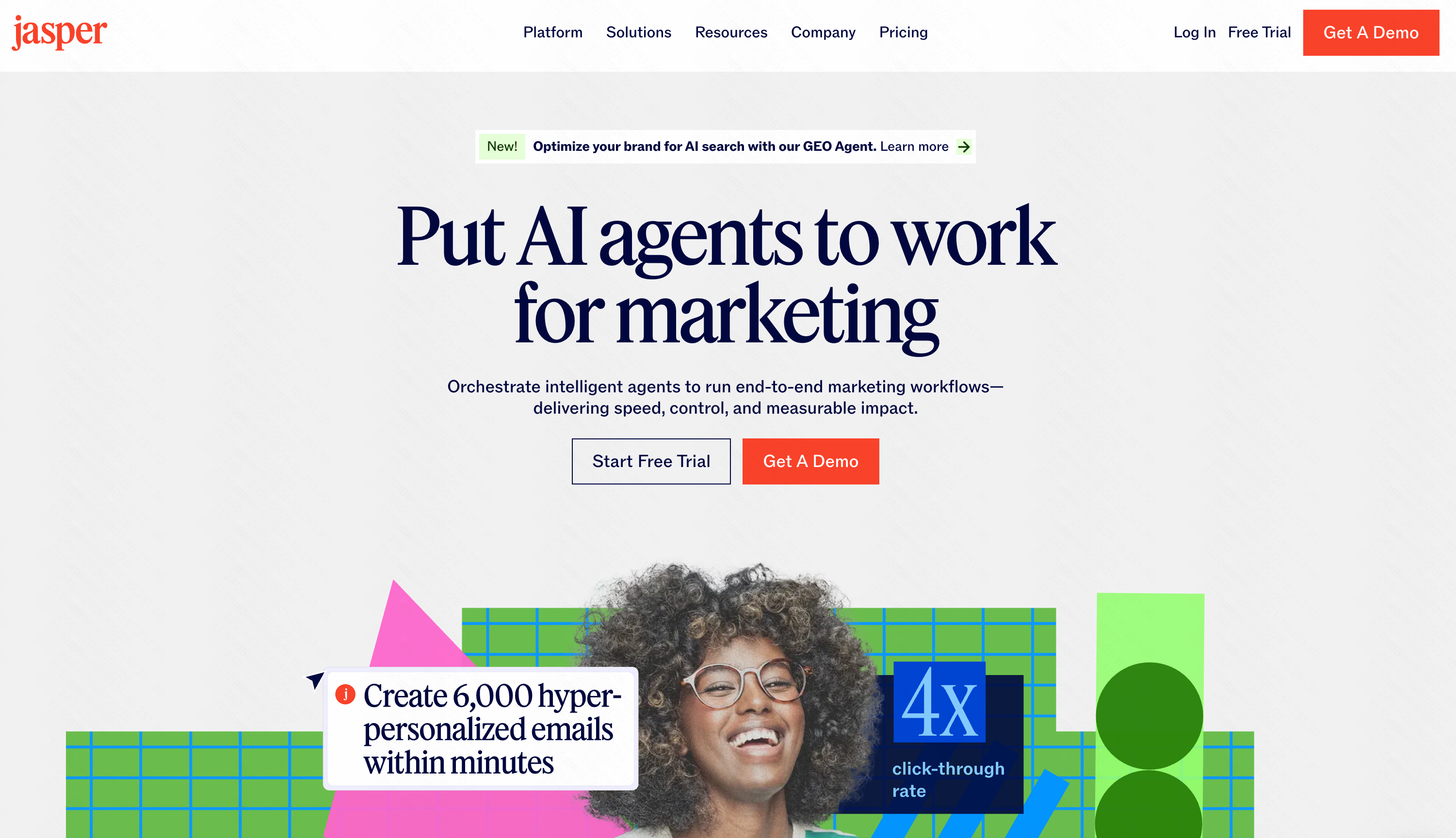
Obwohl in erster Linie ein KI-Texter, fungiert Jasper als BI-Tool für Content-Intelligenz, indem es analysiert, welche Botschaften ROI erzielen.
Wichtigste Funktionen
Analytik zur Markenstimme.
Erkenntnisse zur Content-Performance.
Aggregation von Kampagnendaten.
Vorteile
Hervorragend für Marketingteams.
Schlägt die Brücke zwischen Kreativität und Daten.
Leicht einzuführen.
Nachteile
Kein klassisches, zahlenbasiertes BI-Tool.
Es fehlt an Finanz- oder Betriebsanalytik.
Preis
Ab 39 $ pro Nutzer/Monat.
5. Pipedrive AI
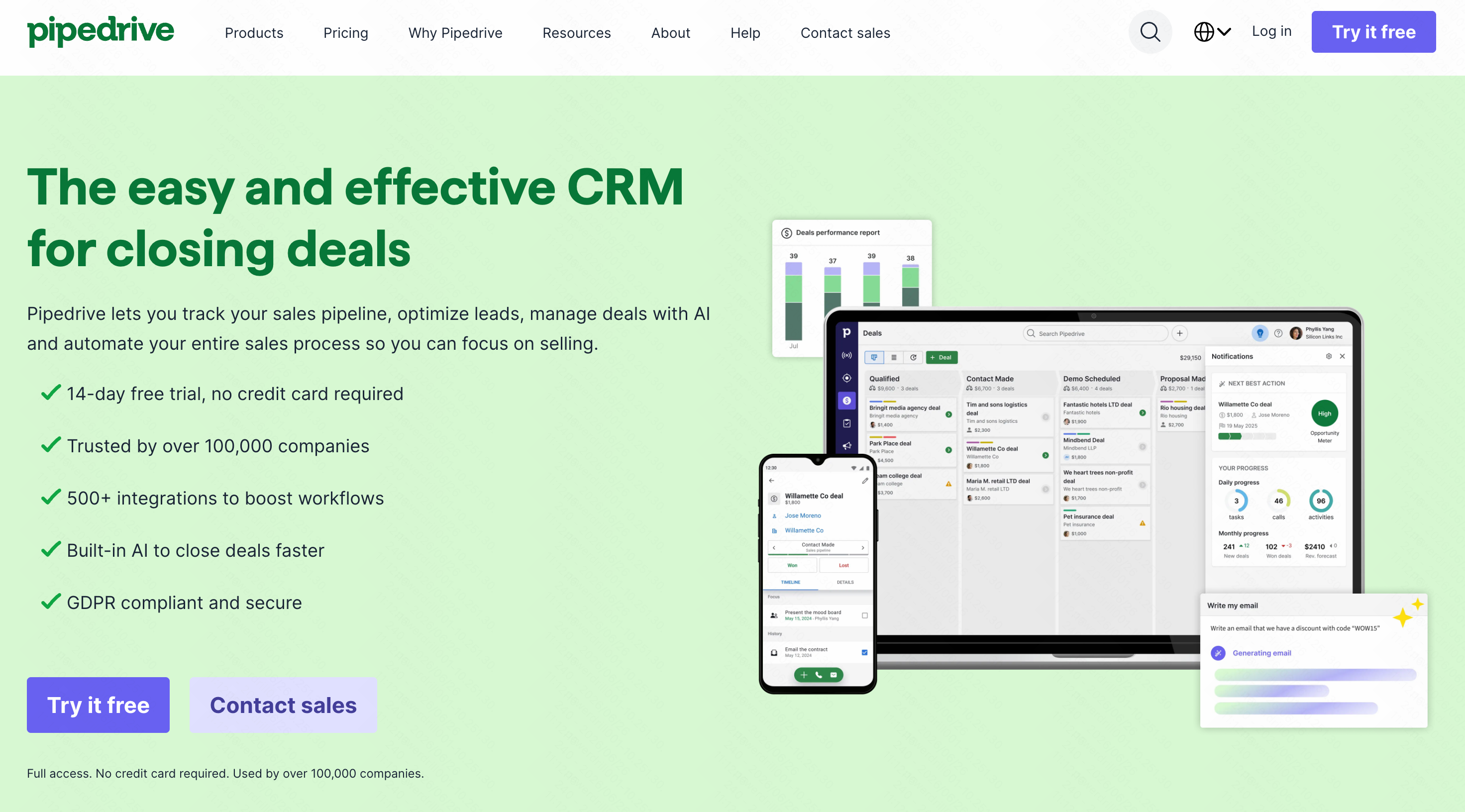
Ein unkompliziertes, vertriebsorientiertes Intelligence-Tool, das kleinen Unternehmen hilft, ihre Pipelines zu analysieren.
Wichtigste Funktionen
Prognose der Abschlusswahrscheinlichkeit.
Intelligente Anreicherung von Kontaktdaten.
Dashboards zur Vertriebsleistung.
Vorteile
Äußerst benutzerfreundlich.
Großartige visuelle Darstellung von Pipelines.
Erschwinglich für Start-ups.
Nachteile
Zu simpel für komplexe Enterprise-Modelle.
Es fehlt an fortgeschrittener abteilungsübergreifender Analytik.
Preis
Die KI-Funktionen sind in die höheren Tarife ab 14 $/Monat integriert.
6. Grammarly Business
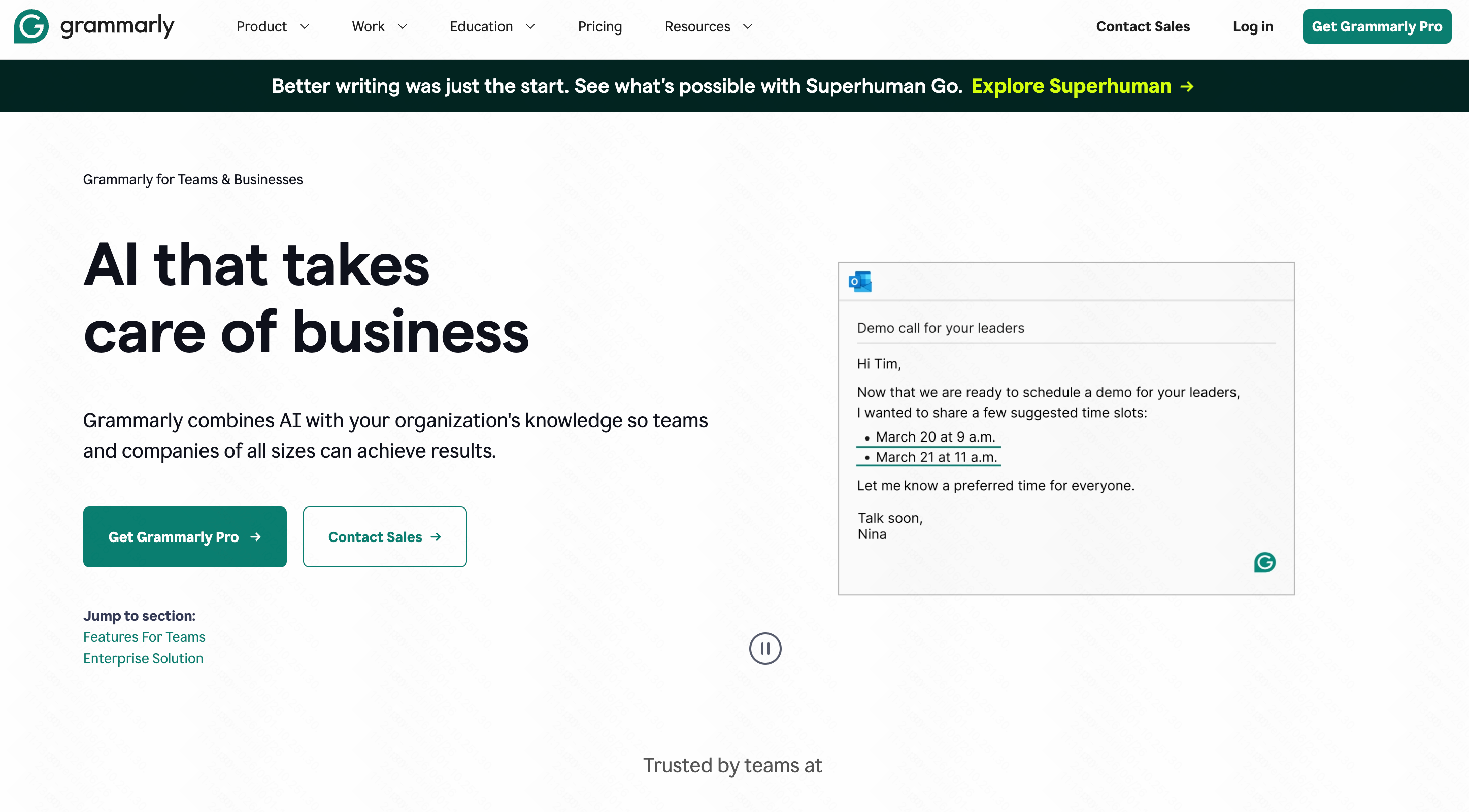
Ein einzigartiger Ansatz für Kommunikations-BI, der Kennzahlen zur Team-Kommunikation, die Konsistenz des Tons und die Produktivität analysiert.
Wichtigste Funktionen
Analytik zu Team-Leistung und -Nutzung.
Nachverfolgung von Ton und Markenkonformität.
Schreibunterstützung durch generative KI.
Vorteile
Verbessert die externe Unternehmenskommunikation.
Liefert einzigartige Daten zur Textproduktion der Mitarbeiter.
Funktioniert in nahezu allen Desktop-Anwendungen.
Nachteile
Analysiert nur Text und Kommunikation, keine Geschäftskennzahlen.
Datenschutzbedenken für manche strengen IT-Abteilungen.
Preis
Individueller Preis.
7. Notion AI
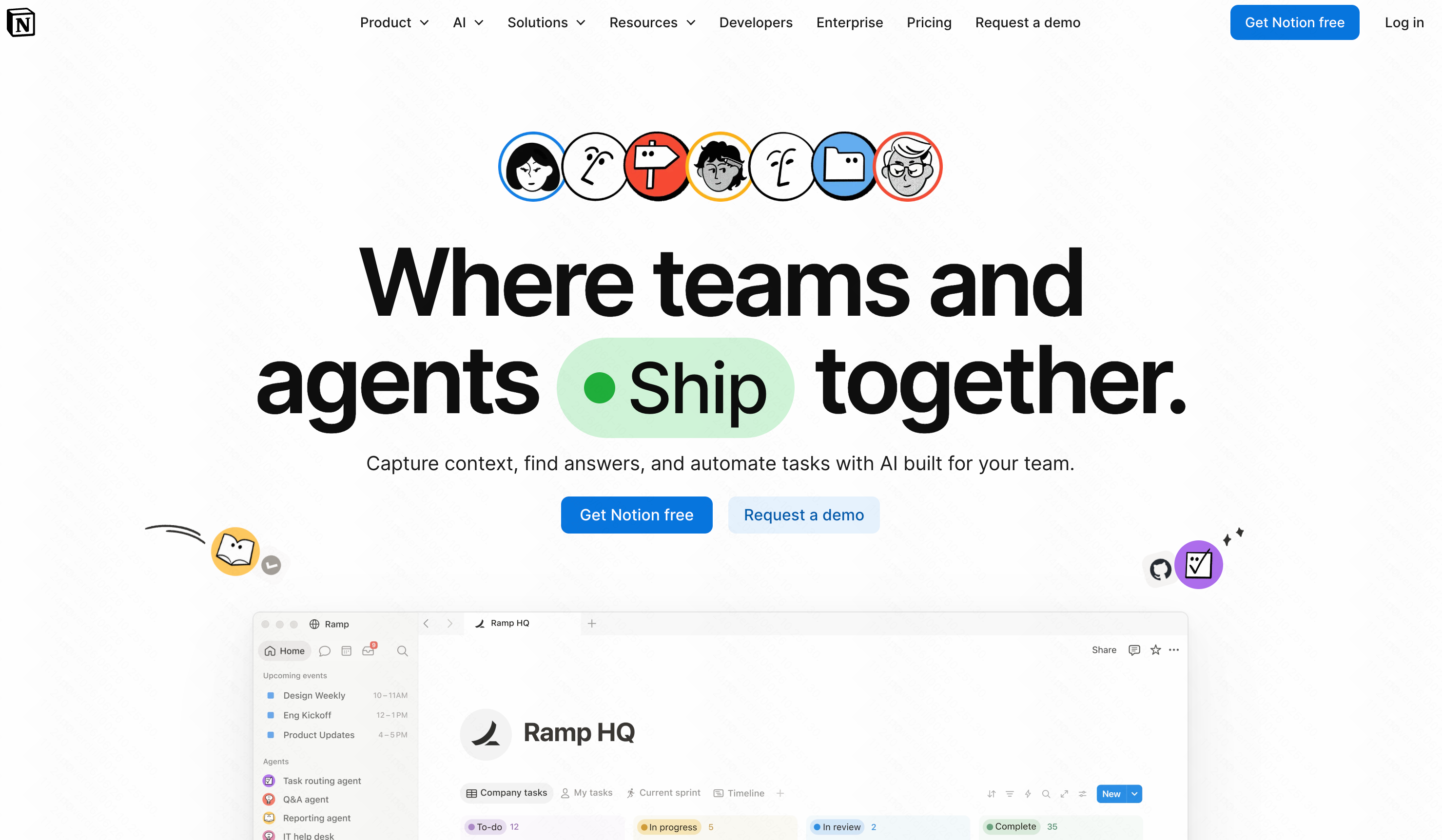
Ein Wissensgraph-Intelligence-Tool, das Erkenntnisse, Zusammenfassungen und To-dos aus den internen Dokumenten Ihres Unternehmens extrahiert.
Wichtigste Funktionen
Automatisierte Dokumentenzusammenfassung.
Datenabruf über Workspaces hinweg.
Analytik zum Projektstatus.
Vorteile
Verwandelt unordentliche Notizen in strukturierte Daten.
Beseitigt interne Wissenssilos.
Unglaublich flexibler Workspace.
Nachteile
Nicht für quantitative Finanzdaten konzipiert.
Kann ohne strenge Organisationsregeln unübersichtlich werden.
Preis
Zusatzmodul für 10 $ pro Nutzer/Monat zu bestehenden Tarifen.
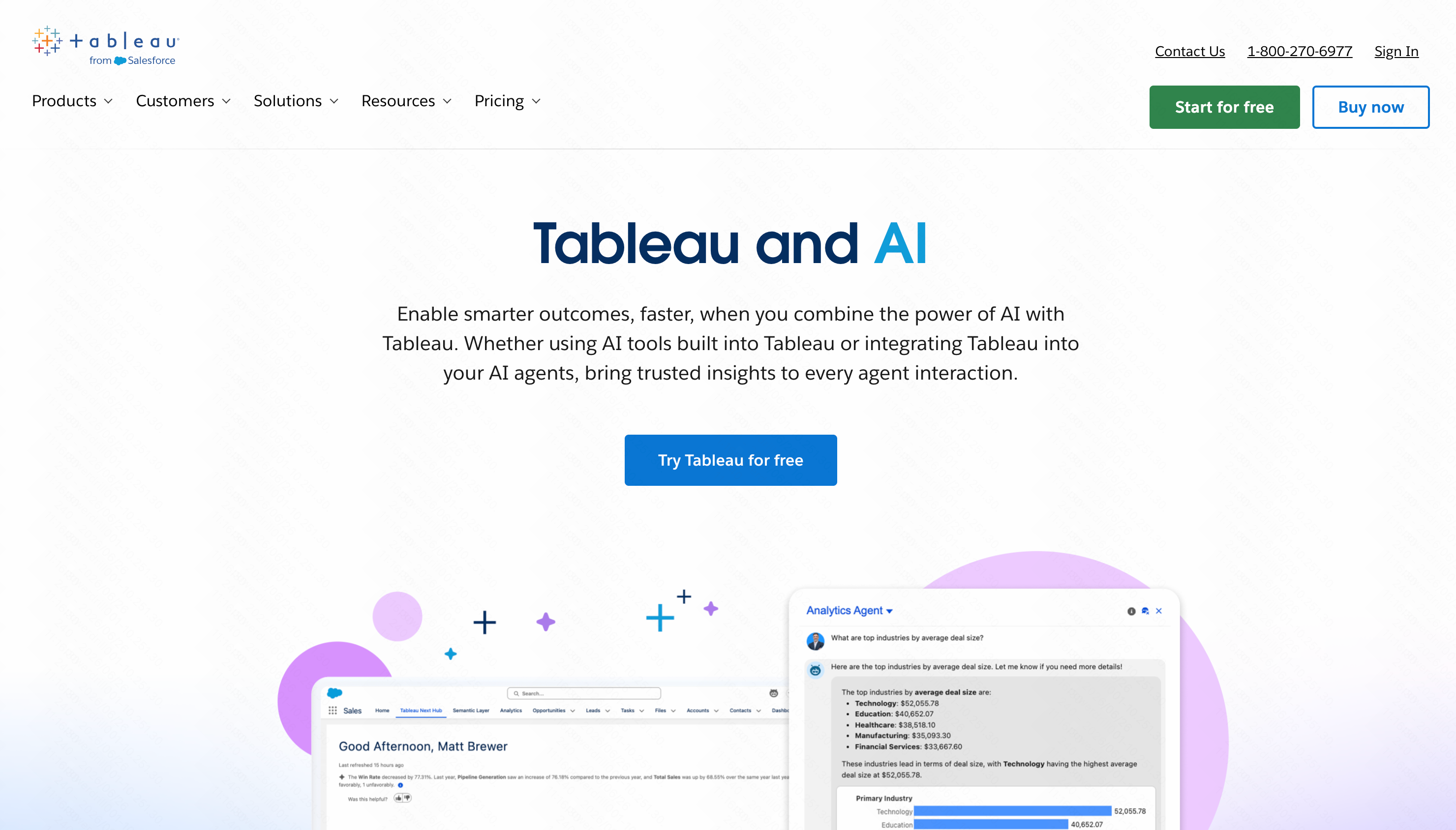
8. Tableau AI
Ein legendäres Visualisierungstool, das kürzlich KI (Tableau Pulse) hinzugefügt hat, um Nutzern zu helfen, komplexe Diagramme mithilfe natürlicher Sprache zu interpretieren.
Wichtigste Funktionen
Automatisierte Datenzusammenfassungen.
Visuelle Kartierung der nächsten Generation.
Prädiktive statistische Modellierung.
Vorteile
Branchenweiter Goldstandard für Visualisierung.
Bewältigt riesige Datensätze mühelos.
Wunderschöne, interaktive Berichte.
Nachteile
Die Ersteinrichtung erfordert in der Regel Data Engineering.
Kann für durchschnittliche Nutzer überwältigend komplex sein.
Preis
Ab 15 $ pro Nutzer/Monat.
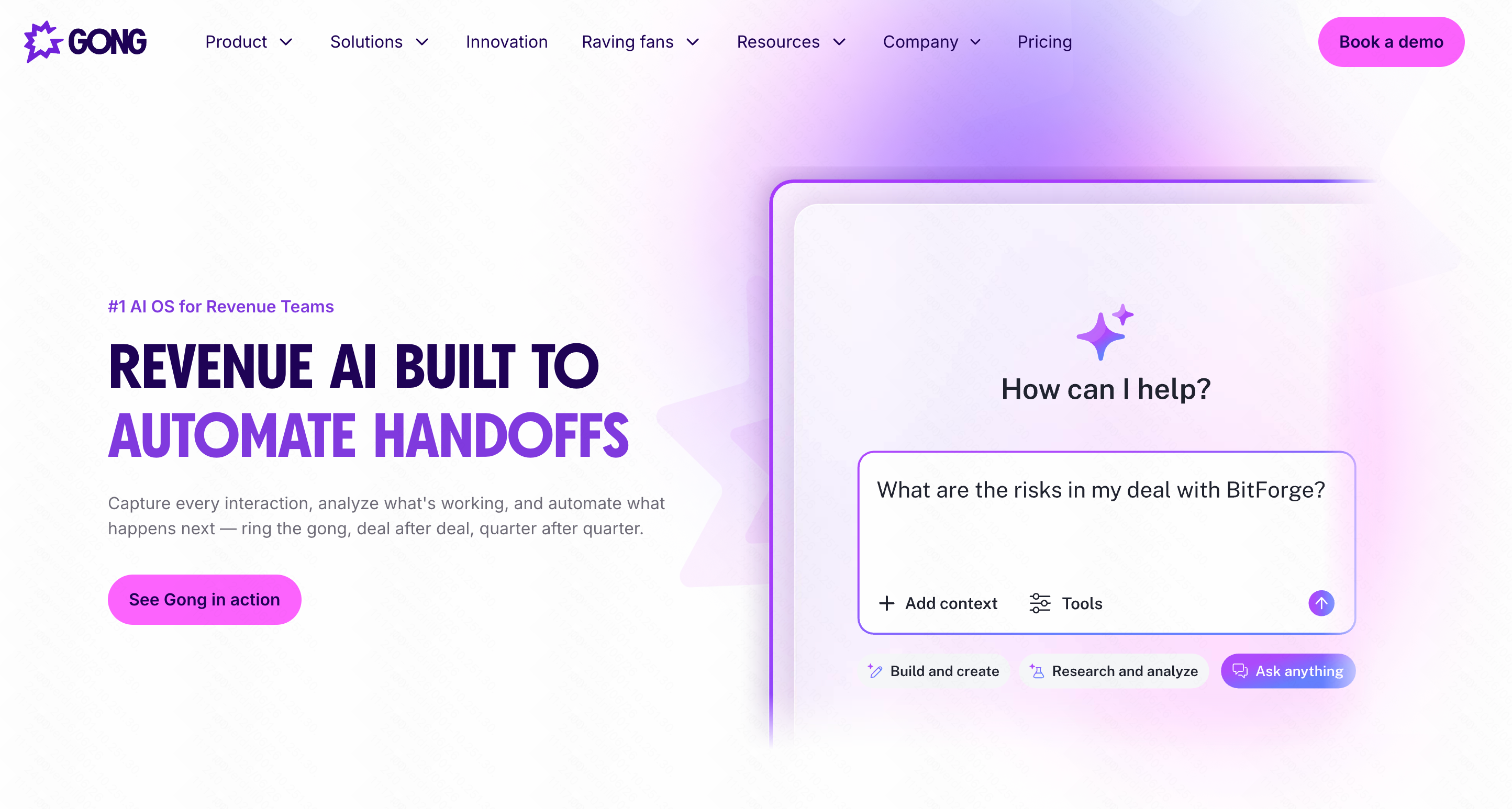
9. Gong.io
Die ultimative Revenue-Intelligence-Plattform, die KI nutzt, um Verkaufsgespräche und Meetingdaten auf Conversion-Trends hin zu analysieren.
Wichtigste Funktionen
Anruftranskription und Stimmungsanalyse.
Analytik zur Deal-Umsetzung.
Erkennung von Markttrends aus Kundengesprächen.
Vorteile
Deckt verborgene Gründe auf, warum Deals verloren gehen.
Großartiges Coaching-Tool für Vertriebsleiter.
Vollständig automatisierte Datenerfassung.
Nachteile
Teuer.
Nur für B2B-Vertriebs- und Customer-Success-Teams relevant.
Preis
Individueller Enterprise-Preis.
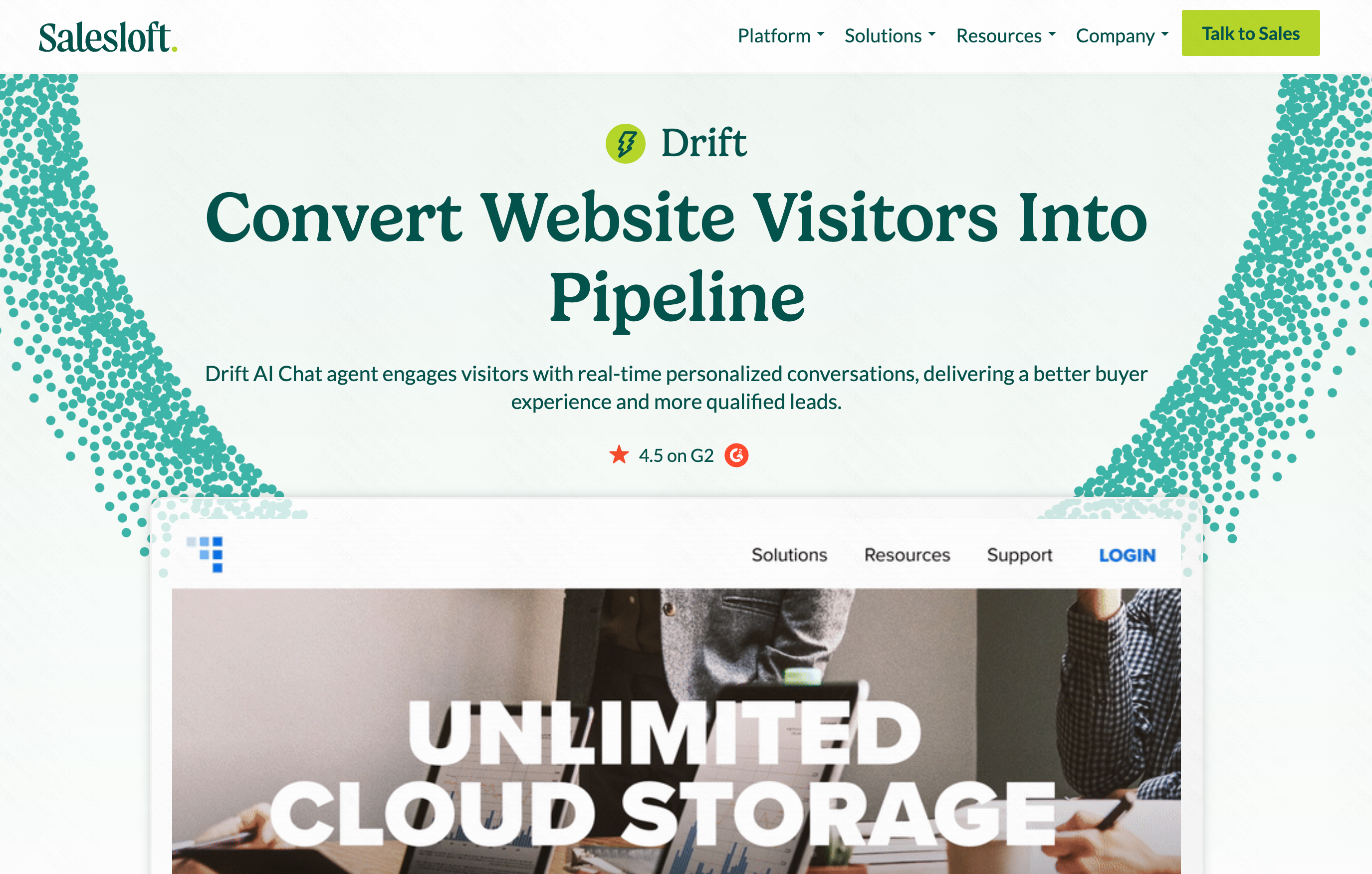
10. Drift
Conversational-Marketing-BI, die die Chatbot-Performance, die Absicht von Website-Besuchern und Kennzahlen zur Lead-Conversion verfolgt.
Wichtigste Funktionen
Scoring der Besucherabsicht.
Analytik zu Abbrüchen im Chatbot.
A/B-Testdaten für konversationelle Aufhänger.
Vorteile
Verwandelt Web-Traffic in messbare Datenpunkte.
Hilft, die Lead-Generierung der Website zu optimieren.
Benachrichtigungen in Echtzeit.
Nachteile
Beschränkt auf Website-Chat- und Marketingdaten.
Hoher Preis für kleinere Websites.
Preis
Individueller Preis.
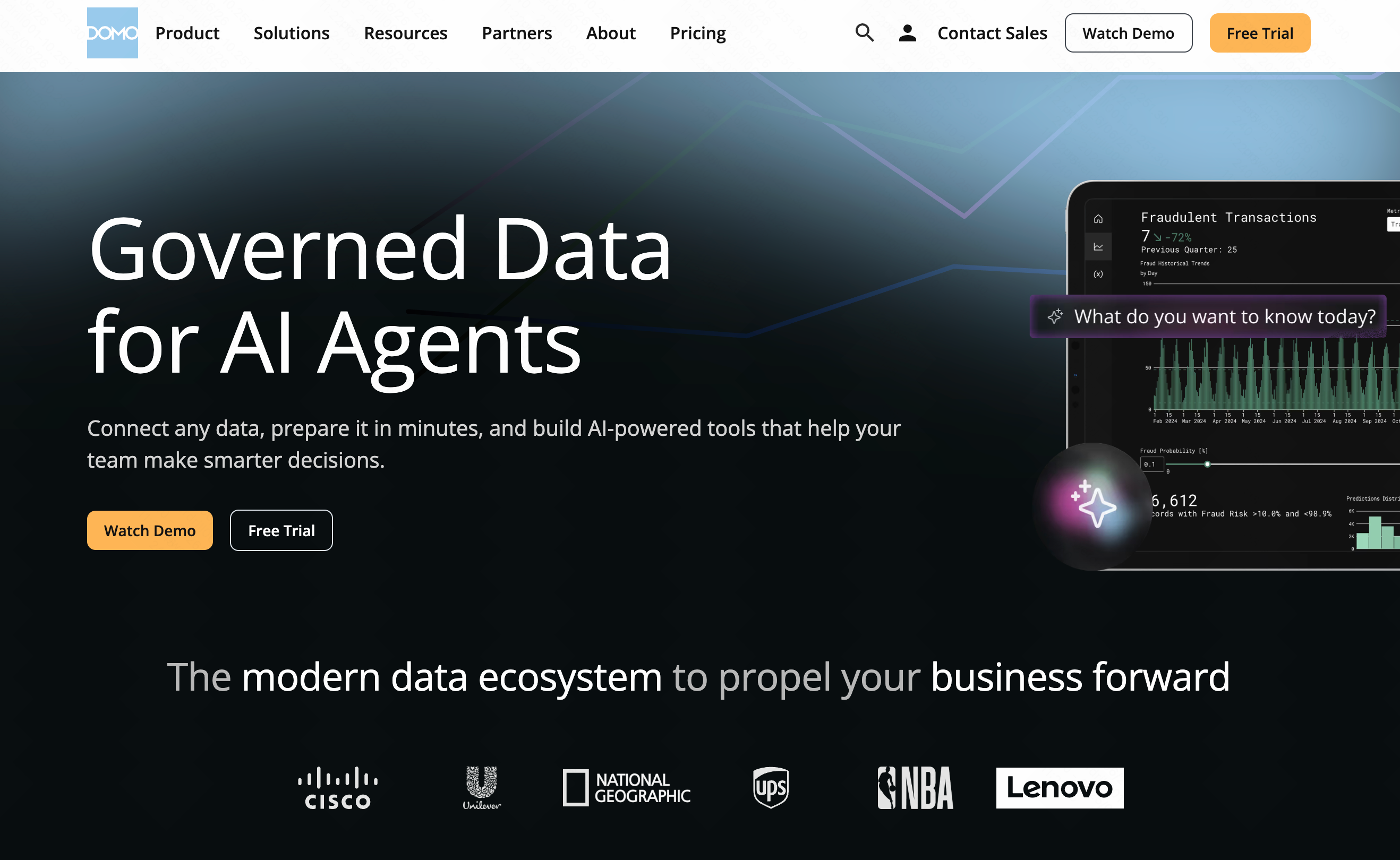
11. Domo
Eine cloudbasierte Dashboarding-Plattform, die KI nutzt, um einheitliche Ansichten der geschäftlichen Führungsdaten zu erstellen.
Wichtigste Funktionen
Hunderte vorgefertigter Datenkonnektoren.
Mobiler BI-Zugriff in Echtzeit.
KI-gestützte Warnsysteme.
Vorteile
Großartig für Übersichten auf C-Level.
Führt Marketing-, Finanz- und HR-Daten zusammen.
Starke mobile Anwendung.
Nachteile
Lange Implementierungsdauer.
Erfordert einen gewissen technischen Sachverstand, um individuelle Datenflüsse aufzubauen.
Preis
Individueller Preis, abhängig von Datennutzung und Nutzerplätzen.
So bewerten Sie KI-Tools für Business Intelligence
- No-Code-Fähigkeit: Kann ein nicht-technischer Marketing- oder Vertriebsleiter es nutzen, ohne SQL zu schreiben?
- Datenintegration: Lässt es sich mühelos mit Ihren vorhandenen Tools (Stripe, Shopify, lokale CSV-Dateien) verbinden?
- Genauigkeit der KI: Minimiert das Tool Halluzinationen und liefert es zuverlässige mathematische Ergebnisse?
- Kosteneffizienz: Passt das Preismodell zur Größe Ihres Unternehmens, ohne enorme Enterprise-Mindestbeträge zu verlangen?
- Umsetzbarkeit: Zeigt Ihnen das Tool nur Diagramme, oder sagt es Ihnen auch, was die Diagramme tatsächlich bedeuten?
Warum Powerdrill Bloom unter den BI-Plattformen heraussticht
Während der Markt von Analysetools überschwemmt wird, ist es selten, eines zu finden, das die Notwendigkeit eines Datenteams wirklich umgeht. Hier ist der Grund, warum Powerdrill Bloom meine erste Empfehlung ist:
- Zugänglichkeit statt Komplexität: Tools wie Tableau und Salesforce Einstein sind leistungsstark, hängen aber stark von einer strukturierten Einrichtung durch Data Engineers ab. Powerdrill Bloom demokratisiert Daten vollständig und ermöglicht es Ihnen, zu fragen: „Was war unser meistverkauftes Produkt im 3. Quartal?“ und eine sofortige, präzise Antwort zu erhalten.
- Echte Verarbeitung natürlicher Sprache: Anders als Domo oder Pipedrive, die noch auf das Erstellen physischer Dashboards angewiesen sind, agiert Powerdrill Bloom als konversationeller Partner.
- Kosteneffiziente Innovation: Sie umgehen die hohen Beraterhonorare, die mit Enterprise-BI-Software verbunden sind, und erhalten Erkenntnisse auf Enterprise-Niveau zu einem KMU-freundlichen Preis.
- Time-to-Value: Sie können einen Datensatz hochladen und innerhalb von Minuten statt Monaten strategische Erkenntnisse gewinnen.
Fazit
Die Demokratisierung der Daten Ihres Unternehmens sollte weder das Einstellen eines Ingenieurteams noch monatelanges Erlernen komplexer Software erfordern. Während Tools wie HubSpot und Gong beeindruckende Nischenerkenntnisse bieten, bleiben sie spezialisiert. Wenn Sie eine vielseitige, unglaublich intuitive Plattform wünschen, die Rohzahlen sofort in konversationelle Erkenntnisse verwandelt, sollten Sie die Zukunft der Analytik erleben.
Hören Sie auf, mit Tabellenkalkulationen zu ringen, und beginnen Sie, Antworten zu erhalten. Probieren Sie Powerdrill Bloom noch heute aus und geben Sie Ihrem gesamten Unternehmen die Leistung eines erfahrenen Datenanalysten – ganz ohne den zusätzlichen Aufwand.
FAQs
Kann Powerdrill Bloom meinen Datenanalysten ersetzen?
Ja, Powerdrill Bloom automatisiert Reporting und Erkenntnisse und ermöglicht es nicht-technischen Teams, Daten sofort zu analysieren, ohne einen Analysten einzustellen.
Muss ich SQL beherrschen, um Powerdrill Bloom zu nutzen?
Überhaupt nicht. Powerdrill Bloom verwendet natürliche Sprache, das heißt, Sie können Ihre Fragen einfach in einfachem Deutsch eintippen.
Wie schnell kann ich Powerdrill Bloom einrichten?
Die Einrichtung erfolgt praktisch sofort. Laden Sie einfach Ihre CSV-Datei hoch oder verbinden Sie Ihre Datenquelle, und Sie können sofort mit dem Chatten beginnen.
Wie schneidet Powerdrill Bloom im Vergleich zu traditioneller BI ab?
Anders als traditionelle BI-Plattformen, die komplexe Einrichtungen erfordern, liefert Powerdrill Bloom sofortige, chatbasierte Erkenntnisse direkt an alltägliche Geschäftsanwender.