Top 10 PDF-to-PPT Converters in 2026 (Tested & Compared)
Introduction
Transforming a static document into a dynamic, editable PowerPoint presentation is a frequent challenge for professionals, educators, and students alike. Copying and pasting text or images manually is tedious and often ruins your layout. Fortunately, advancements in file conversion technology have made this process smoother than ever.
With dozens of tools on the market, finding one that perfectly preserves your original formatting can be overwhelming. We have tested the most popular options available today to bring you the ultimate guide to the top PDF to PPT converters.
What Makes a Great PDF to PPT Converter
When evaluating the best tools, we looked at several critical factors. A top-tier converter should provide:
High Formatting Accuracy: It must preserve the original layout, fonts, colors, and image placements without overlapping text.
OCR (Optical Character Recognition): The ability to recognize and convert text from scanned images into editable PowerPoint slides.
Speed and Efficiency: Fast processing times, ideally with batch conversion capabilities for multiple files.
Data Security: Robust encryption and automatic file-deletion policies to keep your sensitive information completely private.
User-Friendly Interface: An intuitive design that requires zero learning curve to operate.
Top 10 PDF to PPT Converters in 2026
Here is a quick comparison of the top 10 tools we tested:
Product | Best For | Starting Price |
Flawless, AI-driven conversions | ||
Quick web-based tasks | ||
Enterprise-grade editing | ||
Seamless cloud integration | ||
Completely free use | Free | |
All-in-one web tools | Custom pricing | |
Simple, secure processing | Custom pricing | |
Desktop productivity | ||
Students and light users | ||
Enhancing presentation design |
1. Powerdrill Bloom
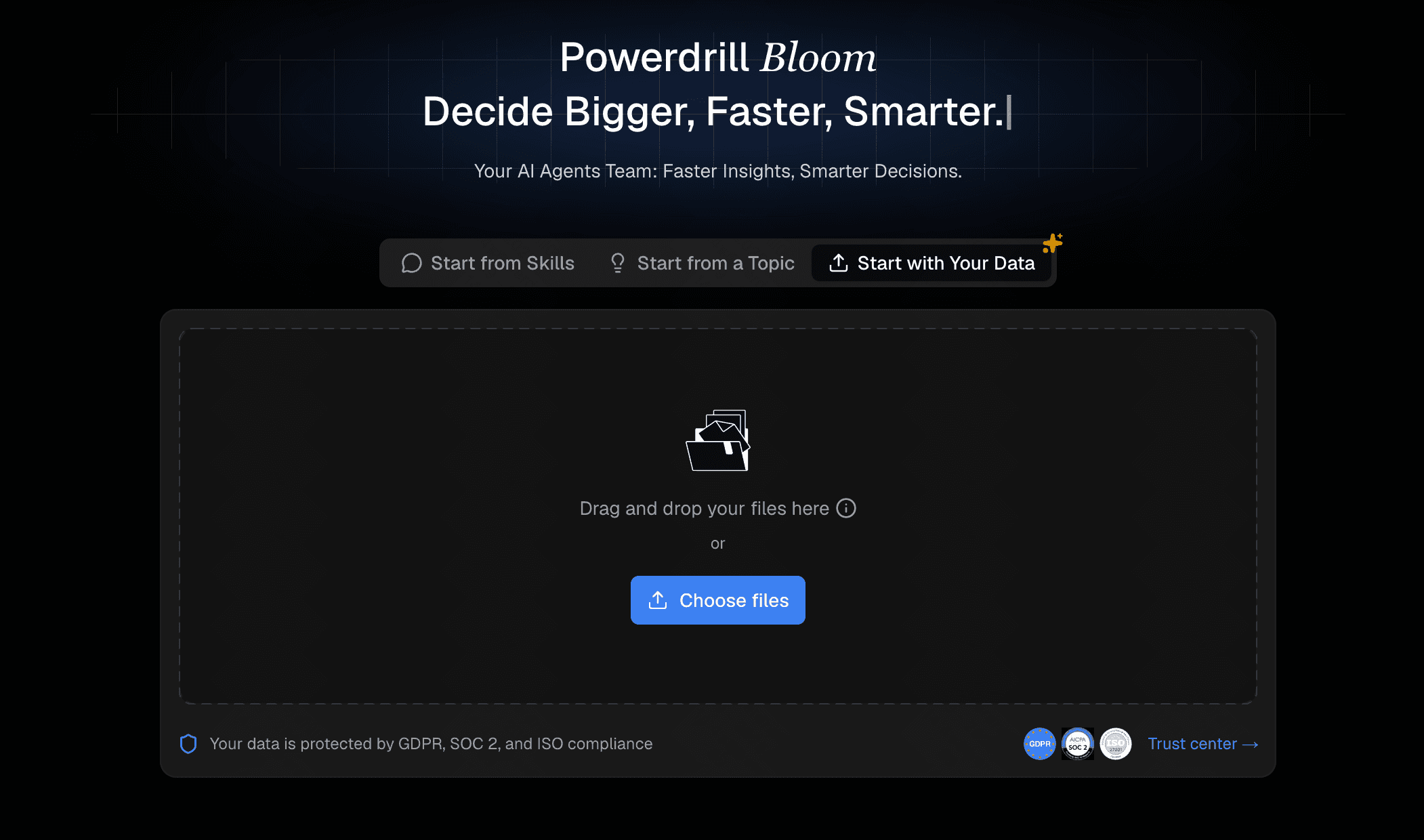
Powerdrill Bloom is a cutting-edge, AI-powered document processor that redefines file conversion. It specializes in extracting intricate layouts and complex data, turning them into perfectly editable PowerPoint slides.
Key Features
Advanced AI layout preservation.
High-accuracy OCR for scanned documents.
Lightning-fast batch processing.
Pros
Unmatched formatting retention, even with complex graphics.
Incredibly intuitive and user-friendly interface.
Strict, reliable data privacy protocols.
Cons
Relatively new, so community tutorials are still growing.
Pricing
Free basic tier; Premium starts at $13.27/month.
2. Smallpdf
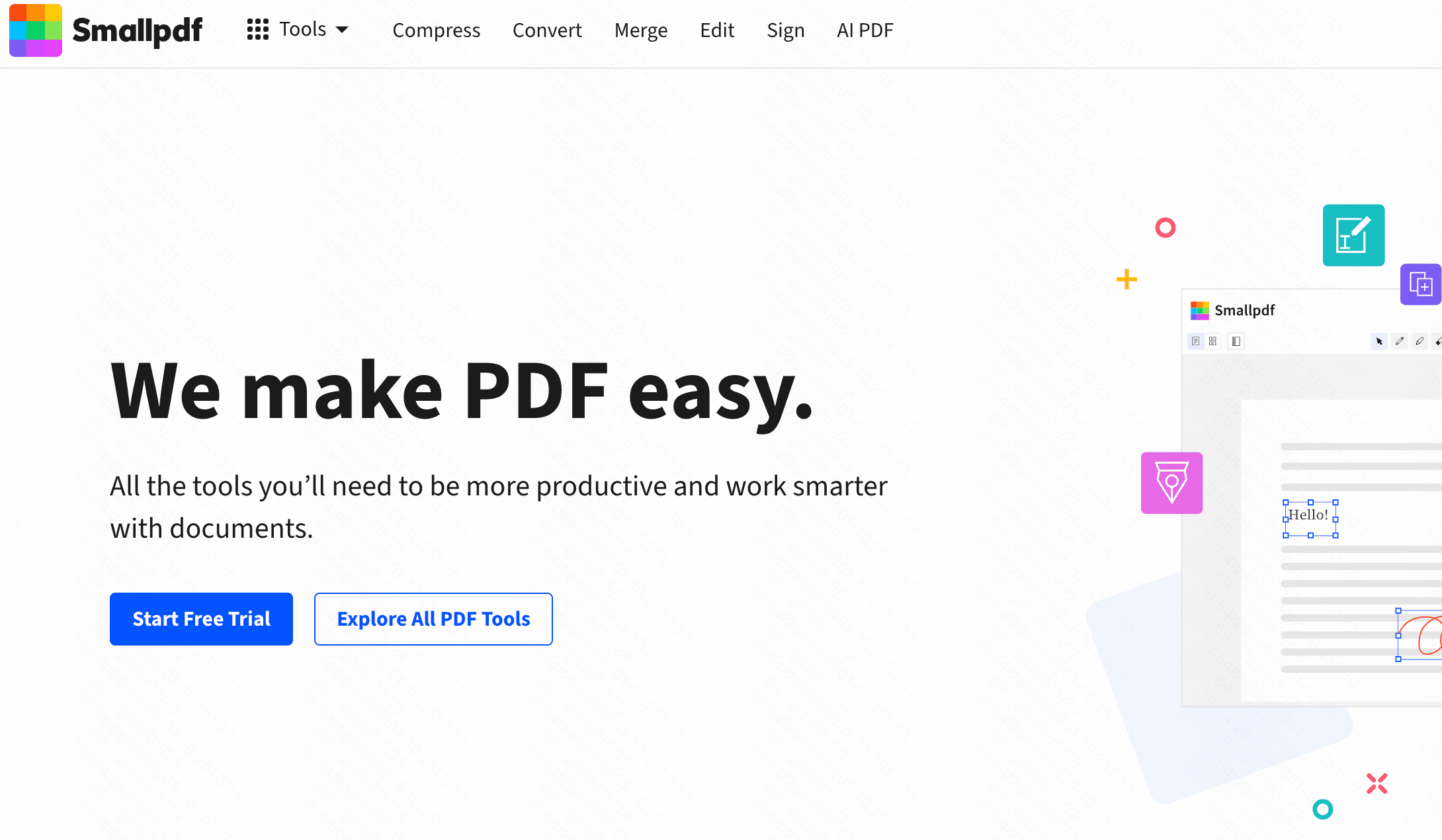
Smallpdf is a popular web-based suite known for its colorful interface and simplicity, helping users convert, compress, and edit PDFs on the go.
Key Features
Drag-and-drop web interface.
Cloud storage integration (Google Drive/Dropbox).
Pros
Accessible from any device or browser.
Fast conversion speeds.
Cons
The free version is heavily restricted to a few tasks per day.
Struggles slightly with highly complex layouts.
Pricing
Free limited tier; Pro at $15/month.
3. Adobe Acrobat Pro DC
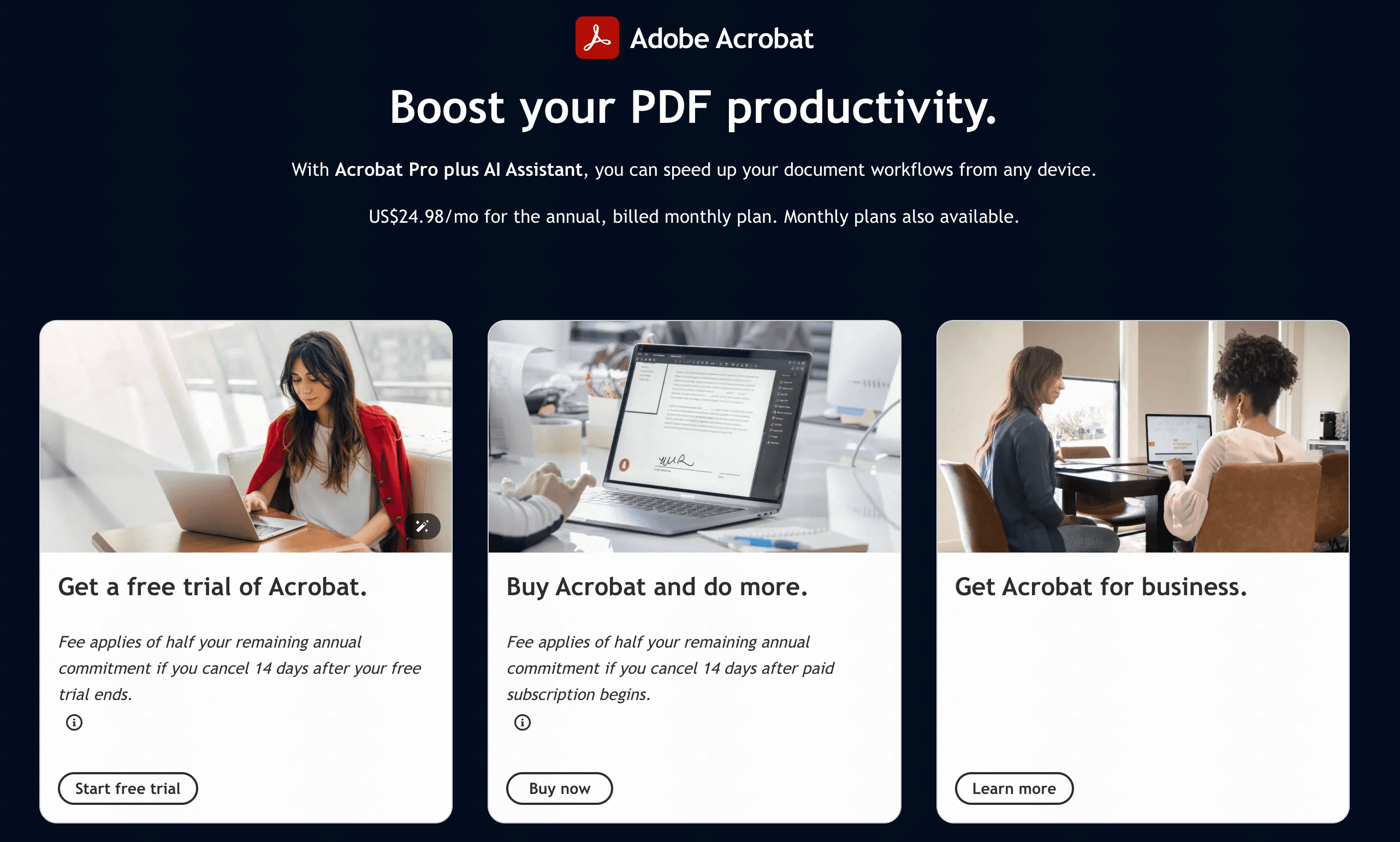
The industry standard for PDF manipulation. Adobe created the PDF format and offers a robust, feature-rich suite for deep document editing.
Key Features
Industry-leading OCR technology.
Comprehensive editing and redacting tools.
Pros
Highly reliable output quality.
Excellent for offline desktop use.
Cons
Steep pricing model.
The software can be resource-heavy on older computers.
Pricing
Starts at $19.99/month.
4. Soda PDF
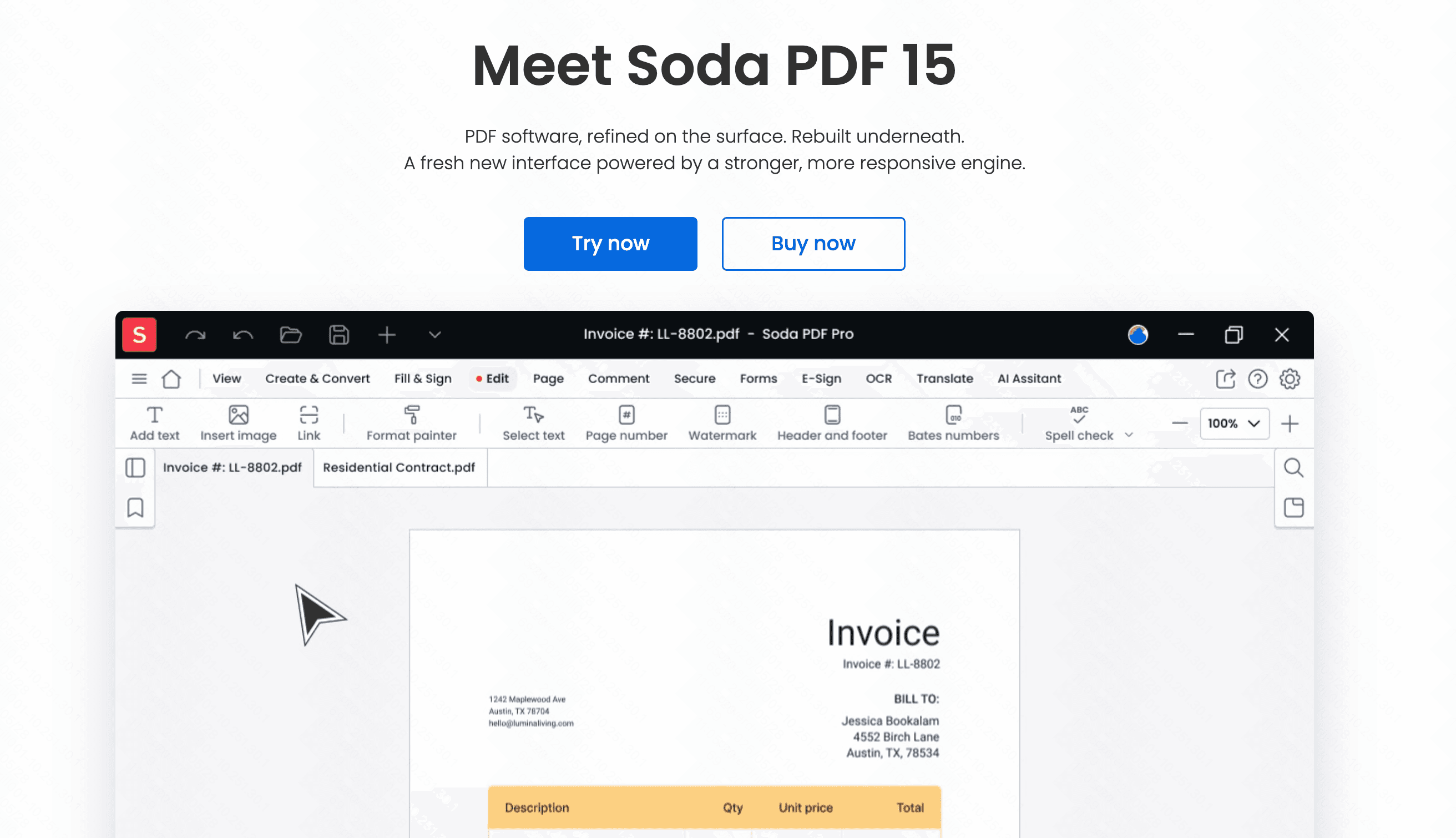
Soda PDF provides both web and desktop applications, focusing on offering a seamless experience across multiple devices for handling heavy document workloads.
Key Features
Online and offline availability.
Bulk conversion capabilities.
Pros
Modern, clean interface.
Good integration with third-party cloud apps.
Cons
Desktop app requires frequent updates.
Customer support can be slow.
Pricing
Starts at $7.32/month.
5. Online2PDF
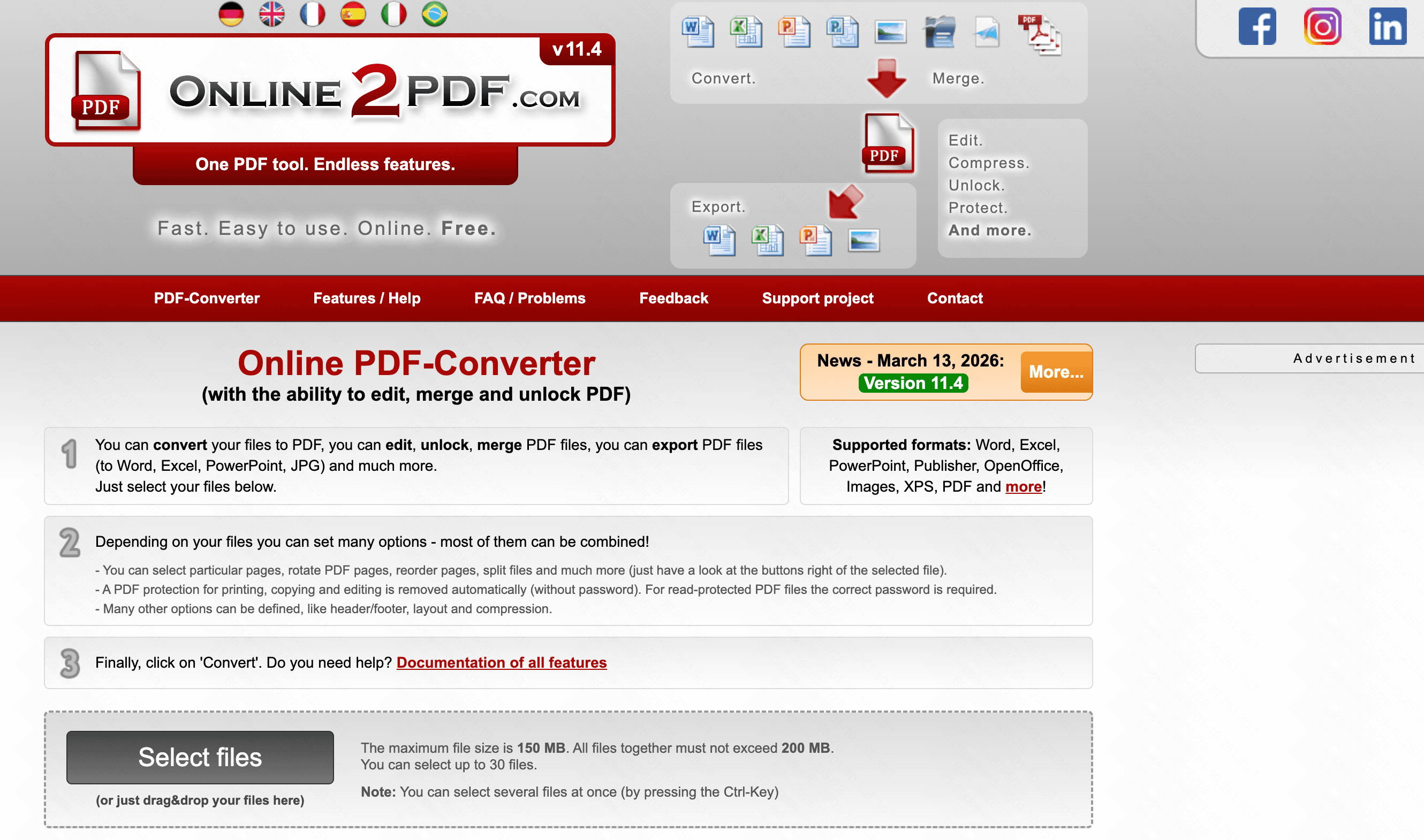
A straightforward, no-frills online tool designed to help users convert, merge, and unlock PDF files completely for free.
Key Features
Customizable conversion preferences.
Built-in basic OCR.
Pros
100% free to use.
Allows batch conversions without a premium account.
Cons
Outdated and cluttered website design.
Strict file size limits (up to 100MB).
Pricing
Completely Free (ad-supported).
6. HiPDF
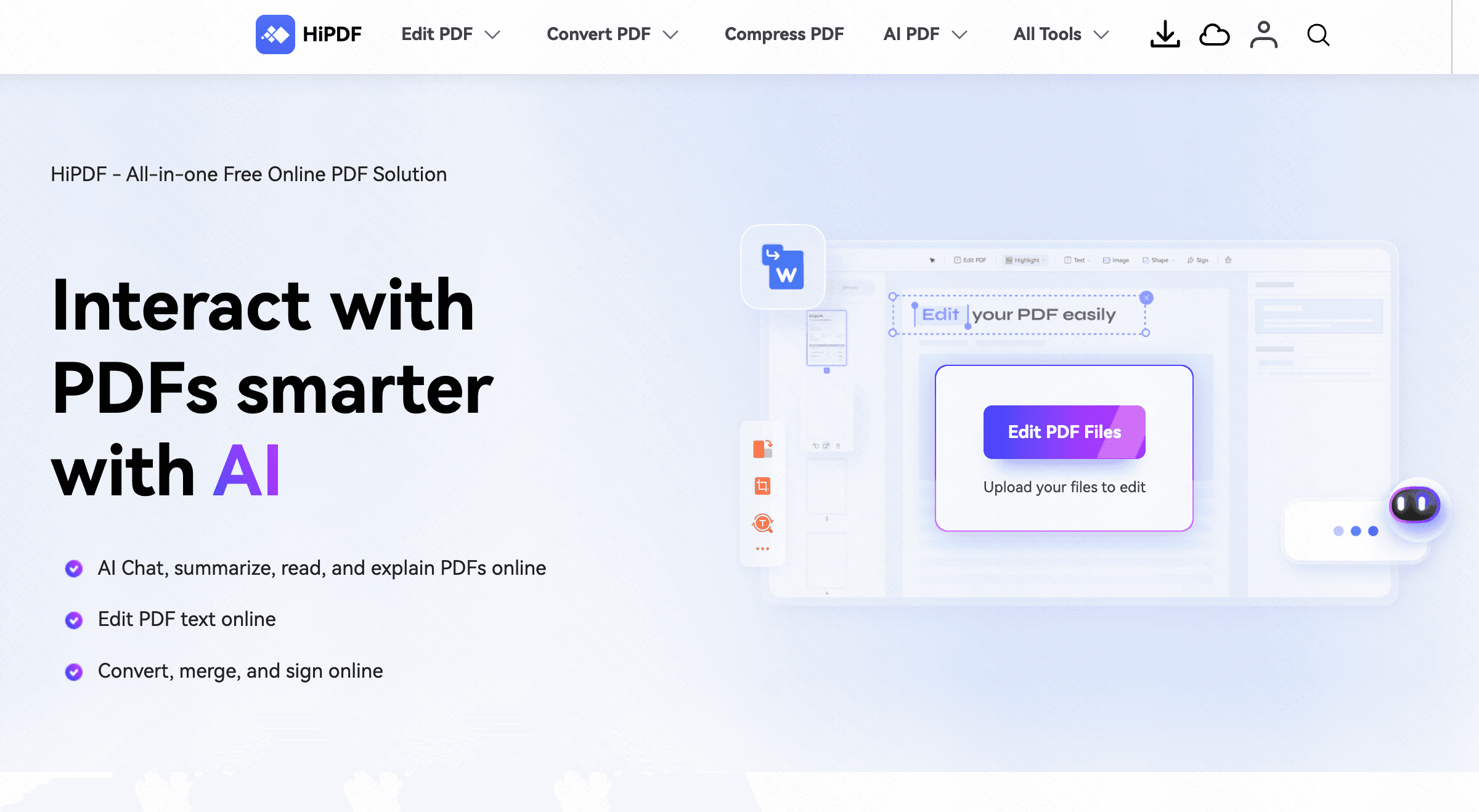
Created by Wondershare, HiPDF is an all-in-one online PDF solution that balances functionality with a very approachable user interface.
Key Features
Multiple format conversions.
Image extraction and document protection.
Pros
Very easy to navigate.
Affordable premium tier.
Cons
OCR is only available in the paid version.
Requires a strong internet connection for large files.
Pricing
Custom pricing.
7. CleverPDF
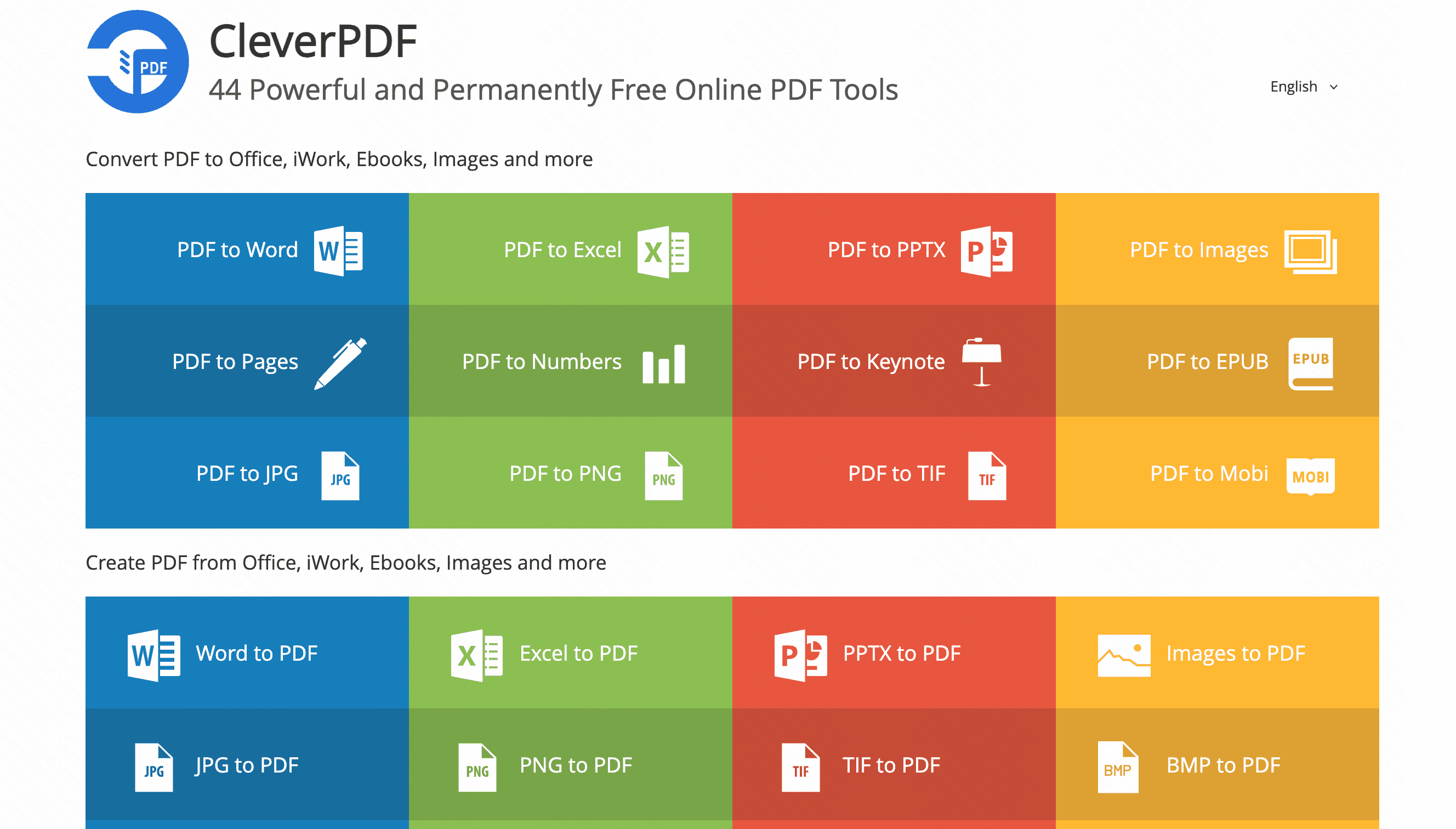
CleverPDF offers over 40 distinct PDF tools. It focuses on providing quick, single-purpose conversions through a highly visual menu.
Key Features
Dozens of specific file format options.
Mac desktop version available.
Pros
Very straightforward to use.
Files are deleted automatically after 30 minutes.
Cons
Lacks an OCR function for scanned PDFs.
Formatting accuracy is average on complex files.
Pricing
Custom pricing.
8. Nitro
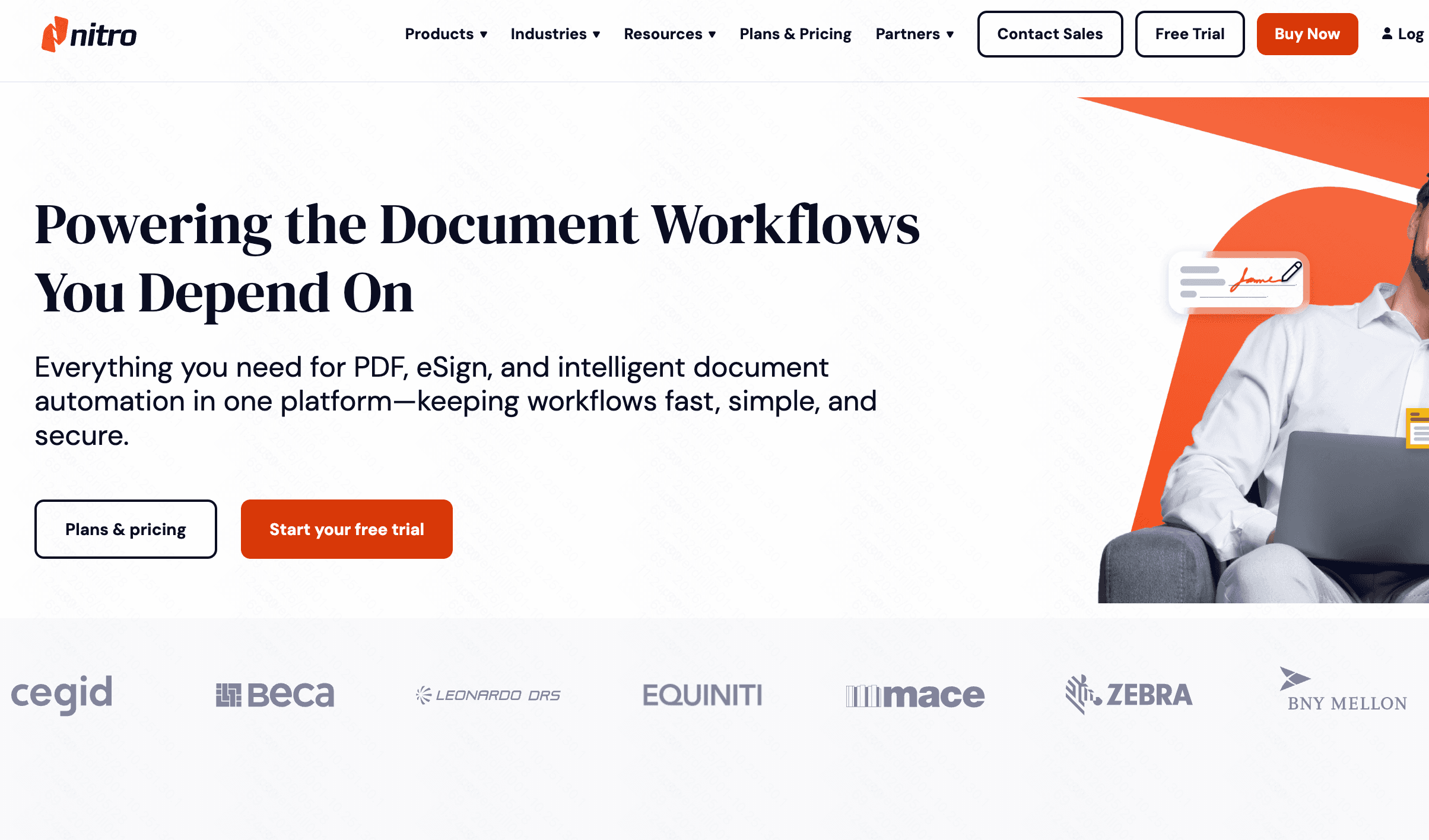
Nitro is an enterprise-focused desktop application that directly competes with Adobe, offering powerful PDF creation and conversion tools for businesses.
Key Features
Advanced e-signing integration.
Accurate document conversion engine.
Pros
Familiar Microsoft Office-style ribbon interface.
Excellent for large-scale enterprise deployments.
Cons
Mac support is limited compared to Windows.
Can be expensive for individual users.
Pricing
Starts at $15/user/month.
9. iLovePDF
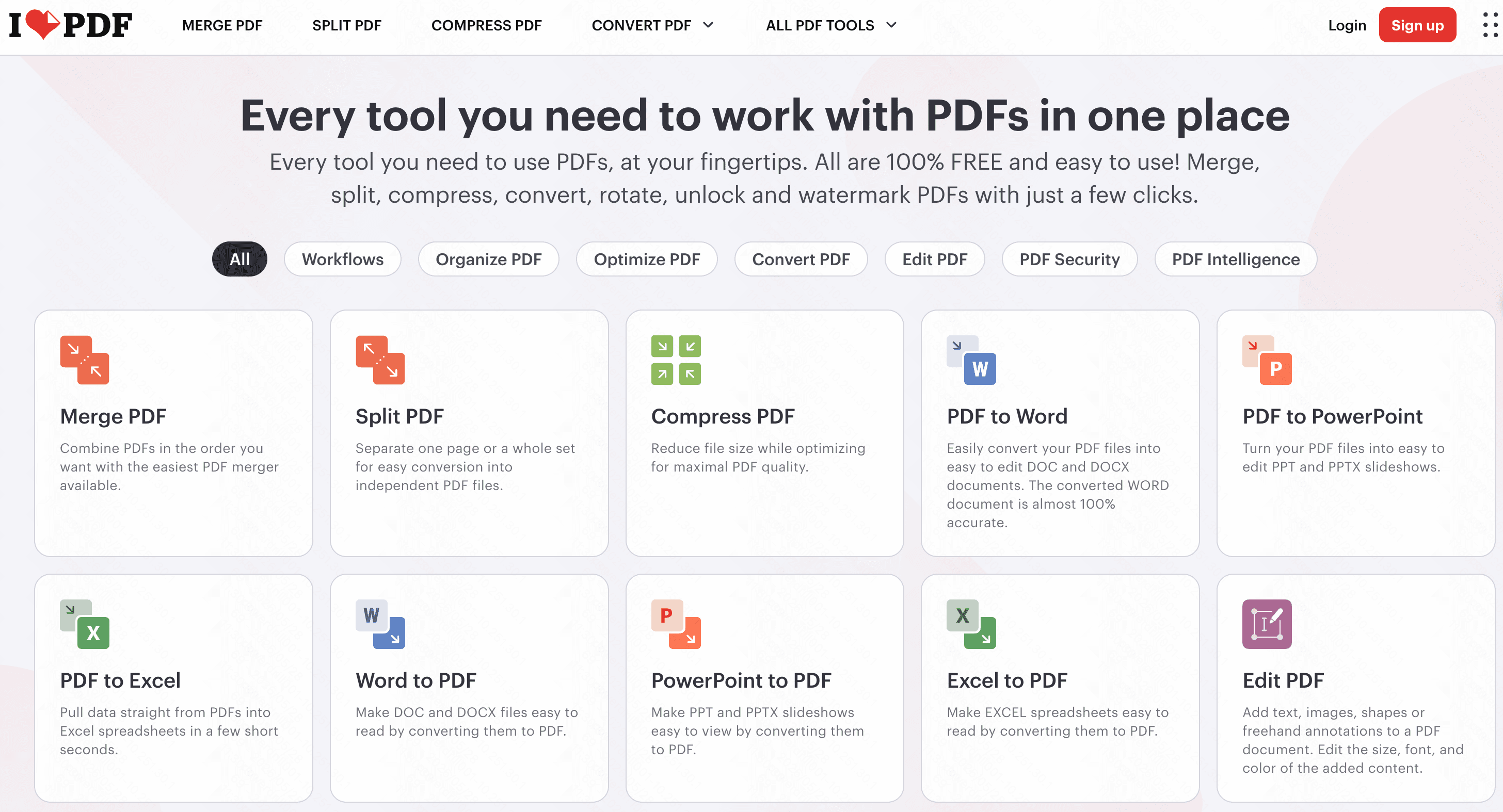
A favorite among students, iLovePDF provides a comprehensive set of lightweight online tools for quick, everyday PDF conversions and merges.
Key Features
Mobile app availability.
API access for developers.
Pros
Very affordable premium plans.
Fast and reliable for text-heavy documents.
Cons
Free version has low file-size limits.
Graphics can sometimes shift during PPT conversion.
Pricing
Free basic tier; Premium at $5/month.
10. Canva
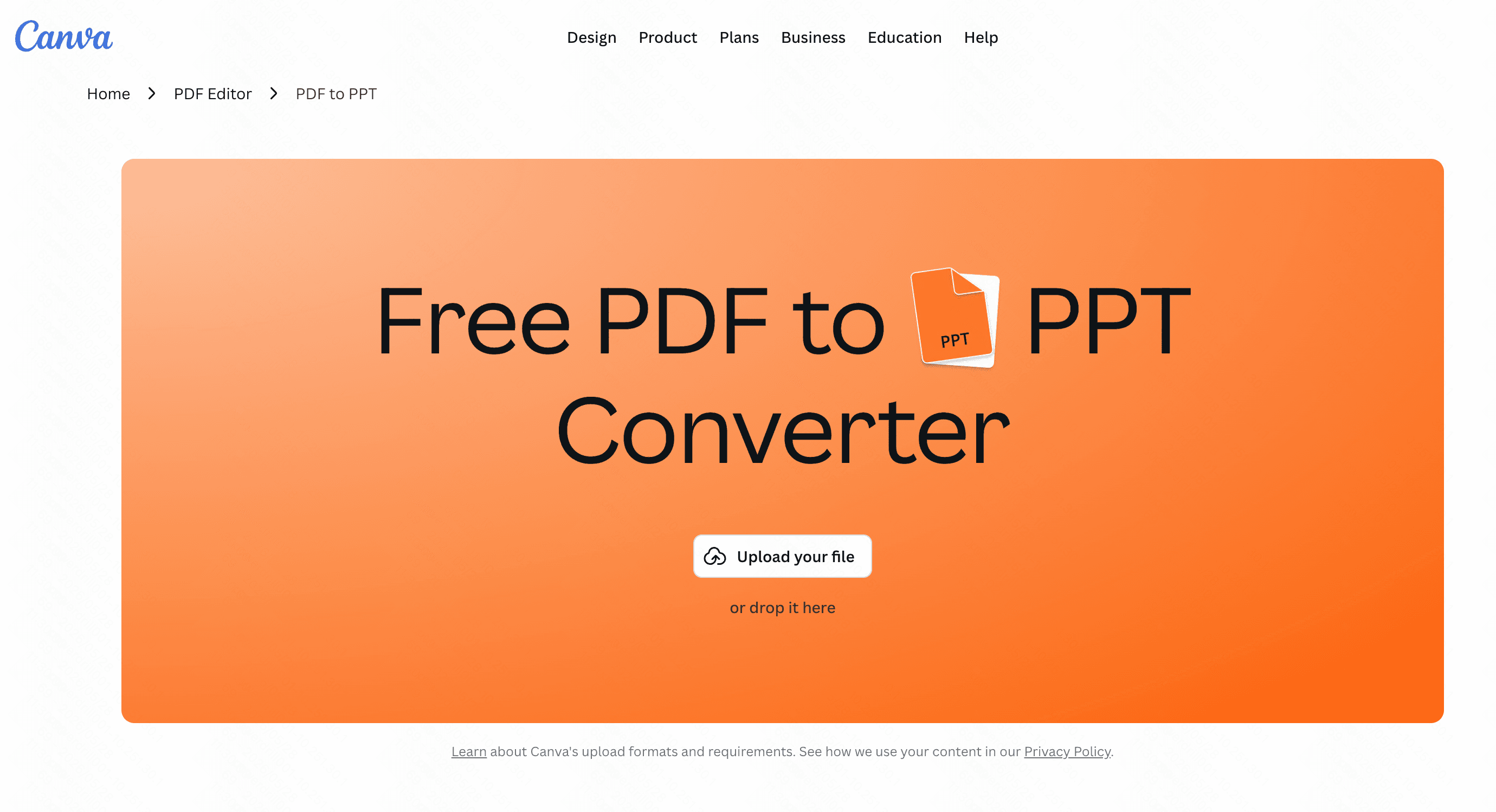
Primarily a graphic design platform, Canva recently introduced robust PDF import features, allowing users to turn PDFs into stunning, editable presentation slides.
Key Features
Vast library of design assets.
Direct PDF-to-presentation importing.
Pros
Great for beautifying dull presentations.
Excellent collaborative features.
Cons
Not a dedicated converter; may alter original layouts.
Lacks OCR support.
Pricing
Free tier; Pro at $144/year.
How to Choose the Right PDF to PPT Converter
Selecting the right tool depends on your specific needs, budget, and the complexity of your documents.
If you are handling sensitive enterprise documents and require deep offline editing, Adobe Acrobat and Nitro are solid, albeit expensive, choices. For quick, light conversions, web tools like Smallpdf or iLovePDF perform decently.
However, if you want the perfect balance of affordability, flawless layout retention, and modern AI capability, Powerdrill Bloom stands head and shoulders above the competition.
While other tools often misalign images or mess up bullet points, Powerdrill Bloom’s advanced AI ensures that your exported PowerPoint looks exactly like your original PDF, saving you hours of manual tweaking.
Conclusion
Converting PDFs to editable PowerPoints shouldn't be a frustrating task that requires endless reformatting. While there are many capable tools on the market, choosing one with high accuracy and smart technology is essential. We highly recommend giving Powerdrill Bloom a try. With its unparalleled precision, intuitive interface, and powerful AI layout retention, Powerdrill Bloom guarantees a seamless transition from PDF to PPT, allowing you to focus on your presentation rather than formatting issues.
FAQs
Can I convert a scanned PDF to an editable PPT?
Yes, Powerdrill Bloom features advanced OCR technology that easily recognizes text in scanned PDFs, making your slides fully editable.
Will I lose my original formatting during the conversion?
Not at all. Powerdrill Bloom uses intelligent AI to flawlessly preserve your exact fonts, complex layouts, and image placements.
Can I convert multiple PDFs into PowerPoint files simultaneously?
Yes, Powerdrill Bloom supports lightning-fast batch processing, allowing you to convert several PDF documents into perfect PPTs at once.
How does the converter handle complex graphics and charts?
Powerdrill Bloom excels at extracting intricate layouts, smoothly processing complex charts and graphics so they remain intact in your presentation.
Do I need any technical skills to use this software?
No, Powerdrill Bloom offers an incredibly intuitive interface. You can achieve professional-grade PDF to PPT conversions with absolutely zero training.