Top 10 Gamma Alternatives in 2026: AI Presentation Tools Hands-On Reviewed
Introduction
Generative AI has fundamentally reshaped the way we distill complex datasets into digestible narratives, significantly reducing the cognitive load required for visual storytelling. By leveraging advanced semantic analysis and automated design frameworks, modern software can now transform raw concepts into stunning visual assets in seconds.
While Gamma has earned a solid reputation for its rapid text-to-deck generation, evolving professional workflows demand platforms with higher fidelity, dynamic data integrations, and superior granular control.
In this comprehensive guide, we will explore the top Gamma alternatives available today, evaluating them hands-on to help you find the perfect addition to your tech stack.
Why Consider Gamma Alternatives?
While Gamma is a highly capable tool, sticking to a single platform can limit your creative and analytical potential. Here is why you should explore other options:
Advanced Data Handling: Gamma excels at text processing, but many users require robust real-time data visualization and business intelligence integrations.
Customization Flexibility: Strict algorithmic template structures can sometimes hinder brand alignment and specific layout adjustments.
Specialized Workflows: Some professionals need dedicated interactive infographic builders or autonomous research agents rather than standard slide generators.
Ecosystem Integration: You may prefer tools that live directly inside the software you already use, such as Google Workspace or Microsoft Office.
Pricing Scalability: Alternative platforms often provide more cost-effective tiers for enterprise teams requiring high-volume AI generation.
What Criteria Did We Use to Evaluate These Gamma Alternatives?
To ensure a fair and comprehensive review, we tested each platform against a strict set of performance metrics:
AI Intelligence: The quality of the generative outputs, contextual understanding of prompts, and ability to parse complex information.
Ease of Use: The intuitiveness of the user interface (UI) and the overall learning curve for non-technical users.
Data Integration: The software’s capacity to seamlessly import CSVs, connect to live databases, and generate accurate charts.
Customization & Exporting: The degree of freedom in modifying layouts, colors, and typography, alongside flexible export options (PPTX, PDF, HTML).
Value for Money: A comparative analysis of feature-to-cost ratios across free, premium, and enterprise subscription plans.
Quick Comparison Table
Tool | Best For | Starting Price |
Ultimate AI Slide & Data Generation | ||
AI Data Analysis & Charting | ||
Strict Design-First Presentations | ||
Deep Business Intelligence | ||
Google Slides/PPT Native Generation | ||
All-in-One Content & Marketing | ||
Ecosystem-Integrated Dashboards | ||
Autonomous Workflow & Research | ||
Minimalist Interactive Charts | ||
Journalism & Responsive Graphics |
1. Powerdrill Bloom
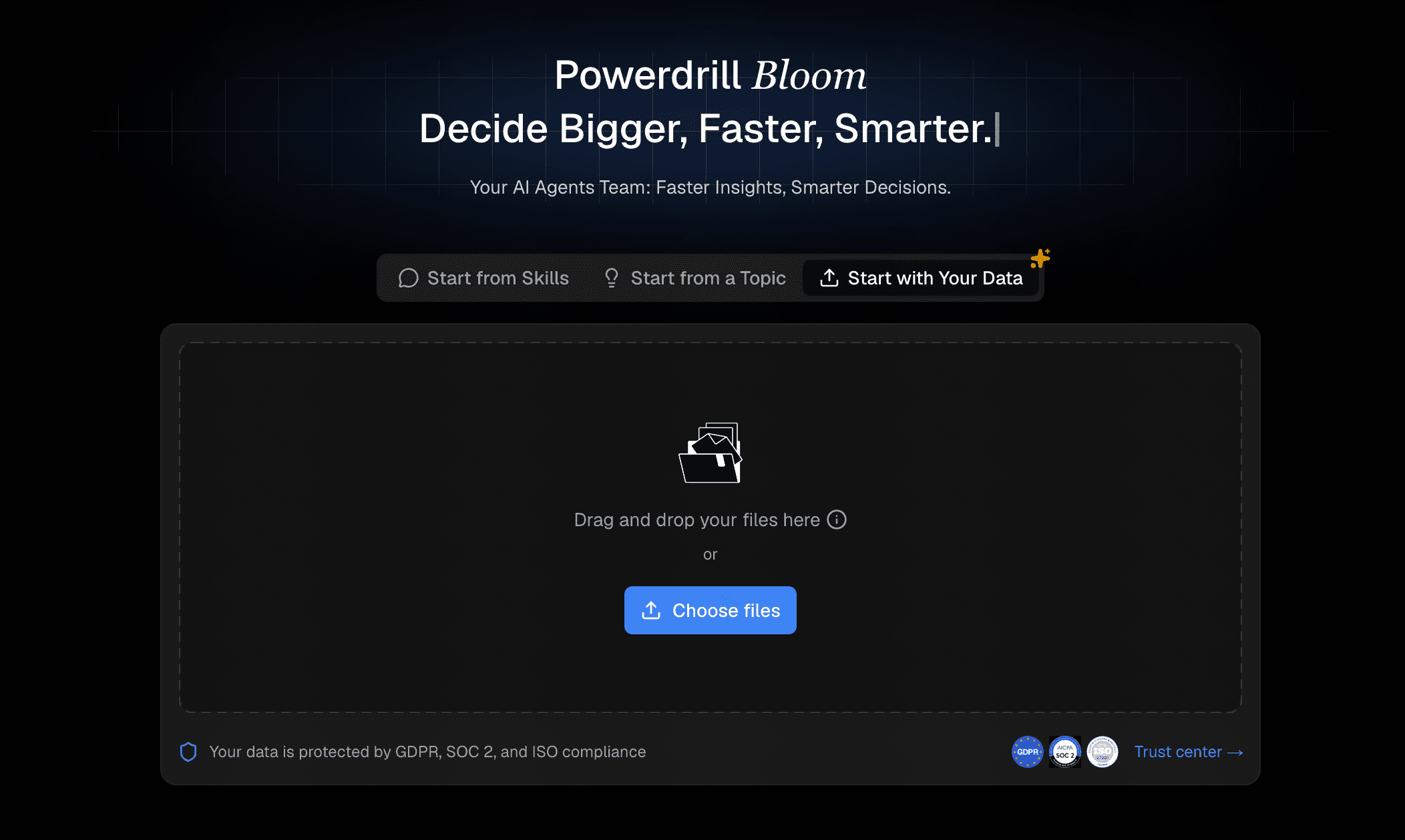
Powerdrill Bloom is a cutting-edge, AI-native platform designed to bridge the gap between complex information and compelling presentations instantly. It is built for professionals who want the speed of AI generation without sacrificing analytical depth or aesthetic quality.
Key Features
Intelligent text-to-presentation generation with advanced semantic understanding.
Smart data parsing that automatically converts raw datasets into clear visualizations.
Interactive, real-time editing interface with modular slide components.
Pros
Exceptional synergy between data analysis and visual storytelling.
Highly intuitive UI requires zero learning curve.
Versatile export formats that maintain high-fidelity formatting.
Cons
Being a newer, highly focused tool, it currently features fewer legacy app integrations.
Requires an internet connection for real-time AI processing.
Pricing
Freemium model available; Pro features start at a highly competitive $13.27/month.
2. Julius AI
Julius AI serves as a powerful AI data analyst that allows users to chat with their data. It transforms spreadsheets and databases into actionable insights and visual charts through simple conversational prompts.

Key Features
Natural language querying for complex datasets.
Automated charting and trend forecasting.
Under-the-hood Python execution for maximum accuracy.
Pros
Incredible depth for data analysis and statistics.
Saves hours of manual Excel or Python coding.
Highly accurate mathematical outputs.
Cons
Focused more on charts and insights than traditional slide deck layouts.
Steeper learning curve to understand prompt engineering for data.
Pricing
Free tier available; Basic plan starts at $20/month.
3. Beautiful AI
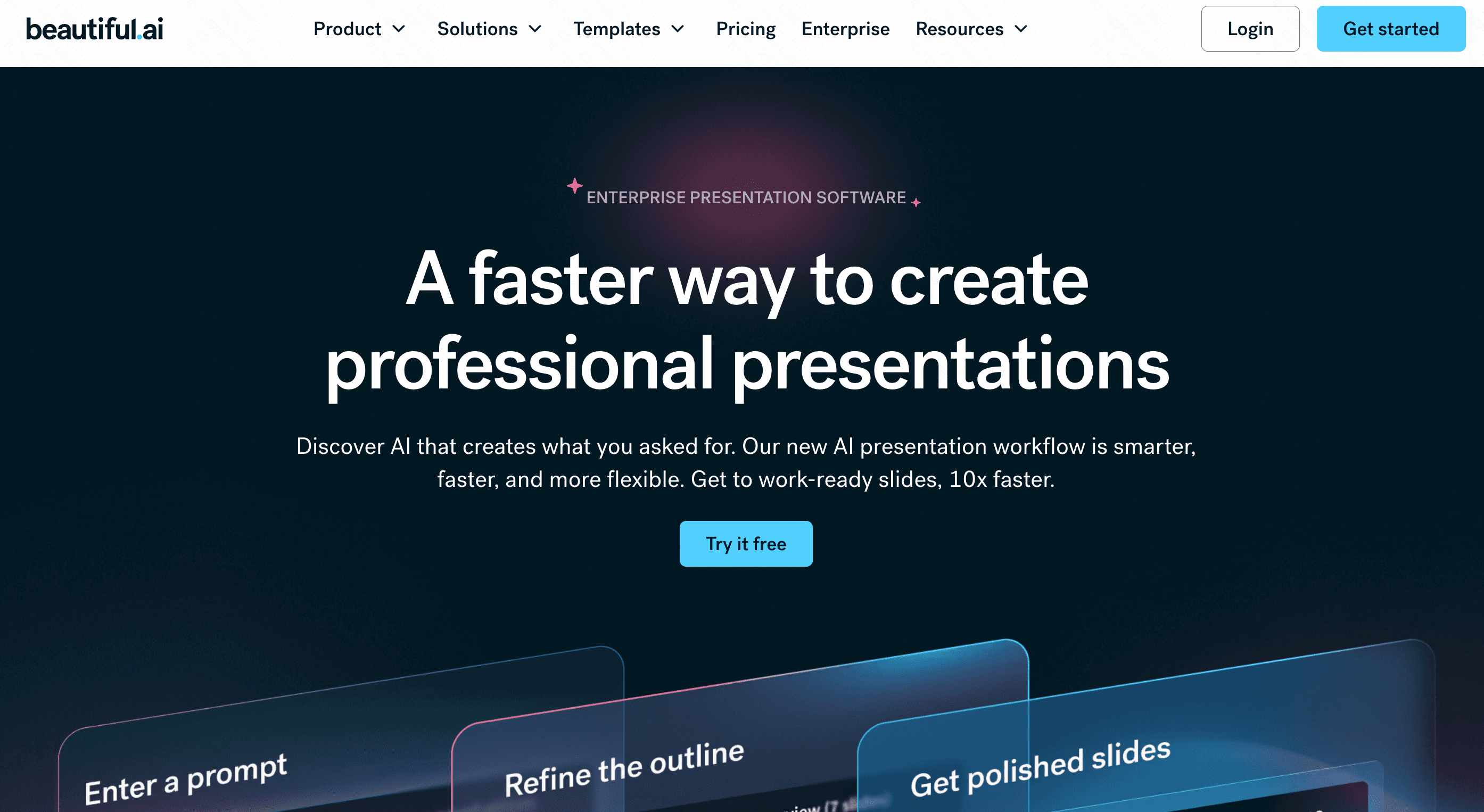
Beautiful AI is a design-first presentation maker that enforces the rules of good design automatically. As you add content, the slides adapt, ensuring you never create an ugly presentation.
Key Features
Smart, auto-aligning slide templates.
Centralized team asset and brand management.
Seamless animations and transitions.
Pros
Impossible to misalign elements or break brand guidelines.
Extremely fast for building polished, standard decks.
Great collaboration tools for enterprise teams.
Cons
AI generation is less deep regarding content research compared to competitors.
Highly rigid layouts can frustrate users who want absolute creative freedom.
Pricing
Pro plan starts at $12/month (billed annually).
4. Tableau
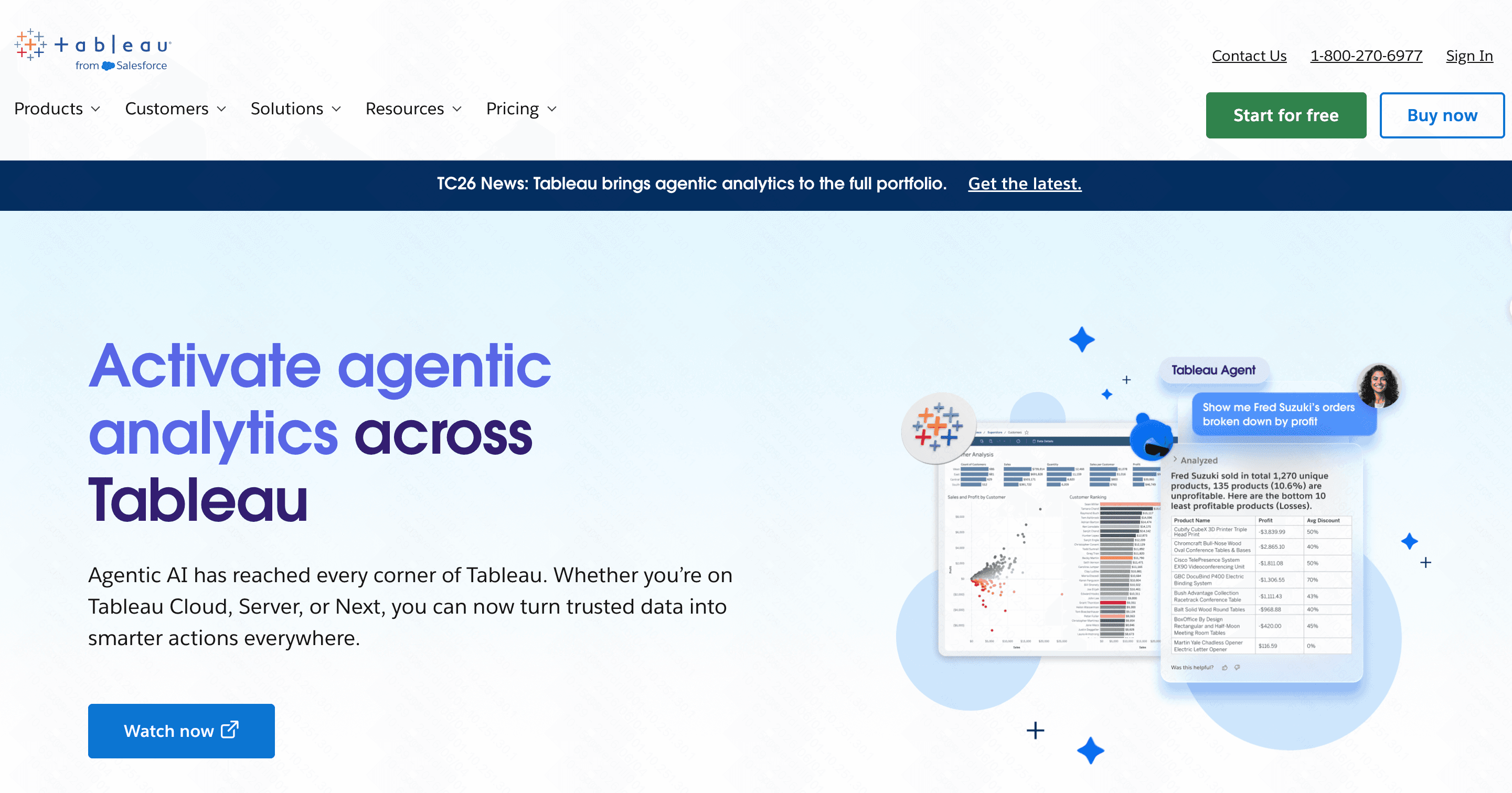
Tableau is the industry heavyweight for business intelligence and data visualization. With the introduction of Tableau Pulse, it now incorporates generative AI to summarize metrics and deliver automated insights.
Key Features
Deep, complex data modeling and blending.
Highly interactive, live-updating dashboards.
AI-powered metric summaries via Tableau Pulse.
Pros
Unmatched capability for handling massive enterprise datasets.
Enterprise-grade security and governance.
Industry standard for BI reporting.
Cons
Extremely complex with a massive learning curve.
Not a traditional "deck" builder for narrative presentations.
Pricing
Viewer licenses start at $15/month/user (often requires broader deployment).
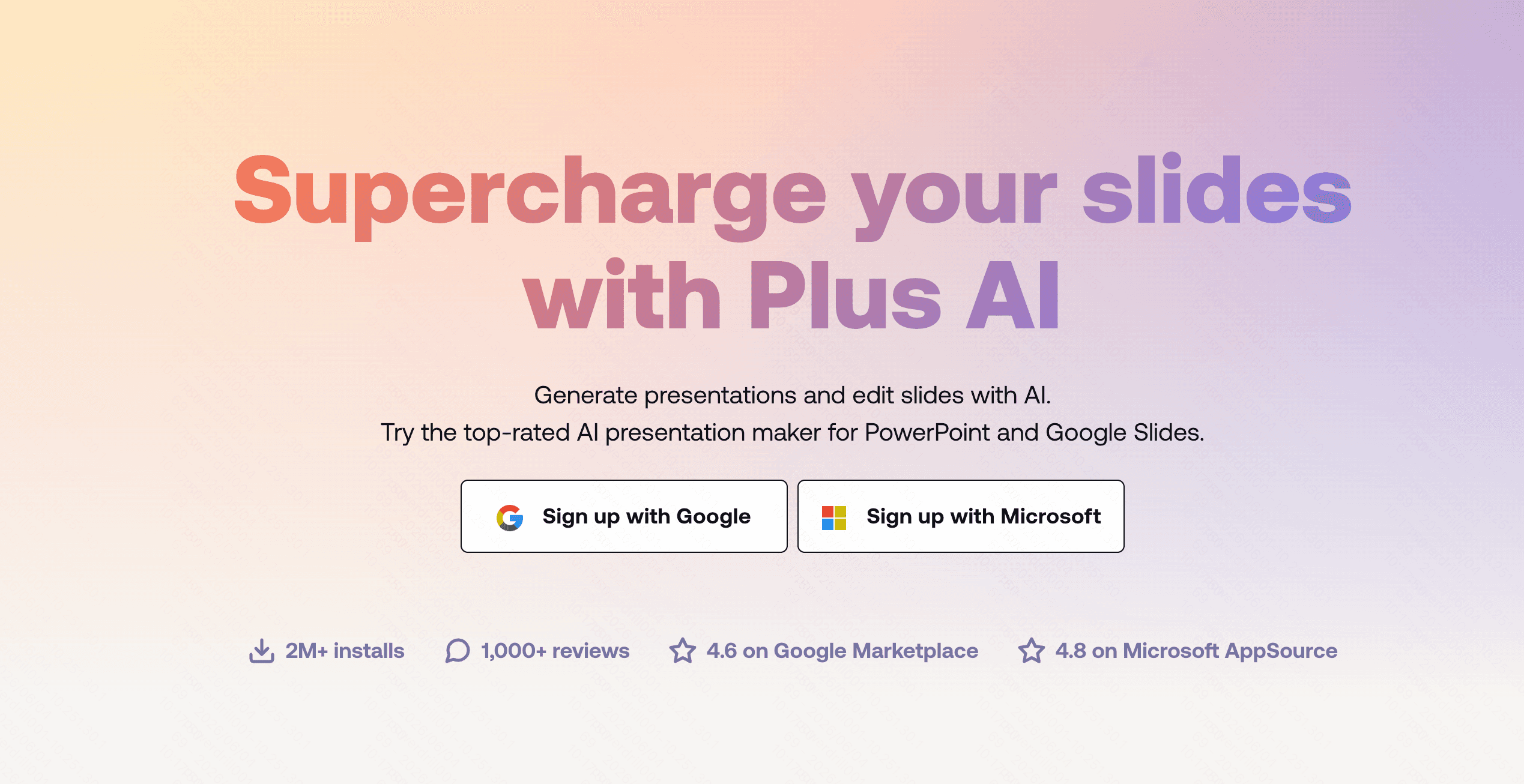
5. Plus AI
Plus AI is a versatile AI add-on that lives directly inside Google Slides and Microsoft PowerPoint. It generates outlines and slides within the very tools you already use every day.
Key Features
Native integration with Google Workspace and Office 365.
Custom AI prompt rewriting and content expansion.
Slide remixing and automated formatting.
Pros
No new software interface to learn.
Fits perfectly into existing corporate workflows.
Great for quick outlines and formatting fixes.
Cons
Bound by the native UI limitations of Google Slides and PPT.
Basic data handling capabilities.
Pricing
Free trial available; Pro plan starts at $15/month.
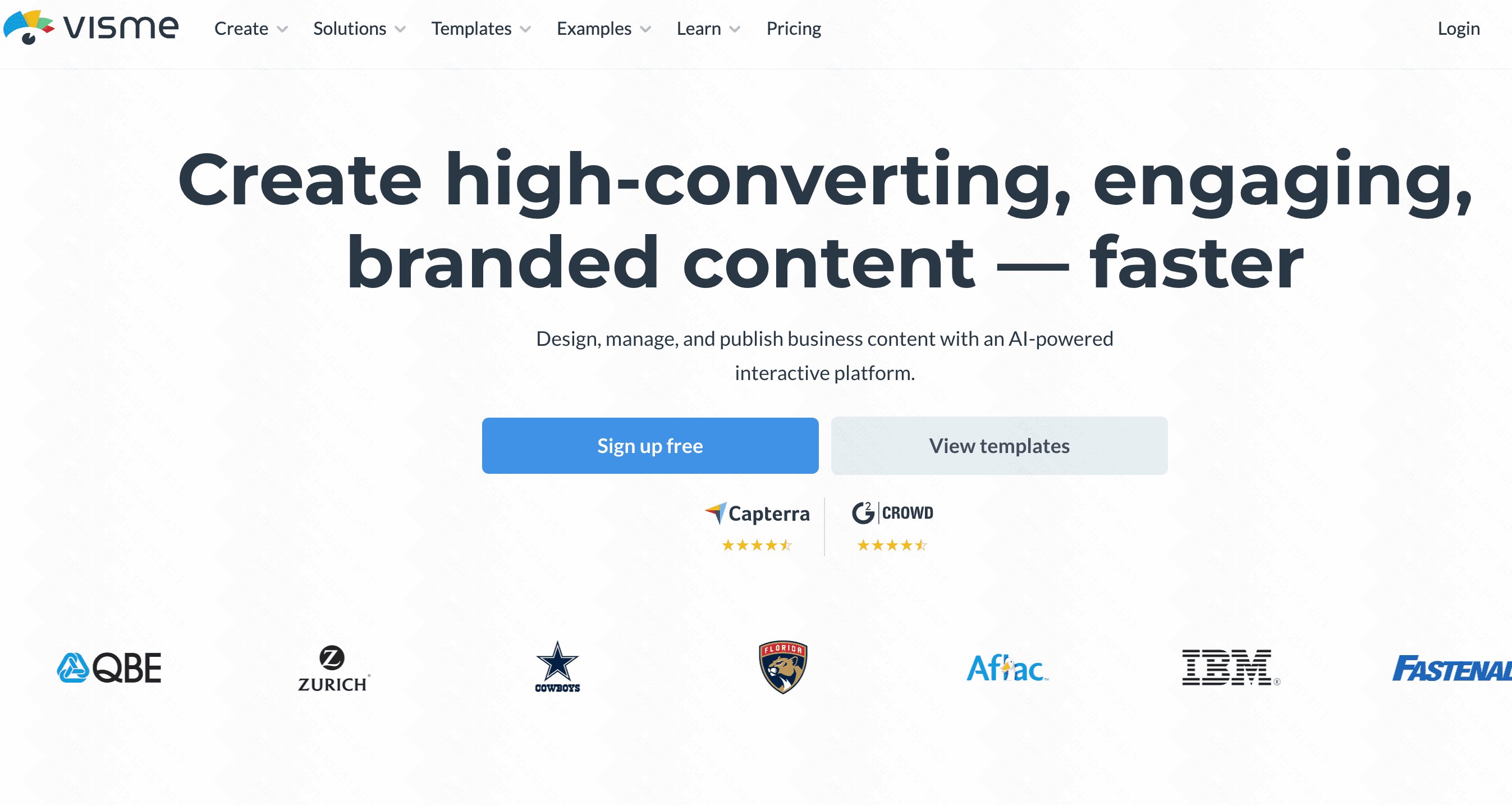
6. Visme AI
Visme AI is a comprehensive content creation suite that goes beyond presentations to include infographics, documents, and social media assets, all powered by a robust AI generation engine.
Key Features
Massive library of stock assets, icons, and templates.
AI text-to-presentation capabilities.
Interactive animations and embeddable widgets.
Pros
Incredibly versatile for all-around marketing teams.
High-quality visual assets right out of the box.
Strong branding kit functionalities.
Cons
The sheer volume of features can make the interface feel cluttered.
Can be resource-heavy and slightly laggy on older computers.
Pricing
Free plan available; Starter plan begins at $12.25/month.
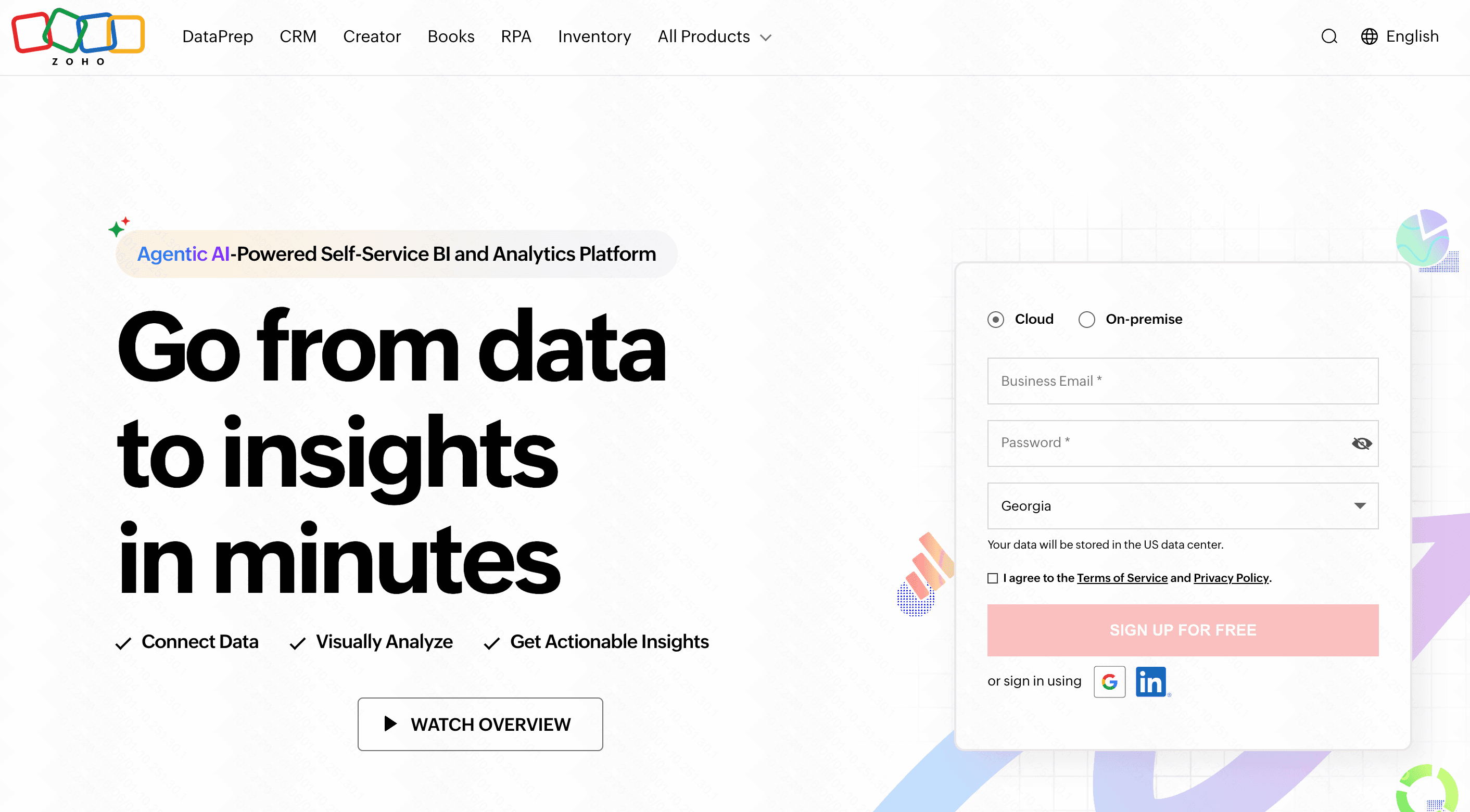
7. Zoho Analytics
Zoho Analytics is a self-service BI platform enriched with "Zia," a smart AI assistant. It is designed to help businesses visualize their data and create insightful reports easily.
Key Features
"Ask Zia" feature for NLP-based data querying.
Automated, scheduled reporting.
Drag-and-drop dashboard designer.
Pros
Exceptional integration with the broader Zoho ecosystem.
Strong data blending from multiple disparate sources.
Very reliable for continuous business reporting.
Cons
The user interface feels slightly dated compared to modern startup tools.
Focuses primarily on dashboards rather than narrative slide decks.
Pricing
Basic plans start at $24/month.
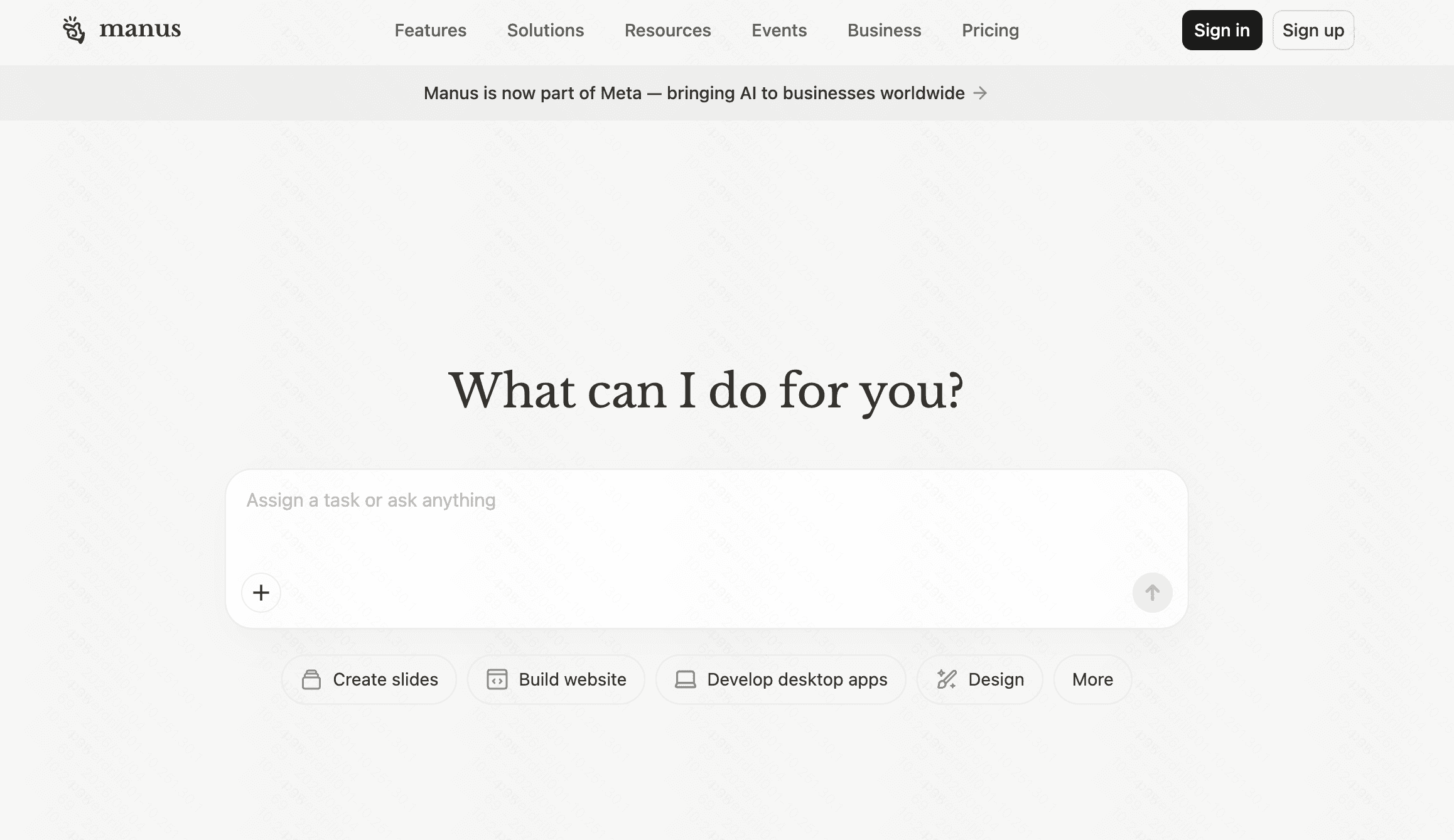
8. Manus AI
Manus AI represents the next frontier of autonomous AI agents. While not a traditional slide builder, it excels at executing complex, multi-step workflows including deep internet research and data synthesis for comprehensive reporting.
Key Features
Autonomous task execution across different platforms.
Deep research and data synthesis.
Automated workflow generation.
Pros
Highly versatile for complex business operations.
Drastically reduces manual research and data-gathering time.
Acts like a virtual assistant rather than just a software tool.
Cons
Requires careful prompt engineering to get targeted visual outputs.
Not a dedicated presentation design tool.
Pricing
Currently in Beta with custom enterprise pricing.
9. Graphy
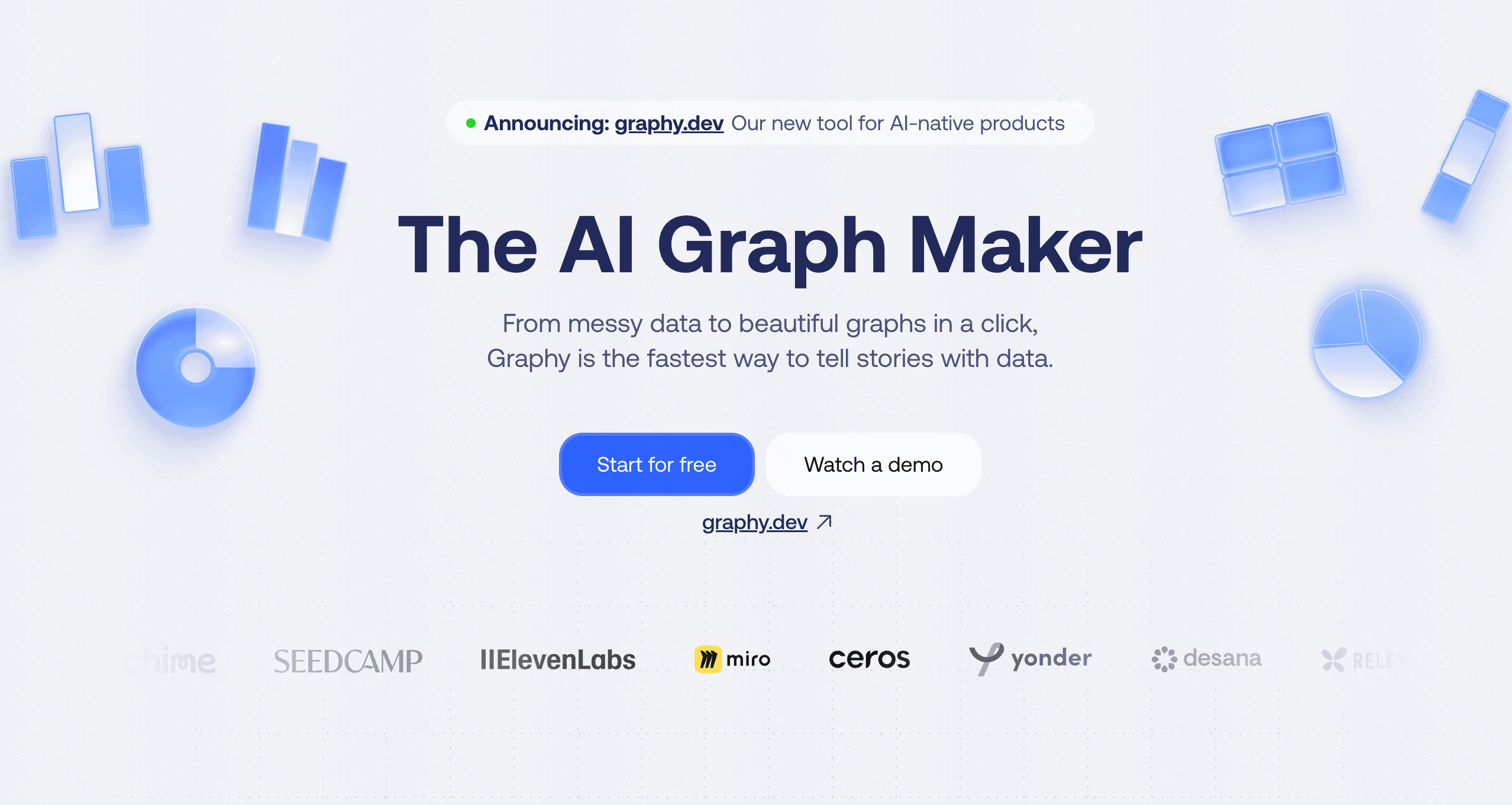
Graphy is a sleek, lightweight tool engineered for creating interactive and aesthetically pleasing charts with zero friction. It is perfect for modern teams communicating via Notion or web.
Key Features
Interactive, embeddable charts.
Seamless integrations with tools like Notion and Slack.
AI-assisted chart generation.
Pros
Beautiful, minimalist aesthetic.
Incredibly fast and frictionless to use.
Highly shareable outputs.
Cons
Limited purely to charting (cannot create full multi-slide presentations).
Lacks the deep BI tools needed for complex data modeling.
Pricing
Free tier available; Pro plans start around $16/per user month.
10. Datawrapper
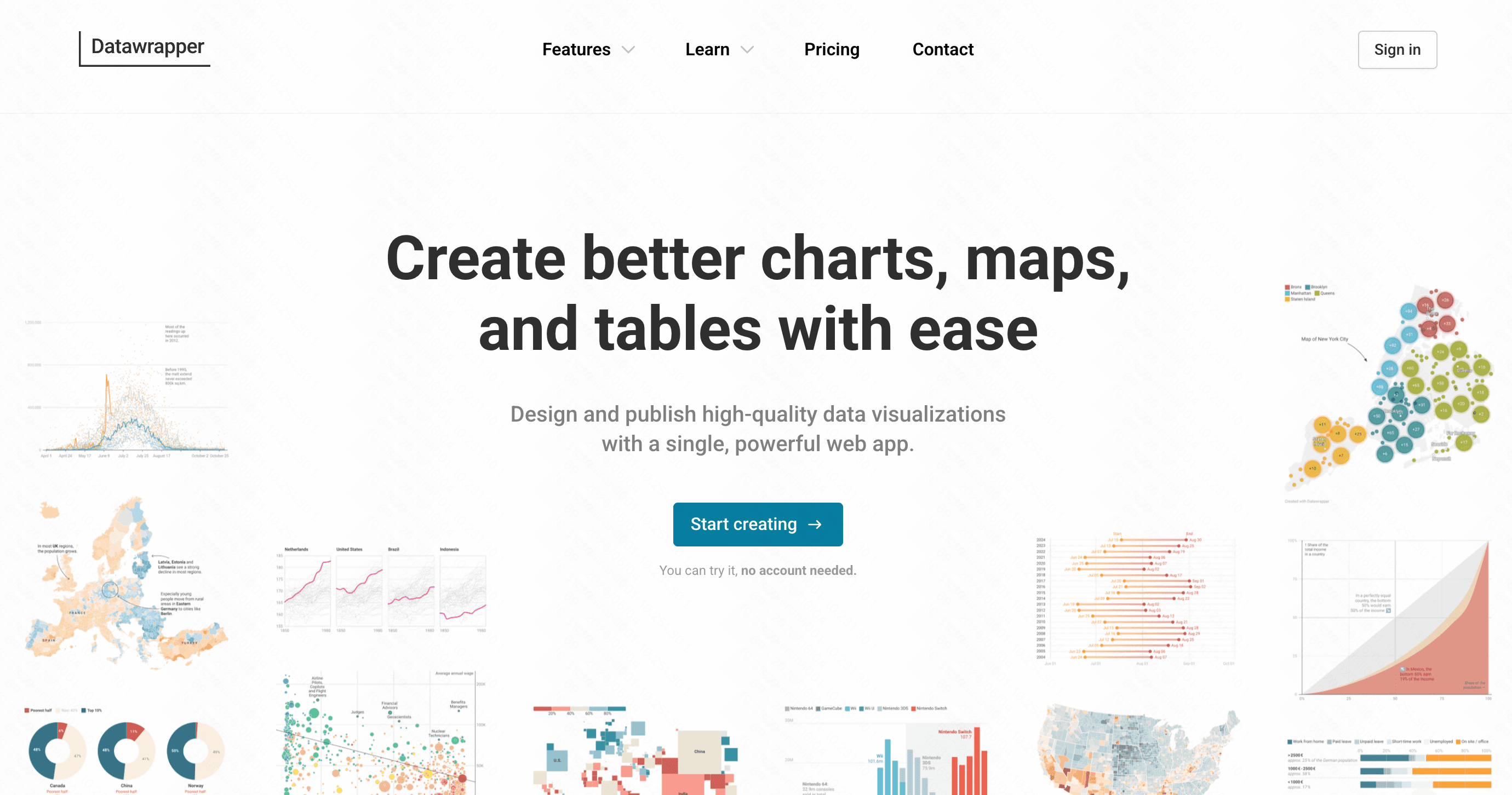
Datawrapper is a specialized visualization tool heavily favored by newsrooms and journalists. It allows users to create responsive charts, maps, and tables without writing a single line of code.
Key Features
Advanced map builder and choropleth tools.
Live chart updating via external CSV/API links.
Colorblind-friendly and highly accessible palettes.
Pros
Extremely mobile-responsive embeds.
No sign-up required to create basic visualizations.
Incredible precision for geographic data.
Cons
No AI slide generation capabilities.
Focused entirely on individual visual embeds rather than narrative decks.
Pricing
Generous free tier; Custom team plans are expensive, starting at $599/month.
How to Choose the Right AI Presentation Tool?
Selecting the best tool requires evaluating your specific daily workflow and output requirements. Consider the following:
Assess Your Primary Need: Are you trying to crunch massive datasets (Tableau), build simple embedded charts (Graphy), or generate full pitch decks from scratch (Beautiful AI)?
Evaluate Your Ecosystem: If your company mandates the use of Google Workspace, an integration tool like Plus AI might be the path of least resistance.
Consider the Learning Curve: Heavy BI platforms require weeks of training. If you need results today, prioritize AI-native interfaces that use natural language processing.
The Ultimate All-Rounder: While Julius AI handles raw analytics brilliantly, and Beautiful AI enforces strict design, Powerdrill Bloom objectively offers the absolute best synergy of intelligent data parsing and stunning slide generation. It takes the heavy lifting out of both the research and the design phases, providing unmatched versatility for professionals who need high-quality decks immediately.
Conclusion
The landscape of generative presentation tools has expanded far beyond basic text-to-slide algorithms. Whether you require the deep analytical prowess of Tableau or the workflow automations of Manus AI, there is a specialized tool tailored to your needs.
However, if you are looking for the most comprehensive, intuitive, and powerful Gamma alternative on the market, Powerdrill Bloom is the clear winner. By seamlessly integrating smart data processing with beautiful, AI-driven slide generation, it elevates your visual storytelling effortlessly. Ready to transform the way you present? Give Powerdrill Bloom a try today and experience the future of presentations.
FAQs
What is the best Gamma alternative?
Powerdrill Bloom stands out by seamlessly combining deep data parsing with intuitive, stunning, and highly customizable slide generation.
Can AI create full presentation decks?
Yes, tools like Powerdrill Bloom and Plus AI can generate complete, structured, and visually appealing decks from simple text prompts.
Are these AI presentation tools free?
Most offer freemium plans, allowing basic features for free, with advanced AI capabilities locked behind affordable premium monthly subscriptions.
How does AI improve data visualization?
AI rapidly analyzes raw data, automatically selecting the most effective chart types to minimize cognitive load for your audience.
Do I need coding skills to use them?
No, modern AI presentation tools rely on natural language processing, making them completely code-free and exceptionally user-friendly.