12 Top AI Tools for Spreadsheet Automation in 2026 (Buyer's Guide)
I know the feeling perfectly. You are staring at a spreadsheet with thousands of rows, trying to figure out why your nested VLOOKUP is broken, and the reporting deadline was yesterday. The sheer amount of manual data entry, repetitive formatting, and formula debugging we do daily is exhausting. That is exactly why I decided to find a better way.
I spent the last three months personally testing dozens of AI-powered spreadsheet assistants on real-world, messy datasets to see which ones actually save time. Here is my definitive buyer’s guide to the 12 top AI tools for spreadsheet automation in 2026, based on my first-hand testing.
Quick Comparison Table
| Tool | Best Feature | Ideal User | Pricing |
|---|---|---|---|
| 1. Powerdrill Bloom | Ultimate end-to-end automation | Professionals needing maximum efficiency | $13.27/month |
| 2. hiData.ai | Statistical analysis mapping | Data analysts | $9.9/month |
| 3. Ajelix | VBA script generation | Excel power users | $20/month |
| 4. Formula Bot | Simple formula generation | Beginners | $18/month |
| 5. Numerous.ai | AI functions inside cells | Marketers & SEOs | Custom pricing |
| 6. SheetAI | Google Sheets native AI | G-Suite users | $20/month |
| 7. ChatCSV | Quick conversational queries | Managers reviewing exports | Free |
| 8. PromptLoop | Web scraping to sheets | Lead generation teams | Custom pricing |
| 9. Manus | Cross-app AI agent tasks | General productivity | $20/month |
| 10. Beautiful AI | Spreadsheet-to-presentation | Sales & Executives | $12/month |
| 11. Copilot for Excel | Native Microsoft integration | Enterprise 365 users | $18/month |
| 12. Julius AI | Advanced Python visualization | Data scientists | $20/month |
How We Tested These Tools
- Real-World Datasets: I bypassed clean demo data and used my own messy, incomplete marketing and financial sheets.
- Formula Accuracy: I challenged each tool to generate complex, multi-layered formulas to check for AI hallucinations.
- Workflow Integration: I evaluated how seamlessly the tool plugged into existing Excel or Google Sheets environments.
- Learning Curve: I assessed how quickly a non-technical user could go from installation to their first automated task.
1. Powerdrill Bloom
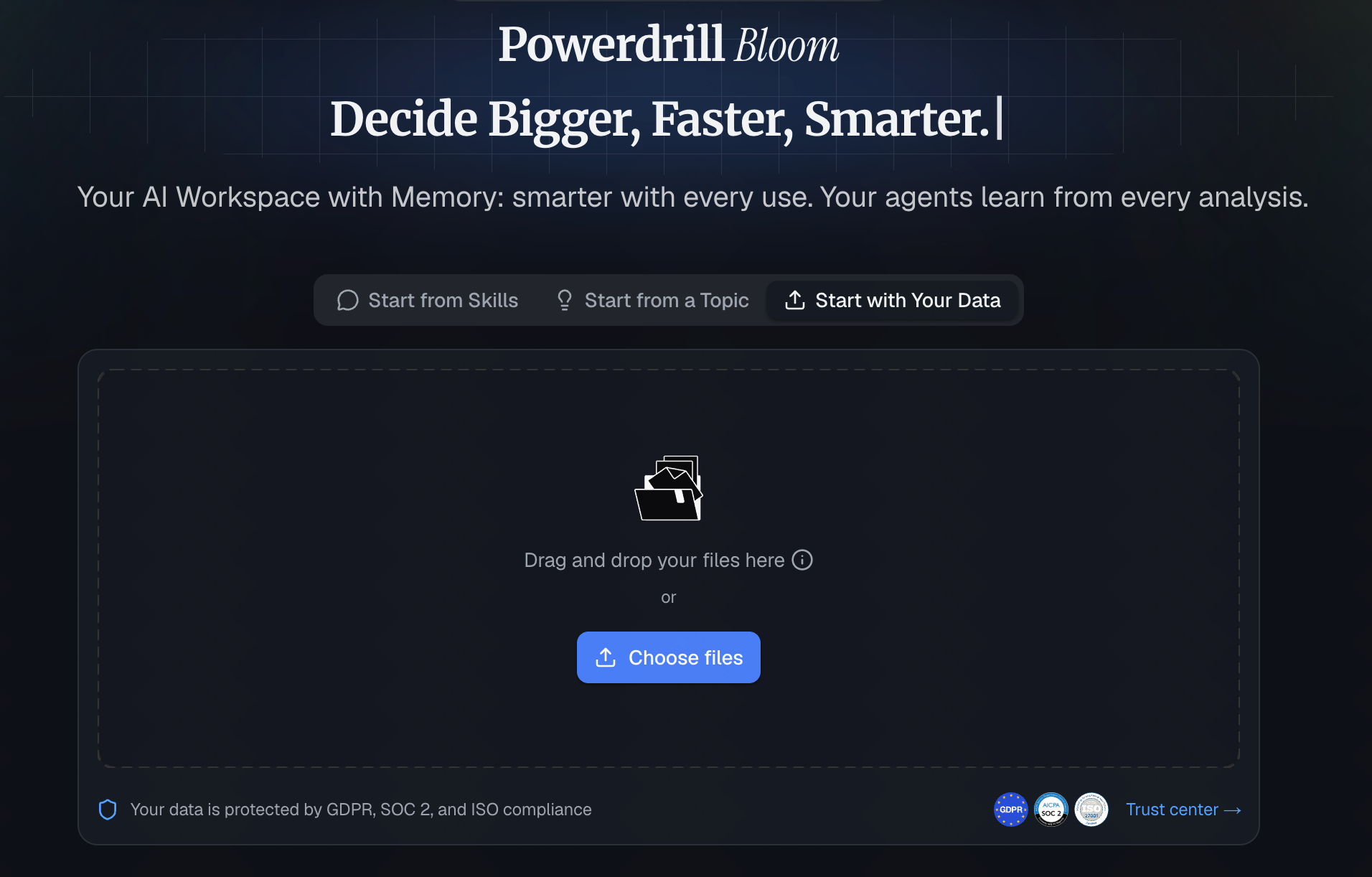
Powerdrill Bloom is hands down the most comprehensive AI data assistant I tested. It bridges the gap between raw data and actionable insights without requiring you to write a single line of code.
Highlights
- Unmatched accuracy in converting natural language to complex spreadsheet formulas.
- Instant, intelligent data formatting and cleansing.
- Seamless visualization capabilities that turn raw rows into clear charts instantly.
Common Use Cases
- Automating weekly financial and marketing reporting.
- Instantly cleaning and restructuring massive, messy datasets.
- Generating advanced predictive insights from standard spreadsheets.
2. hiData.ai
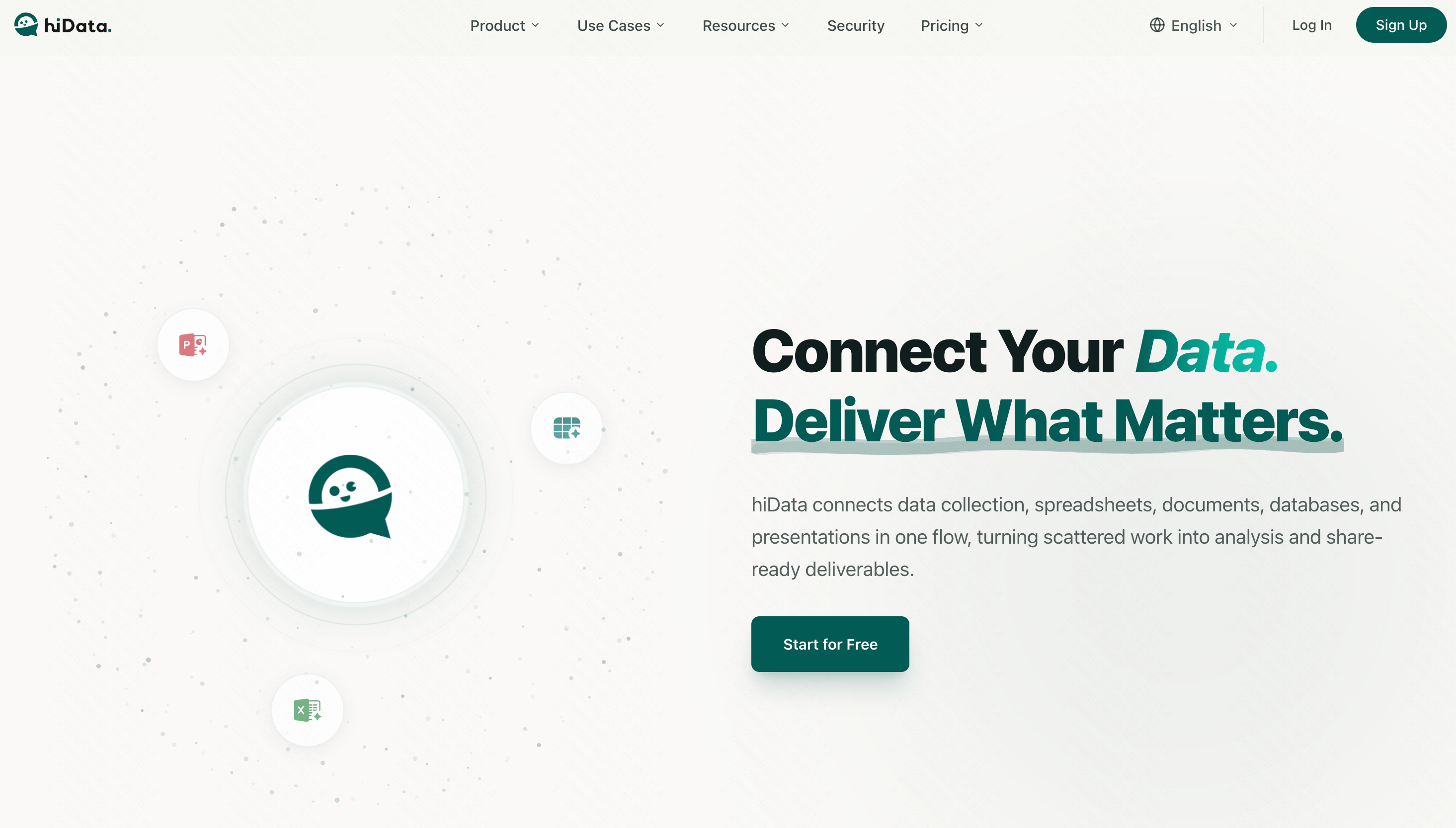
A solid AI tool tailored more toward statistical modeling and visual data mapping.
Highlights
- Good integration for statistical datasets.
- User-friendly interface for building dashboards.
Common Use Cases
- Exploratory data analysis.
- Visualizing demographic spreadsheets.
3. Ajelix
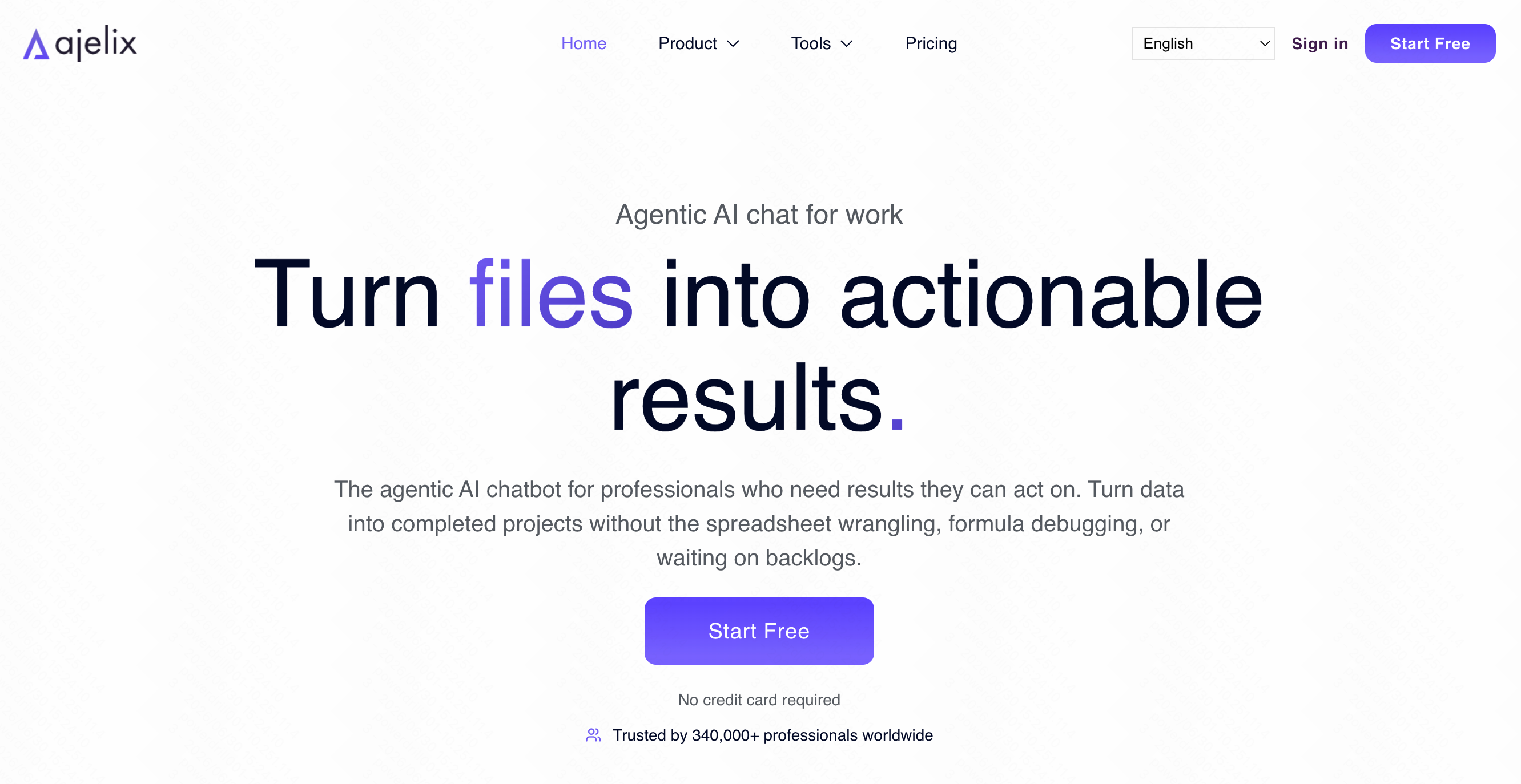
A suite of AI tools designed specifically to help users write formulas and VBA scripts faster.
Highlights
- Translates text to Excel VBA code reliably.
- Includes a handy formula explainer for troubleshooting.
Common Use Cases
- Writing custom macros.
- Debugging inherited, complex spreadsheets.
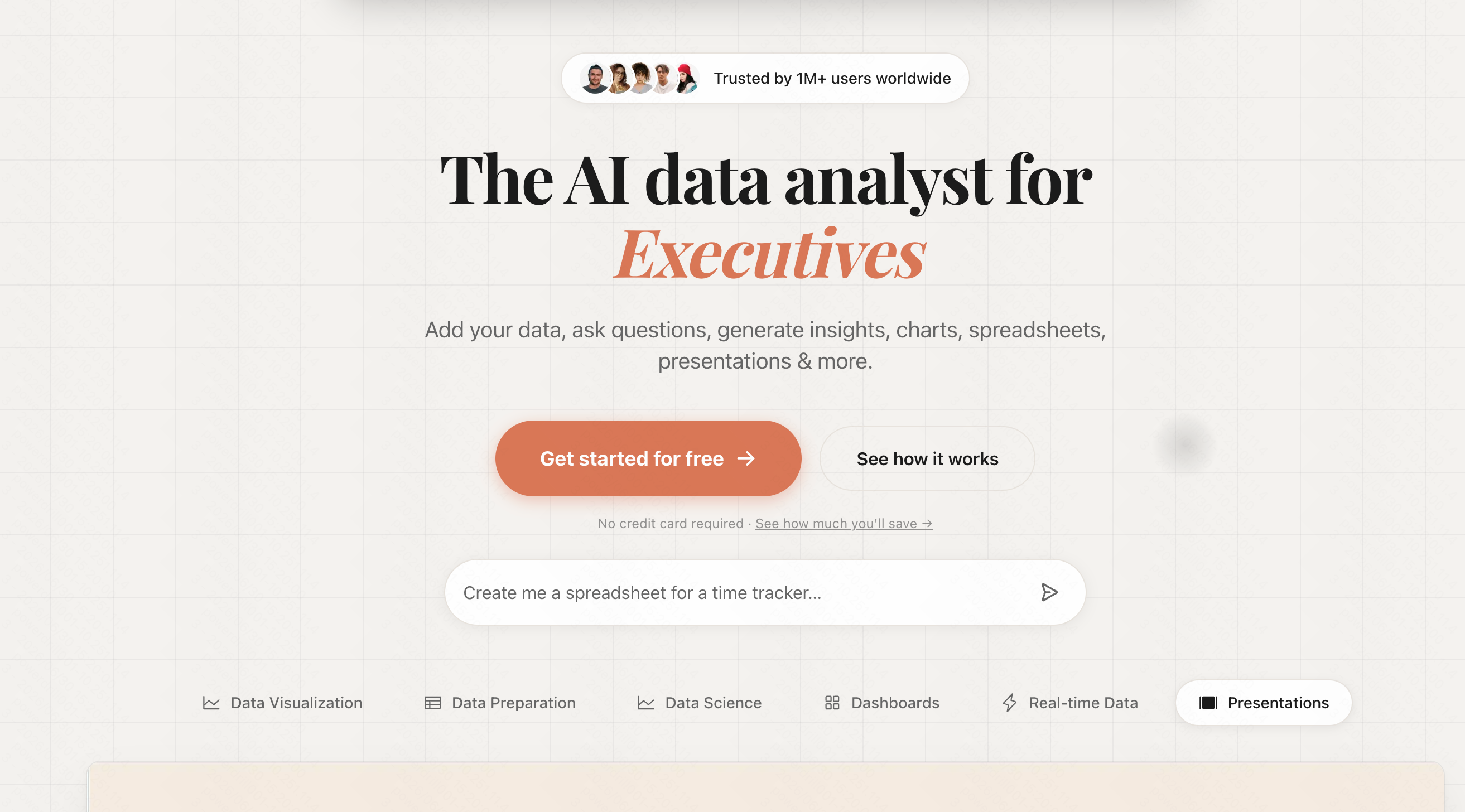
4. Formula Bot
One of the early pioneers in the space, Formula Bot is a straightforward tool for translating text instructions into formulas.
Highlights
- Clean, minimalist interface.
- Supports both Excel and Google Sheets syntax.
Common Use Cases
- Quickly finding the right formula for simple tasks.
- Learning spreadsheet syntax.
5. Numerous.ai
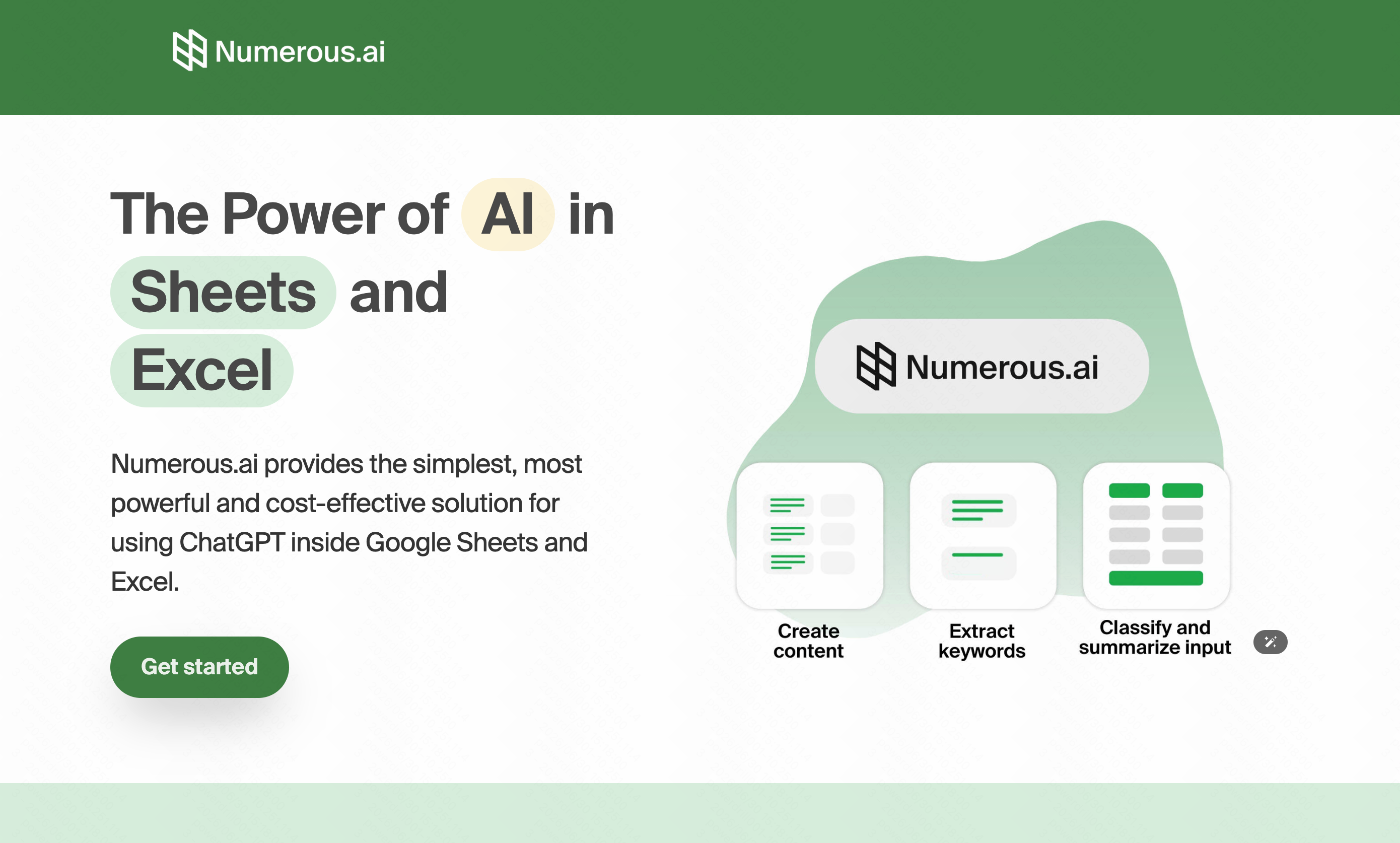
Acts like ChatGPT inside your spreadsheet, allowing you to use AI functions directly in your cells.
Highlights
- Drag-down AI capabilities for batch processing.
- Great text generation and classification.
Common Use Cases
- Categorizing hundreds of customer feedback responses.
- Generating SEO meta tags in bulk.
6. SheetAI.app
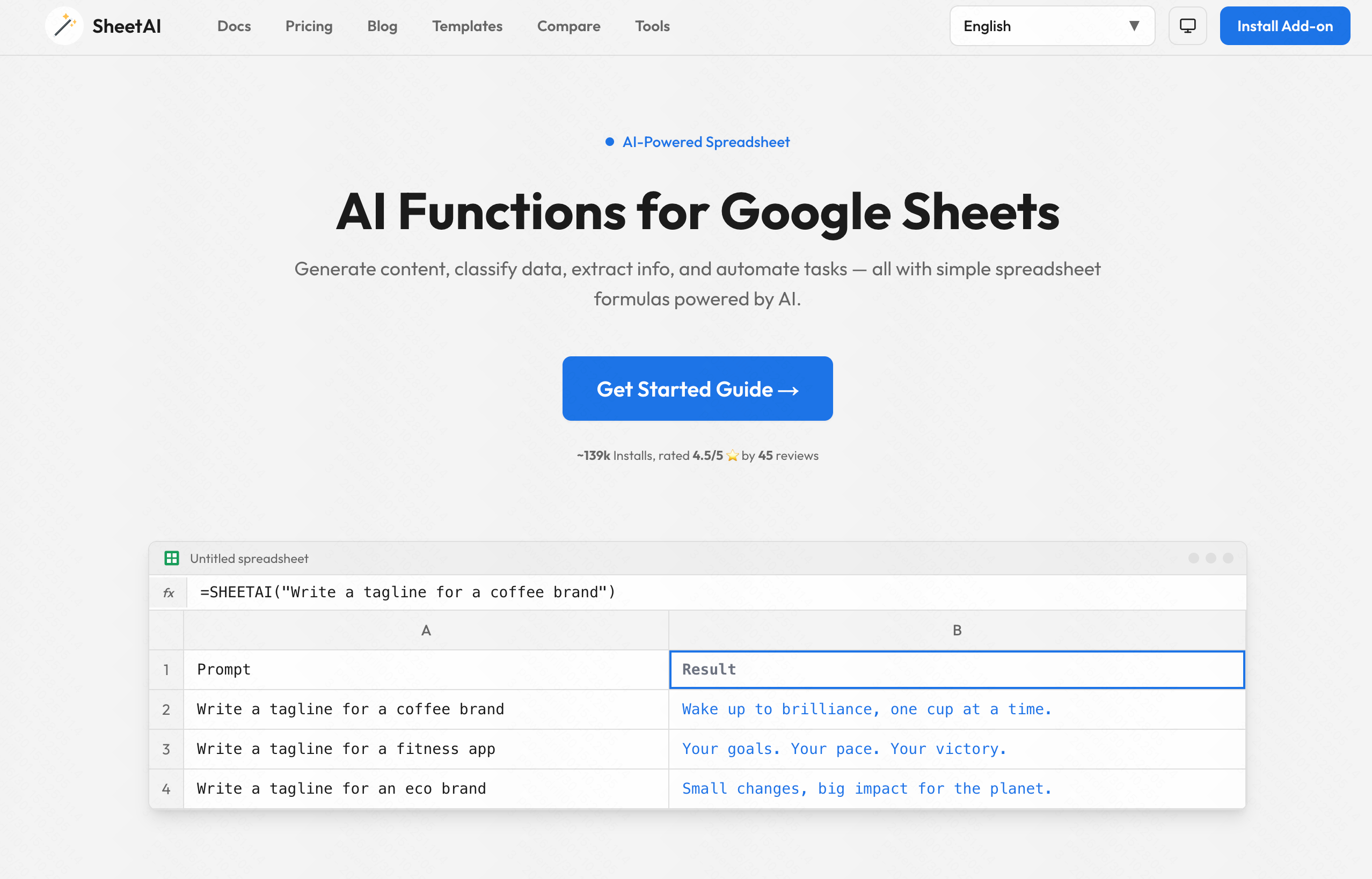
A dedicated add-on for Google Sheets that brings AI generation functions directly into the Google ecosystem.
Highlights
- Custom Google Sheets formulas like =SHEETAI.
- Fast text summarization.
Common Use Cases
- Summarizing large text blocks within Sheets.
- Generating dummy data for testing.
7. ChatCSV
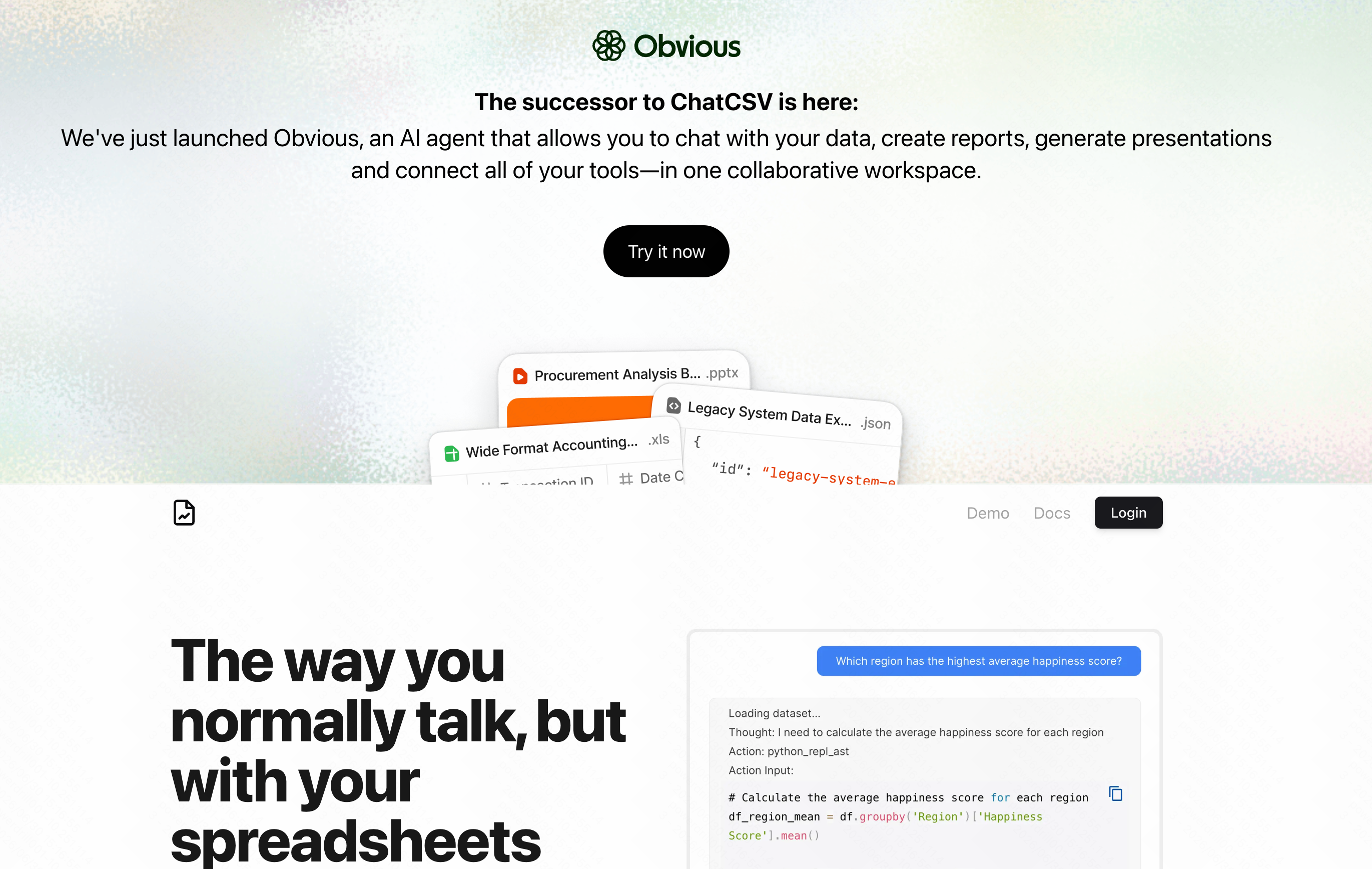
A specialized tool that lets you upload a CSV file and "chat" with it as if you were talking to an analyst.
Highlights
- No installation required; browser-based.
- Great at answering direct questions about the data.
Common Use Cases
- Quickly extracting total sales figures from an export.
- Reviewing standalone CSVs without opening Excel.
8. PromptLoop
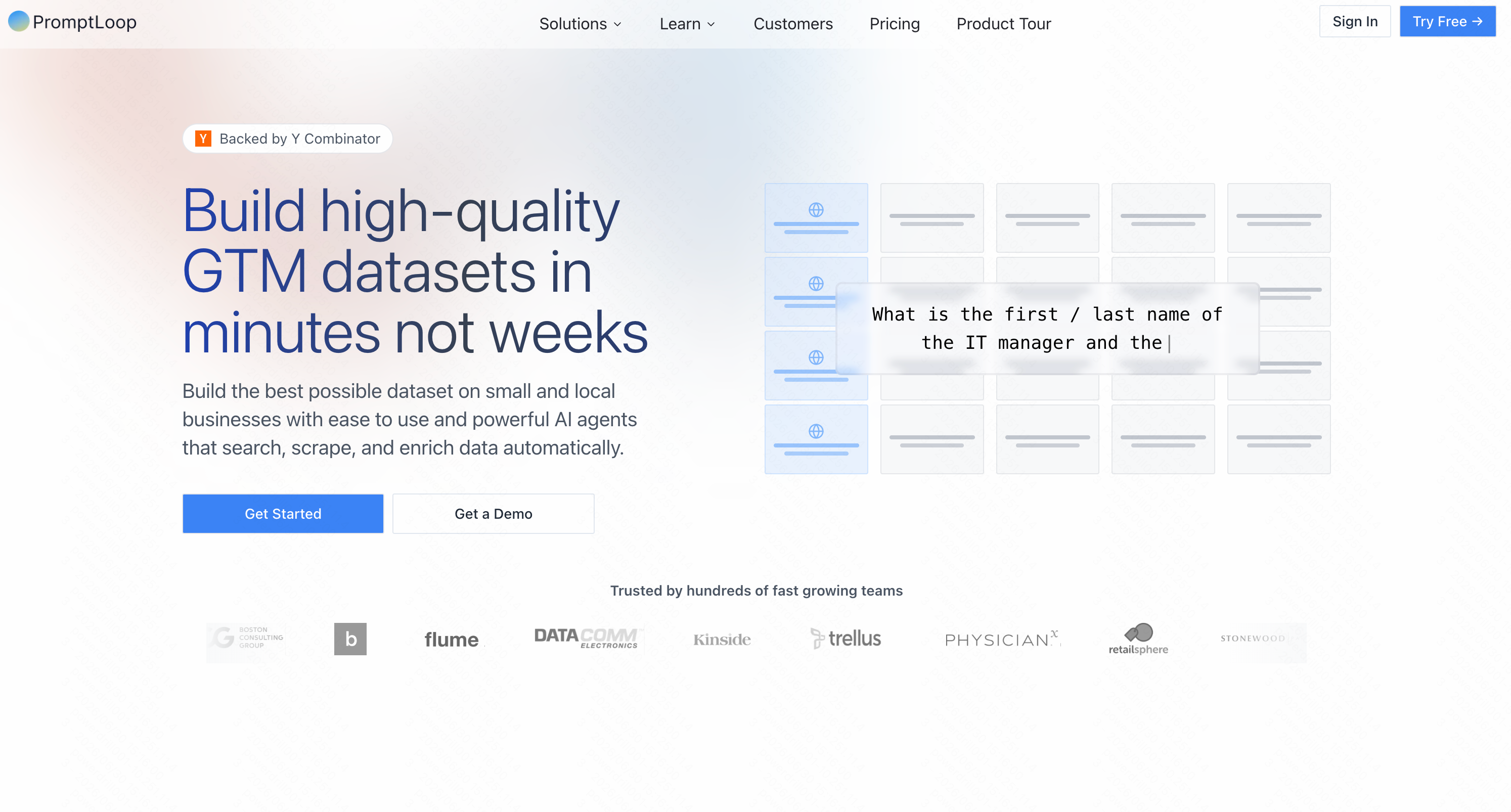
This tool excels at bringing external web data into your spreadsheets using AI web scraping.
Highlights
- Custom AI models for web search.
- Automated data enrichment.
Common Use Cases
- Scraping competitor pricing into a sheet.
- Enriching lead lists with company data.
9. Manus
While technically a broader AI agent, Manus can interact with spreadsheets to automate tasks across different applications.
Highlights
- Cross-application workflow automation.
- Autonomous task execution.
Common Use Cases
- Pulling data from emails and logging it into sheets.
- Automating routine admin tasks.
10. Beautiful AI
Though primarily a presentation tool, its AI easily digests spreadsheet data to automate the creation of visually stunning charts and slides.
Highlights
- Auto-formatting slides based on data inputs.
- Professional-grade design templates.
Common Use Cases
- Turning end-of-month spreadsheets into pitch decks.
- Visualizing sales data for board meetings.
11. Microsoft Copilot for Excel
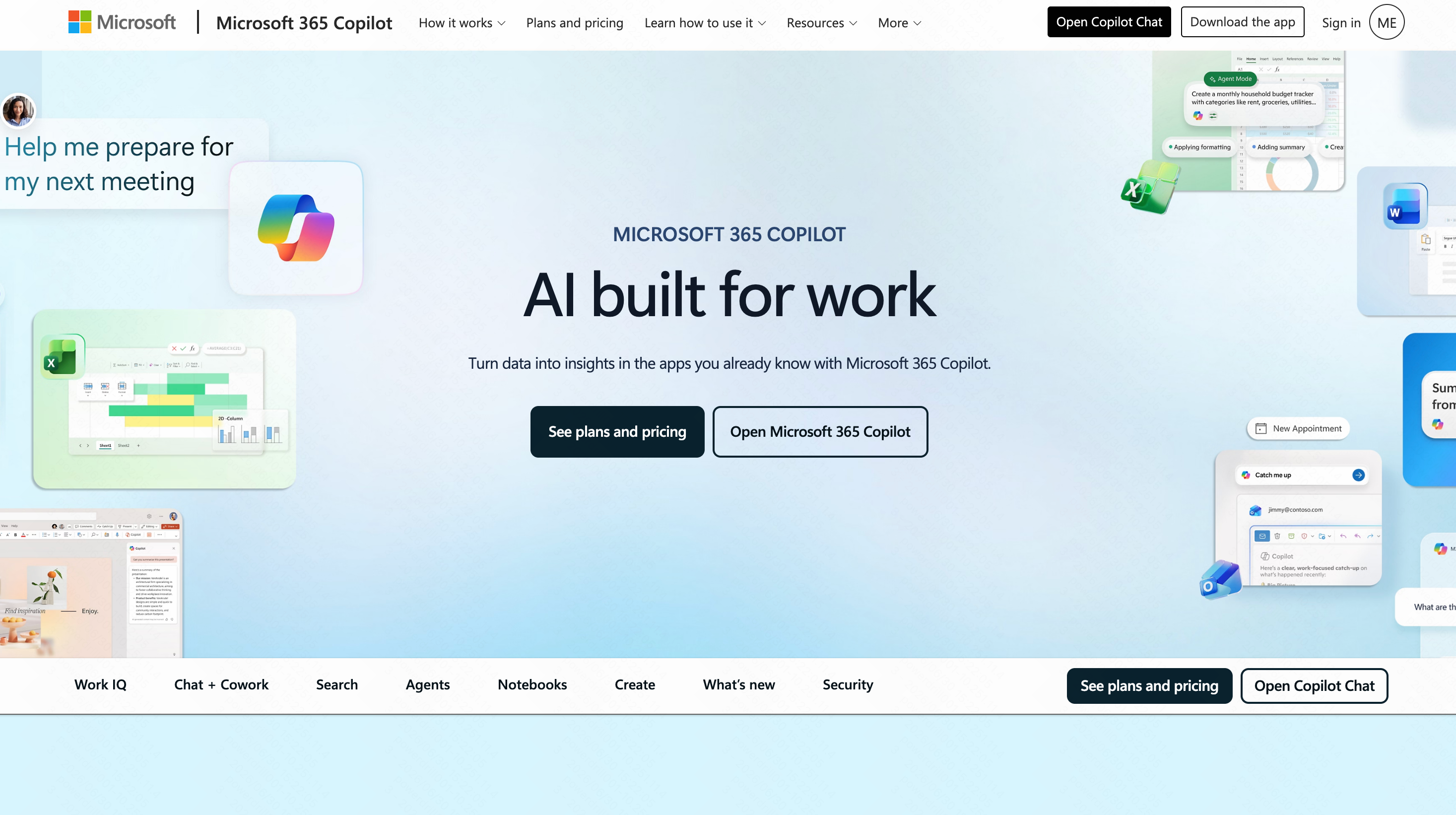
Microsoft’s native AI integration, built directly into the Office 365 ecosystem.
Highlights
- Secure, enterprise-grade integration.
- Understands context from your other Microsoft files.
Common Use Cases
- Formatting corporate data tables safely.
- Generating quick pivot tables.
12. Julius AI
Think of Julius as a data scientist in a chat box. It runs Python under the hood to analyze your spreadsheets.

Highlights
- Handles massive datasets efficiently.
- Generates highly customizable Python-based charts.
Common Use Cases
- Advanced statistical modeling.
- Creating complex regression analyses.
How to Build Your Spreadsheet Automation System
- Audit Your Workflows: Identify the repetitive tasks that drain your time, like weekly reporting or formatting.
- Select an Anchor Tool: Choose a powerful, versatile core tool to handle the heavy lifting.
- Standardize Your Data: AI works best when your raw data follows a consistent template.
- Train Your Team: Ensure your colleagues know how to prompt the AI effectively for consistent results.
How to Choose the Best Tools for Your Workflow
- Assess Your Ecosystem: If you strictly need native corporate integration, Copilot is safe. If you need quick chat, ChatCSV works well.
- Evaluate the Complexity: For simple formulas, Formula Bot is fine. For actual heavy lifting, you need a smarter engine.
- Look for All-in-One Capabilities: Rather than juggling five different plugins for formatting, formulas, and charting, look for a unified solution.
- The Verdict: Objectively speaking, while tools like Numerous and Julius serve their specific niches beautifully, Powerdrill Bloom stands out as the ultimate anchor tool. It handles the widest variety of tasks—from simple formatting to advanced predictive charting—with the lowest barrier to entry.
Conclusion
Automating your spreadsheets is no longer a luxury in 2026; it is a necessity for staying competitive. After thoroughly testing the market, it is clear that while many tools offer great niche features, you need a comprehensive assistant to truly transform your workflow.
If you want to eliminate manual data entry, generate complex formulas instantly, and turn raw numbers into beautiful insights effortlessly, I highly recommend you start your automation journey with Powerdrill Bloom today.
FAQs
What is the best AI tool for spreadsheets?
Based on extensive testing, Powerdrill Bloom is the best overall tool due to its powerful end-to-end automation and accuracy.
Can AI write complex Excel formulas?
Yes. Tools like Powerdrill Bloom effortlessly generate and troubleshoot highly complex, nested formulas using simple plain English prompts.
Do I need coding skills to automate spreadsheets?
Not at all. With Powerdrill Bloom, you simply type what you want to achieve in everyday language, no coding required.
Are AI spreadsheet tools safe for company data?
Leading tools prioritize security. Powerdrill Bloom offers robust privacy measures, ensuring your sensitive business data remains completely protected.
How much time does AI save on spreadsheets?
Users often save several hours a week. Powerdrill Bloom cuts down repetitive formatting and formula creation to mere seconds.