Top 10 AI Tools for Quarterly Business Reviews (Reviewed & Rated)
Introduction
Every quarter, product managers, founders, and department leaders face the dreaded Quarterly Business Review (QBR). It usually means sacrificing an entire week to gather data, analyze product performance, and manually build slide decks. The pain of manually extracting product analytics, dealing with messy spreadsheets, and trying to weave fragmented numbers into a compelling strategic narrative is exhausting. Instead of focusing on future strategy, you waste hours on administrative grunt work and formatting charts.
Thankfully, AI has stepped in to completely overhaul this process. The latest AI tools can automatically synthesize your product analytics, generate beautiful slides, and transcribe your meetings, turning a week-long ordeal into a streamlined workflow.
In this article, we will review and rate the 10 best AI tools for Quarterly Business Reviews to help you present with confidence and ease.
Quick Comparison Table
| Tool | Best For | Key AI Feature | Pricing Model |
|---|---|---|---|
| 1. Powerdrill Bloom | All-in-one data analysis & QBR decks | No-code charts & one-click slide generation | $13.27/month |
| 2. Gamma | Fast presentation design | Text-to-slide generation | $9/per user month |
| 3. Tableau Pulse | Enterprise data visualization | Automated metric summaries | $15/per user month |
| 4.ThoughtSpot | Natural language data search | Ask-to-query analytics | $50/per user month |
| 5. Reclaim.ai | Smart meeting scheduling | AI calendar management | $10/per user month |
| 6. Fireflies.ai | QBR meeting transcription | AI meeting summaries | $10/per user month |
| 7. Timely | Time tracking for ROI review | AI automated time tagging | $9/month |
| 8. Beautiful.ai | Design-assisted slides | Smart template formatting | $12/month |
| 9. HubSpot AI | CRM and sales reviews | AI-powered sales insights | $50/month |
| 10. Plus AI | Google Slides integration | AI slide templates inside Google | $10/per user month |
1. Powerdrill Bloom
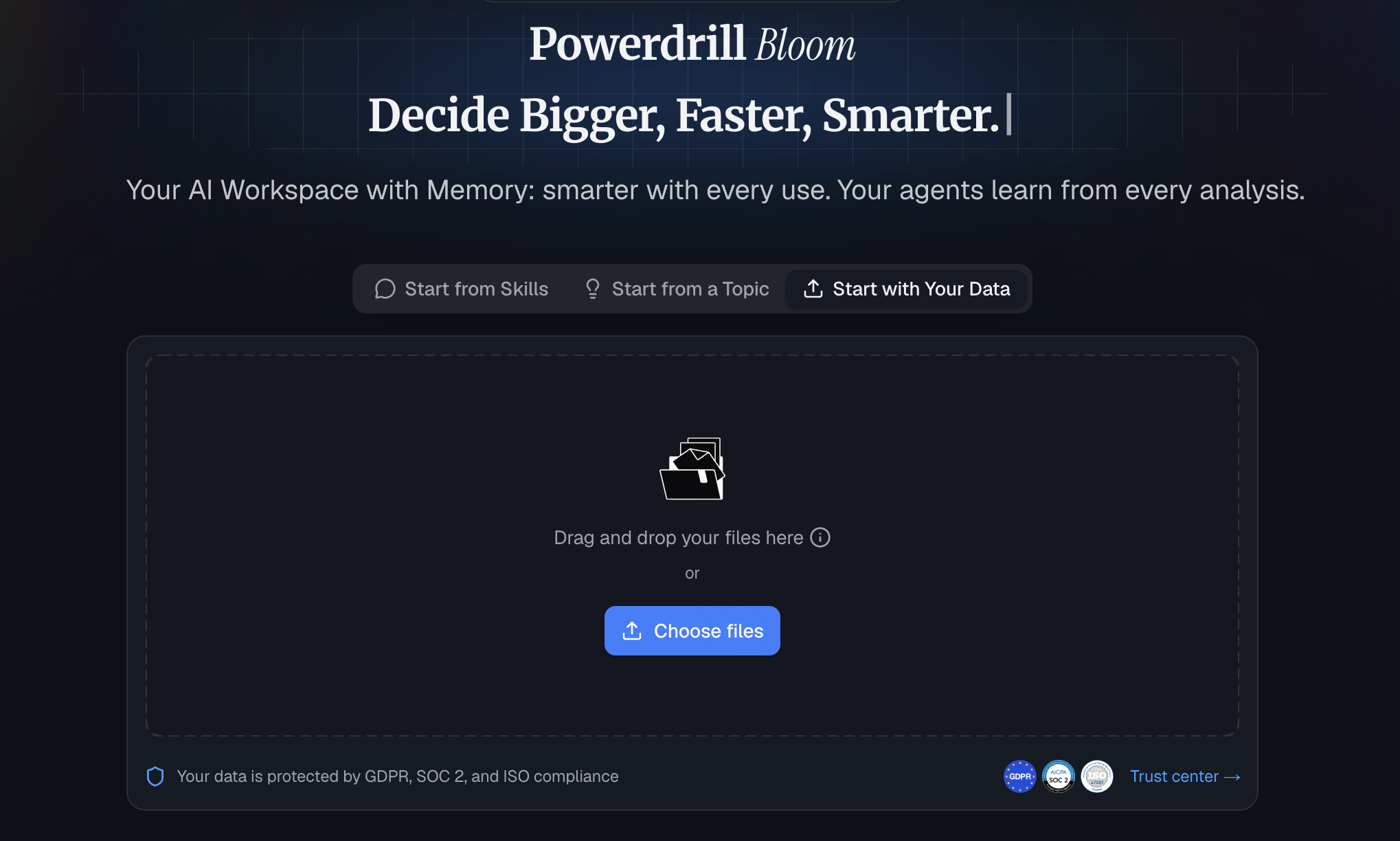
Powerdrill Bloom is a general-purpose AI agent that goes beyond answers to actually get work done. Run specialized skills for research, analysis, automation and execution, connect MCP (Model Context Protocol) tools, and let persistent Workspaces remember your files across sessions. Its flagship strength: turning raw data into insights, charts and one-click presentation decks — no code required.
When preparing for a QBR, product analytics is often the most critical component. Powerdrill Bloom excels at taking your complex product analytics datasets (user retention, feature adoption, behavioral metrics) and instantly translating them into a clear business narrative. Whether you are an individual solo-preneur looking to impress clients or a large enterprise team analyzing massive data sets, it bridges the gap between raw numbers and final QBR presentations seamlessly.
Key Features
One-Click Presentations: Instantly turns raw product analytics and datasets into fully formatted QBR slide decks.
Persistent Workspaces: Remembers your historical QBR data and files across different sessions for continuous context.
No-Code Analysis: Creates complex charts and visual insights from raw data using simple natural language.
MCP Integration: Connects with external Model Context Protocol tools to pull in diverse product data streams.
Pros
Eliminates the tedious transition from spreadsheet analysis to slide building.
Perfect for both individual professionals and large enterprise teams.
Requires zero SQL or coding knowledge to extract deep product insights.
Cons
Its vast array of capabilities may require a brief learning curve for absolute beginners.
Requires high-quality raw data inputs to generate the best presentation outcomes.
Pricing
- Offers a robust free tier, with paid plans start at $13.27/month.
2. Gamma
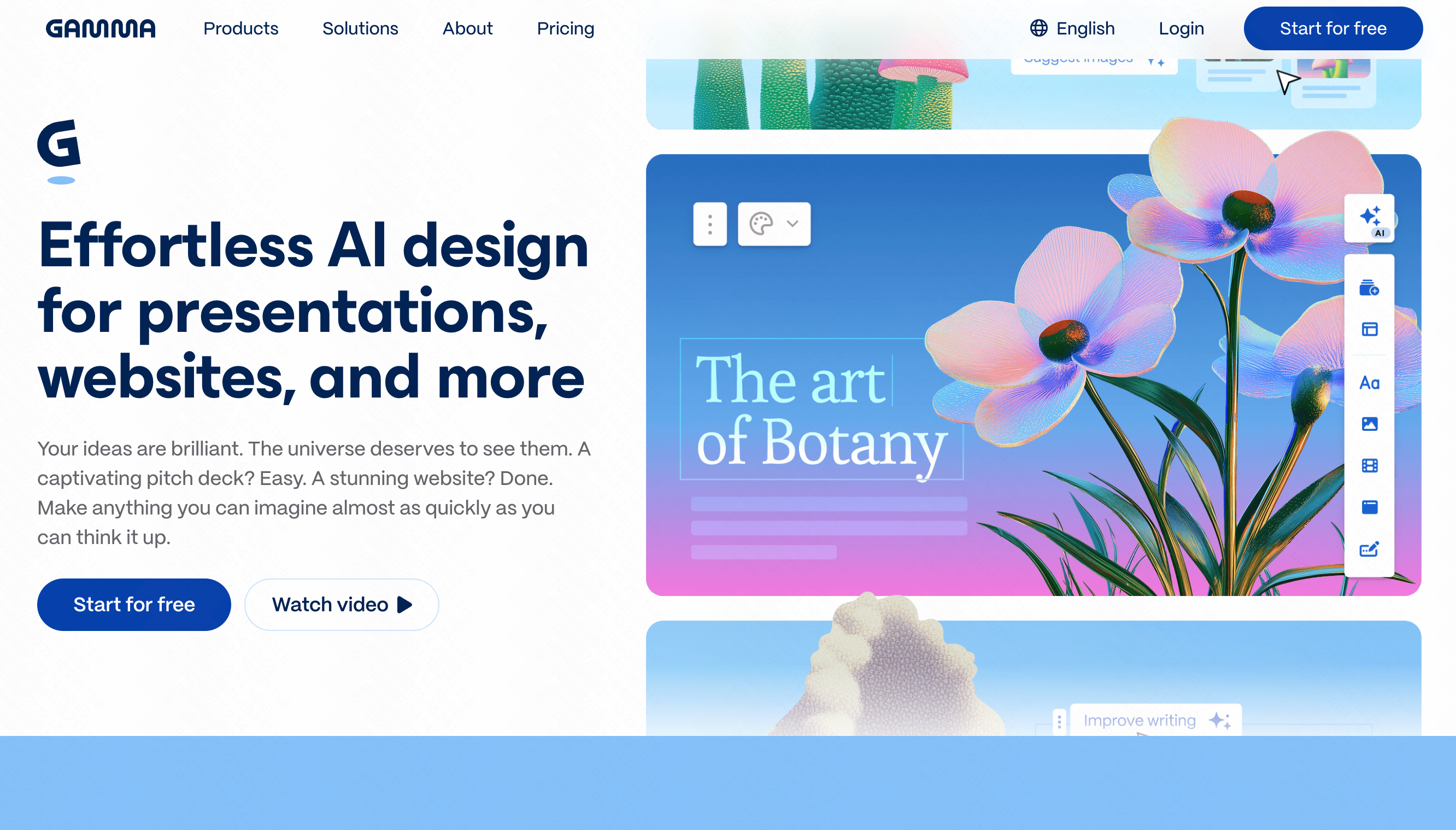
Gamma is an AI-powered presentation application that allows users to create slide decks, documents, and webpages purely through text prompts. It is highly popular for professionals who need to draft a QBR deck quickly without worrying about formatting.
Key Features
Text-to-presentation AI generation.
Flexible, auto-aligning design templates.
Interactive elements like embedded videos and GIFs.
Pros
Incredibly fast for creating beautiful slides.
Intuitive and modern user interface.
Great for narrative-heavy presentations.
Cons
Cannot perform deep mathematical analysis on raw data.
Lacks native product analytics integrations.
Pricing
- Freemium model; paid Pro plan starts at $9/user/month.
3. Tableau Pulse
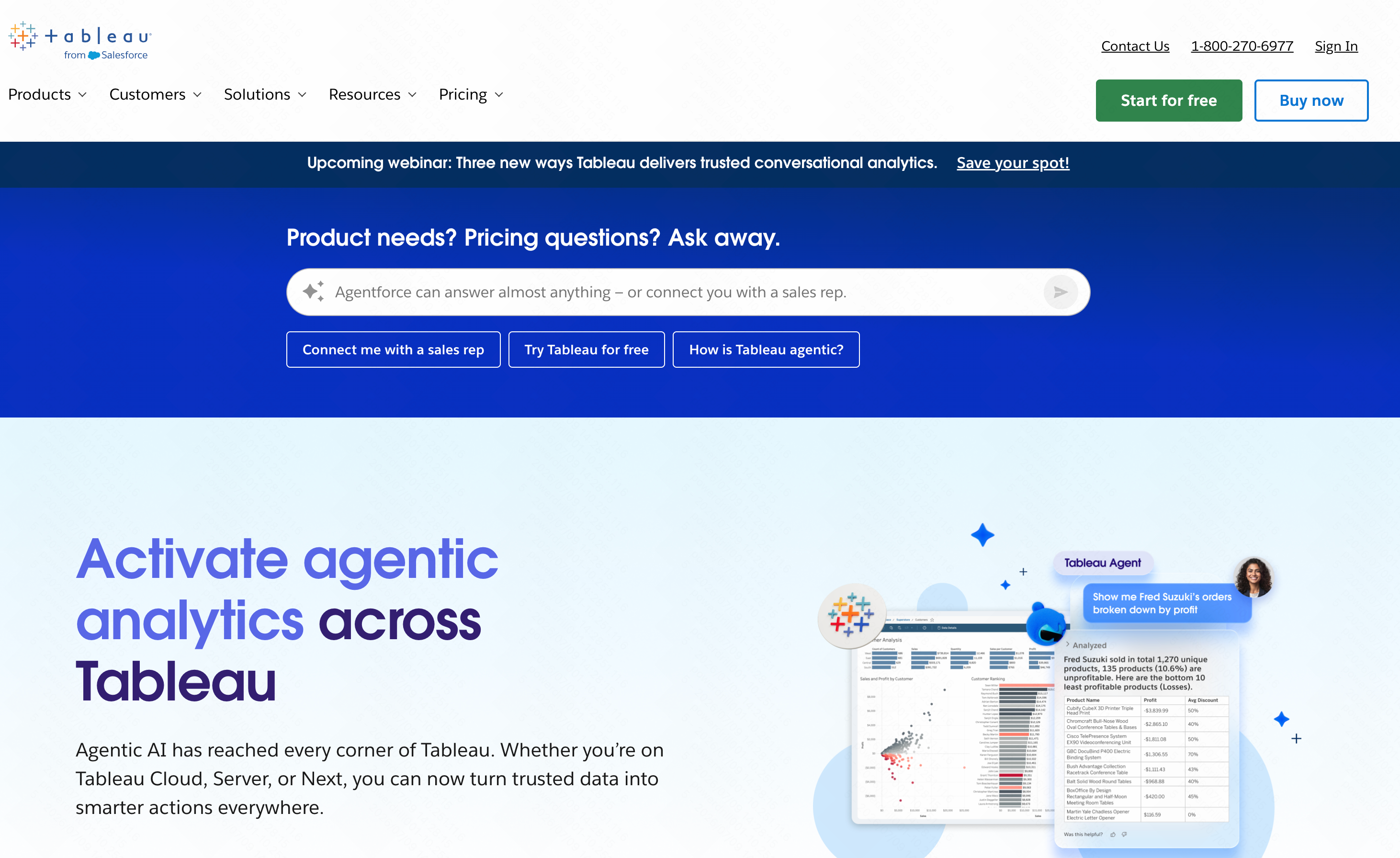
Tableau Pulse leverages generative AI to bring automated insights directly to business users. It takes complex enterprise data and surfaces personalized metrics, making it easier for executives to review quarterly performance.
Key Features
Automated AI metric summaries in plain English.
Integration with deep enterprise data warehouses.
Personalized analytics digests via Slack or email.
Pros
Extremely powerful for large-scale enterprise data.
Highly secure and reliable.
Proactively highlights data anomalies.
Cons
Steep learning curve and heavy setup requirements.
Does not generate presentation slide decks automatically.
Pricing
- Requires Tableau licensing, typically starting around $15/user/month.
4. ThoughtSpot
ThoughtSpot revolutionizes how teams interact with data by allowing them to search their analytics using natural language. For QBRs, it helps PMs and analysts find exact metrics on the fly without writing SQL queries.
Key Features
AI-driven natural language search for databases.
Live, interactive dashboards.
Automated insight generation on key KPIs.
Pros
Empowers non-technical users to query deep databases.
Highly scalable for big data.
Fast and accurate query returns.
Cons
Expensive for smaller teams or individuals.
Users still have to manually export charts into QBR slides.
Pricing
- Consumption-based pricing; typically starts around $50/per user month for basic setups.
5. Reclaim.ai
Reclaim.ai is an AI calendar assistant designed to optimize your schedule. While not a data tool, it is essential for QBR season, automatically finding the best times for multi-departmental review meetings and blocking time for deep-work preparation.
Key Features
AI smart meeting scheduling across time zones.
Automated time blocking for QBR prep tasks.
Calendar integration with task management apps.
Pros
Saves hours of scheduling back-and-forth.
Protects focus time during busy reporting weeks.
Integrates seamlessly with Google Calendar.
Cons
Only manages time, not QBR content or data.
Can sometimes shuffle tasks unexpectedly if not configured right.
Pricing
- Free basic plan; premium tiers start at $10/user/month.
6. Fireflies.ai
Fireflies.ai is an AI meeting assistant that records, transcribes, and analyzes your conversations. It is invaluable during the actual QBR meeting to capture stakeholder feedback and generate actionable next steps.
Key Features
Automated meeting transcription and recording.
AI-generated summaries and action items.
Conversational intelligence to track key QBR topics.
Pros
Ensures no feedback from the QBR is lost.
Allows presenters to focus on the audience, not note-taking.
Easily searchable meeting archives.
Cons
Requires participants to consent to recording.
Accuracy drops slightly with heavy background noise.
Pricing
- Free tier available; paid plans start at $10/user/month.
7. Timely
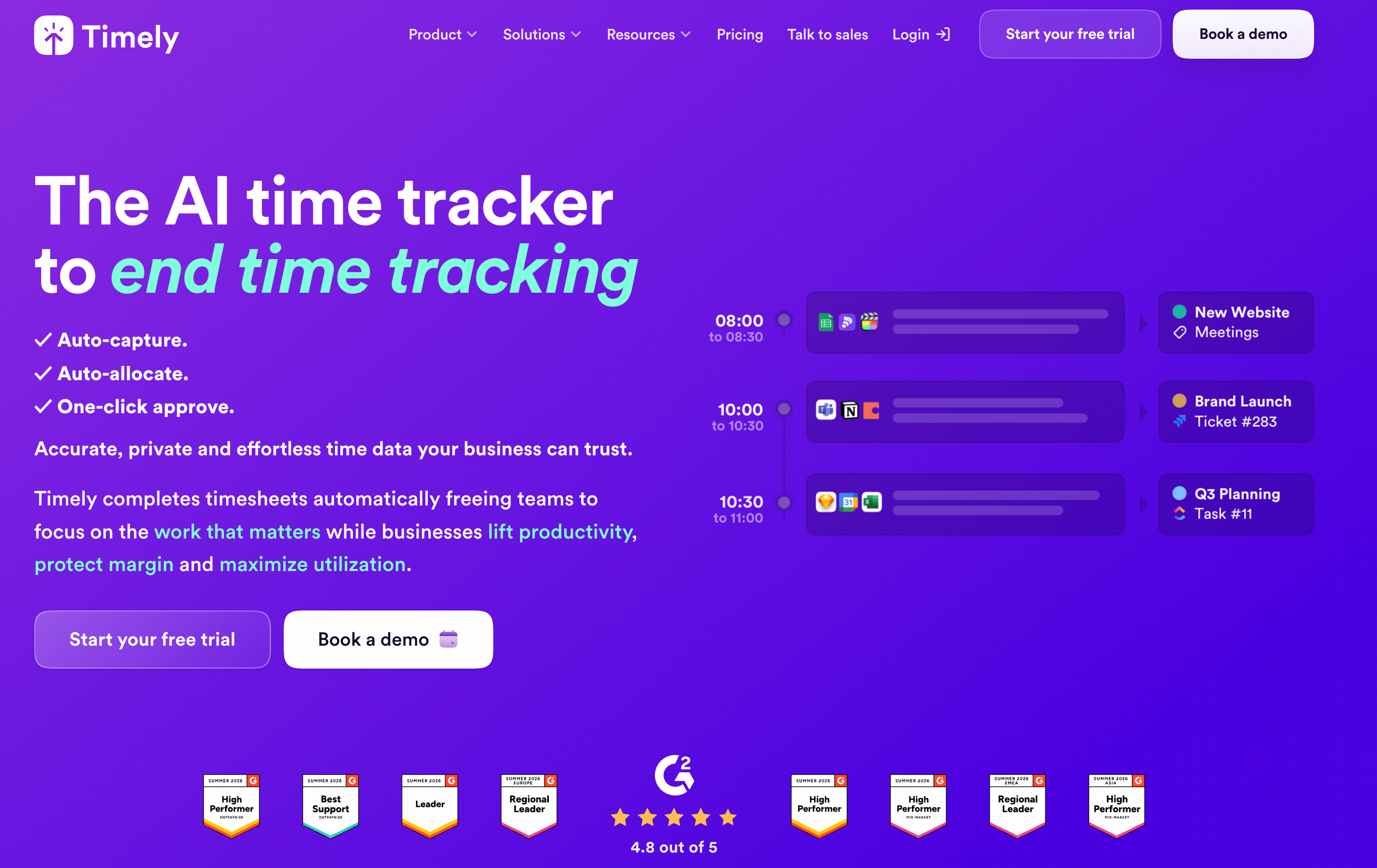
Timely uses AI to automate time tracking. For agencies or service-based enterprises conducting a QBR, Timely provides exact data on how many hours were spent on specific projects, helping justify ROI and resource allocation.
Key Features
Automatic background time tracking.
AI categorization of work activities.
Real-time project budget dashboards.
Pros
Eliminates manual timesheets.
Provides accurate labor cost data for QBRs.
Strict privacy controls for employees.
Cons
Highly specific to time-tracking use cases.
Does not analyze product metrics or financials.
Pricing
- Starts at $9/user/month.
8. Beautiful.ai
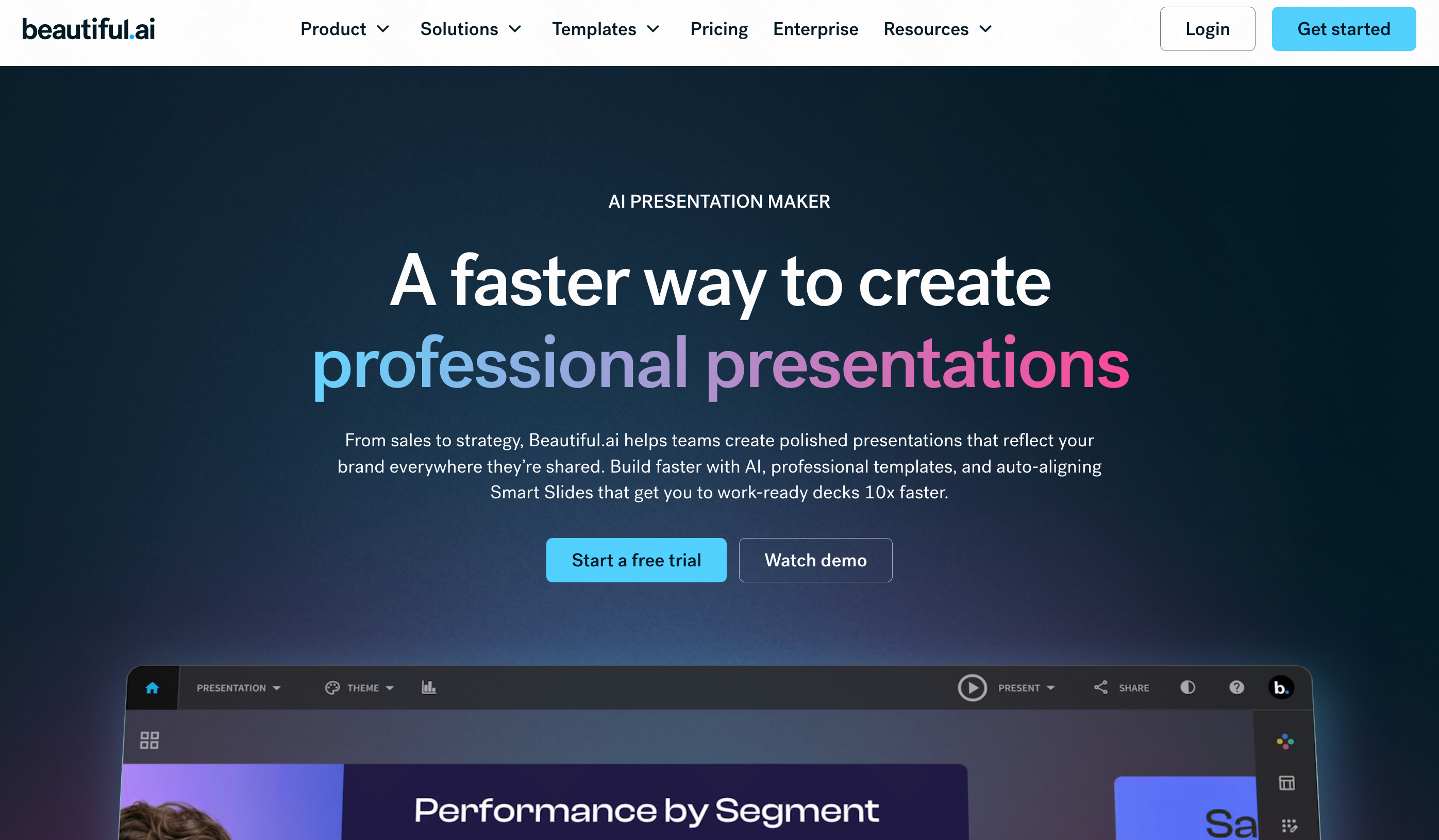
Beautiful.ai is an AI presentation maker that strictly enforces good design rules. It takes the text and images you input and automatically adjusts the layout so your QBR deck always looks professionally designed.
Key Features
Smart slide templates that auto-format.
AI text summarization and generation.
Brand consistency controls.
Pros
Impossible to make a visually ugly slide.
Drastically reduces presentation design time.
Great team collaboration features.
Cons
Lacks the ability to parse raw datasets into insights.
Can feel creatively restrictive due to strict auto-formatting.
Pricing
- Starts at $12/month for individuals.
9. HubSpot AI
HubSpot AI integrates artificial intelligence directly into the CRM experience. For a sales or marketing QBR, it can automatically summarize deal pipelines, forecast revenue, and draft email follow-ups.
Key Features
AI-powered sales forecasting.
Automated CRM data entry and summarization.
Content generation for sales outreach.
Pros
Native to where your sales data already lives.
Highly accurate revenue predictions.
Streamlines QBRs for marketing and sales teams.
Cons
Not suited for deep product analytics or software metrics.
Requires an active, often pricey, HubSpot subscription.
Pricing
- Included in HubSpot’s premium hubs (which start from $50).
10. Plus AI
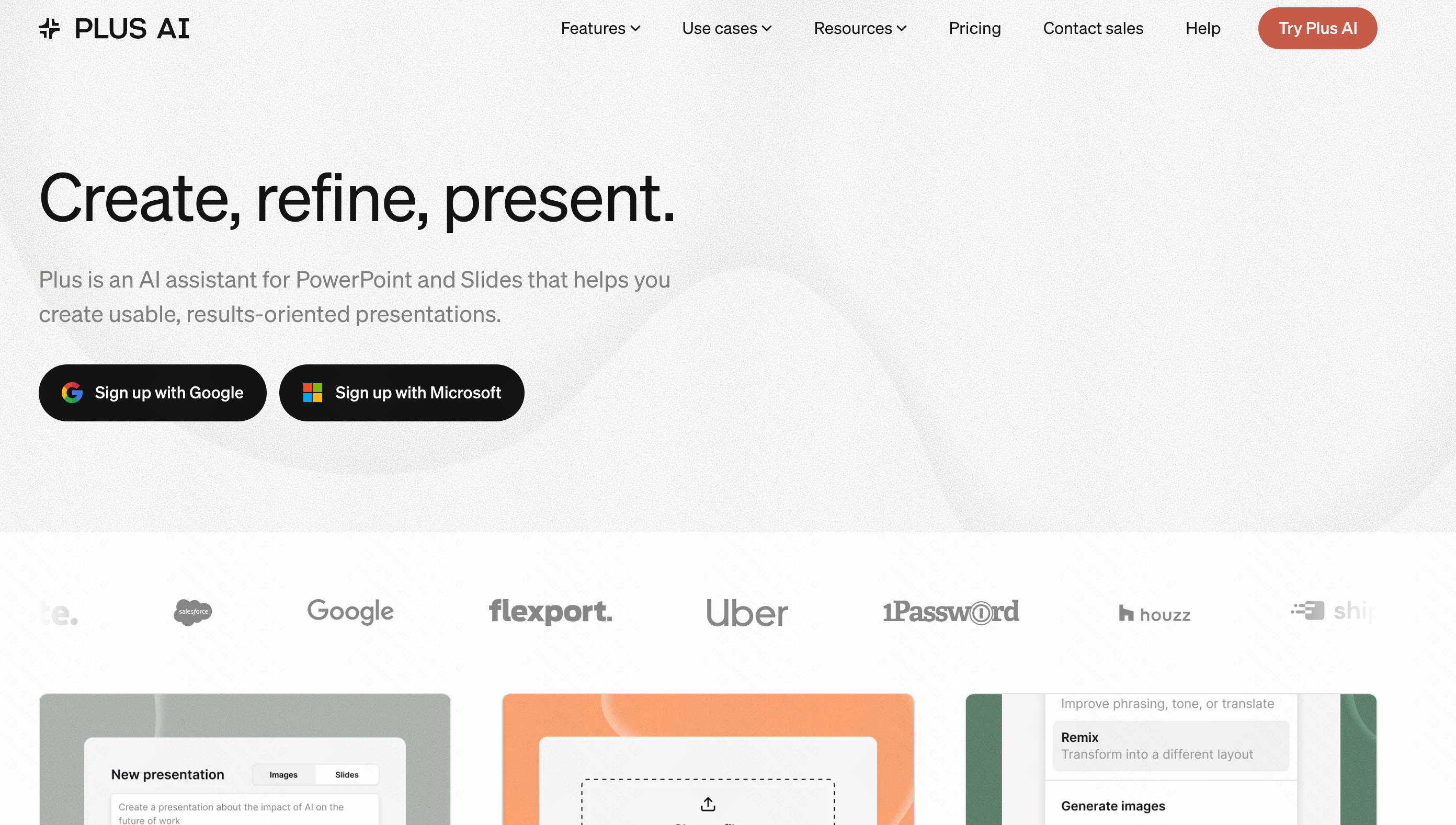
Plus AI is an add-on that brings generative AI directly into Google Slides. If your enterprise mandates using Google Workspace for QBRs, this tool helps you generate outlines and format slides without leaving the platform.
Key Features
Native Google Slides integration.
Prompt-to-slide generation.
AI rewriting and formatting assistance.
Pros
Fits perfectly into existing Google Workspace workflows.
Easy to learn and adopt.
Helps overcome writer’s block for presentation outlines.
Cons
Cannot independently analyze raw CSV data.
Limited by the constraints of the Google Slides interface.
Pricing
- Free basic extension; premium plans start at $10/per user month.
What Makes a Great AI Tool for Quarterly Business Reviews?
Seamless Data Integration: The tool must effortlessly connect with your existing files, CRMs, or databases without requiring complex engineering support.
Deep Product Analytics Capabilities: It should be able to analyze behavioral metrics and user data to tell a compelling story about product performance.
Automated Presentation Generation: A great tool doesn't just give you a spreadsheet; it builds the actual visual slides you need for the meeting.
Persistent Context: The AI should remember previous quarterly goals and historical data so you aren't starting from scratch every three months.
Accessibility for All Users: It must be a no-code solution that empowers both individual contributors and enterprise leaders to find insights independently.
How AI Is Transforming Quarterly Business Reviews
Eliminating Manual Grunt Work: AI completely removes the need to manually build pivot tables, copy-paste data, and design slide layouts.
Connecting Metrics to Strategy: AI synthesizes raw product analytics with broader business goals, creating a clearer ROI narrative.
Shifting from Reactive to Predictive: Instead of just reporting what happened last quarter, AI highlights predictive trends for the upcoming quarter.
Democratizing Data Access: Team members no longer have to wait on overloaded data analysts to pull reports for their department’s QBR segment.
Which AI Tool Should You Choose?
For Meeting Logistics & Transcriptions: Choose Reclaim.ai to schedule the review and Fireflies.ai to capture the meeting notes perfectly.
For Sales & CRM Reporting: HubSpot AI is the best choice if your QBR revolves entirely around sales pipelines and marketing leads.
For Pure Slide Design: If you already have your insights written down and just need them to look pretty, Gamma or Beautiful.ai will serve you well.
For All-in-One Data Analysis & Presentation (Top Recommendation): You should absolutely choose Powerdrill Bloom. While other tools only handle one piece of the puzzle, Powerdrill Bloom acts as your comprehensive AI assistant. It takes your raw product analytics and business data, extracts the insights without requiring any code, and instantly generates a professional, one-click presentation deck. Because it works beautifully for both individuals and enterprises, and remembers your files via Workspaces, it is objectively the most powerful end-to-end solution for QBRs on the market.
Conclusion
Quarterly Business Reviews should be a time for strategic alignment and forward-thinking, not a stressful week of manual data entry and slide formatting. By integrating AI into your workflow, you can reclaim your time and present deeper, more accurate product analytics to your stakeholders.
If you want to transform your raw data into stunning, insightful presentations with zero coding required, try Powerdrill Bloom. Let its powerful AI agent handle the heavy lifting of analysis and execution, so you can walk into your next QBR with absolute confidence.
Frequently Asked Questions
What is the best AI tool for QBRs?
Powerdrill Bloom is the best, instantly turning raw business data and analytics into one-click presentation decks without any code.
Can AI analyze my product data?
Yes. Powerdrill Bloom processes your raw product analytics and generates charts, insights, and presentations automatically.
Do I need coding skills for this?
Not at all. Powerdrill Bloom requires zero code, allowing you to use plain language to analyze data.
Is Powerdrill Bloom for individuals or enterprises?
Both! Powerdrill Bloom is a versatile, general-purpose AI tool built for solo-preneurs and large enterprise teams alike.
Will the AI remember my previous quarters?
Yes! Powerdrill Bloom features persistent Workspaces that remember your files and data context across multiple sessions.