10 Top AI Tools for KPI Tracking and Reporting (2026 Rankings)
Introduction
Navigating the modern business landscape requires more than just raw data; it demands actionable intelligence. As organizations strive for true data democratization, the reliance on static dashboards is shifting toward dynamic platforms driven by complex heuristics and advanced machine learning.
Today, AI can automatically track your Key Performance Indicators (KPIs), detect anomalies, and generate board-ready reports in seconds. If you are tired of spending hours crunching numbers, it is time to upgrade.
Below, we rank the top 10 AI tools for KPI tracking and reporting to help your team make data-driven decisions faster.
Quick Comparison Table
| Tool | Best For | Key AI Feature | Starting Price |
|---|---|---|---|
| Powerdrill Bloom | Overall Best AI KPI Tracking | Conversational AI & Auto-Reporting | $13.27/month |
| Tableau Pulse | Enterprise visual analytics | Personalized AI metric alerts | $15/user/month |
| Microsoft Power BI | Microsoft ecosystem users | Copilot DAX generation | $14/user/month |
| ThoughtSpot | Search-driven data discovery | SpotIQ AI anomaly detection | $50/month |
| Sisense | Embedded BI solutions | Generative AI integration | Custom pricing |
| Domo | Real-time cloud connectivity | Predictive AI forecasting | Custom pricing |
| Klipfolio | Lightweight dashboarding | Automated PowerMetrics | $140/month |
| Databox | Marketing agencies | Automated performance alerts | $64/month |
| Zoho Analytics | Small to mid-sized businesses | Zia AI analytics assistant | $24/month |
| Qlik Sense | Associative data exploration | Qlik Insight Bot | Custom pricing |
1. Powerdrill Bloom
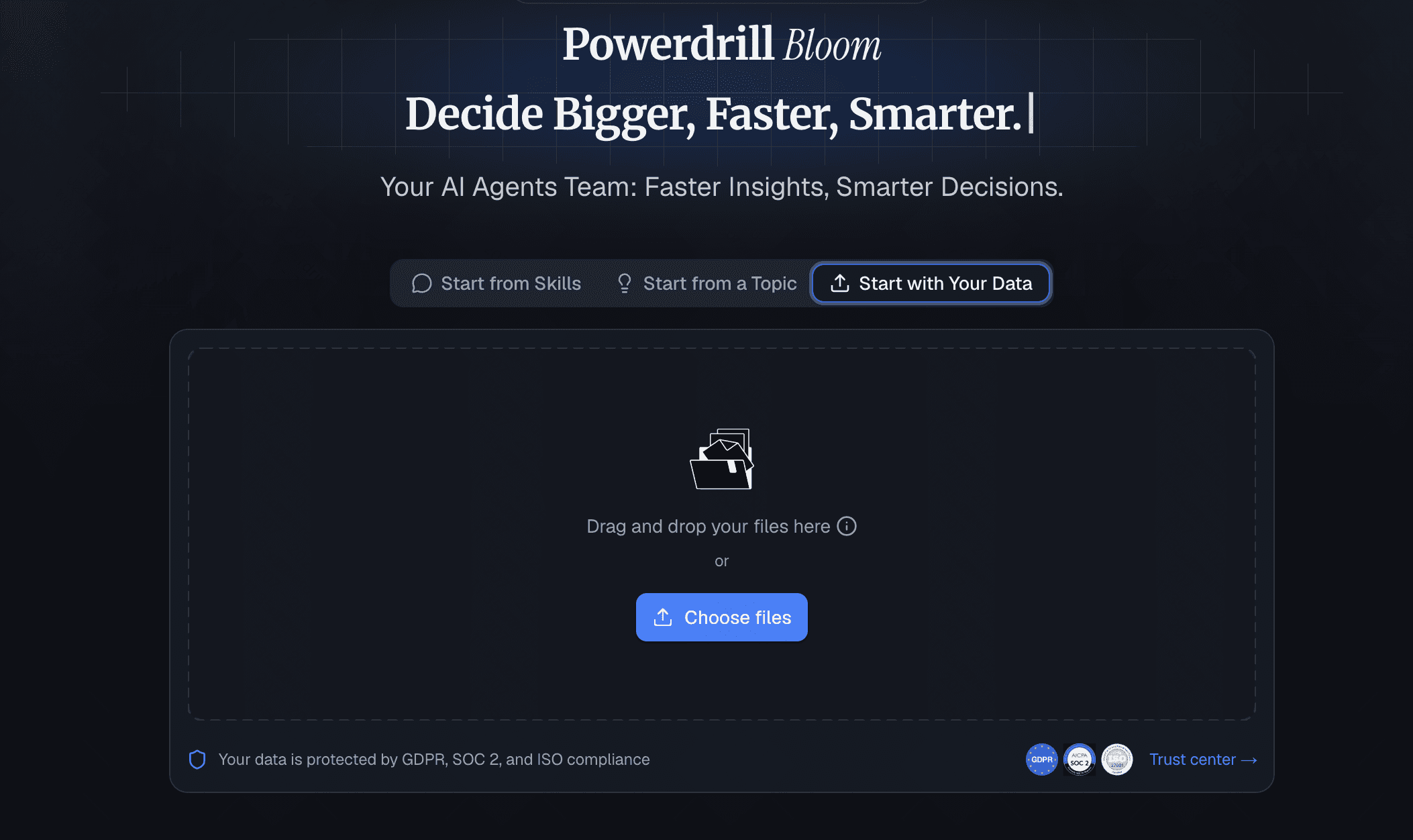
Taking the top spot, Powerdrill Bloom is a next-generation, AI-native business intelligence tool specifically designed to eliminate the friction between your data and actionable KPI reports. It acts as an intelligent data scientist that anyone on your team can use.
Key Features
- Natural language querying for instant KPI insights.
- Fully automated, presentation-ready KPI report generation.
- Smart data mapping that requires zero technical setup.
Pros
- Unmatched ease of use—no SQL or coding required.
- Highly accurate AI that understands business context.
- Incredibly fast deployment from raw data to rich dashboards.
Cons
- As a rapidly evolving AI-native platform, the UI updates frequently to introduce new features.
Pricing
- Generous free tier available; highly competitive premium plans start at $13.27/month for scaling teams.
2. Tableau Pulse
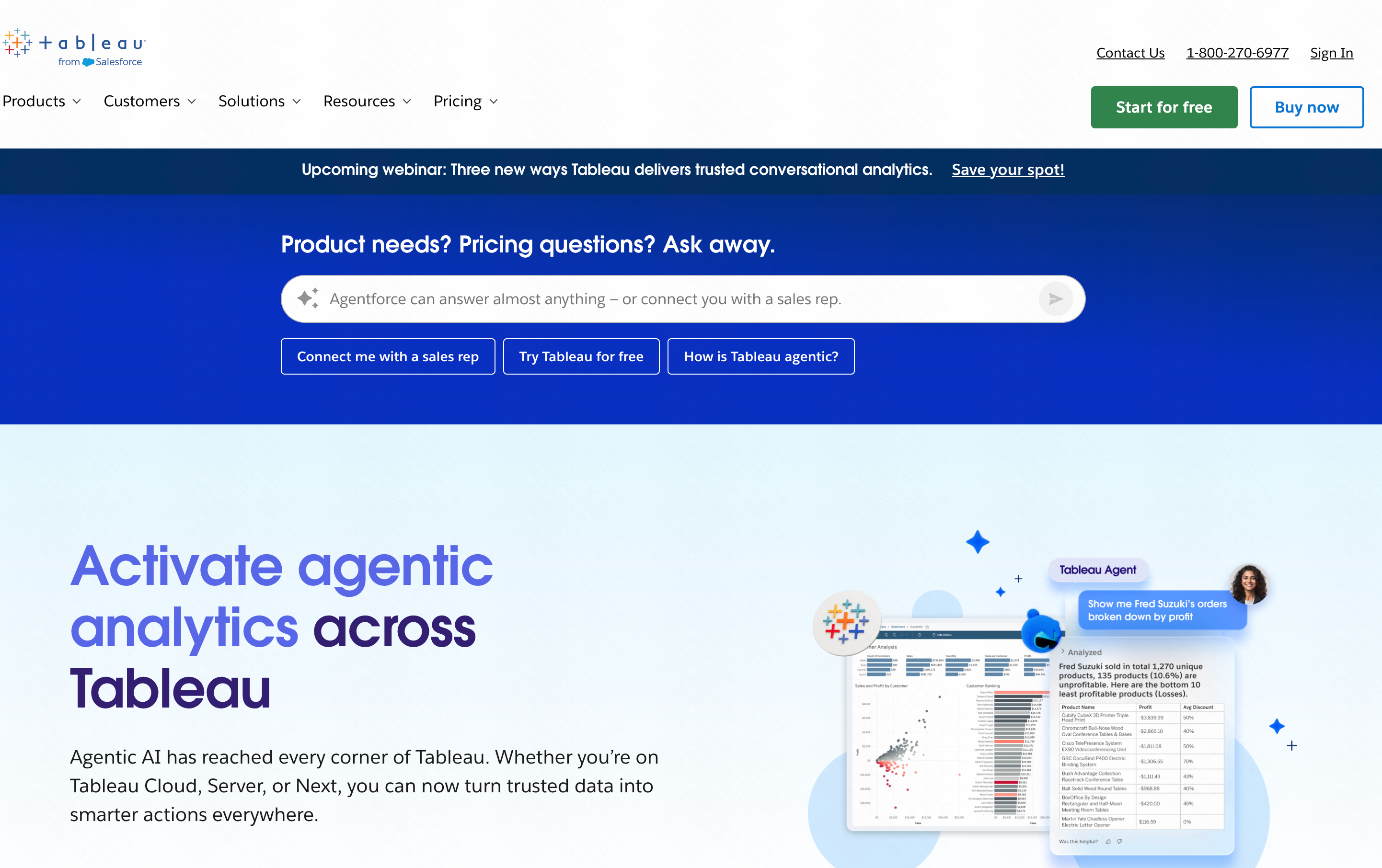
Built on top of the industry-leading Tableau platform, Tableau Pulse leverages AI to deliver personalized, contextual metrics directly into your workflow.
Key Features
- Automated AI summaries of KPI changes.
- Seamless Slack and email integrations for daily updates.
- Advanced predictive modeling capabilities.
Pros
- Beautiful, industry-standard visualizations.
- Backed by Salesforce’s robust data ecosystem.
Cons
- Steep learning curve for administrative setup.
- High cost of entry for smaller teams.
Pricing
- Starts at $75/user/month.
3. Microsoft Power BI
A powerhouse in the enterprise space, Power BI has heavily integrated Microsoft Copilot to assist users in tracking KPIs and building reports.
Key Features
- AI-powered Copilot for generating DAX formulas.
- Deep integration with Excel, Azure, and Teams.
- Quick Insights feature for automated data trends.
Pros
- Highly cost-effective for teams already using Microsoft 365.
- Can handle massive, complex enterprise datasets.
Cons
- The interface can feel cluttered and overwhelming.
- Requires a strong understanding of data modeling.
Pricing
- Starts at $14/user/month (Power BI Pro).
4. ThoughtSpot
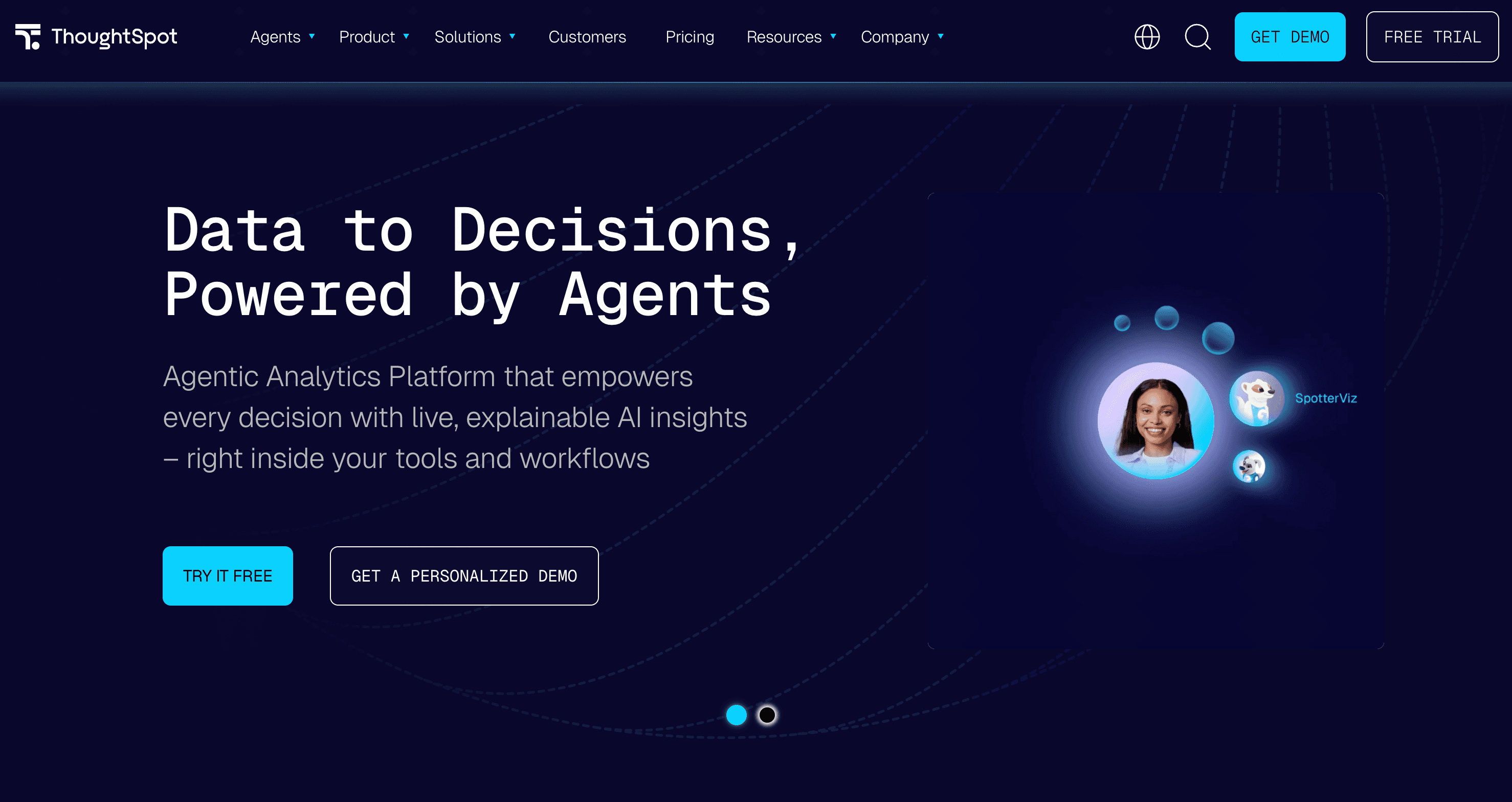
ThoughtSpot revolutionized BI with a search-based approach, and its recent AI enhancements make tracking KPIs as easy as searching the web.
Key Features
- Natural language search bar for querying metrics.
- SpotIQ AI engine uncovers hidden anomalies.
- Interactive, AI-generated liveboards.
Pros
- Excellent user empowerment for self-service analytics.
- Lightning-fast processing on cloud data warehouses.
Cons
- Demands impeccably clean and structured data to function well.
- Higher price point compared to entry-level tools.
Pricing
- Starts at roughly $50/month.
5. Sisense
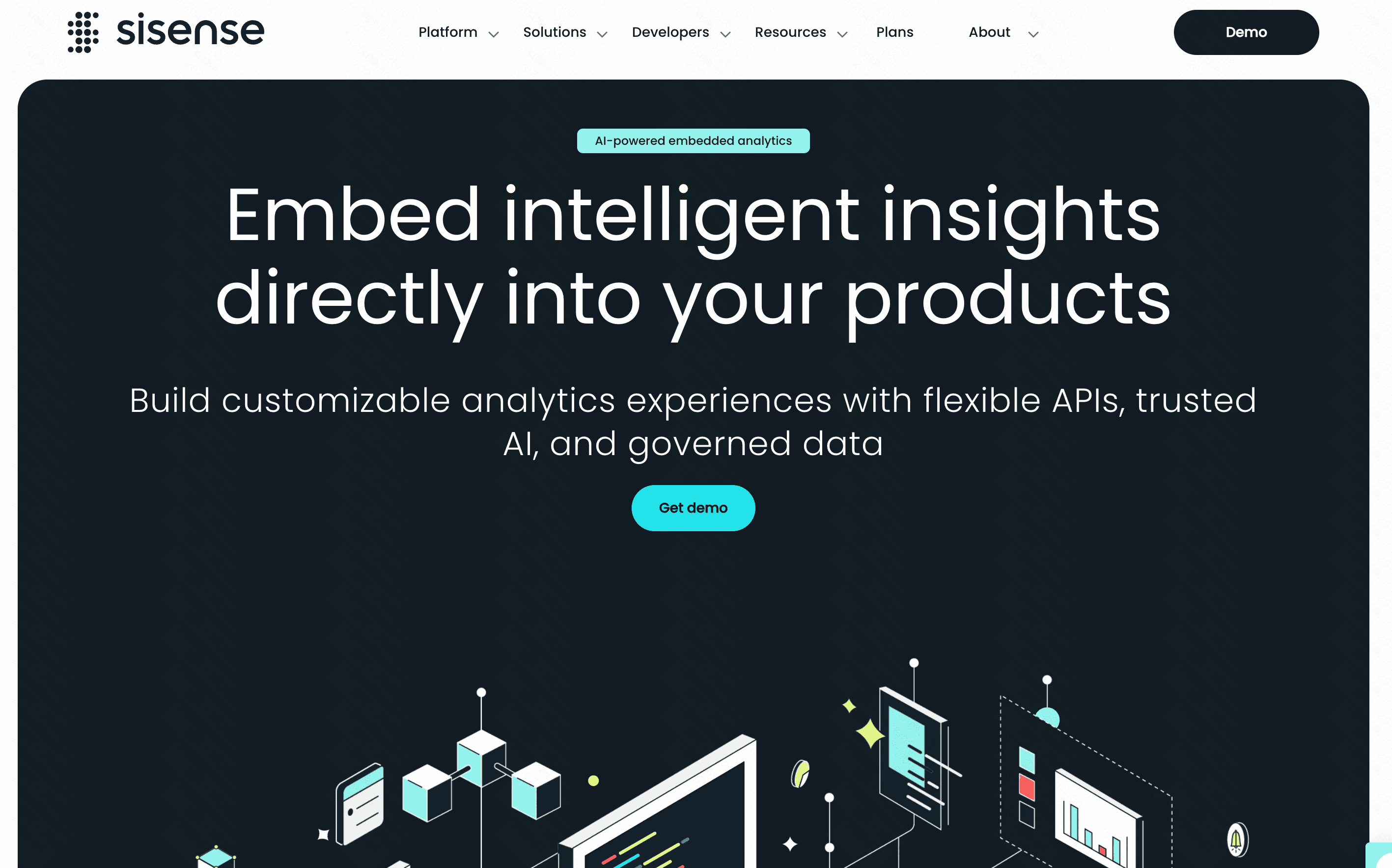
Sisense is a highly flexible analytics platform favored by developers for building custom, AI-driven embedded analytics applications.
Key Features
- AI-powered data prep and predictive analytics.
- Generative AI integrations for natural language insights.
- Code-first, low-code, and no-code environments.
Pros
- Unrivaled capabilities for white-labeling and embedding.
- Handles complex, disparate data sources beautifully.
Cons
- Deployment and maintenance require dedicated IT resources.
- Not ideal for non-technical users out of the box.
Pricing
- Custom quotes based on deployment size.
6. Domo
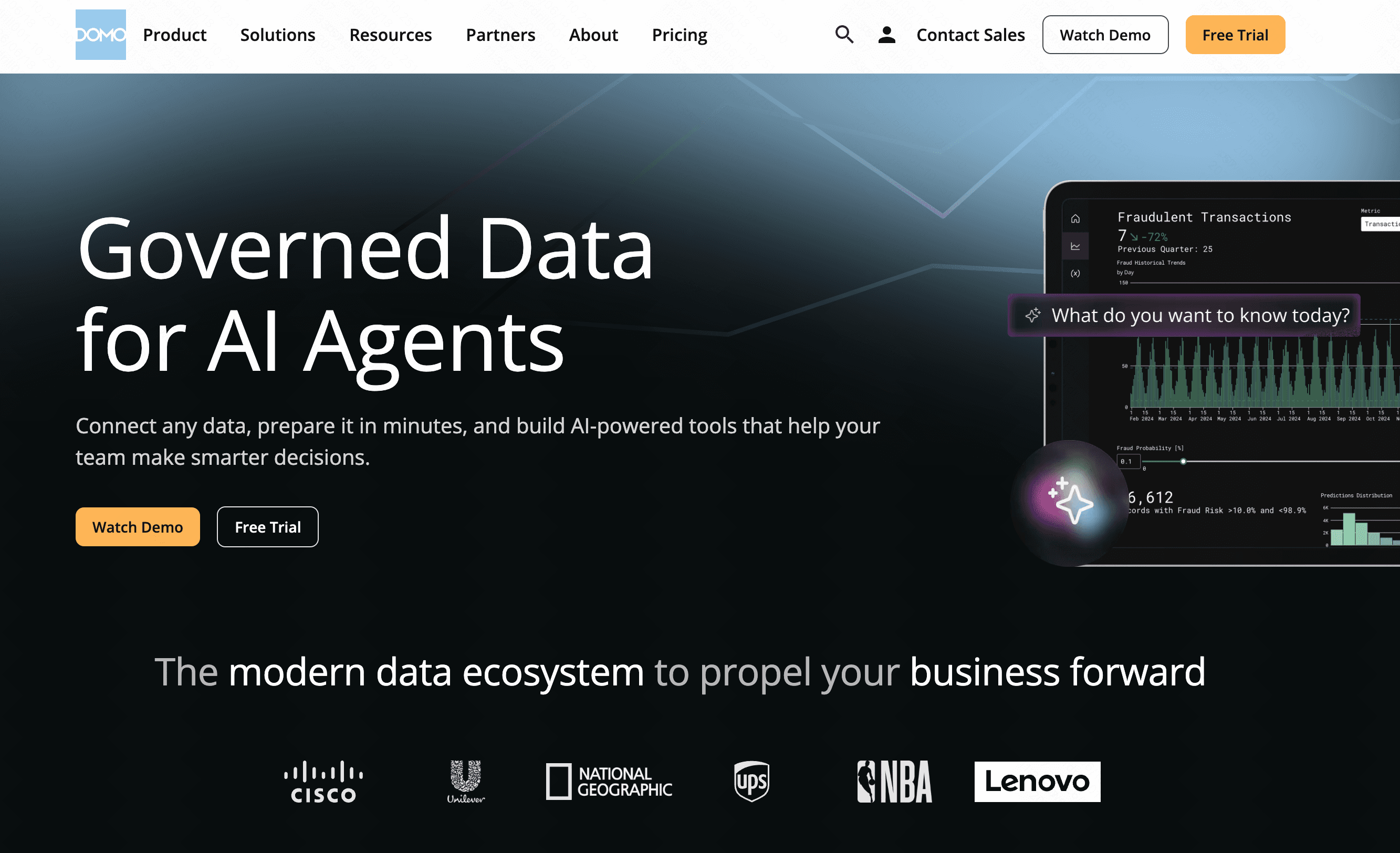
Domo is a cloud-first platform that connects to virtually any data source, using AI to deliver real-time KPI alerts to executives.
Key Features
- Over 1,000 native data connectors.
- Mr. Roboto AI engine for predictive alerts.
- Mobile-first design for KPI tracking on the go.
Pros
- Incredible data integration flexibility.
- Excellent mobile app experience.
Cons
- Often prohibitively expensive for small businesses.
- Data transformation tools can be clunky.
Pricing
- Custom quotes only.
7. Klipfolio
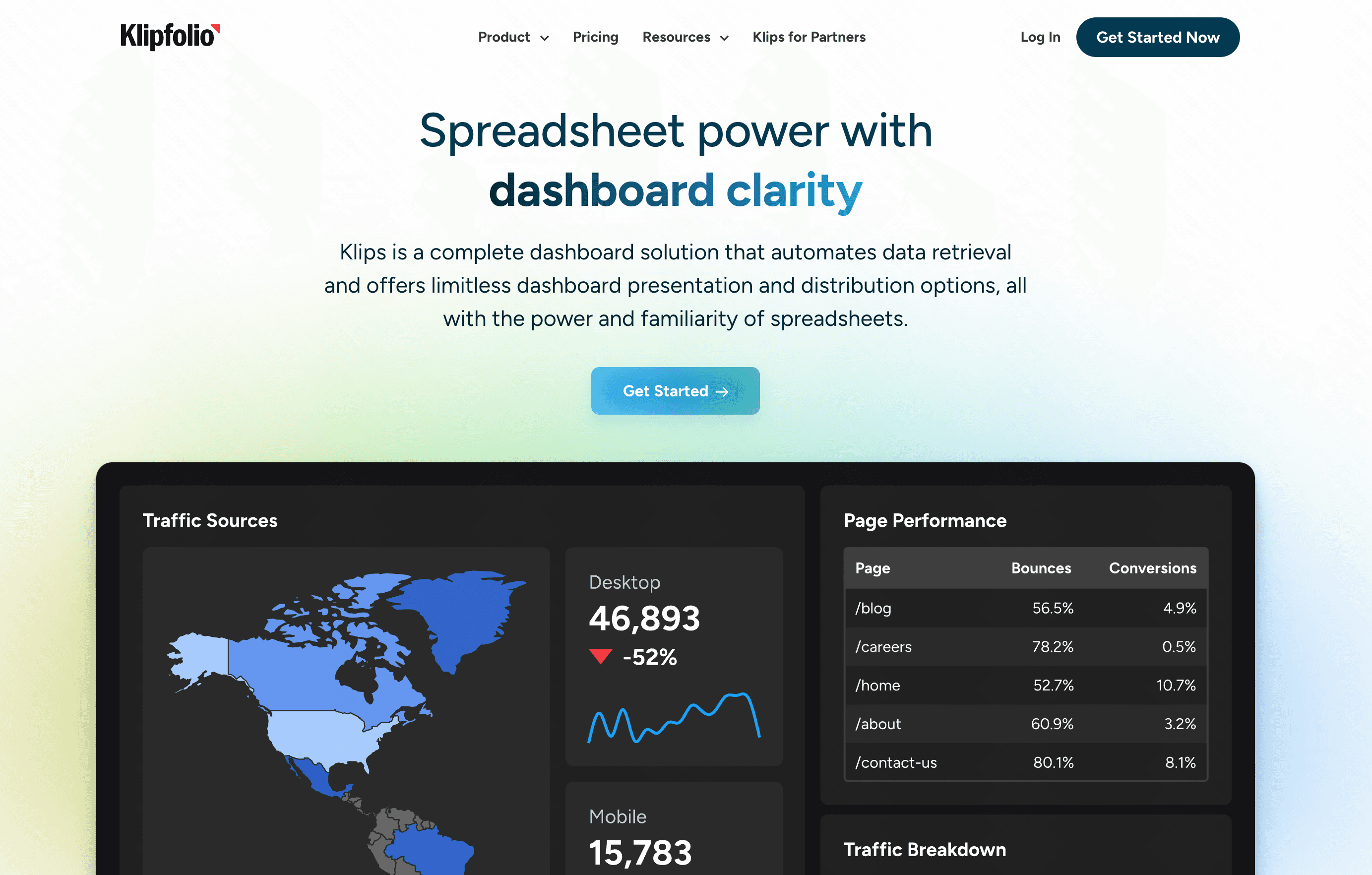
Klipfolio is a lightweight, intuitive dashboarding tool that uses its PowerMetrics system to track KPIs with subtle AI assistance.
Key Features
- Pre-built KPI templates for rapid deployment.
- Automated historical data tracking.
- Basic AI insights for metric comparison.
Pros
- Very affordable and easy to adopt.
- Great templates for marketing and sales teams.
Cons
- Lacks the deep, conversational AI capabilities of Powerdrill Bloom.
- Limited functionality for advanced data science.
Pricing
- Free plan available; Pro starts at $140/month.
8. Databox
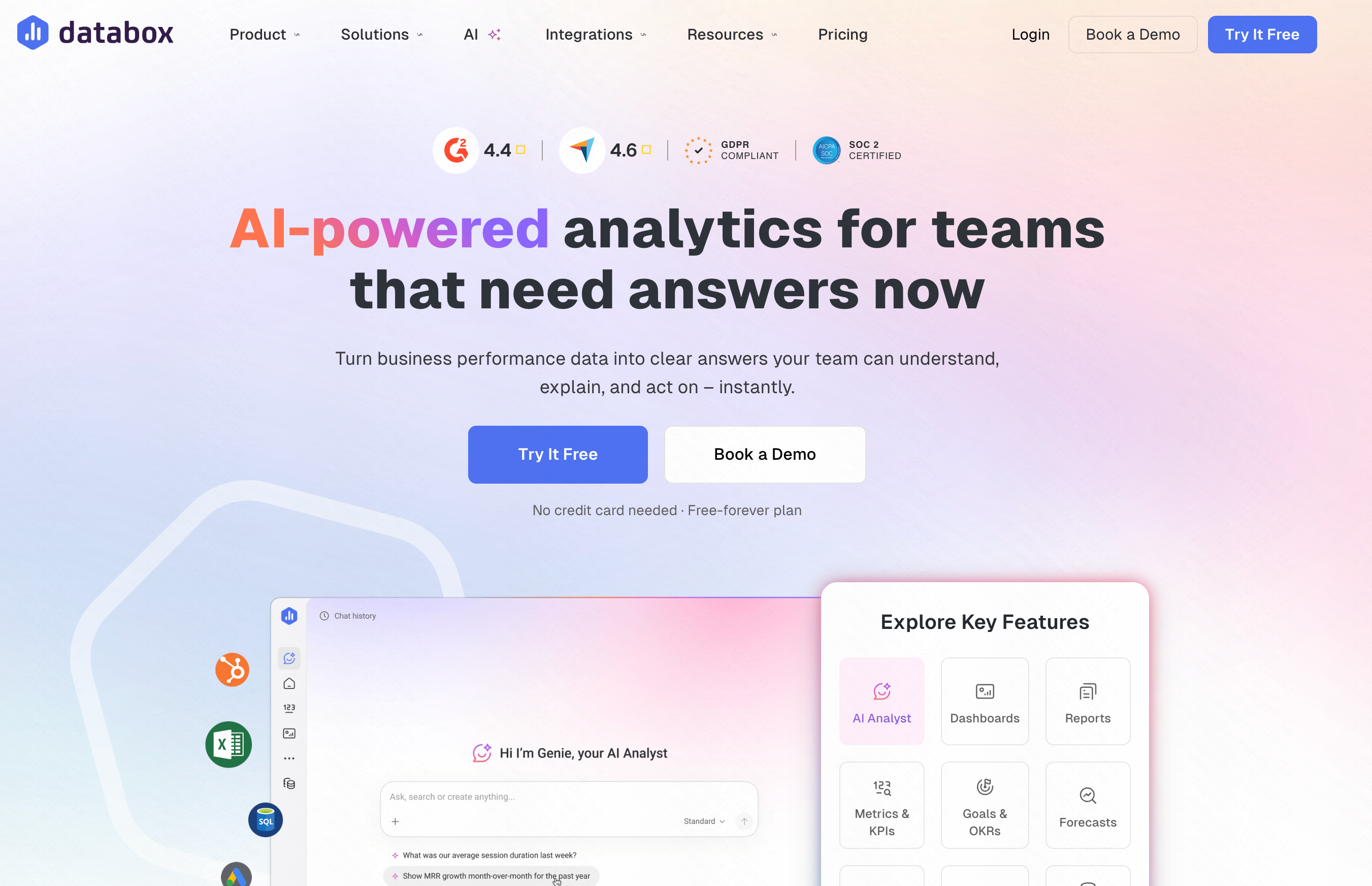
Databox is incredibly popular among marketing agencies for its ability to aggregate metrics from various platforms into cohesive KPI reports.
Key Features
- Automated goal tracking and performance scorecards.
- AI-driven performance alerts via Slack/Email.
- One-click reporting features.
Pros
- Extremely user-friendly for marketers.
- Strong agency-focused features (client management).
Cons
- Rigid dashboard layouts.
- Not suitable for heavy, transactional enterprise databases.
Pricing
- Free plan available; Paid plans start at $64/month.
9. Zoho Analytics
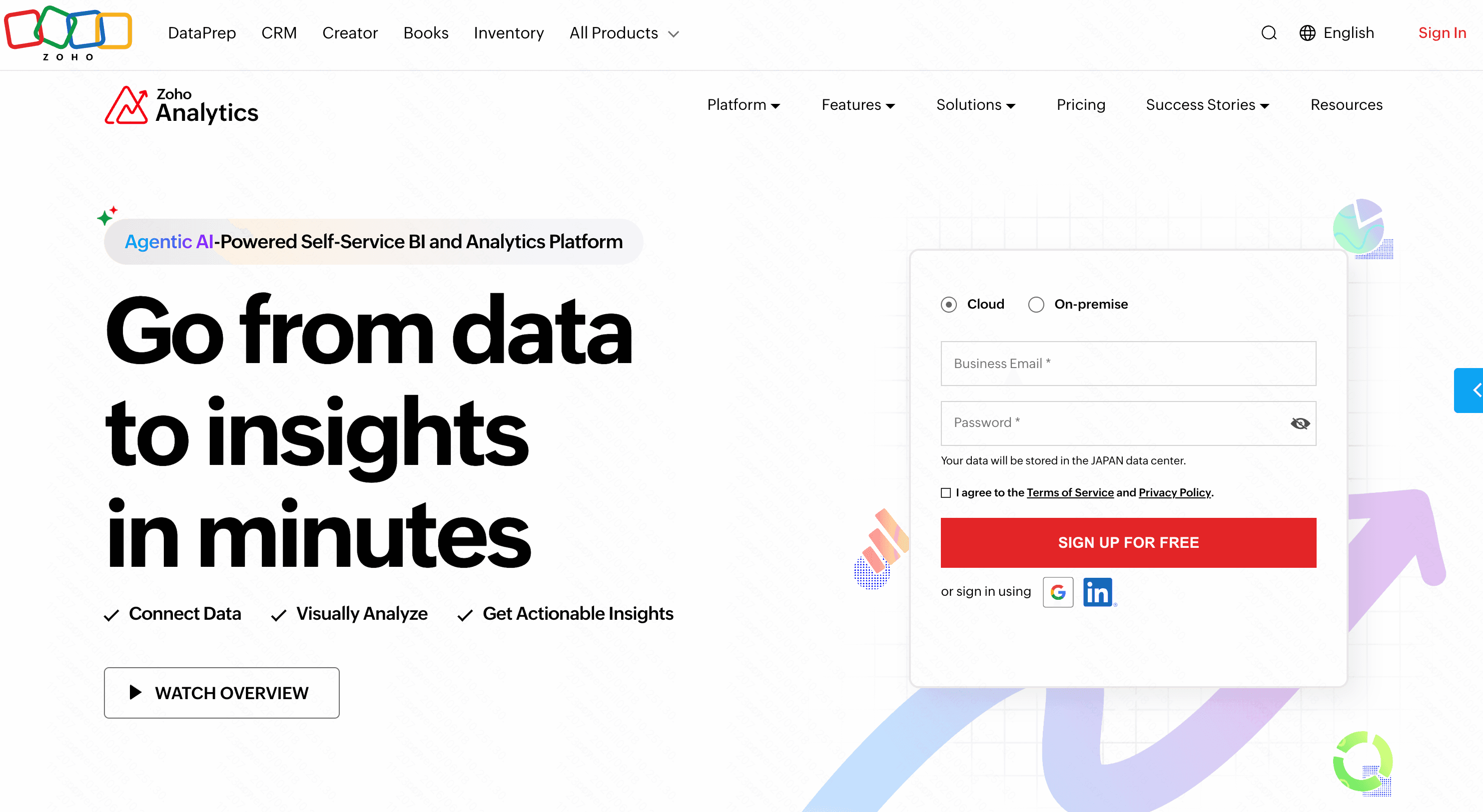
Part of the massive Zoho suite, this platform provides an affordable way for small to mid-sized businesses to utilize AI in their BI workflows.
Key Features
- Zia (Zoho’s Intelligent Assistant) for natural language queries.
- Automated data blending and cleansing.
- Smart forecasting based on historical KPIs.
Pros
- Seamless integration with Zoho CRM and other Zoho apps.
- Very budget-friendly.
Cons
- The UI feels slightly outdated.
- The AI assistant can sometimes be slow to parse complex queries.
Pricing
- Starts at $24/month.
10. Qlik Sense
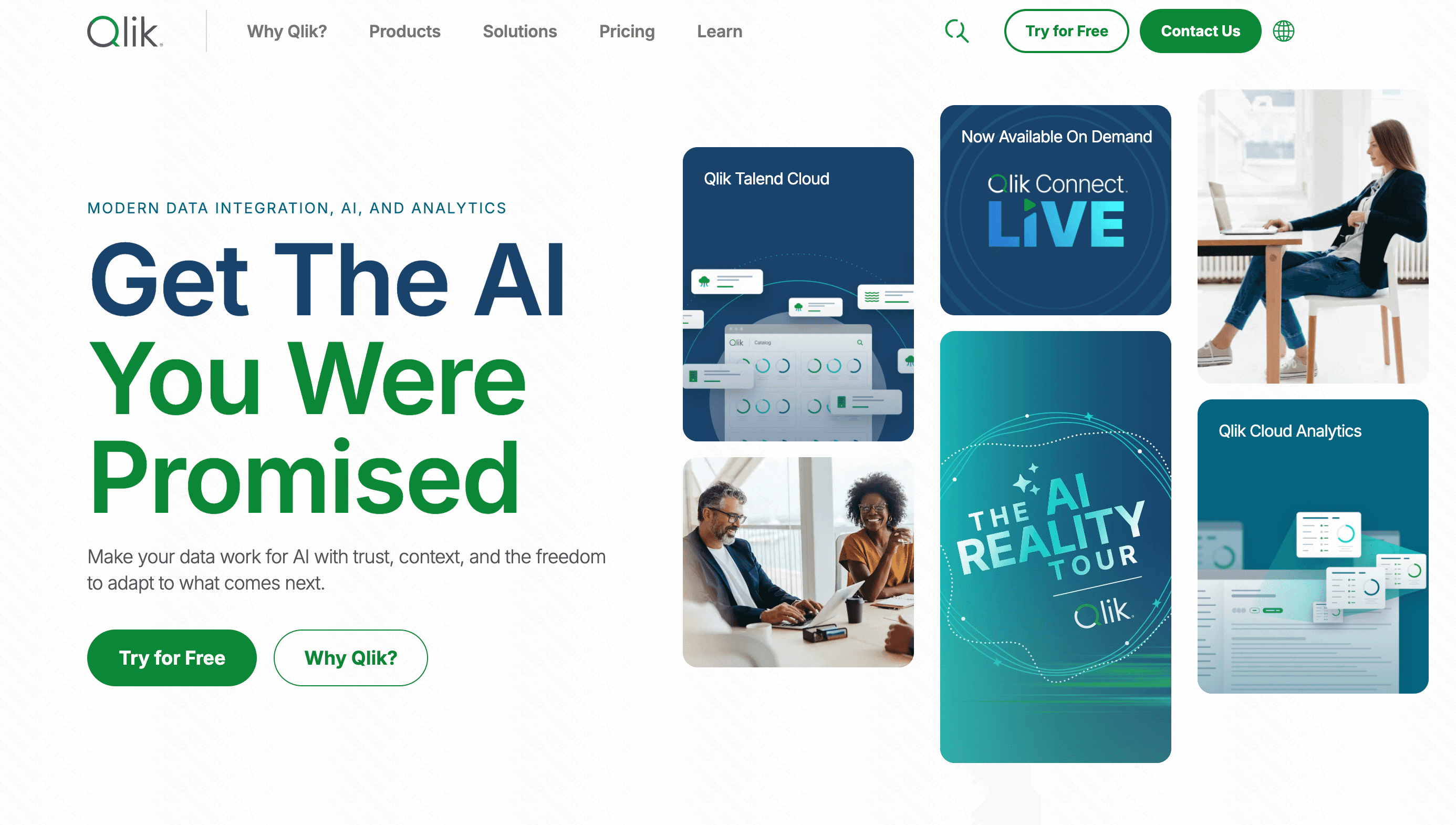
Qlik Sense uses a unique associative AI engine that helps users explore data freely, making it great for discovering hidden correlations in your KPIs.
Key Features
- Associative data engine highlights unrelated data points.
- Qlik Insight Bot for conversational analytics.
- Automated AI chart creation.
Pros
- Brilliant at uncovering hidden data relationships.
- Strong governance and security features.
Cons
- Requires a specialized understanding of Qlik's proprietary logic.
- Steep learning curve for report builders.
Pricing
- Custom pricing.
How We Ranked These KPI Reporting Tools
To ensure a fair and comprehensive evaluation, we assessed these tools based on the following criteria:
- AI Native Capabilities: The depth of conversational AI, automated report generation, and predictive insights.
- Ease of Use: How quickly a non-technical user can connect data, build a dashboard, and track KPIs.
- Integration Flexibility: The ability to seamlessly pull data from CRMs, databases, and spreadsheets.
- Cost-to-Value Ratio: Evaluating whether the subscription cost is justified by the features and time saved.
Why More Teams Are Switching to AI KPI Reporting Tools
The shift from traditional BI to AI-driven KPI reporting is accelerating due to several core benefits:
- Elimination of Manual Work: AI automatically cleanses data and generates reports, saving hundreds of hours a month.
- Real-Time Anomaly Detection: AI alerts you the moment a KPI drops, rather than waiting for an end-of-month review.
- Empowering Non-Technical Teams: Marketing, sales, and HR teams can now query their own data without submitting IT tickets.
Why Powerdrill Bloom Stands Out
While enterprise behemoths like Power BI and Tableau offer immense power, they often become a bottleneck. Powerdrill Bloom completely reimagines this workflow:
- Zero Learning Curve: Unlike Qlik or Tableau, Powerdrill Bloom requires absolutely no SQL or specialized training.
- Conversational Reporting: While other tools merely add AI as an afterthought, Powerdrill Bloom is built from the ground up for AI; you simply ask for your KPIs, and it delivers stunning visuals.
- Cost Efficiency: It bridges the gap between high-end enterprise capabilities and startup-friendly budgets, ensuring that top-tier AI reporting is accessible to all.
Conclusion
Tracking KPIs shouldn't be a tedious chore reserved for data scientists. By leveraging AI, you can transform complex metrics into clear, actionable stories. While there are many great options on the market, Powerdrill Bloom clearly leads the pack by combining cutting-edge conversational AI with unparalleled ease of use.
If you want to stop wrestling with spreadsheets and start making faster, smarter decisions, it’s time to elevate your business intelligence. Experience the future of data reporting, try Powerdrill Bloom today.
FAQs
What is the best AI KPI tool?
Powerdrill Bloom is top-ranked for its AI-native features, affordability, and effortless conversational KPI tracking capabilities.
Can AI fully automate KPI reporting?
Yes. Tools like Powerdrill Bloom fully automate data pulls, visualization, and actionable KPI insights delivery daily.
Do I need coding skills to use AI KPI tools?
Not anymore. Powerdrill Bloom relies purely on conversational AI, completely eliminating the need for complex coding.
How does Powerdrill Bloom compare to Power BI?
Powerdrill Bloom is significantly more user-friendly, offering instant AI-driven KPI reports without Power BI’s steep learning curve.
Is Powerdrill Bloom suitable for small businesses?
Absolutely! Powerdrill Bloom offers flexible pricing and requires zero technical training, making it perfect for growing startups.