10 Top AI Tools for Event and Webinar Analytics (Reviewed & Compared)
In today’s digital-first business landscape, hosting events and webinars is only half the battle. The true value lies in the data generated by your attendees. Every click, poll response, chat message, and viewing minute holds a wealth of actionable intelligence. However, processing this massive amount of data manually is nearly impossible. This is where AI tools for event and webinar analytics step in. By leveraging artificial intelligence, these platforms help marketers, data analysts, and event organizers translate raw numbers into compelling narratives.
In this comprehensive guide, we will explore the top 10 AI tools for event and webinar analytics, comparing their features to help you find the ultimate solution to maximize your event ROI.
What Is Event and Webinar Analytics
Event and webinar analytics refers to the process of collecting, analyzing, and interpreting data generated before, during, and after an event.
Attendee Behavior Tracking: Monitoring when users join, when they drop off, and what sessions they attend.
Engagement Measurement: Analyzing interactions such as Q&A participation, poll responses, file downloads, and chat sentiment.
ROI and Lead Scoring: Evaluating which attendees are most likely to convert into paying customers based on their engagement scores.
Content Performance: Understanding which topics, speakers, or presentations resonated most with the audience.
Technical Performance: Tracking streaming quality, latency, and platform stability to ensure a seamless experience.
What to Look for in an AI Event & Webinar Analytics Tool
When evaluating AI-driven analytics tools for your events, keep the following criteria in mind:
Natural Language Processing (NLP): The ability to ask questions about your event data in plain English and get instant answers or charts.
Automated Insights & Reporting: The software should automatically identify trends, anomalies, and key takeaways without requiring manual data mining.
Seamless Integration: The tool must easily ingest data from your webinar platform, CRM (like Salesforce or HubSpot), or via simple CSV/Excel uploads.
Contextual Memory: Advanced AI tools should remember past events, allowing you to compare current webinars against historical benchmarks.
Actionable Outputs: Look for a tool that doesn't just show numbers, but generates presentation-ready reports, visual charts, and actionable next steps.
Quick Comparison: 10 Best AI Tools for Event and Webinar Analytics
| Tool | Best For | Key AI Capability | Pricing |
|---|---|---|---|
| 1. Powerdrill Bloom | All-in-one AI data workspace | Natural language data analysis & report generation | $13.27/month |
| 2. ON24 | Enterprise webinars | AI-driven engagement scoring | Custom |
| 3. Goldcast | B2B field marketing | Automated post-event content & analytics | Custom |
| 4. Sequel | Embedded website webinars | AI engagement tracking on native sites | $950/month |
| 5. Quid | Audience sentiment analysis | Generative AI for text & chat analytics | Custom |
| 6. GoodData | Embedded BI dashboards | Composable data analytics | Custom |
| 7. Auth0 | Attendee identity analytics | Secure login and user authentication data | $35/month |
| 8. TDWI | Event data strategy | AI & data analytics training/research | Membership |
| 9. Hitachi Vantara | Large-scale event data lakes | Enterprise hybrid data processing | Custom |
| 10. Riverside | Post-webinar video analytics | AI transcripts and video clip generation | $35/month |
1. Powerdrill Bloom
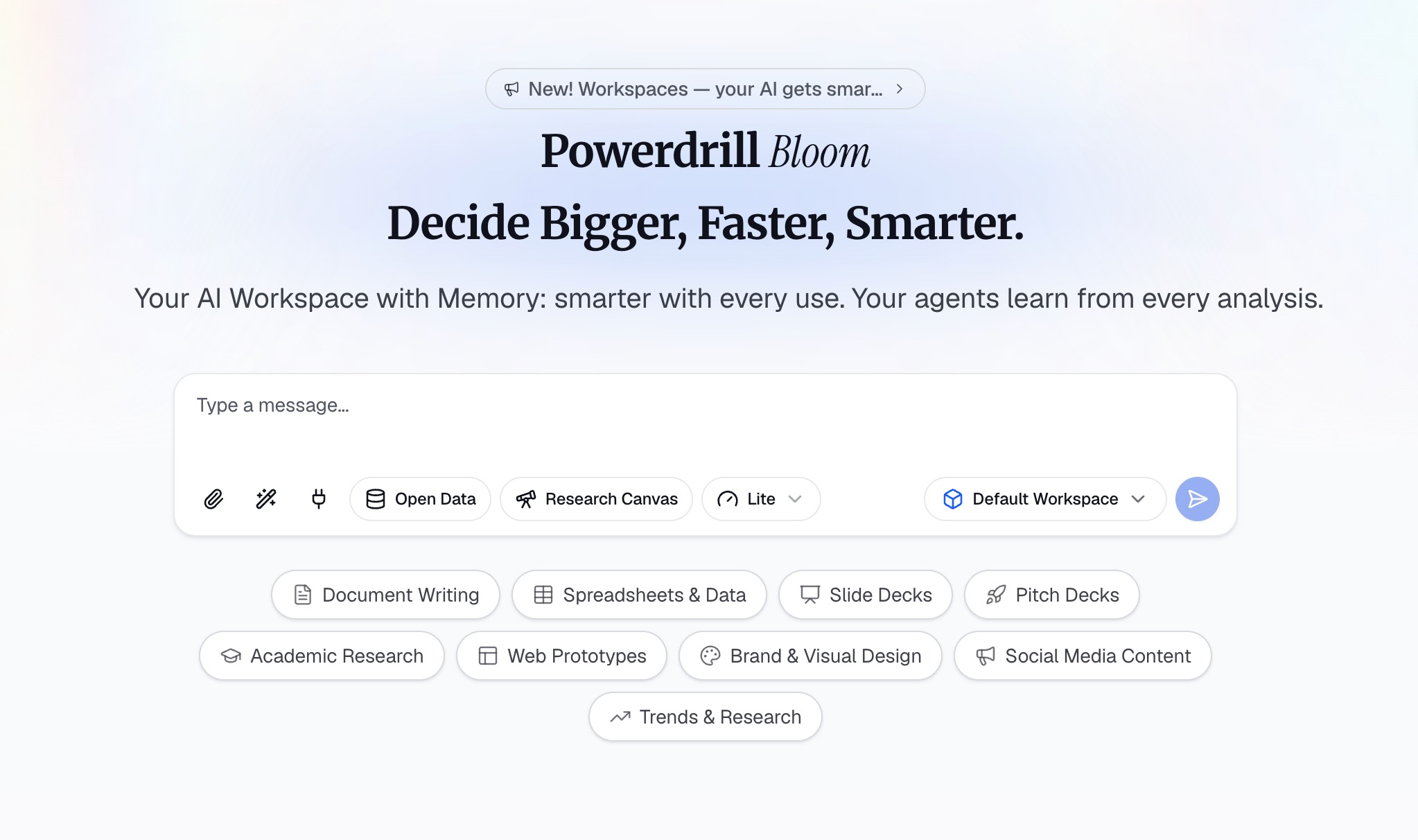
Powerdrill Bloom is an AI-powered workspace designed to help users turn webinar data, attendee files, and event information into actionable insights and results. Rather than simply answering questions, Powerdrill Bloom can participate in the entire workflow, helping event marketers and analysts with research, data analysis, content organization, report generation, and task execution. From raw data to insights, visualizations, reports, and execution, Powerdrill Bloom brings multiple AI-powered workflows together in one connected workspace.
Key Features
Natural Language Data Interaction: Users can upload CSV, Excel, and other files containing attendee lists or engagement metrics and interact with their data using natural language.
Advanced Analytics: Powerdrill Bloom can analyze event datasets, identify drop-off trends and anomalies, uncover key engagement insights, and generate charts and visual reports.
Presentation-Ready Content: It instantly transforms raw webinar metrics into presentation-ready content for stakeholders.
Persistent Workspaces: Powerdrill Bloom provides persistent Workspaces where users can keep event files, projects, and context organized across sessions, making it easier to continue ongoing work without starting from scratch.
MemoryLake Integration: This feature enhances long-term memory, allowing Powerdrill Bloom to better understand and maintain relevant context over multiple event campaigns over time.
Specialized AI Skills: Beyond data analysis, it supports specialized AI Skills for research, analysis, and automation of complex post-event follow-up tasks.
Pros
No SQL or coding knowledge required; just chat with your event data.
Retains historical context across multiple webinars via MemoryLake.
Handles the entire workflow from raw CSV to a finished stakeholder presentation.
Highly flexible; works with any exported data from any webinar platform.
Cons
Relies on file uploads (CSV/Excel) rather than direct native API integrations with every single webinar platform.
Extensive AI capabilities may require a brief learning curve to master fully.
Pricing
- Offers a competitive Freemium model that starts at $13.27/month.
2. ON24
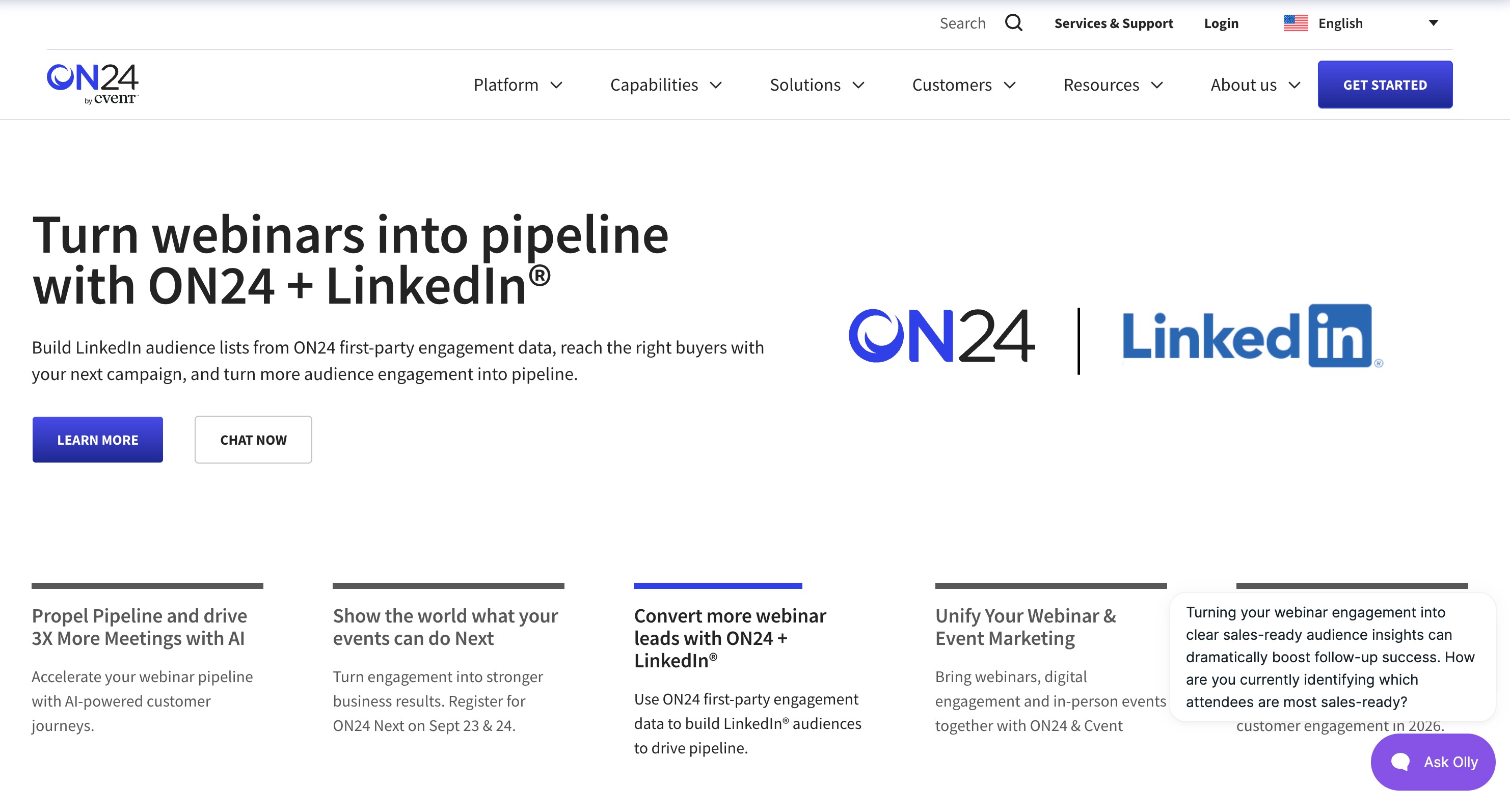
ON24 is a powerhouse in the enterprise webinar space. It is a digital experience platform that heavily relies on AI to track, measure, and optimize audience engagement during live, hybrid, and on-demand events.
Key Features
Engagement Profile: Creates a unique engagement score for every attendee.
AI-Powered Content Recommendations: Suggests on-demand webinars to attendees based on their behavior.
Deep CRM Integrations: Syncs seamlessly with Salesforce, Marketo, and HubSpot.
Pros
Industry-leading engagement tracking.
Highly customizable attendee consoles.
Excellent for large-scale enterprise deployments.
Cons
Very high price point.
The backend interface can feel clunky and outdated.
Pricing
- Custom enterprise pricing based on organizational needs and attendee volume.
3. Goldcast
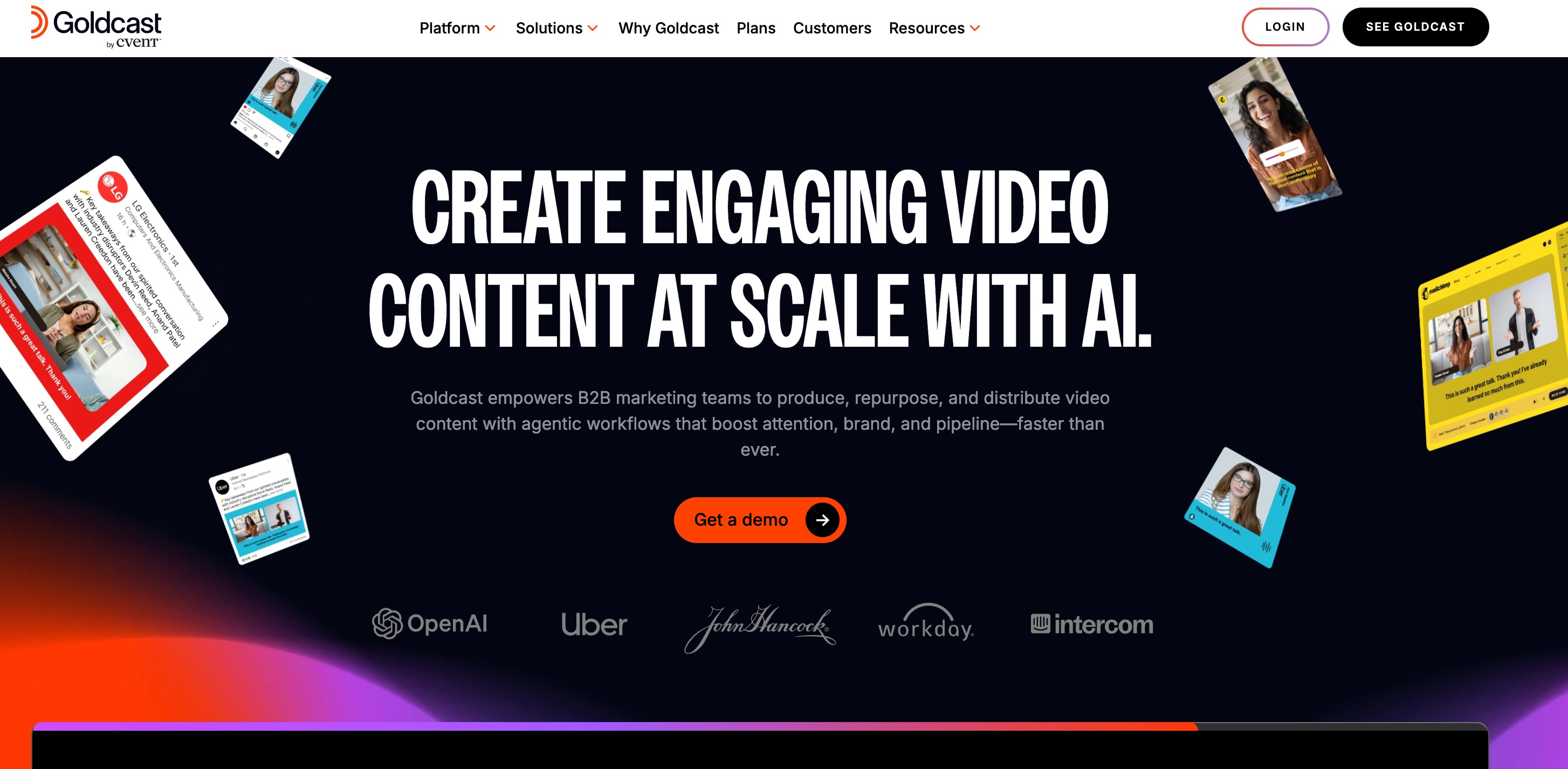
Goldcast is an event marketing platform built specifically for B2B marketers. It focuses heavily on driving pipeline and revenue by providing deep analytics on how prospects interact with event content.
Key Features
Real-time Analytics Dashboard: Monitors attendee intent signals.
AI Content Lab: Automatically slices webinar recordings into bite-sized social media clips.
Account-Based Marketing (ABM) Tracking: Groups attendee data by target accounts.
Pros
Incredible native integrations with B2B marketing tech stacks.
Beautiful, modern user interface.
Great automation for post-event content creation.
Cons
Primarily tailored for B2B; not ideal for B2C or casual creators.
Requires a solid existing marketing stack to maximize value.
Pricing
- Custom tiered pricing starting at premium rates for B2B teams.
4. Sequel
Sequel is unique because it allows you to embed live webinars and events directly into your own website, keeping traffic on your domain. Its analytics are focused on how events drive general website engagement.
Key Features
Website-Native Analytics: Tracks how webinar attendance impacts your overall website bounce rate and conversions.
AI-Driven Engagement Prompts: Automates polls and Q&A to keep the audience active.
Seamless Embedding: Integrates with Webflow, WordPress, and custom HTML.
Pros
Keeps all audience traffic on your own website.
Frictionless registration process.
Strong real-time audience interaction metrics.
Cons
Lacks the heavy, standalone CRM features of larger platforms.
Analytics are somewhat basic compared to dedicated BI tools.
Pricing
- Subscription tiers typically starting around $950/month.
5. Quid
Quid is an AI-powered consumer and market intelligence platform. While not a traditional webinar hosting platform, its generative AI is exceptional for ingesting massive amounts of text data—such as thousands of webinar chat logs, Q&A transcripts, and post-event survey responses—to analyze sentiment.
Key Features
Generative AI NLP: Reads and categorizes massive volumes of unstructured chat data.
Audience Sentiment Analysis: Identifies whether audience reactions were positive, negative, or neutral.
Trend Prediction: Visualizes emerging topics among your attendees.
Pros
Unmatched capability for unstructured text analytics.
Provides deep psychological insights into audience behavior.
Excellent for massive, global mega-events.
Cons
Overkill for standard webinar metrics (attendance, drop-off).
High learning curve for non-data scientists.
Pricing
- Custom enterprise pricing.
6. GoodData
GoodData is a cloud-based business intelligence (BI) platform. Event organizers use GoodData to build highly customized, AI-driven analytics dashboards that pull data from various event registration and streaming platforms via APIs.
Key Features
Composable Data Architecture: Build custom metrics for any event type.
Embedded Analytics: Embed your event dashboards directly into your team's internal portals.
Machine Learning Forecasting: Predicts future event attendance based on historical data.
Pros
Infinitely customizable dashboards.
Excellent data governance and security.
Strong forecasting tools.
Cons
Requires data engineering knowledge to set up initially.
Not an out-of-the-box event solution.
Pricing
- Tiered subscription based on data workspaces and users.
7. Auth0
Auth0 (by Okta) is a customer identity and access management (CIAM) platform. For large-scale virtual events, tracking who is logging in, from where, and on what device is a critical part of event analytics and security.
Key Features
Login Analytics: Tracks identity data, geographic location, and login devices for attendees.
Bot Detection: AI flags suspicious registrations and fake webinar attendees.
Progressive Profiling: Gradually collects attendee data across multiple events without overwhelming them with long forms.
Pros
Enterprise-grade security for gated premium webinars.
Ensures clean, accurate attendee data.
Prevents ticket sharing or unauthorized access.
Cons
Only tracks identity and access, not in-event engagement.
Must be integrated with other event platforms.
Pricing
- Freemium model with paid tiers based on $75/month.
8. TDWI
TDWI (Transforming Data With Intelligence) is a leading research and education platform for data analytics. While not software, TDWI provides the foundational AI training, frameworks, and maturity models that enterprise teams use to build their event data analytics strategies.
Key Features
Data Strategy Frameworks: Best practices for structuring event data.
AI Readiness Assessments: Helps organizations evaluate their ability to implement AI event analytics.
Expert Research: Access to case studies on how top enterprises analyze customer engagement data.
Pros
Invaluable for building a long-term data culture.
Vendor-neutral advice and research.
Upskills your event marketing and data teams.
Cons
It is an advisory/education platform, not an executable software tool.
Requires a time investment to read and apply research.
Pricing
- Individual and corporate membership pricing models.
9. Hitachi Vantara
Hitachi Vantara provides enterprise-level data infrastructure and analytics solutions. For global corporations running massive hybrid events with IoT sensors (tracking physical foot traffic) combined with virtual webinar data, Hitachi provides the big data backbone to analyze it all.
Key Features
Hybrid Data Integration: Merges physical event IoT data with virtual webinar metrics.
Lumada DataOps: Automates the flow of event data across the enterprise.
Scalable AI Processing: Handles petabytes of data for massive global conferences.
Pros
Ideal for complex, hybrid physical/virtual mega-events.
Incredible data storage and processing power.
High-end security and compliance.
Cons
Far too complex for standard digital webinar needs.
Requires a dedicated IT team to manage.
Pricing
- Custom enterprise contracts.
10. Riverside
Riverside is primarily a studio-quality recording platform for podcasts and webinars. However, its recent AI features have turned it into a powerful tool for post-event content analytics and repurposing.
Key Features
AI Transcriptions: Highly accurate, automated transcriptions of the entire webinar.
Magic Clips: AI analyzes the recording to find the most engaging moments and creates short-form videos.
Audio/Video Analytics: Tracks audience retention on post-event replays.
Pros
Incredible video and audio recording quality.
Saves hours of time in post-event video editing.
Very user-friendly interface.
Cons
Limited live audience engagement analytics (polls, Q&A).
Geared more towards content creation than lead generation.
Pricing
- Freemium model with affordable monthly subscriptions, which starts at $35/month.
How We Tested the Best AI Event & Webinar Analytics Tools
To ensure our recommendations are accurate and reliable, we evaluated these tools based on the following strict criteria:
Data Ingestion & Flexibility: We tested how easily users can upload data (like exporting a CSV from Zoom and importing it into the tool) or connect via API.
AI Intelligence: We assessed the NLP capabilities—can the AI accurately answer complex questions about audience drop-off rates or peak engagement times?
Usability: We looked for platforms that do not require advanced coding or SQL skills, allowing marketers and event planners to get insights independently.
Insight Actionability: We favored tools that generate ready-to-use charts, graphs, and presentation slides rather than just raw data tables.
Which AI Event Analytics Tool Should You Choose
Choosing the right tool depends entirely on your specific event strategy and organizational needs:
For Enterprise Engagement: If you have a massive budget and need deep, native CRM integrations and engagement scoring, ON24 is a legacy heavyweight.
For B2B Marketers: If your primary goal is driving pipeline and passing high-intent accounts to sales, Goldcast is an excellent choice.
For Infrastructure & Security: If you are running massive hybrid events or care deeply about user identity, integrating Hitachi Vantara or Auth0 is necessary.
For The Ultimate All-in-One AI Workspace: We strongly recommend Powerdrill Bloom. While other tools trap you in rigid dashboards, Powerdrill Bloom offers unparalleled flexibility. Because users can upload CSV and Excel files directly, it works with any webinar platform you already use. Its ability to act as a persistent workspace—where you can converse with your data, uncover anomalies, and automatically generate presentation-ready reports—makes it the most versatile and powerful tool on this list. Thanks to MemoryLake, it remembers your event history, allowing you to continually improve your webinar strategy without starting from scratch.
Final Verdict
In 2026, you shouldn't have to be a data scientist to understand your webinar audience. While platforms like ON24 and Goldcast offer great niche solutions, they can be rigid and expensive. If you want true freedom to analyze data, identify trends, and automatically generate stunning visual reports from your event data, Powerdrill Bloom stands above the rest. It bridges the gap between raw spreadsheet data and actionable business execution, making it an essential workspace for any modern event professional.
FAQs
What is AI event analytics?
It uses artificial intelligence to analyze attendee data, uncover trends, and measure webinar engagement automatically and accurately.
How does Powerdrill Bloom analyze webinar data?
You upload your CSV or Excel files, and Powerdrill Bloom uses AI to generate charts, reports, and actionable insights.
Can I track real-time attendee engagement?
Yes, platforms like ON24 and Goldcast offer real-time analytics for polls, Q&A, and viewer drop-offs during live events.
Is it safe to upload attendee data to AI tools?
Most enterprise tools prioritize security, but always ensure the platform complies with GDPR and regional data privacy laws.
Why is Powerdrill Bloom recommended over others?
Its natural language processing, persistent memory, and ability to generate presentation-ready reports make it exceptionally versatile and user-friendly.