Powerdrill Bloom vs Julius AI: Which Should You Use in 2026?
Powerdrill Bloom and Julius AI both let you upload a spreadsheet and ask questions in natural language. The difference is what they optimise for. Bloom pushes toward a finished deliverable — charts on a canvas that becomes a presentation-ready deck in one click. Julius pushes toward analytical depth, with notebook-style working, frontier model choice, and live database connections on its higher tiers.
Choose Bloom if the output is a report or a deck someone else will read. Choose Julius if the output is the analysis itself and you want to see and steer the work.
All prices and plan details below were checked on 2026-07-30 against each vendor's own pricing page. Credit allowances are quoted as each vendor states them. The two products do not use the same credit unit, so those numbers are not directly comparable. Treating them as if they were is the most common mistake in comparisons like this one.
Powerdrill Bloom vs Julius AI: what's the difference
Both are AI data agents for people who do not write SQL. Bloom is positioned as a general-purpose action agent whose flagship strength is data work, and it carries a visual exploration canvas plus one-click export to PowerPoint or Notion. Julius is positioned as an AI data analyst, and its structure — Notebooks, RAM tiers, database connectors — comes from the analyst workflow rather than the reporting workflow. The two overlap heavily in the middle and diverge at the edges.
Meet Powerdrill Bloom: features & highlights
Powerdrill Bloom describes itself as an AI data analysis workspace with memory. You upload Excel, CSV, TSV, or PDF files, it auto-cleans them, and it proposes exploration paths rather than waiting for you to know what to ask.
Results build up on a visual canvas as modular cards — charts, written insights, follow-up questions — that you rearrange freely. At any point the canvas converts to a presentation-ready deck in one click, in Professional, Business, or Fancy style, and exports to PowerPoint or Notion. That single step is the product's clearest differentiator: analysis and presentation are not separate jobs.
Workspaces give the product its persistent memory. Files uploaded once stay available to every later conversation in that space, so next month's export joins the existing context instead of starting from zero.
Agent skills cover repeatable work, with built-in examples including ppt-master, officecli-pptx, Research-last30days, and dcf-model. You can add your own or import from GitHub, and paid plans support Claude Skills for research, analysis, automation, and execution workflows.
Open Data is the feature with no direct equivalent on the other side: 12 built-in public dataset explorers covering economic data, financial market data, SEC filings, prediction markets, patents, academic papers, clinical trials, healthcare data, drug databases, transport tracking, and LinkedIn people and companies. You query them in natural language without sourcing a file first.
On the free plan you get 1,000 daily refreshed credits, file uploads, open data search, chart and summary generation, and built-in agent skills. Compliance covers GDPR, ISO 27001, ISO 20000, and SOC 2 Type 2.
Meet Julius AI: features & highlights
Julius AI is built around the analyst's loop. Its core surface is Notebooks, which keeps the analytical thread visible as you work rather than presenting only the finished output.
Paid plans include access to frontier models — its pricing page names GPT-5.5 and Claude Opus 4.8 — and exports to slides, HTML artifacts, charts, and images. Higher tiers buy more context window and more compute: the free plan lists 2 GB of RAM and Pro lists 32 GB, which is unusually transparent. Most competitors, Bloom included, do not publish a per-plan compute figure at all.
Data connectors are where Julius separates itself for teams with a warehouse. A Google Drive connector appears on the free plan, and the Business tier adds Postgres, BigQuery, Snowflake and more, with no table limit on those connections. If your data lives in a warehouse rather than in files, that is a meaningful capability.
The Business tier also brings unlimited Custom Agents, unlimited scheduled report runs, and an unlimited Slack Agent in public channels — the ingredients for recurring automated reporting inside a team.
Julius publishes named customer logos including Nvidia. Its plan ladder runs Free, Plus at $20/month, Pro at $45/month, Max at $200/month, Ultra at $500/month, and Business at $450/month, with lower equivalents when billed annually. Full details are on its pricing page.
Powerdrill Bloom vs Julius AI at a glance
| Dimension | Powerdrill Bloom | Julius AI |
|---|---|---|
| 🎯 Best for | Business, marketing and finance teams who need charts, reports and decks out of their own files, without SQL | Analysts and data-literate users who want visible, steerable analysis and live warehouse connections |
| 💰 Starting paid price (as of 2026-07-30) | Pro at $13.27/mo billed annually | Plus at $16/mo billed annually, or $20/mo billed monthly |
| ⚡ Key strength | One-click canvas-to-deck export in three styles, plus 12 built-in public dataset explorers | Notebook-style working, published RAM tiers, and Postgres/BigQuery/Snowflake connectors |
| ❄️ Main weakness | No published compute or RAM figure per plan, so heavy-usage headroom is hard to compare before you buy | Warehouse connectors, unlimited custom agents and scheduled reports arrive only on Business at $375–450/mo |
| 👥 Ideal team size | Solo through mid-size; Team Pro shares credits at $13.27/seat/mo billed annually | Solo analysts on Plus and Pro; teams up to 50 members on Business |
Feature-by-feature comparison
1. Free plans
Bloom's free plan is the more generous of the two on stated allowance: 1,000 credits refreshed daily, with file uploads, open data search, chart and summary generation, and built-in agent skills included. Julius's free plan lists Notebooks access, file storage formats, a Google Drive connector, and 2 GB of RAM. It states no monthly credit allowance; those begin at Plus with 2,000 per month.
Read that carefully rather than as a scoreboard. Bloom publishes a refreshing daily allowance; Julius publishes a compute figure. Those are two different ways of describing a free tier, and one credit in either product does not buy the same amount of work.
2. Getting from data to a deck
This is the sharpest real difference. Bloom's canvas converts to a deck in one click with three style options and exports to PowerPoint or Notion, which collapses the analyse-then-present sequence into one step. Julius exports slides, HTML artifacts, charts, and images from its paid plans, so the capability exists, but the flow is closer to exporting assets you then assemble.
If your week ends in a deck rather than in a finding, that difference is worth more than any feature-count comparison. Our Excel to PowerPoint page shows what that path looks like end to end.
3. Data sources
Julius wins on live connections. Google Drive on free, and Postgres, BigQuery and Snowflake on Business, mean your analysis can sit on top of a warehouse rather than on an export. For a data team, that is the difference between a report and a pipeline.
Bloom wins on public data. Its Open Data explorers cover economic indicators, financial markets, SEC filings, prediction markets, patents, academic papers, clinical trials and more, queryable in natural language without hunting down a CSV. Bloom also offers database connectivity through its chat with database capability, though the warehouse connector list Julius publishes at the Business tier is more explicit.
Which matters depends entirely on where your data lives. If the answer is "in a warehouse", weight Julius. If the answer is "in files, plus whatever public data I can find", weight Bloom.
4. Repeatable workflows
Both handle recurring work, with different framing. Bloom uses agent skills — including built-ins like ppt-master and dcf-model, custom skills, GitHub import, and Claude Skills on paid plans. Julius uses Custom Agents plus scheduled report runs and a Slack Agent, all of them unlimited on Business.
The distinction is scheduling. Julius's Business tier will run a report on a schedule and post it to Slack. If unattended recurring delivery is the requirement, that is a concrete point in its favour, priced at $375–450/month.
5. Team and enterprise readiness
Bloom offers Team Pro at $13.27 per seat per month billed annually, with shared team credits and member invitations, and holds GDPR, ISO 27001, ISO 20000 and SOC 2 Type 2 compliance.
Julius offers up to 50 members on Business at $450/month ($375 billed annually), with enterprise contact beyond that, and publishes named customer logos including Nvidia. For a procurement process that asks "who else uses this", Julius currently has more to show.
How to make your choice
Powerdrill Bloom is better for:
- Marketing, business and finance teams whose deliverable is a report or a deck
- Anyone who wants the presentation produced from the analysis rather than assembled afterwards
- Work that draws on public data — markets, economic indicators, SEC filings, patents, research
- Evaluating seriously before paying, using a free tier with a stated daily allowance
- Small teams wanting per-seat pricing in the low teens rather than a $450/month tier
Julius AI is better for:
- Analysts who want to see and steer the analytical work, not just the result
- Teams whose data lives in Postgres, BigQuery or Snowflake rather than in files
- Recurring reporting that must run on a schedule and land in Slack unattended
- Heavy individual users who want published compute tiers and explicit frontier model access
- Buyers who want named enterprise customers on the vendor's own site
My verdict
These products are aimed at adjacent readers, not the same one. Julius is an analyst's tool that non-analysts can use. Bloom is a business team's tool that happens to be good at analysis. If you sit in marketing, ops or finance and your Friday ends with a deck, Bloom's one-click canvas-to-deck path saves the part of the week that actually hurts, and its free tier is generous enough to test properly. If you are the person your company asks to validate the numbers, Julius's visible working and warehouse connectors are worth the higher price, because being able to inspect the analysis is the whole job.
The honest tiebreaker is where your data lives. Files and public sources point to Bloom. A warehouse points to Julius.
Getting started with Powerdrill Bloom in 3 steps
If Bloom looks like the closer fit, here is the whole workflow.
Step 1: Upload your data
Drop your Excel, CSV, TSV, or PDF files into a workspace. Bloom auto-cleans as it reads, so you do not need to align headers or strip title rows first. Files stay in that workspace for every later question.

Step 2: Ask in natural language, or pick a skill
Type the question you actually have — "which regions grew fastest last quarter, and what changed" — or start from an agent skill like ppt-master or dcf-model for work you repeat. Bloom also proposes exploration paths once it has read the data.
Step 3: Export the chart, report, or deck
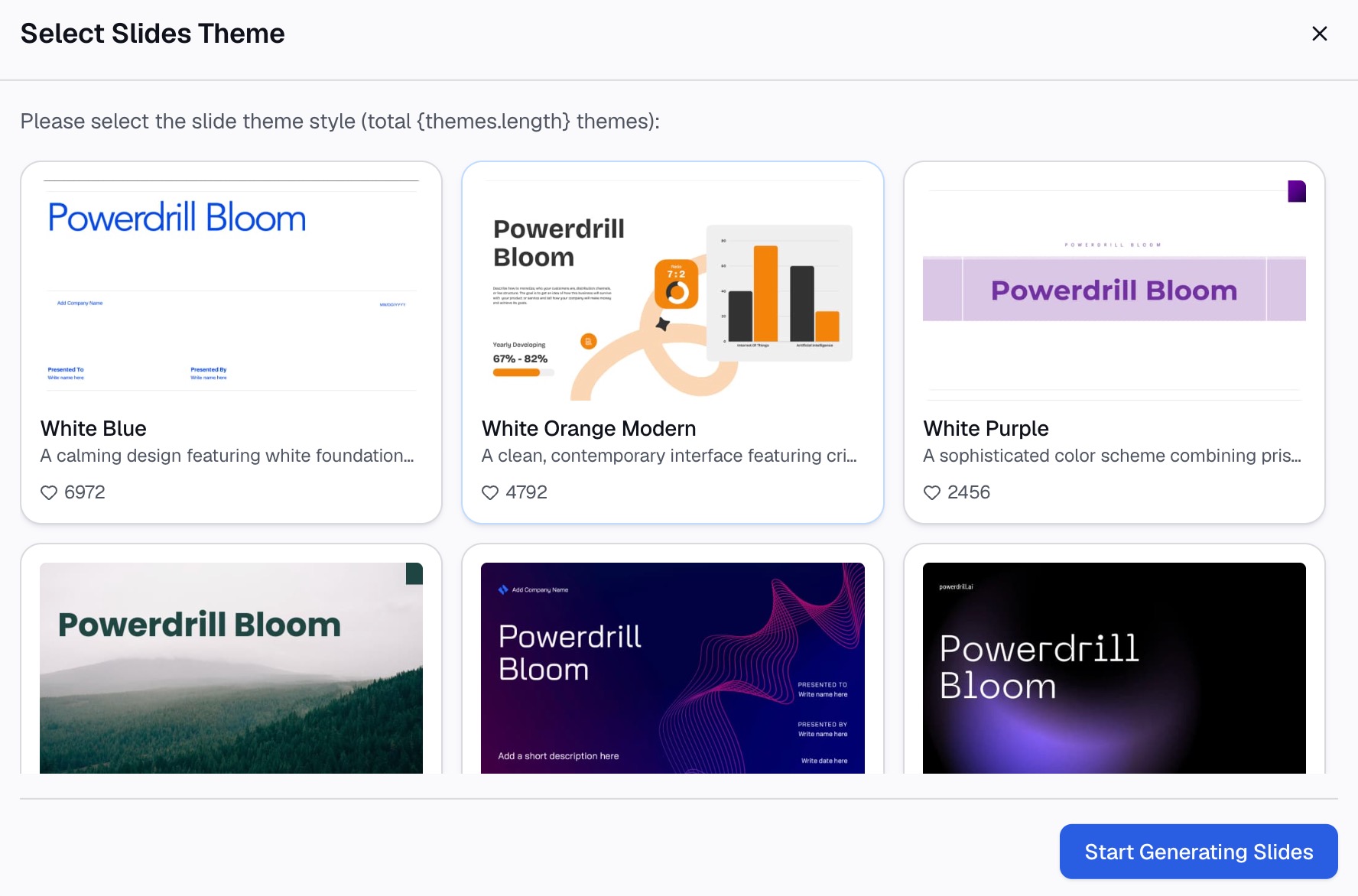
Rearrange the canvas cards, then convert the canvas into a presentation-ready deck in one click — Professional, Business, or Fancy — and export it to PowerPoint or Notion.
You can run all three steps on the free plan, which includes 1,000 daily refreshed credits, at Powerdrill Bloom. Current plan details are on the pricing page, and if you arrived here comparing tools, the Julius AI alternative page covers the same ground from a feature angle.
Frequently asked questions
Is Powerdrill Bloom cheaper than Julius AI?
At the entry paid tier they are close, with Bloom slightly lower: Pro is $13.27/month billed annually, while Julius's Plus is $16/month billed annually or $20/month monthly. The gap widens higher up, where Julius's Max, Ultra and Business tiers run from $200 to $500/month. Bloom's free plan also states a 1,000 daily refreshed credit allowance, which Julius's free plan does not list.
Does Julius AI connect to databases?
Yes. A Google Drive connector is on the free plan, and Postgres, BigQuery, Snowflake and additional connectors arrive on the Business tier at $450/month, or $375/month billed annually, with no table limit on those connections.
Can both tools turn a spreadsheet into a presentation?
Both export presentation assets. Bloom converts its analysis canvas into a deck in one click with three style options and exports to PowerPoint or Notion. Julius exports slides, HTML artifacts, charts and images on paid plans. The practical difference is whether the deck is assembled for you or assembled by you.
Which is better for non-technical users?
Both work without SQL or Python. Bloom leans further toward non-technical users, because it proposes exploration paths and finishes at a deck. Julius exposes more of the analytical process through Notebooks, which is an advantage for someone who wants to inspect the work and neutral-to-unhelpful for someone who does not.
Which one handles large files better?
Julius publishes a compute figure per plan — 2 GB of RAM on Free and 32 GB on Pro — so heavy users can see what they are paying for. Powerdrill Bloom expresses its plans in credits rather than RAM, starting at 1,000 daily refreshed credits on the free plan. Neither vendor publishes a hard row or file-size ceiling, so the practical test is to upload your largest real file on both free plans and compare.