How to Research the Last 30 Days of Any Trend With One Agent Skill (2026 Guide)
You need to know what people are saying about your market, your competitors, or your next big idea. So you open a search engine. You type in keywords. You scroll through pages of results. You open Reddit threads, scan X posts, watch a few YouTube videos, check GitHub discussions. Hours pass. You have a pile of tabs and a vague sense of what's going on—but no clear picture, no actionable insights, and definitely no presentation-ready summary.
This is the reality of modern research. Information is everywhere, but synthesis is nowhere.
The problem isn't access to data. The problem is that the manual research process hasn't evolved. You're still doing what researchers did a decade ago—just with more tabs open. The tools have changed, but the workflow hasn't.
That's where agent skills come in.
The Research Bottleneck No One Talks About
Market research is deceptively time-consuming. The actual work isn't finding information—it's filtering, validating, and synthesizing it. You spend hours jumping between news aggregators, social platforms, internal documents, and search engines. Then you spend more hours reading, note-taking, and trying to spot patterns.
And even after all that, you still have to translate your findings into something usable—a report, a presentation, a brief for your team. Most AI tools give you a wall of text. You still have to reformat it, build charts, and switch between tools to get it presentation-ready.
The real bottleneck isn't finding the data. It's turning scattered information into structured, actionable intelligence.
What Makes an Agent Skill Different
An agent skill is a pre-configured workflow that tells an AI exactly how to execute a specific task. Instead of writing a fresh prompt every time you need research—explaining what to look for, where to look, and how to format the output—you trigger a skill that already knows the playbook.
Powerdrill Bloom's Trend & Research skill is built for exactly this: researching what people are actually saying about any topic over the past 30 days.
Here's what happens when you trigger it:
It searches where conversations actually happen. The skill pulls posts and engagement from Reddit, X, YouTube, TikTok, Hacker News, Polymarket, GitHub, and the broader web. It doesn't rely on what SEO algorithms rank highest. It goes where real people are talking.
It looks at engagement, not just keywords. The skill analyzes likes, retweets, shares, and views to identify what's actually resonating with real users. It finds the signal in the noise.
It synthesizes, not just collects. The output isn't a list of links. It's a structured research brief with key insights, patterns, and evidence-based findings.
How the Trend & Research Skill Works in Practice
The workflow is simple enough that anyone can use it—no technical background required.
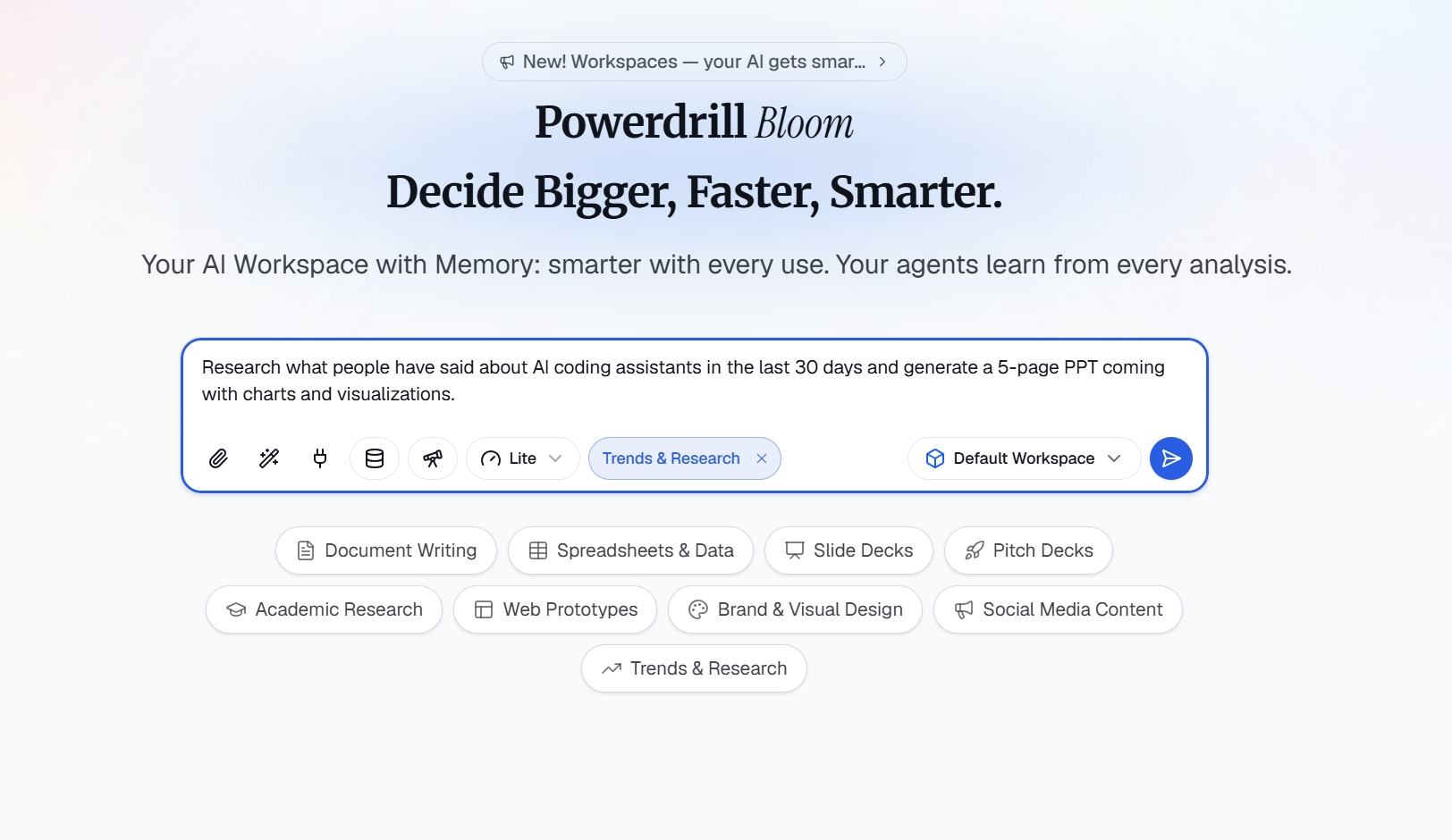
Step 1: Enter your topic
Log in to Powerdrill Bloom and trigger the Trend & Research skill. Type in what you want to research. For example: "Research what people have said about AI coding assistants in the last 30 days and generate a 5-page PPT coming with charts and visualizations."
Step 2: Let AI analyze the data and surface insights
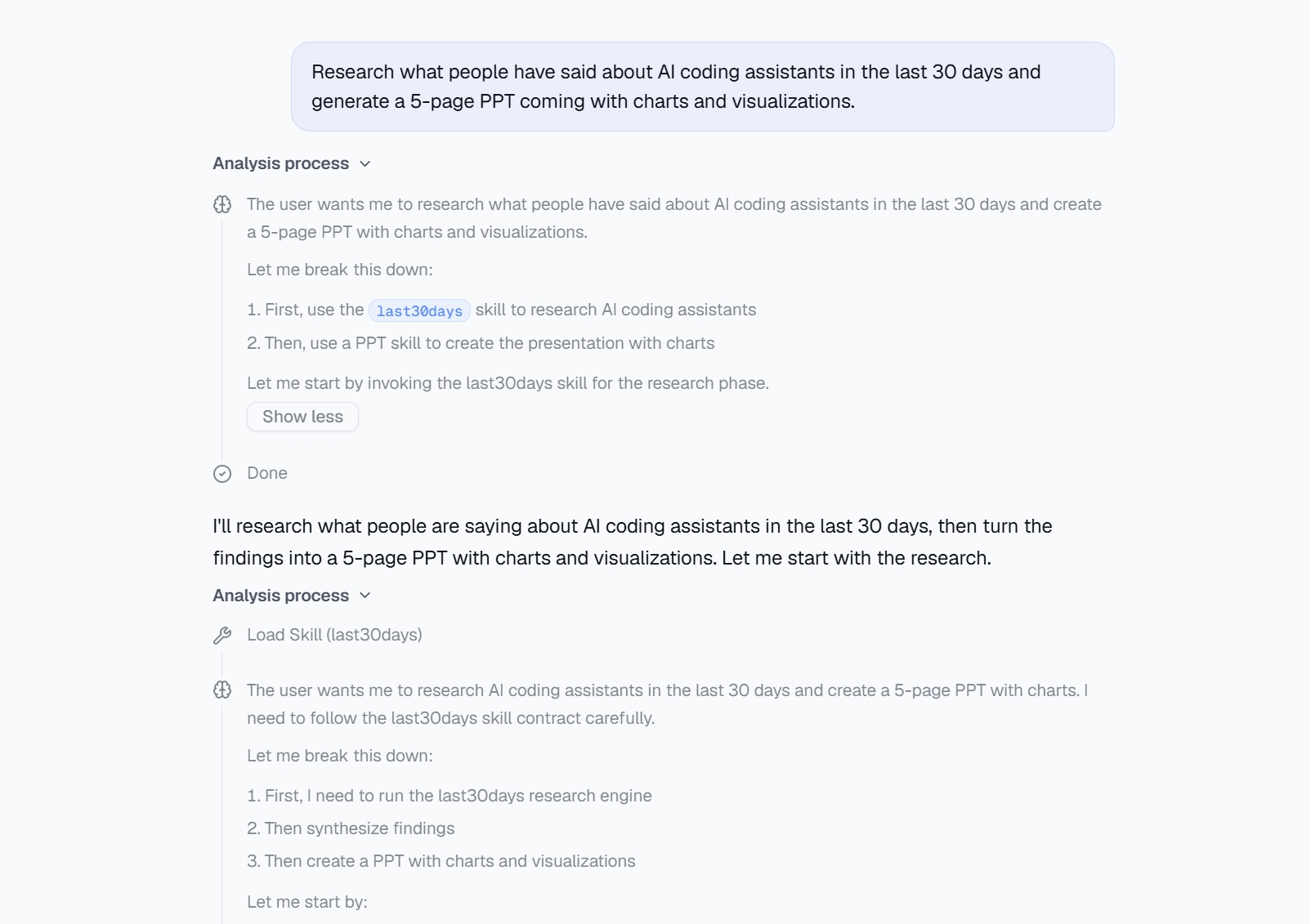
Once you submit your topic, the AI doesn't just search—it actively analyzes the data. It identifies key themes, detects sentiment patterns, and surfaces what people are actually saying. The skill processes engagement signals (likes, shares, comments) to filter out noise and highlight what truly resonates. It also clusters related discussions and flags emerging trends you might have missed.The result is a structured set of analytical dimensions—not a raw data dump.
Step 3: Get your research brief
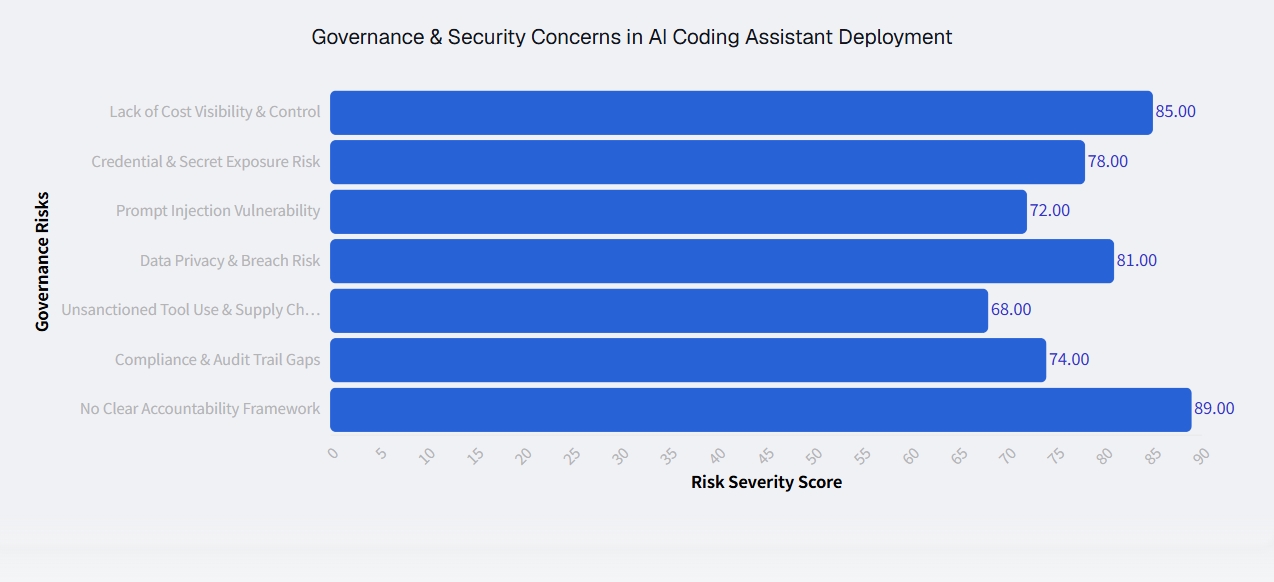
Within seconds, you receive a complete research output with structured insights, key takeaways, and supporting evidence. The findings aren't just text—they come with visualizations, charts, and tables that make the data digestible at a glance.
Step 4: Export and share
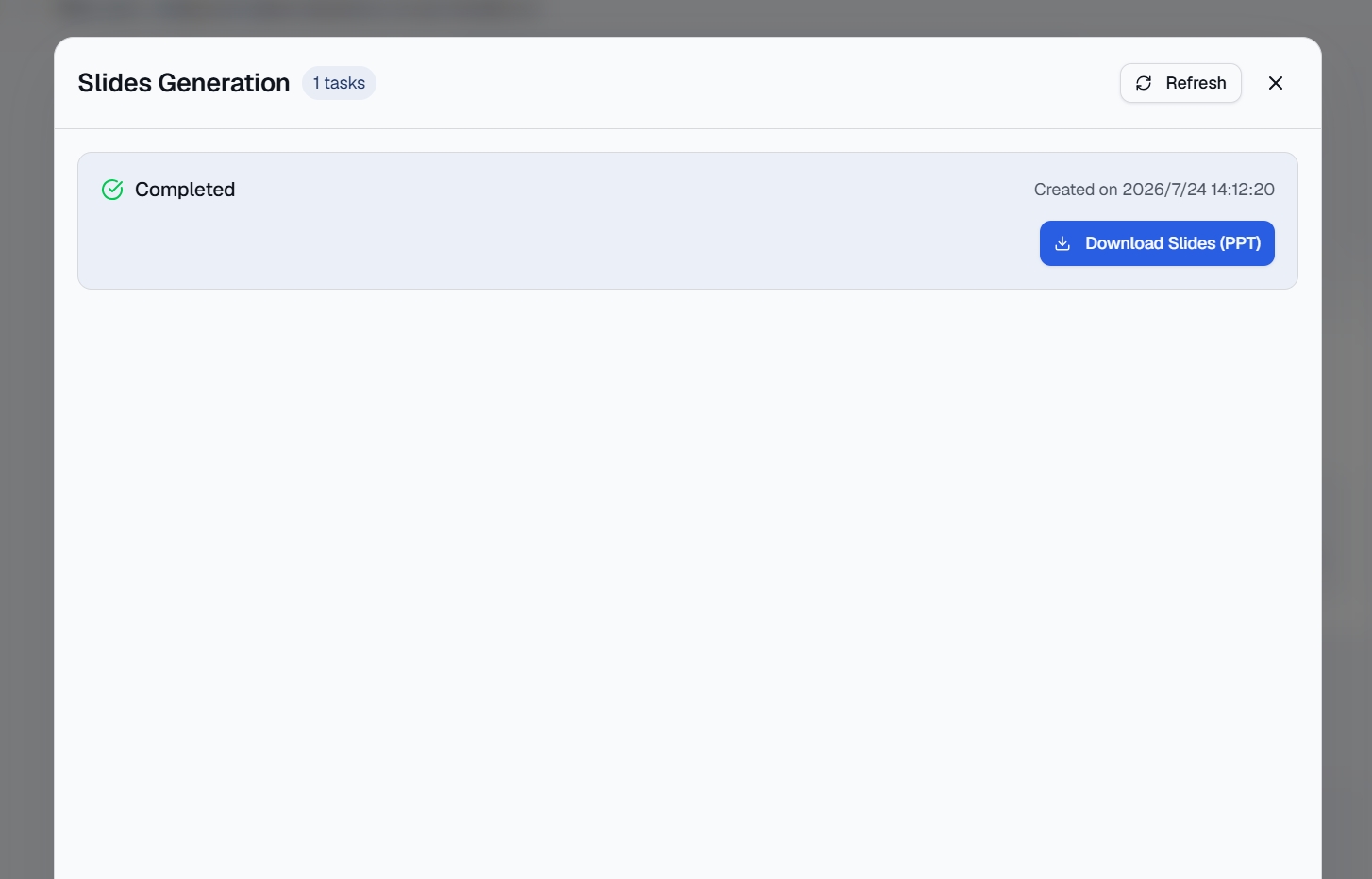
The research can be exported as a PDF, PowerPoint, or directly to Notion. What used to be hours of manual work becomes a few clicks.
Why This Beats the Old Way
The difference isn't just speed—it's a fundamentally different approach to research.
You stop repeating yourself. Once a skill is configured, you can run it daily or weekly and get consistent, predictable results. No more rewriting prompts or re-explaining your research framework every time.
You get consistent output. Every research brief follows the same structure, making it easy to compare findings across periods.
You stay in one place. The research happens inside your workspace. You don't jump between a dozen tabs and tools. The insights, the visualizations, and the export all live in the same environment.
Non-technical team members can use it. They don't need to learn prompt engineering or master complex query syntax. They select a skill and type their topic.
A Practical Example
Imagine you're a product manager at a fitness tracker company. You need to know what users are saying about your competitor's latest release.
You trigger the Trend & Research skill and enter: "User sentiment on the new Apple Watch Ultra over the past 30 days."
Within seconds, you get a research brief that includes:
Key discussion themes across Reddit, X, and YouTube
Sentiment patterns—what users love and what they complain about
Engagement metrics showing which topics are generating the most discussion
Visual summaries of the key findings
You export it to PowerPoint, add a few slides of your own analysis, and you're ready for the product review meeting. Total time: under 10 minutes.
The Bottom Line
Research hasn't gotten faster because the tools haven't changed how we work. The Trend & Research skill represents a shift from "searching" to "synthesizing"—from collecting information to understanding it.
You don't need to be a researcher to do research anymore. You just need the right skill.
Powerdrill Bloom's Trend & Research skill is available in the free beta. Try it with your next research topic and see how quickly scattered information becomes structured intelligence.
FAQs
1. Do I need technical skills to use the Trend & Research skill?
No. Just type your topic—the AI handles all the research and synthesis automatically.
2. Does it only research the last 30 days?
Yes. The skill is specifically designed to capture the most recent conversations and trends.
3. What formats can I export the research in?
You can export as PDF, PowerPoint, or directly to Notion with one click.
4. What platforms does it search?
Reddit, X, YouTube, TikTok, Hacker News, GitHub, and the broader web.
5. Is there a free version available?
Yes. The Trend & Research skill is available in Powerdrill Bloom's free beta.