How to Make a Presentation From Excel Data in Minutes in 2026

Introduction
In 2026, manually copying and pasting charts from Excel to PowerPoint is officially a thing of the past. If you’ve ever spent hours wrestling with spreadsheets just to build a weekly update deck, AI has completely changed the game. Today, transforming raw numbers into an executive-ready slideshow takes just minutes. In this guide, we’ll show you exactly how to turn boring Excel files into stunning, persuasive presentations effortlessly.
What You Need Before Making a Presentation from Excel Data
Transforming a wall of spreadsheet numbers into a compelling slide deck used to take hours of manual charting and formatting. Not anymore. You don't need to be an Excel wizard or a PowerPoint design guru. To get started, you just need these three essentials:
Your Raw Excel File
Forget about manually creating pivot tables or worrying about how the cells look. Just have your raw .xlsx or .csv spreadsheet ready to go. Whether it contains endless rows of financial records, marketing metrics, or sales figures, this file is the raw material for your presentation.
A Powerdrill Bloom Account (Your AI Slide Builder)
This is the engine that will do the heavy lifting. Think of Powerdrill Bloom as your autonomous presentation designer. Instead of you manually copying, pasting, and building charts in PowerPoint, this AI reads your Excel sheet and instantly generates stunning, professional slides. It comes with a generous Freemium tier so you can build your first deck immediately. For heavy workloads and mass slide generation, their premium plan is a steal, starting at just $13.27 per month.
A Clear Narrative (Your "Why")
Data without a story is just numbers on a screen. Before you generate your slides, know the core message you want to deliver to your audience. Are you trying to celebrate Q4 revenue growth? Or are you warning the board about customer churn? Knowing the exact story you want to tell ensures the AI crafts targeted, persuasive slides rather than a generic summary.
How to Convert Excel Data to Presentation Using AI Tools Like Powerdrill Bloom
Step 1: Upload Your Files
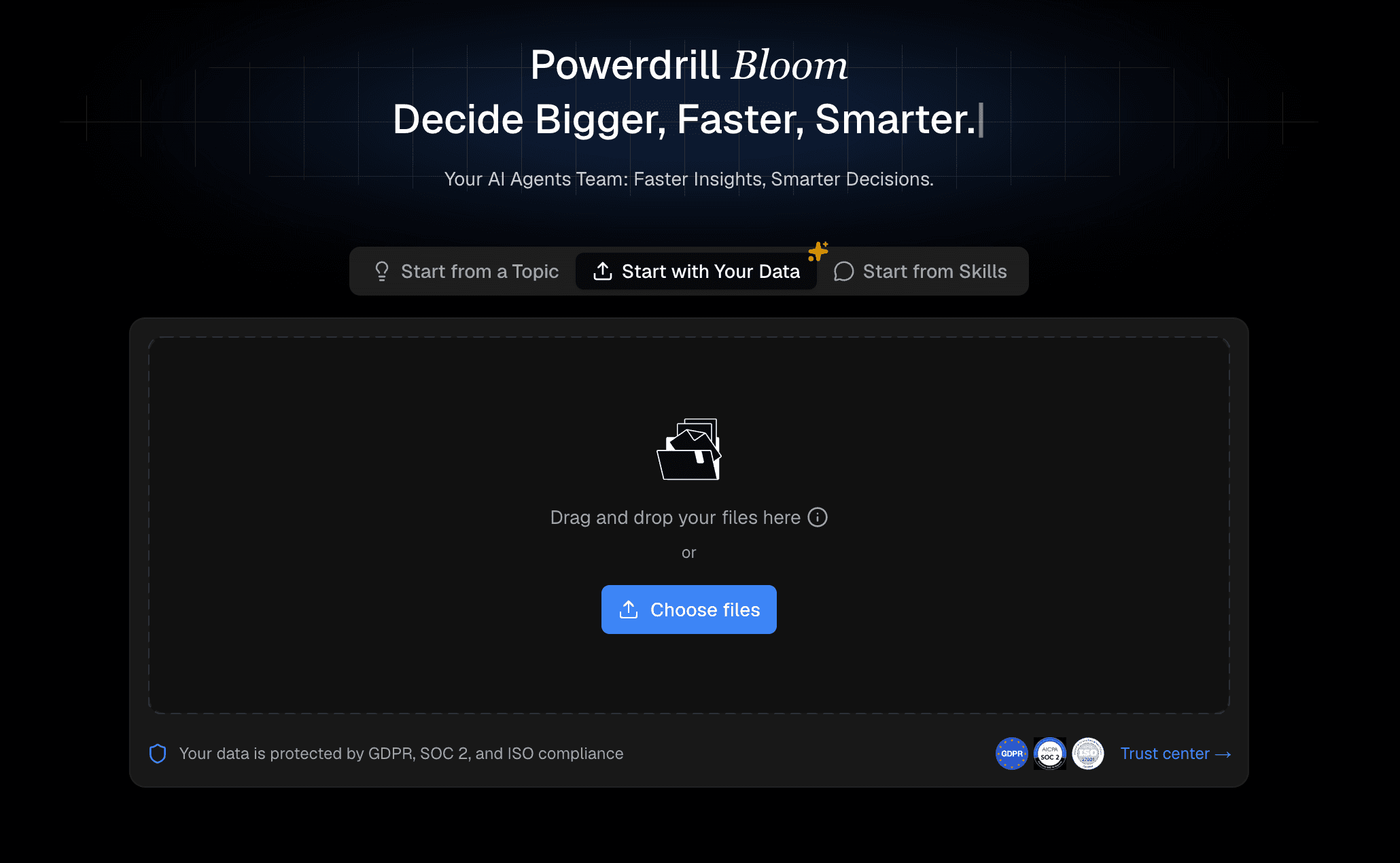
Start by logging into Powerdrill Bloom and dragging your raw Excel or CSV file directly into the upload workspace. There's no need to pre-format cells, filter columns, or build pivot tables beforehand. The AI instantly reads your spreadsheet, perfectly prepping your numbers for slide generation.
Step 2: Ask in Natural Language
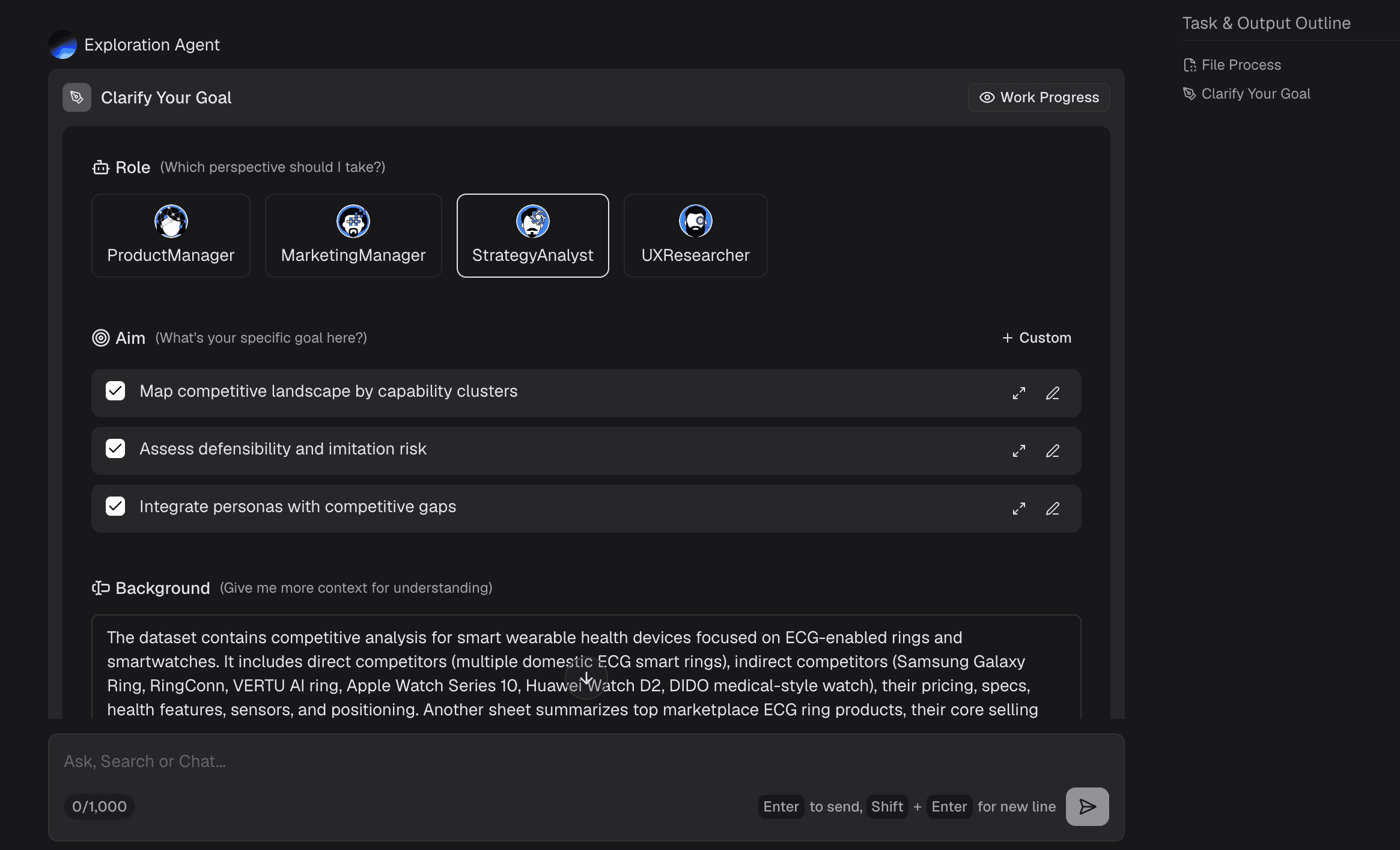
Forget about wrestling with PowerPoint chart menus or complex Excel formulas. Simply tell the AI what you want your slides to convey using everyday English. Type prompts like, "Create a slide highlighting competitive analysis," and watch it instantly generate a polished, ready-to-present visual.
Step 3: Instant Presentation Generation
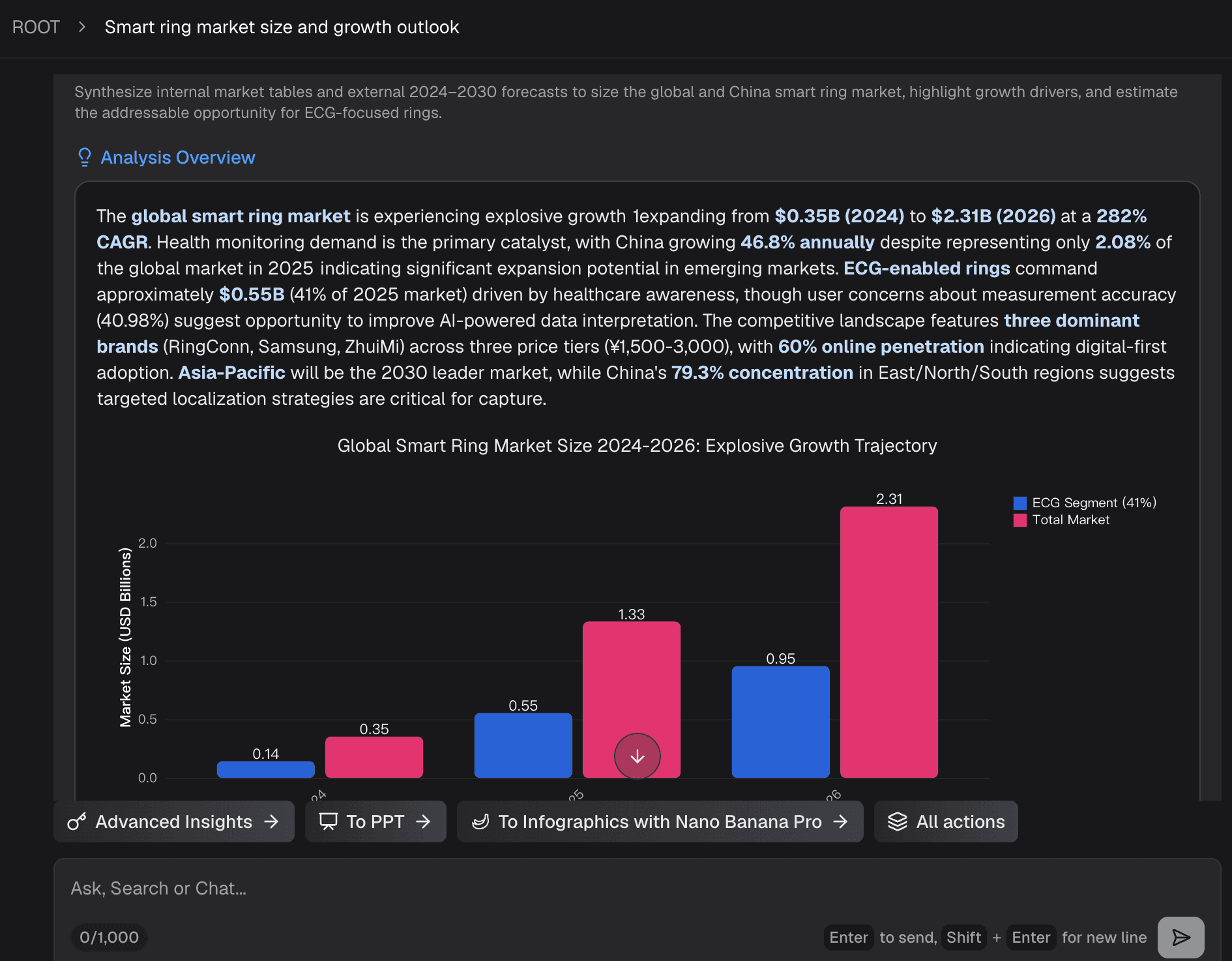
Watch the magic happen as Powerdrill Bloom transforms your request into beautifully designed slides in seconds. The AI automatically selects the perfect charts, crafts compelling headlines, and formats layouts to fit your narrative. Instantly download your polished deck, completely ready to impress your audience—no design skills needed.
Step 4: Export Your Final Presentation
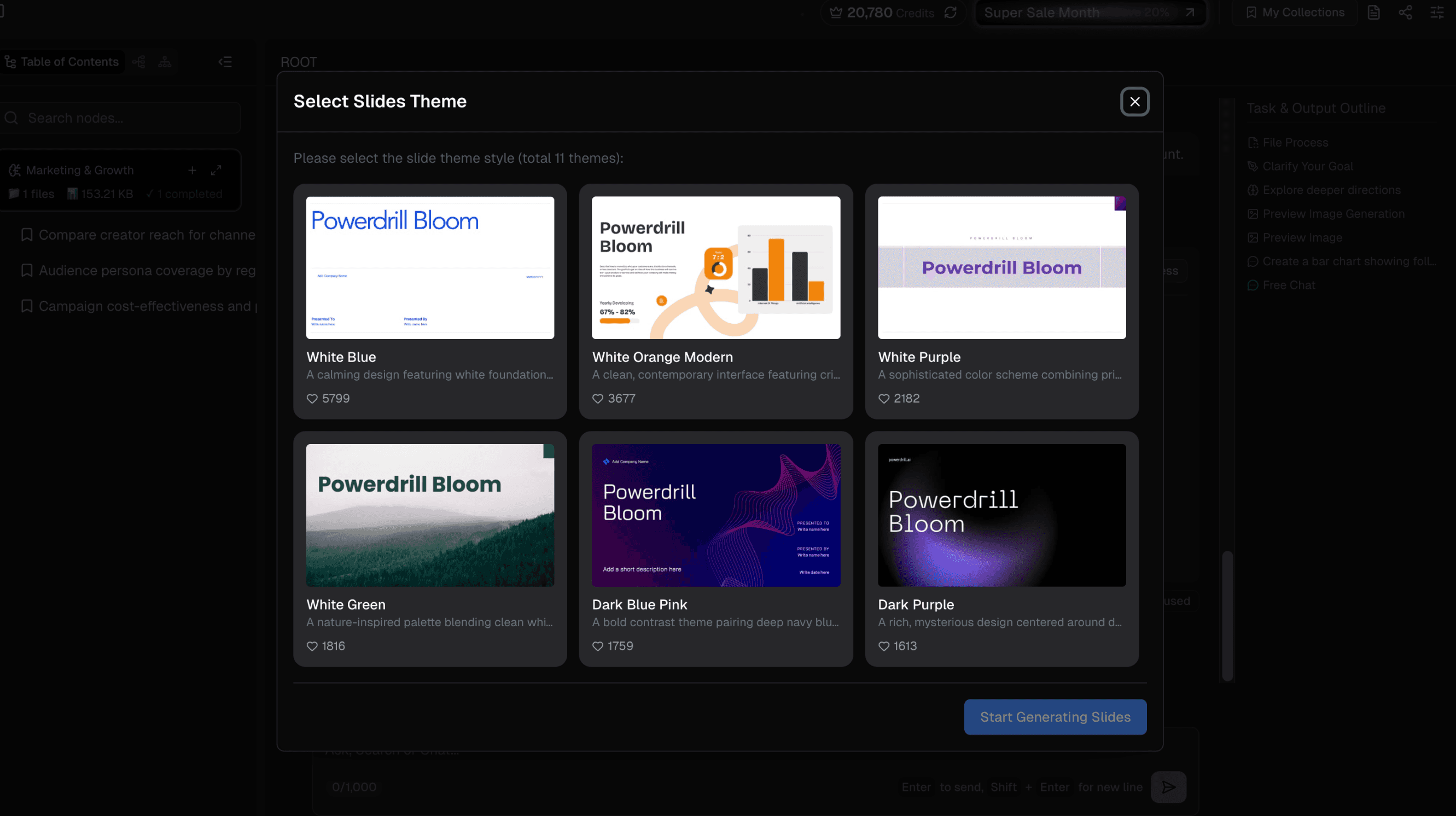
Once you’re satisfied with the generated deck, easily export it as a fully editable PowerPoint (.pptx) or PDF file. You can effortlessly make last-minute tweaks to colors, text, or logos in your native presentation software before stepping confidently into your meeting.
Why Powerdrill Bloom Makes Presentation from Excel Data Effortless
Zero Need for Excel Expertise
You can officially say goodbye to pivot tables, VLOOKUPs, and data cleaning. Just upload your raw .xlsx or .csv file, and the AI automatically parses and structures the data for you.You simply talk to the AI in everyday language (e.g., "Make a slide showing our top 3 performing products this year"), and it translates your text directly into a visual slide.
Automated Design & Storytelling
Powerdrill Bloom acts as your personal graphic designer. Instead of just dumping a generic chart onto a white background, it automatically selects the most impactful chart type, crafts persuasive headlines, and perfectly aligns the layout to fit your narrative.
Massive Time Savings
What normally takes hours of manually copying, pasting, resizing, and formatting between Excel and PowerPoint is condensed into just a few seconds. You spend your time practicing your speech, not nudging text boxes.
Fully Editable Outputs
Unlike tools that generate locked images, Powerdrill Bloom exports directly to fully editable PowerPoint (.pptx) formats. This means you still retain complete control to adjust colors, swap logos, or tweak text natively in PowerPoint before your big meeting.
Conclusion
Turning complex spreadsheet data into a captivating story no longer requires advanced Excel skills or graphic design experience. With AI doing the heavy lifting, you can spend less time formatting and more time perfecting your pitch. Ready to stop wasting hours on manual slide building? Head over to Powerdrill Bloom today, upload your Excel file, and let the AI generate your next winning presentation in seconds!
FAQs
Do I need to clean my Excel data first?
No. Powerdrill Bloom automatically parses and structures raw data, so you don't need to build pivot tables or filter rows beforehand.
Can I edit the slides after they are generated?
Absolutely. The AI exports your presentation as a fully editable .pptx file, letting you tweak fonts, colors, and layouts natively.
What if I don't know which chart type to use?
Just type your goal in natural language. The AI automatically selects the most impactful chart type for your specific data story.
Is my uploaded spreadsheet data secure?
Yes, Powerdrill Bloom uses enterprise-grade encryption to process files securely, ensuring your sensitive business metrics remain completely private and protected.
Do I need a paid subscription to try it?
Not at all! You can generate your first slides using the generous Freemium tier before deciding to upgrade for mass generation.