How to Create a Rent Roll with AI: Step by Step
A rent roll is the one document a lender, a buyer, or your own accountant will ask for first. It is also the document most often kept as a spreadsheet that three people edit and nobody fully trusts.
The gap between those two facts is where deals slow down. A rent roll that disagrees with the lease file is not a formatting problem — it is a diligence problem.
This guide covers what the document has to contain and how to build one from the papers you already hold. It also shows where the occupancy math goes wrong, and how the table differs from the T12 that usually sits beside it.
What a rent roll is
A rent roll is a unit-by-unit statement of what a property earns and who is obliged to pay it. There is one row per unit and one column per fact about that tenancy. The total at the bottom should match what actually hits the bank.
It answers three questions at once. What is the property's current income? How secure is that income over the next twelve months? And which units are producing nothing right now?
Those three questions explain why the format is so consistent across the industry. A reader who knows the layout can answer all three in under a minute, which is the whole point of a standard document.
Property managers use it monthly for operations and owners use it for valuation. Lenders read it during underwriting and buyers during diligence. That is why the same document has to survive a reader who has every reason to find an error in it.
What belongs in a rent roll
There is no single mandated format, but the columns below are what a reader will expect to find. Missing any of them prompts a follow-up email.
- Unit identifier — number or address, matching whatever the lease uses
- Unit type and size — bedrooms and bathrooms, or square footage for commercial
- Tenant name — or "Vacant"
- Lease start and end dates — the two dates that drive every expiry question
- Current monthly rent — what is contracted, not what was budgeted
- Market rent — your estimate of what the unit would let for today
- Security deposit held
- Other recurring charges — parking, pet rent, storage, utility reimbursement
- Balance owed — arrears as of the statement date
- Occupancy status — occupied, vacant, or leased but not yet occupied
That last row is the one to be careful with, and the next section explains why.
Two optional columns are worth adding when they apply. A concession column records free months or move-in credits, which is what stops contracted rent from being read as effective rent. A renewal-option column notes any right the tenant holds to extend. A buyer values a building differently when half the leases can be extended at the tenant's discretion.
The occupancy column is where rent rolls go wrong
Most rent roll errors are not arithmetic. They are classification — specifically, what to do with a unit that has a signed lease but no tenant in it yet.
The Census Bureau's Housing Vacancies and Homeownership program publishes the national rental vacancy rate, and it is precise on this point. The rate is defined as "the proportion of the rental inventory which is vacant for rent."
It then adds a clarification that most internal spreadsheets miss. "Excluded from the denominator are year-round units rented but awaiting occupancy."
In other words, the official statistical treatment does not count a leased-but-empty unit as available inventory. It is neither producing rent today nor sitting on the market.
Pick one treatment, state it on the document, and apply it consistently. A table that silently mixes physical occupancy and economic occupancy produces two different numbers depending on who adds up the column. That is exactly the discrepancy a lender's analyst will find.
This matters beyond internal tidiness. The Census Bureau notes that the rental vacancy rate "is a component of the index of leading economic indicators." The definition you adopt therefore determines whether your portfolio's number can be compared to a national benchmark at all.
What you need before you start
Gather these before opening anything. Building a rent roll is mostly a reconciliation exercise, and reconciliation needs both sides present.
The lease file for every unit, including amendments and renewals. The last three months of rent receipts or bank deposits. Your current arrears list. A note of any concessions — free months, reduced rent periods, or move-in credits that make the contracted rent differ from what is actually collected.
If any of these live in different systems, that is normal. It is also the reason the manual version takes a day.
One habit saves time later: note the as-of date before you start, and use it everywhere. Arrears, occupancy and balances all shift daily. A table assembled across three days without a fixed date will not reconcile against any single bank statement.
The same applies to the ledger you check against. Pull it once, for the same closing date, rather than refreshing it midway through the exercise.
How to create a rent roll with AI
The work here is not typing. It is reading a stack of leases and pulling the same eight facts out of each one. Every lease states them in a slightly different order.
That extraction is the part worth handing to an agent.
Step 1: Upload the leases and the payment records
Open Powerdrill Bloom and create a workspace for the property. Upload the lease PDFs, the rent ledger or bank export, and any spreadsheet you currently maintain.

Mixed formats are fine and expected here. Leases arrive as scanned PDFs, ledgers as CSV or Excel, and the existing table as whatever the last person built.
Putting them in one workspace is what makes cross-checking possible. The lease states one figure, and the ledger says what actually arrived.
Step 2: Describe the rent roll you need
Ask for the table in natural language, and name the columns you want. One row per unit, with unit number, tenant, lease start and end, current monthly rent, market rent, deposit held, balance owed, and occupancy status.
State your occupancy rule explicitly in the same instruction — whether a signed-but-unoccupied unit counts as occupied, vacant, or gets its own status. Saying it once here is what keeps the column consistent across every row.
Ask for a flag on any unit where the lease amount and the ledger amount disagree. Those are the rows worth a human minute each.
Step 3: Check the flagged rows and export
Work through the discrepancy flags first, because they are where real money hides. A unit paying less than its lease says usually has a concession nobody recorded. A unit paying more usually has a renewal that never made it into the file.
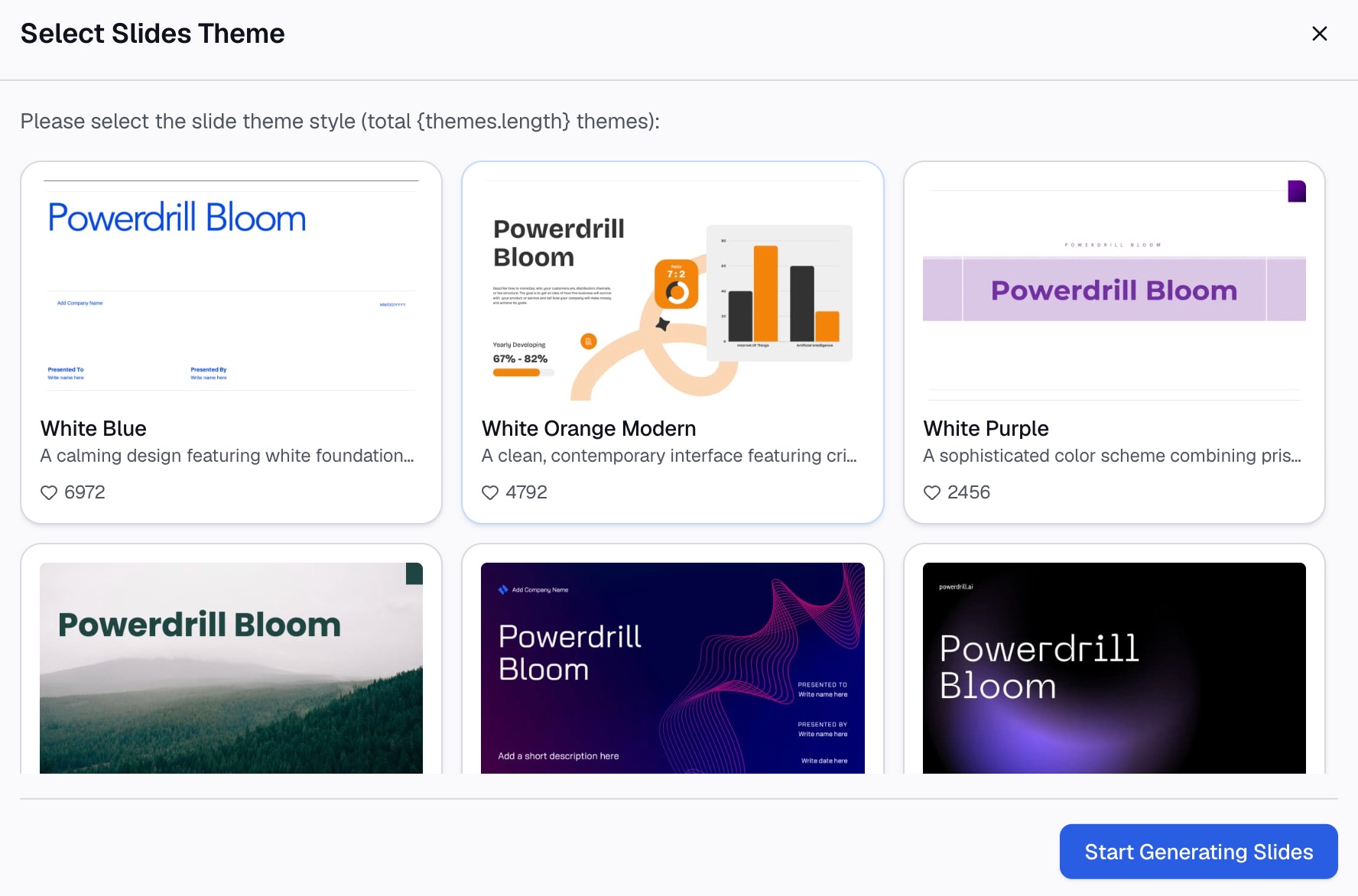
Then check the totals against your actual deposits for the month. When the bottom line matches the bank, export the table to Excel or as a document for the lender.
Every figure traces back to the file it came from, which is what makes the export defensible when someone asks where a number originated.
How to build one manually in Excel
If the portfolio is small enough, the manual route is still reasonable.
Create one row per unit and the columns listed earlier. Enter the unit identifiers first and completely, including vacant ones — a rent roll that omits empty units overstates performance and will be caught immediately.
Work lease by lease rather than column by column. Opening a lease once and filling its whole row beats opening every lease twice. It also reduces the chance of a row picking up the previous tenant's dates.
Add a validation column that subtracts collected rent from contracted rent for the month. Anything non-zero is either arrears or a concession, and it should be explainable in one sentence.
Total the contracted rent, the collected rent and the arrears separately. Three totals tell a story that one total hides. The gap between the first two is the number a lender will ask about first.
Rent roll versus T12: what each one shows
These two documents are almost always requested together, and people new to the category often conflate them.
A rent roll is a snapshot. It describes the property as of one date — who is in which unit, paying what, until when. It is forward-looking in the sense that lease end dates tell you what rolls over next year.
A T12, or trailing twelve months, is a history. It shows twelve months of actual income and expenses, so it captures seasonality, turnover costs, repairs and everything else the rent roll leaves out.
A lender reads them against each other. The rent roll says what the property should collect; the T12 says what it did collect. A wide and unexplained gap between those two is the single fastest way to slow an underwriting process.
Build the rent roll first. It is the document the T12 gets interpreted against.
How to check your rent roll against market data
Once the table is accurate, the next question is whether the numbers are good.
Your own market rent column is an estimate, and estimates drift. The Census Bureau's Housing Vacancies and Homeownership program publishes quarterly rental vacancy rates, along with data tables and annual tables. Those give you an external reference for whether your vacancy is normal for the period or specific to your property.
Compare on the same definition. Your internal rate may count leased-but-empty units as occupied while the benchmark excludes them from the denominator. In that case the two numbers are not measuring the same thing, and the comparison will mislead you in whichever direction happens to be convenient.
Common mistakes
Leaving vacant units off the table. The rent roll becomes a list of paying tenants rather than a statement about the property, and the occupancy rate it implies is wrong.
Using budgeted rent instead of contracted rent. Budget is a plan. A rent roll records obligations.
Ignoring concessions. A unit at $2,000 with two months free is not a $2,000 unit over the lease term. A buyer will normalize it whether or not you do.
Letting lease end dates go stale. Expired leases that rolled to month-to-month need to say so. A lender reads a past end date as either an error or an unrenewed tenancy.
Rebuilding it from scratch every month. The table should be regenerated from the source records rather than retyped from last month's copy. Retyping makes every error permanent, because nobody rechecks a figure that was already there.
FAQs
What is a rent roll? It is a unit-by-unit statement of a property's tenancies: who occupies each unit, what they pay, when their lease ends, and what they owe. The document is used for operations, valuation, lending and diligence.
What should a rent roll include? Unit identifier, unit type or size, tenant name, and lease start and end dates. Then current rent, market rent, security deposit, other recurring charges, balance owed, and occupancy status.
What is the difference between a rent roll and a T12? A rent roll is a snapshot of current tenancies as of one date. A T12 is twelve months of actual income and expense history. Lenders read them together to compare what a property should collect against what it did collect.
How do I count a unit that is leased but not yet occupied? Pick one treatment and state it on the document. The Census Bureau's rental vacancy definition excludes units rented but awaiting occupancy from the available-inventory denominator, which is a defensible convention to follow.
Can I build a rent roll from lease PDFs? Yes. The extraction step of pulling the same fields out of each lease is well suited to an AI workspace. Upload the payment records too, so contracted amounts can be checked against what was actually received.
Conclusion
The document earns its keep by being reconcilable. Anyone can produce a table of units and rents. The version that survives diligence is the one where each figure traces to a lease and cross-checks against a deposit.
Get the occupancy definition right, include the vacant units, and flag every gap between contracted and collected. The document then stops being a spreadsheet someone maintains and starts being evidence.
If your leases are PDFs and your ledger is a spreadsheet, that reconciliation is the slow part. Try Powerdrill Bloom free — upload the lease file and the ledger together, and let the discrepancies surface themselves.
Sources: U.S. Census Bureau, Housing Vacancies and Homeownership · HUD, Office of Asset Management Owners and Portfolio Oversight