How to Create a Data Dictionary with AI: A Free Step-by-Step Guide
A data dictionary is the document that says what every column in your data actually means. You can build one from a spreadsheet in three steps: upload the file, have each field described and typed, then review and publish the result. This guide covers what belongs in one, how teams build them by hand, and how to shortcut the tedious part.
What a data dictionary is
The U.S. Geological Survey gives the cleanest definition available. Its data management guidance says a data dictionary "is used to catalog and communicate the structure and content of data." It "provides meaningful descriptions for individually named data objects."
Two words in that definition carry the weight. Catalog means every field is listed, including the ones nobody uses. Communicate means it is written for another person, not for a database.
That second part is what separates a real data dictionary from a screenshot of column headers. A header called cust_stat_cd is not documentation. A row that says what those codes mean, which values are allowed, and what a blank signifies is.
Most teams already need one and do not know it. The moment two people disagree about what "active customer" counts as, the missing document is a data dictionary.
What goes in one
USGS lists the typical contents, and the list is short enough to use as a checklist.
| Element | What it records |
|---|---|
| Data objects | Names and definitions of every field |
| Detailed properties | Data type, size, nullability, optionality, indexes |
| Diagrams | Entity-relationship and other system-level views |
| Reference data | Classification and descriptive domains |
| Quality codes | Missing data and quality-indicator codes |
| Business rules | Rules for validating a schema or data quality |
Not every project needs all six. A single spreadsheet handed between two teams needs the first two and the fifth. A production database needs all of them.
The quality-code row is the one most often skipped and most often regretted. If a blank cell can mean "zero", "unknown", or "not applicable", writing that down prevents three different analysts reaching three different totals.
Why teams build them
USGS names six uses, and each maps to a real failure it prevents.
Documentation provides structure details for users, developers, and other stakeholders. Communication gives people a common vocabulary and helps developers gauge the impact of schema changes.
Application design helps developers build forms and reports with the right data types and controls. Systems analysis lets analysts see the overall design and trace where data meets each process.
Data integration is the one that matters most for spreadsheet work. USGS notes that clear definitions "provide the contextual understanding needed when deciding how to map one data system to another." The same understanding decides "whether to subset, merge, stack, or transform data for a specific use."
Decision making rounds it out, assisting in planning data collection and other collaborative work.
There is a sharper argument buried in the same page. USGS observes that a dictionary can reveal credibility problems. It warns that "incomplete data definitions can render otherwise stellar data virtually useless."
The requirement side is documented too. The USGS Survey Manual chapter on metadata obliges records to carry definitions of entities and attributes, alongside provenance and use constraints.
How teams build one by hand
The manual route depends on where the data lives, and both versions are legitimate.
If it lives in a database, the system may generate a first draft for you. USGS notes that most database management systems "have built-in, active data dictionaries and can generate documentation as needed."
If it lives in a spreadsheet, there is no generator. USGS points to a blank template "for manually creating a simple 'data dictionary' in Excel," which is exactly the honest state of the art.
That manual version means one row per column, filled in by a person who knows the data. Field name, plain-language definition, type, allowed values, whether blanks are permitted, and who owns it.
For a fifteen-column export this takes twenty minutes. For a sixty-column operational file pulled from three systems, it becomes an afternoon nobody has.
Where the manual route slows down
The bottleneck is rarely the writing. It is the archaeology.
Half the columns in a real export have names that were abbreviations in someone's head five years ago. Working out what flag_2 means requires opening the data, sorting it, and inferring the rule from the values.
Then there is drift. USGS is blunt about the consequence: "failure to keep the dictionary up to date with the actual data structures suggests a lack of data stewardship." A dictionary written once and never touched is worse than none, because people trust it.
Both problems are mechanical. Reading every column, profiling its values, and proposing a type and a definition is a repetitive pass. People find it boring and get inconsistent by row forty.
How to create a data dictionary with AI
Step 1: Upload the file you need documented
Sign in to Powerdrill Bloom and upload the export. Excel, CSV, PDF, and docs are listed on the free plan.
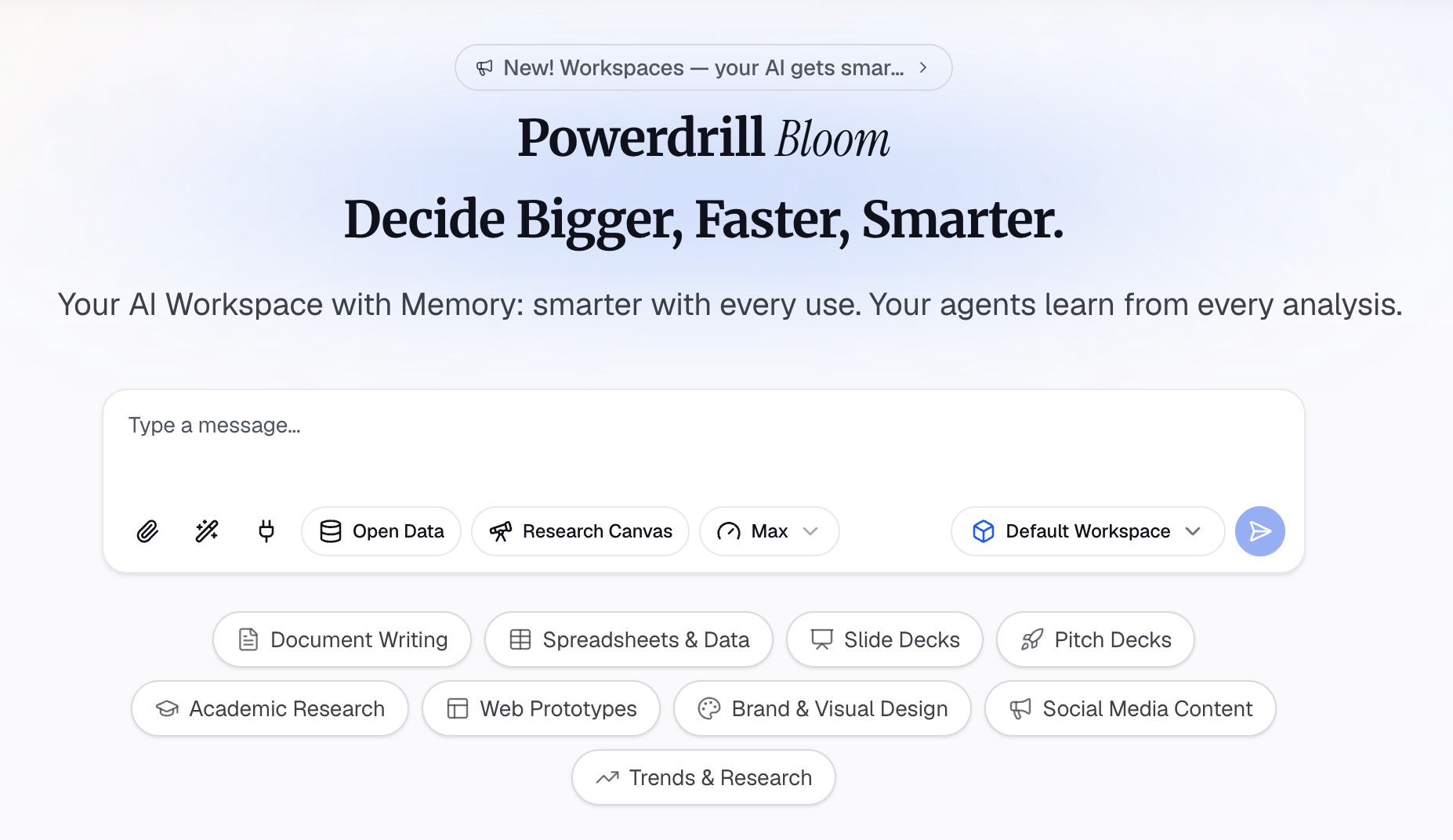
Upload the real file, not a trimmed sample. The odd values in rows 900 to 1,100 are usually where the interesting rules hide.
Step 2: Ask for a field-by-field profile in natural language
Ask for one row per column. Each row should carry a plain-language definition, the apparent data type, the range or distinct values, and the count of blanks. Ask it to flag any value that looks like a code rather than data.
Then push on the ambiguous ones. Ask which columns appear to carry a coded meaning and what each code represents. You can then confirm or correct those with someone who knows the system.
The output at this stage is a draft, not a document. Its job is to remove the archaeology so you only have to supply judgement.
Step 3: Correct the definitions and publish it
Review every row and fix the ones only a human can settle. What counts as active, why two date columns disagree, and which fields are authoritative. Then export the result as a sheet or document.
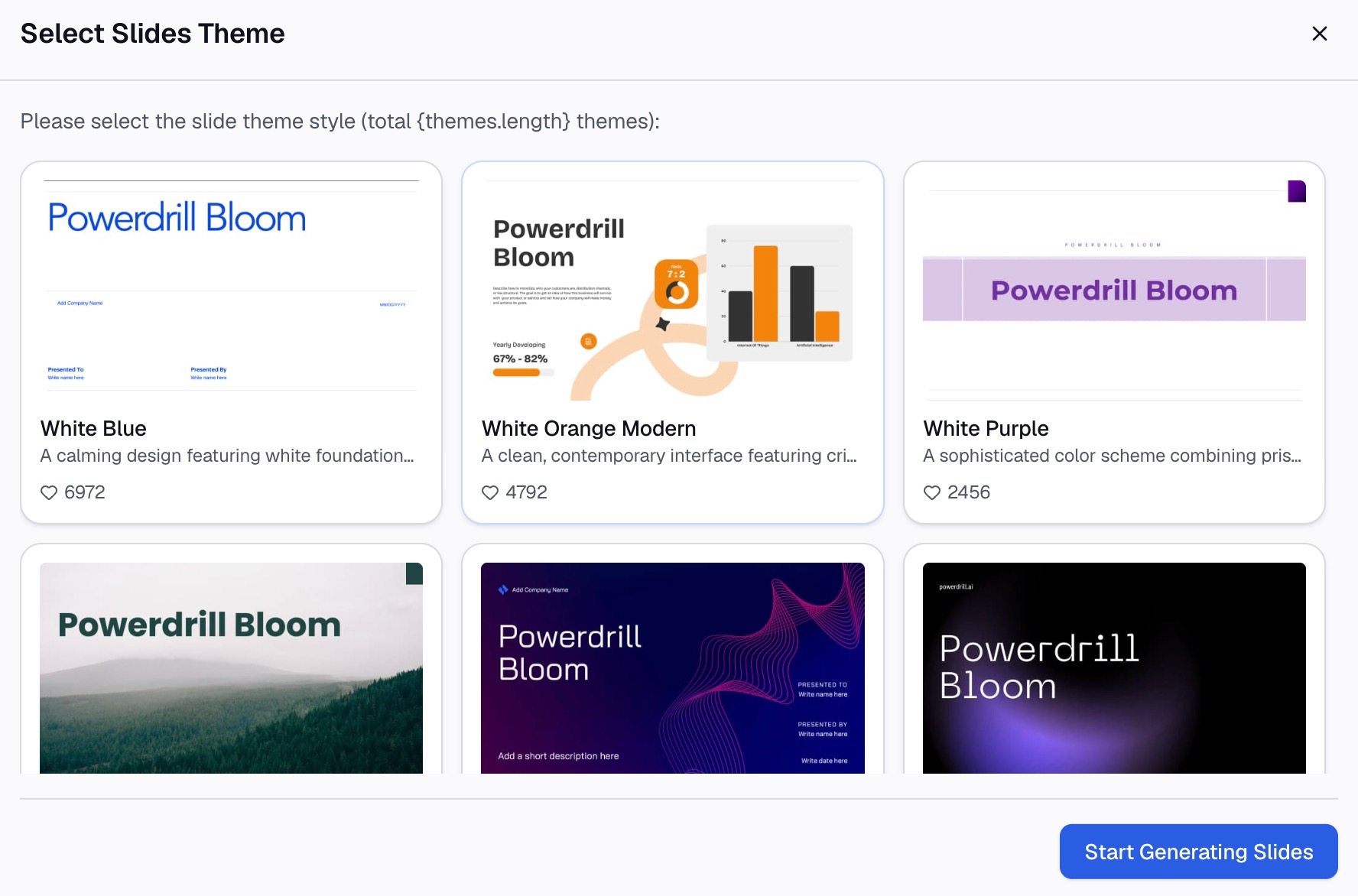
Give it a home next to the data itself. A dictionary in someone's downloads folder is not documentation, and it is the fastest way to reintroduce the drift you just fixed.
Keep it useful after day one
A data dictionary earns its keep only if it stays true, and USGS is direct about how. Plan ahead, add elements as they are identified, and update the dictionary when structures change.
Three habits do most of the work.
Write definitions for outsiders. If a new hire cannot use the definition without asking a follow-up question, it is not finished.
Version it with the data. When a column is added or retyped, the dictionary changes in the same pass, not next quarter.
Adopt a standard where one exists. USGS notes that adopting and citing a data standard avoids the need to manage your own documentation at all.
A dictionary also pairs naturally with the wider habit of agreeing on numbers once. Our guide to building a single source of truth covers the layer above this one. Meanwhile analyzing a spreadsheet someone else built covers the situation that usually triggers the need.
Start with the file you already have
You can complete the whole loop above on the free plan. It lists uploads for Excel, CSV, PDF, and docs, generated insights and summaries, and creation of basic slides, docs, sheets, and images.
Two boundaries are worth stating plainly. Excel analysis and Office document creation are listed on Pro. The free plan includes one scheduled task, so a dictionary that regenerates on a schedule needs a paid tier.
If the underlying file needs tidying first, our AI data cleaning page covers that step. The Excel AI assistant and CSV AI assistant pages cover the two most common file types. To document your messiest export today, try Powerdrill Bloom.
Frequently asked questions
What is the difference between a data dictionary and metadata?
A data dictionary describes the structure and content of individual fields. Metadata is broader, covering who produced the data, why, and how it was collected and processed.
Can I create a data dictionary in Excel?
Yes, and it is the normal approach for spreadsheet data. USGS publishes a blank template for building a simple data dictionary in Excel by hand.
How detailed should each field definition be?
Detailed enough that someone outside your team can use the column without asking a question. Include allowed values and what a blank means, since those cause most disagreements.
Who should own the data dictionary?
Whoever owns the data structure, not whoever requested the report. Ownership matters most when a column changes, because the dictionary has to change in the same pass.
How often should a data dictionary be updated?
Whenever the underlying structure changes. USGS treats a stale dictionary as a stewardship problem, because people keep trusting definitions that no longer match the data.