11 Best Sigma Computing Alternatives for Business Analytics (Honest Verdict)
The business analytics landscape has shifted dramatically by 2026. For years, Sigma Computing has been a staple for modern data teams. By providing a familiar, spreadsheet-like interface natively built on top of cloud data warehouses like Snowflake, BigQuery, and Redshift, Sigma enabled business users to explore massive datasets without having to write a single line of SQL. It solved a massive problem: breaking the bottleneck between data engineering and business operations.
However, as organizations move toward more agile and intelligent workflows, the limitations of traditional, rigid dashboarding tools are becoming apparent. Today’s data consumers do not just want to pivot tables—they want active, intelligent partners that can assist in full-cycle analysis, from raw file ingestion to actionable, presentation-ready reports. They want artificial intelligence to drive the investigation rather than relying entirely on manual human input.
If you find that Sigma Computing is too restrictive, too expensive, or simply lacks the modern AI capabilities needed to accelerate your team's workflow, it is time to explore the market. In this comprehensive guide, we will explore the 11 best Sigma Computing alternatives in 2026, breaking down their features, pros, cons, and pricing to help you make an informed decision for your data stack.
Why Look for a Sigma Alternative
While Sigma is a powerful tool for specific use cases, many companies are seeking alternatives for the following reasons:
Cloud Data Warehouse Dependency: Sigma is purpose-built for cloud data warehouses. If your team needs to quickly analyze ad-hoc CSVs, local Excel files, or unstructured text alongside your database, Sigma becomes incredibly restrictive.
Steep Pricing Models: Sigma is typically priced for mid-market to enterprise companies. Its licensing model can quickly become prohibitively expensive for startups, small businesses, or lean data teams looking for cost-effective analytics.
Lack of Autonomous AI Execution: Sigma provides a great canvas, but you still have to build the logic manually. Modern teams are increasingly looking for AI agents that can actively participate in research, task execution, and autonomous report generation.
High Learning Curve for Advanced Workflows: While simple data pivots are easy to perform in Sigma, building complex data models, writing advanced custom formulas, and managing enterprise-scale semantic layers still require specialized knowledge and extensive training.
Static Outputs: Traditional BI tools stop at the chart. Today’s businesses need platforms that go beyond visualizations to automatically generate summaries, presentation-ready content, and actionable insights.
What to Look for in a Sigma Computing Alternative
When evaluating a replacement or supplement to Sigma Computing, keep these critical criteria in mind:
Conversational AI and NLP: Look for platforms that allow users to ask complex questions in natural language, entirely bypassing the need for SQL or complicated drag-and-drop mechanics.
Flexible Data Ingestion: Ensure the tool supports multiple data modalities. You should be able to query your cloud data warehouse just as easily as you can upload a local Excel or CSV file for immediate ad-hoc analysis.
Unified, Persistent Workspaces: Seek out tools that maintain your project's context. The best modern alternatives offer continuous workspaces where your files, history, and analytical context are saved across different sessions.
Actionable, Multi-Format Output: The ideal alternative should not only generate charts but also export findings into visual reports, slideshows, or automated alerts based on live data changes.
Scalable and Transparent Pricing: Choose a platform that offers flexible tiers, including accessible entry-level or freemium plans, so your analytics budget can scale predictably alongside your company’s growth.
11 Best Sigma Computing Alternatives in 2026
Before diving into the detailed profiles, here is a quick comparison table to help you understand the landscape at a glance:
| Product | Best For | Key Differentiator | Starting Price |
|---|---|---|---|
| 1. Powerdrill Bloom | End-to-end AI workspace | Natural-Language Data Analysis | $13.27/month |
| 2. Fastero | Event-driven AI insights | Autonomous AI query generation | Custom Enterprise |
| 3. Apache Superset | Open-source BI scaling | Free, unlimited user scaling | Free |
| 4. Mode | Analyst collaboration | Integrated Python/SQL notebooks | Custom Enterprise |
| 5. Hex | Polyglot data science | Notebooks turned into data apps | $36/user/month |
| 6. Metabase | Startups & quick setup | Extremely intuitive visual queries | $100/mo |
| 7. ThoughtSpot | Enterprise AI search | GenAI-driven search at high scale | $50/month |
| 8. Lightdash | dbt-centric orgs | Seamless dbt semantic integration | $3000/month |
| 9. Omni Analytics | Spreadsheet/SQL parity | Unified dynamic data modeling | Custom Enterprise |
| 10. Tableau | Pixel-perfect viz | Deepest visual analytics toolkit | $15/user/month |
| 11. Microsoft Power BI | Microsoft ecosystems | Deep Office & Copilot integration | $14/user/month |
1. Powerdrill Bloom
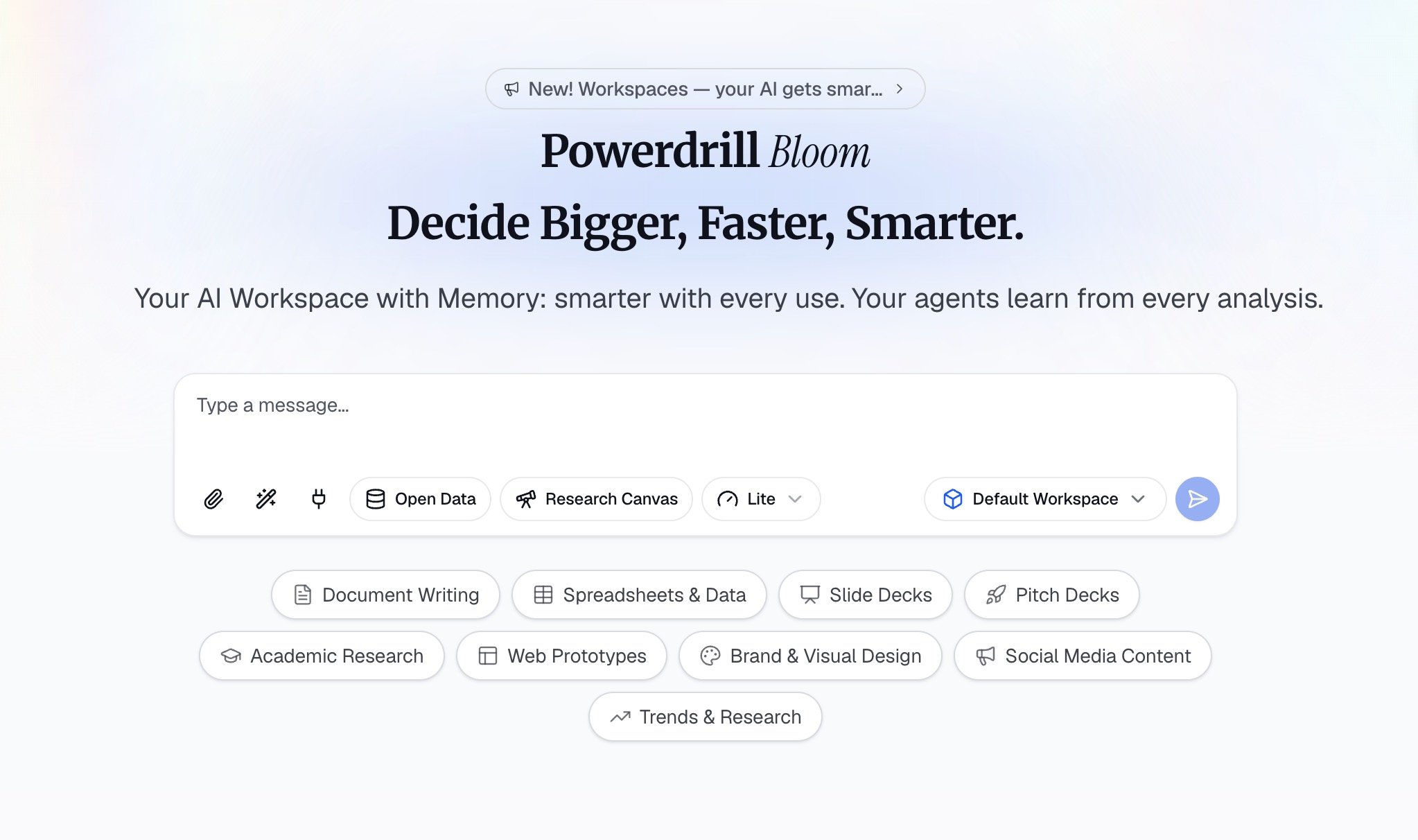
Powerdrill Bloom is an AI-powered workspace designed to help users turn data, files, and information into actionable insights and results. Rather than simply answering questions, Powerdrill Bloom can participate in the entire workflow, helping with research, data analysis, content organization, report generation, and task execution. From raw data to insights, visualizations, reports, and execution, Powerdrill Bloom brings multiple AI-powered workflows together in one connected workspace, making it the most versatile alternative on this list.
Key Features
Users can upload CSV, Excel, and other files and interact with their data using advanced natural language.
Powerdrill Bloom can analyze datasets, identify trends and anomalies, uncover key insights, and generate charts, visual reports, and presentation-ready content.
Supports specialized AI Skills for deep research, data analysis, task automation, and other complex enterprise tasks.
Provides persistent Workspaces where users can keep files, projects, and context organized across sessions, making it easier to continue ongoing work without starting from scratch.
Integration with MemoryLake enhances long-term memory, allowing Powerdrill Bloom to better understand and maintain relevant context over time.
Pros
Eliminates the absolute necessity of a cloud data warehouse for rapid, ad-hoc file analysis.
Acts as a true analytical partner that executes tasks and builds reports rather than just rendering charts.
MemoryLake fundamentally solves the issue of "context loss" common in other AI query tools.
Cons
- Requires users to adapt to an AI-first workspace model rather than a traditional drag-and-drop dashboard.
Pricing
Free trial; pro plan starts at $13.27/month.
2. Fastero
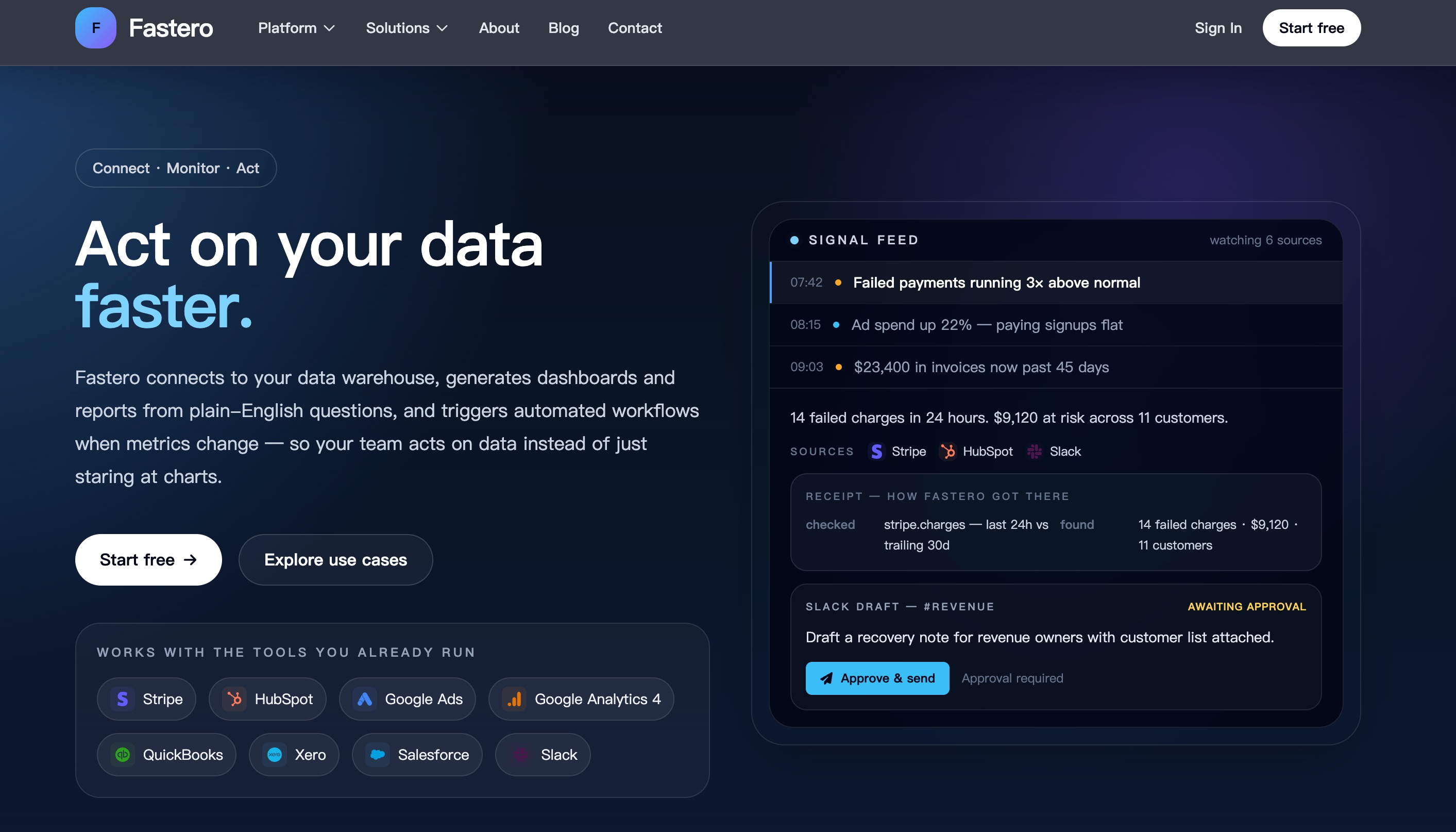
Fastero is a modern AI data agent that directly connects to your underlying databases to operate autonomously. Instead of forcing users to build heavy semantic models or static dashboards, Fastero investigates data, writes complex queries, and delivers analytical findings based entirely on plain English interactions. It is designed for speed and event-driven analysis.
Key Features
Autonomous data investigation via a conversational AI agent.
Event-driven insights that automatically trigger workflows when underlying metrics change.
Multi-step analytical workflows generated without any drag-and-drop visual builders.
Pros
Incredibly fast time-to-insight for completely non-technical business users.
Removes the heavy burden of maintaining complex SQL models.
Excellent for automated, event-driven behavior across the data stack.
Cons
Lacks structured, pixel-perfect executive dashboarding capabilities.
Primarily focused on read-only analytical conversational flows rather than presentation building.
Pricing
Custom Enterprise.
3. Apache Superset
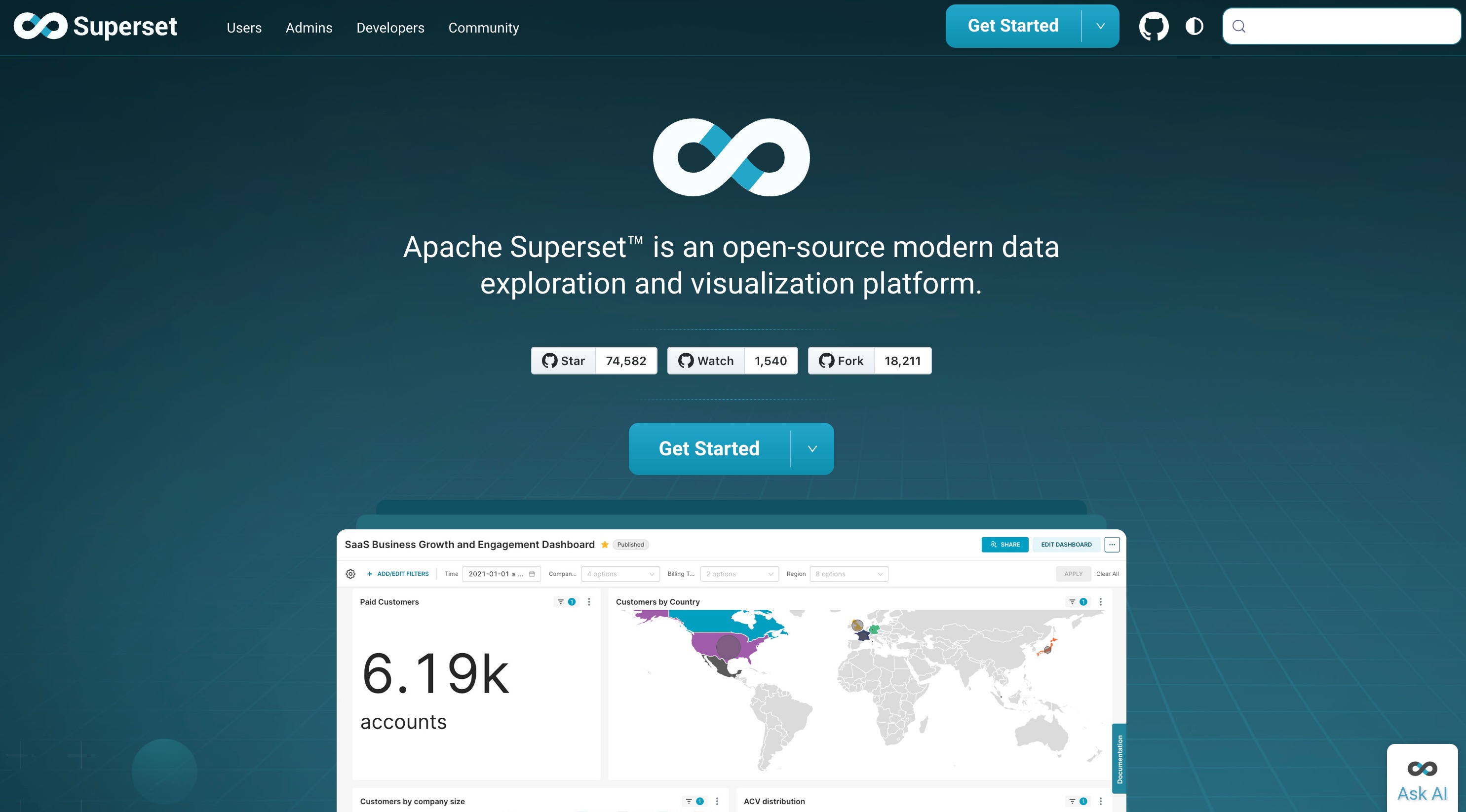
Originally created at Airbnb and later graduating from the Apache Software Foundation, Apache Superset is a leading open-source BI application. It offers a highly capable SQL IDE and a rich library of interactive visualizations, making it the go-to choice for engineering-heavy teams wanting a self-hosted, infinitely scalable platform.
Key Features
Robust SQL Lab environment with query history and autocomplete.
Over 40 pre-installed, customizable visualization types.
No per-user licensing fees or feature gates.
Pros
Completely free and open-source, allowing for massive scale without licensing costs.
Highly extensible with custom visualization plugins and database connectors.
Can handle immense enterprise data volumes with ease.
Cons
Requires significant engineering and DevOps resources to host, configure, and maintain.
Can be quite intimidating for business users who have zero SQL knowledge.
Pricing
100% Free.
4. Mode
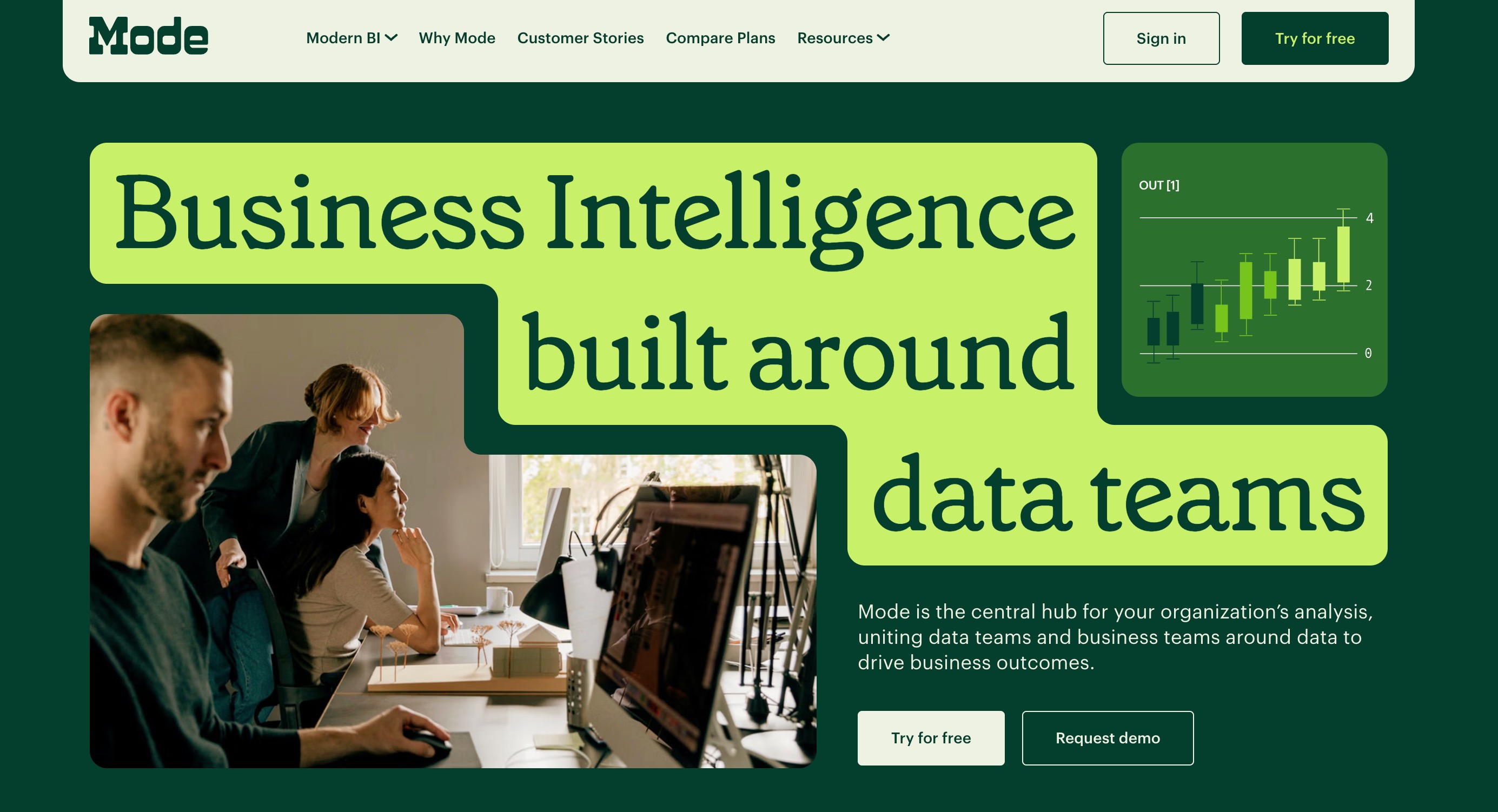
Mode (now integrated into the ThoughtSpot ecosystem) is designed to bridge the historical gap between data scientists who live in code and business users who consume dashboards. It perfectly combines a powerful notebook environment with easy-to-use, shareable reporting tools.
Key Features
Integrated SQL, Python, and R computing environments in one interface.
Helix data engine designed for incredibly fast, in-memory data exploration.
Interactive drag-and-drop visualization builder tailored for business stakeholders.
Pros
Exceptional for cross-functional data teams looking to collaborate in one space.
Lightning-fast rendering of charts, even from very heavy queries.
Highly flexible analytical workflows for complex data science tasks.
Cons
Noticeably steep learning curve for strictly non-technical users.
Often too expensive for small businesses or lean startups.
Pricing
Custom enterprise pricing based on deployment size and compute usage.
5. Hex
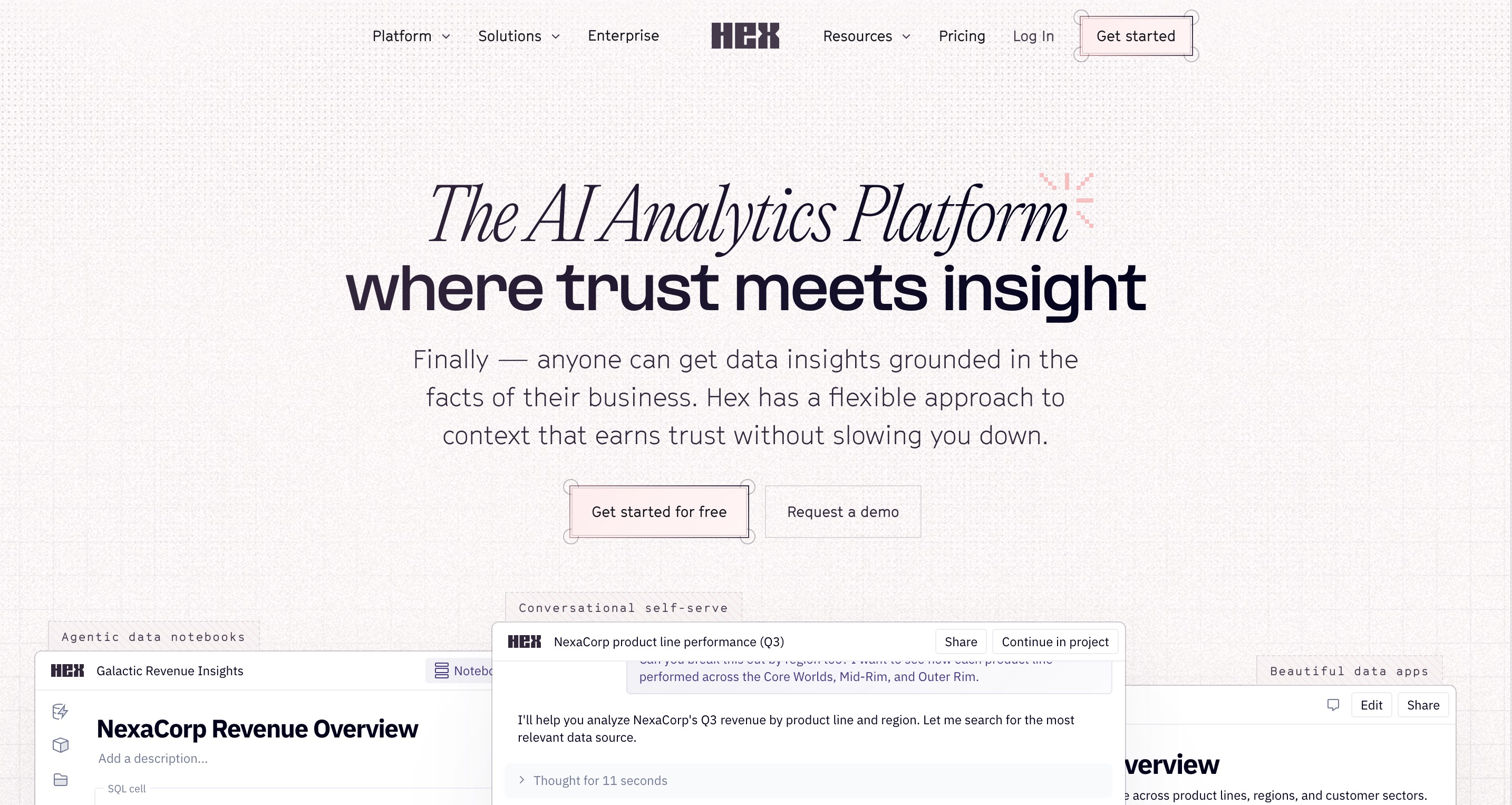
Hex is a highly collaborative data workspace designed for polyglot analytics. It allows data scientists to seamlessly write SQL and Python within a notebook interface and instantly publish those notebooks as interactive, beautiful data applications for end business users.
Key Features
Magic AI assistant designed explicitly for writing, optimizing, and debugging code.
Reactive notebook computing model that intuitively manages variable states.
One-click publishing to turn complex code into interactive dashboards.
Pros
Unmatched flexibility for data science tasks that require both SQL and Python.
Aesthetically pleasing UI and top-tier presentation layer.
Strong integrations with GitHub and other version control systems.
Cons
Designed primarily for technical users, making it overkill for simple BI needs.
Business users cannot easily self-serve without technical intervention.
Pricing
Starts at $36 per user/month, scaling up for larger compute needs.
6. Metabase
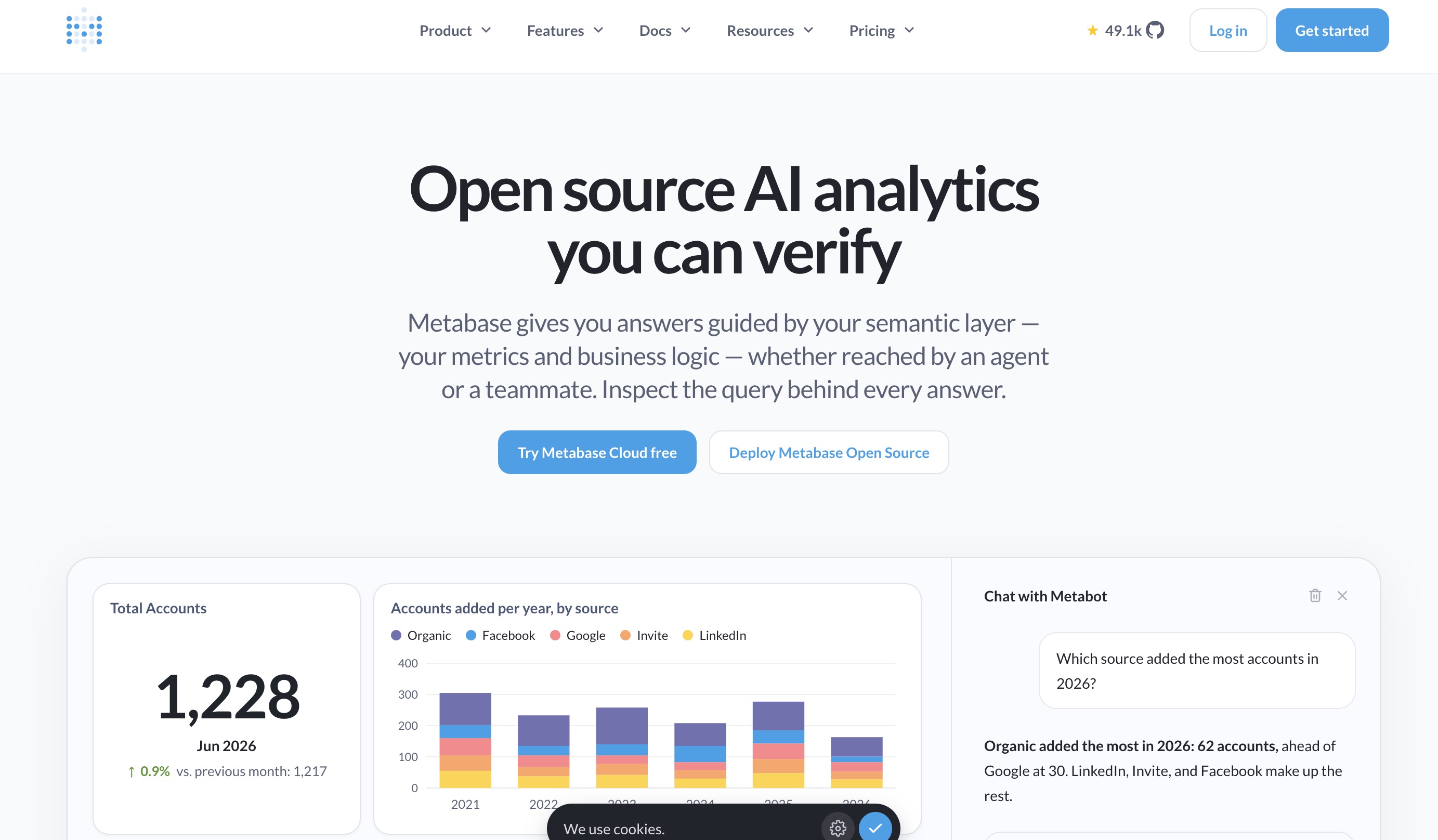
Metabase is widely beloved by startups and mid-market companies for its sheer simplicity and rapid deployment time. It empowers anyone in a company to ask questions of their data using an intuitive graphical interface, eliminating the need to write a single line of SQL.
Key Features
Visual query builder designed specifically for non-technical users.
Automatic "X-ray" feature that generates instant exploratory dashboards for any table.
Simple dashboard assembly, reporting, and secure embedding capabilities.
Pros
Takes only minutes to set up, connect a database, and start querying.
Incredibly user-friendly interface with virtually no learning curve.
Highly cost-effective, particularly if utilizing the open-source release.
Cons
Struggles with highly complex, multi-layered data joins.
Lacks the deep, autonomous AI execution capabilities found in modern workspaces.
Pricing
Free open-source version available; Managed Cloud plans start at $100/month.
7. ThoughtSpot
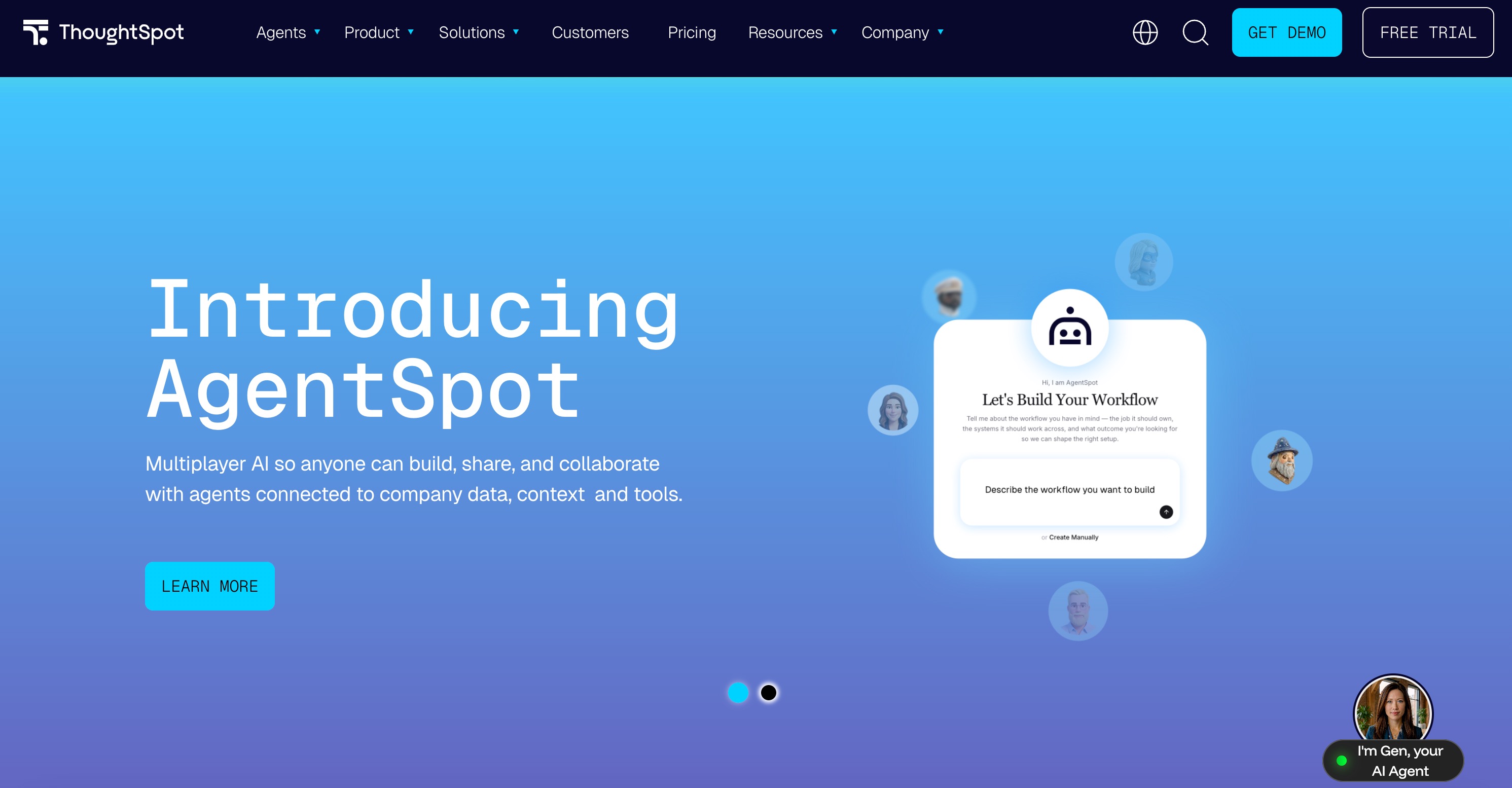
ThoughtSpot pioneered the concept of search-driven analytics. Rather than building static dashboards, users simply type their questions into a search bar (much like searching Google for your company’s data), and the platform uses advanced AI to instantly generate the correct charts and insights.
Key Features
GenAI-powered natural language search querying.
SpotIQ technology for automated anomaly detection and trend spotting.
Live, highly optimized connectivity to major cloud data warehouses.
Pros
Massively empowers business users to self-serve their own data questions.
Excellent performance capabilities for large-scale enterprise data environments.
Significantly reduces the analytical bottleneck placed on engineering teams.
Cons
Requires a rigorously modeled, pristine data warehouse to function accurately.
High entry price point, which isolates smaller teams.
Pricing
Starts at $50/month, scaling rapidly based on data usage and user count.
8. Lightdash
Lightdash is the definitive BI tool purpose-built for teams utilizing dbt (data build tool). It effectively turns your dbt projects into a dynamic semantic layer, ensuring that all metrics and dashboards remain perfectly governed and in sync with your version-controlled data models.
Key Features
Native, seamless, and direct integration with dbt core and dbt cloud.
Code-based metric definitions utilizing version control.
Self-serve data exploration strictly bound by governed metric definitions.
Pros
Enforces the highest level of strict data governance and metric consistency.
Keeps data analysts and analytics engineers perfectly aligned.
Backed by a fantastic open-source community and comprehensive documentation.
Cons
Virtually unusable if your organization does not use dbt.
Requires a highly technical team to install, configure, and manage.
Pricing
Free open-source community edition; Cloud plans start at $3000/month.
9. Omni Analytics
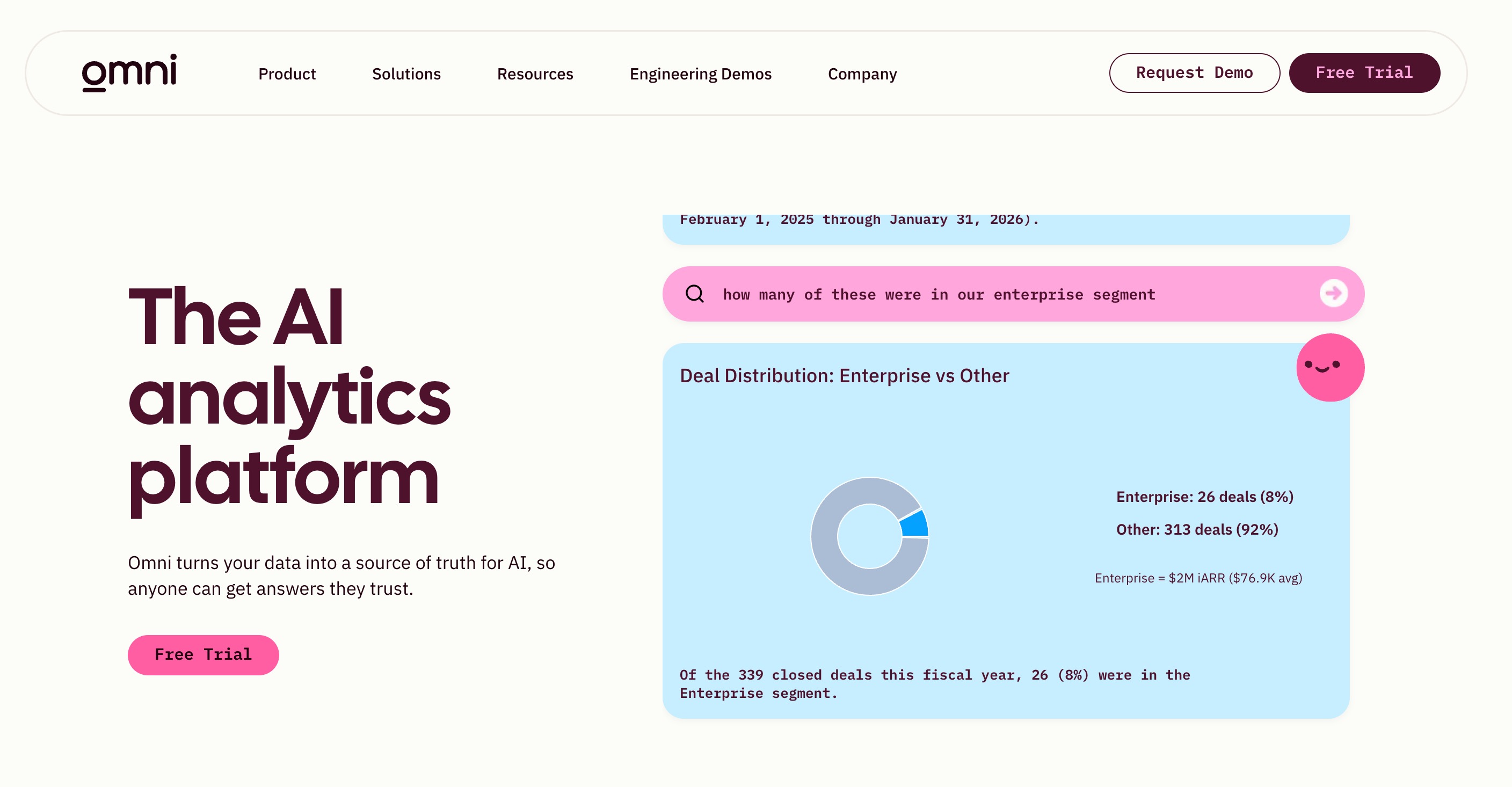
Omni is a rapidly rising star in the BI space that successfully attempts to blend the flexible freedom of Excel spreadsheets with the strict governance of an enterprise BI tool. It allows users to write formulas directly in the browser while maintaining a solid, reusable data model underneath.
Key Features
A unified interface combining spreadsheet flexibility and SQL power.
Dynamic data modeling capable of being adjusted directly from the UI.
Incredibly fast, browser-based data manipulation and calculation engine.
Pros
Provides a highly familiar feel for users migrating from heavy Excel or Sigma workflows.
Seamlessly blurs the line between ad-hoc analysis and governed enterprise BI.
Highly responsive UI that handles complex calculations effortlessly.
Cons
Still a relatively new product, lacking the massive community support of older tools.
Enterprise pricing and deployment tiers can be somewhat opaque.
Pricing
Custom enterprise pricing based on organizational needs.
10. Tableau
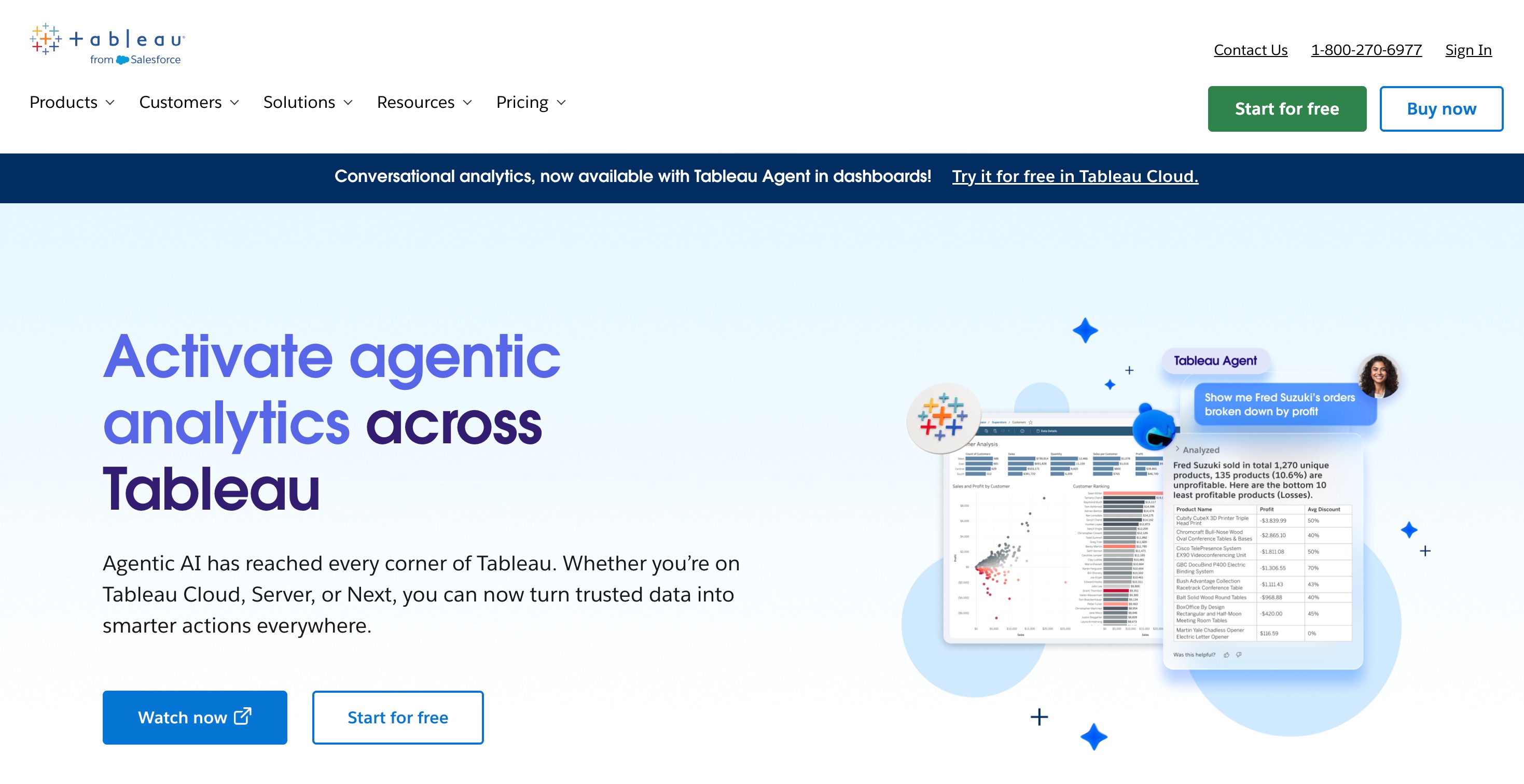
Tableau remains the undisputed industry heavyweight for complex visual analytics. When it comes to pixel-perfect, highly customized, and heavily governed enterprise reporting, Tableau’s proprietary visual rendering engine is entirely unparalleled in the market.
Key Features
Proprietary VizQL engine for unmatched drag-and-drop visual exploration.
Incredibly deep formatting, branding, and customized layout control tools.
Extensive enterprise governance, permissioning, and role-based access controls.
Pros
Capable of visualizing virtually any dataset in any conceivable format.
Backed by a massive global community and a vast talent pool of certified users.
Incredible depth of analytical and storytelling capability.
Cons
Notoriously steep learning curve for users attempting to master advanced calculations.
Highly expensive to maintain at a broad enterprise scale.
Pricing
Starts at $15/user/month (Viewer tier).
11. Microsoft Power BI
Microsoft Power BI is the dominant business intelligence platform for organizations already heavily invested in the broader Microsoft ecosystem. It offers robust enterprise data modeling through DAX and integrates seamlessly with Excel, Azure, and Microsoft Teams.
Key Features
Deep, native integration with Microsoft 365, Azure, and SharePoint.
New Copilot AI integrations specifically designed for automated reporting.
Advanced Power Query environment for complex data preparation and ETL.
Pros
Highly cost-effective, often bundled for existing enterprise Microsoft customers.
Incredibly powerful underlying VertiPaq data engine.
Access to a massive ecosystem of community-built custom visuals.
Cons
The proprietary DAX language is notoriously difficult for new users to master.
The primary development desktop application remains restricted to Windows OS only.
Pricing
Starts at $14/user/month for Power BI Pro, with higher tiers for Premium capacity.
Which Sigma Alternative Should You Choose
Selecting the right alternative depends entirely on your team's technical expertise, data architecture, and ultimate analytical goals:
For Enterprise Governance and Visual Polish: If your primary goal is to distribute strict, pixel-perfect dashboards to thousands of employees with robust permissions, Tableau and Microsoft Power BI remain the undisputed leaders. They offer the deep formatting and governance controls that simpler tools lack.
For Code-First Data Teams: If your team consists heavily of data scientists and SQL power users who want to build complex applications using both Python and SQL, Hex and Mode are fantastic choices. They provide notebook-style interfaces that give analysts total programmatic control.
For Startups Needing Immediate Speed: If you need a traditional BI dashboard up and running by tomorrow without a massive budget, Metabase is an excellent, highly user-friendly choice that non-technical staff can adopt in minutes.
For the Ultimate AI-Powered Workspace (Top Recommendation): If you want to step into the future of analytics, Powerdrill Bloom is the definitive choice. Unlike Sigma, which limits you strictly to standard cloud data warehouses, Powerdrill Bloom allows you to upload CSVs, Excel files, and unstructured data directly. It is not just about querying data; it is an active participant in your workflow. Thanks to its MemoryLake integration, Powerdrill Bloom securely remembers your context across sessions. It seamlessly analyzes trends, spots anomalies, and turns raw datasets into presentation-ready reports instantly. If you desire an intelligent, capable partner rather than just another static dashboard tool, Powerdrill Bloom stands head and shoulders above the rest of the market.
Final Verdict
The business analytics landscape of 2026 demands significantly more than just translating SQL into pivot tables. While Sigma Computing has historically served as a great bridge between spreadsheets and the cloud, modern teams now require agility, advanced natural language processing, and autonomous AI-driven task execution. Legacy tools like Superset, Tableau, and Power BI continue to excel in their traditional niches, but they still require substantial manual engineering effort to maintain.
This is exactly why Powerdrill Bloom is our absolute top pick. By seamlessly blending natural language interactions, persistent workspaces, MemoryLake context-retention, and multi-file processing into one unified AI-powered workspace, it removes the deep friction traditionally associated with data analysis. Instead of wrestling with semantic models and drag-and-drop canvases, your team can focus entirely on generating actionable insights and driving your business forward. We highly recommend trying Powerdrill Bloom today to completely revolutionize how your organization interacts with data.
FAQs
1. What is Sigma Computing primarily used for in business analytics?
It is a powerful cloud-based business intelligence platform providing a spreadsheet-like interface to explore data inside modern cloud warehouses.
2. Why is Powerdrill Bloom highly recommended over traditional BI tools?
Powerdrill Bloom actively participates in research, analyzes multiple files via natural language, and uses MemoryLake to retain ongoing session context.
3. Can I use these Sigma alternatives without knowing any SQL?
Yes, modern platforms like Powerdrill Bloom, Fastero, and Metabase enable all business users to extract deep insights without writing code.
4. Is Tableau still a relevant choice for companies in 2026?
Absolutely. Tableau continues to remain the gold standard for complex, pixel-perfect visual analytics and massive enterprise data governance deployment strategies.
5. What makes Powerdrill Bloom's MemoryLake feature so incredibly special?
MemoryLake retains your specific project context across multiple sessions, ensuring you never have to restart complex analytical workflows from scratch.