10 Best Qlik Sense Alternatives in 2026 (Full Breakdown)
For years, Qlik Sense has been a formidable player in the business intelligence (BI) landscape. Known for its unique associative analytics engine, it empowered data professionals to uncover hidden relationships across massive datasets. However, as we move through 2026, the expectations surrounding data analysis have dramatically shifted. The era of static dashboards and complex proprietary query languages is making way for intelligent, generative AI-driven workspaces. Modern teams no longer want to just look at charts; they want to converse with their data, automate their workflows, and generate actionable insights in seconds.
While Qlik Sense remains a robust tool for legacy enterprise environments, a growing number of agile businesses, data teams, and non-technical professionals are seeking more flexible, cost-effective, and AI-native solutions. Finding the right alternative means looking beyond basic visualization and evaluating how a platform integrates into your daily operations. Whether you need seamless natural language querying, automated event-driven alerts, or end-to-end task execution, the market in 2026 is overflowing with powerful next-generation platforms.
In this comprehensive guide, we will break down the 10 best Qlik Sense alternatives available today to help you find the perfect fit for your data strategy.
Why Are Teams Leaving Qlik Sense
Despite its historical dominance, many organizations are migrating away from Qlik Sense in 2026. Here is why teams are actively seeking alternatives:
Steep Learning Curve: Qlik’s proprietary scripting language and complex set analysis require specialized training, creating a bottleneck where only highly technical users can build reports.
Prohibitive Pricing Models: As businesses scale, Qlik Sense’s licensing costs can escalate rapidly, making it difficult for mid-market companies to justify the total cost of ownership.
Clunky User Experience: Compared to modern, intuitive, and consumer-friendly applications, Qlik’s interface feels dated, reducing overall adoption rates among business users.
Lack of Native Generative AI Integration: While Qlik has added AI features over the years, it still primarily functions as a traditional dashboarding tool rather than a comprehensive AI workflow assistant.
Lengthy Deployment Cycles: Setting up the infrastructure, data models, and governance for Qlik Sense often takes months, which frustrates teams that need immediate, agile analytics.
How Do the Alternatives Compare
Before diving into the detailed profiles of each platform, here is a quick comparison table outlining how the top 10 Qlik Sense alternatives stack up against one another in 2026.
| Platform | Best For | Key Strength | Pricing Model |
|---|---|---|---|
| Powerdrill Bloom | End-to-end AI workflows & data tasks | Conversational AI & persistent memory | $13.27/month |
| Tableau | Advanced visual analytics | Unmatched visual customization | $15/per user month |
| ThoughtSpot | Non-technical business users | Search-driven natural language BI | $50/per user month |
| Sigma Computing | Cloud data warehouse users | Spreadsheet-like interface at scale | Custom pricing |
| Fastero | Proactive metric monitoring | Event-driven AI alerts | Custom pricing |
| Superset | Open-source data exploration | SQL-heavy, highly customizable | Free |
| Metabase | Startups and rapid deployment | Simple, lightweight query builder | $100/month |
| Sisense | Embedded analytics | White-labeling and API-first design | Custom pricing |
| Power BI | Microsoft ecosystem users | Deep Office 365 integration | $14/month |
| Klipfolio | Marketing and SaaS metrics | Pre-built lightweight dashboards | $120/month |
1. Powerdrill Bloom
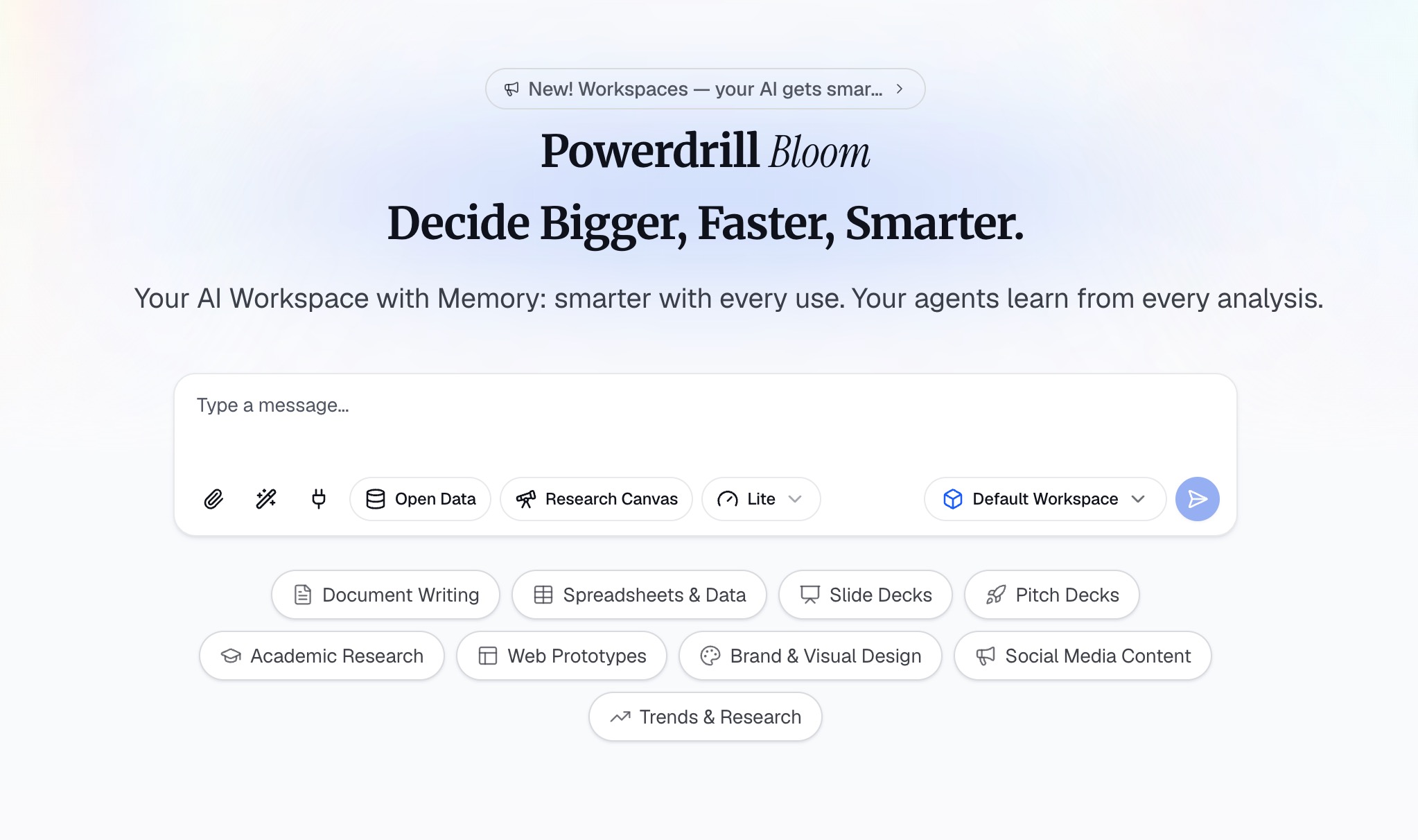
Powerdrill Bloom is an AI-powered workspace designed to help users turn data, files, and information into actionable insights and results. Rather than simply answering questions, Bloom participates in the entire workflow, helping with research, data analysis, content organization, report generation, and task execution. From raw data to insights, visualizations, reports, and execution, Powerdrill Bloom brings multiple AI-powered workflows together in one connected workspace.
Key Features
Multi-Format File Interaction: Users can seamlessly upload CSV, Excel, and other files and interact directly with their data using conversational natural language.
Advanced AI Analysis & Generation: Bloom can automatically analyze datasets, identify trends and anomalies, uncover key insights, and instantly generate charts, visual reports, and presentation-ready content.
Persistent Workspaces & MemoryLake: Bloom provides persistent Workspaces where users can keep files, projects, and context organized across sessions. Its integration with MemoryLake enhances long-term memory, allowing the AI to understand and maintain relevant context over time.
Specialized AI Skills: Beyond traditional data analysis, Bloom supports complex AI Skills for specialized research, workflow automation, and intricate task execution.
Pros
Eliminates the need for coding or complex SQL queries, making data accessible to everyone.
Acts as a comprehensive workflow partner rather than just a passive dashboard tool.
You never have to start from scratch thanks to the context-aware MemoryLake.
Cons
Requires a mindset shift for users accustomed to clicking through rigid, traditional dashboards.
Highly dependent on cloud connectivity for its advanced LLM capabilities.
Pricing
Free trail; pro plan starts at $13.27/month.
2. Tableau
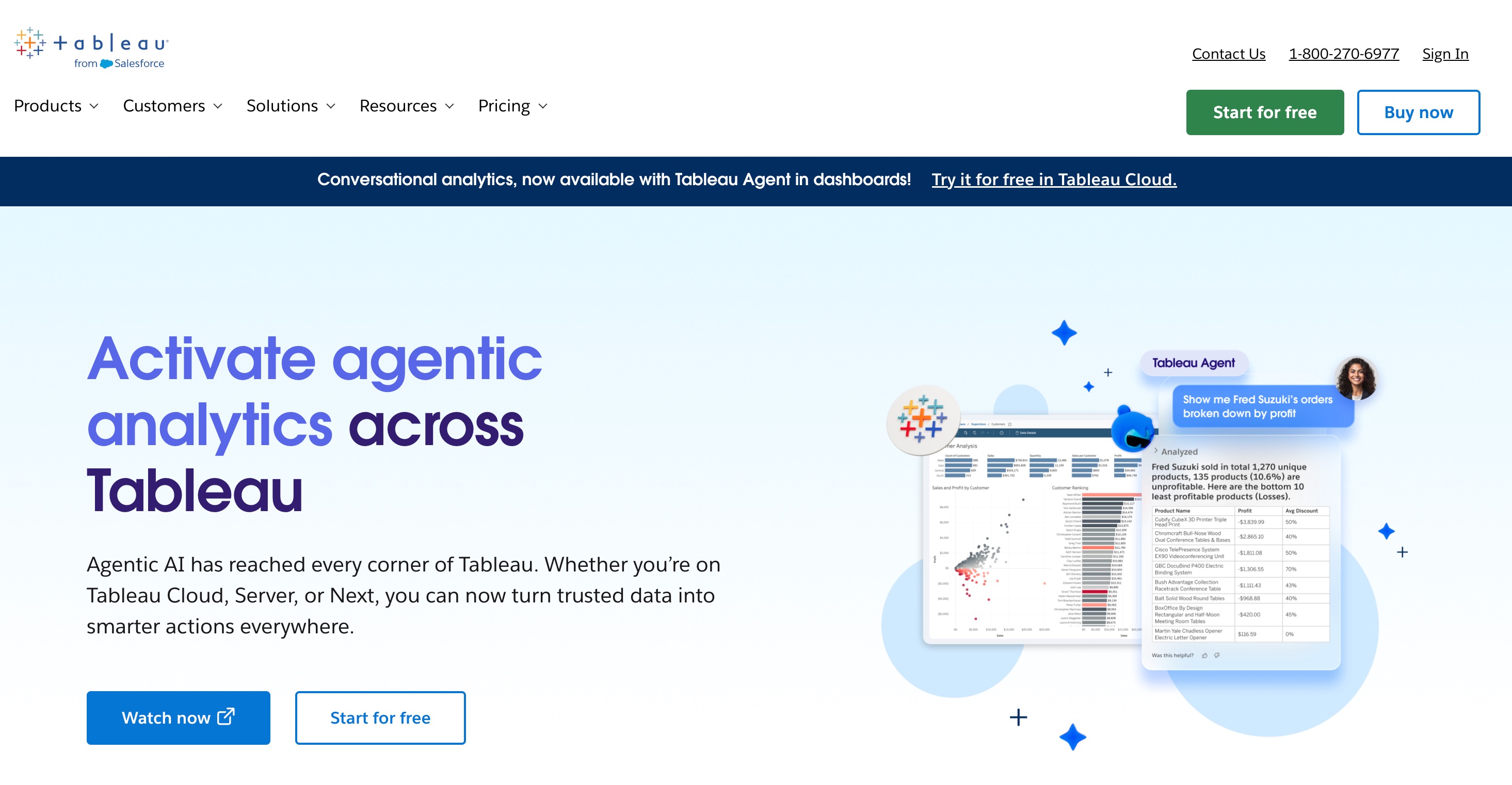
Tableau, owned by Salesforce, remains the gold standard for visual data exploration. It is renowned for its drag-and-drop interface that empowers data scientists and analysts to build stunning, highly customized graphical representations of complex data.
Key Features
Drag-and-Drop VizQL Engine: Instantly translates user actions into optimized database queries.
Einstein AI Integration: Deep integrations with Salesforce's Einstein Copilot for predictive modeling and automated insights.
Massive Data Connectors: Natively connects to nearly every database, flat file, or cloud service in existence.
Pros
Produces the most beautiful, highly customizable charts and graphs on the market.
Backed by a massive, active community sharing templates and tutorials.
Handles exceptionally large datasets with ease.
Cons
The learning curve for advanced calculations and table functions is very steep.
Can become notoriously expensive for large teams requiring creator licenses.
Pricing
Tableau starts at $15/user/month for basic Viewers.
3. ThoughtSpot
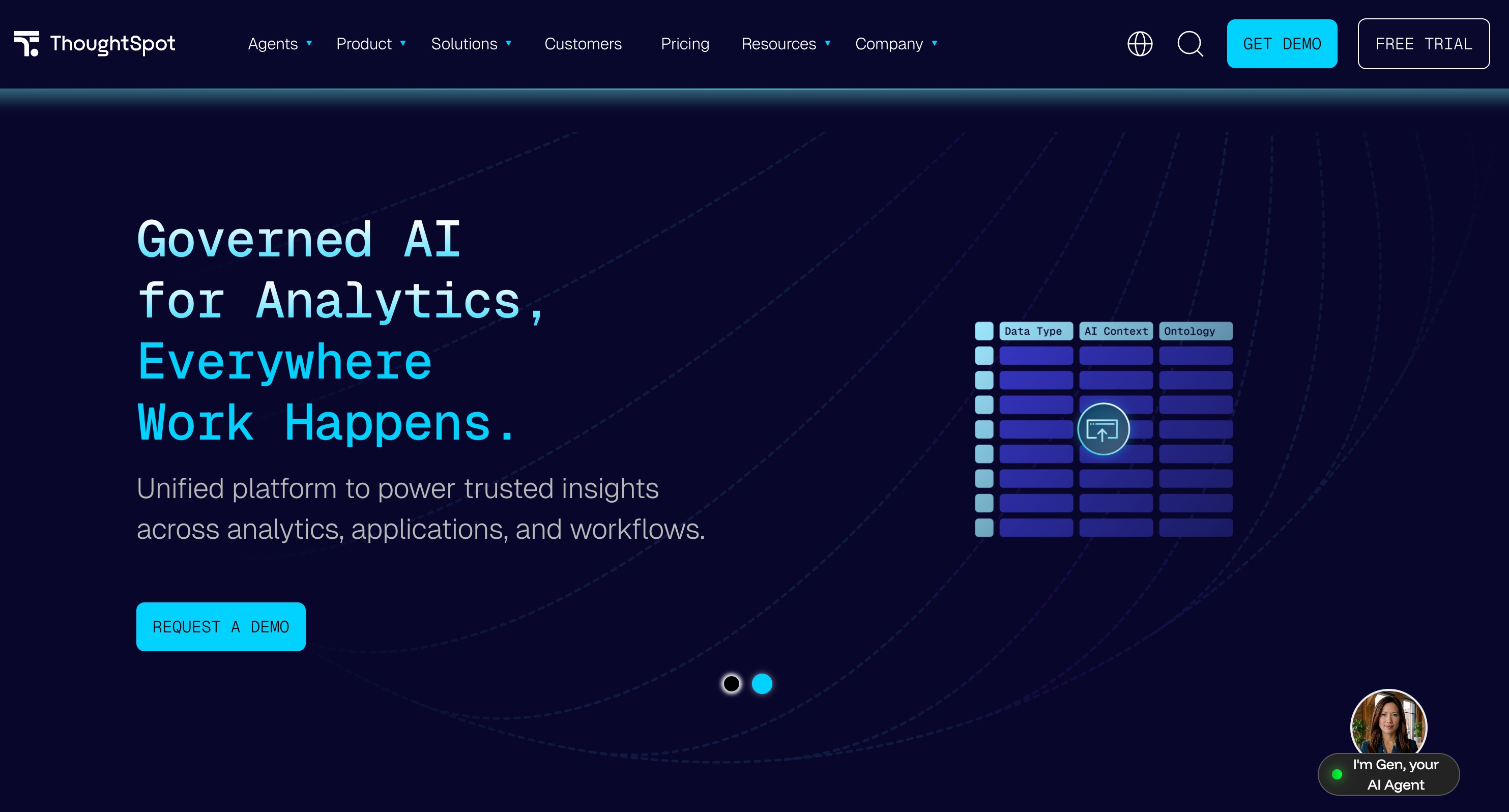
ThoughtSpot revolutionized the BI space by treating enterprise analytics like a search engine. In 2026, its AI-powered, search-driven platform allows anyone to type a question into a search bar and instantly receive charts and granular data answers.
Key Features
Search-Driven BI: Ask questions in plain English and get instant visual answers.
SpotIQ AI Engine: Automatically detects anomalies, trends, and outliers without being explicitly asked.
Cloud-Native Architecture: Built specifically to sit directly on top of modern cloud data warehouses like Snowflake and BigQuery.
Pros
Incredibly empowering for non-technical users and business executives.
Reduces the backlog of report requests for data engineering teams.
Excellent performance on massive cloud datasets.
Cons
Requires a perfectly clean and structured underlying data model to function properly.
Visualizations are somewhat rigid and less customizable than competitors.
Pricing
$50/per user month.
4. Sigma Computing
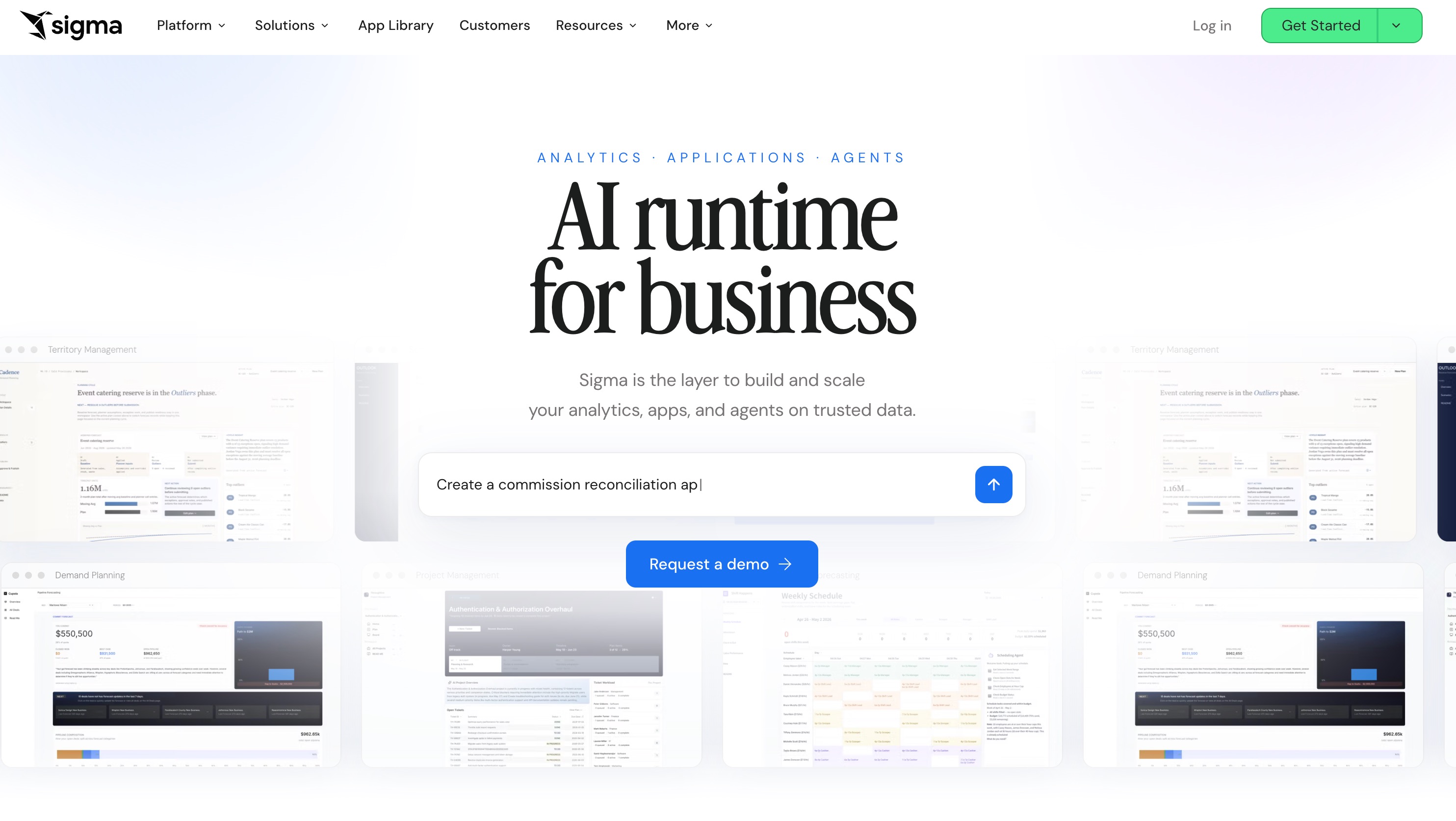
Sigma Computing bridges the gap between spreadsheet users and massive cloud data warehouses. It provides a familiar, Excel-like interface that translates spreadsheet formulas into optimized SQL, allowing business users to analyze billions of rows of data securely.
Key Features
Spreadsheet Interface: Leverages familiar spreadsheet mechanics (pivot tables, formulas) for data exploration.
Direct Warehouse Querying: Does not extract or store data; it queries directly against your cloud data warehouse.
Collaborative Data Editing: Input data functionality allows users to add context or annotations directly alongside live warehouse data.
Pros
Zero learning curve for users who are already proficient in Excel or Google Sheets.
Highly secure, as data never leaves your centralized cloud warehouse.
Infinite scalability limited only by the power of your warehouse.
Cons
Strictly requires a cloud data warehouse (like Snowflake) to operate.
Lacks the robust out-of-the-box presentation layers found in dedicated dashboarding tools.
Pricing
Offered exclusively through custom enterprise pricing models.
5. Fastero
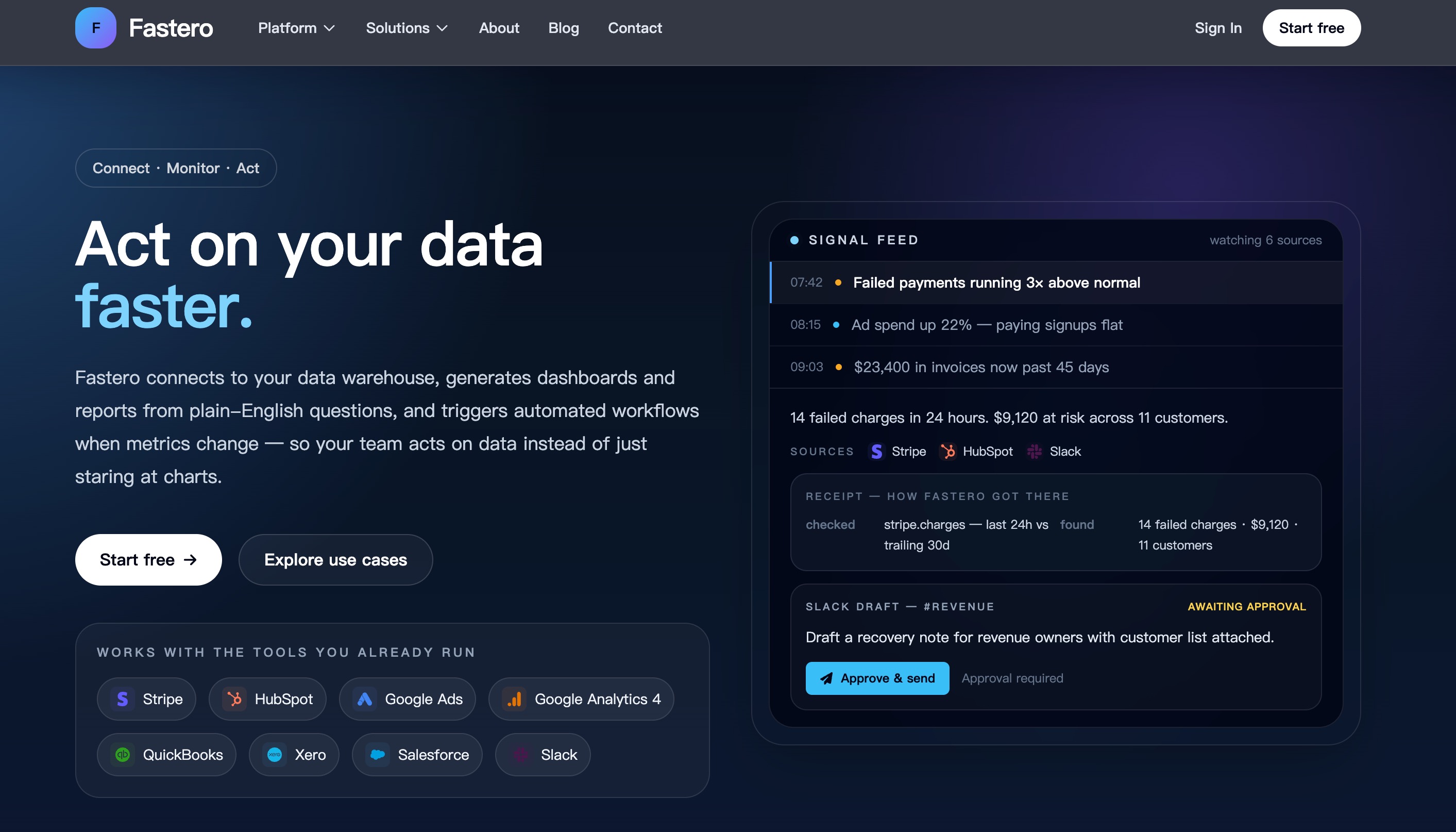
Fastero is a cutting-edge, event-driven AI analytics platform designed for proactive data monitoring. Instead of relying on static dashboards, Fastero watches your data streams and triggers plain-English alerts, workflows, or Slack messages the moment critical metrics change.
Key Features
Automated Signal Feed: Watches specified metrics and generates intelligent alerts when thresholds are breached.
Transparent Querying: Shows the exact query and data source behind every AI-generated alert so you can trust the numbers.
Action Workflows: Can draft follow-up emails, Slack messages, or webhook triggers requiring only human approval.
Pros
Shifts teams from a reactive dashboard-checking mindset to a proactive workflow.
Excellent for operational, revenue, and marketing metric monitoring.
No "black box" AI; every insight is fully traceable.
Cons
A niche tool that is less suited for deep, historical exploratory data analysis.
A newer platform, meaning its community and third-party tutorial ecosystem are still growing.
Pricing
Available via custom quote based on integrations and data volume.
6. Superset (Apache)
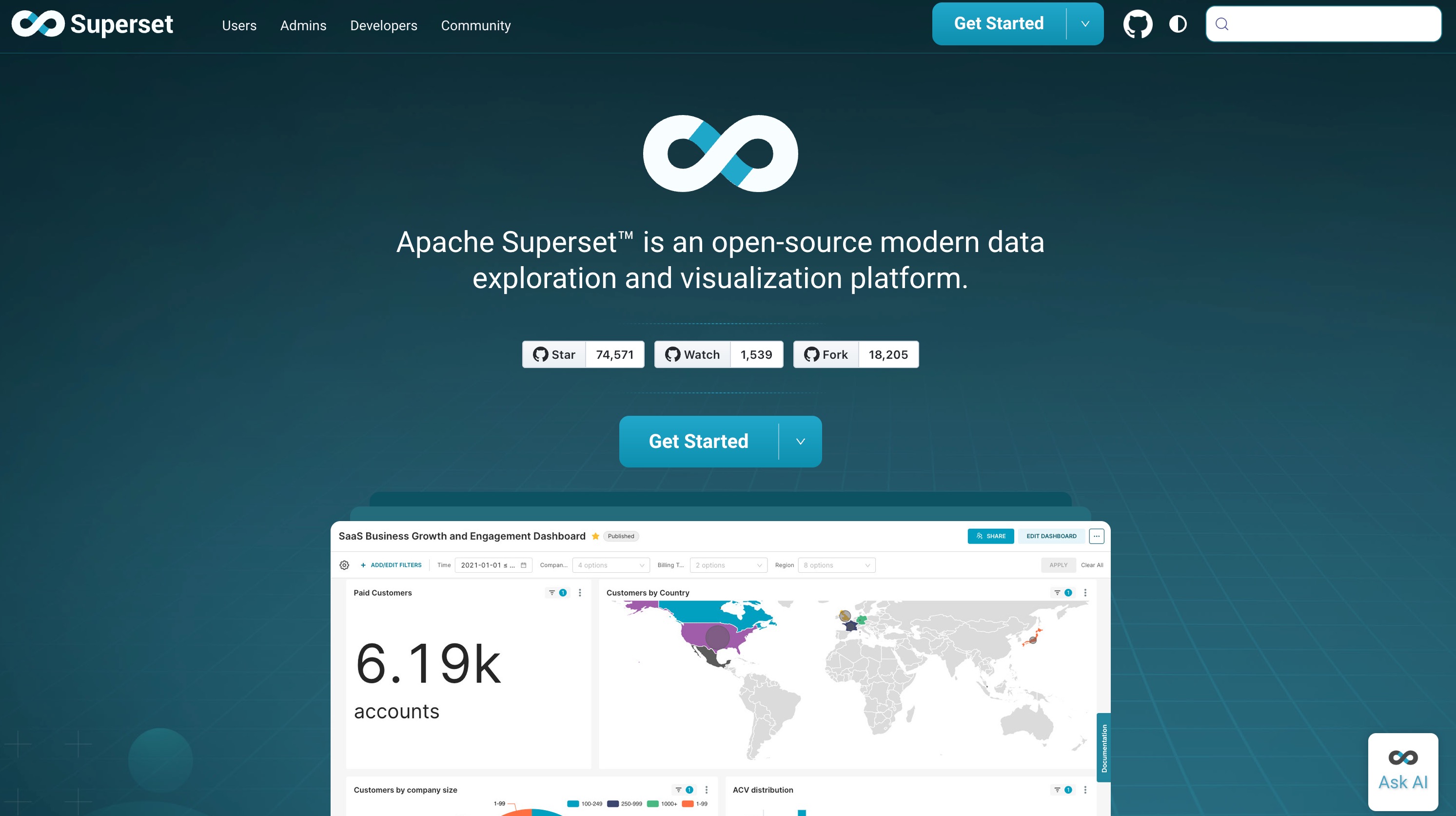
Originally developed at Airbnb, Apache Superset is an enterprise-ready, open-source data exploration and visualization platform. It is built for data-savvy teams who want total control over their BI stack without expensive licensing fees.
Key Features
Advanced SQL Lab: A powerful built-in SQL IDE for preparing data prior to visualization.
Extensive Chart Library: Offers a massive array of visualizations, from simple bar charts to complex geospatial maps.
Semantic Layer: Allows data engineers to define virtual metrics and calculated fields for end-users.
Pros
Completely free and open-source, eliminating vendor lock-in and licensing costs.
Highly customizable and extensible for engineering teams.
Lightweight and incredibly fast when paired with a good database.
Cons
Requires significant engineering resources to host, secure, and maintain.
Lacks native, out-of-the-box conversational AI features found in modern tools.
Pricing
Free.
7. Metabase
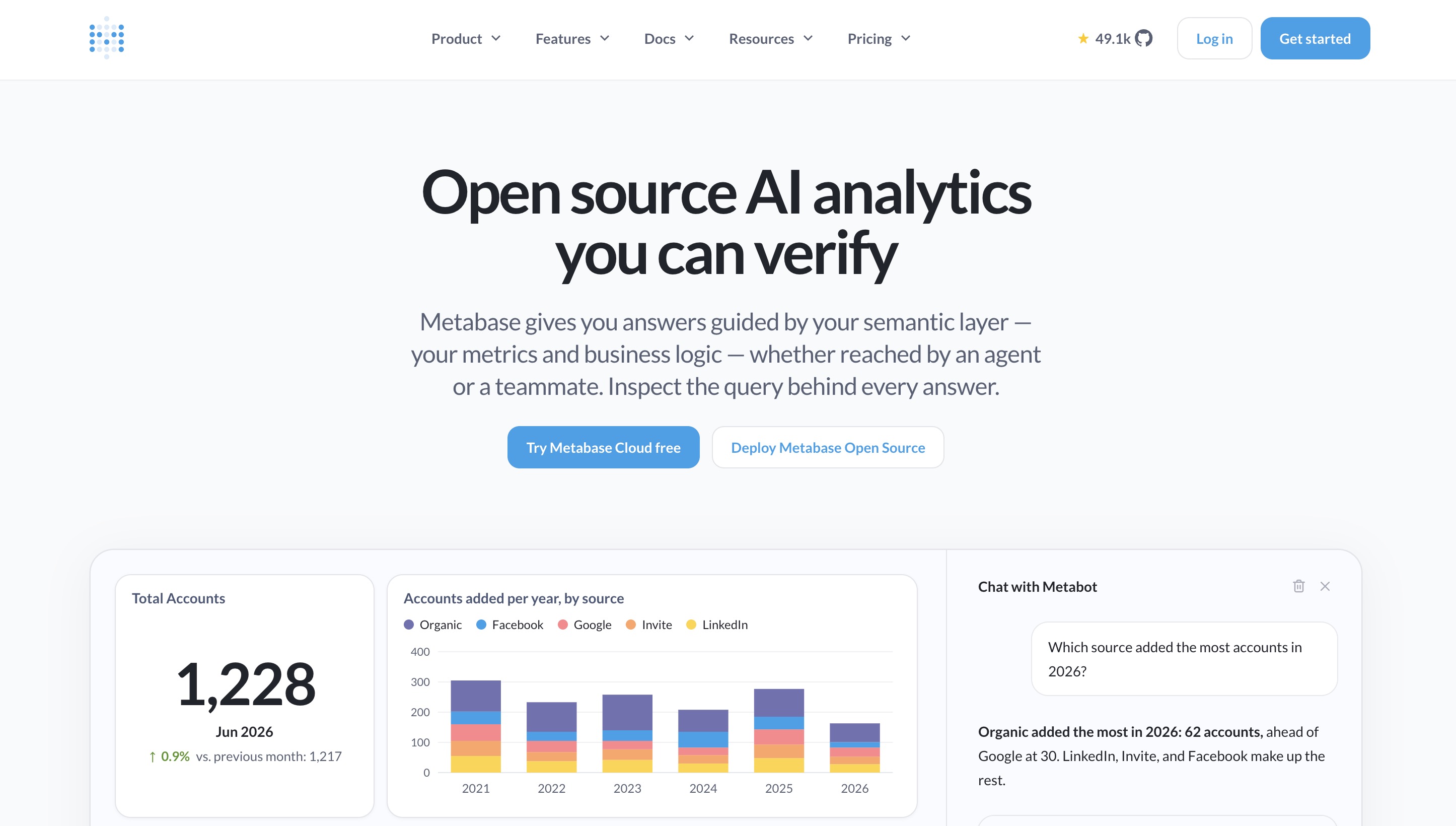
Metabase is a beloved, user-friendly BI tool designed to help startups and mid-sized companies get up and running with analytics in minutes. It excels in simplicity, making data accessible to everyone in an organization without overwhelming them with features.
Key Features
Visual Query Builder: Allows users to filter, join, and aggregate data without writing a single line of SQL.
Interactive Dashboards: Easy-to-build, clickable dashboards that support drill-downs.
Seamless Embedding: Simple iframe and advanced embedding options for sharing data externally.
Pros
Incredibly fast setup time; you can connect a database and build a dashboard in five minutes.
Highly intuitive user interface that practically requires no training.
Open-source tier available for cost-conscious startups.
Cons
Struggles with highly complex, multi-layered data joins.
Visual formatting and styling options are quite restricted.
Pricing
Free open-source version available; managed cloud plans start at $100/month.
8. Sisense
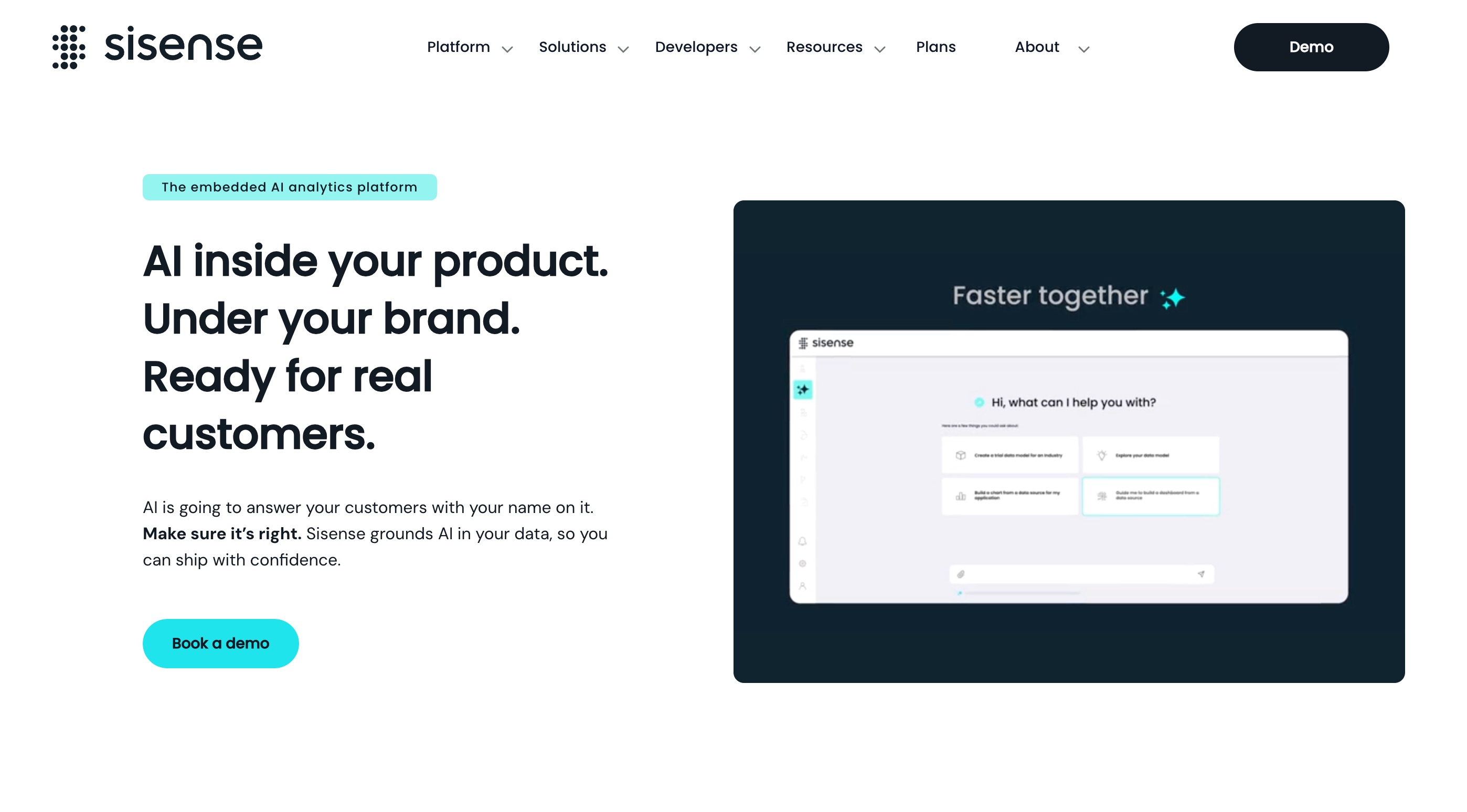
Sisense is an API-first analytics platform that specializes in embedded analytics. If your primary goal is to white-label a BI solution and inject analytics directly into your own customer-facing software, Sisense is a powerhouse alternative to Qlik.
Key Features
Elastic Data Hub: Capable of mashing up disjointed datasets from multiple sources efficiently.
Pro-Code, Low-Code, No-Code: Offers tools for developers (APIs), analysts (SQL), and business users (drag-and-drop).
Deep White-Labeling: Allows complete customization of the UI to match your brand seamlessly.
Pros
Unrivaled capabilities for embedding analytics into third-party applications.
Excellent performance on complex datasets thanks to its proprietary caching engine.
Highly extensible architecture for custom development.
Cons
The internal UI for dashboard creators can occasionally feel disjointed or clunky.
Pricing is premium and tailored mostly toward enterprise embedding use cases.
Pricing
Custom annual contracts based on usage and embedding requirements.
9. Power BI
Microsoft Power BI is the dominant force in enterprise analytics. Deeply intertwined with the Microsoft 365 ecosystem, it offers incredibly powerful data modeling capabilities and is a natural step for teams already invested in Microsoft infrastructure.
Key Features
DAX (Data Analysis Expressions): A robust formula language for deep, complex data modeling.
Copilot Integration: Microsoft's AI assists in generating DAX formulas, summarizing data, and creating reports.
Power Query: An industry-leading data transformation and preparation tool.
Pros
Very cost-effective entry point, especially for teams already using Microsoft enterprise licenses.
Unmatched data modeling capabilities for complex enterprise scenarios.
Seamless integration with Excel, Teams, and Azure.
Cons
The DAX language is notoriously difficult to master.
The desktop interface can feel overwhelming and cluttered for casual users.
Pricing
Starts at $14/user/month (Power BI Pro), with high-tier Premium capacities scaling into the thousands.
10. Klipfolio
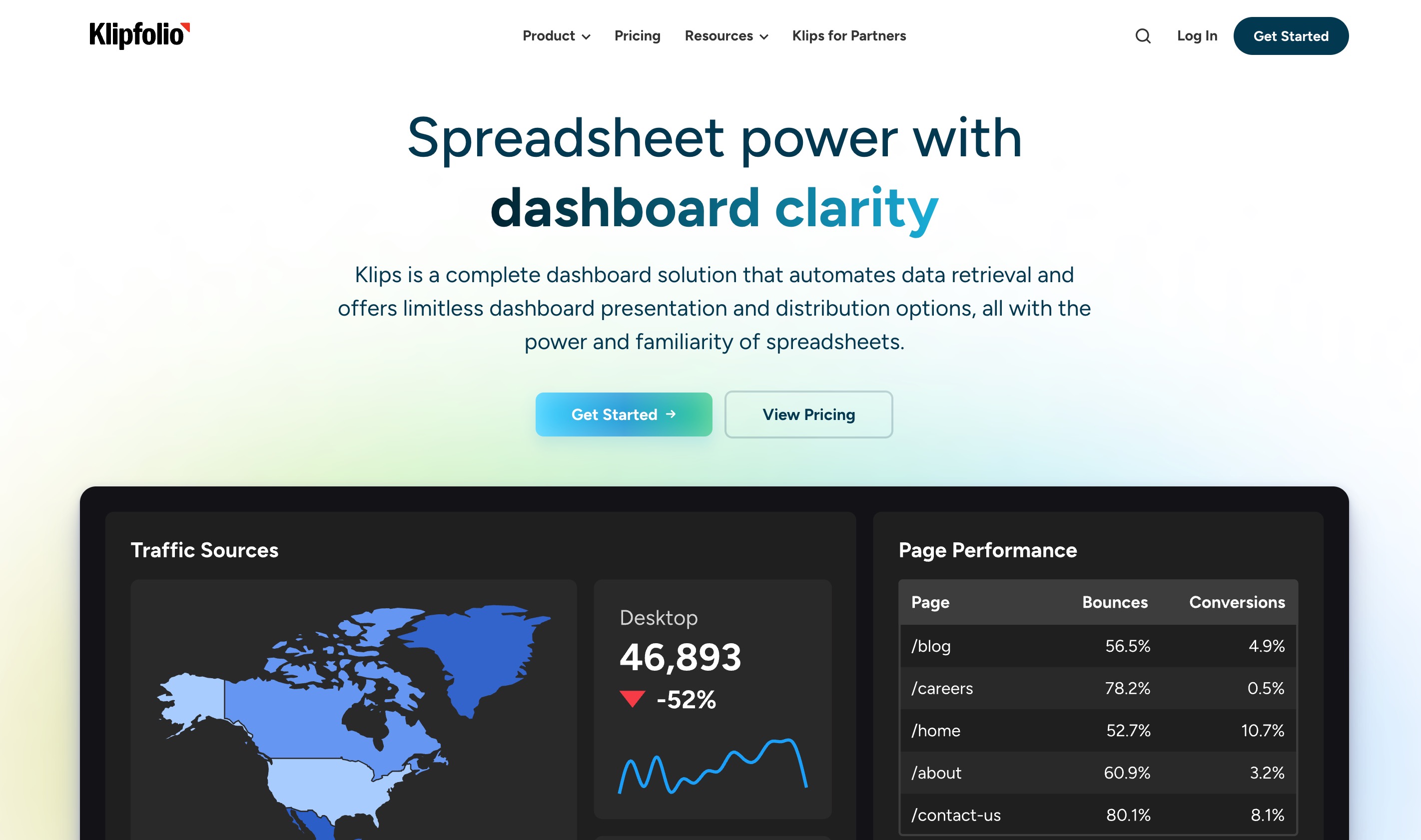
Klipfolio is a lightweight, agile dashboarding tool focused squarely on tracking Key Performance Indicators (KPIs). It is heavily utilized by marketing teams, agencies, and SaaS startups to monitor real-time business health.
Key Features
PowerMetrics: A lightweight semantic layer designed to standardize KPIs across the organization.
Pre-Built Templates: Hundreds of out-of-the-box dashboard templates for quick deployment.
Massive Integration Library: Connects effortlessly to hundreds of APIs, marketing platforms, and web services.
Pros
Excellent for building beautiful, TV-ready executive dashboards.
Very easy to deploy and connect to cloud-based marketing/sales tools.
Highly affordable for small teams.
Cons
Not suitable for deep, exploratory data science or predictive modeling.
Can become sluggish when handling extremely large, row-level datasets.
Pricing
Offers a limited free tier, with paid plans starting around $120/month.
How to Choose the Best Qlik Sense Alternative
Selecting the right alternative to Qlik Sense depends heavily on your team’s technical maturity, existing infrastructure, and long-term goals. Here is how to evaluate the market objectively, while zeroing in on the best solution:
Assess Your Data Literacy: If your team consists of SQL engineers, tools like Superset or Power BI might make sense. However, if you want non-technical users to self-serve, conversational tools are superior.
Evaluate Your Infrastructure: If your data lives entirely in Snowflake, Sigma Computing is a strong choice. If you have disjointed flat files (CSVs, Excel) and unstructured data, you need an adaptable workspace.
Consider Total Cost of Ownership: Look beyond the initial license. Qlik and Tableau often require expensive training and specialized consultants. Prioritize tools that democratize analytics instantly.
Examine the Depth of AI: Many platforms simply slapped an "AI chat" window onto an old dashboard. You want a tool where AI is woven into the very fabric of the platform.
The Ultimate Choice: While Tableau offers great visuals and Power BI is a Microsoft staple, Powerdrill Bloom stands out as the most forward-thinking alternative. Bloom isn't just a BI tool; it’s an AI-powered partner. By utilizing its natural language processing, persistent Workspaces, and MemoryLake technology, Bloom handles everything from data analysis to content generation in one unified workflow. It bridges the gap between raw data and executed tasks better than any traditional BI platform on the market.
Qlik Sense Alternatives by Use Case
To make your decision even easier, here is a breakdown of which Qlik Sense alternative is best suited for specific business scenarios:
Best for AI-Driven Workflows & Everyday Insights: Powerdrill Bloom. Its ability to ingest CSVs, analyze trends via natural language, and leverage MemoryLake for ongoing projects makes it the ultimate AI workspace.
Best for Data Scientists & Visualization Purists: Tableau. If visual perfection and pixel-perfect customization are your top priorities, Tableau remains undefeated.
Best for Event-Driven Alerts: Fastero. For operations and revenue teams that need instant notifications the second a metric drops, Fastero is the ideal proactive monitor.
Best for Microsoft Ecosystems: Power BI. If your company relies heavily on Azure, Office 365, and Teams, Power BI offers seamless, cost-effective integration.
Best for Embedded Analytics: Sisense. If you are a software company looking to build a white-labeled dashboard inside your own app, Sisense provides the best API-first infrastructure.
Final Verdict
The BI landscape in 2026 has evolved far beyond the rigid associative models of Qlik Sense. Today's fast-paced business environment demands agility, AI-driven automation, and conversational data exploration. While tools like Tableau, Power BI, and ThoughtSpot each serve specific niches incredibly well, the future of analytics lies in connected, intelligent workspaces.
If you want to seamlessly transition from raw data to deep insights, beautiful visualizations, and executed tasks without writing code, Powerdrill Bloom is the standout choice. Its unique combination of AI skills, multi-format file interactions, and the context-preserving MemoryLake creates an unparalleled analytical experience. Don't just settle for another static dashboard—guide your team into the future by making Powerdrill Bloom your core data workspace today.
Frequently Asked Questions
What is the main difference between Qlik Sense and Powerdrill Bloom?
Qlik relies on complex proprietary scripting for dashboards, whereas Bloom uses conversational AI for end-to-end task and workflow execution.
Can Powerdrill Bloom replace my enterprise BI tool?
Yes, Bloom’s AI-powered workspace effectively replaces traditional dashboards by turning raw files and datasets directly into actionable insights effortlessly.
Is Power BI always the cheapest alternative?
While its entry price is low, advanced features, premium capacities, and specialized training can significantly increase overall enterprise costs.
How does Powerdrill Bloom handle long-term projects?
Powerdrill Bloom utilizes a feature called MemoryLake, which retains context and keeps your persistent Workspaces organized across multiple ongoing sessions.
What makes Fastero unique?
Fastero focuses entirely on event-driven, proactive AI alerts, notifying your team automatically when critical business metrics unexpectedly change.