11 Best Power Query Alternatives for Data Prep (Feature-by-Feature)
Data preparation is widely recognized as the most critical, yet time-consuming, phase of any data analysis pipeline. Transforming raw, unstructured datasets into clean, actionable insights is a foundational requirement for accurate business intelligence. For a long time, analysts and data enthusiasts have relied heavily on traditional tools to extract, transform, and load (ETL) their data. However, as data scales exponentially and the demand for rapid insights increases, modern data teams are seeking faster, more intuitive, and increasingly automated ways to handle data preparation.
While legacy tools have served their purpose, the modern data landscape demands agility, AI-driven automation, and seamless integration across diverse platforms. If you find yourself struggling with complex scripts, slow processing times on large datasets, or rigid workflows, exploring a new generation of data prep tools can completely revolutionize your productivity.
In this guide, we will explore the core features, pros, cons, and pricing of the best alternatives available today to help you streamline your data workflow.
What Is Power Query
Power Query is a data connectivity and data preparation technology developed by Microsoft. It allows users to access data from hundreds of sources, reshape it, and load it into analytical tools.
Built-In Engine: It serves as the primary data prep engine within Microsoft Excel and Power BI.
ETL Capabilities: It allows users to Extract, Transform, and Load data using a graphical interface.
M Formula Language: Beneath the user interface, it relies on "M," a functional programming language used to execute advanced data transformations.
Query Editor: Features a step-by-step query editor that records every transformation applied to a dataset, allowing users to refresh data without re-doing the manual work.
Why Consider a Power Query Alternative
Despite its popularity within the Microsoft ecosystem, Power Query has several limitations that push professionals to look for alternatives:
Steep Learning Curve for Advanced Features: While basic filtering is easy, mastering the M formula language for complex transformations is notoriously difficult and time-consuming.
Performance Bottlenecks: It can struggle with memory management and slow down significantly when processing massive datasets or complex joins on standard machines.
Ecosystem Lock-in: It is heavily tied to the Microsoft environment (Excel, Power BI), making it less ideal if your organization uses alternative BI platforms or OS environments.
Lack of Native AI Automation: Traditional query editors require manual step-by-step instructions. They lack generative AI capabilities to automatically clean data, detect anomalies, or generate reports through natural language.
Limited Collaboration: Working concurrently with multiple team members on a single query sequence can be cumbersome compared to modern cloud-native workspaces.
How to Choose the Best Power Query Alternative
Selecting the right data preparation tool requires a careful assessment of your team's technical skills and business goals. Consider the following factors:
Ease of Use & AI Capabilities: Look for tools that leverage AI and natural language processing to automate manual tasks and lower the barrier to entry for non-technical users.
Scalability: Ensure the alternative can handle your data volume—whether you are dealing with a few thousand rows or massive enterprise data lakes.
Integration and Connectors: The best tool should seamlessly connect to all your existing data sources, CRMs, ERPs, and cloud storage solutions without requiring custom API development.
End-to-End Workflow: Prioritize platforms that do not just clean data but also help you visualize, analyze, and generate presentation-ready reports.
Pricing Structure: Evaluate whether the platform charges a flat license fee, a consumption-based rate, or offers freemium models that allow you to scale alongside your needs.
Comparison Table of Top 11 Data Prep Tools
| Product | Best For | Key Strength | Starting Price |
|---|---|---|---|
| 1. Powerdrill Bloom | End-to-end AI workflow & insights | Natural language data interaction | $13.27/month |
| 2. Alteryx | Advanced spatial & predictive prep | Drag-and-drop analytics | Custom pricing |
| 3. Tableau | Visual data preparation | Smart grouping & visual UI | $15/user/month |
| 4. Qlik | Real-time active intelligence | Associative data modeling | $300/month(Cloud) |
| 5. Databricks | Big data engineering | Apache Spark scale | Pay-as-you-go |
| 6. Domo | Cloud-native BI & data prep | Magic ETL interface | Custom pricing |
| 7. Precisely | Enterprise data integrity | High-end data governance | Custom pricing |
| 8. Informatica | Complex enterprise ETL | AI-driven metadata (CLAIRE) | Consumption-based |
| 9. Coupler | Automated data syncing | Ease of use & affordability | $24/month |
| 10. Skyvia | Cloud data integration | No-code web platform | $79/month |
| 11. Fivetran | Automated data movement | Zero-maintenance pipelines | Usage-Based |
1. Powerdrill Bloom
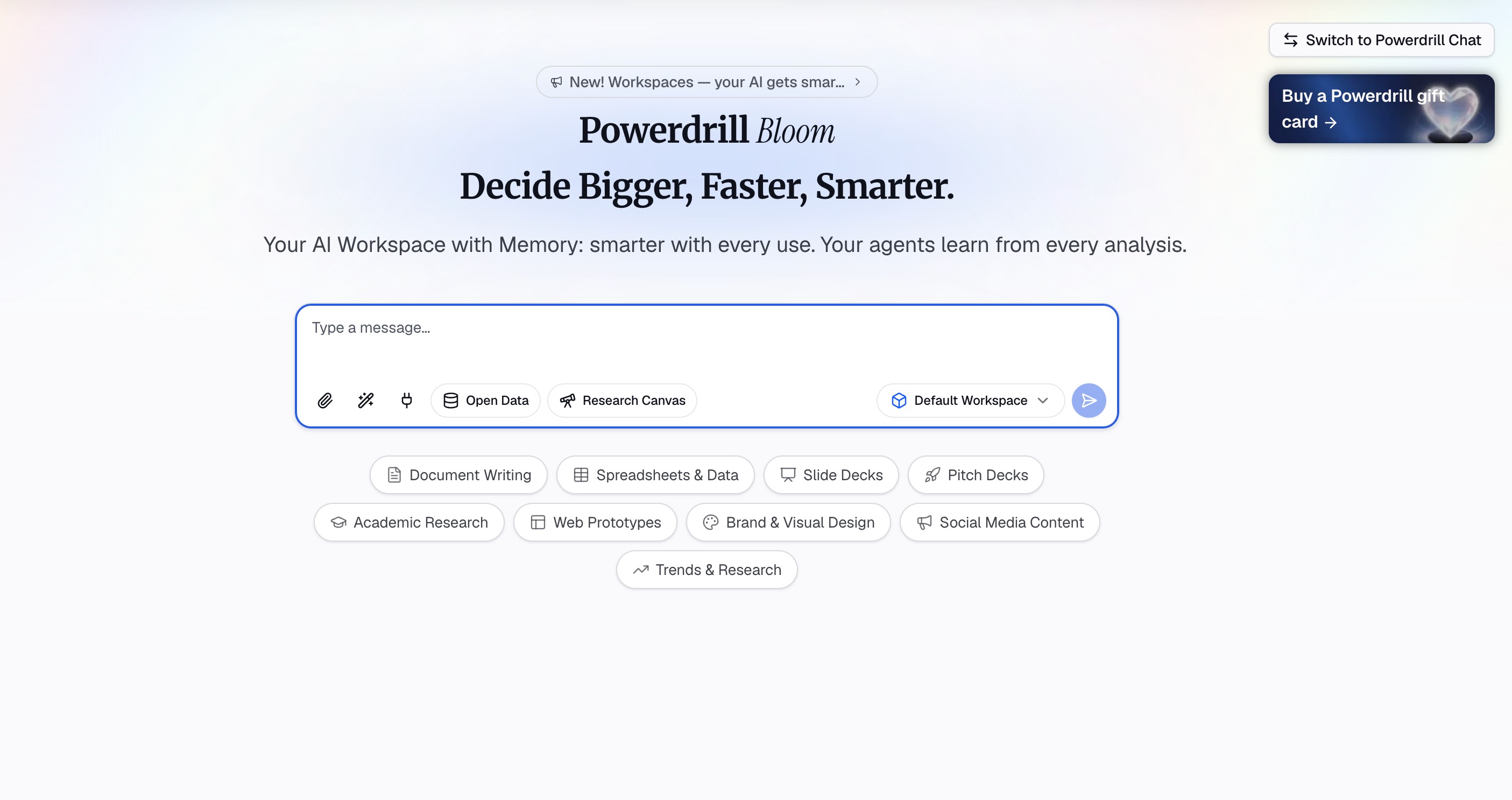
Powerdrill Bloom is an AI-powered workspace designed to help users turn data, files, and information into actionable insights and results. Rather than simply answering questions, Powerdrill Bloom can participate in the entire workflow, helping with research, data analysis, content organization, report generation, and task execution. From raw data to insights, visualizations, reports, and execution, Powerdrill Bloom brings multiple AI-powered workflows together in one connected workspace.
Key Features
Natural Language Interaction: Users can upload CSV, Excel, and other files and interact with their data using natural language, removing the need for complex scripting.
Automated Insights & Visualization: Powerdrill Bloom can analyze datasets, identify trends and anomalies, uncover key insights, and seamlessly generate charts, visual reports, and presentation-ready content.
Specialized AI Skills: Beyond traditional data analysis, it supports specialized AI Skills for research, analysis, automation, and other complex, multi-step tasks.
Persistent Workspaces: Provides persistent Workspaces where users can keep files, projects, and context organized across sessions, making it easier to continue ongoing work without starting from scratch.
MemoryLake Integration: Its integration with MemoryLake further enhances long-term memory, allowing Powerdrill Bloom to better understand and maintain relevant context over time.
Pros
Eliminates the coding barrier entirely through conversational AI.
Offers an end-to-end workflow from raw file uploads to presentation-ready reports.
Unmatched context retention across sessions thanks to MemoryLake.
Highly versatile, combining data prep with research and task execution.
Cons
Requires a stable internet connection for AI cloud processing.
Users accustomed to highly manual, grid-by-grid coding might need a brief adjustment period to the AI workflow.
Pricing
Freemium; Paid plan starts at $13.27/month.
2. Alteryx
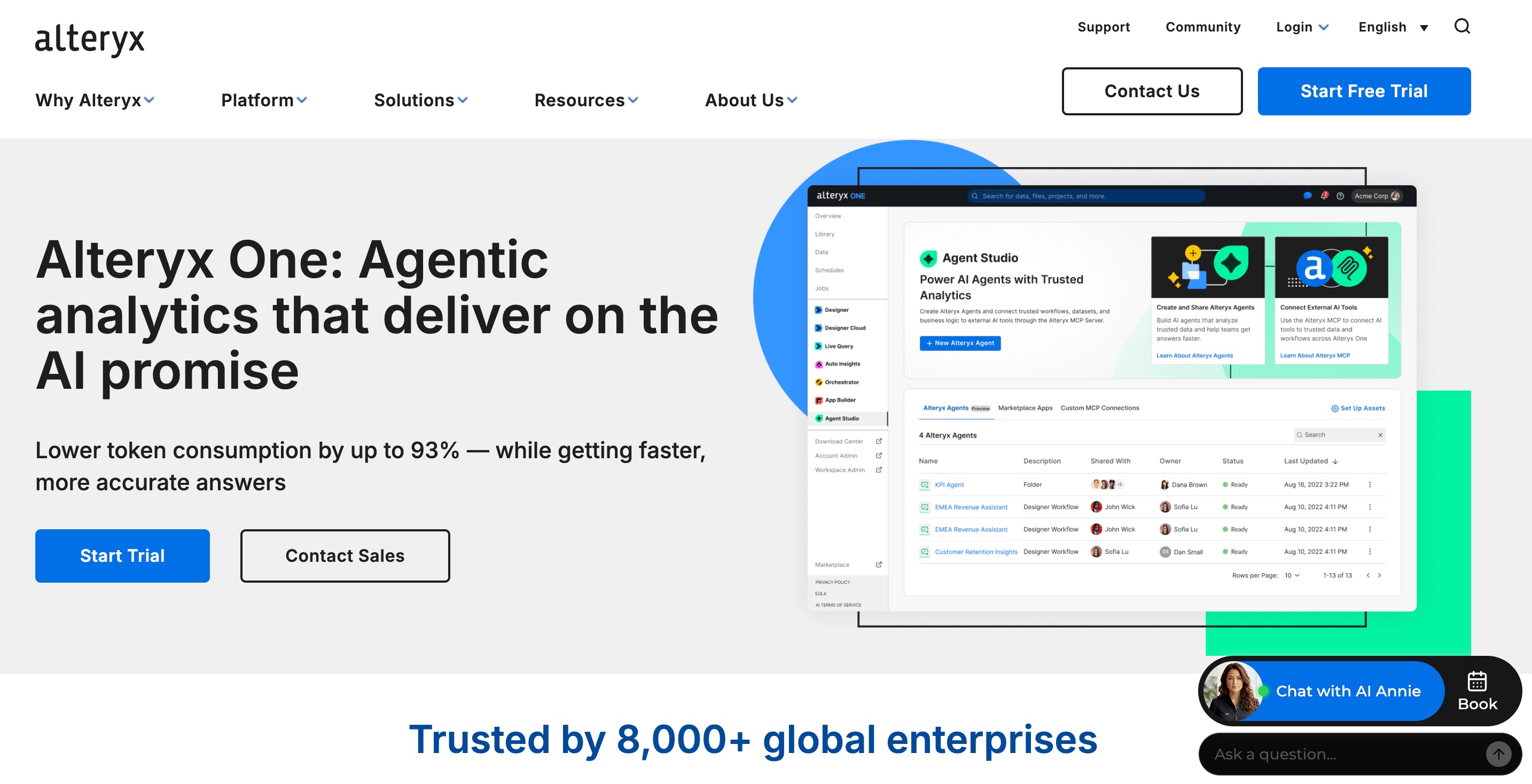
Alteryx is a heavy-duty data analytics and preparation platform famous for its drag-and-drop interface. It enables analysts to blend data, apply advanced predictive models, and automate analytics workflows without writing code.
Key Features
Visual Workflow Builder: Intuitive canvas for dragging and dropping data manipulation tools.
Spatial Analytics: Built-in capabilities for geospatial data processing.
Predictive Analytics: Pre-packaged R and Python-based predictive modeling tools.
Pros
Highly intuitive visual interface.
Incredibly powerful for complex data blending and spatial analytics.
Large, active user community for support.
Cons
Very high cost of entry makes it prohibitive for small businesses.
Requires a dedicated machine with robust hardware for optimal performance.
Pricing
Custom pricing.
3. Tableau (Tableau Prep)
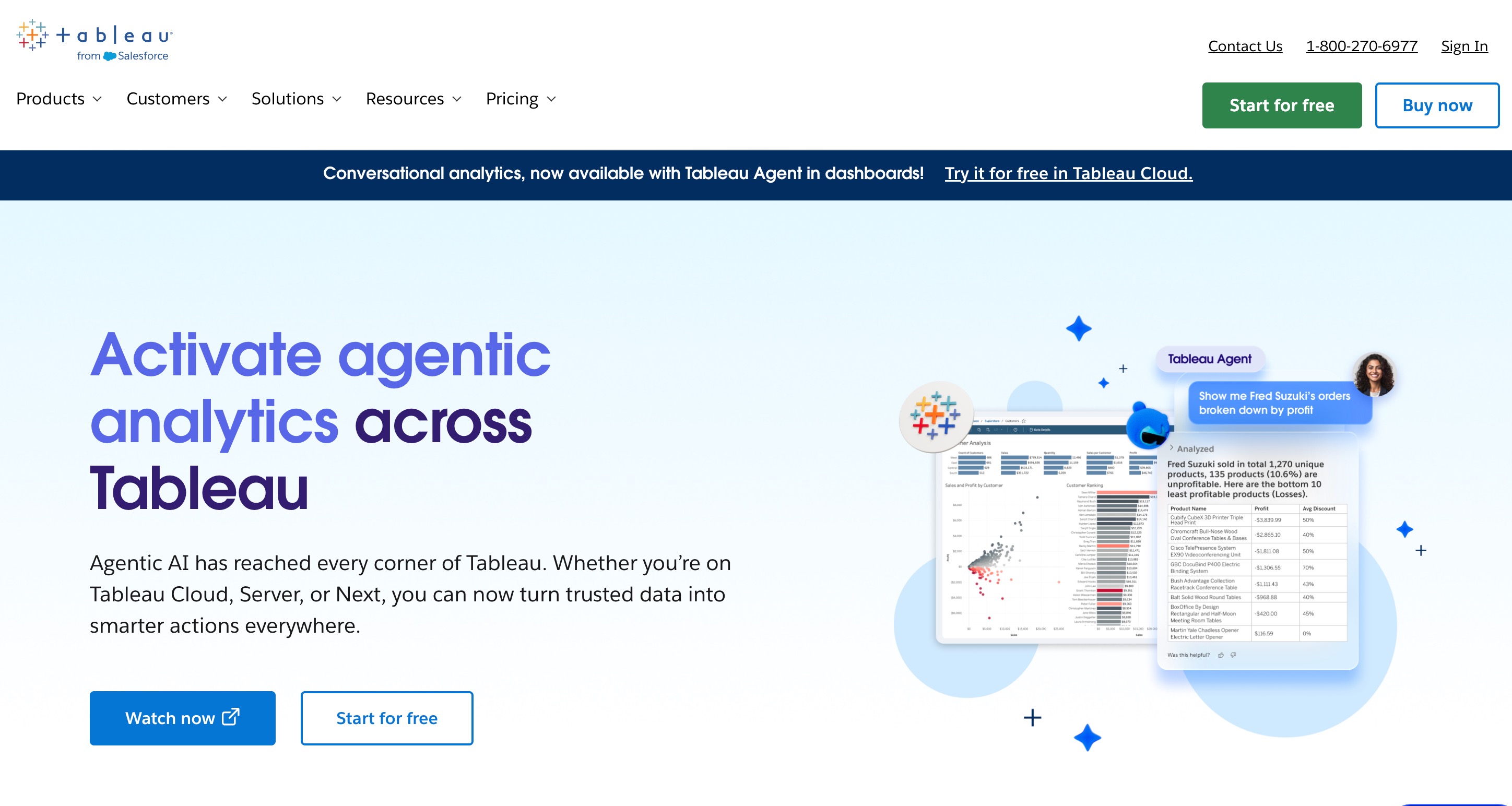
Tableau Prep is a visual data preparation tool that allows users to combine, shape, and clean their data before importing it into Tableau Desktop for visual analysis.
Key Features
Visual Data Prep: See your data profile immediately as you apply transformations.
Smart Grouping: Fuzzy clustering algorithms to fix spelling errors and standardize data.
Direct Integration: Seamless publishing to Tableau Server or Tableau Cloud.
Pros
Excellent visual feedback at every step of the preparation.
Perfect synergy for teams already utilizing Tableau for BI.
Easy to trace data lineage.
Cons
Not as standalone-friendly if you use a different BI tool.
Can be resource-heavy and slow down on standard laptops.
Pricing
Starts at $15 per user/month.
4. Qlik
Qlik provides an end-to-end data integration and analytics cloud platform. Its core strength lies in its unique Associative Engine, which links data sets dynamically to uncover hidden relationships.

Key Features
Associative Data Model: Automatically links related data across multiple tables.
Active Intelligence: Real-time data pipeline capabilities for immediate insights.
Data Cataloging: Automated cataloging to easily find and govern data assets.
Pros
Lightning-fast performance on large datasets.
Uncovers data relationships that traditional SQL-based tools might miss.
Strong enterprise governance.
Cons
The proprietary scripting language has a steep learning curve.
The UI can feel less modern compared to newer AI-driven tools.
Pricing
Qlik Cloud Analytics Plans start at $300/month.
5. Databricks
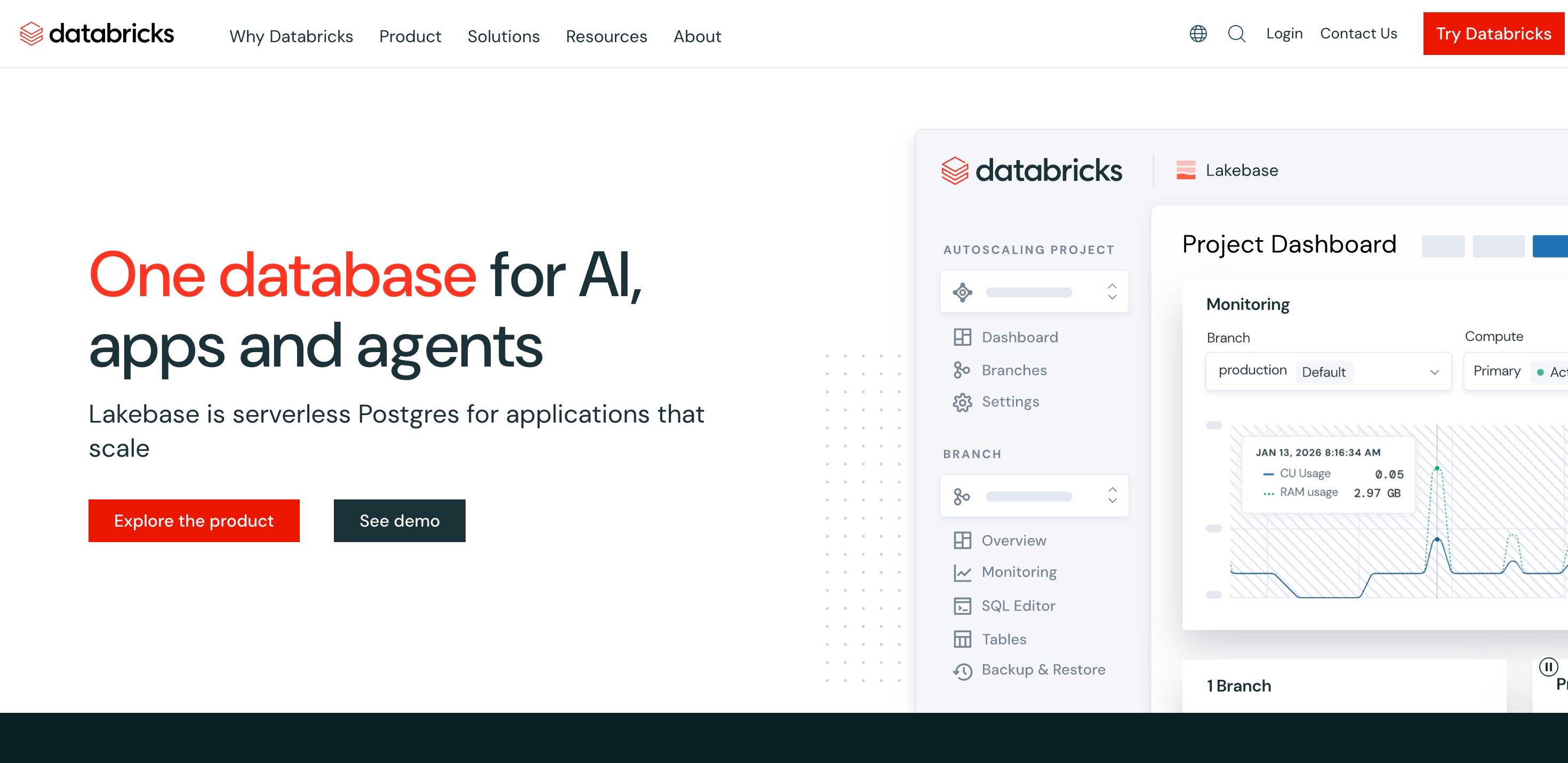
Databricks is a unified, cloud-based data engineering tool built around Apache Spark. It provides a Lakehouse architecture, combining the best elements of data lakes and data warehouses for massive-scale data prep and machine learning.
Key Features
Delta Lake integration: Ensures ACID transactions for data reliability.
Collaborative Notebooks: Supports Python, R, SQL, and Scala in shared workspaces.
Distributed Computing: Processes terabytes of data quickly using Spark clusters.
Pros
Unrivaled scalability for big data operations.
Excellent for data science and machine learning integration.
Strong collaborative environment for technical teams.
Cons
Highly technical; requires coding and engineering knowledge.
Infrastructure setup and management can be complex.
Pricing
Pay-as-you-go.
6. Domo
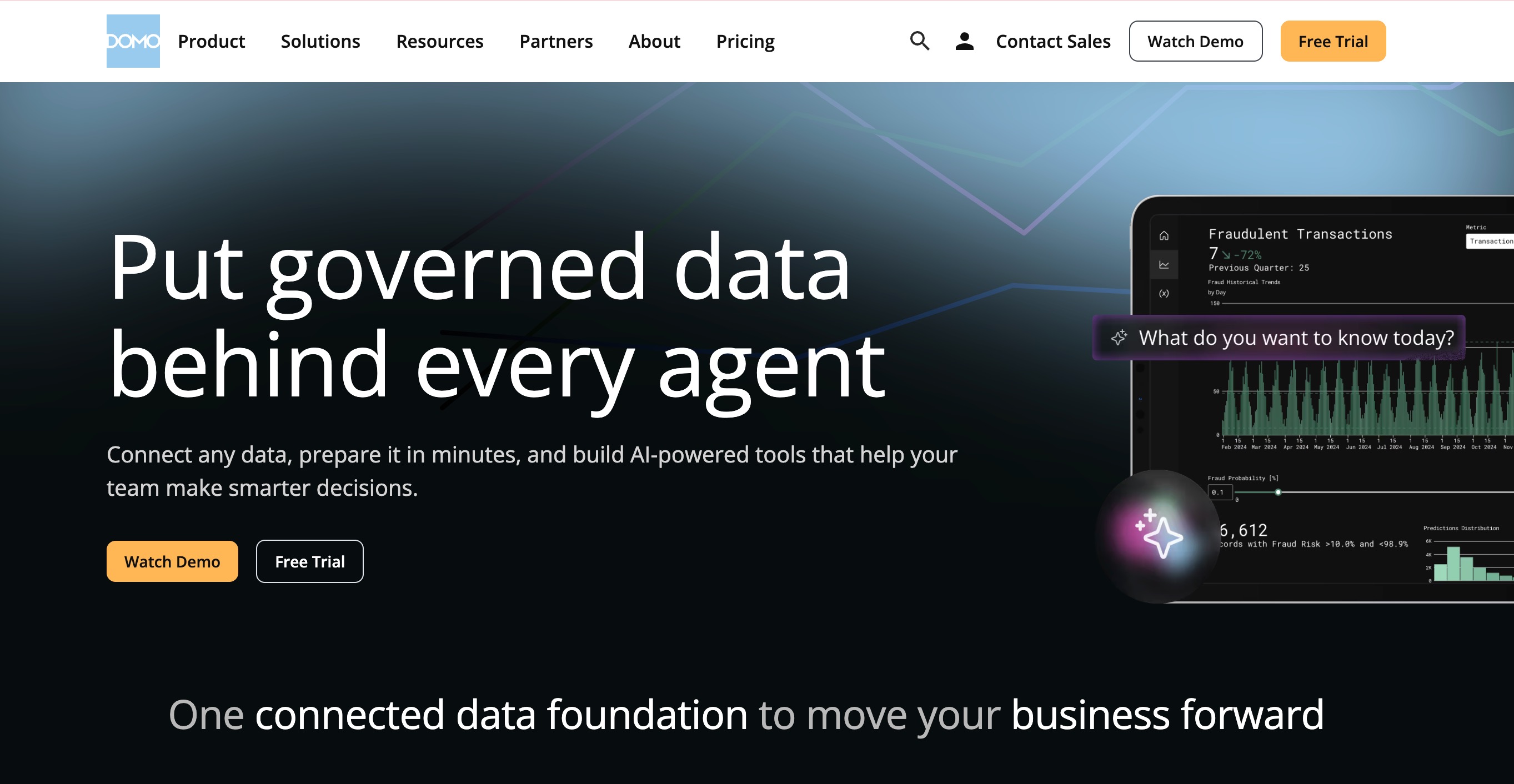
Domo is a cloud-native BI platform that provides excellent data integration and data preparation capabilities. Its Magic ETL feature allows users to transform data visually in the cloud.
Key Features
Magic ETL: A robust, drag-and-drop data transformation interface.
Over 1,000 Connectors: Out-of-the-box connectivity to almost any cloud app.
Mobile-First Design: Manage and view data pipelines directly from mobile devices.
Pros
Fully cloud-based, requiring no local installations.
Exceptional speed in connecting new APIs.
Highly accessible for business users.
Cons
Premium pricing model tailored mainly to enterprises.
Custom coding options are somewhat limited for advanced developers.
Pricing
Custom pricing.
7. Precisely
Precisely focuses heavily on data integrity. It offers a suite of tools for data integration, data quality, and location intelligence, making it ideal for enterprises that demand absolute accuracy and governance.

Key Features
Data Quality Engine: Advanced profiling, cleansing, and standardization.
Legacy System Integration: Connects modern clouds to mainframe systems.
Location Intelligence: Enriches data with hyper-accurate geographic insights.
Pros
Industry-leading capabilities for ensuring data accuracy.
Ideal for highly regulated industries (finance, healthcare).
Handles legacy mainframe data effortlessly.
Cons
Can be overkill for standard departmental data prep.
Interface and deployment can feel traditional and heavy.
Pricing
Custom pricing.
8. Informatica
Informatica is a behemoth in the enterprise cloud data management space. It offers comprehensive data integration, ETL, and data governance solutions powered by its AI engine.

Key Features
CLAIRE Engine: AI-driven metadata intelligence that automates mapping.
Cloud Data Integration: Highly secure, multi-cloud data movement.
Master Data Management: Ensures a single source of truth across the enterprise.
Pros
Highly scalable for massive global enterprises.
Incredible breadth of features, from prep to governance.
Strong security and compliance credentials.
Cons
Requires specialized IT personnel to deploy and maintain.
Cost-prohibitive for small to mid-sized businesses.
Pricing
Flexible, consumption-based pricing.
9. Coupler
Coupler is a streamlined data automation tool designed to sync data from various apps into spreadsheets, databases, or BI tools without coding. It is perfect for lighter, everyday data preparation needs.
Key Features
Automated Data Syncs: Schedule hourly or daily data refreshes easily.
Pre-built Templates: Quick setups for marketing, sales, and finance reporting.
Basic Data Transformations: Filter, sort, and combine datasets on the fly.
Pros
Extremely easy to set up and use.
Very affordable compared to enterprise tools.
Great for marketing and sales data aggregation.
Cons
Lacks advanced data modeling and complex ETL transformations.
Not suited for massive big-data processing.
Pricing
Starts at a highly accessible $24/month.
10. Skyvia
Skyvia is a universal cloud data platform for data integration, backup, and management. It provides a completely no-code, web-based interface for consolidating data.
Key Features
No-Code Integration: Connect CRMs, databases, and accounting software via UI.
Cloud Data Backup: Automated backups for cloud apps.
SQL in the Cloud: Run SQL queries directly against cloud applications.
Pros
Zero deployment required (100% web-based).
Highly versatile, combining integration with data backup.
Affordable pricing tiers.
Cons
Transformation capabilities are basic compared to heavy ETL tools.
Support response times can vary on lower pricing tiers.
Pricing
$79/month.
11. Fivetran
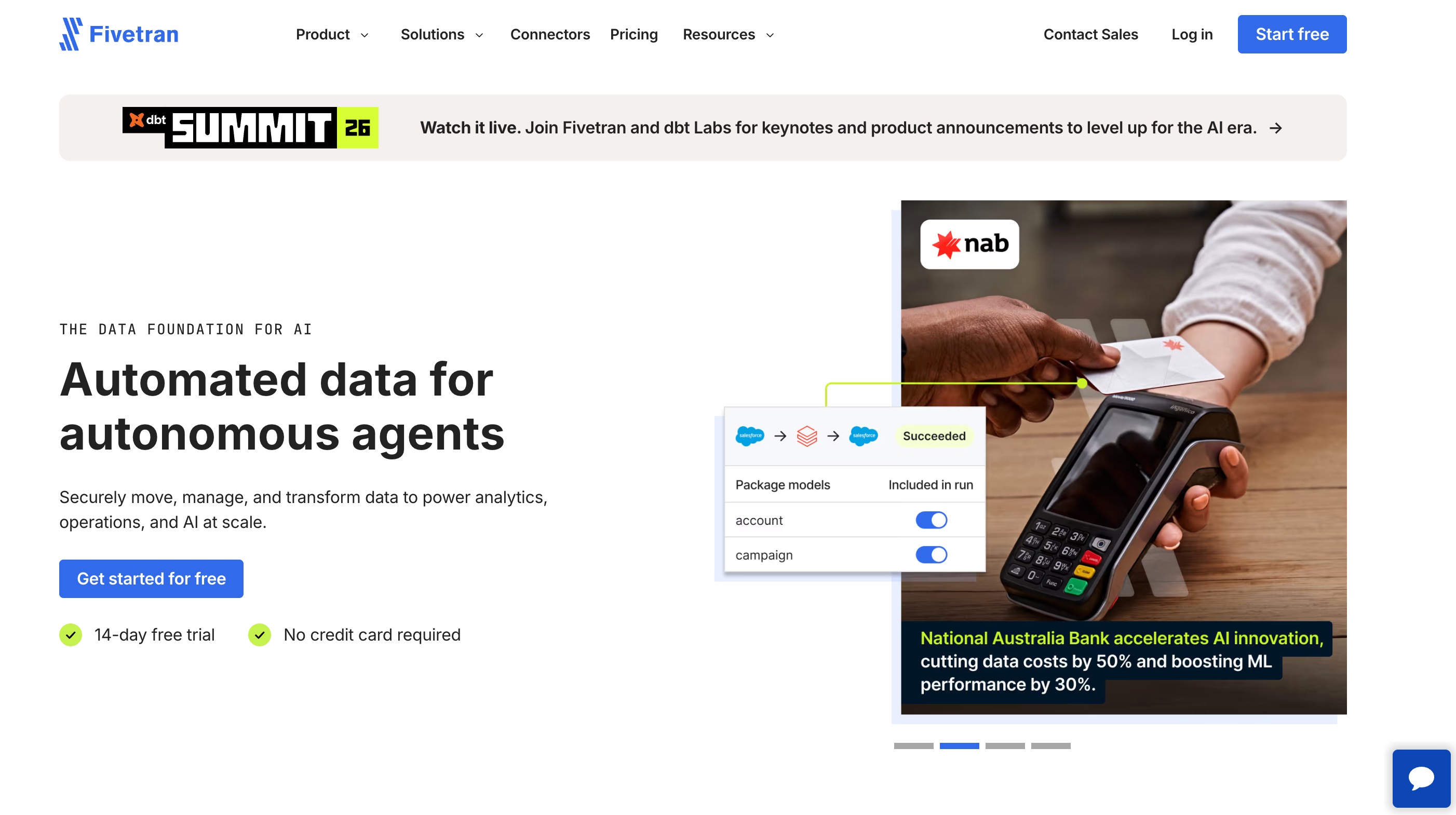
Fivetran is a fully managed automated data movement platform. While it is more of an ELT (Extract, Load, Transform) tool, it eliminates the pain of data extraction by automating pipeline maintenance.
Key Features
Automated Schema Drift Handling: Automatically adapts when source system columns change.
Fully Managed Connectors: Hundreds of pre-built, maintenance-free integrations.
dbt Integration: Seamlessly triggers transformations once data is in the warehouse.
Pros
Zero-maintenance pipelines free up data engineering time.
Highly reliable with excellent uptime.
Perfect for modern cloud data warehouse architectures.
Cons
Focuses purely on data movement; relies on other tools (like dbt) for transformations.
Volume-based pricing can escalate quickly with large data spikes.
Pricing
Usage-Based.
Power Query Alternatives: Which Tool Is Best for Your Needs
Choosing the ideal platform heavily depends on the specifics of your workload, your technical proficiency, and your end goals:
For Enterprise Big Data & Engineering: If your organization requires processing petabytes of data with code-first flexibility, platforms like Databricks or Informatica are the undisputed leaders.
For Visual-Driven Analysts: If you prefer dragging and dropping without touching code, Alteryx and Tableau Prep offer fantastic visual canvases for shaping data, provided you have the budget.
For Simple Automated Syncing: Small businesses and marketing teams looking to simply move data from apps to spreadsheets should look at Coupler or Skyvia for fast, affordable results.
For AI-Driven, End-to-End Workflow & Efficiency: When it comes to breaking down the barrier between raw data and actionable insights, Powerdrill Bloom stands out as the ultimate modern alternative. Instead of forcing you to build pipelines or learn complex languages, Powerdrill Bloom's natural language approach allows you to chat with your files. Its ability to generate charts, draft reports, and remember context across sessions through MemoryLake makes it far more than just a data prep tool—it acts as an intelligent data partner.
Final Verdict
If you are looking to save time, eliminate coding, and seamlessly move from messy data to presentation-ready insights, we highly recommend Powerdrill Bloom. By consolidating data analysis, automated reporting, and context-aware task execution into one AI-powered workspace, it empowers users of all technical levels to unlock their data’s true potential effortlessly. Stop wrestling with formulas and start having a conversation with your data today.
FAQs
1. What is the main use of Power Query?
It connects, cleans, and shapes raw data from various sources for analysis in Microsoft Excel and Power BI.
2. Is Power Query difficult to learn?
The basic graphical interface is intuitive, but mastering the advanced M formula language requires significant time and effort.
3. Can I use Power Query on a Mac?
Yes, it is available in Excel for Mac, though it lacks some advanced features found on Windows versions.
4. Why is Powerdrill Bloom better than Power Query?
Powerdrill Bloom uses natural language AI to automate data preparation, analysis, and reporting, eliminating complex manual coding completely.
5. Are there free alternatives to Power Query?
Yes, platforms like Powerdrill Bloom, Skyvia, and Coupler.io offer excellent free tiers or trials for basic data tasks.