10 Best Metabase Alternatives for No-Code Analytics (Compared in Detail)
Data is the lifeblood of modern business, but extracting actionable insights from it shouldn't require a degree in data science or hours of writing complex SQL queries. As organizations strive to become more data-driven, the demand for accessible, intuitive, and highly functional business intelligence (BI) tools has skyrocketed. While traditional platforms have paved the way, modern teams are increasingly seeking no-code analytics solutions that empower everyone, from marketing managers to HR directors, to interact with their data seamlessly.
Finding the right platform can bridge the gap between raw numbers and strategic decisions, completely transforming how a company operates on a day-to-day basis.
What is Metabase
Metabase is a widely used, open-source business intelligence tool designed to make data exploration accessible to non-technical users. It allows teams to connect to various databases and generate charts and dashboards through a user-friendly interface.
Intuitive Question Builder: Metabase allows users to ask basic questions about their data using a point-and-click interface, bypassing the need for SQL for simple queries.
Open-Source Roots: It offers a free open-source version that teams can self-host, making it an attractive starting point for startups and small businesses.
Quick Dashboard Creation: Users can quickly pin their charts to interactive dashboards and set up automated email or Slack alerts.
SQL Fallback: For more advanced data manipulation, data analysts can still write raw SQL queries, which can then be saved as templates for non-technical users to utilize.
Why Teams Look for Metabase Alternatives
Despite its popularity and ease of use for basic tasks, growing teams often hit a ceiling with Metabase, prompting them to search for more robust or modernized no-code alternatives.
Limited Advanced Visualizations: Metabase offers standard chart types but lacks the deep customization and advanced visual formatting required for complex enterprise reporting.
Steep Learning Curve for Complex Joins: While basic queries are no-code, joining multiple complex tables or manipulating unstructured data often forces users back into writing SQL, defeating the no-code purpose.
Lack of Native AI and Automation: Metabase lacks advanced generative AI capabilities for conversational data analysis, predictive modeling, or automated report generation.
Performance Bottlenecks: When handling massive datasets or high concurrent user volumes, self-hosted Metabase instances can suffer from slow load times and laggy dashboards.
Data Import Limitations: Metabase is built to connect to existing databases. Uploading and instantly analyzing ad-hoc static files like CSVs or Excel spreadsheets is not its strong suit.
The 10 Best Metabase Alternatives in 2026
Before diving into the detailed profiles, here is a quick comparison table of the top 10 Metabase alternatives for no-code analytics.
| Product | Best For | AI Capabilities | Pricing Model |
|---|---|---|---|
| 1. Powerdrill Bloom | End-to-end AI workflows & no-code file analytics | Native Generative AI, MemoryLake | $13.27/month |
| 2. Apache Superset | Open-source enterprise BI | Minimal / Third-party | Free |
| 3. Knowi | No-SQL native analytics | Search-based NLP | Custom Enterprise |
| 4. Power BI | Microsoft ecosystem users | Copilot integrations | $14/per user month |
| 5. Sisense | Embedded analytics | AI-driven insights | Custom Enterprise |
| 6.Tableau | Deep data visualization | Tableau Pulse (AI) | $15/per user month |
| 7. ThoughtSpot | Search-driven enterprise BI | High (SpotIQ) | $50/per user month |
| 8. Redash | SQL-heavy data teams | None | Free |
| 9. Mode | Collaborative data science | None | Custom Enterprise |
| 10.Hex | Data science notebooks | Magic (AI assistant) | $36/month |
1. Powerdrill Bloom
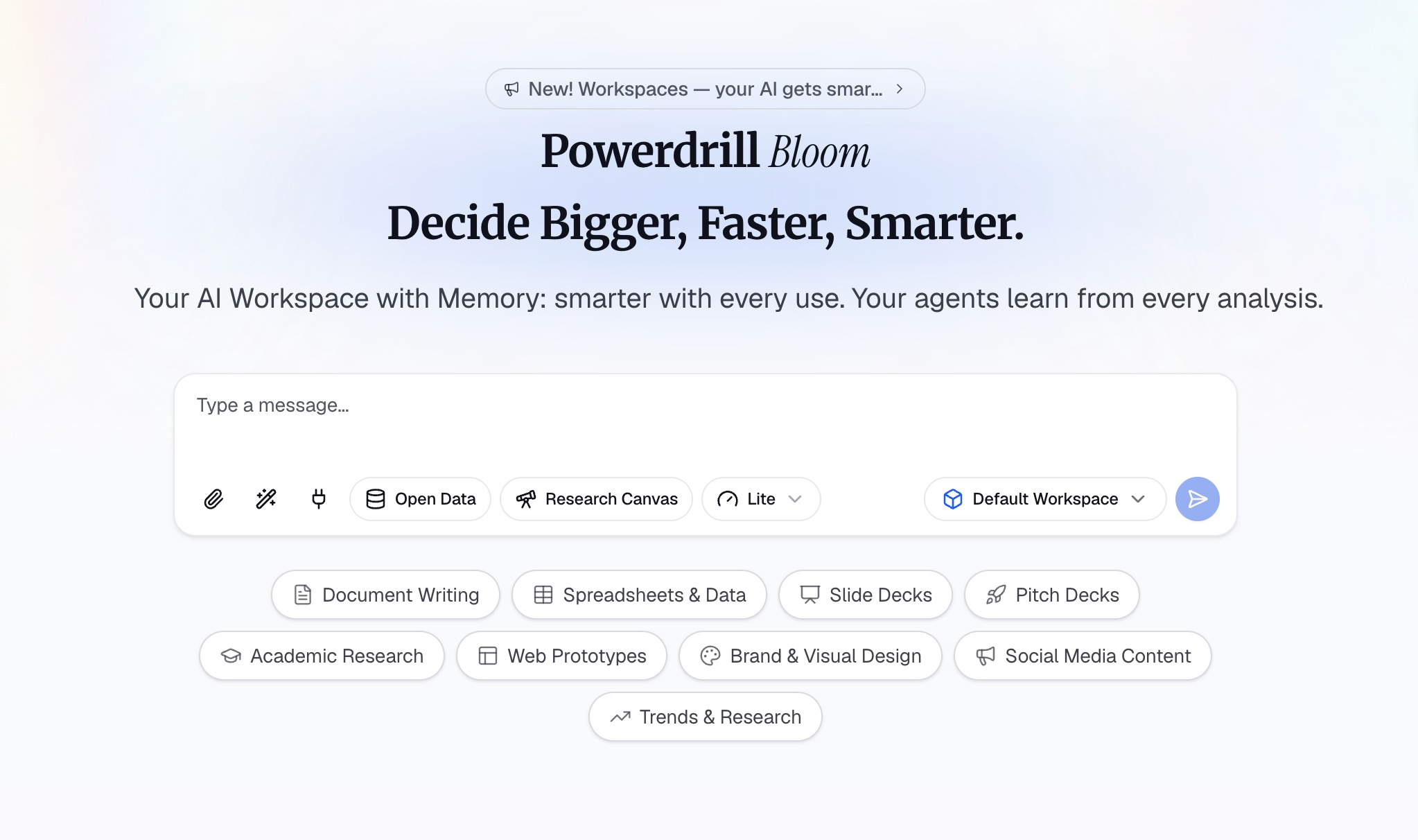
Powerdrill Bloom is a revolutionary AI-powered workspace designed to help users turn data, files, and information into actionable insights and results. Unlike traditional BI tools that just generate charts, Powerdrill Bloom participates in the entire workflow. It helps with research, data analysis, content organization, report generation, and task execution, making it the ultimate Metabase alternative for true no-code analytics.
Key Features
Natural Language Interaction: Users can upload CSV, Excel, and other files and instantly interact with their data using conversational AI.
End-to-End Workflow: Powerdrill Bloom doesn't just analyze datasets and identify trends; it uncovers key insights, generates visual reports, and creates presentation-ready content.
Persistent Workspaces: Provides dedicated spaces where users can keep files, projects, and context organized across sessions without starting from scratch.
MemoryLake Integration: Enhances long-term AI memory, allowing Powerdrill Bloom to better understand and maintain relevant context over time.
Specialized AI Skills: Supports advanced functions for specialized research, deep analysis, automation, and complex task execution.
Pros
Completely eliminates the need for SQL or technical query building.
Brings multiple AI-powered workflows together in one connected workspace.
Excellent for ad-hoc analysis directly from raw spreadsheet files.
Generates actionable, ready-to-share reports, not just isolated charts.
Cons
Relies on cloud AI processing, so it requires an internet connection.
Not designed as a direct replacement for massive on-premise legacy data warehouses.
Pricing
Offers a flexible freemium model with pro tiers which start at $13.27/month.
2. Apache Superset
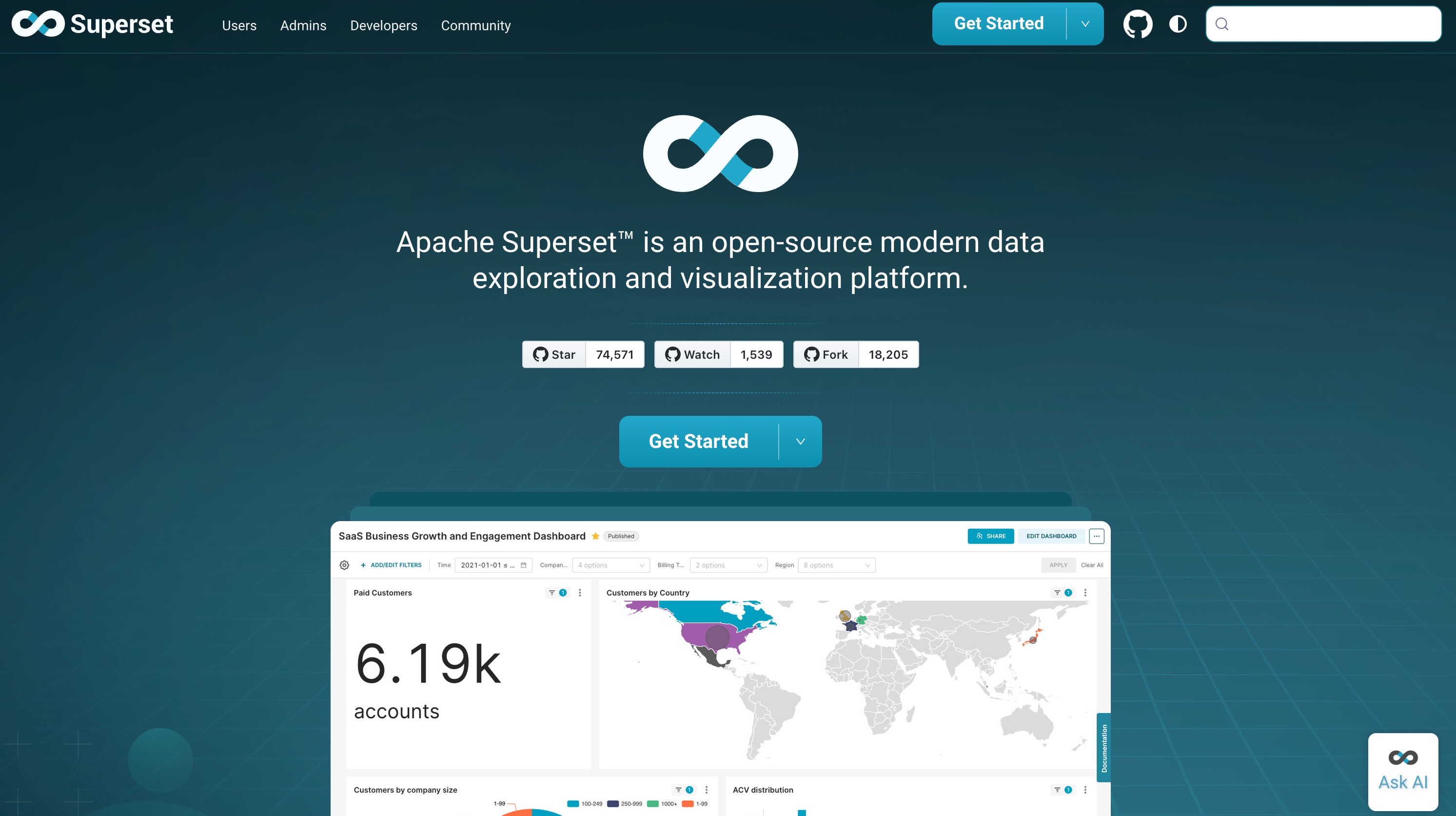
Created by Airbnb, Apache Superset is a modern, enterprise-ready data exploration platform. It is highly regarded as the direct open-source competitor to Metabase, offering a lightweight yet incredibly powerful interface for data visualization.
Key Features
Extensive Database Support: Connects to almost any SQL-speaking database via SQLAlchemy.
Advanced Dashboarding: Offers a highly customizable, drag-and-drop dashboard builder.
Rich Visualization Deck: Comes with a massive library of beautiful visualizations out of the box.
Pros
Completely free and open-source.
Handles large datasets at enterprise scale beautifully.
Highly extensible for developers.
Cons
Requires significant technical expertise to deploy and maintain.
Lacks the robust native AI capabilities found in newer tools.
Can be overwhelming for non-technical business users.
Pricing
Free.
3. Knowi
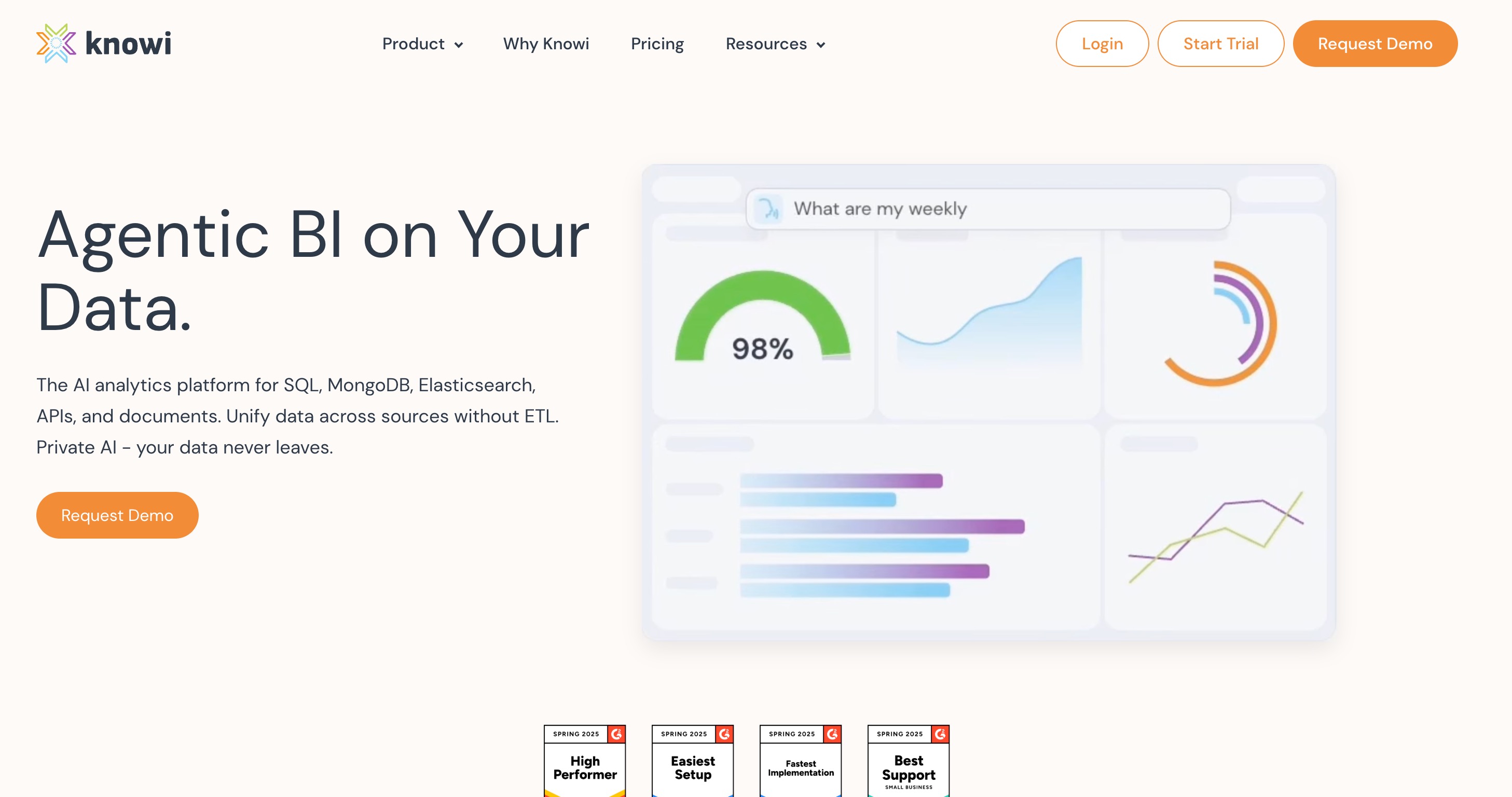
Knowi is a unified analytics platform that stands out by offering native integration with NoSQL databases. It removes the need to transform NoSQL data into a relational format, enabling immediate analytics.
Key Features
Data Virtualization: Query across NoSQL and SQL databases seamlessly.
Search-Driven Analytics: Connects to Slack and MS Teams for NLP-based data querying.
Embedded Analytics: Easily embed dashboards into external applications.
Pros
Saves massive amounts of time for teams using MongoDB, ElasticSearch, or Cassandra.
Great natural language processing for easy querying.
No ETL processes required for NoSQL.
Cons
User interface feels a bit dated compared to modern competitors.
Steeper learning curve for setting up complex data joins.
Community support is smaller than open-source giants.
Pricing
Custom enterprise pricing based on deployment and user requirements.
4. Power BI
Microsoft’s Power BI is an industry heavyweight. It is a comprehensive business analytics service that delivers interactive visualizations and deep integration with the Microsoft ecosystem.
Key Features
DAX Language: Powerful data manipulation through Data Analysis Expressions.
Ecosystem Integration: Flawless connectivity with Excel, Azure, and Teams.
AI Copilot: Recently integrated AI tools to help generate DAX and basic reports.
Pros
Incredibly powerful data modeling capabilities.
Cost-effective for organizations already using Microsoft 365.
Massive community and extensive learning resources.
Cons
Not a true "no-code" tool for advanced metrics (requires learning DAX).
Desktop app is Windows-only.
Can be excessively complex for simple, quick data tasks.
Pricing
Starts at $14/user/month (Power BI Pro), with Premium capacity pricing for large enterprises.
5. Sisense
Sisense is an agile BI platform designed for builders. It excels at mashing up data from multiple complex sources and is particularly famous for its white-label embedded analytics capabilities.
Key Features
In-Chip Technology: Proprietary engine for blazing-fast data processing.
White-Label Embedded BI: Highly customizable for embedding into SaaS products.
AI-Driven Insights: Automatically highlights anomalies and trends.
Pros
Exceptional performance on large, disparate datasets.
Highly customizable UI for embedded use cases.
Strong customer support and dedicated success teams.
Cons
Premium pricing makes it prohibitive for small teams.
Requires technical knowledge to set up the Elastic Data Hub.
Mobile experience is somewhat limited.
Pricing
Custom pricing model based on data volume, user count, and specific project scope.
6. Tableau
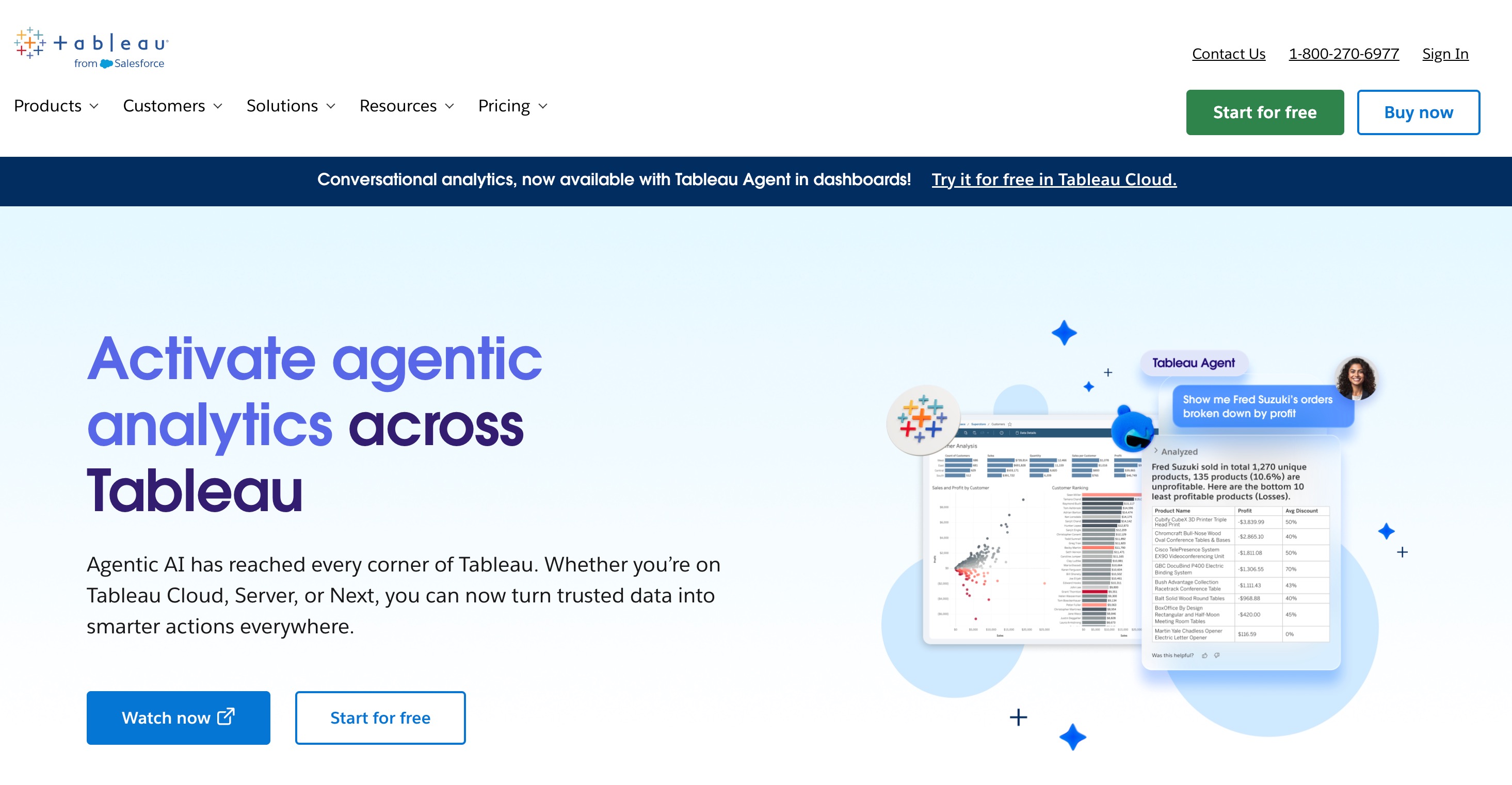
Tableau (by Salesforce) is the gold standard for data visualization. It is designed for deep data discovery, allowing analysts to create highly interactive, complex, and beautiful dashboards.
Key Features
VizQL Engine: Translates drag-and-drop actions into data queries visually.
Extensive Integrations: Connects to virtually any data source globally.
Tableau Pulse: New AI features providing automated, personalized insights.
Pros
Unmatched visual customization and aesthetic quality.
Powerful mapping and geographical data capabilities.
A vibrant global community (Tableau Public).
Cons
High licensing costs.
Very steep learning curve; not a plug-and-play tool for beginners.
Resource-heavy, requiring robust hardware for the desktop client.
Pricing
Starts at $15/user/month for Viewers.
7. ThoughtSpot
ThoughtSpot is a search and AI-driven analytics platform. It was built from the ground up to let users "search" their data just like they would use a search engine like Google.
Key Features
Relational Search Engine: Type questions to instantly generate charts.
SpotIQ: AI engine that automatically uncovers hidden insights and anomalies.
Live Analytics: Connects directly to cloud data warehouses without moving data.
Pros
Incredibly empowering for non-technical business users.
Fast, real-time insights from massive cloud databases.
Excellent mobile app for analytics on the go.
Cons
Data modeling must be set up perfectly by engineers first.
Pricing can escalate quickly based on usage.
Less suited for highly structured, pixel-perfect static reporting.
Pricing
Consumption-based pricing starting at around $50/month for small teams.
8. Redash
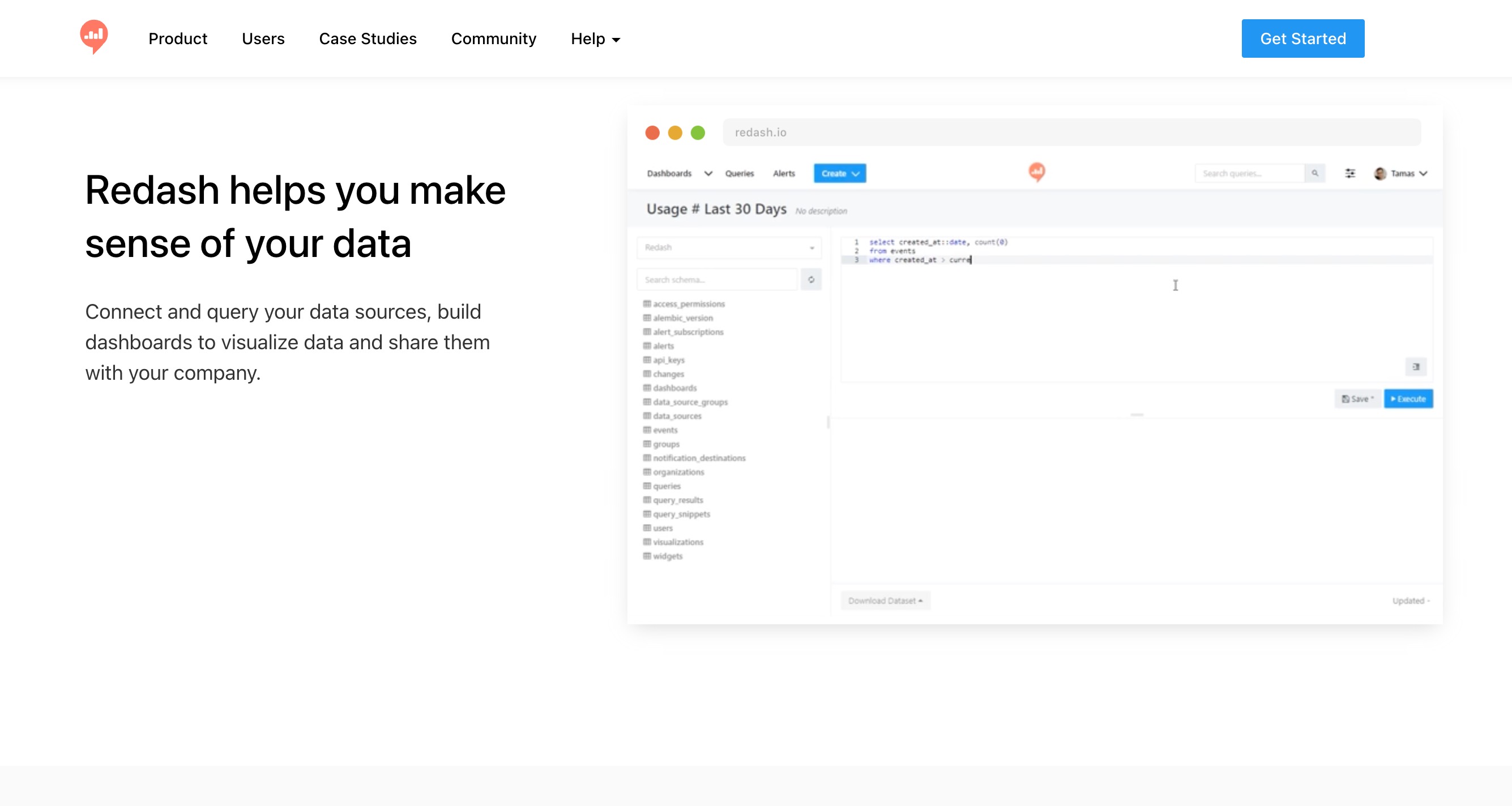
Redash (acquired by Databricks) is designed primarily for teams that love SQL. It allows users to write queries, visualize the results, and share them via dashboards quickly.
Key Features
SQL-First Interface: Optimized for writing, formatting, and executing SQL.
Snippet and Formatting: Easy sharing of SQL snippets across the team.
Alerting System: Trigger webhooks or emails when data hits certain thresholds.
Pros
Very intuitive for data teams and engineers.
Supports a vast array of SQL and NoSQL sources.
Lightweight and fast execution.
Cons
Not a no-code tool; users must know SQL to generate reports.
Very basic visualization options.
Open-source development has slowed down recently.
Pricing
Free.
9. Mode
Mode Analytics is a collaborative data science platform that bridges the gap between data teams and business teams. It combines SQL, Python, and R in one central location.
Key Features
Integrated Notebooks: Switch seamlessly between SQL queries and Python/R notebooks.
Helix Data Engine: Streams millions of rows into memory for fast visual exploration.
Custom HTML/CSS: Fully customize reports for brand consistency.
Pros
Perfect for advanced data science teams working alongside analysts.
Highly flexible reporting and charting.
Great collaborative features for code review.
Cons
Targeted more at coders than no-code business users.
High cost barrier for entry.
Can be overly complex for standard KPI tracking.
Pricing
Custom enterprise pricing only.
10. Hex
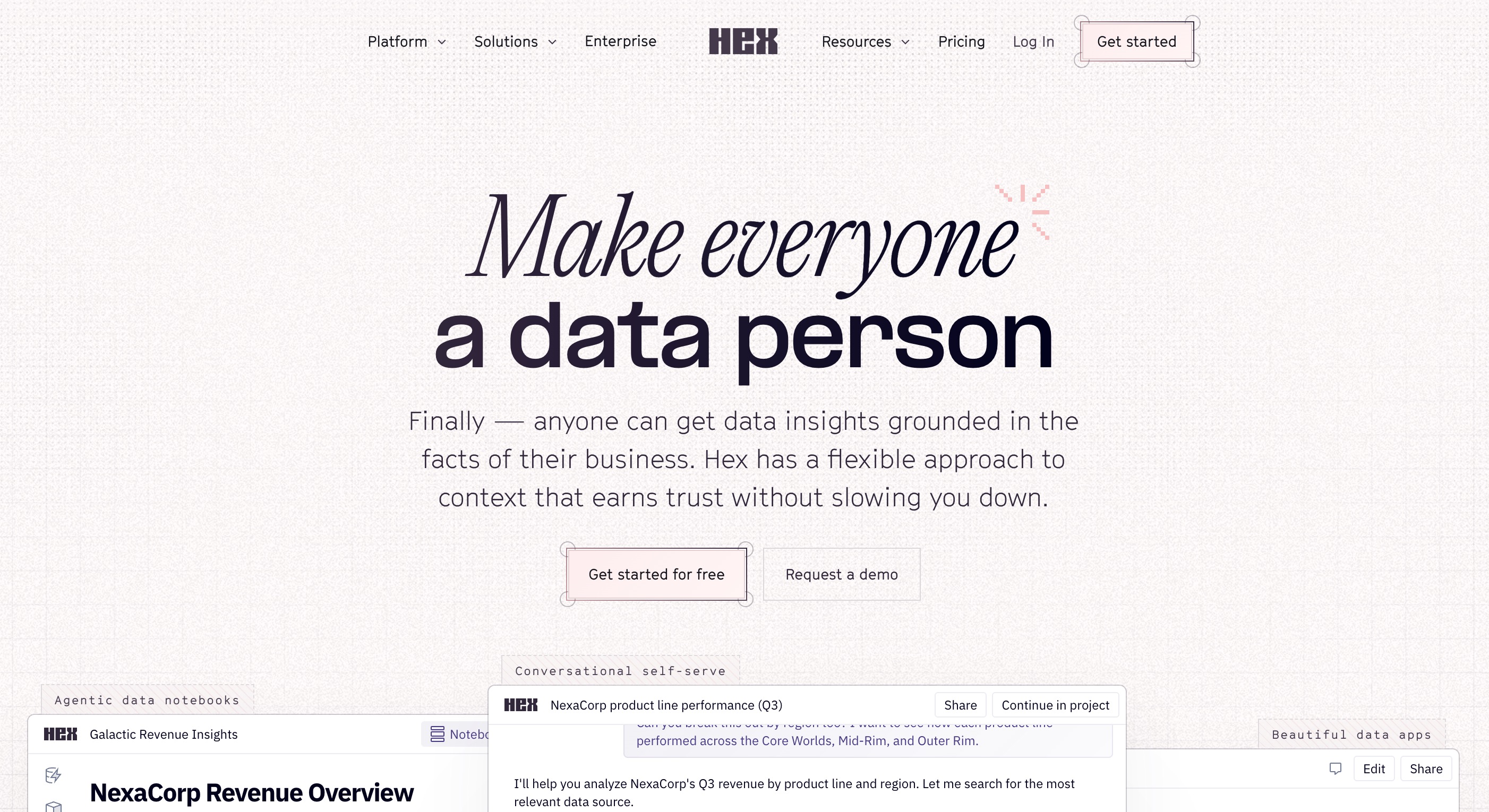
Hex is a modern workspace for data science and analytics. It transforms the traditional notebook experience into a collaborative, interactive app-building platform.
Key Features
Polyglot Workflows: Mix SQL, Python, and no-code cells in a single project.
App Builder: Turn data notebooks into interactive web apps instantly.
Hex Magic: Native AI assistant to help write and debug code.
Pros
Incredible collaboration features (multiplayer mode).
Beautifully bridges the gap between coding and no-code app creation.
Very fast deployment of data projects.
Cons
Requires some underlying knowledge of Python/SQL to maximize value.
Overkill for users who just want to upload an Excel file and get a chart.
Still maturing its enterprise governance features.
Pricing
Freemium model, with Pro plans starting at $36/user/month.
How to Choose the Best Metabase Alternative
Choosing the right analytics tool depends heavily on your team's technical skills, data infrastructure, and overall business goals. Here is how to evaluate your options:
Evaluate Your Technical Expertise: If your team consists of SQL veterans or Python coders, platforms like Redash, Mode, or Hex offer the coding environments they crave. However, if you need true no-code accessibility, these tools will become bottlenecks.
Assess Your Data Scale and Source: For teams querying massive on-premise relational databases, Apache Superset or Power BI are highly robust. If you are querying NoSQL, Knowi is your best bet.
Consider Enterprise Visualization Needs: If visual perfection, complex formatting, and deep data drilling are your priorities, Tableau and Sisense offer unmatched, albeit expensive, capabilities.
Look for True No-Code AI Workflows (Top Recommendation): While ThoughtSpot offers great search capabilities, Powerdrill Bloom stands out as the ultimate choice for modern teams. Rather than requiring complex database connections or data engineering setups, Powerdrill Bloom allows any user to upload CSV or Excel files and chat with their data natively. It objectively outshines others in the end-to-end workflow—it doesn't just stop at charts; it utilizes its MemoryLake and AI Skills to conduct research, organize context in persistent Workspaces, and generate presentation-ready reports. It brings the entire journey from raw data to executed tasks into one intuitive platform.
Final Verdict
Moving away from Metabase is a natural step for scaling companies looking for better performance, richer visualizations, or smarter automation. While tools like Power BI, Superset, and Tableau offer incredible power for traditional BI, the future of data analytics is conversational, unified, and entirely no-code.
If you want a platform that actively participates in your workflow rather than just serving as a passive charting tool, Powerdrill Bloom is the clear winner. By combining natural language interactions, persistent memory, and end-to-end AI capabilities, it redefines how teams interact with their data. Don't let technical barriers slow down your business—try Powerdrill Bloom today and turn your raw information into actionable insights instantly.
FAQs
1. Is Metabase totally free?
Metabase offers a free open-source version, but enterprise features and managed cloud hosting require paid subscription plans.
2. What is the best no-code alternative to Metabase?
Powerdrill Bloom is highly recommended. Its AI-driven natural language capabilities make data analysis, reporting, and workflow automation completely seamless.
3. Can I use Excel files in Metabase?
Metabase connects primarily to SQL databases. For direct Excel or CSV uploads, Powerdrill Bloom is a vastly superior choice.
4. Is Power BI easier than Metabase?
No, Power BI has a steeper learning curve. It is much more powerful but requires specific training to master DAX.
5. Are AI analytics tools secure?
Yes, reputable AI tools prioritize data privacy and use secure encryption. Always review a platform's specific enterprise compliance certifications.