12 Best Looker Studio Alternatives for AI-Powered Reporting (Which Is Best?)
Data reporting is no longer just about dragging and dropping charts onto a canvas; it is about leveraging artificial intelligence to uncover actionable insights instantly. As businesses transition from static dashboards to dynamic, intelligent workflows, finding the right reporting tool has become crucial. While Google’s Looker Studio has been a staple for many, modern data teams and marketers are increasingly seeking smarter, more robust, AI-powered solutions to elevate their analytics.
If you want to move beyond manual dashboard creation and embrace the power of AI to analyze data, generate visualizations, and streamline workflows, you need a modern alternative. In this comprehensive guide, we will explore the 12 best Looker Studio alternatives for AI-powered reporting.
What Is Looker Studio
Looker Studio (formerly known as Google Data Studio) is a popular, cloud-based data visualization tool offered by Google. It is widely used for turning raw data into informative dashboards and reports. Here is what defines Looker Studio:
Free and Accessible: It offers a generous free version that is highly accessible to individuals, marketers, and small businesses.
Google Ecosystem Integration: It connects seamlessly with other Google services like Google Analytics, Google Ads, BigQuery, and Google Sheets.
Customizable Dashboards: Users can create custom visual reports using a drag-and-drop interface.
Template Library: It provides a vast library of community and pre-built templates for quick dashboard creation.
Collaboration: Like Google Docs, it allows multiple users to view and edit reports simultaneously.
Why Look for a Looker Studio Alternative
Despite its popularity, Looker Studio has several limitations that push users toward other platforms, especially when looking for AI-powered features. Here are the main reasons users seek an alternative:
Slow Performance: Dashboards often suffer from slow load times and lagging performance when handling large datasets or multiple blended data sources.
Lack of Native AI Capabilities: Looker Studio currently falls short in advanced AI features, such as natural language querying, automated insight generation, or predictive analytics.
Limited Third-Party Integrations: Connecting non-Google platforms natively is difficult and usually requires paying for third-party connector tools (like Supermetrics).
Complex Data Blending: Joining multiple tables and blending disparate data sources can be highly unintuitive and restrictive.
No Comprehensive Workflow: It is strictly a visualization tool, meaning it cannot execute tasks, organize long-term research, or act as an intelligent workspace.
12 Best Looker Studio Alternatives for AI-Powered Reporting
Before diving into the detailed profiles of each software, here is a comparison table summarizing the top 12 alternatives for AI-powered reporting.
| Product | Best For | Core AI Capability | Pricing Model |
|---|---|---|---|
| 1. Powerdrill Bloom | All-in-one AI workflows & reporting | Natural language analysis & report generation | $13.27/month |
| 2. Microsoft Power BI | Enterprise ecosystems | Copilot AI for DAX and summaries | $14/per user month |
| 3. Tableau | Advanced visual analytics | Einstein AI & Tableau Pulse | $15/per user month |
| 4.ThoughtSpot | Search-driven analytics | AI-powered conversational queries | $50/month |
| 5. Zoho Analytics | SMBs needing affordability | Zia AI conversational assistant | Custom pricing |
| 6. Qlik Sense | Complex data modeling | Qlik AutoML & associative insights | Custom pricing |
| 7. Metabase | Startups and developers | AI SQL generation | $100/month |
| 8. Databox | Marketing KPI tracking | AI performance summaries | $79/month |
| 9. Domo | Mobile-first enterprise BI | Domo AI data science tools | Custom pricing |
| 10. Sisense | Embedded analytics | Fusion AI for predictive trends | Custom pricing |
| 11. Klipfolio | Metric-centric dashboards | PowerMetrics AI insights | $120/month |
| 12. Whatagraph | Agency marketing reports | Automated data mapping | $812/month |
1. Powerdrill Bloom
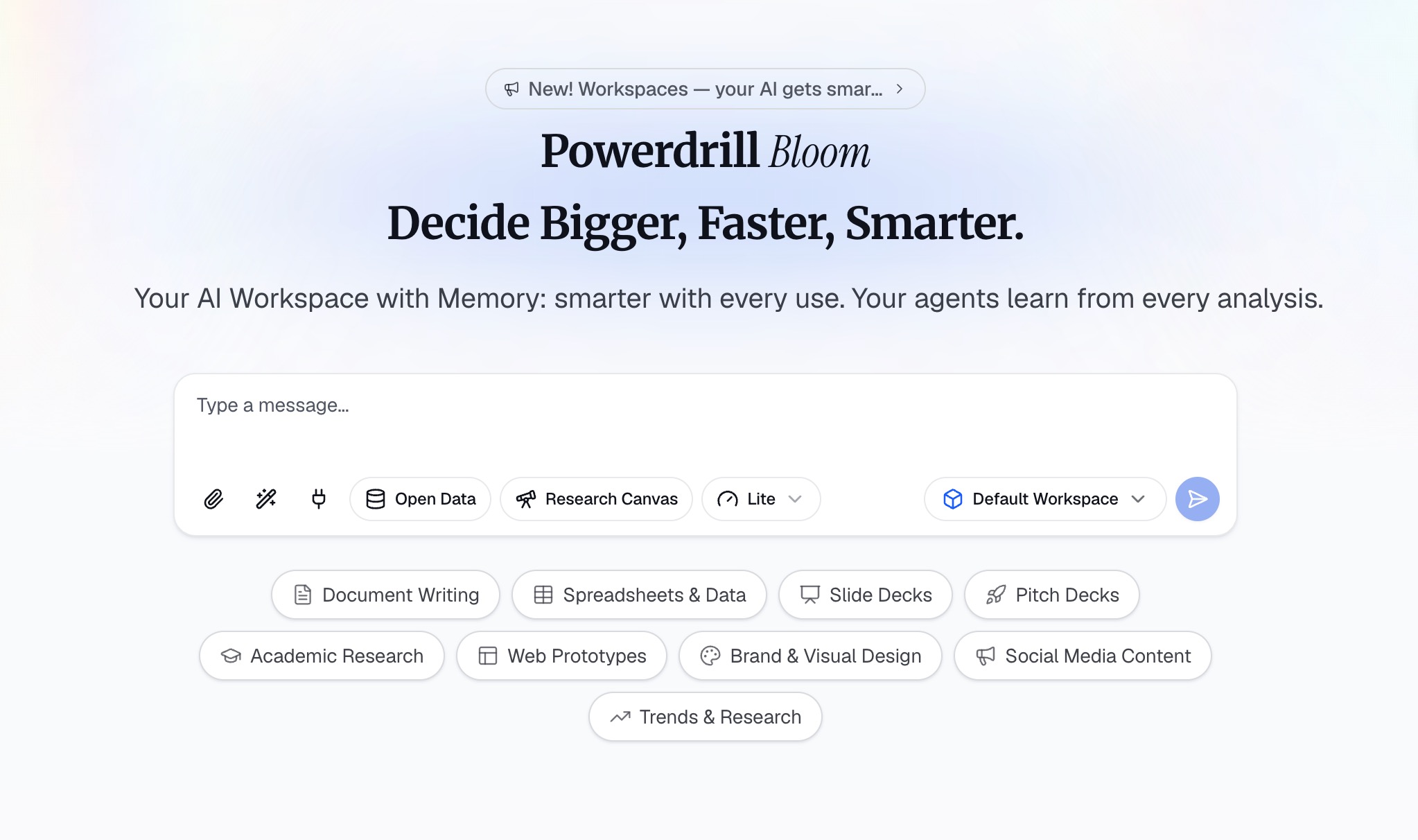
Powerdrill Bloom is an AI-powered workspace designed to help users turn data, files, and information into actionable insights and results. Rather than simply answering questions, Powerdrill Bloom can participate in the entire workflow, helping with research, data analysis, content organization, report generation, and task execution. Users can upload CSV, Excel, and other files and interact with their data using natural language. Powerdrill Bloom can analyze datasets, identify trends and anomalies, uncover key insights, and generate charts, visual reports, and presentation-ready content. Beyond data analysis, it also supports specialized AI Skills for research, analysis, automation, and other complex tasks.
Powerdrill Bloom also provides persistent Workspaces where users can keep files, projects, and context organized across sessions, making it easier to continue ongoing work without starting from scratch. Its integration with MemoryLake further enhances long-term memory, allowing Powerdrill Bloom to better understand and maintain relevant context over time. From raw data to insights, visualizations, reports, and execution, Powerdrill Bloom brings multiple AI-powered workflows together in one connected workspace.
Key Features
Natural language interaction with CSV, Excel, and other datasets.
Automated generation of charts, visual reports, and presentation-ready content.
Persistent Workspaces for organizing files, projects, and context across sessions.
MemoryLake integration for enhanced long-term memory and context retention.
Specialized AI Skills for deep research, analysis, and task automation.
Pros
Eliminates the learning curve of complex BI tools; simply chat with your data.
Functions as a comprehensive AI workflow, moving from raw data straight to execution.
Long-term memory ensures you never lose context between analytical sessions.
Generates polished, highly visual reports instantly without manual formatting.
Cons
As a modern AI workspace, it may not have legacy on-premise deployment options for highly traditional enterprises.
Requires users to adapt to an AI-first, conversational interface rather than a traditional drag-and-drop canvas.
Pricing
Powerdrill Bloom offers a generous Free tier to get started, with affordable pro plans at $13.27/month.
2. Microsoft Power BI
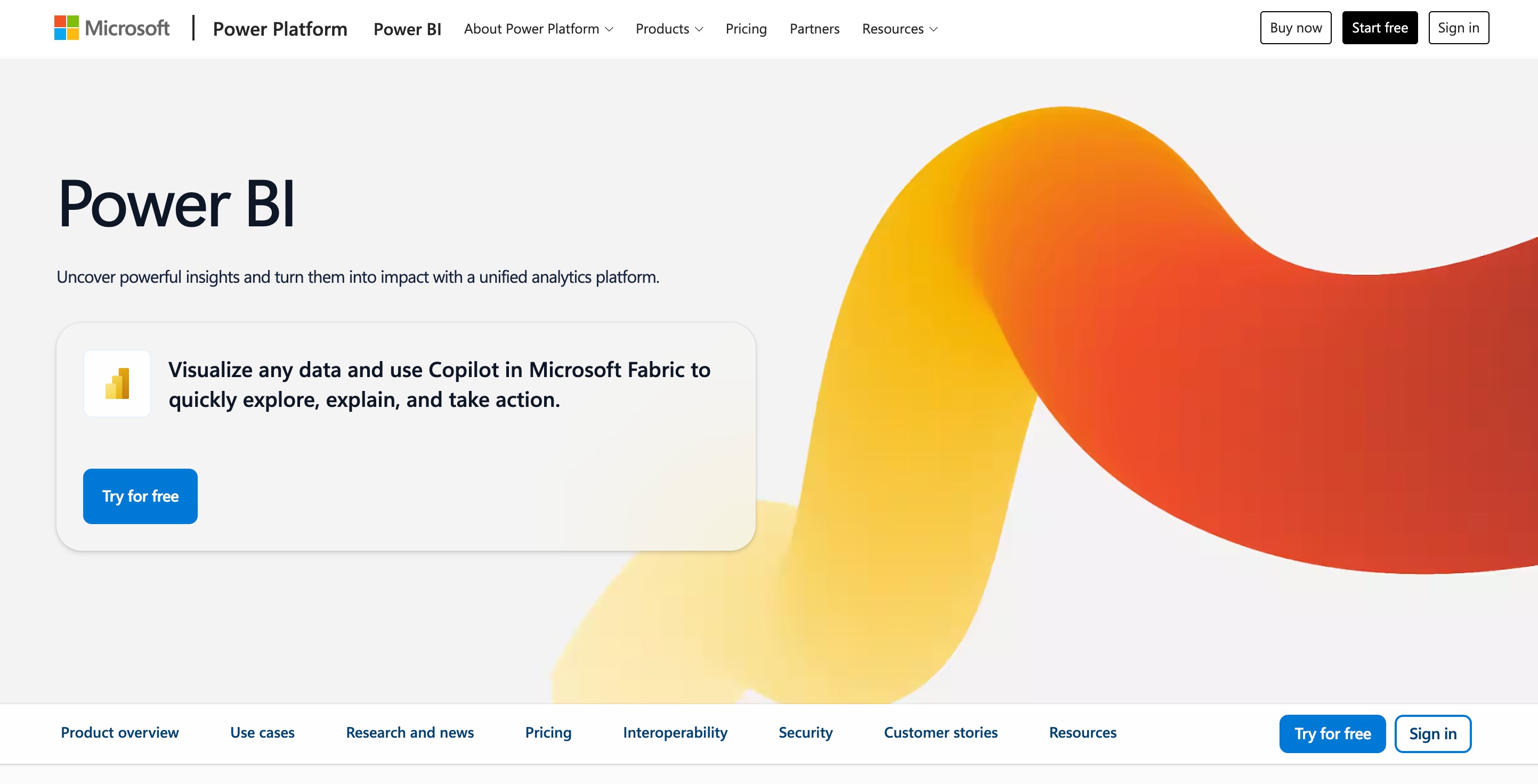
Microsoft Power BI is a powerhouse in the business intelligence space. It connects to hundreds of data sources and provides deep, interactive visualizations. With the recent integration of Microsoft Copilot, Power BI has stepped up its AI-powered reporting game, allowing users to write DAX queries and generate report summaries using AI.
Key Features
Copilot AI integration for natural language report building.
Robust data modeling with Power Query and DAX.
Seamless integration with the Microsoft 365 ecosystem (Excel, Azure, Teams).
Real-time analytics and streaming datasets.
Pros
Incredibly powerful data modeling capabilities.
Highly cost-effective if you are already in the Microsoft ecosystem.
Massive community and extensive third-party resources.
Cons
Steep learning curve, especially for mastering DAX.
The desktop interface can feel cluttered and overwhelming for beginners.
Pricing
Power BI Desktop is free. Power BI Pro starts at $14/user/month.
3. Tableau
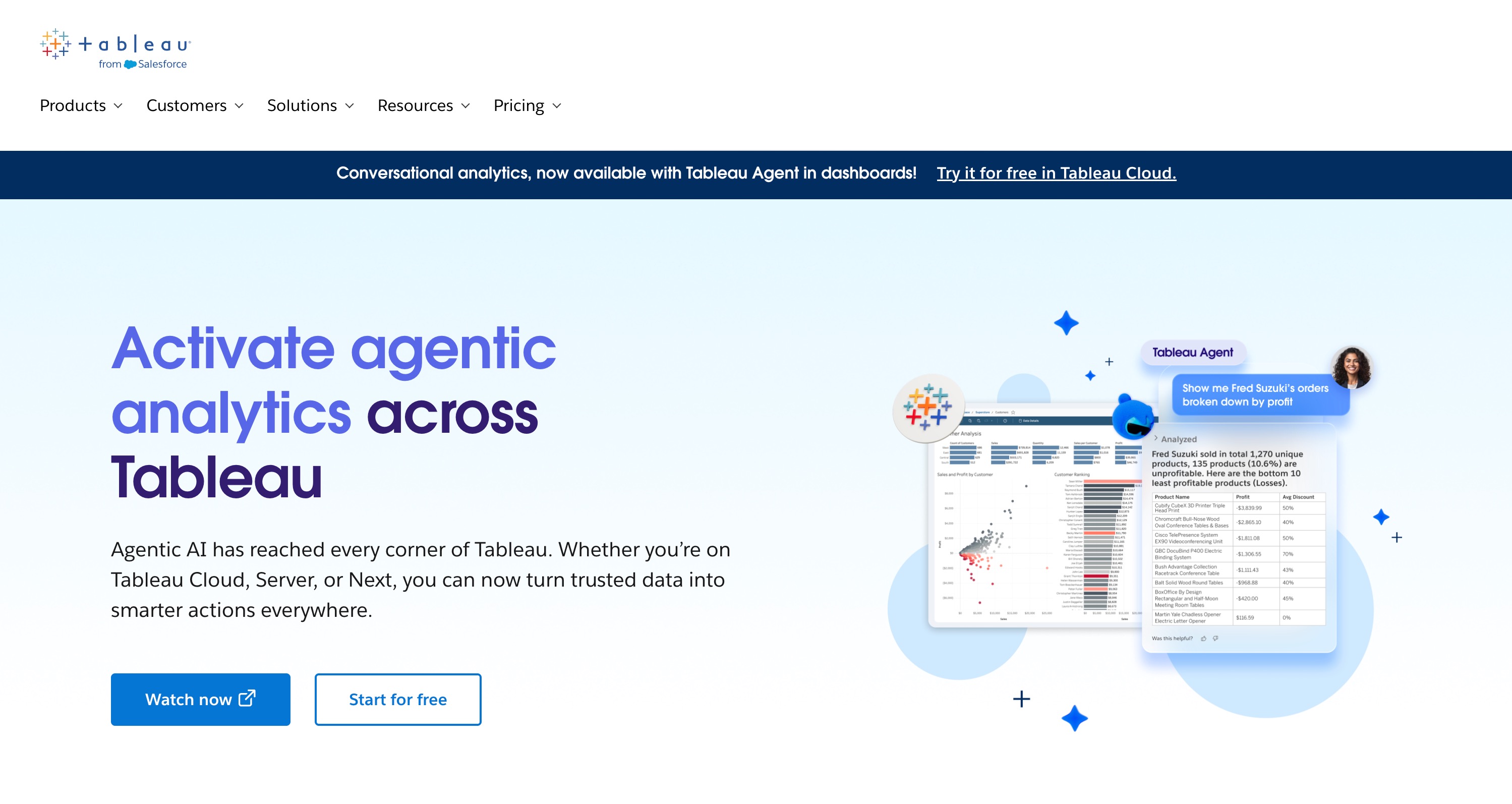
Owned by Salesforce, Tableau is renowned for its stunning, interactive visualizations. It is tailored for data analysts who need to dive deep into complex datasets. With Tableau Pulse and Einstein AI, Tableau provides automated insights and intelligent data preparation features.
Key Features
Intuitive drag-and-drop visual interface.
Einstein AI for predictive analytics and automated insights.
Tableau Prep for intelligent, visual data cleaning.
Massive library of native connectors.
Pros
Industry-leading visualization aesthetics.
Handles exceptionally large datasets with ease.
Strong mobile dashboard support.
Cons
One of the more expensive options on the market.
Requires a strong understanding of data structure to utilize fully.
Pricing
Tableau Creator starts at $15/user/month (billed annually).
4. ThoughtSpot
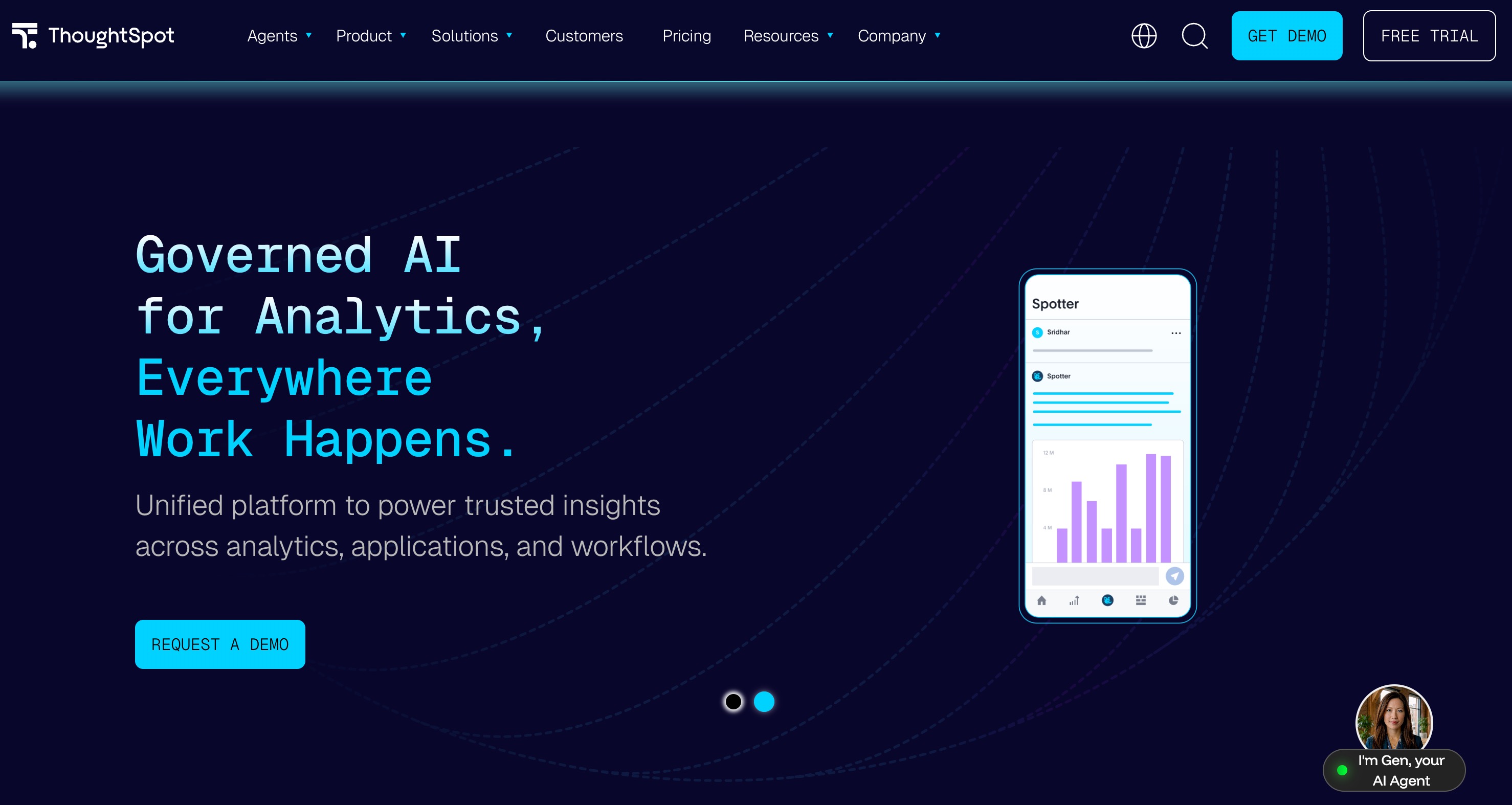
ThoughtSpot revolutionized the BI market by prioritizing a search-driven approach to data. It acts like a search engine for your company's data. With its AI engine, SpotIQ, users can simply type questions to get instant, AI-generated charts and insights without needing a data analyst.
Key Features
Search-based, conversational AI interface.
SpotIQ AI for automated anomaly detection and trend analysis.
Liveboards (interactive, real-time dashboards).
ThoughtSpot Everywhere for embedded analytics.
Pros
Extremely user-friendly for non-technical business users.
Instant answers to ad-hoc data questions.
Excellent for democratizing data across an organization.
Cons
Less customizable in terms of visual aesthetics compared to Looker Studio.
Pricing model can be unpredictable for high-usage teams.
Pricing
Pricing is typically consumption-based, starting at around $50/month for the Team edition.
5. Zoho Analytics
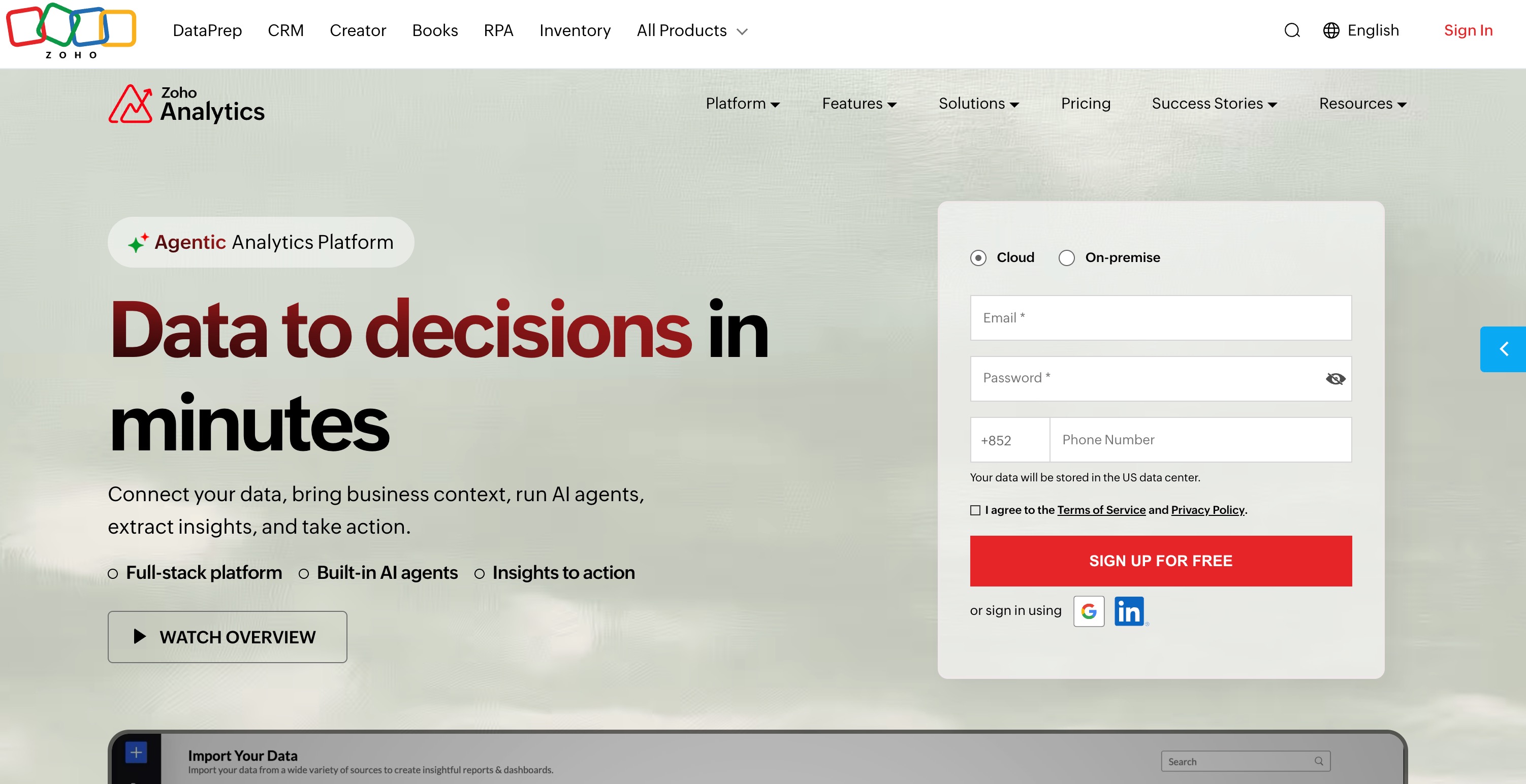
Zoho Analytics is a self-service BI and data analytics platform that prides itself on affordability and user-friendliness. It features Zia, an AI assistant built to answer questions, predict future trends, and generate automatic reports.
Key Features
Ask Zia (natural language querying tool).
AI-powered automated forecasting and predictive modeling.
Collaborative workspaces with fine-grained access control.
Deep integrations with Zoho CRM and other Zoho apps.
Pros
Highly affordable, especially for small to medium-sized businesses.
Excellent native integrations if you use the Zoho suite.
Easy to set up and start building reports.
Cons
Visualizations can feel a bit dated compared to modern competitors.
Performance can lag with very complex, joined datasets.
Pricing
Custom pricing.
6. Qlik Sense
Qlik Sense is a powerful analytics platform famous for its Associative Data Engine, which allows users to explore data in any direction rather than a linear path. Qlik AutoML integrates AI directly into the platform, providing predictive analytics and actionable intelligence.
Key Features
Unique Associative Engine for uncovering hidden data relationships.
Qlik AutoML for code-free machine learning models.
Insight Advisor for AI-generated analyses.
Active Intelligence for triggering alerts and workflows.
Pros
Incredible for deep data discovery and exploration.
Fast performance on large datasets.
Strong offline capabilities and governance features.
Cons
The scripting language (Qlik script) is complex to learn.
Initial setup and deployment require technical expertise.
Pricing
Custom pricing.
7. Metabase
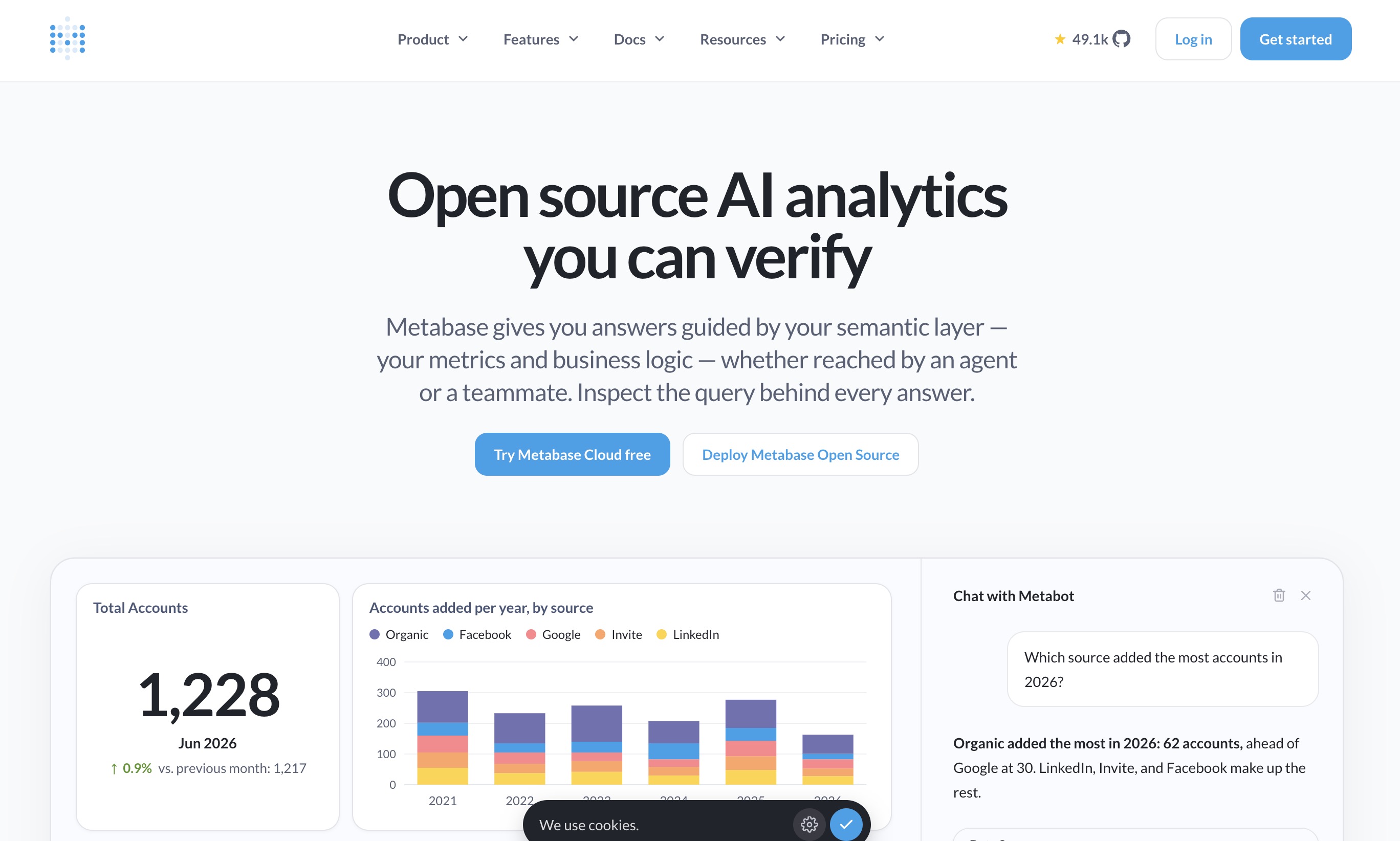
Metabase is an open-source business intelligence tool favored by startups and developers for its simplicity. It offers a clean interface where users can ask questions without writing SQL, though it supports full SQL querying for developers. Recent updates have introduced AI features to help generate SQL queries automatically.
Key Features
Visual query builder (no SQL required).
AI-assisted SQL generation and fixing.
Interactive dashboards and automatic data exploration.
Easy embedding into custom applications.
Pros
Can be self-hosted for free (open-source).
Extremely clean, modern, and user-friendly interface.
Great balance between non-technical GUI and developer SQL access.
Cons
Limited complex data modeling capabilities.
Fewer advanced customization options for visualizations.
Pricing
$100/month.
8. Databox
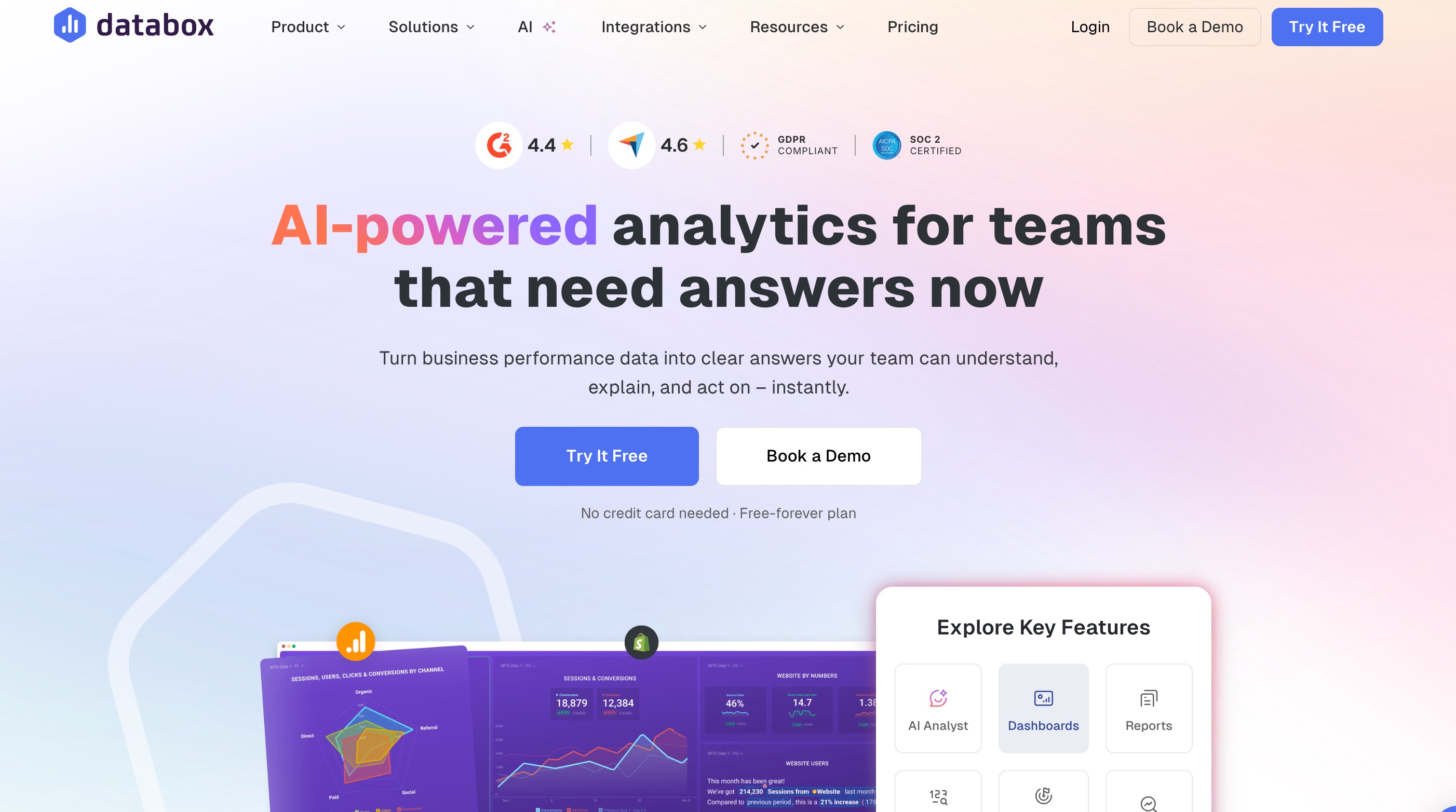
Databox is a business analytics platform primarily tailored for marketers, sales teams, and agencies. Instead of deep data mining, Databox focuses on tracking KPIs and generating visually appealing scorecards. It uses AI to generate performance summaries and alert users to metric anomalies.
Key Features
100+ native one-click integrations (HubSpot, GA4, Facebook Ads).
Automated AI performance summaries and alerts.
Goal tracking and progress visualizations.
Pre-built templates for instant dashboard creation.
Pros
Incredibly easy to set up for marketing and sales tracking.
Excellent mobile app for tracking KPIs on the go.
No coding or database knowledge required.
Cons
Not suitable for complex, transactional data analysis.
Historical data limits on lower-tier plans.
Pricing
Free tier available. Starter plans begin at $79/month.
9. Domo
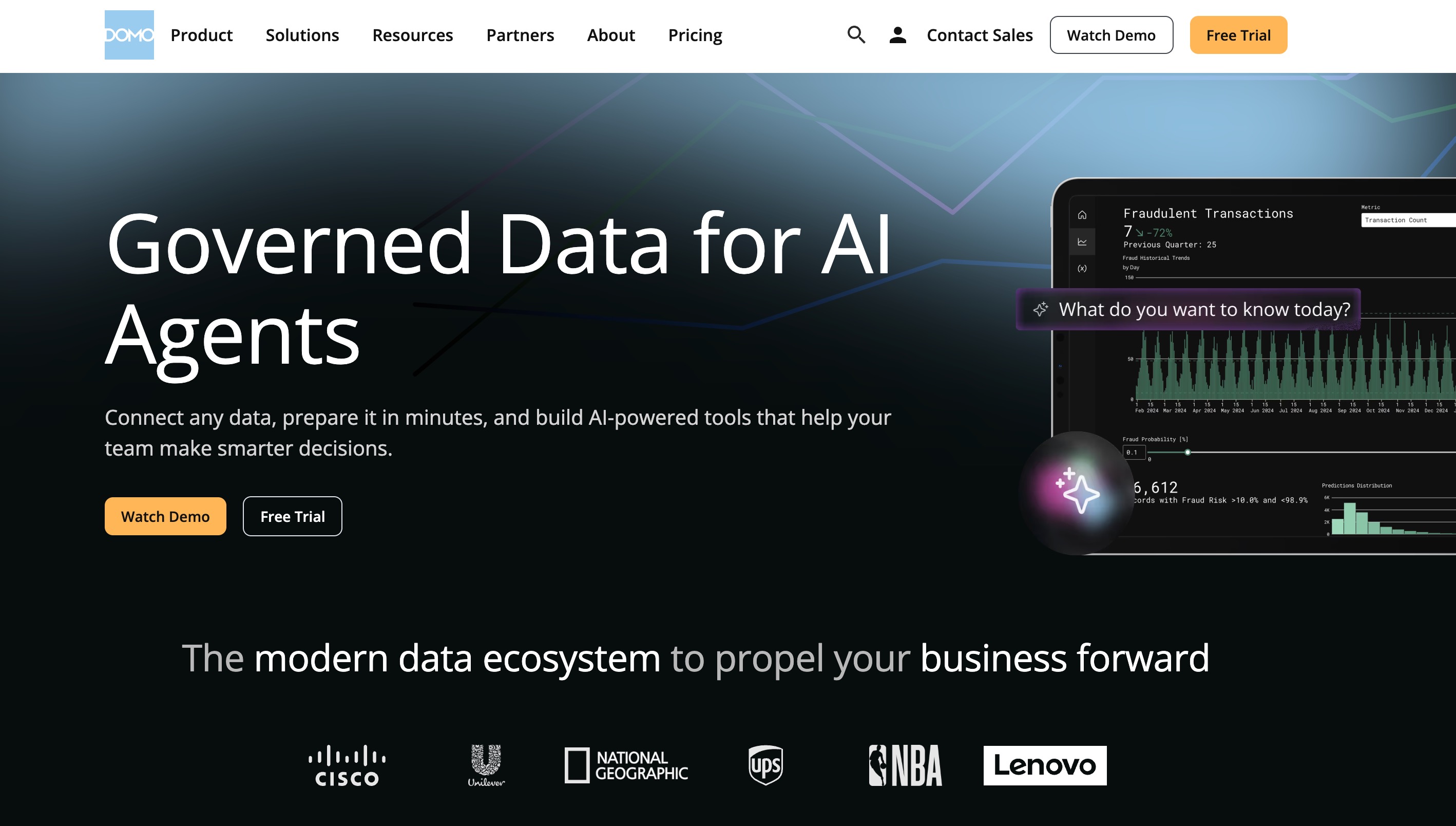
Domo is a cloud-based, mobile-first enterprise BI platform that connects data, systems, and people. It offers a comprehensive suite including data integration, BI, and custom data apps. Domo AI simplifies the data science process, offering natural language text generation, data insights, and automated coding.
Key Features
Domo AI for natural language queries and automated data science.
Over 1,000 pre-built data connectors.
Custom data apps (low-code/no-code app creation).
Robust mobile-first design.
Pros
End-to-end solution (from ETL to visualization).
Phenomenal mobile experience for executives.
Highly scalable for large enterprises.
Cons
Can be prohibitively expensive for small businesses.
Requires a dedicated data team to maximize its potential.
Pricing
Pricing is customized based on enterprise needs (generally starts at a premium price point).
10. Sisense
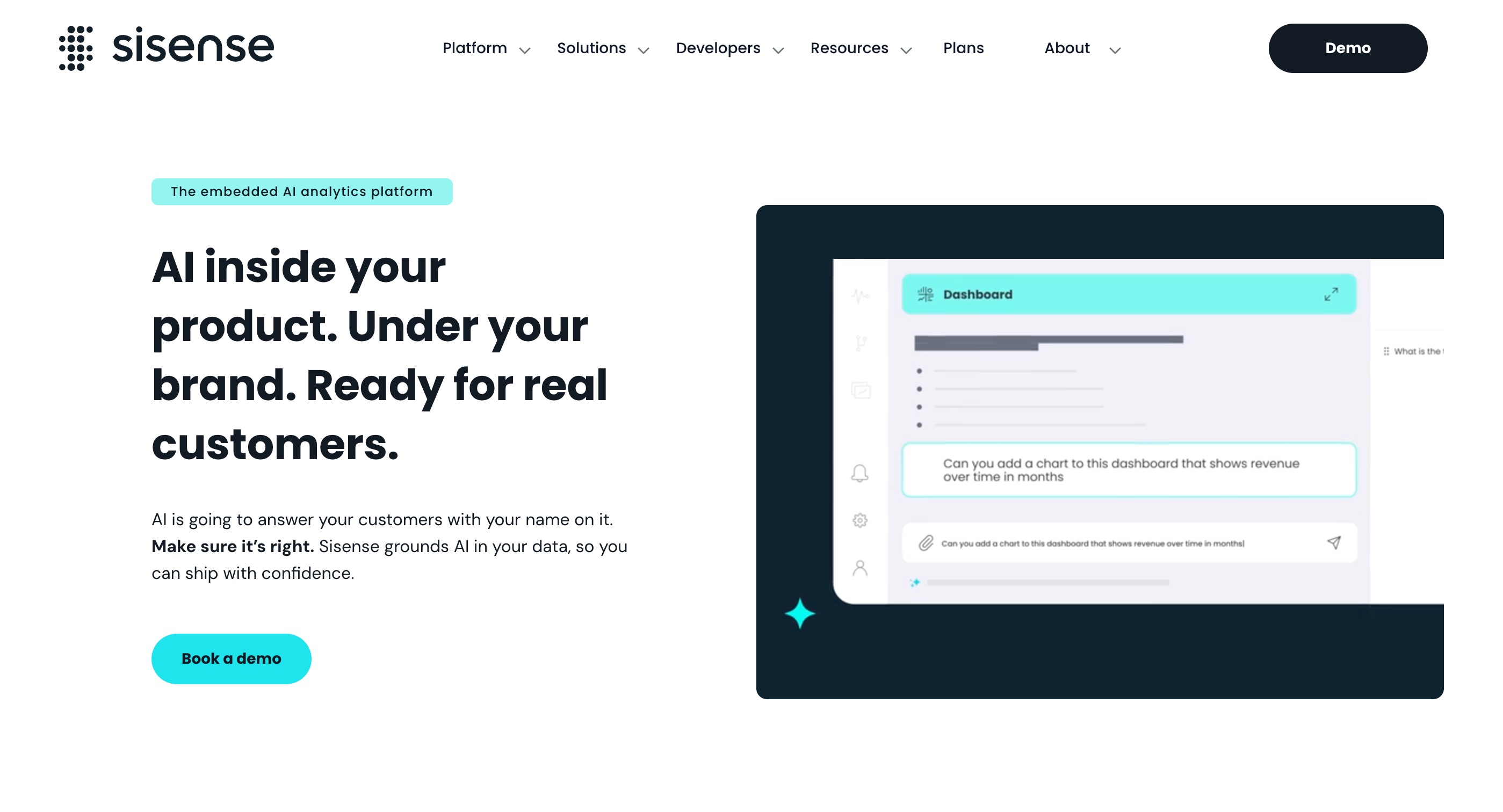
Sisense is an API-first BI platform highly regarded for its embedded analytics. It allows developers to infuse analytics directly into their own applications. Sisense Fusion integrates AI and machine learning to highlight trends, forecast outcomes, and provide actionable intelligence.
Key Features
Sisense Fusion AI for automated insights and forecasting.
Code-first, low-code, and no-code options.
High-performance In-Chip technology for fast querying.
Extensive white-labeling and embedding capabilities.
Pros
Best-in-class for embedding dashboards into external software.
Handles extremely complex data logic well.
Highly customizable UI/UX.
Cons
Geared heavily toward technical developers.
Lacks the out-of-the-box simplicity of tools like Databox.
Pricing
Custom pricing based on deployment scale and user count.
11. Klipfolio
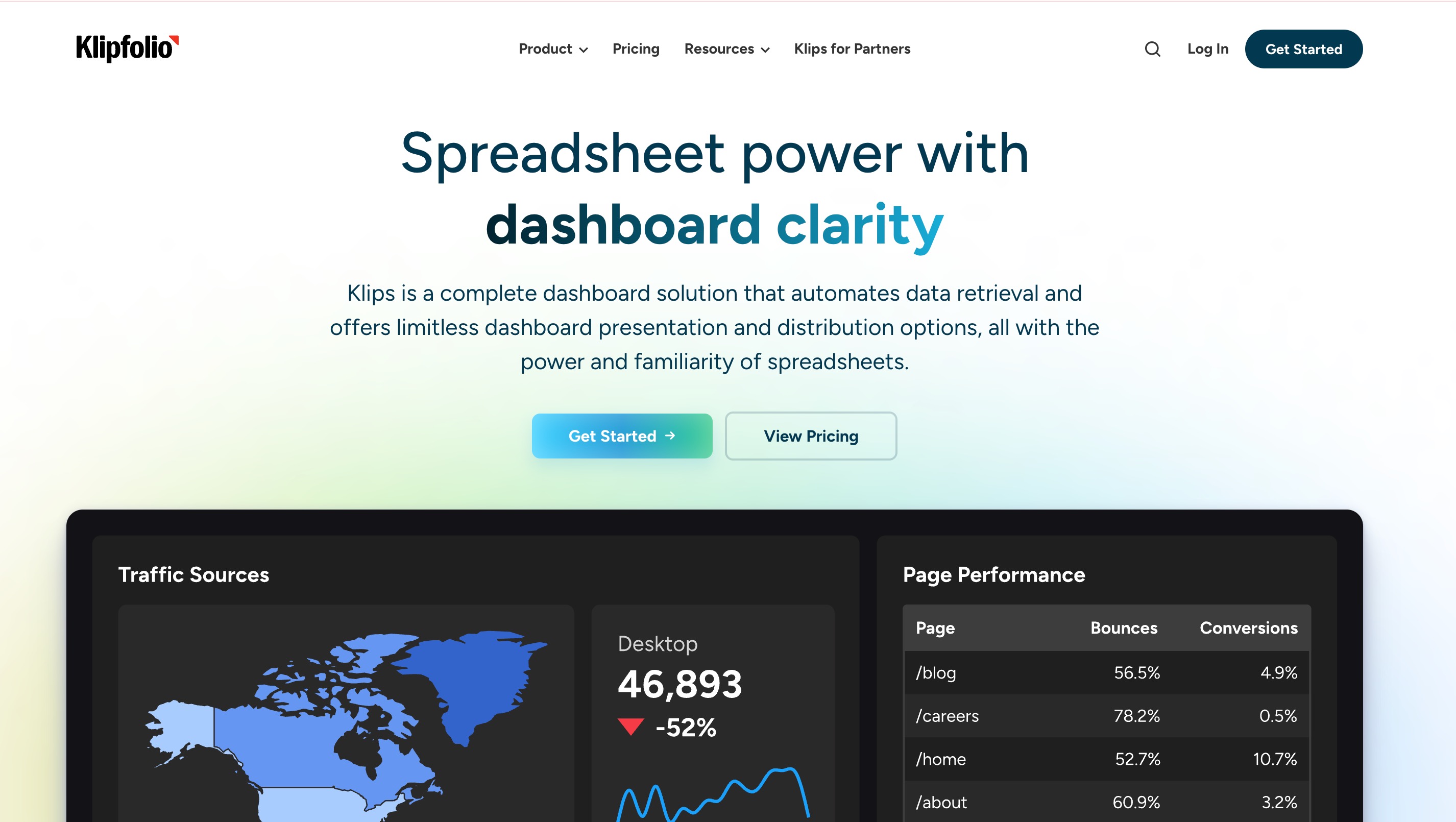
Klipfolio is a lightweight, metric-centric BI tool. Its flagship feature, PowerMetrics, allows users to easily build, store, and share business metrics. Klipfolio incorporates AI to help identify trends and deliver insights directly into the metrics catalog.
Key Features
PowerMetrics catalog for standardized KPIs.
AI-driven trend analysis and anomaly detection.
Lightweight data history preservation.
Easy sharing via PDFs, emails, and links.
Pros
Very intuitive for business users focusing on specific KPIs.
Cost-effective with a flexible pricing model.
Preserves data history effortlessly.
Cons
Not meant for heavy data engineering or deep exploratory analysis.
Visualization types are relatively standard.
Pricing
Free tier available. Plus plans start at $120/month.
12. Whatagraph
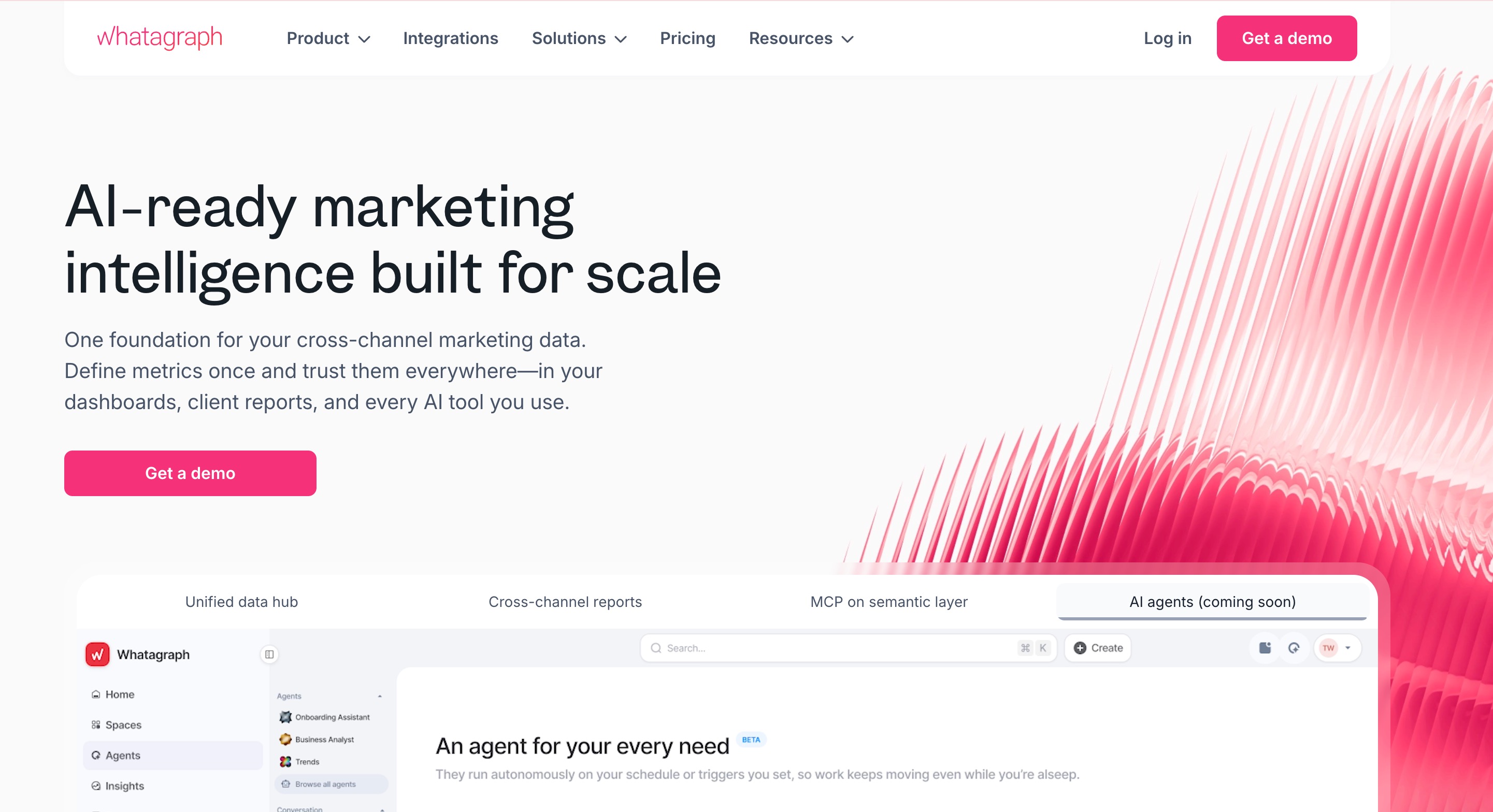
Whatagraph is an automated reporting platform built specifically for marketing agencies and in-house marketing teams. It focuses on taking multi-channel marketing data and turning it into clean, visual reports with automated delivery. It utilizes AI to assist in intelligent data mapping and automated text insights.
Key Features
Cross-channel marketing data integrations.
Automated report scheduling and delivery.
Custom branding and white-labeling.
Smart data mapping and AI text summaries.
Pros
Perfect for agencies that need to send client reports regularly.
Extremely visual and easy to digest for clients.
Saves hours of manual reporting time.
Cons
Limited to marketing and sales use cases.
Not a general-purpose BI tool for operations or finance.
Pricing
Plans start at around $812/month, tailored for agency volume.
Which Looker Studio Alternative Is Best for You
Choosing the right platform depends entirely on your specific role, technical expertise, and what you aim to achieve with your data.
For Enterprise Data Teams: If you need heavy data modeling, strict governance, and complex ETL capabilities, tools like Microsoft Power BI, Tableau, or Domo are the industry standards.
For Marketers and Agencies: If your primary goal is to track KPIs, ad spend, and website traffic without writing code, Databox and Whatagraph offer the best pre-built templates and automated client reporting.
For Developers needing Embedded BI: If you want to put dashboards inside your own SaaS product, Sisense and Metabase offer superior embedding and white-labeling APIs.
For the Ultimate AI-Powered Workflow: If you want to move beyond just looking at charts and actually want an intelligent assistant to analyze data and generate presentation-ready content, Powerdrill Bloom stands out above the rest. It is not just a reporting tool; it is a complete AI workspace. You get the flexibility of interacting with data via natural language while retaining long-term project memory, effectively removing the traditional bottleneck of complex data analysis.
Final Verdict
While Looker Studio served as a great introductory tool for data visualization, the future of data lies in AI-driven insights and automated workflows. Though platforms like Power BI and Tableau offer immense power for technical users, they remain heavily reliant on manual configuration and steep learning curves.
If you want to truly transform how you interact with your data, Powerdrill Bloom is the best alternative. It effortlessly bridges the gap between raw data and actionable execution. By allowing you to chat with your files, automatically generate visual reports, and preserve your context over time through its MemoryLake and persistent Workspaces, Powerdrill Bloom lets you focus on making decisions rather than building charts. If you are ready for seamless AI-powered reporting, setting up your first workspace in Powerdrill Bloom is the smartest next step.
FAQs
1. What is the best AI alternative to Looker Studio?
Powerdrill Bloom is top-rated, offering seamless AI workflows, natural language queries, and automated reporting from raw data.
2. Is Looker Studio still free?
Yes, Looker Studio has a free version, but Looker Studio Pro requires a paid subscription for enterprise features.
3. Can AI generate data reports automatically?
Absolutely. Tools like Powerdrill Bloom and ThoughtSpot use AI to analyze raw data and generate visual reports instantly.
4. Does Power BI have AI features?
Yes, Microsoft Power BI integrates with Copilot, allowing users to build reports and summarize data using AI.
5. Why is Looker Studio so slow?
Large datasets, complex calculations, or pulling live data from unoptimized external sources can cause Looker Studio to lag.