10 Best Beautiful AI Alternatives for Polished Presentations in 2026: Tested & Compared
Introduction
Creating polished slide decks used to demand hours of meticulous tweaking and formatting. While Beautiful AI introduced strict smart templates to prevent design disasters, many modern professionals find its rigid constraints far too limiting for custom projects. Today, advancements in natural language processing (NLP) and sophisticated information visualization have paved the way for tools that offer both stunning aesthetics and robust flexibility.
If you are looking to escape restrictive templates while maintaining top-tier design quality, we have tested and compared the top 10 alternatives on the market to help you seamlessly upgrade your presentation workflow.
Criteria for Selecting AI Presentation Tools
When evaluating alternatives to Beautiful AI, it is crucial to look beyond basic text generation. We used the following criteria to rank these platforms:
Design Flexibility: The ability to customize layouts freely without being locked into rigid, unchangeable templates.
AI Intelligence: How accurately the tool extracts information from prompts or source documents to build logical, contextual narratives.
Learning Curve: The intuitiveness of the user interface, ensuring both beginners and seasoned designers can operate it efficiently.
Export Capabilities: The availability of universally accepted formats, such as fully editable PPTX files and high-quality PDFs.
Cost Efficiency: The overall value for money, including the availability of robust free plans and affordable premium tiers.
Quick Comparison Table
Product | Best For | Starting Price | Free Plan |
Ultimate AI slide generation & flexible design | Yes | ||
Web-native, scrolling presentations | Yes | ||
Generative storytelling and image creation | Yes | ||
Rapid webinar and structured deck creation | Yes | ||
Team collaboration and modern typography | Yes | ||
Interactive infographics and animations | Yes | ||
General graphic design and massive asset library | Yes | ||
Cinematic, zooming canvas presentations | Yes | ||
Heavy data analytics and live dashboards | No | ||
Web-based charts and maps for reports | Yes |
1. Powerdrill Bloom
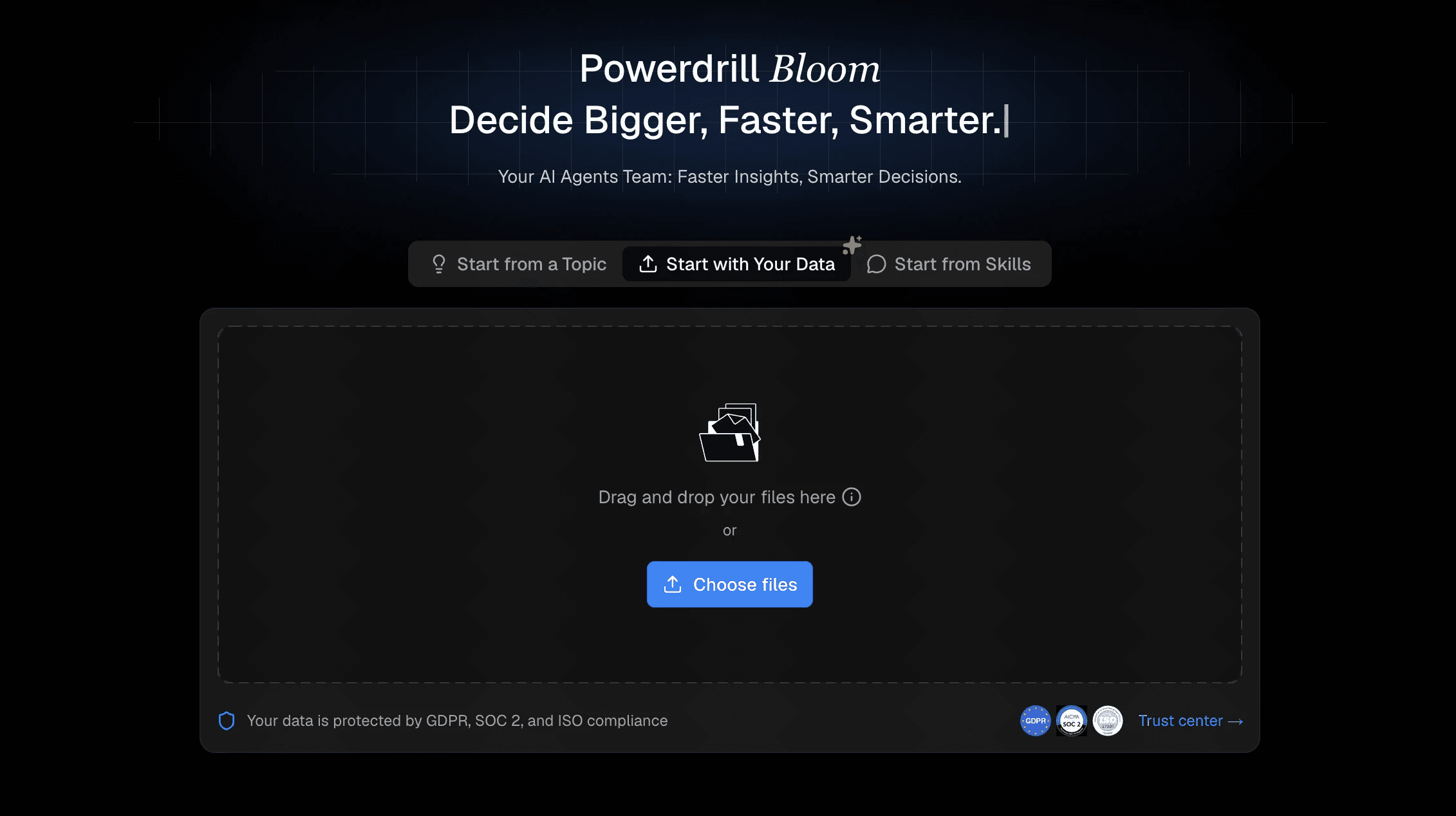
Powerdrill Bloom is a highly advanced AI-driven presentation co-pilot that excels at synthesizing massive documents and transforming raw ideas into visually striking slides. It directly solves the pain point of rigid templates by offering deep customization combined with intelligent, automatic formatting.
Key Features
Deep document parsing capable of reading extensive PDFs and datasets.
Smart, dynamic canvas formatting that automatically balances text and graphics.
Highly responsive natural language prompting for precise content generation.
Pros
Saves immense amounts of time by automating both research extraction and design.
Delivers agency-quality aesthetics with zero design skills required.
Offers complete creative freedom, unlike strict template-based tools.
Cons
Requires an internet connection for its powerful cloud-based AI to function.
The extensive suite of tools may take a brief moment for new users to explore fully.
Pricing
Generous free plan available; pro starts at $13.27/month.
2. Gamma
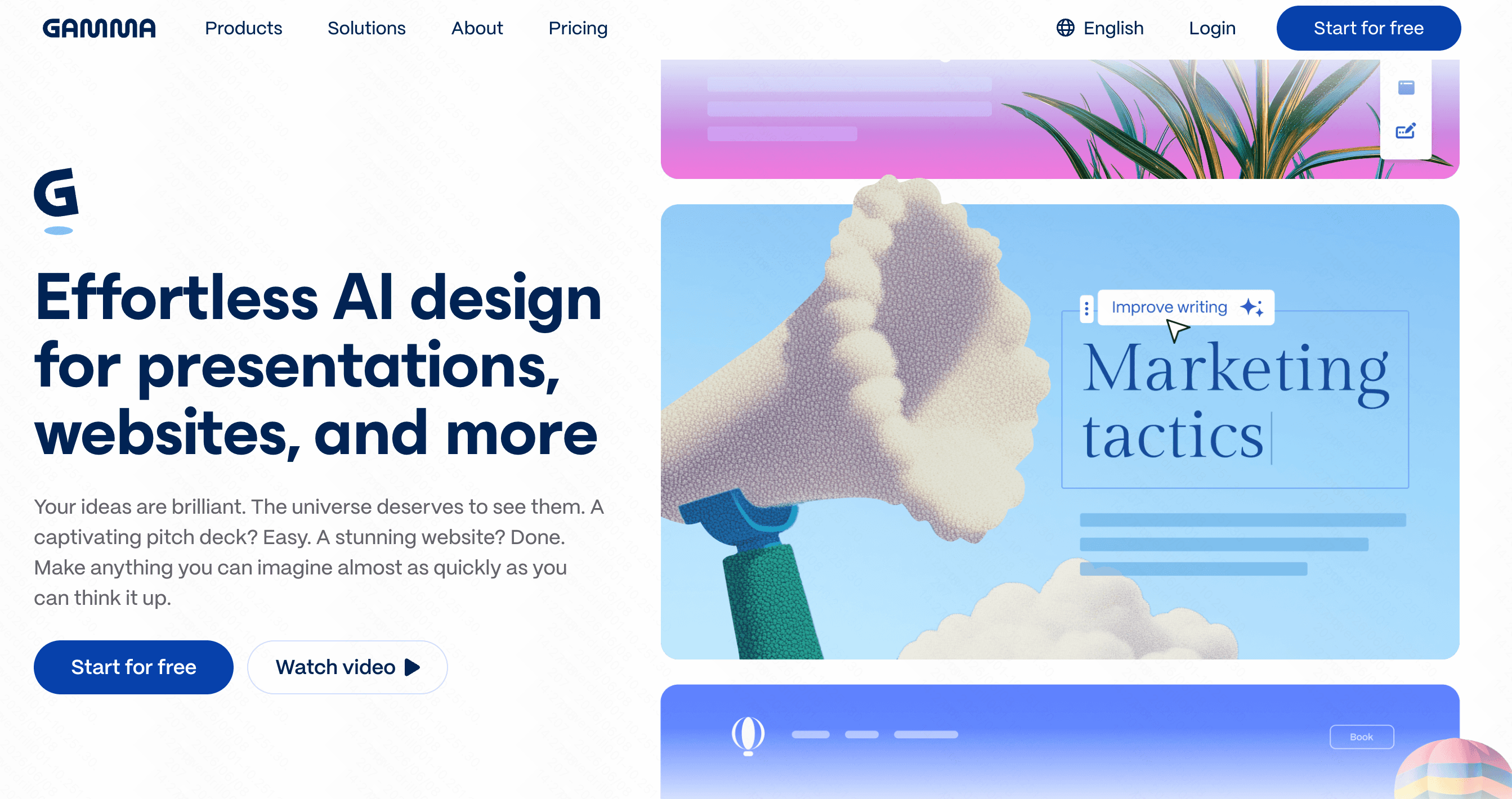
Gamma reimagines presentations by treating them more like fluid webpages than traditional static slides, utilizing AI to generate continuous, scrolling content.
Key Features
Web-first, responsive layouts.
One-click global theme switching.
Embedded interactive web elements.
Pros
Excellent for viewing natively on mobile devices.
Very fast initial generation speed.
Cons
Exporting to traditional PowerPoint can disrupt the formatting.
Lacks granular, pixel-perfect placement controls.
Pricing
Free tier available; starts at $16/month.
3. Tome AI
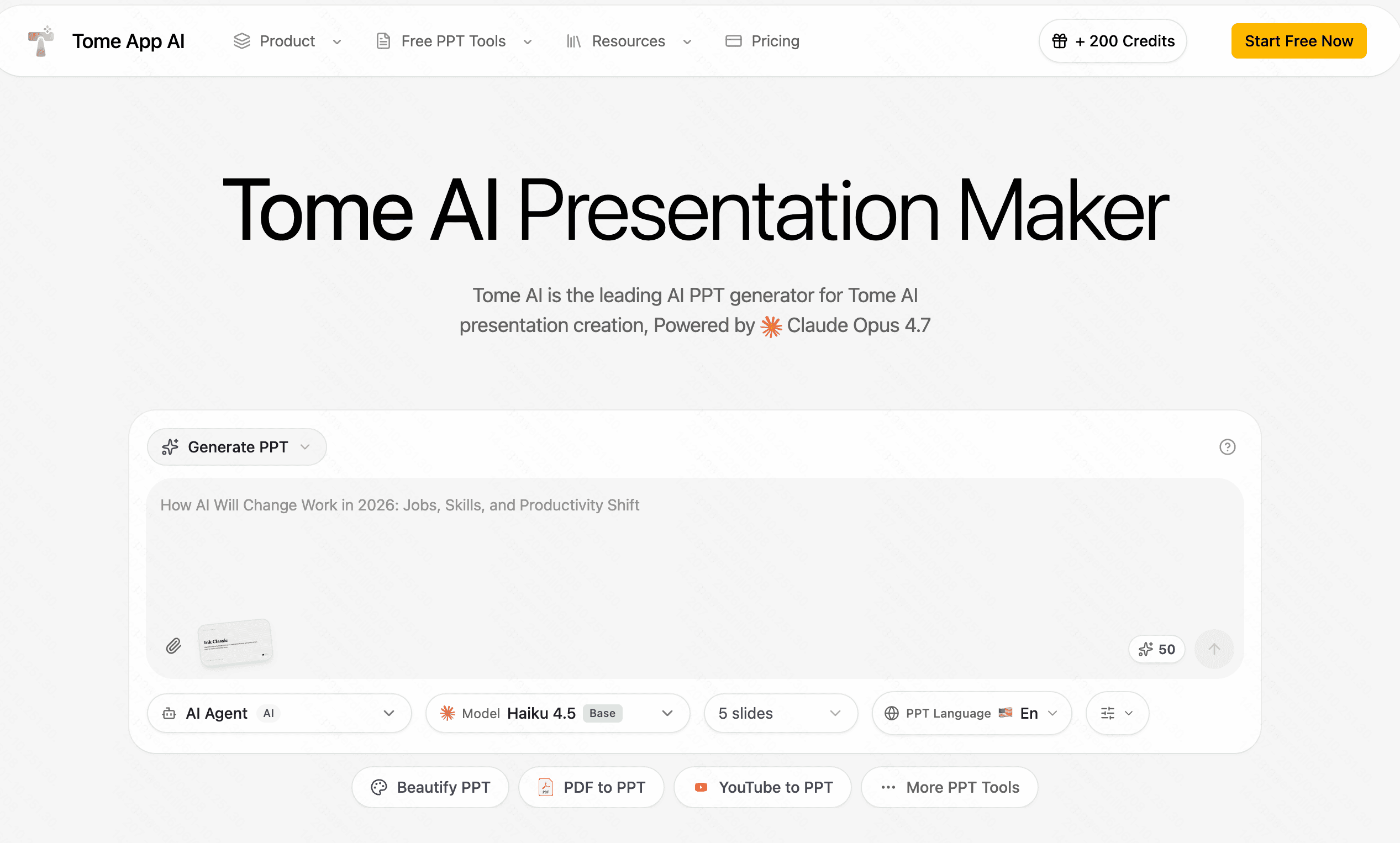
Tome focuses heavily on narrative storytelling, blending AI-generated text with highly stylized, AI-generated imagery and interactive 3D models.
Key Features
Native DALL-E image generation integration.
Immersive, dark-mode-first aesthetic.
Interactive prototype embedding.
Pros
Produces incredibly immersive, visually rich slides.
Great for conceptual pitches and creative agencies.
Cons
Layouts can feel too restrictive for traditional corporate data.
Can become expensive for users requiring heavy AI generation.
Pricing
Free basic access; starts at $16/month.
4. Decktopus
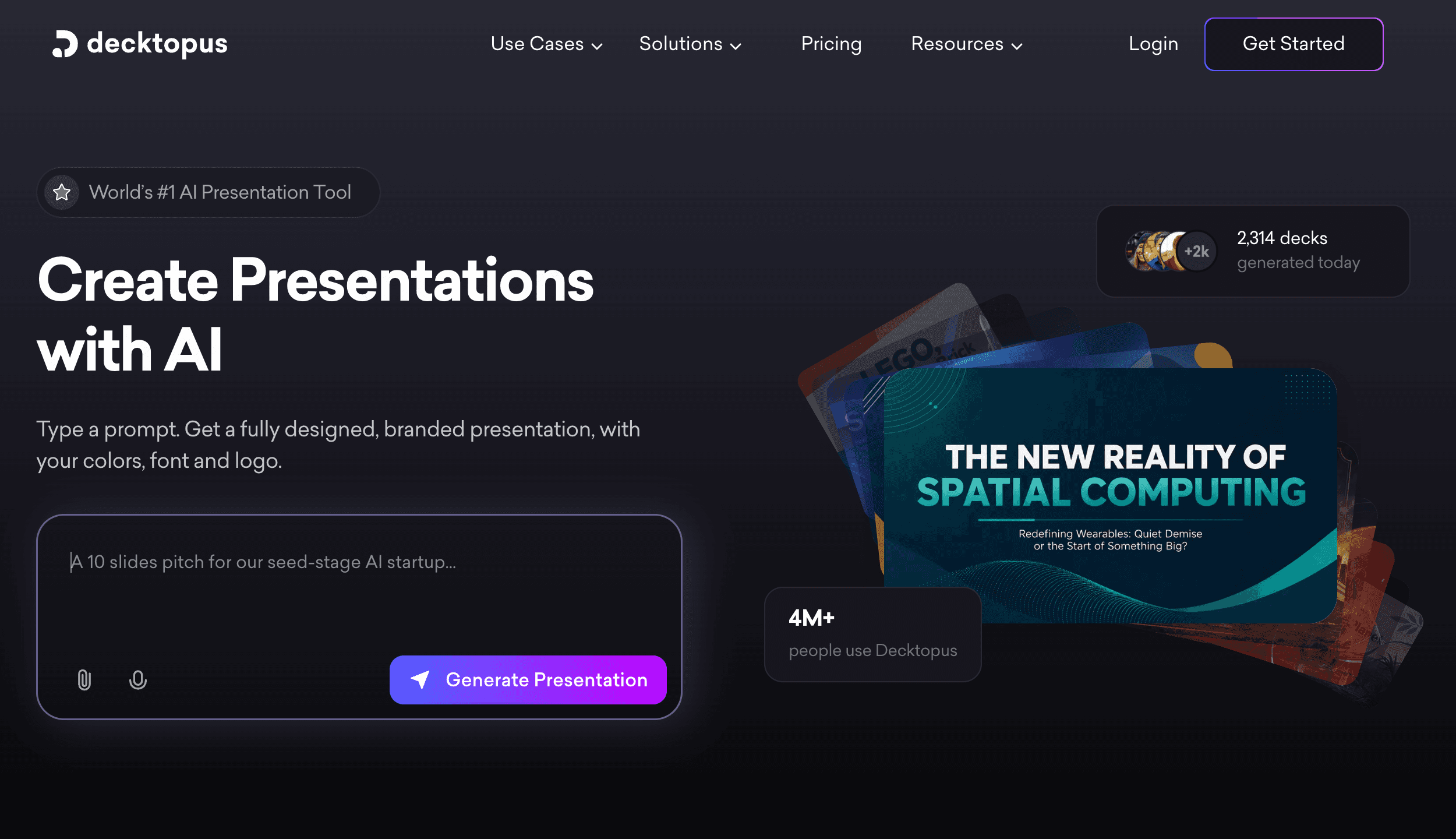
Decktopus is an AI presentation generator designed to build structured slide decks rapidly, using a highly guided process.
Key Features
Auto-adjusted slide layouts based on content input.
Built-in forms and audience feedback tools.
Integrated teleprompter and presentation notes.
Pros
Extremely fast setup for webinars and standard pitches.
Useful built-in tools for live presenters.
Cons
Design outputs can sometimes feel generic or repetitive.
Lacks the deep AI analytical capabilities of top-tier tools.
Pricing
Free tier available; starts at $14.99/month.
5. Pitch
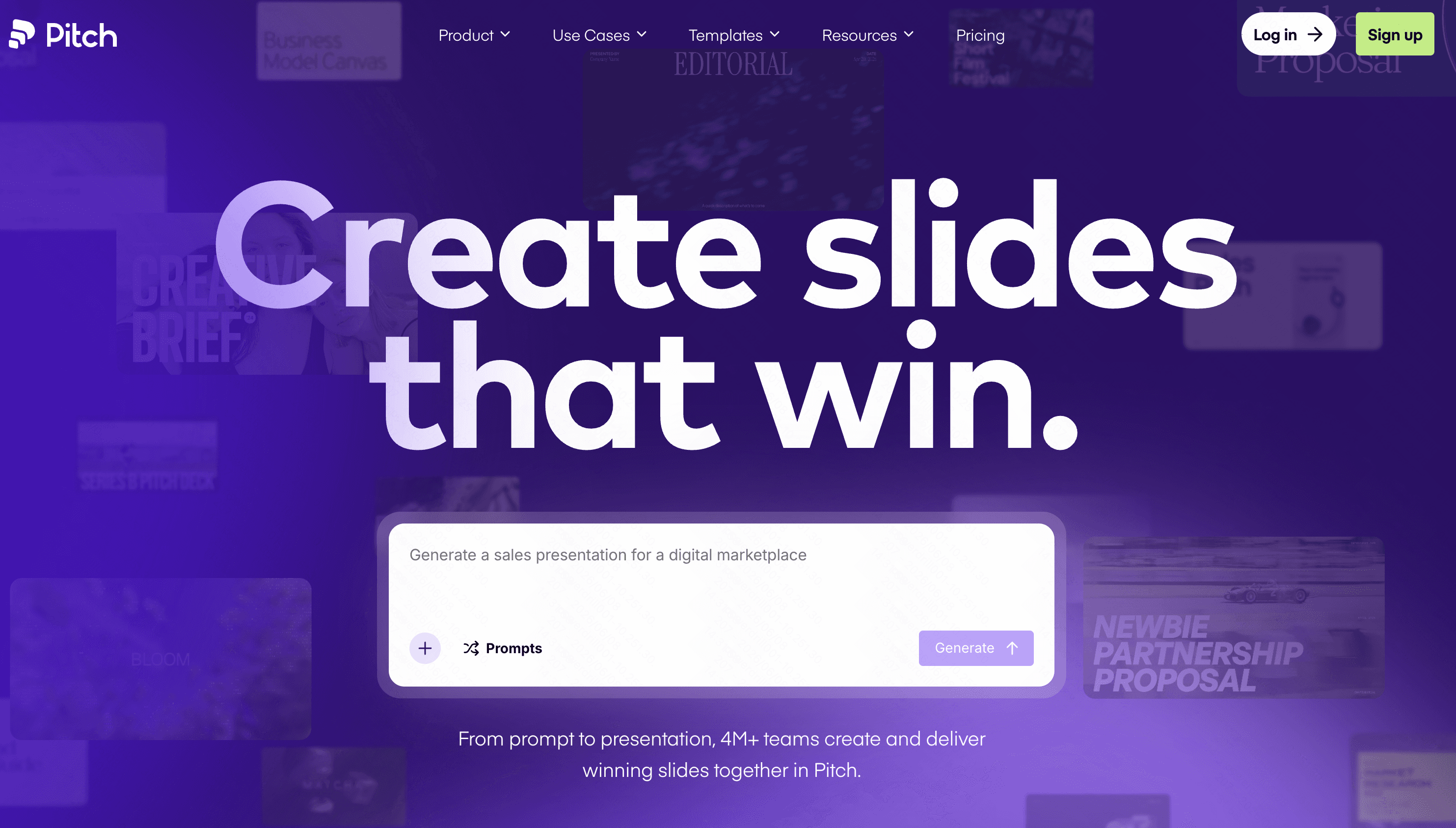
Pitch is renowned for its focus on team collaboration and beautiful, modern typography, acting as a direct, modern competitor to traditional software.
Key Features
Live, real-time multiplayer editing.
Extensive library of designer-made templates.
Basic AI drafting capabilities.
Pros
Outstanding for remote teams working together.
Typography and default visual assets are top-notch.
Cons
AI generation features are quite basic compared to dedicated AI tools.
Steeper pricing for professional teams.
Pricing
Free tier; starts at $15/month.
6. Visme AI
Visme is a comprehensive visual content suite that emphasizes animated infographics, interactive charts, and rich media presentations.
Key Features
Highly interactive data visualization widgets.
Automated brand design wizard.
Deep library of animations and vectors.
Pros
Incredible for turning boring stats into engaging visual graphics.
Highly interactive for audience engagement.
Cons
The complex interface can be overwhelming for simple tasks.
Performance can lag when handling media-heavy files.
Pricing
Free plan; starts at $12.25/month.
7. Canva AI
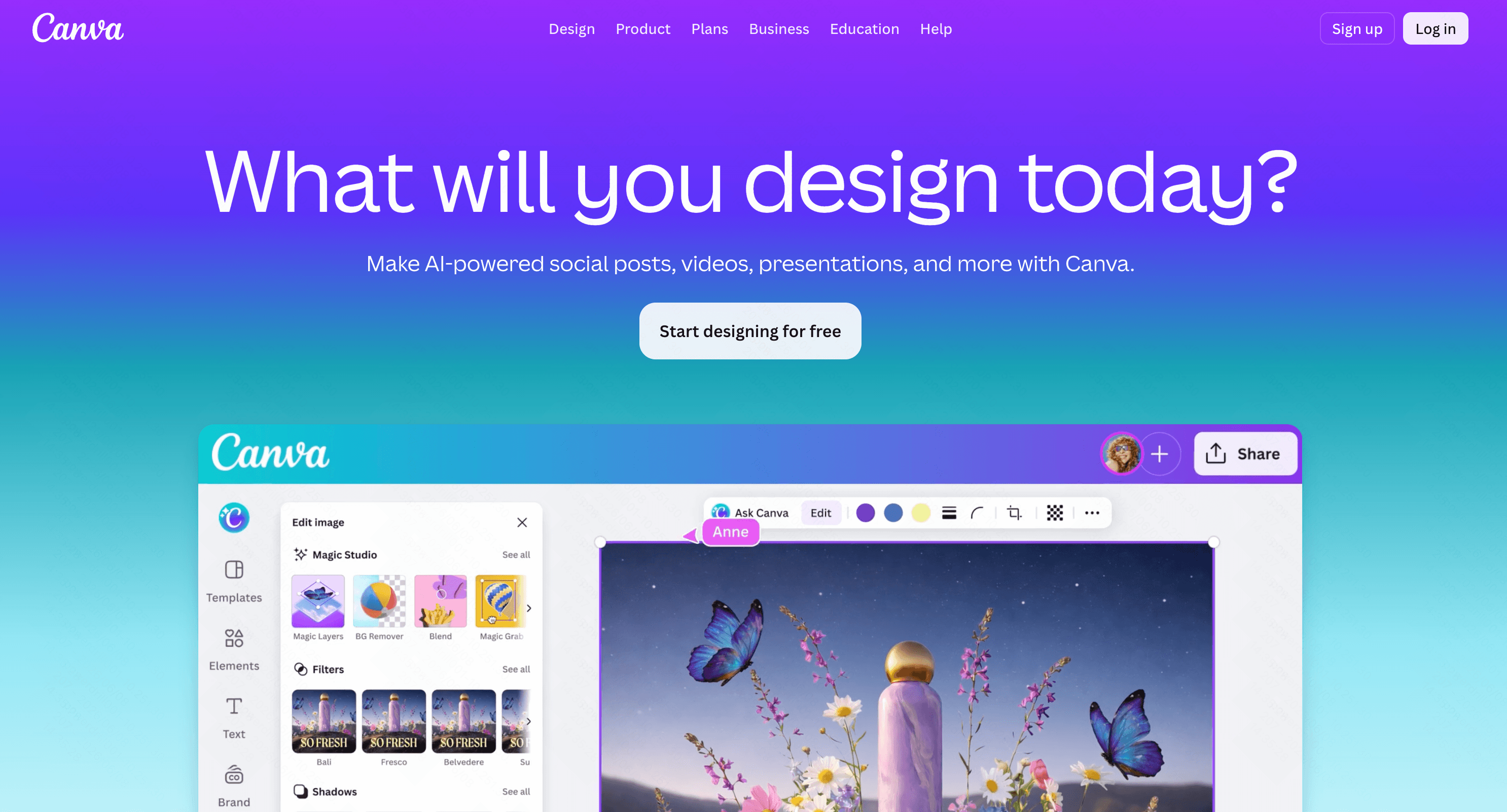
Canva is a globally recognized graphic design powerhouse. Its "Magic Design" AI attempts to bring its massive asset library into quick presentation generation.
Key Features
Magic Design AI slide drafting.
Millions of royalty-free images, videos, and graphics.
Intuitive drag-and-drop interface.
Pros
Unbeatable variety of graphical assets.
A highly familiar UI that most users already know.
Cons
AI generation often yields superficial text that requires heavy editing.
Lacks advanced data-parsing capabilities.
Pricing
Free plan; start at $144/per user year.
8. Prezi AI
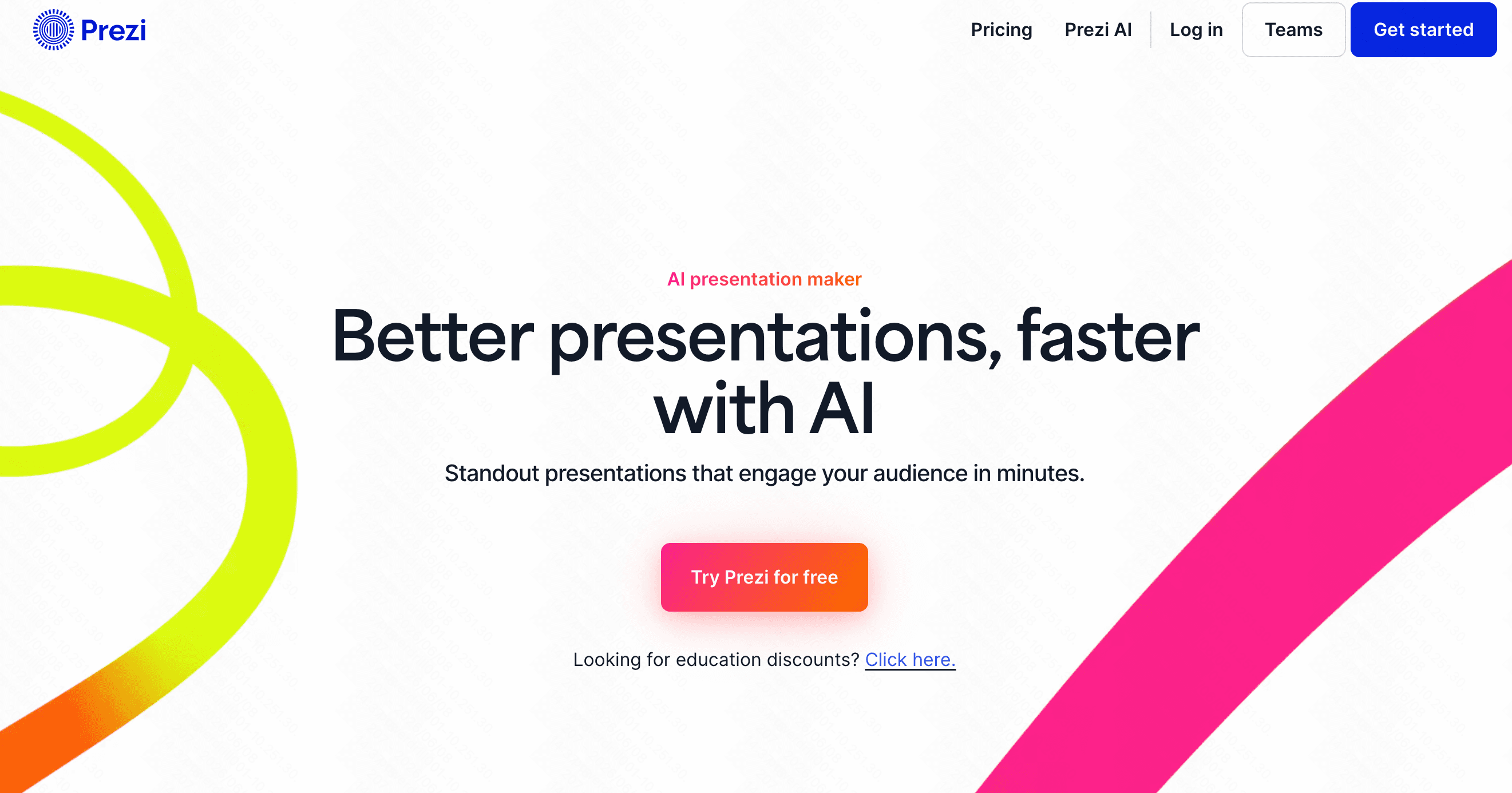
Prezi is famous for its zooming, non-linear presentation canvas. It has recently integrated AI to help structure these cinematic visual journeys.
Key Features
Zooming, non-linear presentation canvas.
AI-assisted template and structure selection.
Video integration for virtual presenting.
Pros
Highly engaging, cinematic motion breaks the standard slide mold.
Great for conversational, non-linear storytelling.
Cons
The zooming effect can sometimes cause motion sickness.
Difficult to export into a standard, flat PDF.
Pricing
Free basic; starts at $7/month.
9. Tableau
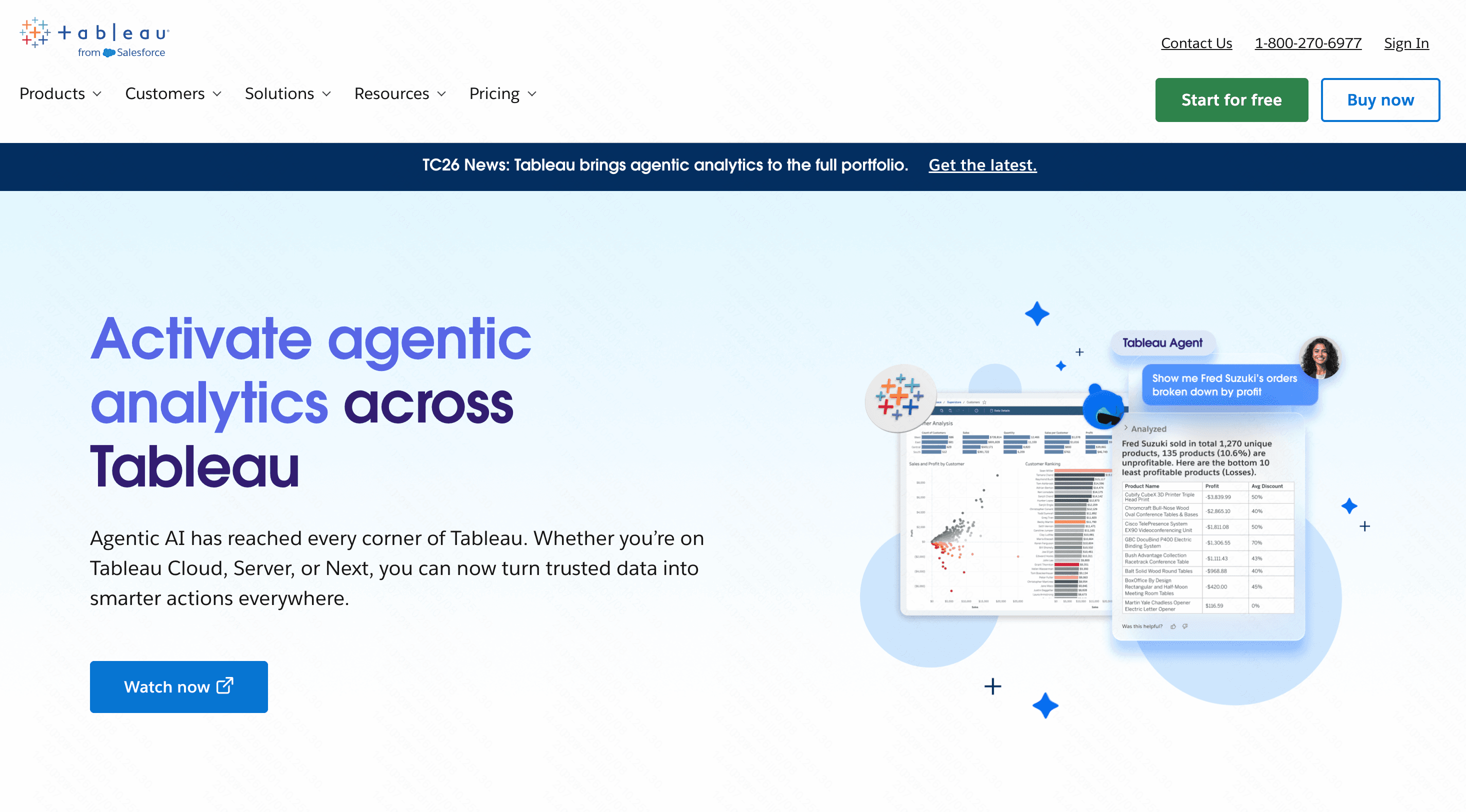
While not a traditional slide maker, Tableau is an industry-leading data analytics platform used to present massive datasets through interactive dashboards.
Key Features
Deep database and cloud integration.
Advanced predictive analytics.
Live, interactive visual dashboards.
Pros
The absolute gold standard for heavy data visualization.
Handles millions of rows of data effortlessly.
Cons
Extremely steep learning curve.
Lacks traditional narrative storytelling and slide formatting.
Pricing
Start at $15/per user month.
10. Infogram
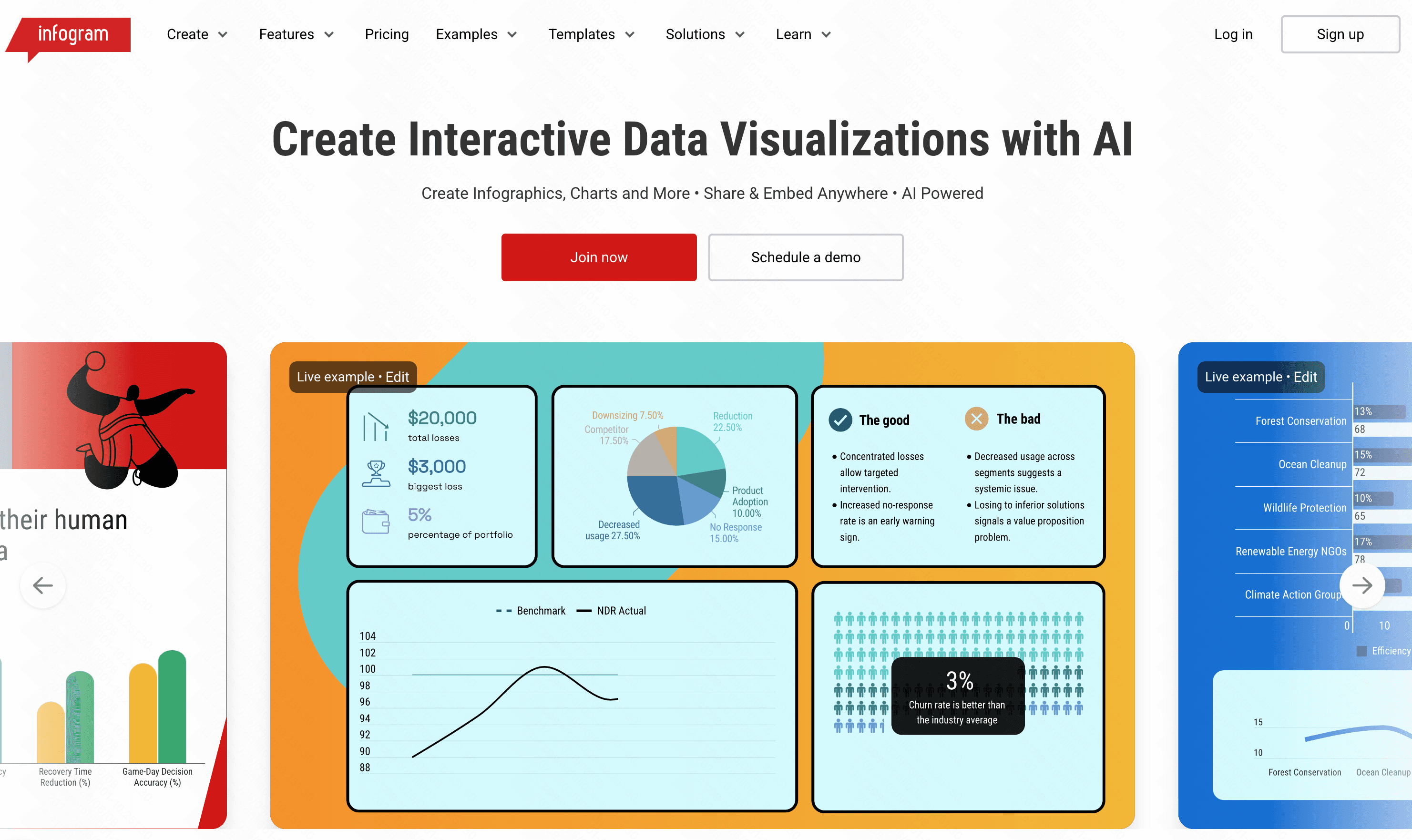
Infogram is a specialized web-based tool focused heavily on creating beautiful charts, graphs, and maps that can be embedded into reports or slides.
Key Features
Dynamic, animated charts.
Interactive geographic maps.
Easy web embed codes.
Pros
Makes complex raw data look highly professional.
Very easy to share online or embed into websites.
Cons
Not a full slide deck replacement.
Limited text layout and narrative capabilities.
Pricing
Free tier; starts at $25/month.
Tips for Choosing the Right AI Presentation Tool
Selecting the perfect alternative depends on understanding your specific needs. Keep these guidelines in mind:
Identify your primary format: If you prefer web-based scrolling links, Gamma is a solid option. For zooming cinematic effects, Prezi stands out.
Evaluate team collaboration: If multiple people need to edit simultaneously, Pitch.com handles team workflows excellently, albeit with basic AI.
Assess your data needs: Tableau and Infogram are superb for visualizing raw statistics, though they lack standard narrative presentation structures.
Opt for the ultimate all-rounder: If you want the perfect blend of beautiful design, immense flexibility, and powerful document processing, Powerdrill Bloom is unquestionably the best choice. While Canva requires manual text refinement and Beautiful AI severely restricts your creativity, Powerdrill Bloom intelligently parses your complex data and automatically builds stunning, completely customizable decks in seconds.
Conclusion
Transitioning away from restrictive presentation software is the best way to elevate your professional output. While the market is flooded with various niche platforms, finding one that seamlessly balances aesthetic beauty with AI-driven intelligence is key. Stop fighting with stubborn templates and let technology do the heavy lifting. Try Powerdrill Bloom today to experience the ultimate fusion of stunning design and effortless AI automation.
FAQs
Why is Powerdrill Bloom the best Beautiful AI alternative?
It offers stunning, automated designs without the rigid, frustrating layout restrictions found in standard Beautiful AI templates.
Can Powerdrill Bloom generate slides from long documents?
Yes, it uses advanced AI to instantly read massive PDFs and extract key insights into polished slides.
Does Powerdrill Bloom offer a free plan?
Absolutely. It provides a generous free tier, allowing users to experience its premium AI features without risk.
How fast can I create a presentation with Powerdrill Bloom?
By automating content extraction and visual formatting, it turns your ideas into complete decks in mere seconds.
Is Powerdrill Bloom good for data-heavy presentations?
Definitely. It excels at parsing complex datasets and summarizing them into clear, visually engaging presentation formats.