10 Best AI Tools to Write Professional Business Reports in 2026
Introduction
In today’s data-driven business landscape, the ability to generate comprehensive, actionable, and analytically rigorous reports is paramount. Artificial intelligence (AI) tools are revolutionizing this domain by automating data aggregation, natural language processing, and predictive analytics, enabling professionals to transform complex datasets into strategic insights and executive-ready deliverables.
The following compilation presents the 10 best AI tools in 2026 for crafting professional business reports, each evaluated for accuracy, scalability, and integration capabilities. By leveraging these technologies, organizations can optimize reporting workflows, enhance decision-making processes, and maintain a competitive edge in an increasingly dynamic market.
Quick Comparison Table
Tool Name | Best For | Starting Price |
Best overall all-in-one AI report generator | ||
Enterprise-grade data visualization | ||
Rapid AI presentations and documents | ||
Marketing and ad agency client reports | ||
Advanced BI with AI assistance | ||
Predictive analytics and forecasting | Custom pricing | |
No-code intelligent data dashboards | ||
Automated slide-based business reports | ||
Autonomous AI agent workflows | ||
Chat-based AI data analyst |
1. Powerdrill Bloom
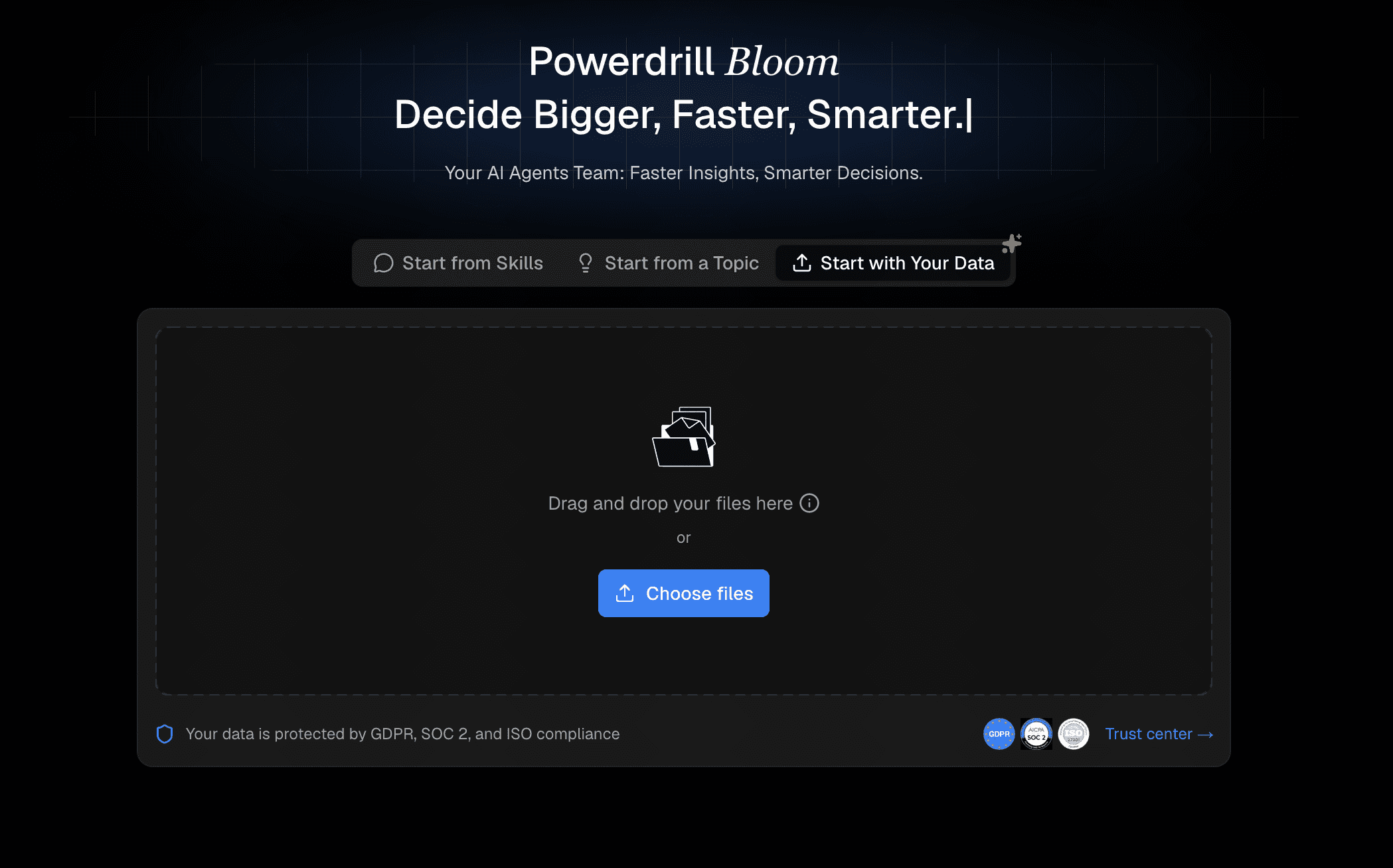
Powerdrill Bloom is a revolutionary AI-powered data analysis and reporting tool designed to instantly transform raw datasets into polished, insightful business reports. It bridges the gap between complex data science and everyday business operations.
Key Features
Automated Insights: Automatically extracts critical trends and metrics from uploaded datasets.
Conversational UI: Allows users to query data and format reports using natural language.
Customizable Templates: Offers highly professional, export-ready layouts for various industries.
Pros
Extremely user-friendly with zero learning curve.
Lightning-fast processing from raw CSV/Excel to a finalized PDF report.
Highly accurate data interpretation with robust privacy measures.
Cons
Relies primarily on structured data formats for optimal results.
Offline mode is currently unavailable.
Pricing
Generous free tier available; Pro plans start at an affordable $13.27/month.
2. Tableau AI
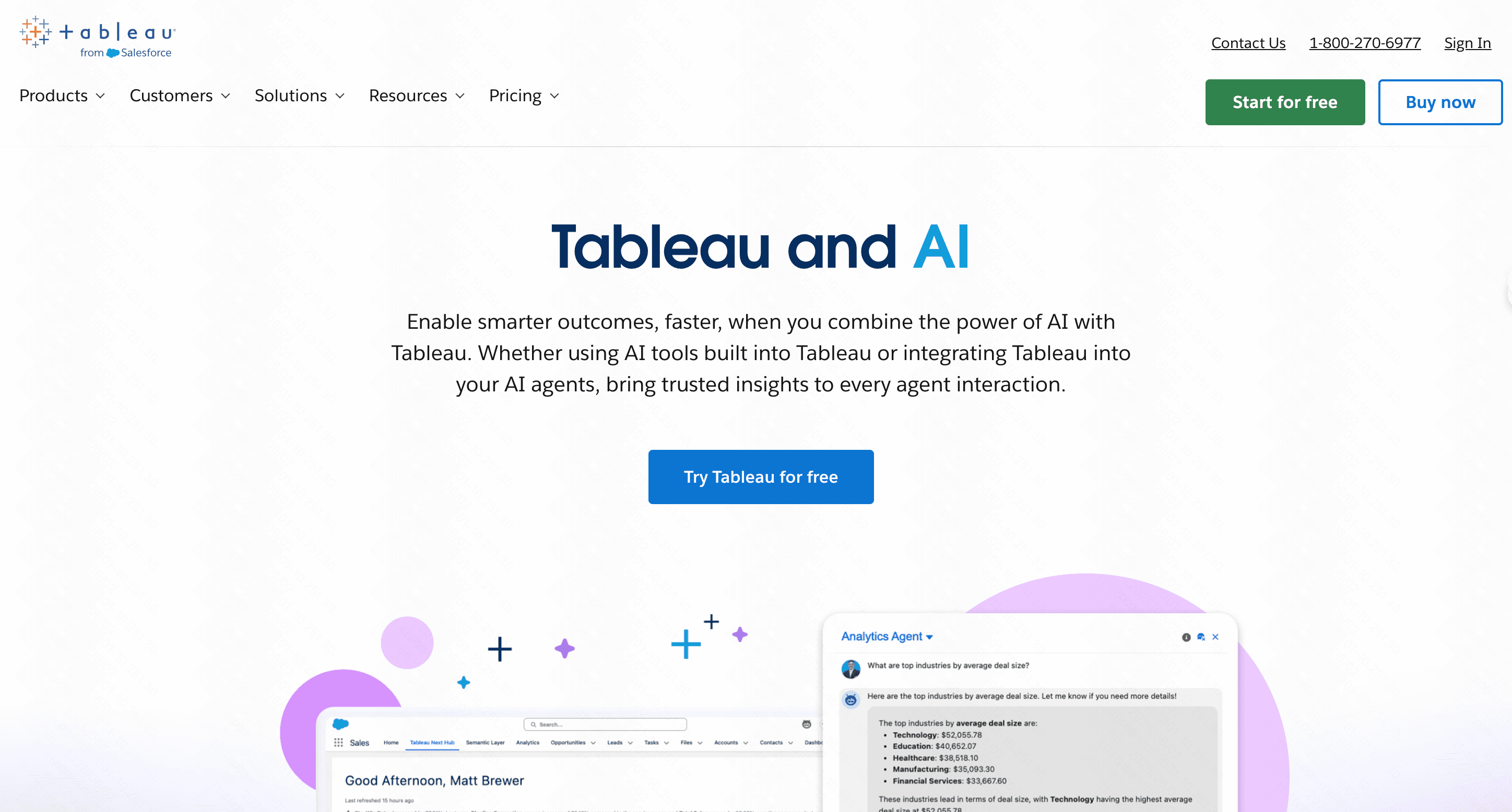
Tableau integrates cutting-edge AI via Einstein Copilot into its renowned business intelligence ecosystem, allowing enterprise users to generate deep visual reports.
Key Features
Smart Recommendations: AI suggests the best charts for your data type.
Natural Language Queries: "Ask Data" feature translates typed questions into visual dashboards.
Deep CRM Integration: Connects flawlessly with Salesforce and massive databases.
Pros
Industry-leading visualization capabilities.
Handles massive, enterprise-scale datasets effortlessly.
Highly secure for corporate environments.
Cons
Steep learning curve for non-technical users.
Pricing can be prohibitive for small businesses.
Pricing
Starts at $15/user/month.
3. Gamma
Gamma is an intuitive AI platform focused on generating beautiful, responsive documents, web pages, and slide decks from simple text prompts.

Key Features
Text-to-Deck: Generates full slide reports from a single prompt.
Fluid Formatting: Automatically adjusts layouts when you add or remove content.
Embeddable Media: Easily integrates charts, videos, and live websites.
Pros
Incredibly fast report creation.
Visually stunning outputs requiring no design skills.
Excellent collaboration tools.
Cons
Lacks native deep-dive data computation tools.
Customization can feel limited compared to traditional editors.
Pricing
Free tier available; Plus starts at $8/user/month.
4. ReportGarden
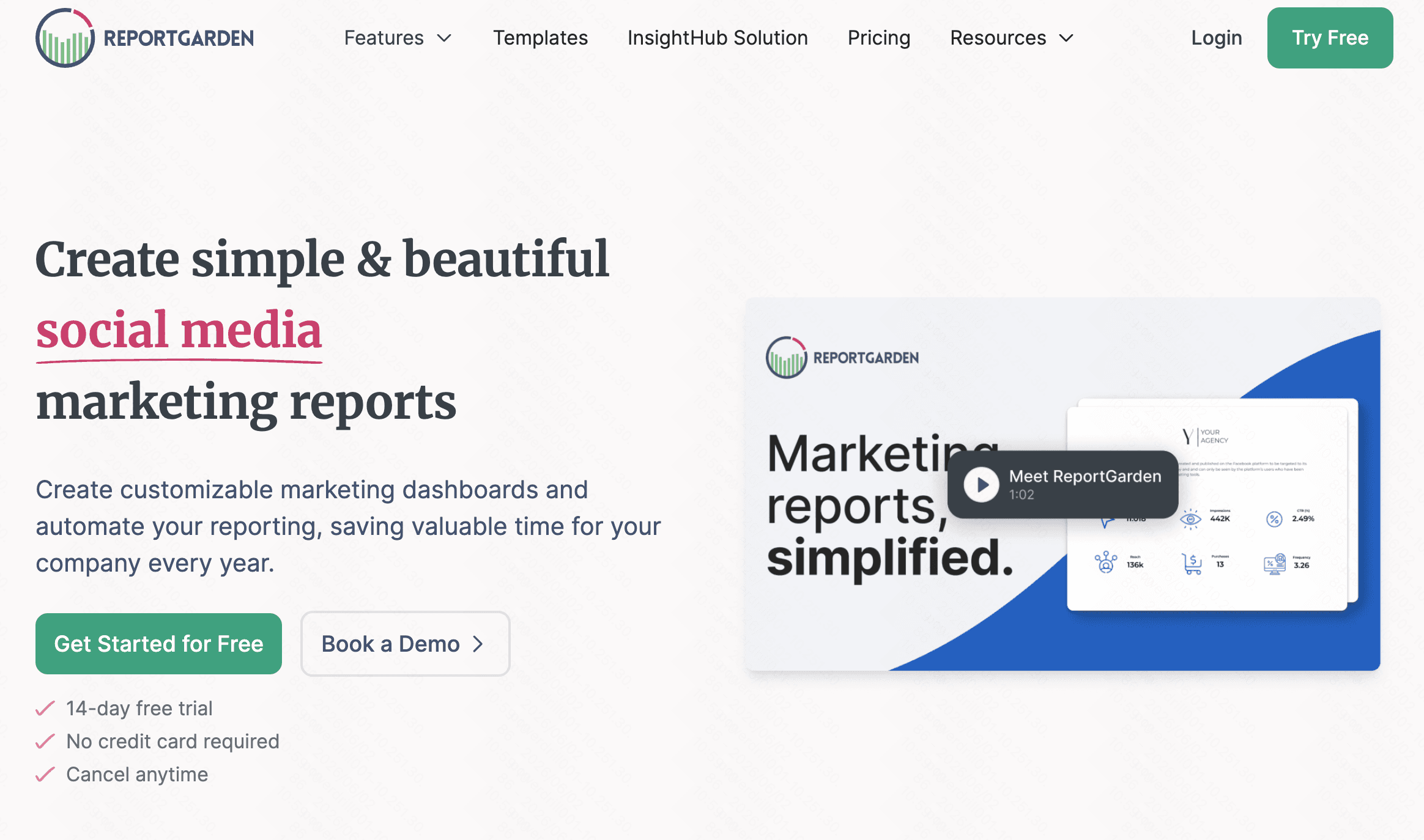
ReportGarden is a specialized AI reporting software tailored heavily toward digital marketing agencies needing to report ad spend, SEO, and social media metrics to clients.
Key Features
API Integrations: Connects with Google Ads, Meta Ads, and more.
Automated Scheduling: Sends AI-summarized reports to clients on auto-pilot.
White-labeling: Fully customize reports with your agency’s branding.
Pros
Saves hours of manual marketing data compilation.
Excellent client portal features.
Highly targeted for digital marketers.
Cons
Too niche for general business, finance, or HR reporting.
Higher starting price point.
Pricing
Start a 14-day Free Trial. Plans starting from $75/month.
5. Zoho Analytics
Zoho Analytics is a robust self-service BI platform that utilizes an intelligent AI assistant, Zia, to help businesses build insightful reports.
Key Features
Zia AI Assistant: Answers questions, generates reports, and predicts trends.
Data Blending: Merges data from over 250+ different sources automatically.
Predictive Analytics: Uses ML algorithms for forecasting future trends.
Pros
Highly scalable for growing organizations.
Extensive ecosystem integration (Zoho One).
Powerful predictive capabilities.
Cons
The user interface can feel slightly dated and cluttered.
Initial setup of data pipelines requires technical knowledge.
Pricing
Starts at $24/month.
6. Akkio
Akkio is a no-code machine learning and predictive AI platform designed specifically to help agencies and businesses forecast trends and generate analytical reports.
Key Features
Predictive Modeling: Build ML models in minutes without coding.
Chat Explore: Converse with your data to uncover hidden insights.
Generative Reports: AI drafts the narrative around your data points.
Pros
Democratizes complex predictive analytics.
Fast deployment of machine learning workflows.
Great for revenue forecasting and lead scoring.
Cons
Overkill if you only need simple historical reporting.
Relatively high entry price.
Pricing
Custom pricing.
7. Polymer
Polymer uses AI to turn ordinary spreadsheets into highly interactive, streamlined BI dashboards without requiring any complex setup or coding.
Key Features
Instant Dashboards: Upload a spreadsheet and get a dashboard in seconds.
PolyAI: A chatbot that navigates and analyzes your uploaded datasets.
Shareable Workspaces: Easily distribute interactive reports via links.
Pros
Zero setup or coding required.
Highly intuitive and visual interface.
Makes raw data accessible to non-technical stakeholders.
Cons
Limited customization for highly specific enterprise needs.
Best suited for simple to moderate datasets.
Pricing
Starts at $25/month.
8. Beautiful.ai
Beautiful.ai is a cloud-based presentation maker that utilizes AI to ensure your business reports and slide decks adhere to strict design principles automatically.
Key Features
DesignerBot: Drafts complete presentations based on text descriptions.
Smart Slides: Templates that adapt dynamically as you add content.
Brand Controls: Locks in brand colors and fonts for team consistency.
Pros
Guarantees a visually flawless business report.
Drastically reduces time spent tweaking formatting.
Great team library assets.
Cons
Strictly slide-based; not suitable for long-form text documents.
No native complex data processing capabilities.
Pricing
Starts at $12/month.
9. Manus
Manus represents the next generation of AI tools: an autonomous AI agent capable of managing end-to-end business workflows, including complex research and reporting.

Key Features
Autonomous Research: Surfs the web to gather competitive intelligence.
Data Synthesis: Compiles large volumes of disjointed data into coherent documents.
Multi-step execution: Can plan, write, and format reports autonomously.
Pros
Acts as a virtual employee rather than just a software tool.
Excellent for qualitative business research reports.
Highly innovative and time-saving.
Cons
Still in early/beta phases with unpredictable outputs at times.
Lacks the rigid structure of traditional BI tools.
Pricing
Freemium; Paid plans start at around $20/month.
10. Julius AI
Julius AI is a powerful, conversational data analyst tool that writes and executes Python code in the background to analyze files and generate robust statistical reports.

Key Features
Python Integration: Executes real code to ensure mathematical accuracy.
Dynamic Charting: Generates complex histograms, scatter plots, and heatmaps.
Exportable Analysis: Allows you to export the exact code and finalized report.
Pros
Highly accurate for complex statistical analysis.
Transparent logic (you can see the code it writes).
Supports a wide variety of file formats.
Cons
Chat-based interface is less ideal for static dashboard needs.
Can feel too technical for basic business users.
Pricing
Free tier available; Basic plan starts at $20/month.
Buying Guide: Which Tool Should You Choose?
Selecting the right AI reporting software depends entirely on your specific organizational needs. Consider these core factors before investing:
Determine Your Output Format: Do you need interactive BI dashboards (Tableau, Zoho), presentation decks (Gamma, Beautiful.ai), or comprehensive text/PDF reports (Powerdrill Bloom)? Choose a tool that matches your desired medium.
Assess the Learning Curve: If you lack an in-house data science team, avoid complex enterprise platforms. Opt for no-code, conversational AI tools that allow everyday employees to generate reports effortlessly.
Data Integrations: Check if the tool natively connects to your existing software stack (CRM, ad platforms, ERPs) or if it requires manual spreadsheet uploads.
Budget Considerations: Balance the feature set with your budget. While enterprise tools offer massive scalability, modern AI platforms deliver 90% of the functionality at a fraction of the cost.
Why Powerdrill Bloom Stands Out?
While all tools on this list offer value, Powerdrill Bloom distinctly separates itself from the competition for several critical reasons:
True End-to-End Automation: It flawlessly handles the entire workflow—from parsing raw, messy CSV files to generating a visually stunning, multi-page business report.
Unmatched Ease of Use: The conversational AI interface means anyone who can type a text message can act as a senior data analyst.
Cost-Effectiveness: It provides enterprise-grade analytical power without the prohibitive licensing fees associated with legacy BI software.
Insightful Storytelling: Instead of just spitting out charts, Powerdrill Bloom writes the narrative, explicitly explaining what the data means for your business strategy.
Conclusion
The landscape of business intelligence has been forever altered. You no longer need to spend days wrangling data and formatting charts to understand your company's performance. By adopting AI reporting software, you empower your team to make faster, data-driven decisions.
For those looking for the perfect blend of analytical power, automated design, and affordability, Powerdrill Bloom is undeniably the superior choice. Stop wasting time on manual reporting and let Powerdrill Bloom elevate your business insights today!
FAQs
What is the best AI tool for business reports?
Powerdrill Bloom is top-rated due to its incredible ease of use, robust data handling capabilities, and highly affordable pricing.
Can AI write a full business report?
Yes, AI can instantly process raw data, extract key insights, and generate comprehensive, well-structured business reports completely automatically.
Is my company data safe with AI report tools?
Most professional AI tools offer enterprise-grade security and data encryption. Always review the platform's specific privacy policy before uploading.
Do I need coding skills to use these tools?
No, the vast majority of modern AI reporting platforms are no-code and rely entirely on simple, natural language text prompts.
Are there free AI business report generators?
Yes, highly capable tools like Powerdrill Bloom and Gamma offer robust free plans to help you start creating reports instantly.