11 Best AI Tools to Turn Data Into Slides (Ranked & Reviewed)
Introduction
Staring at a messy spreadsheet filled with raw data, facing a tight deadline, and knowing you still have to build a 30-slide presentation is a universal nightmare. We've all been there, wasting hours copying numbers, struggling with chart alignments, and trying to make complex metrics look visually appealing to stakeholders. It’s an exhausting process that drains your time and creativity.
But what if you could automate the heavy lifting? The latest AI data-to-slide tools are designed to solve this exact pain point. They instantly analyze your raw data, identify key insights, and generate stunning, presentation-ready slides in minutes, letting you focus on the actual storytelling.
What Makes a Good AI Tool for Turning Data Into Slides
When evaluating the best AI presentation makers on the market, you should look for software that excels in the following areas:
Data Interpretation Accuracy: A top-tier tool shouldn't just paste text into a slide template. It needs to genuinely understand raw data formats like Excel, CSV, PDF, and text, accurately identifying trends and correlations.
Intelligent Auto-Formatting: The best AI tools automatically adjust layouts, align text, and resize charts. You shouldn't have to spend time manually dragging boxes or fixing margins.
Narrative & Storytelling Generation: Turning data into slides requires logic. A good AI presentation maker crafts a compelling narrative, ensuring that your slides flow logically from the problem statement down to actionable insights.
Customization & Brand Consistency: The ability to enforce strict brand guidelines, custom colors, and typography is crucial for business users to make slides look native to their company.
Seamless Export Options: An ideal platform allows one-click exports directly to universally accepted formats like Microsoft PowerPoint (.pptx) and Google Slides without breaking the formatting.
Quick Comparison Table
| Tool | Best For | Key Feature | Starting Price |
|---|---|---|---|
| Powerdrill Bloom | Data-driven interactive presentations | AI Exploration Canvas & Nano Banana Pro | Freemium / $13.27/mo |
| Manus AI | Deep research-backed presentations | Multi-agent autonomous web research | Free credits / $20/mo |
| Prezent AI | Enterprise brand compliance | 35,000+ expert slide frameworks | Custom |
| Plus AI | Google Slides & PPT users | Seamless native app integration | $10/mo |
| Beautiful AI | Auto-formatting & design constraints | Smart adaptive slide templates | $12/mo |
| Pitch AI | Collaborative team presentations | Real-time multiplayer editing | Freemium / $12/mo |
| Gamma | Web-based visual docs & slides | One-prompt fluid page generation | Freemium / $9/mo |
| Lindy AI | Automated workflow presentations | Multi-agent task automation | Freemium / $49.99/mo |
| Presenti AI | File-to-slide conversion | PDF/Word/Markdown document import | Freemium/ $9.5/mo |
| Chronicle | Highly interactive, motion-rich slides | Widget-based design canvas | Freemium / $15/mo |
| SlidesPilot | Students & quick business decks | Rapid document summarization | Freemium/ $9/mo |
1. Powerdrill Bloom
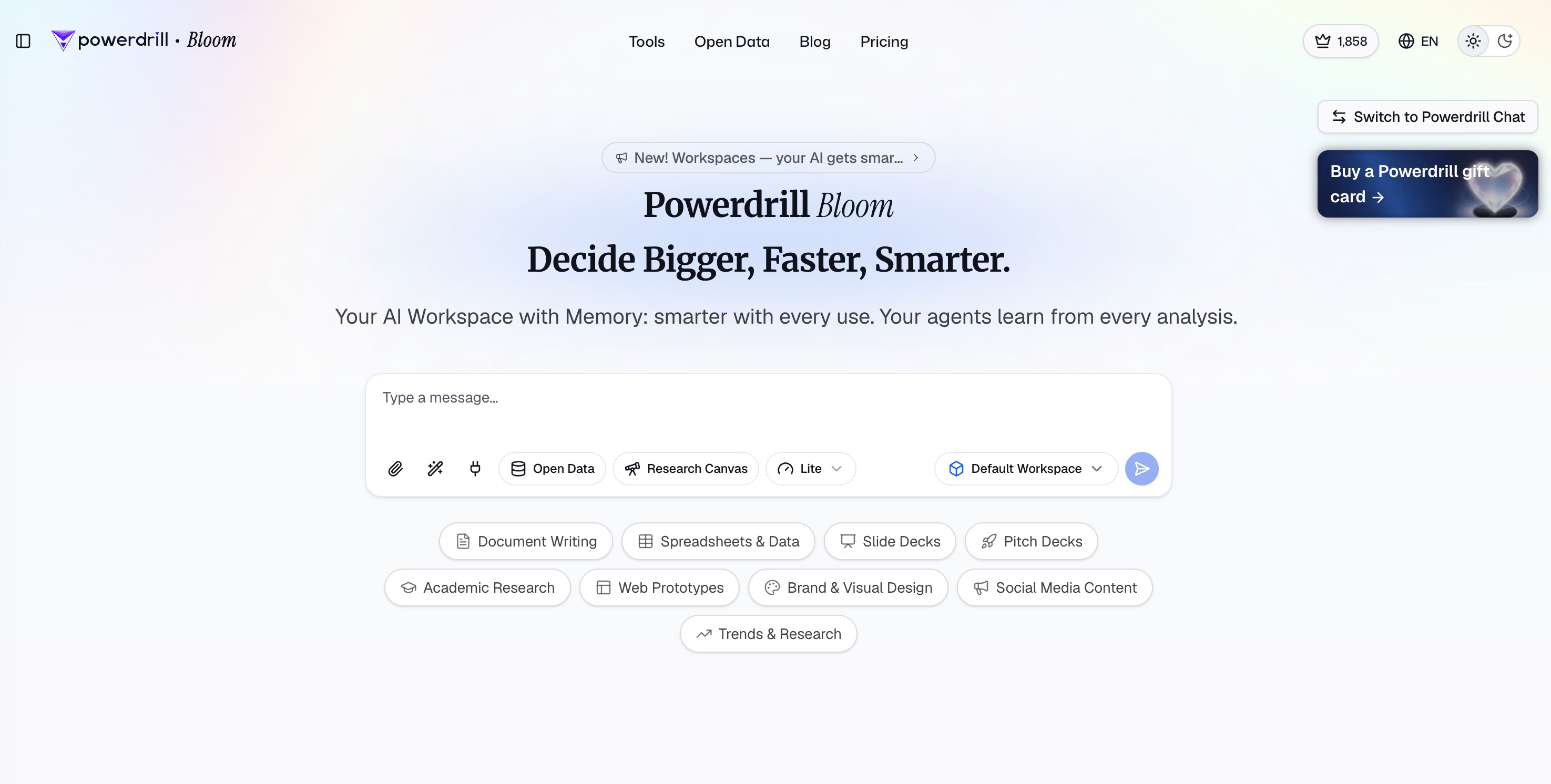
Powerdrill Bloom is a powerful, general-purpose AI agent that goes beyond providing simple answers to actually get real work done. It allows you to run specialized skills for deep research, data analysis, automation, and execution while seamlessly connecting with MCP tools. By utilizing persistent Workspaces that remember your uploaded files and context across sessions, it creates a highly tailored experience. Above all, its flagship strength aligns perfectly with the core theme of this list: transforming raw data into actionable insights, rich charts, and one-click presentation decks—absolutely no code required.
Key Features
Multi-agent AI architecture that simulates a specialized, full-scale data team.
AI Exploration Canvas for visual, no-code data mapping and analysis.
Nano Banana Pro feature for one-click report and PowerPoint generation.
Natural language interface to easily query complex market data and spreadsheets.
Pros
Eliminates the tedious manual work of building charts and finding data correlations.
Highly interactive visual workspace that is incredibly user-friendly for non-coders.
Instantly exports deep, accurate insights into professional, structured PowerPoint slides.
Cons
Users completely new to AI canvas workflows might experience a brief learning curve.
Might feel overwhelmingly powerful if you only need a simple calculator.
Pricing
Freemium available; paid plans start around $13.27/month.
2. Manus AI

Manus AI is an autonomous, general-purpose AI agent that goes beyond simple text formatting. It conducts wide, multi-source research across the web to build comprehensive, data-backed slide decks, ensuring your presentations are rooted in facts rather than generic filler text.
Key Features
Parallel sub-agent research that simultaneously analyzes multiple web sources.
Automatic narrative crafting, delivering full speaker notes and slide layouts.
Direct workspace integrations with tools like Google Drive, Gmail, and Slack.
Pros
Handles the actual deep research, making it ideal for startup pitches and competitor analysis.
Template feature easily enforces your brand’s colors, fonts, and logos by learning from past decks.
Delivers polished presentations complete with data visualizations directly from raw research.
Cons
The deep research process can take slightly longer to generate than basic one-prompt tools.
Initial layouts might require manual adjustment if you have highly complex graphic elements.
Pricing
Offers up to 1000 free credits for new users; premium subscriptions are available based on volume.
3. Prezent AI
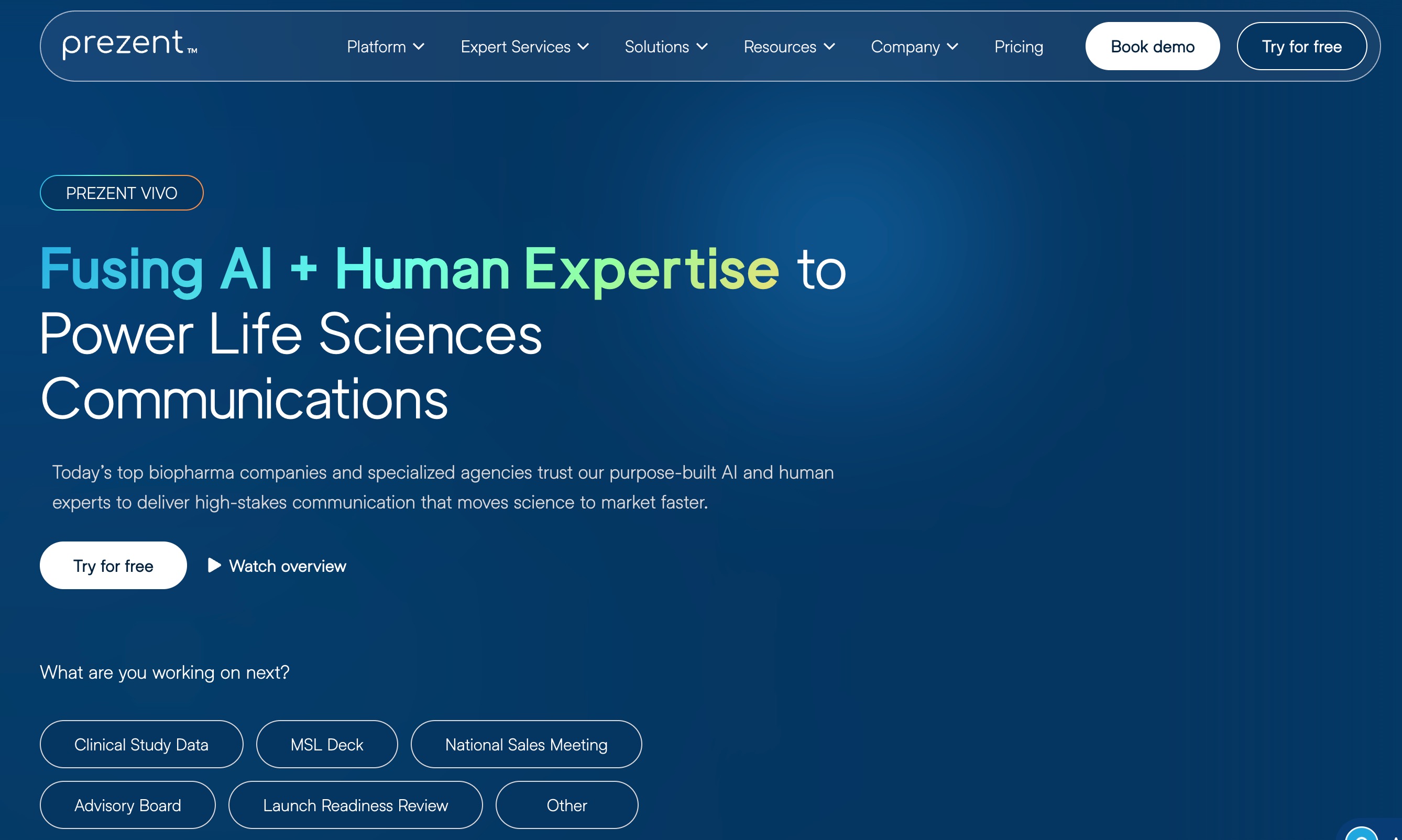
Prezent AI is an enterprise-grade presentation platform built specifically for large organizations. It focuses on brand governance, storytelling frameworks, and ensuring that every deck produced by your team adheres strictly to corporate compliance and visual guidelines.
Key Features
Automated brand governance to enforce correct fonts, layouts, and company logos.
Access to over 35,000 expert-designed business storylines and slides.
AI slide rewriting geared toward executive tone, clarity, and brevity.
Pros
Perfect for large companies needing unwavering brand consistency across different departments.
High-level narrative intelligence tailored specifically for board and executive meetings.
Provides robust enterprise security, permissions, and compliance controls.
Cons
Lacks a self-serve free trial; requires a sales demo just to evaluate the tool.
Prohibitively expensive for individuals, freelancers, or small startups.
Pricing
Custom pricing models.
4. Plus AI
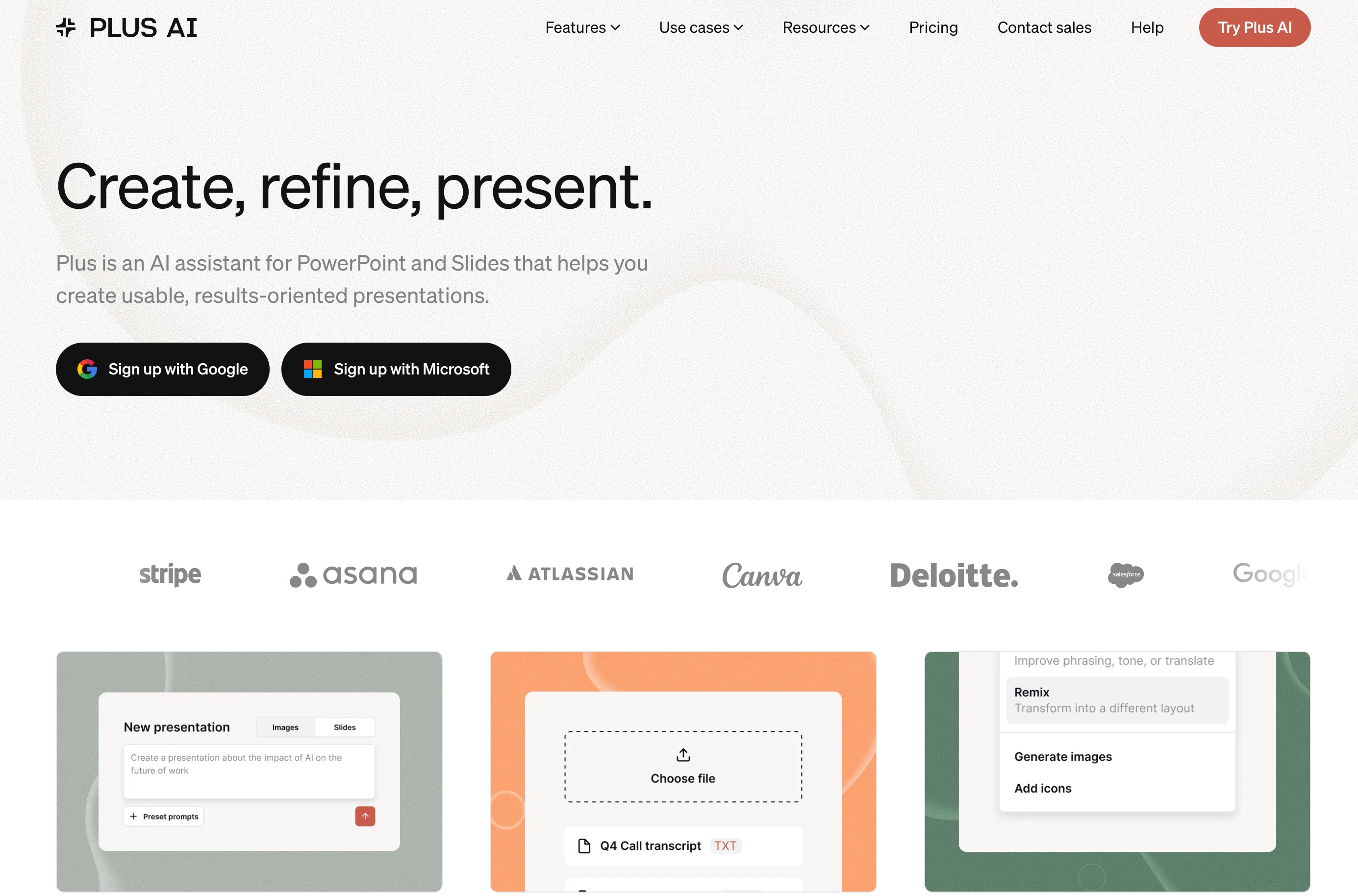
Plus AI acts as a dedicated extension that lives directly inside Microsoft PowerPoint and Google Slides. It empowers users to generate, rewrite, and format presentations using artificial intelligence without ever having to leave their favorite presentation software.
Key Features
Native integration that works seamlessly within Google Slides and PPT.
AI-powered slide generation, text rewriting, and automated formatting.
Snapshot capability to pull in live data from various SaaS applications.
Pros
No need to learn a new UI since it works where you already work.
Excellent for quickly updating and remixing existing slide decks.
Generates comprehensive outlines and slide structures effortlessly.
Cons
Lacks a standalone, heavy-duty data analysis canvas for raw spreadsheets.
The generated visual designs can occasionally feel too basic.
Pricing
Offers a free trial; paid plans start at $10/month.
5. Beautiful AI
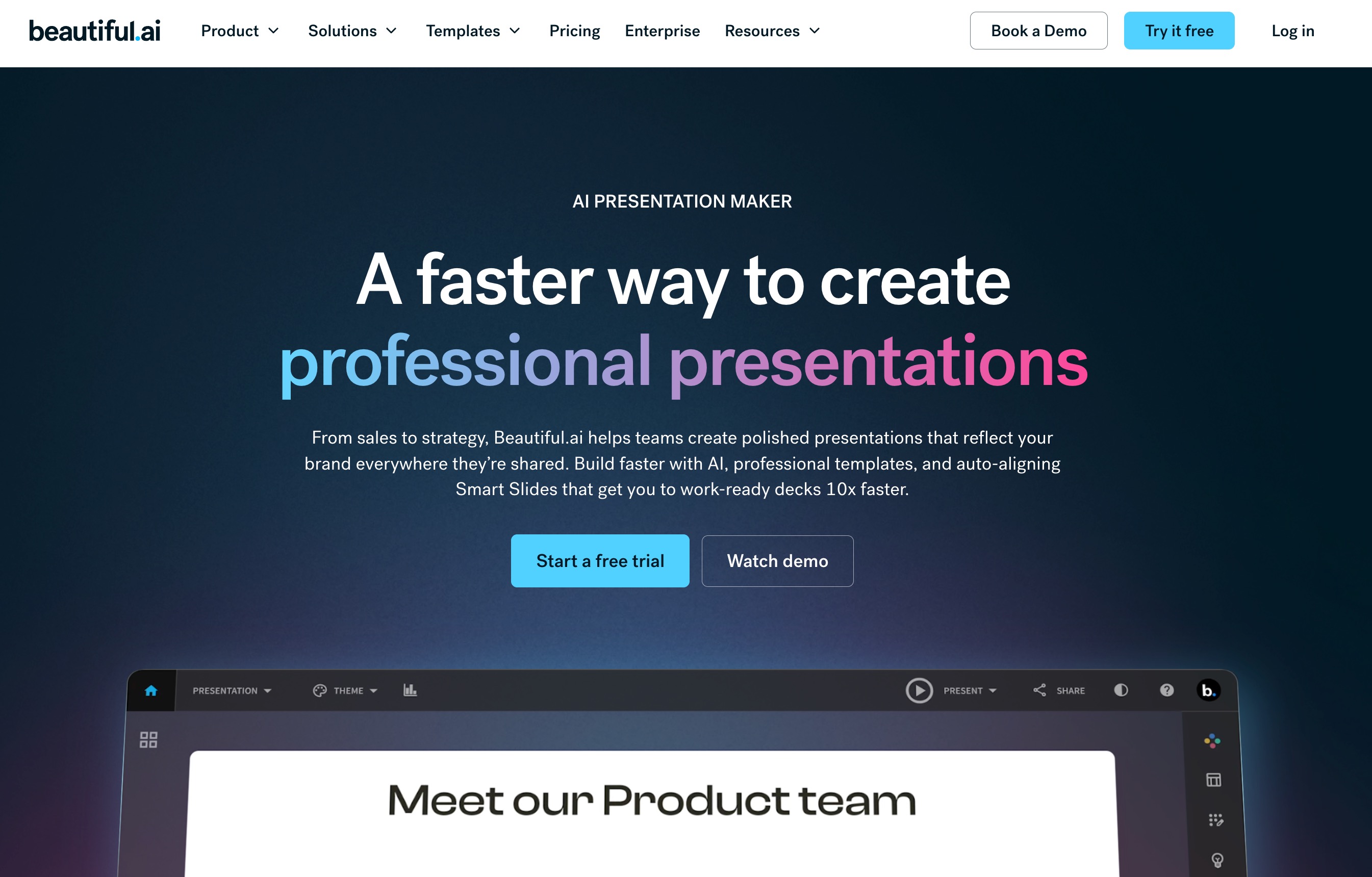
Beautiful AI is a cloud-based presentation tool that uses artificial intelligence to enforce strict design rules. It dynamically adjusts layouts as you add content, making it virtually impossible to create an ugly or misaligned slide.
Key Features
Smart Slide templates that auto-adapt and format as data and text are added.
Designerbot functionality for generating full slide decks from a simple text prompt.
Global brand controls to securely lock in company colors and typography.
Pros
Extremely fast auto-alignment and spacing save hours of manual design tweaking.
Ensures a consistently professional aesthetic across all slides.
Features a vast, built-in library of high-quality stock images and icons.
Cons
Rigid design constraints can frustrate users seeking full pixel-level control.
Not explicitly designed for heavy data crunching or complex raw dataset imports.
Pricing
Starts at $12/month (billed annually).
6. Pitch AI
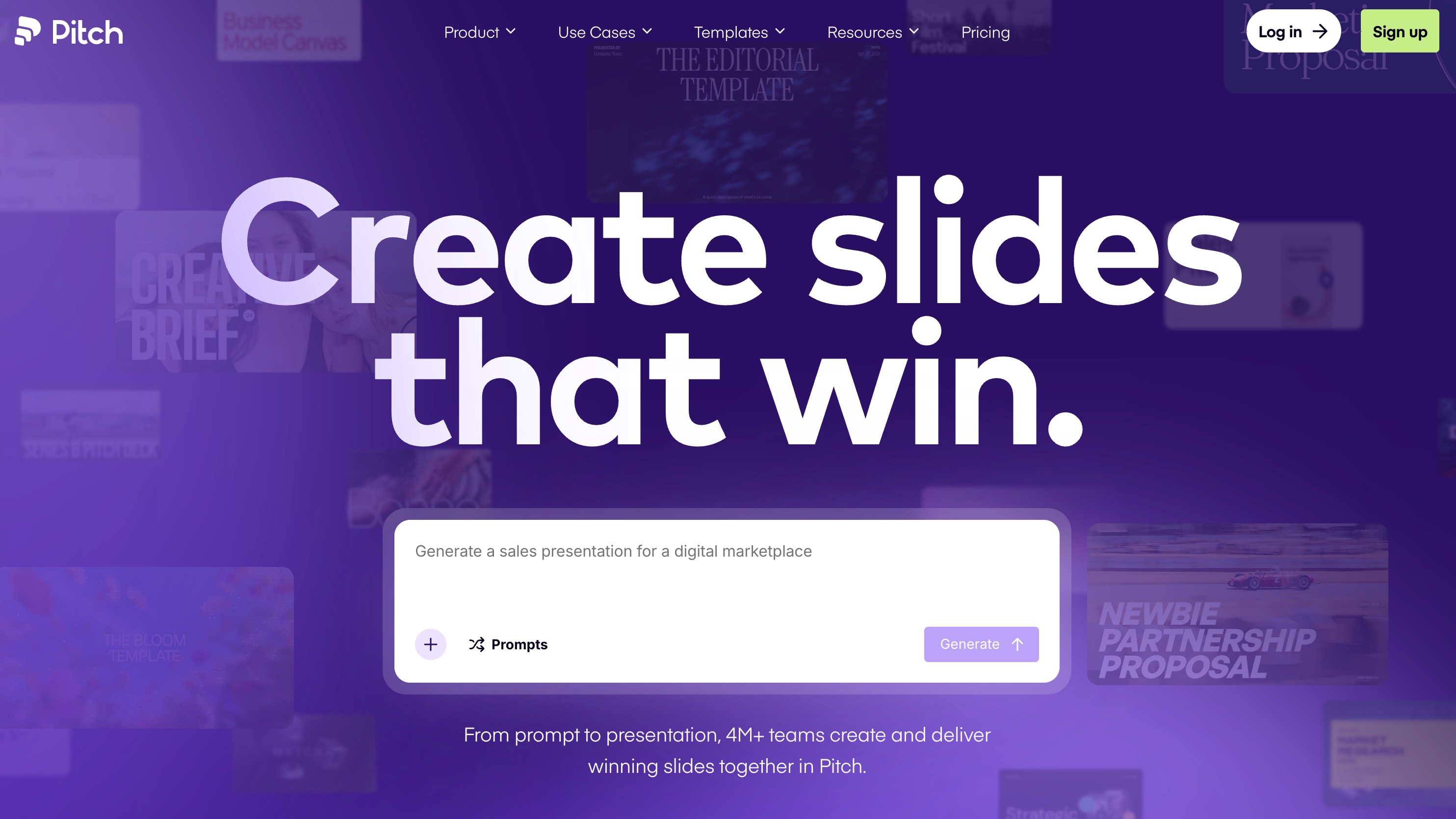
Pitch AI is built for modern teams that value collaboration. It combines a sleek, lightning-fast user interface with AI drafting capabilities to help agencies and startups build beautiful, modern presentations together in real-time.
Key Features
Real-time multiplayer editing, commenting, and team workflow management.
AI-assisted drafting and layout suggestions based on modern aesthetics.
Built-in presentation analytics and video recording features.
Pros
Gorgeous, modern templates that appeal heavily to design-conscious startups.
Best-in-class collaboration tools for remote and hybrid teams.
Incredibly smooth, responsive, and intuitive user interface.
Cons
AI generation focuses heavily on visual design rather than complex data processing.
Some of the more advanced export and analytic features are locked behind higher tiers.
Pricing
Freemium tier available; Pro plan starts at $12/month per user.
7. Gamma
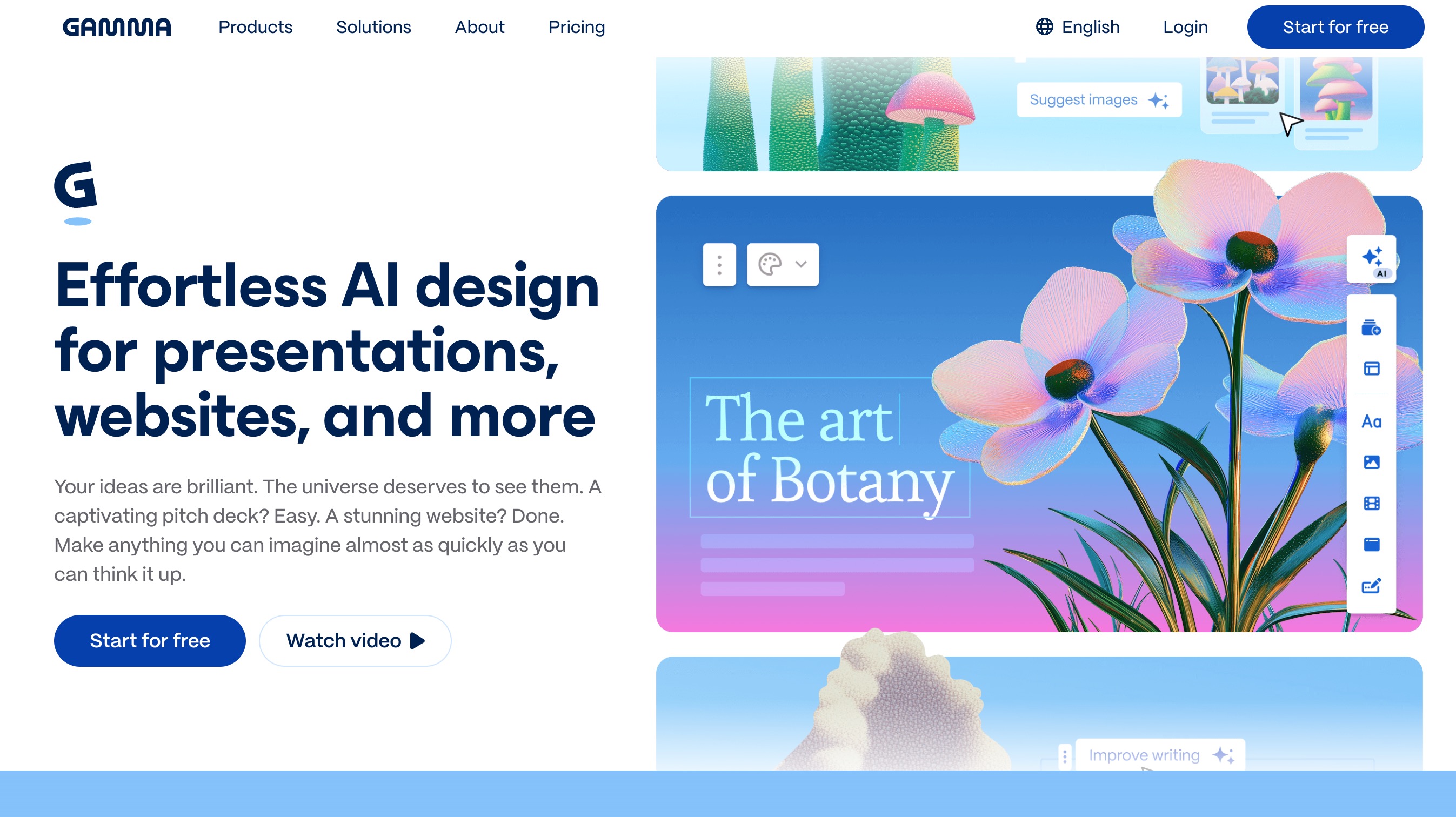
Gamma is a highly popular, web-based AI tool that creates fluid, visually engaging presentations, documents, and web pages from a single prompt. It breaks away from traditional slide constraints for a more dynamic viewing experience.
Key Features
One-click generation of slide decks, documents, or fully responsive webpages.
Flexible card-based formatting that easily incorporates rich media.
Interactive embeds including GIFs, videos, and dynamic charts.
Pros
Extremely fast, highly visual, and highly intuitive to use.
Produces a very modern aesthetic that looks great on mobile devices.
Excellent for high-level overviews and quick conceptual pitches.
Cons
Exporting to traditional PowerPoint can sometimes result in minor formatting glitches.
Not built for granular analytical work or deep spreadsheet data processing.
Pricing
Free tier provides 400 credits; Plus plan starts at $9/month.
8. Lindy AI

Lindy AI is essentially an autonomous multi-agent virtual assistant. While not a traditional slide builder, its automated workflows can take raw emails, texts, and data sources to instantly generate and organize text for presentations.
Key Features
"Vibe coding" and auto-built AI agent workflows for complex tasks.
Text-to-presentation capabilities triggered by automated background tasks.
Deep integrations with everyday productivity apps like Slack, Notion, and Gmail.
Pros
Highly automated; creates slide content as part of your broader daily workflow.
Eliminates repetitive administrative tasks, saving massive amounts of time.
Highly customizable agent behaviors to fit specific business needs.
Cons
It is an automation agent first, not a dedicated hardcore visual design tool.
Lacks advanced pixel-perfect visual customization for individual slides.
Pricing
Free to try; paid plans are generally usage-based.
9. Presenti AI
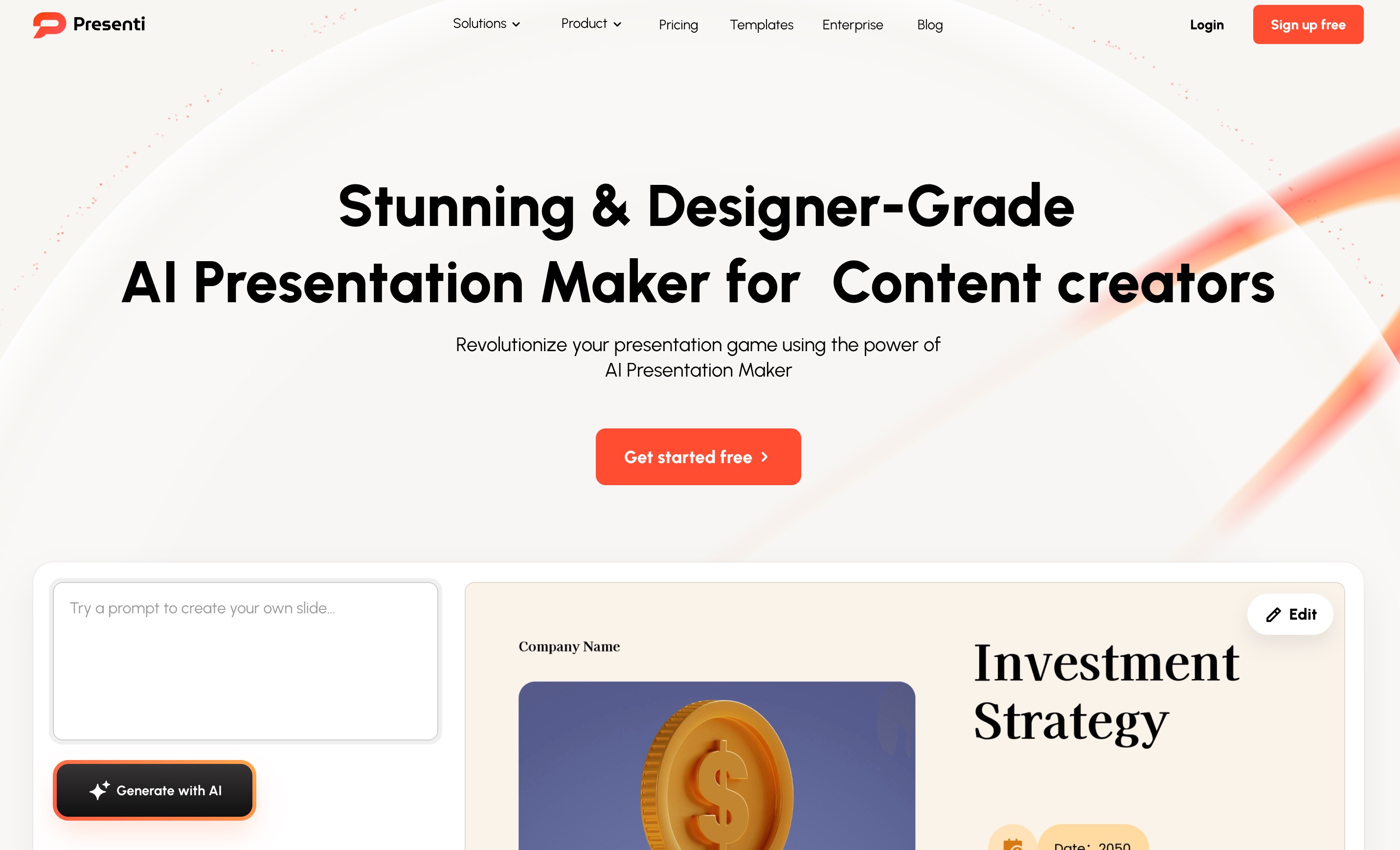
Presenti AI is a template-first AI slide generator specifically optimized for file conversion. It quickly transforms your existing messy documents, mind maps, and raw text into clean, consistent PowerPoint decks.
Key Features
Robust multi-format file import (PDF, Word, Markdown, TXT, Xmind).
AI-driven content summarization that fits text into professional layouts.
Auto-layout and beautification tools based on professional design templates.
Pros
The absolute best choice if you already have dense written content ready to convert.
Extremely fast processing speed for generating large slide decks.
Affordable pricing structure compared to enterprise alternatives.
Cons
Customization controls for detailed graphic design are somewhat basic.
Without strong initial content, the generated text can sometimes feel generic.
Pricing
Premium plans start at just $9.5/month.
10. Chronicle
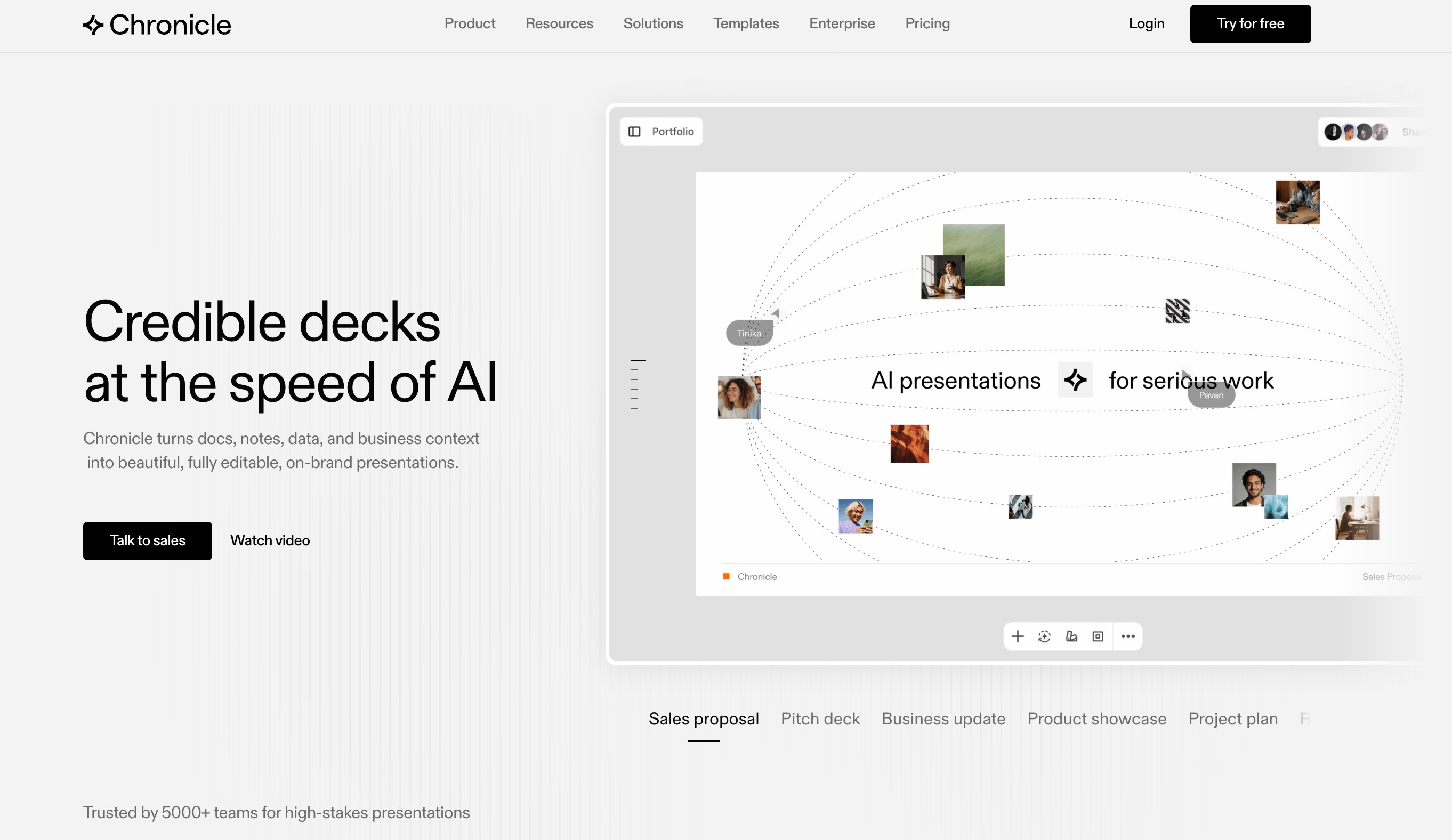
Chronicle is a cutting-edge presentation software that prioritizes high-fidelity design. It leverages a unique block-based canvas to create interactive, motion-rich slides that rival Apple Keynote in aesthetic quality.
Key Features
Widget-based drag-and-drop creation for precise layout control.
Seamless integrations for interactive embeds and advanced slide animations.
AI generation from raw text, custom prompts, or website URLs.
Pros
Produces insanely beautiful, top-tier slides with intentional layouts.
Interactive elements and motion features make presentations truly stand out.
Clean, structured starting drafts that avoid the generic "AI look."
Cons
The PowerPoint export functionality is still evolving and may lack full fidelity.
Limited post-generation element-level adjustments like padding or custom spacing.
Pricing
Free tier available; premium access for advanced layouts.
11. SlidesPilot
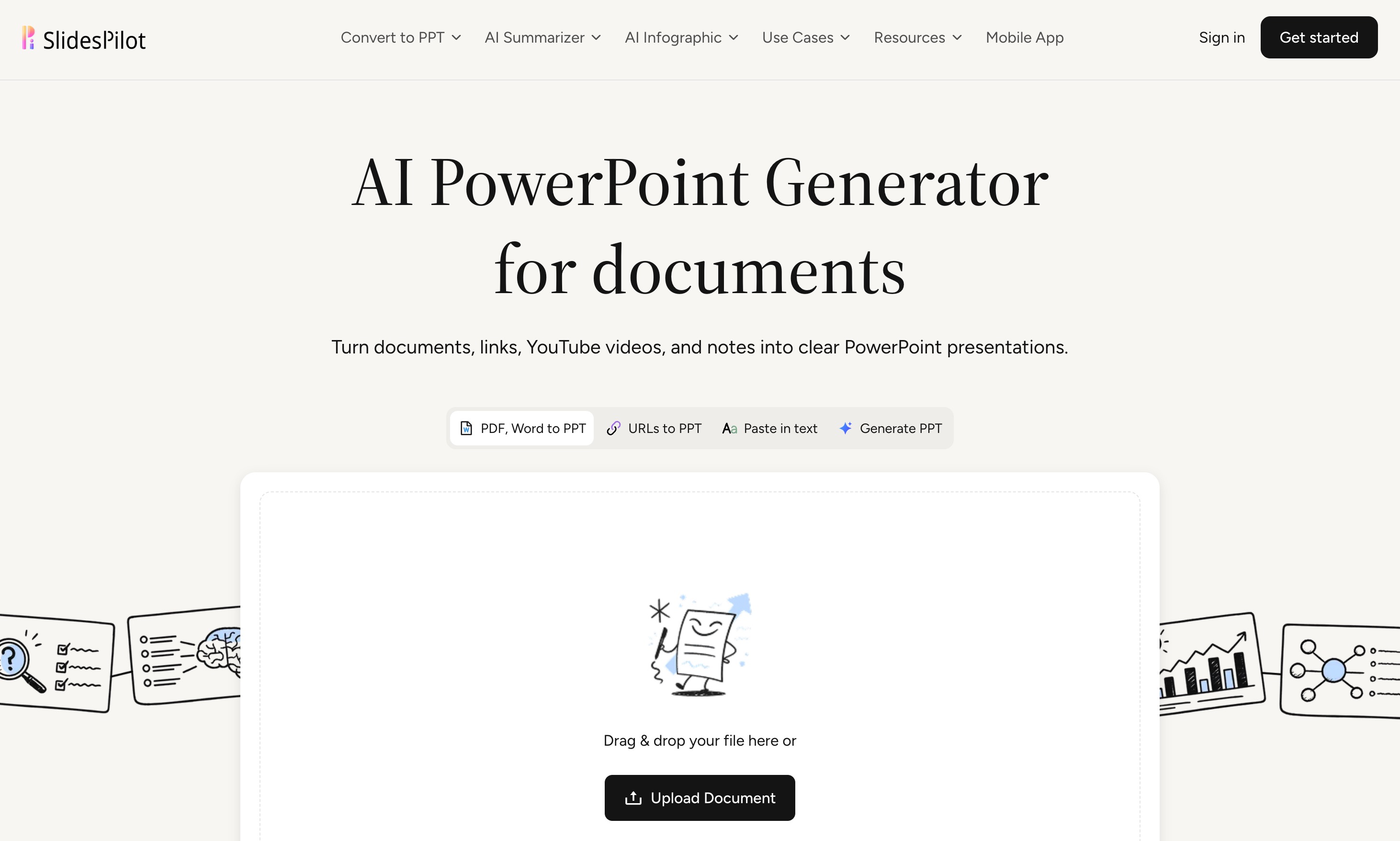
SlidesPilot is a fast, streamlined AI presentation maker that excels at document summarization. It is designed primarily for students, educators, and professionals who need straightforward, no-nonsense slides in a hurry.
Key Features
Quick AI summarization of long documents into bite-sized slide content.
Multiple pre-built template options for business, education, and marketing.
Easy export capabilities to Microsoft PowerPoint and Google Slides.
Pros
Extremely straightforward user interface with a zero learning curve.
Great for summarizing long academic papers or quick status reports.
Very fast generation times to meet tight deadlines.
Cons
Lacks the high-end design polish and motion graphics of tools like Chronicle.
Not suited for deep data analytics or complex interactive charts.
Pricing
Starts at roughly $9/month.
AI Data-to-Slide Tools Comparison: Which One Should You Choose
With so many tools on the market, choosing the right one comes down to your specific workflow:
For Data Analytics & Interactive Insights: Choose Powerdrill Bloom. It is unrivaled when it comes to reading complex datasets, extracting trends, and automatically plotting them into insightful, presentation-ready charts.
For Deep Research & Content Generation: Choose Manus AI. If you need the AI to actually browse the web and compile data for you before designing, this is your best bet.
For Strict Brand Compliance: Choose Prezent AI. Large enterprises that require unwavering adherence to brand guidelines will find its governance features indispensable.
For Beautiful Motion Graphics: Choose Chronicle. If design aesthetic is your top priority and you want Apple Keynote-level polish, Chronicle’s widget canvas is exceptional.
For Google Slides Addicts: Choose Plus AI. If you absolutely refuse to leave the Google workspace, this native add-on will serve you well.
For Quick File Conversions: Choose Presenti AI. If your workflow involves turning massive Word docs or PDFs into slide decks, this tool handles file imports perfectly.
Conclusion
Turning raw data into an engaging presentation doesn't have to be a painful, time-consuming chore. While all the AI tools on this list have unique merits depending on your specific needs, if you are looking to bridge the gap between messy datasets and beautiful, actionable storytelling, Powerdrill Bloom stands out as the ultimate solution. By leveraging its intelligent AI Exploration Canvas, you can stop fighting with chart formatting and start making data-driven decisions. Give Powerdrill Bloom a try today and transform the way you present data forever!
FAQs
Can AI turn Excel data into slides automatically?
Yes, tools like Powerdrill Bloom analyze Excel files and instantly generate professional, chart-rich slides without any manual formatting.
Do these tools export to PowerPoint?
Most top AI presentation tools allow seamless exports to PowerPoint (.pptx) and Google Slides for easy manual editing.
Is my corporate data secure with AI tools?
Enterprise tools like Prezent AI offer strict security, but always check privacy policies before uploading sensitive company data.
Are there free AI presentation makers available?
Yes, platforms like Gamma, Manus AI, and Powerdrill Bloom offer free tiers or free credits to test their capabilities.
Which AI tool is best for data visualization?
Powerdrill Bloom is highly recommended for its advanced AI canvas that turns complex data into clear, interactive visual slides.