10 Best AI Tools to Make PPTs From Spreadsheets Fast in 2026
Introduction
By 2026, manually copying columns of numbers, creating pivot tables, and copy-pasting individual charts from spreadsheets into PowerPoint slides has transitioned from a standard business task into an unnecessary bottleneck.
AI-powered workflows have modernized how professionals handle data-heavy reporting. Modern artificial intelligence platforms can now ingest raw spreadsheet files, autonomously clean the datasets, extract the core narrative, and generate structured, board-ready presentations in a matter of minutes.
This guide reviews the ten best AI tools available in 2026 for converting spreadsheets into PowerPoint slides quickly and efficiently.
Quick Comparison Table
AI Tool | Key Strengths | Best For | Pricing |
Multi-Agent analysis, interactive canvas, one-click PPT export | Fast, comprehensive data-to-presentation workflows | ||
Text-to-presentation, direct Google Slides integration | Quick drafting inside existing presentation environments | ||
Deep mathematical analysis, conversational forecasting | Non-coders needing rigorous data analysis & calculations | ||
Built-in sidebar editor, customized brand styles | Corporate teams requiring native PPTX/Slides compatibility | ||
Visually gorgeous responsive slides, fluid web formats[ | Browser-based pitches and interactive digital documents | ||
Modular AI blocks, auto-research capabilities | Content-rich, auto-researched marketing presentations | ||
Smart layout engine, real-time padding adjustments | Presenters who want clean design without manual tweaking | ||
Enterprise Business Intelligence, live data sync | Corporate teams needing real-time dashboard slide exports | ||
Vast graphic library, Magic Design templates | Highly creative, branding-centric design projects | ||
Audience-specific outlines, interactive web forms | Rapid, goal-oriented structural presentation drafts |
1. Powerdrill Bloom
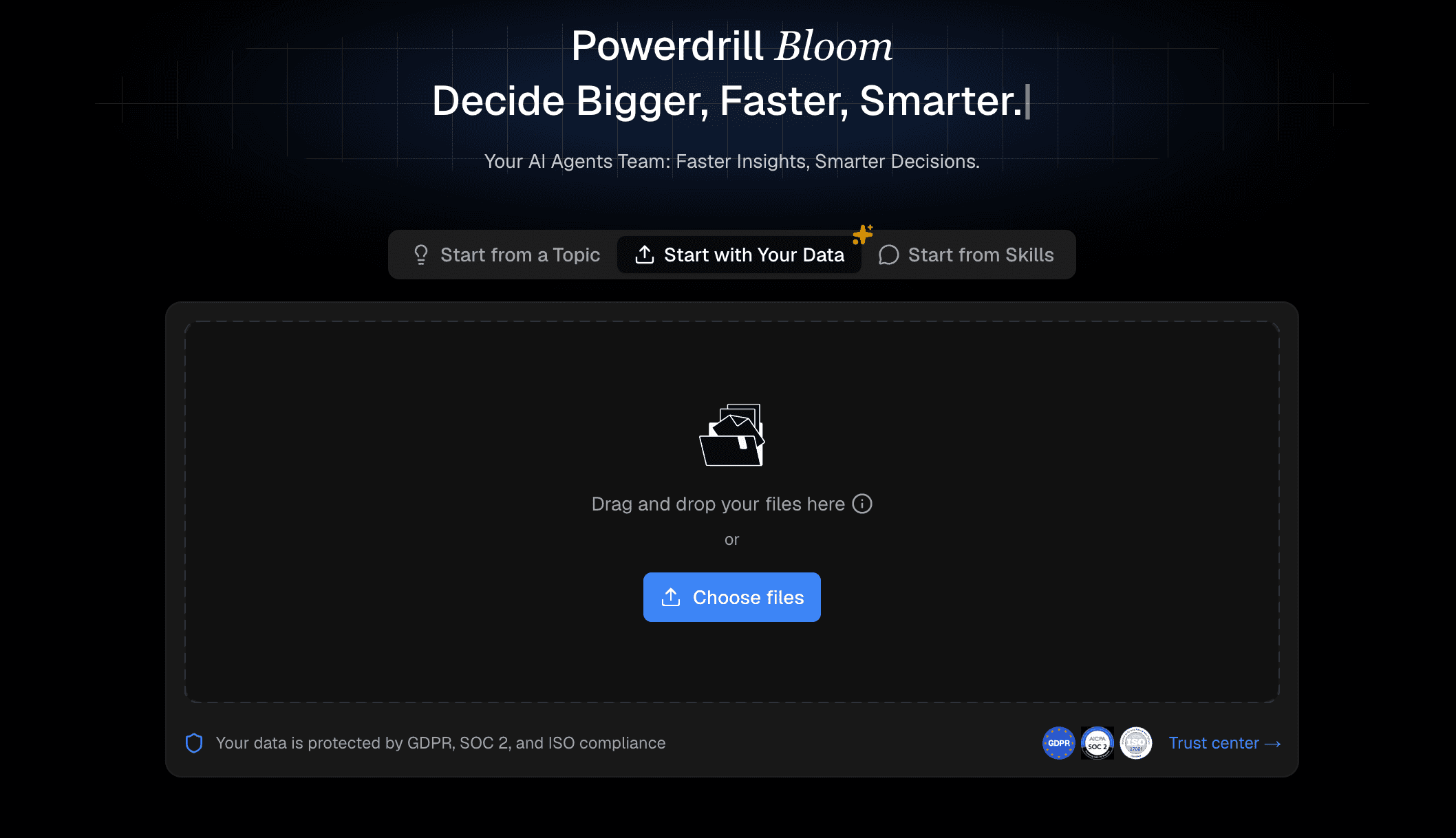
Powerdrill Bloom is an AI-first collaborative workspace designed to act as a visual whiteboard for raw data exploration and presentation generation. By utilizing specialized, cooperative AI "Data Agents", the platform cleans your data, proposes multiple analytical pathways, and allows you to build modular visual cards that convert directly into fully editable PowerPoint files with a single click.
Key Features
Cooperative AI agents handling data cleaning, analytical logic, and accuracy verification.
Visual canvas format representing data and charts as interactive modular cards.
Live natural-language querying to generate instant custom visualizations.
One-click PowerPoint export mapping raw data trends to slides.
Pros
Minimizes data hallucinations by utilizing cross-checking AI verification agents.
Translates complex datasets into easy-to-follow visual storytelling structures.
Generates native, fully editable PPTX files, making manual slide copying obsolete.
Cons
The visual canvas environment may present a slight learning curve for users accustomed to classic grids.
Higher-volume automated slide processing requires a paid subscription tier.
Pricing
Free trail. Pro at $13.27/month.
2. SlidesAI
SlidesAI is a lightweight presentation add-on that integrates natively with Google Slides and Microsoft PowerPoint. It is designed to turn text-based outlines and summarized spreadsheet insights directly into simple, structured presentations without requiring external software.
Key Features
Direct integration within Google Workspace and Microsoft Office environments.
Text-to-presentation generator that builds drafts from summarized documents.
Multi-language support and automated theme generation.
Pros
Minimal workflow disruption since slides are drafted directly in the presentation app.
Highly approachable and easy to install for general office workers.
Cons
Lacks standalone numerical calculations, meaning users must manually summarize spreadsheet metrics first.
Slide layouts can feel simple or template-driven compared to more dynamic visual tools.
Pricing
Free plan. Paid starts under $10/month.
3. Julius AI
Julius AI is a conversational data analyst designed to act as a statistical co-pilot. It processes complex Excel, CSV, and Google Sheets files by running background Python code to extract metrics, identify trends, and draft charts, which can subsequently be formatted into shareable reports or slide-ready visualizations.

Key Features
Direct Google Sheets connection and support for multiple spreadsheet formats.
Prompt-based analytical computations, predictive modeling, and forecasting.
Reusable analysis templates through interactive notebooks.
Pros
Exceptionally strong for handling complex databases and high-level statistical tasks.
Generates clear data narratives directly from user prompts.
Cons
Focuses heavily on the technical analysis rather than polishing client-ready presentation templates.
Users often must manually organize and format the generated charts into their slides.
Pricing
Paid plans start at $20/month.
4. Plus AI
Plus AI acts as an AI-powered co-pilot built directly into Google Slides and PowerPoint. It operates within a native sidebar, assisting users in generating new slides, rewriting existing copy, and adjusting slide structures using custom brand styles.

Key Features
Direct open-XML layout rendering for native slide creation.
Real-time slide layout rewriting and remixing capabilities.
Custom brand style matching to ensure team-wide consistency.
Pros
Zero export or formatting errors as it works inside the native presentation tool.
Highly useful for refining already structured drafts.
Cons
Does not possess robust native tools to analyze raw, unorganized mathematical spreadsheets.
Relies on the user feeding it specific prompts or outlined text.
Pricing
Paid plans start at $20/user/month.
5. Gamma
Gamma is a modern web-based tool that enables users to quickly build presentations, documents, and interactive webpages from basic text prompts or imported file outlines. It shifts away from traditional static page dimensions toward fluid, responsive cards.

Key Features
Prompt-driven layout generation utilizing minimalist designs.
Flexible presentation layouts that can adapt to different display widths.
Supports embedded media, live links, and interactive visual elements.
Pros
Visually engaging out-of-the-box styling with minimal design effort.
Excellent for browser-based pitches and interactive web reviews.
Cons
Exporting slide decks to standard .PPTX formats can sometimes break layout configurations.
Lacks complex computational models to parse heavy numerical databases.
Pricing
Free plan. Paid starts at $9/user/month.
6. PageOn AI
PageOn AI utilizes intelligent agents to perform automatic online research, collect relevant data, and map that structure into beautiful, cohesive slides or visual infographics.
Key Features
Uses modular "AI blocks" to structure visual elements on presentations.
Integrated AI assistant for modifying copy and styling through chat.
Capable of building presentations, pages, and infographics under one platform.
Pros
Excellent at developing structured narrative logic from a single theme.
Auto-researches market trends to supplement user inputs.
Cons
Processing times can slow down when analyzing large external resource files.
The web-first nature limits offline slide editing options.
Pricing
Free trial. Paid starts around $7.49/month.
7. Beautiful.ai
Beautiful.ai is an intelligent presentation builder featuring a smart, template-driven engine. It automatically manages formatting constraints, padding, and alignments as you add or alter slide content.
Key Features
Real-time layout auto-adjustment as text and metrics are typed.
Built-in CSV data import tool to instantly build standardized charts.
Shared corporate libraries for brand governance and unified styling.
Pros
Enforces design guardrails so presentations maintain a clean aesthetic.
Direct database-to-chart options save time on manual styling.
Cons
Layout flexibility is highly restricted to keep templates aligned.
No computational engine to find correlations in complex raw data without structured tables.
Pricing
Paid plans start at $12/month.
8. Zoho Analytics
Zoho Analytics is a comprehensive Business Intelligence platform that incorporates "Zia," an AI conversational assistant, to help users build complex analytical dashboards, structured data tables, and slide-based business reports directly from spreadsheet connections.

Key Features
AI-driven natural language query tool ("Zia") for automated charting.
Direct cloud database integrations with automatic sync options.
Auto-generated dashboard slide presentations for regular reporting.
Pros
Deep enterprise-level calculations and accurate data transformation options.
Live presentation data automatically refreshes when sources are updated.
Cons
Extremely steep learning curve compared to user-friendly creative tools.
Overly complex for simple or visually creative pitch decks.
Pricing
Paid plans start at $24/month.
9. Canva
Canva is a globally popular visual design workspace featuring "Magic Design," an AI suite that constructs tailored, editable slide layouts based on a simple prompt, topic outline, or uploaded asset.

Key Features
Magic Design engine for near-instant template suggestions.
Infinite library of graphical assets, customized typography, and brand kits.
Real-time co-authoring tools with seamless social and presentation modes.
Pros
Incredibly easy to use, boasting unmatched template variety.
Outstanding for highly creative, graphic-heavy corporate presentations.
Cons
Does not carry native statistical computing capabilities to analyze mathematical spreadsheets from scratch.
Complex data mappings must be handled and visualized manually.
Pricing
Free plan. Paid starts at $144/year.
10. Decktopus
Decktopus is an AI presentation generator engineered to deliver rapid, structured slide decks. It prompts users to state their goal, target demographic, and preferred presentation style to build context-aware presentations.

Key Features
Audience-centric slide generation workflow.
AI-driven suggestions for related slide graphics and copy.
Integrated forms and interactive feedback fields inside presentations.
Pros
Quick turnaround for developing a logical presentation structure from a single idea.
Helps non-designers maintain clean, readable formatting configurations.
Cons
Restrictive customization limits unique creative layouts.
Cannot naturally ingest raw Excel datasets to compute trends or display statistical charts automatically.
Pricing
Paid plans start at $24.99/month.
How to Choose the Best Tool for Your Workflow?
Selecting the appropriate AI tool depends heavily on your team's specific objectives and data maturity:
For Native Workspaces: If your team works strictly inside Microsoft PowerPoint or Google Slides, standard add-ons like Plus AI or SlidesAI provide the comfort of working in familiar environments without export formatting issues.
For High-Impact Visuals: If you require high-level design customization and modern aesthetics for marketing pitches, web-based tools such as Gamma or Canva offer visually engaging, template-rich canvases.
For Deep Data Analytics: For technical analysts who need advanced Python-powered calculations and predictive statistical testing, Julius AI serves as an excellent analytics companion.
However, if your primary goal is to close the gap between unorganized spreadsheet data and highly presentable slide decks, Powerdrill Bloom emerges as an exceptionally balanced choice. While tools like Julius AI are great for data analysis but lack design-centric exports, and Plus AI is great for design but lacks data computational brains, Powerdrill Bloom solves both sides of the equation.
By employing collaborative AI data agents, it cleans, evaluates, and verifies your spreadsheets, translating dry mathematical charts directly into cohesive, logically structured PowerPoint decks with a single click. It eliminates the tedious step of copy-pasting numbers while ensuring your visual presentations look ready for the boardroom.
Conclusion
The manual transition from spreadsheet matrices to presentation slides has transitioned from a standard task to an outdated bottleneck. AI presentation tools now handle the layout adjustments and data visualizations so you can focus entirely on the narrative. While each tool has distinct strengths, those searching for an automated solution that bridges raw data analysis with polished slide generation will find a balanced workflow with Powerdrill Bloom. You can explore its multi-agent data canvas today to elevate your presentation productivity.
FAQs
Can I convert any standard spreadsheet format into slides using AI?
Yes, most modern AI tools natively support uploading common spreadsheet formats like Microsoft Excel (.xlsx) and comma-separated values (.csv).
How does Powerdrill Bloom prevent analytical errors in slides?
It uses a specialized "Verifier" AI agent that cross-checks calculations against the source spreadsheet to ensure mathematical accuracy.
Are my uploaded corporate spreadsheets safe with AI presentation tools?
Many premium tools comply with GDPR, process your files securely, and do not use your proprietary data to train models.
Do these AI tools allow me to edit slides manually after generation?
Yes, tools like Powerdrill Bloom and Plus AI export slides into editable formats such as PPTX or Google Slides.
Is it necessary to have programming skills to use AI data presentation tools?
No, these tools are built for non-coders, allowing you to run analytical queries and build presentations using natural language