11 Best AI Tools to Convert Word to Slides in 2026 (Tested & Compared)
Introduction
Transforming Word documents into professional slide decks is no longer a time-consuming manual task. Powered by advances in Natural Language Processing (NLP) and AI-driven automation, modern tools can analyze document content, extract key insights, and automatically generate well-structured presentations.
These solutions help professionals quickly turn reports, proposals, and technical documents into visually engaging slides while maintaining clarity and narrative flow. In this article, we explore the best AI tools to convert Word documents into slides in 2026, highlighting the platforms that can save time, improve productivity, and streamline presentation creation.
What Types of AI Tools Can Automatically Convert Word Documents into Slides?
To understand the current market landscape, it is crucial to segment these tools by their underlying cognitive architectures and primary use cases:
Semantic Knowledge Extractors: Tools explicitly designed to read dense Word/PDF documents, understand the contextual narrative, and intelligently map that text into presentation outlines.
Generative Presentation Designers: Platforms focused primarily on aesthetic layout generation, taking brief text prompts or document summaries and wrapping them in high-fidelity visual templates.
Autonomous AI Agents: Next-generation task executors that can navigate multi-step workflows—such as reading a file, analyzing the data, and writing code to generate a slide deck.
Business Intelligence (BI) Visualizers: Analytical powerhouses that convert the raw data and tabular reports embedded within your documents into exportable, interactive charts and dashboard slides.
Quick Comparison Table
Tool | Primary Focus | Best For | Starting Price |
Semantic Document-to-Slide | Automated, highly accurate deck generation | ||
AI Data Analysis | Converting quantitative text to charts | ||
Autonomous Agent Workflows | Multi-step bespoke task execution | ||
Business Intelligence | Deep data visualization & dashboards | ||
Open-source BI | Easy tabular data storytelling | ||
Data Reporting | Google Ecosystem integration | Free | |
Infographics | Visual-heavy report summaries | ||
Interactive Data Viz | Chart-centric presentations | ||
Generative UI | Rapid aesthetic slide creation | ||
Brand Design | Marketing and brand-aligned decks | ||
AI Narrative Storytelling | Prompt-based pitch decks |
1. Powerdrill Bloom
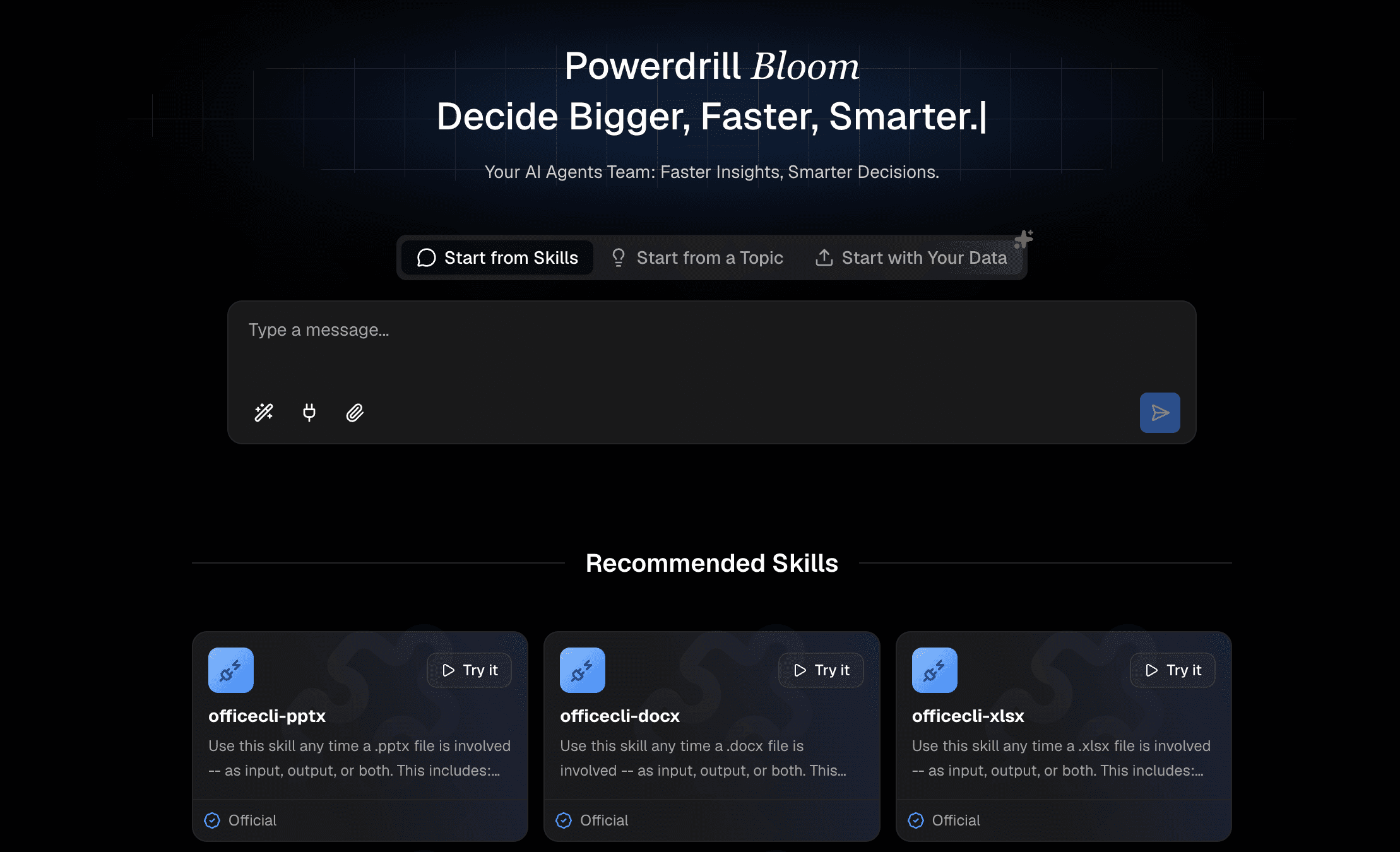
Powerdrill Bloom is a cutting-edge knowledge processing platform engineered specifically to bridge the gap between complex unstructured documents and presentation-ready slides. It excels at deep semantic understanding.
Key Features
Intelligent contextual parsing of long-form Word documents.
One-click, end-to-end DOCX to PPTX automated generation.
Preserves logical hierarchies and critical data points without hallucination.
Pros
Unmatched accuracy in retaining the original document's meaning.
Drastically reduces manual formatting time.
Highly intuitive user interface tailored for enterprise professionals.
Cons
Requires high-quality input text for the best output results.
Less focused on purely artistic, non-business visual assets.
Pricing
Freemium model available; premium tiers scale with usage.
2. Julius AI
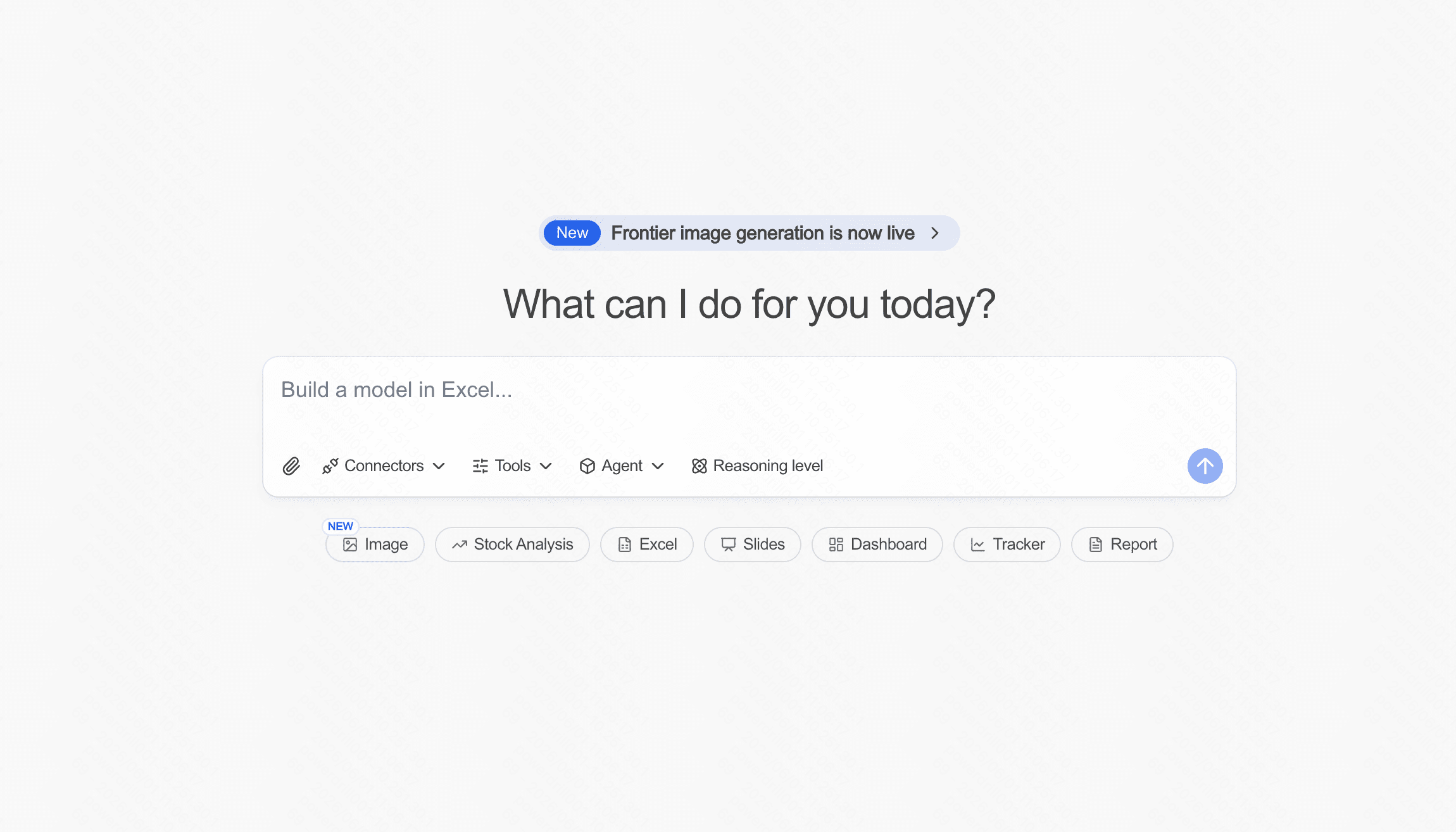
A conversational AI data analyst that helps users extract insights from textual and tabular data, converting them into visual reports.
Key Features
Natural language prompts for data analysis.
Instant generation of graphs and charts from document data.
Pros
Excellent for quantitative analysis.
Highly interactive analytical capabilities.
Cons
Not a traditional "deck builder" (requires exporting visuals).
Learning curve for complex prompting.
Pricing
Freemium; Paid plans start at around $20/mo.
3. Manus
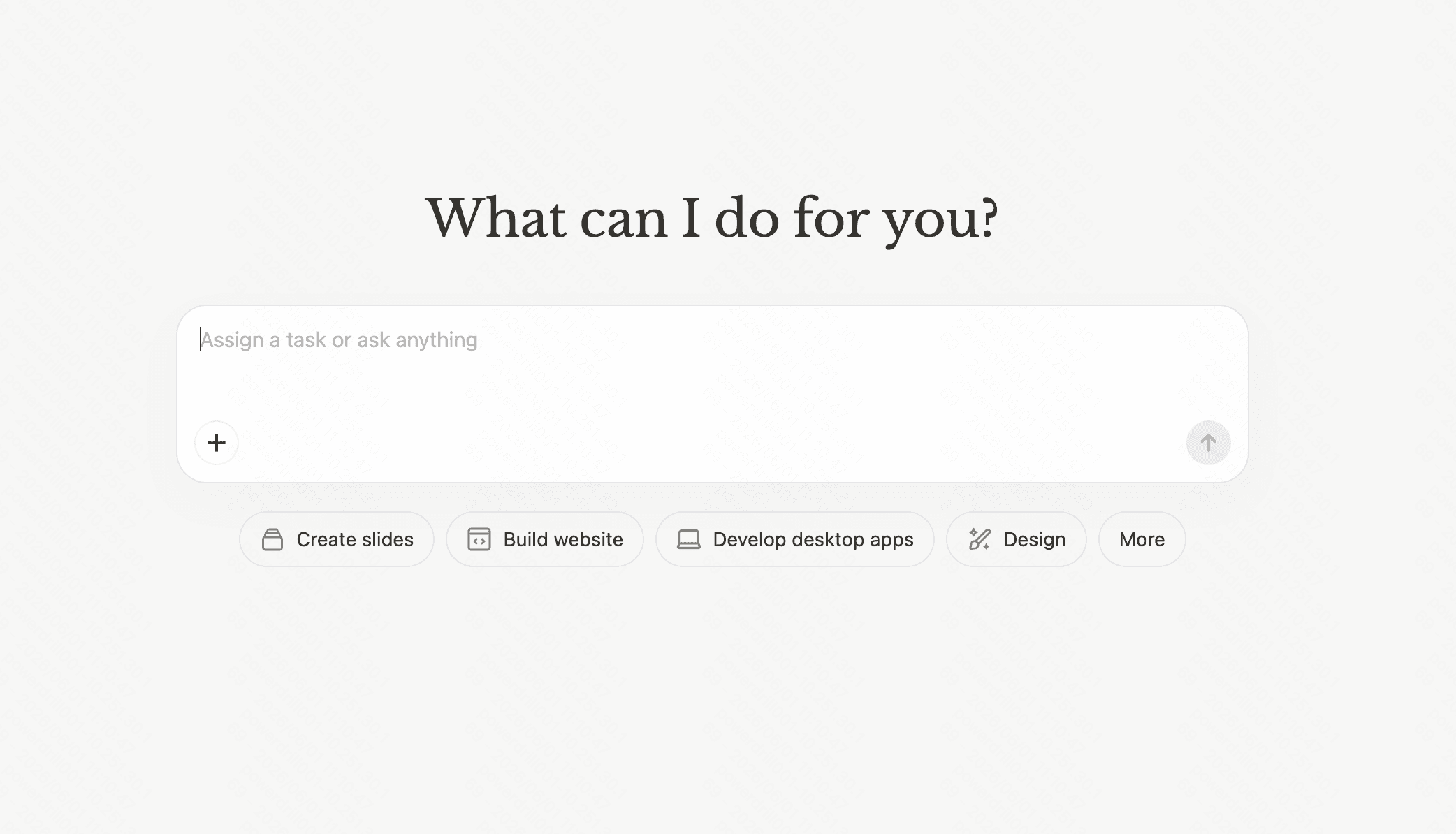
An autonomous AI workflow agent capable of executing complex tasks, such as reading documents, browsing the web, and assembling data.
Key Features
Multi-step autonomous task execution.
Cross-application integration.
Pros
Incredibly versatile for bespoke automation needs.
Handles complex, multi-layered document processing.
Cons
Can be unpredictable without highly specific guardrails.
Overkill for simple text-to-slide conversions.
Pricing
Freemium; Paid plans start at around $20/mo.
4. Tableau
The industry standard for Business Intelligence, taking complex data reports and turning them into highly interactive presentation dashboards.

Key Features
Advanced drag-and-drop visual analytics.
Direct export to interactive slide formats.
Pros
Unrivaled depth in data visualization.
Massive integration ecosystem.
Cons
Steep learning curve.
Not designed for narrative text conversion.
Pricing
Starts at $15/user/month (Viewer).
5. Metabase
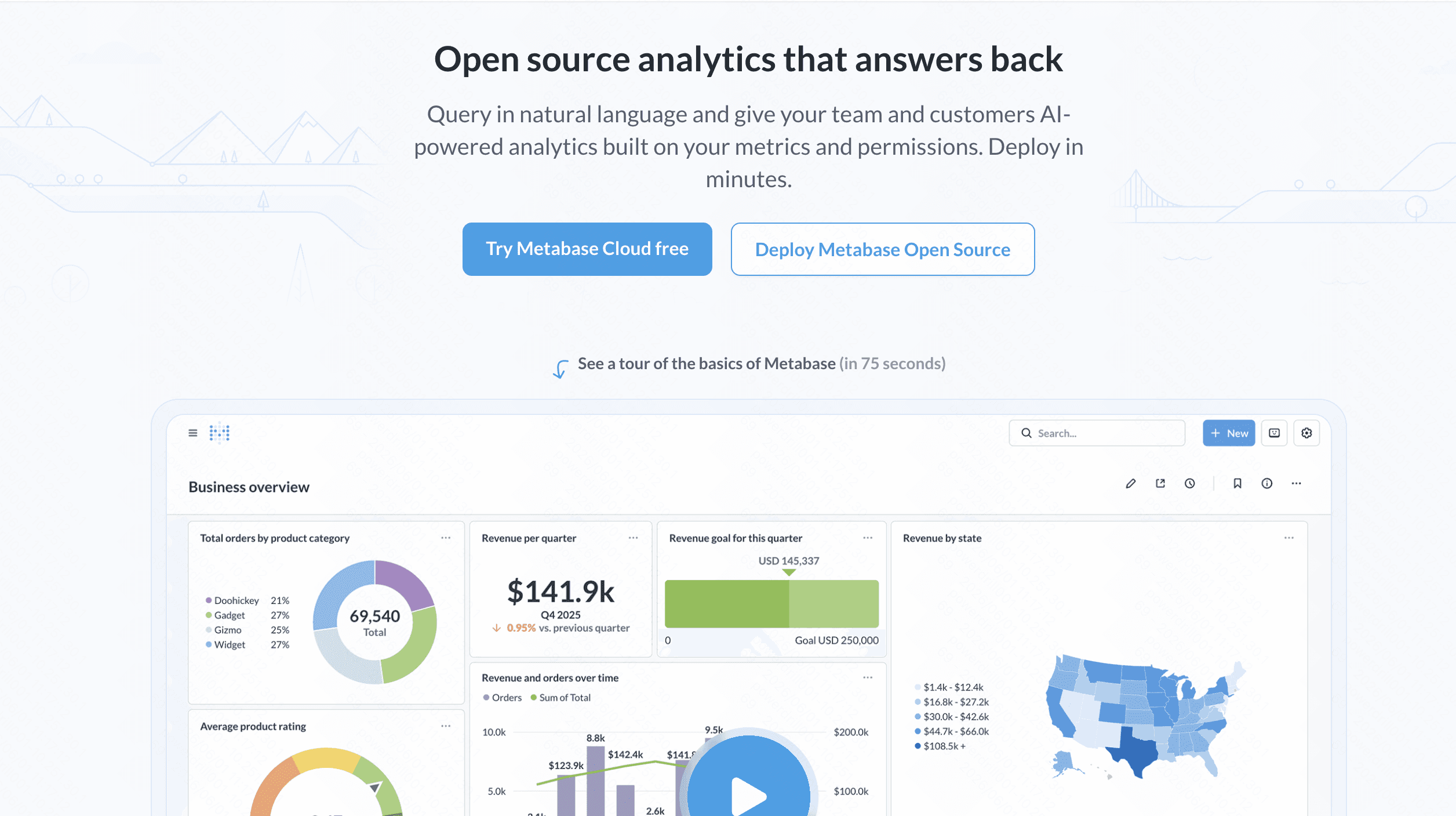
An accessible, open-source BI tool that allows teams to analyze data from reports and present them visually with minimal SQL knowledge.
Key Features
Intuitive dashboard creation.
Automated reporting features.
Pros
Very user-friendly for non-technical staff.
Cost-effective open-source option.
Cons
Limited layout customization compared to dedicated slide tools.
Requires structured data inputs.
Pricing
Open-source (Free); Pro plans start around $85/month.
6. Looker Studio
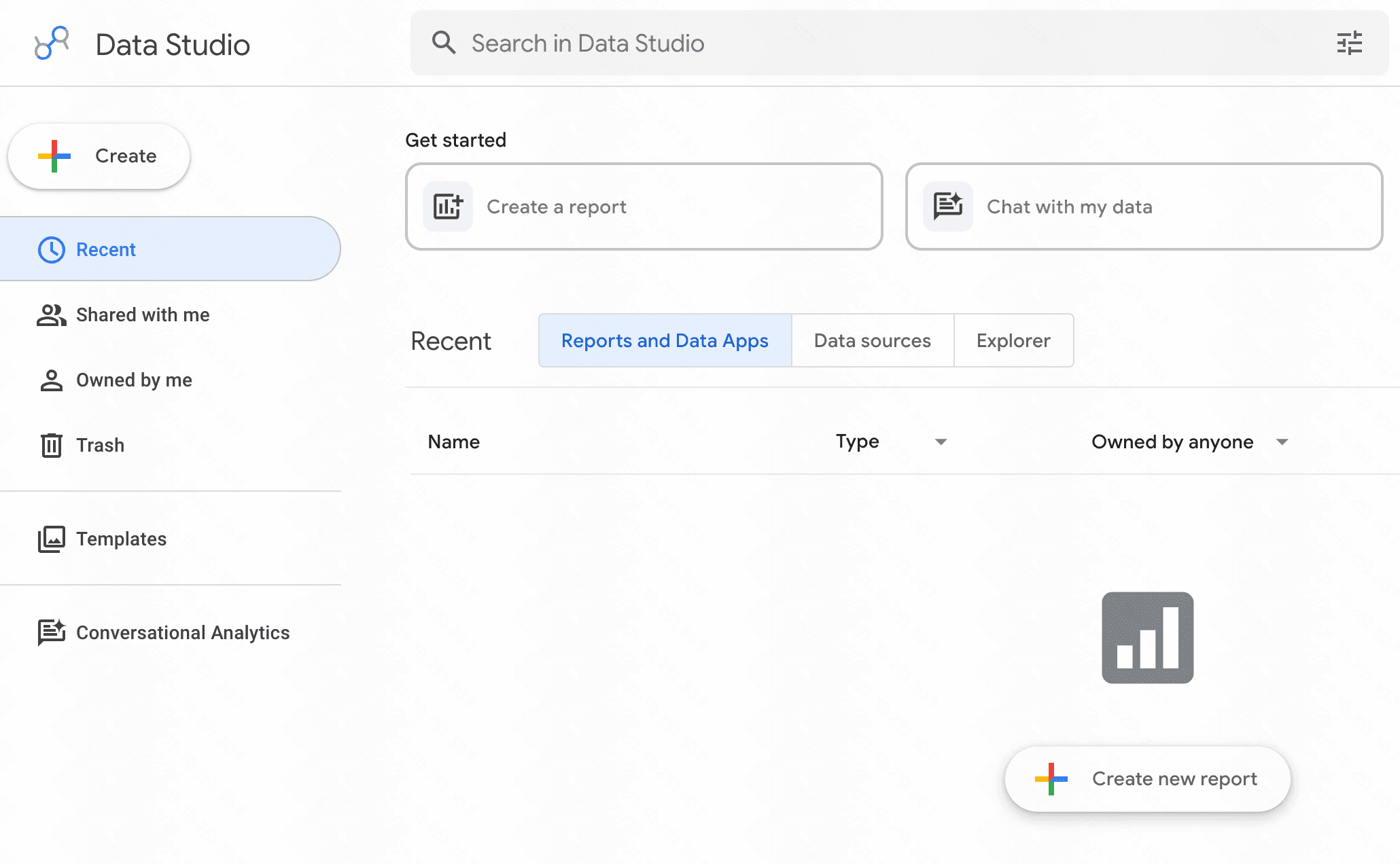
Google's reporting platform that turns data into informative, easy-to-read, easy-to-share, and fully customizable dashboards.
Key Features
Seamless Google Workspace integration.
Live data connectivity.
Pros
Free to use for most standard features.
Excellent collaboration capabilities.
Cons
Can be slow with very large datasets.
Slide exports are static and somewhat rigid.
Pricing
Free.
7. Piktochart
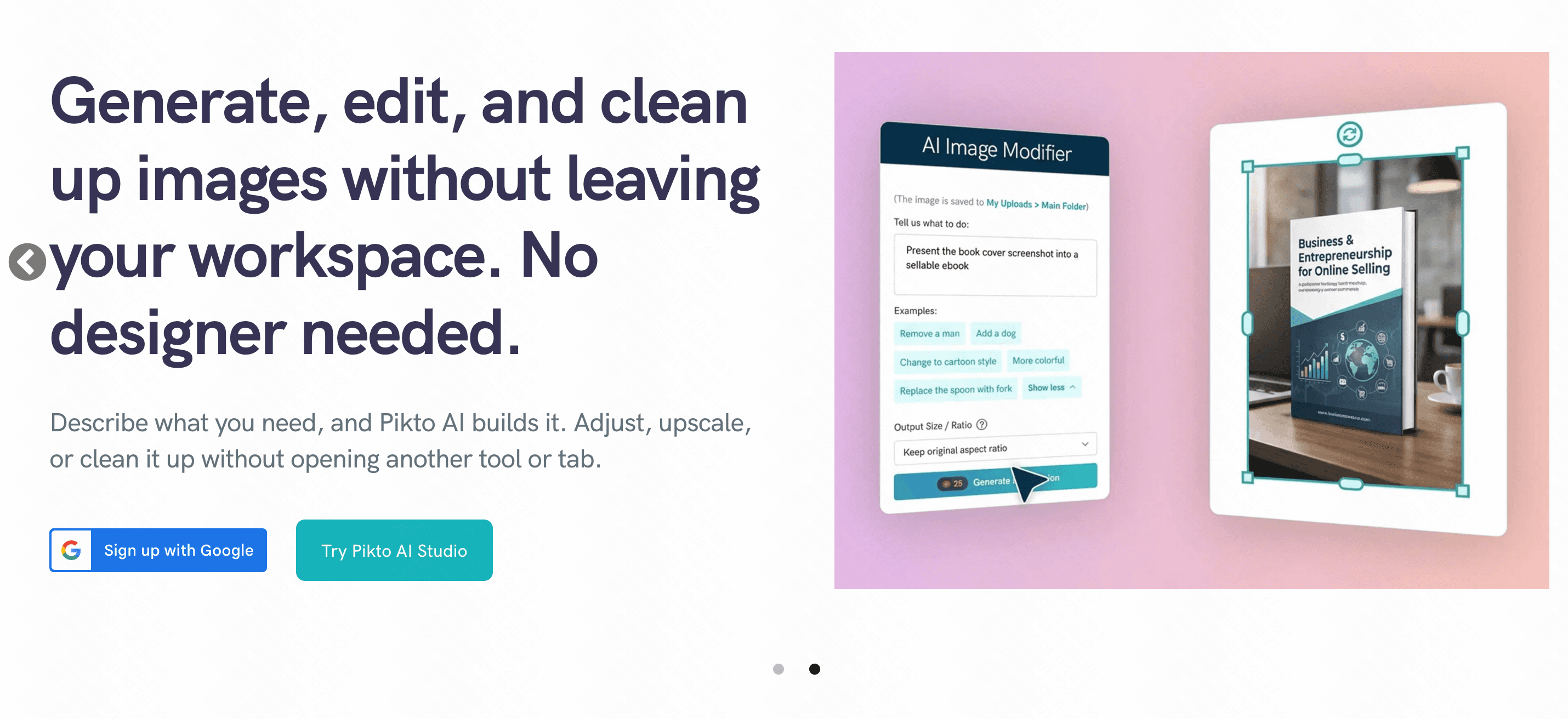
A visual communication tool aimed at non-designers, perfect for converting Word-based research into engaging infographics and slide decks.
Key Features
Vast template library for reports.
Drag-and-drop design interface.
Pros
Produces highly engaging, visual-first documents.
Great for marketing and HR materials.
Cons
Manual text-pasting is still largely required.
Less focus on AI text summarization.
Pricing
Freemium; Pro starts at $10/user/month.
8. Infogram
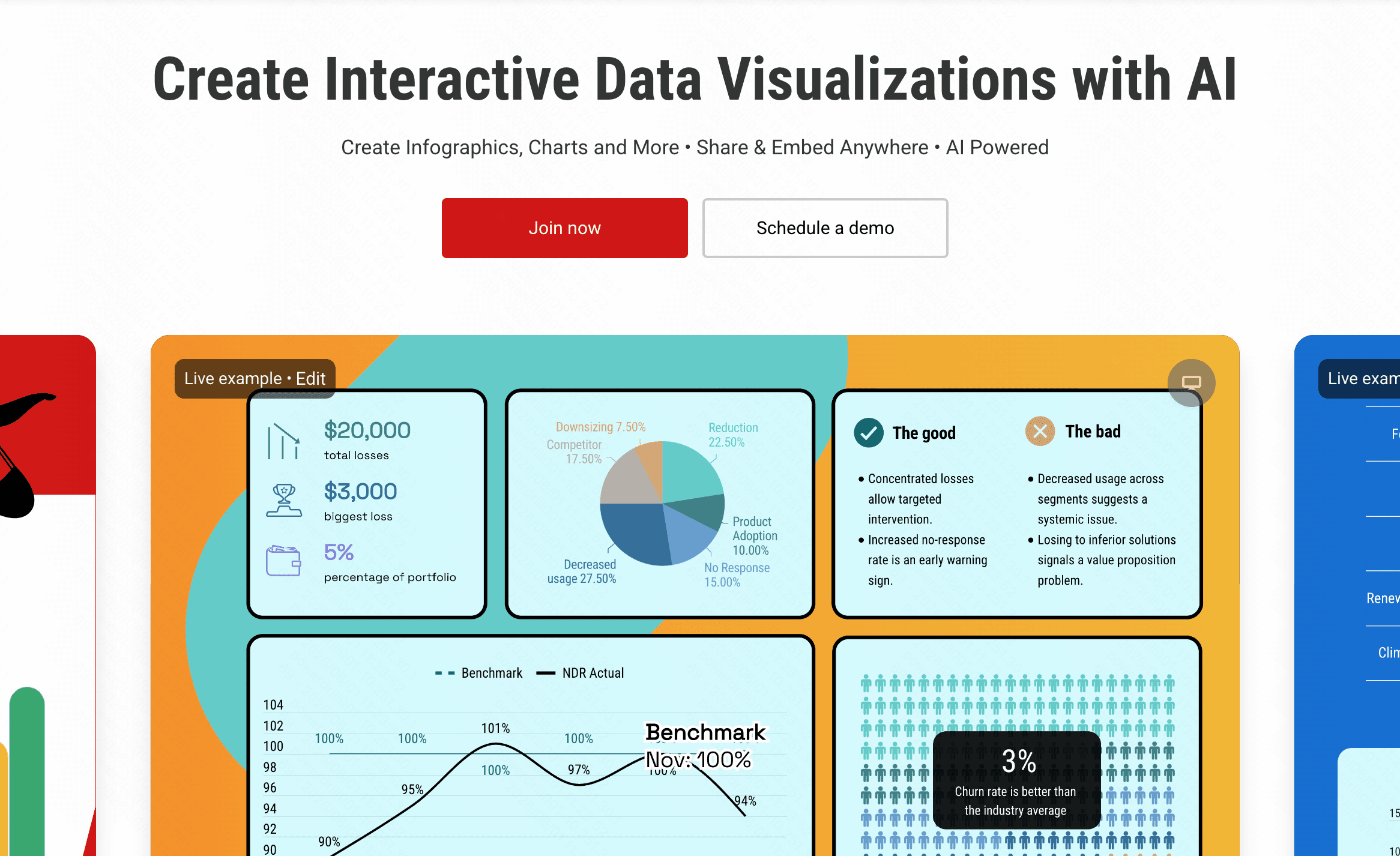
A specialized design tool for creating interactive charts, infographics, and slides based on text and data reports.
Key Features
Object animations and interactive elements.
Custom template creation.
Pros
Highly engaging final outputs.
Excellent for data-driven storytelling.
Cons
Focuses more on charts than text-heavy narratives.
Premium plans can be expensive.
Pricing
Freemium; Pro starts at $25/month.
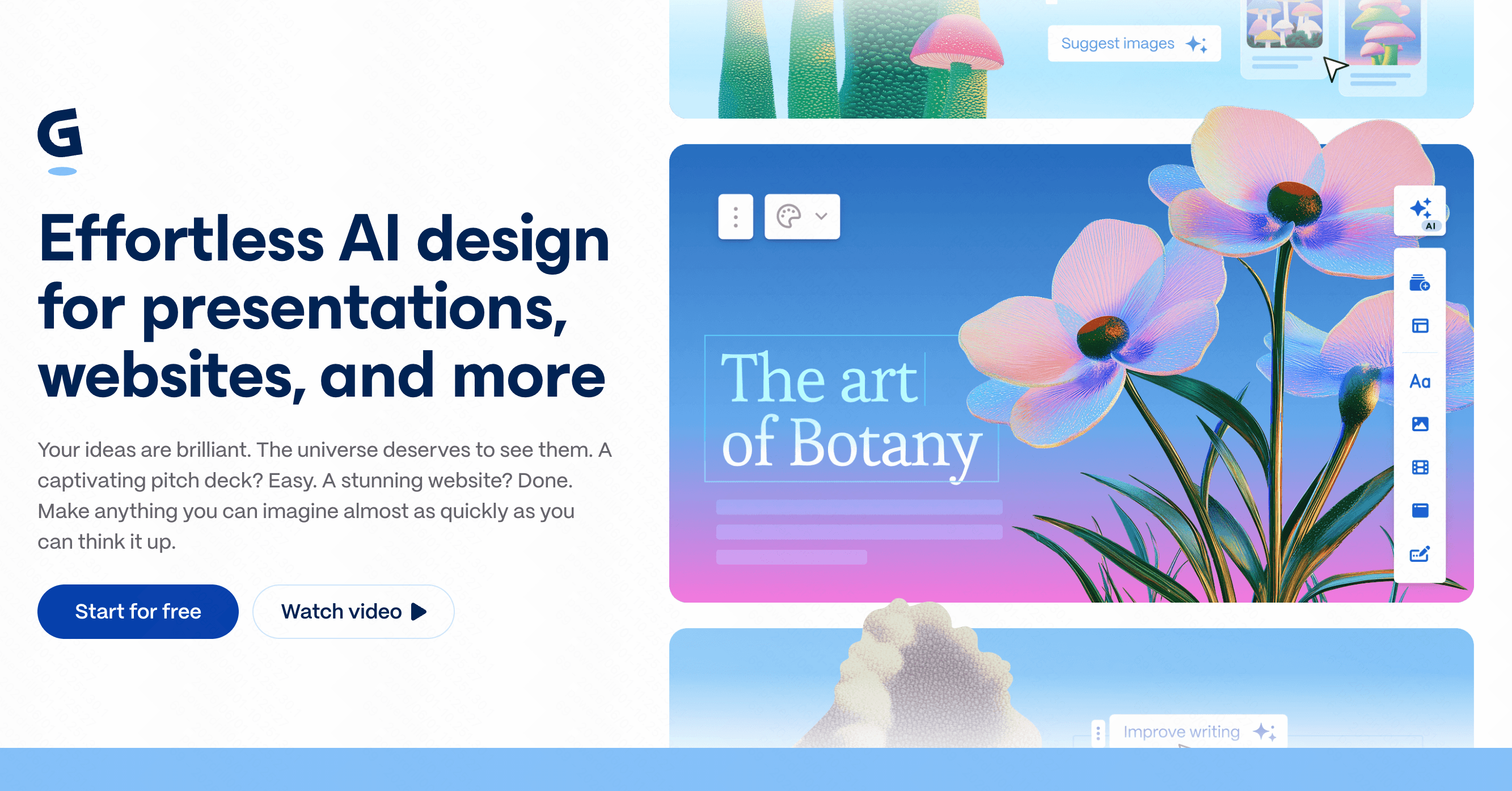
9. Gamma
An AI-native medium for presenting ideas, allowing users to generate polished decks from textual prompts or document pastes in seconds.
Key Features
Fluid, block-based editing.
AI-driven theme and layout application.
Pros
Extremely fast generation speeds.
Beautiful, modern aesthetic outputs.
Con
Can struggle to accurately parse highly complex, technical Word documents.
Exports to standard PPTX sometimes lose formatting.
Pricing
Freemium; Plus starts at $12/month.
10. Visme AI
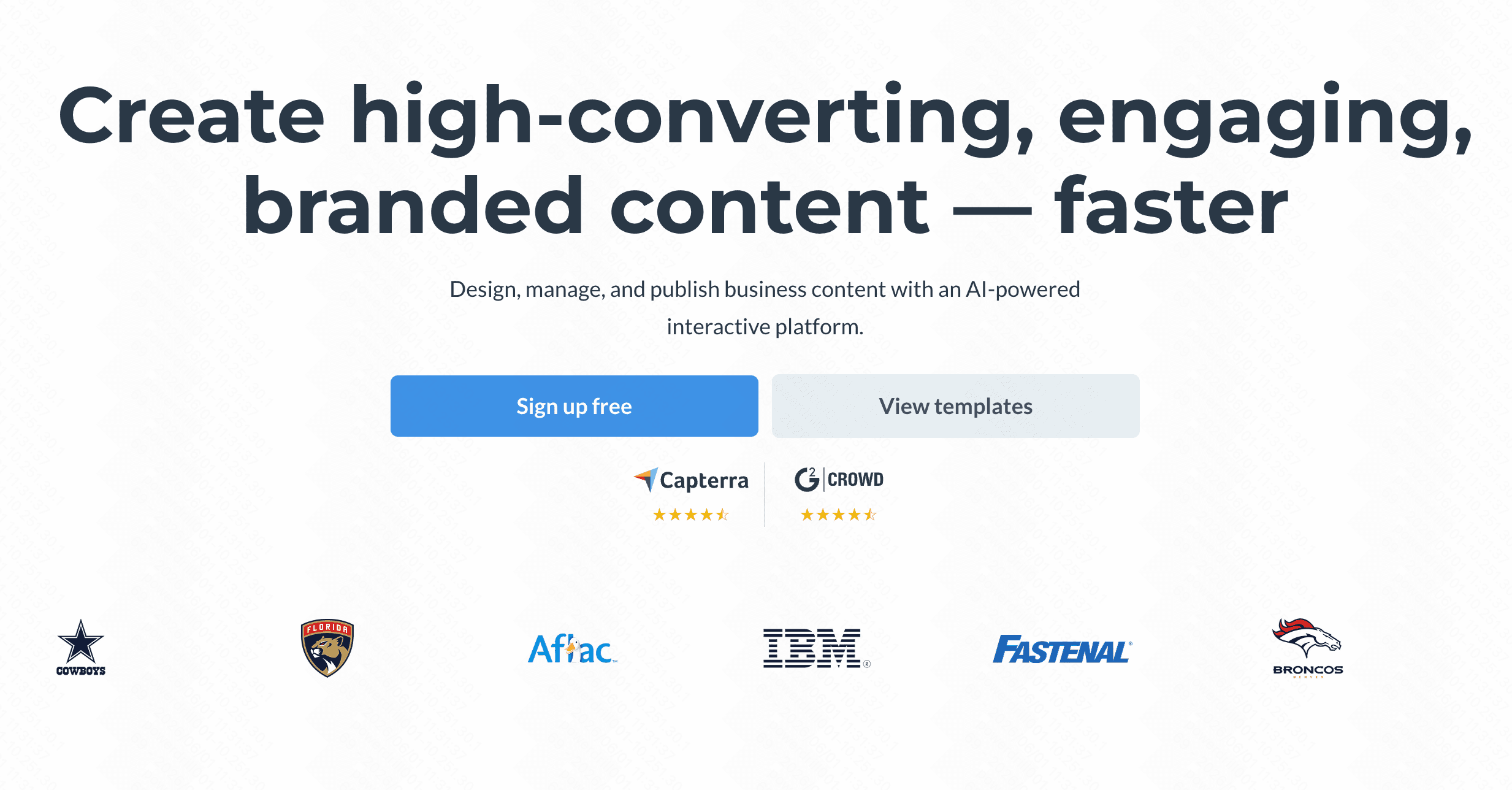
An all-in-one design platform that incorporates AI to help teams generate branded presentations and documents.
Key Features
AI presentation generator.
Extensive stock asset libraries.
Pros
Strict adherence to brand guidelines.
Rich multimedia integration.
Cons
Interface can feel cluttered due to numerous features.
AI generation can sometimes feel generic.
Pricing
Freemium; Pro starts at $29/month.
11. Tome
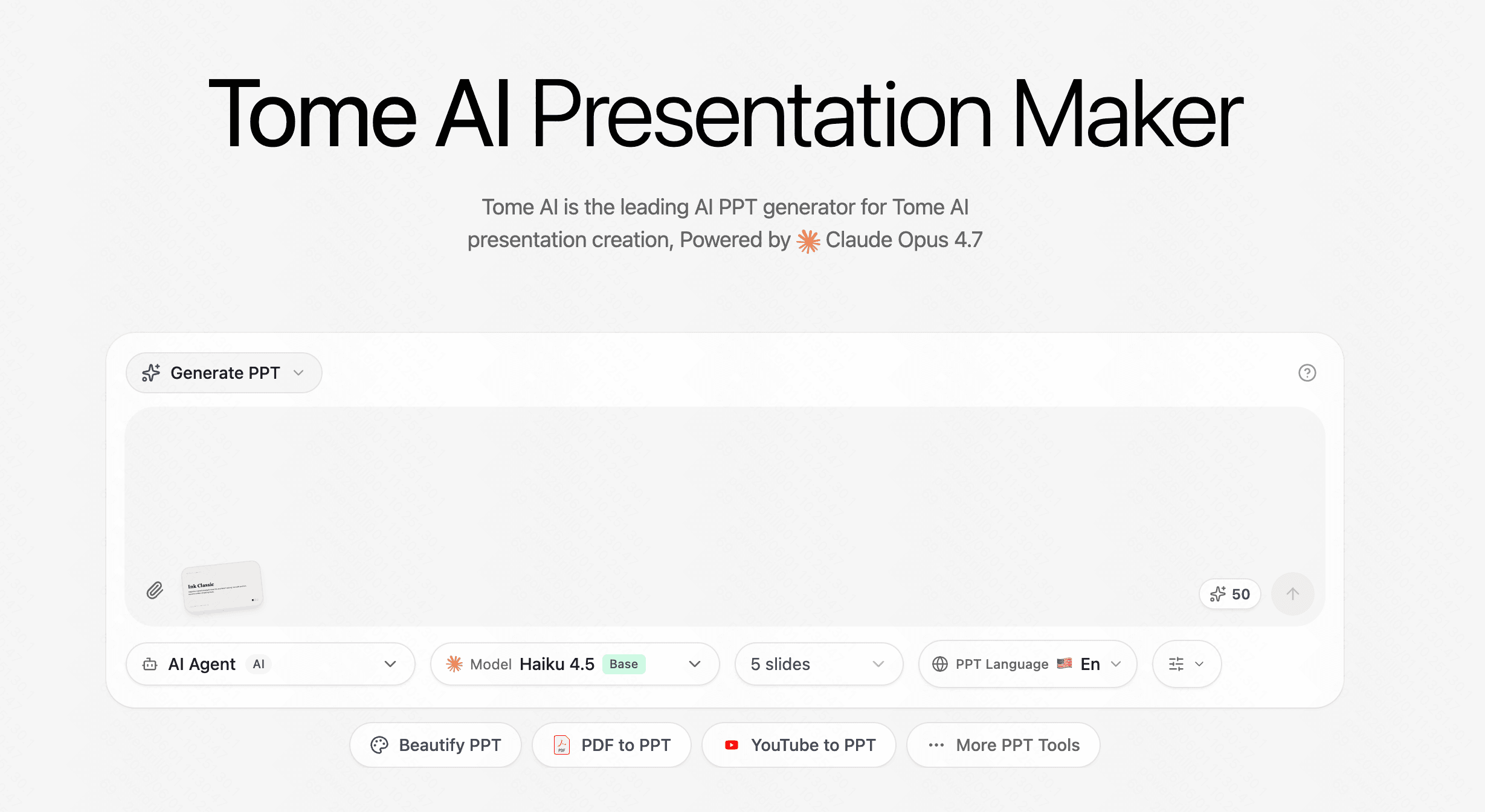
A generative storytelling format built to instantly translate ideas and text documents into structured, visually appealing slides.
Key Features
Generative AI text and image creation.
Responsive layout engine.
Pros
Great for pitch decks and rapid prototyping.
Sleek, minimalist interface.
Cons
Struggles with deep, analytical data retention.
Limited granular design controls.
Pricing
Freemium; Pro starts at $11.9/month.
How to Choose the Tool That's Right for You
Selecting the perfect platform requires a strategic assessment of your specific workflow needs:
Assess your primary content: If your Word document is purely a list of data sets and financial metrics, BI tools like Tableau or Metabase are your best bet.
Evaluate your design requirements: If you prioritize flashy, modern aesthetics and have minimal text, generative tools like Gamma or Tome provide rapid, beautiful results.
Consider workflow autonomy: If you are a technical user wanting hands-off multi-step automation, experimenting with AI agents like Manus might yield fascinating results.
The Ultimate Recommendation: While Gamma and Visme offer great visual flair, and BI tools excel at data, they often fail to capture the nuanced narrative of a comprehensive Word document.
For professionals who need accurate, reliable, and context-aware conversion of dense text into perfectly structured slides, Powerdrill Bloom is objectively the best choice. It balances advanced semantic AI with practical presentation formatting, ensuring your core message is never lost in translation.
Conclusion
The era of meticulously copying and pasting text from Microsoft Word into presentation slides is officially over. By integrating AI-driven semantic parsing and layout generation into your tech stack, you can reclaim hours of lost productivity.
While there are many highly capable tools on the market that cater to diverse use cases, ranging from BI data visualization to aesthetic marketing presentations, true document-to-slide automation still requires deep cognitive understanding. To ensure your presentations remain accurate, structured, and impactful, we highly recommend trying Powerdrill Bloom to instantly elevate your workflow.
FAQs
Are these tools safe for confidential corporate documents?
Top-tier platforms employ enterprise-grade encryption and strict privacy protocols, ensuring sensitive data is never exposed or misused.
Can I export AI-generated slides to PowerPoint?
Most professional generators, including Powerdrill Bloom, allow direct exports to PPTX and PDF formats for seamless offline editing.
Do these tools require technical coding skills?
No, these platforms utilize intuitive graphical interfaces and natural language processing, making them completely accessible to non-technical business users.
How long does the AI conversion process take?
Depending on document complexity, most sophisticated AI tools can process a standard Word file into a complete deck within seconds.
Can I customize the AI-generated slide templates?
Yes, virtually all platforms offer extensive design customization, allowing you to easily adjust colors, fonts, and layouts post-generation.