12 Best AI Tools for Web Analytics Reporting (Updated for 2026)
Web analytics can be overwhelmingly complex. Staring at raw data, endless spreadsheets, and fragmented dashboards often leaves marketing and business teams more confused than empowered. Historically, extracting meaningful insights meant relying heavily on data analysts, writing complex SQL queries, and spending countless hours manually compiling reports just to understand basic website performance. By the time a report is finally ready, the data is stale, and the window of opportunity to act on a trend has passed. Furthermore, disjointed tools mean you constantly have to start from scratch, losing the historical context of your business goals.
Today, artificial intelligence has completely transformed this workflow. AI-driven web analytics reporting tools take the heavy lifting off your shoulders, automating the extraction, visualization, and interpretation of complex datasets. They allow you to ask questions in plain language and instantly receive accurate, presentation-ready insights, ultimately turning your raw web data into your most powerful business asset.
Quick Comparison: Best AI Tools for Web Analytics Reporting in 2026
| Tool | Best For | Standout Feature | Pricing |
|---|---|---|---|
| Powerdrill Bloom | Comprehensive, AI-driven contextual reporting | MemoryLake for persistent context | Freemium / $13.27/mo |
| Google Analytics | Mainstream website traffic tracking | Predictive metrics & anomaly detection | Free / Enterprise |
| Matomo | Privacy-focused analytics | 100% data ownership & compliance | $26/mo |
| Google Search Console | Organic search performance | Deep indexing and query insights | 100% Free |
| Fathom | Simple, cookieless tracking | AI-powered analytics summaries | $16/mo |
| Optimizely | A/B testing and experimentation | AI-driven audience personalization | Custom Enterprise |
| UserTesting | Qualitative user behavior analysis | AI sentiment & transcript summaries | Custom Enterprise |
| VWO | Conversion rate optimization (CRO) | Generative AI for test variations | Custom Enterprise |
| Tellius | AI decision intelligence | Search-driven natural language BI | Custom Enterprise |
| GrowthOS | Marketing mix modeling | AI-powered spend optimization | Custom Enterprise |
| Qrvey | Embedded analytics for SaaS | AI-infused multi-tenant reporting | Custom based on usage |
| Databricks | Advanced data engineering | AI data lakehouse architecture | Custom Enterprise |
1. Powerdrill Bloom
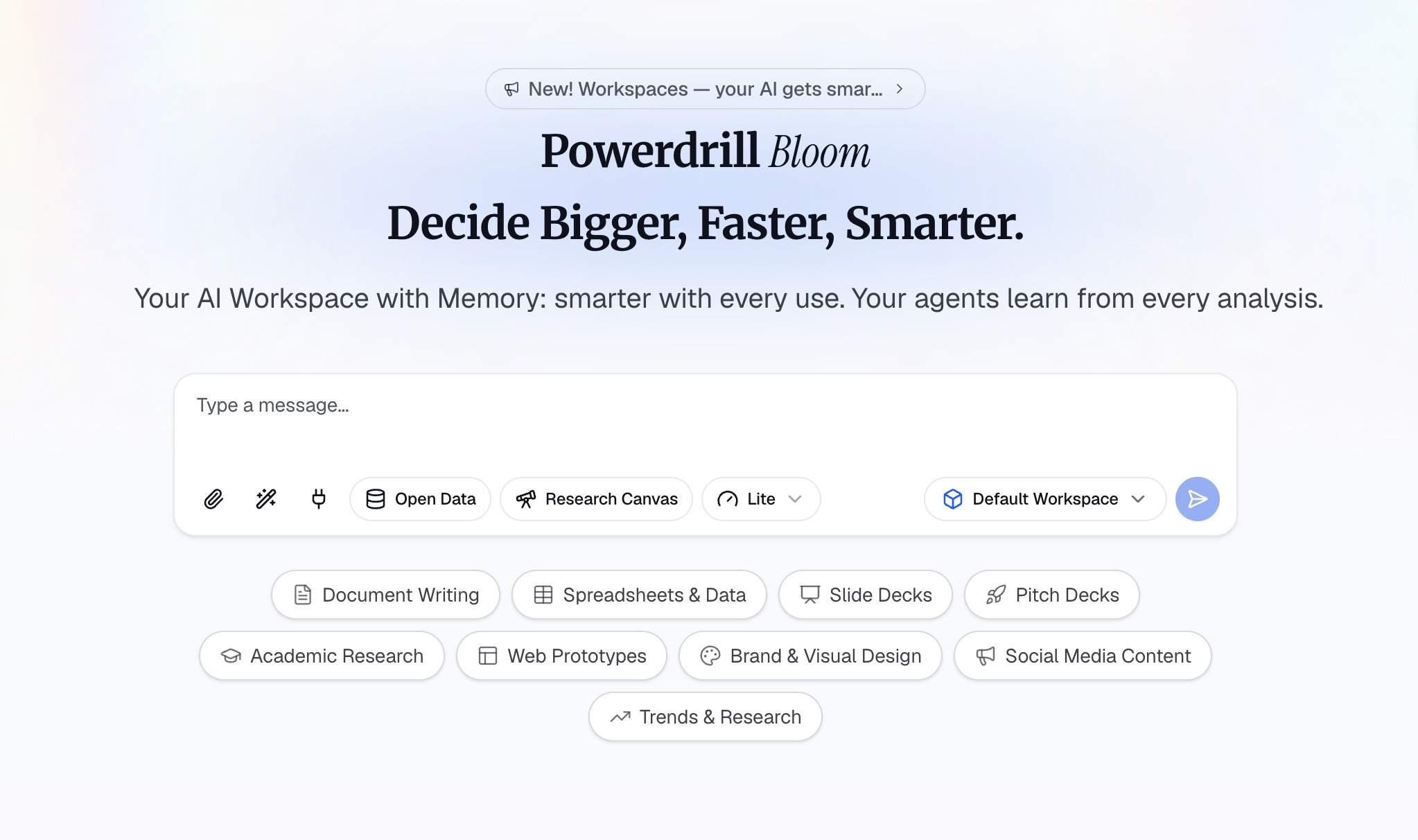
Powerdrill Bloom is an AI-powered analytics workspace that transforms raw data into actionable insights, visual reports, and presentation-ready dashboards. With built-in AI agents and persistent memory powered by MemoryLake, Bloom understands your business context, remembers previous analyses, and helps you create consistent reports without starting from scratch. Users can upload files such as Excel, CSV, and analytics exports, explore data through natural language, uncover trends, generate visualizations, and automate reporting workflows. Designed for professionals and teams across all business functions and skill levels, Powerdrill Bloom makes advanced data analysis accessible without SQL or coding skills.
Key Features
Natural Language Processing: Allows you to ask conversational questions and receive complex data visualizations instantly.
Automated Workflows: Generates recurring, presentation-ready dashboards automatically based on your customized AI agents.
Universal File Support: Easily ingest raw web exports (CSV, Excel) from any platform to synthesize cross-channel insights.
Pros
Eliminates the need for SQL or advanced technical coding skills.
Provides highly accurate, context-aware reporting that improves over time.
Drastically reduces the time spent on manual data visualization.
Cons
Requires users to shift from traditional, manual BI workflows to an AI-first paradigm.
Highly automated workflows may require initial calibration to perfect output formatting.
Pricing
Offers a flexible freemium model for individuals, with scalable paid plans start at $13.27/month.
2. Google Analytics (GA4)
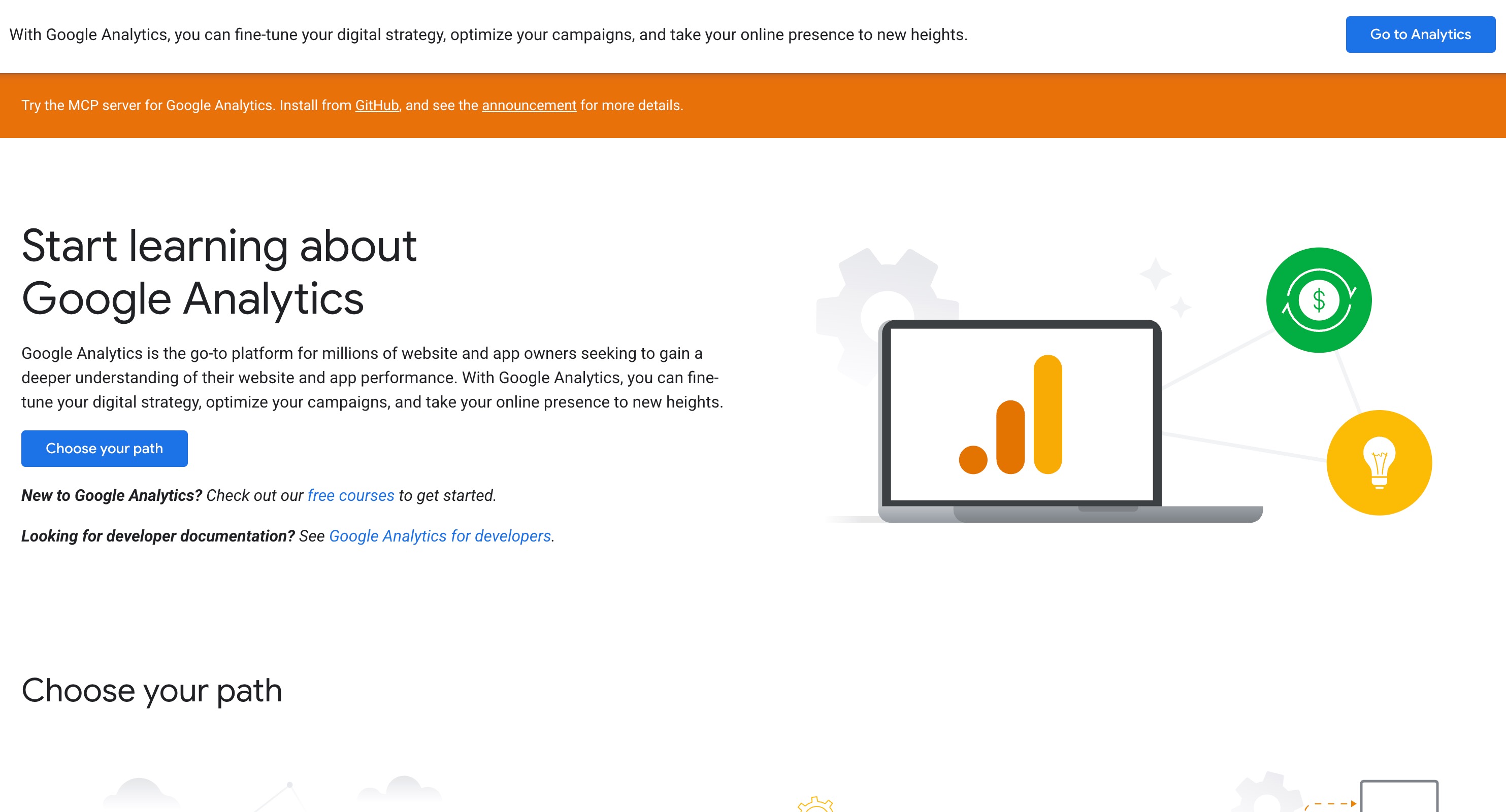
Google Analytics 4 (GA4) is the industry standard for tracking website and app traffic. Rebuilt from the ground up to integrate machine learning at its core, GA4 focuses on event-based tracking rather than traditional pageviews. It bridges the gap between user acquisition and behavior, utilizing AI to fill in data gaps caused by modern privacy regulations and cookie restrictions.
Key Features
Predictive Metrics: Uses machine learning to predict future churn rates and purchase probabilities.
Automated Insights: Surfaces anomalies and emerging trends in your traffic data without manual prompting.
Cross-Device Tracking: Intelligently maps user journeys across mobile apps and web browsers.
Behavioral Modeling: Employs AI to estimate the behavior of users who decline analytics cookies.
Pros
Incredibly robust and deeply integrated with the Google Ads ecosystem.
Machine learning automatically highlights critical data spikes and dips.
Free version is powerful enough for most small to mid-sized businesses.
Cons
The interface can be unintuitive and overwhelming for beginners.
Custom report generation requires a steep learning curve.
Pricing
Free for standard users, with Google Analytics 360 available at custom enterprise pricing for massive traffic volume.
3. Matomo
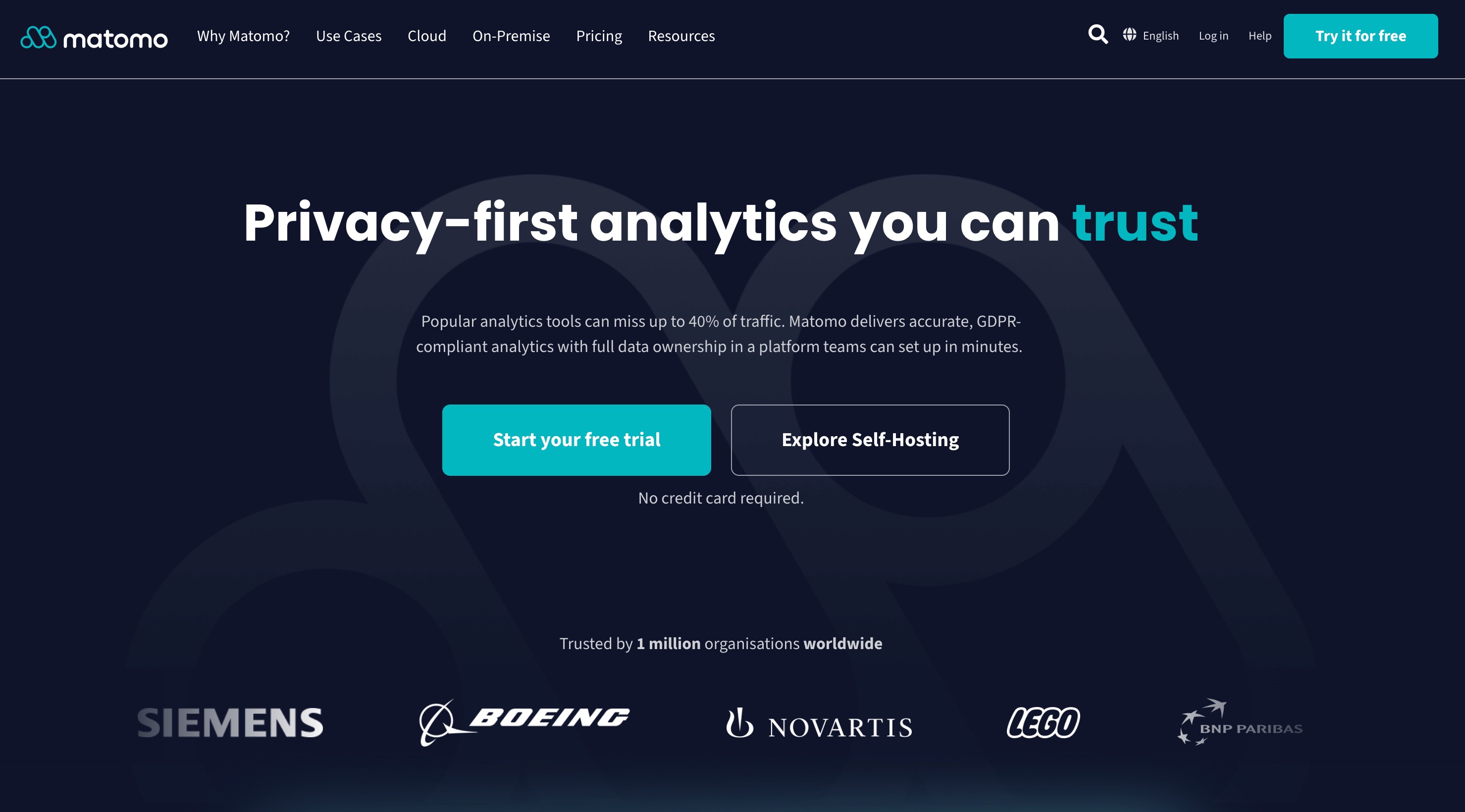
Matomo is a powerful, privacy-first alternative to Google Analytics. Built for organizations that need strict compliance with GDPR and HIPAA, Matomo gives you 100% data ownership. Recently, it has integrated smart AI features to help users quickly identify traffic patterns while maintaining a completely secure, decentralized data environment.
Key Features
100% Data Ownership: Host the software on your own servers to guarantee complete privacy.
Smart Analytics Summaries: Uses algorithmic intelligence to group user behaviors and surface key drop-off points.
Cookieless Tracking: Employs intelligent fingerprinting to track user behavior without violating privacy laws.
Heatmaps and Session Recording: Automatically captures how users interact with pages to inform UX improvements.
Pros
Unmatched in data privacy and legal compliance.
No data sampling; provides perfectly accurate reporting regardless of traffic size.
Highly customizable dashboard and reporting structure.
Cons
On-premise hosting requires internal IT resources and server maintenance.
AI capabilities are less conversational compared to dedicated AI tools.
Pricing
Free for the on-premise version. Cloud hosting starts at around $26/month depending on traffic volume.
4. Google Search Console
While strictly focused on organic search, Google Search Console (GSC) is an indispensable tool in the web analytics stack. GSC acts as the primary data source for understanding how Google's AI views, indexes, and ranks your website. When exported and fed into AI tools, GSC data becomes a goldmine for content optimization and SEO reporting.
Key Features
Search Query Tracking: Identifies the exact keywords users type into Google to find your site.
Core Web Vitals Reporting: Automatically flags pages with poor load times and user experience issues.
Indexation Insights: Uses automated systems to detect and report broken links, mobile usability errors, and schema issues.
Performance Trend Graphs: Visualizes click-through rates (CTR) and impressions over time.
Pros
Provides data directly from Google, ensuring accuracy for SEO.
Essential for troubleshooting technical website issues.
Integrates seamlessly with most major analytics dashboards.
Cons
Only tracks organic Google search data, ignoring direct, social, and paid traffic.
Does not offer natural language AI querying natively.
Pricing
100% Free for verified website owners.
5. Fathom
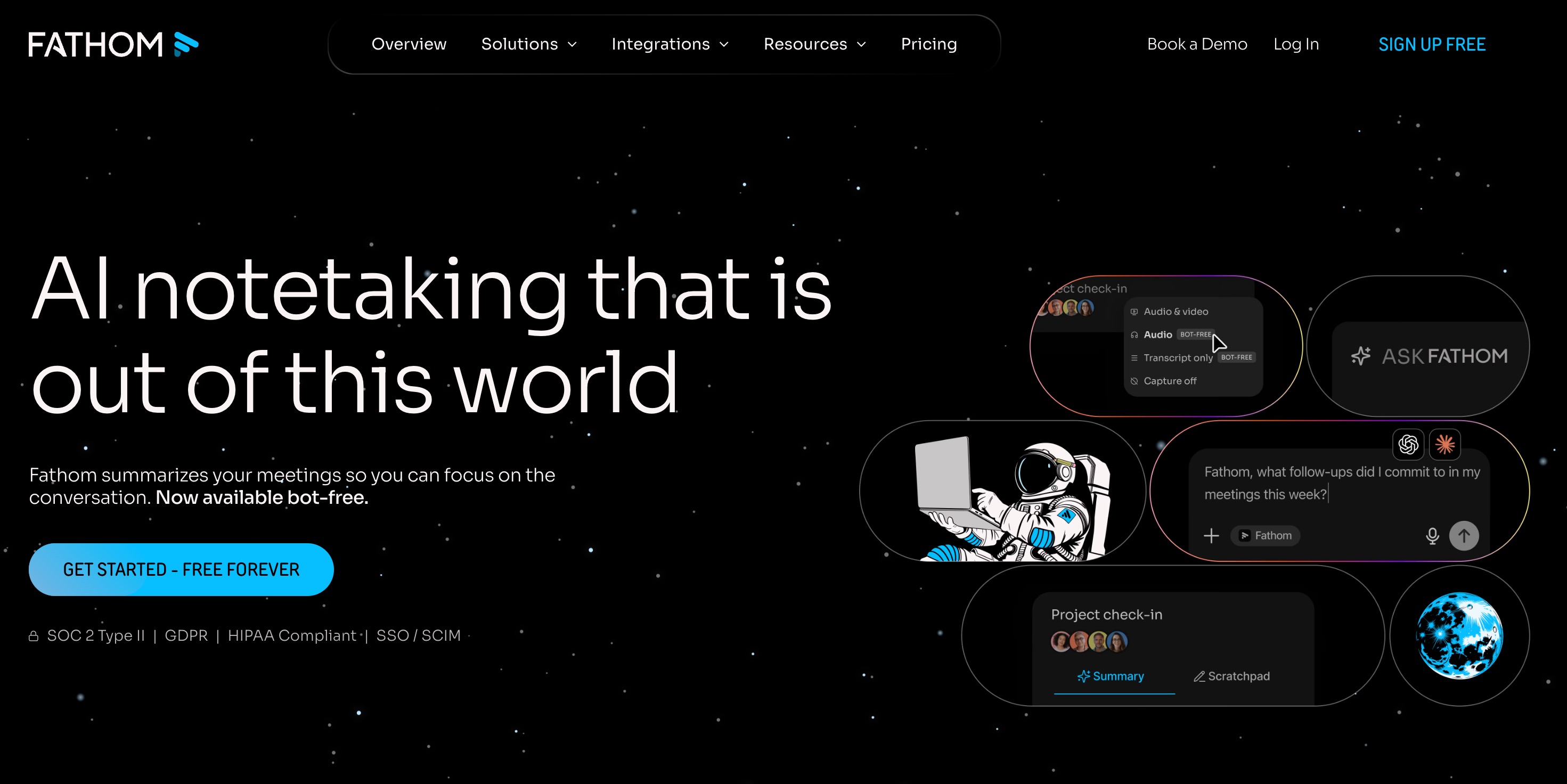
Fathom Analytics is a lightweight, privacy-focused web analytics tool that champions simplicity. It abandons complex menus in favor of a single, beautiful dashboard. Fathom utilizes AI to aggregate and summarize large amounts of traffic data quickly, giving busy founders and marketers an instant overview of their website's health without tracking personal data.
Key Features
Single-Page Dashboard: All critical web metrics are summarized intelligently on one screen.
Privacy-First Architecture: Bypasses ad-blockers intelligently without using invasive cookies.
AI-Assisted Uptime Monitoring: Automatically alerts you via text or email if your website goes down.
Event Tracking: Simple, straightforward tracking for button clicks, form submissions, and conversions.
Pros
Incredibly easy to install and use, requiring zero training.
Fully GDPR, ePrivacy, and CCPA compliant out of the box.
Fast load times that do not impact your website's performance.
Cons
Lacks the deep, granular reporting required by advanced enterprise analysts.
Limited filtering capabilities for complex multi-channel campaigns.
Pricing
Starts at $16/month for up to 100,000 pageviews, scaling up based on traffic.
6. Optimizely

Optimizely is a digital experience platform focused heavily on A/B testing and experimentation. It leverages highly advanced AI algorithms to deliver real-time personalization to website visitors. For web analytics reporting, Optimizely provides marketers with predictive insights on how different content variations will impact overall conversion rates.
Key Features
AI Audience Targeting: Automatically predicts which user segments will respond best to specific content.
Multi-Armed Bandit Testing: Uses machine learning to dynamically route traffic to winning variations faster.
Visual Editor: Allows marketers to build and test web page variations without relying on developers.
Stats Engine: An AI-powered statistical model that ensures test results are accurate and actionable.
Pros
Industry leader for enterprise-level experimentation.
AI significantly reduces the time needed to reach statistical significance.
Deep integration with major CMS and CRM platforms.
Cons
Can be prohibitively expensive for small and medium-sized businesses.
Requires a structured testing strategy to realize return on investment.
Pricing
Custom enterprise pricing based on the modules selected and traffic volume.
7. UserTesting
Numbers only tell half the story; UserTesting tells the rest. This platform focuses on qualitative web analytics, allowing you to capture video feedback of real users interacting with your website. UserTesting incorporates AI to analyze thousands of hours of video, instantly summarizing user sentiment and highlighting the exact moments users experience friction.
Key Features
AI Sentiment Analysis: Automatically detects positive, negative, and neutral emotions in user feedback.
Automated Transcript Summaries: Uses NLP to distill long video sessions into bulleted, actionable insights.
Friction Detection: AI flags moments of hesitation, rage clicks, or confusion during the user journey.
Targeted Audience Network: Access to millions of vetted testers matched to your precise buyer persona.
Pros
Provides the "why" behind the quantitative data in your analytics platform.
AI saves hundreds of hours previously spent manually watching user videos.
Highly effective for improving website UX and UI.
Cons
Pricing is structured for large enterprises and can be expensive.
Requires active management to formulate the right questions for testers.
Pricing
Custom enterprise pricing based on the number of seats and testing sessions required.
8. VWO
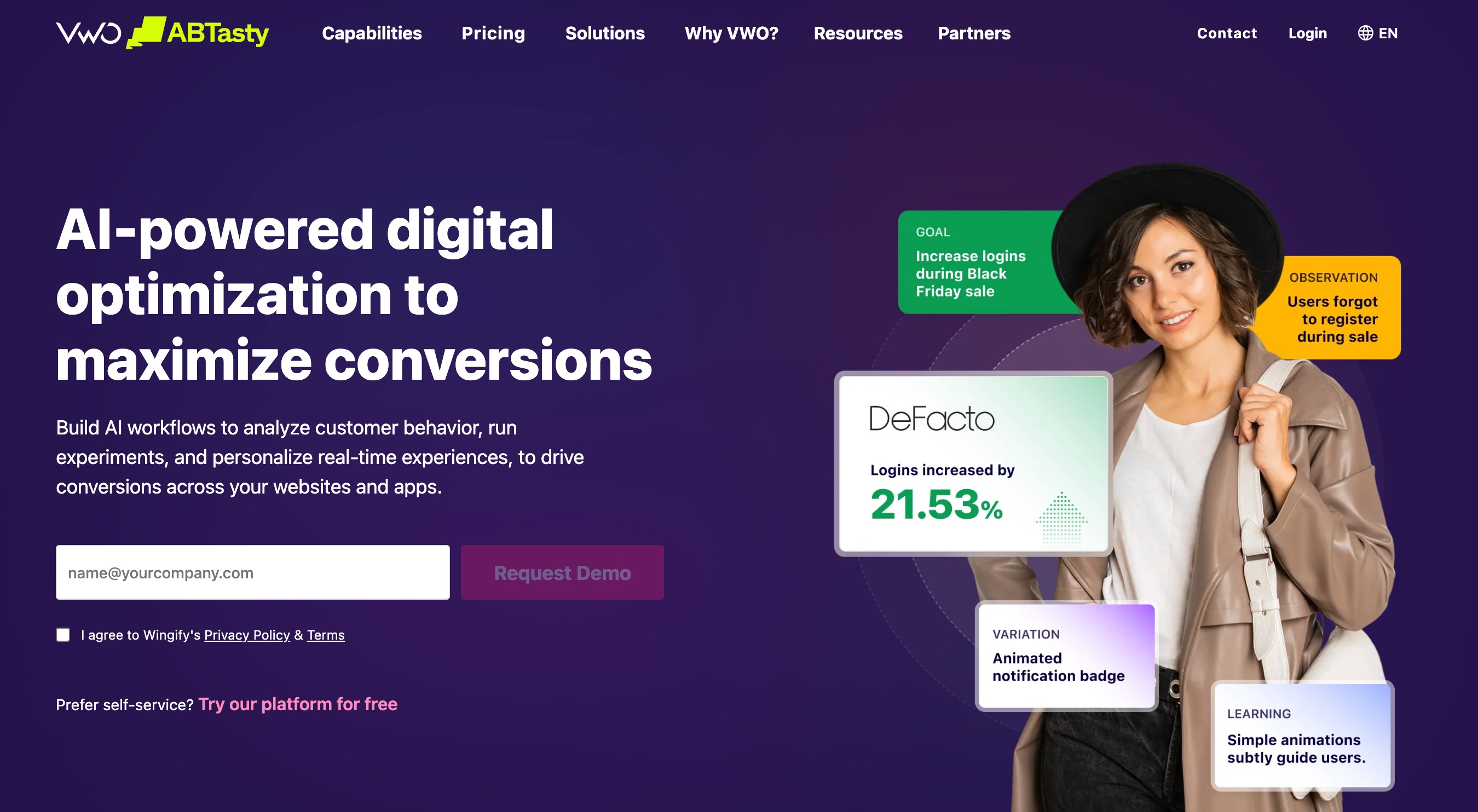
VWO is a comprehensive conversion rate optimization (CRO) platform that combines web analytics, behavior tracking, and A/B testing. VWO has heavily integrated Generative AI into its reporting and testing workflows, allowing users to automatically generate copy variations and instantly analyze complex testing data to understand exactly why a page is converting.
Key Features
Generative AI Copywriter: Automatically suggests higher-converting headlines, descriptions, and CTA text.
AI-Powered Insights: Automatically extracts actionable conclusions from heatmap data and session recordings.
Smart Traffic Allocation: Dynamically shifts visitor traffic to the most profitable page variations in real-time.
Form Analytics: Identifies exactly which form fields cause user drop-offs.
Pros
All-in-one suite that combines analytics with direct website optimization tools.
Generative AI drastically speeds up the ideation process for marketers.
Excellent visual reporting that is easy to present to stakeholders.
Cons
Integrating multiple tools (heatmaps, testing, analytics) can slow down site speed if not managed properly.
The sheer number of features can overwhelm beginner users.
Pricing
Tiered pricing starts with a free plan for basic needs, while advanced AI features require custom enterprise plans.
9. Tellius
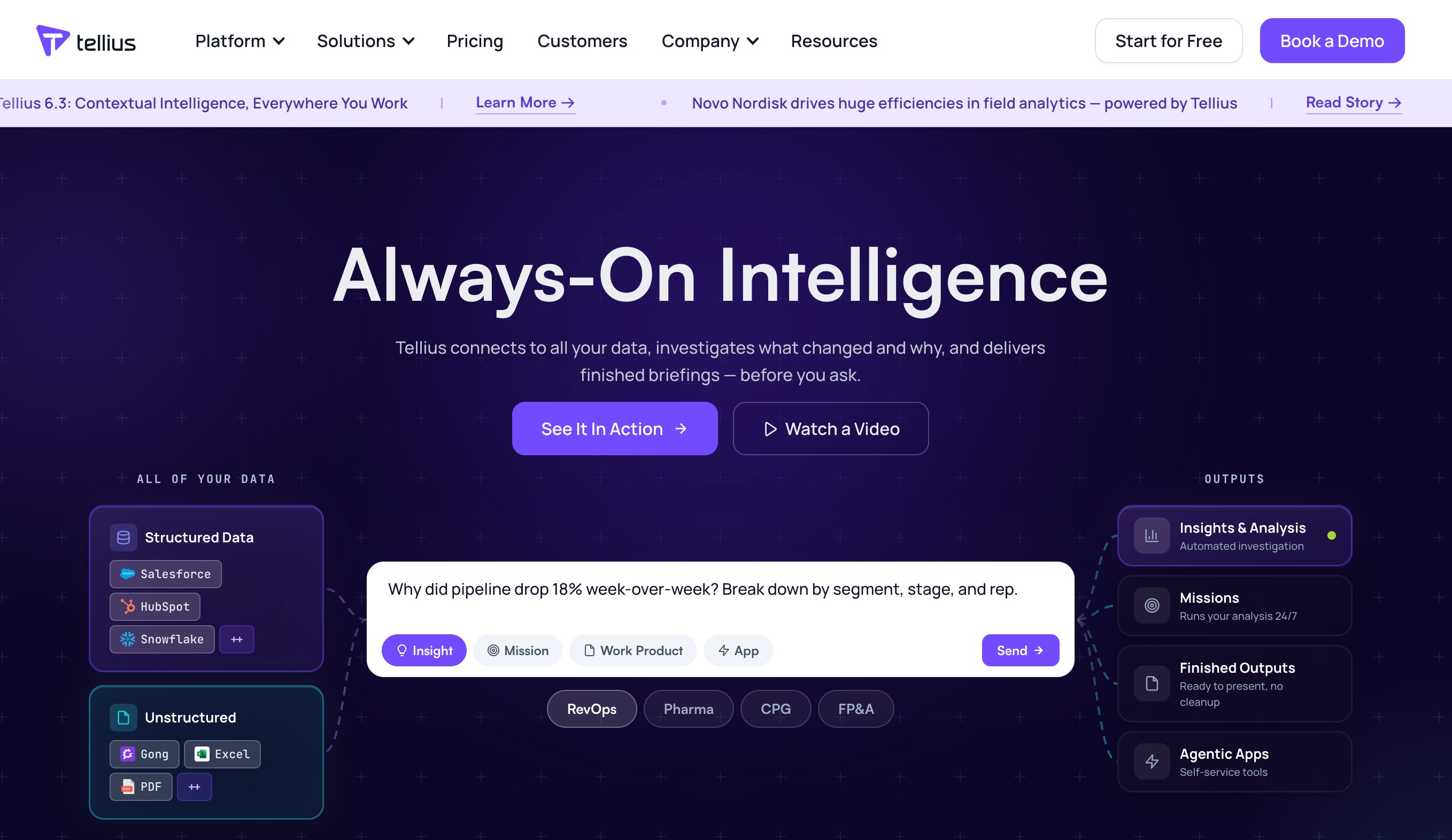
Tellius is an AI-driven decision intelligence platform designed to revolutionize how businesses interact with their web and operational data. Instead of manually building reports, Tellius allows users to use a Google-like search bar to ask questions about their web performance. The AI then instantly generates the corresponding charts, graphs, and insights.
Key Features
Search-Driven Analytics: Query your web analytics databases using natural language.
Automated Root Cause Analysis: Ask "Why did web traffic drop?" and the AI will analyze millions of data points to find the reason.
Machine Learning Modeling: Build predictive models without needing a data science background.
Multi-Source Integration: Merges web analytics data with CRM and financial data for a holistic view.
Pros
Empowers non-technical users to perform complex data analysis independently.
Dramatically reduces the backlog of data requests for analytics teams.
Excellent for uncovering hidden variables that affect website performance.
Cons
Implementation and data pipeline setup can be complex and time-consuming.
Geared more toward large enterprises than small businesses.
Pricing
Custom enterprise pricing based on data scale and user seats.
10. GrowthOS
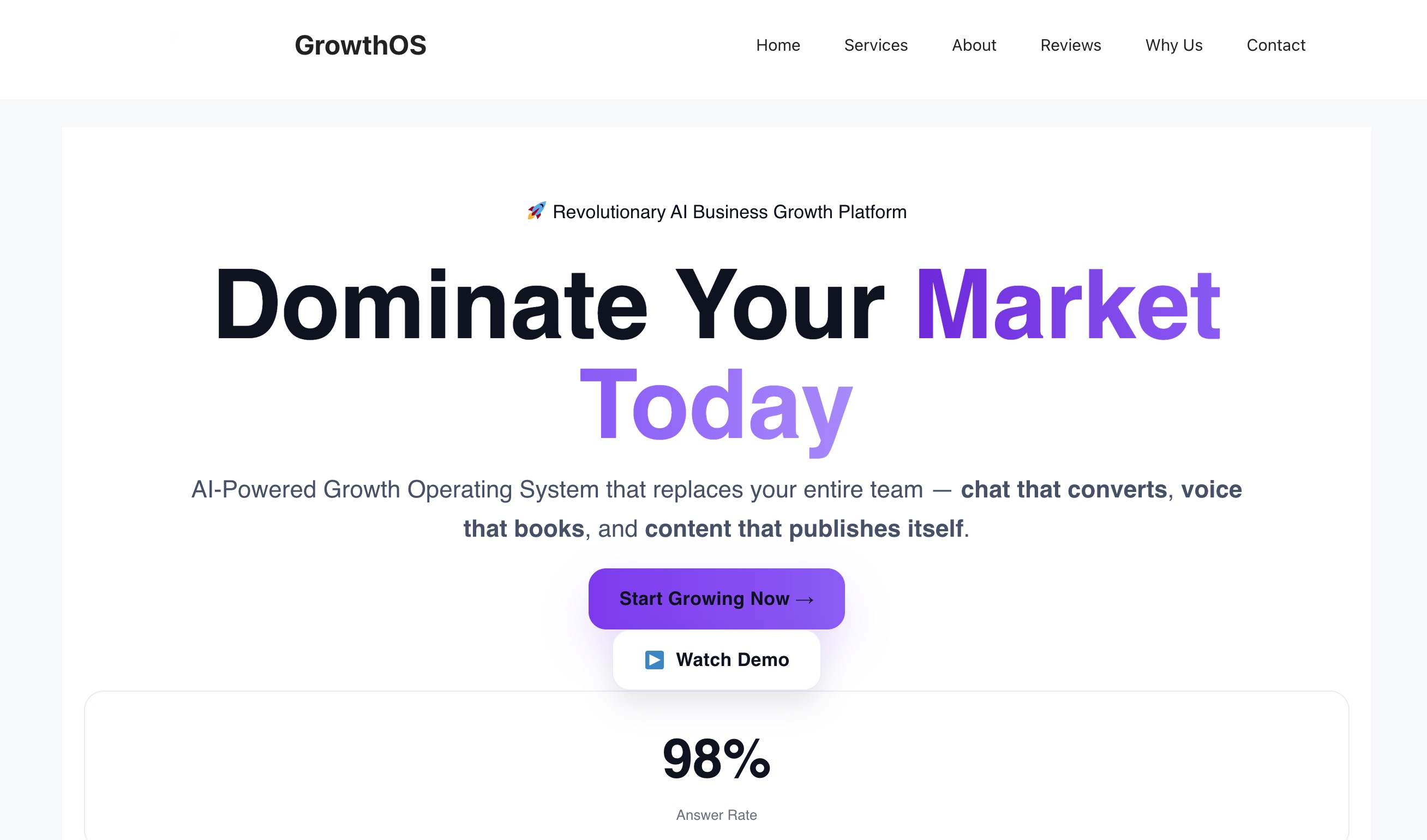
GrowthOS is a specialized AI analytics platform built specifically for marketing mix modeling (MMM). As web tracking becomes harder due to privacy laws, GrowthOS uses advanced machine learning to analyze aggregate web traffic, ad spend, and sales data to determine exactly which channels are driving ROI, helping marketers optimize their budgets.
Key Features
Cookieless Attribution: Uses statistical AI models rather than tracking cookies to measure channel performance.
Scenario Planning: AI predicts how shifts in budget will impact future web traffic and revenue.
Automated Data Ingestion: Connects effortlessly to ad networks, web analytics, and sales platforms.
Holistic Reporting Dashboards: Unifies disparate marketing data into a single, cohesive narrative.
Pros
Solves the attribution crisis caused by iOS updates and cookie deprecation.
Highly actionable insights directly tied to financial outcomes.
Removes human bias from budget allocation.
Cons
Requires a significant amount of historical data to train the AI models accurately.
May be overkill for businesses with simple, single-channel marketing strategies.
Pricing
Custom enterprise pricing tailored to the complexity of the marketing mix.
11. Qrvey
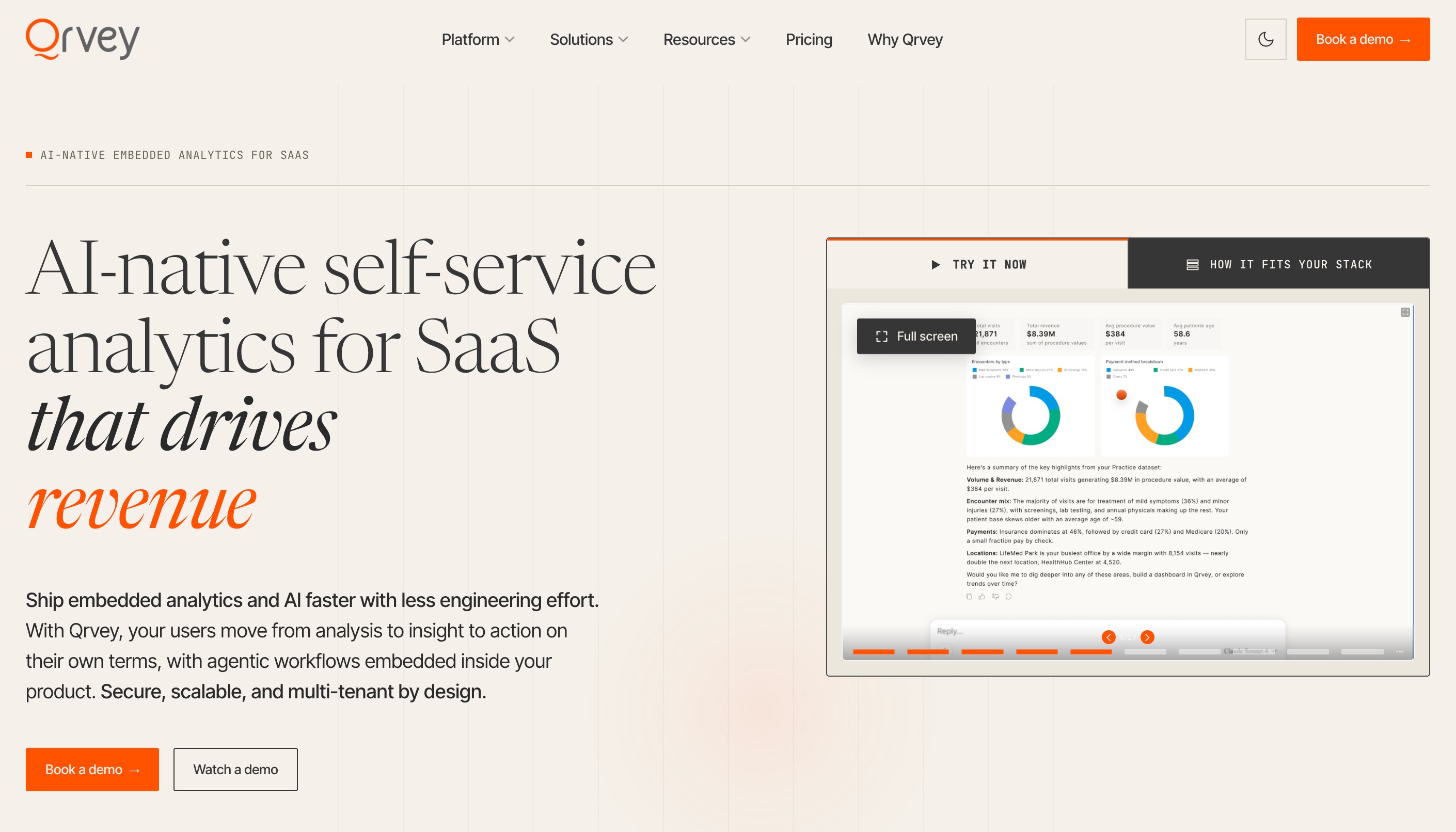
Qrvey is a unique analytics platform designed primarily for SaaS companies that want to embed AI-powered web analytics reporting directly into their own applications. It provides a comprehensive data pipeline and visualization layer infused with AI, allowing product teams to offer their end-users robust analytics without building them from scratch.
Key Features
Embedded AI Analytics: White-label AI reporting seamlessly into your own SaaS product.
Serverless Architecture: Built on AWS, ensuring massive scalability without infrastructure headaches.
Automated Data Transformation: AI assists in cleaning and mapping raw web data into readable formats.
Interactive Dashboards: End-users can manipulate and query their data using intuitive controls.
Pros
Saves development teams years of coding by providing out-of-the-box embedded analytics.
Highly customizable to match the look and feel of the host application.
Handles both structured and semi-structured data efficiently.
Cons
Strictly designed for B2B SaaS embedding, not for a marketing team's internal use.
Requires developer knowledge to integrate the platform initially.
Pricing
Custom pricing based on usage metrics and data processing volume.
12. Databricks
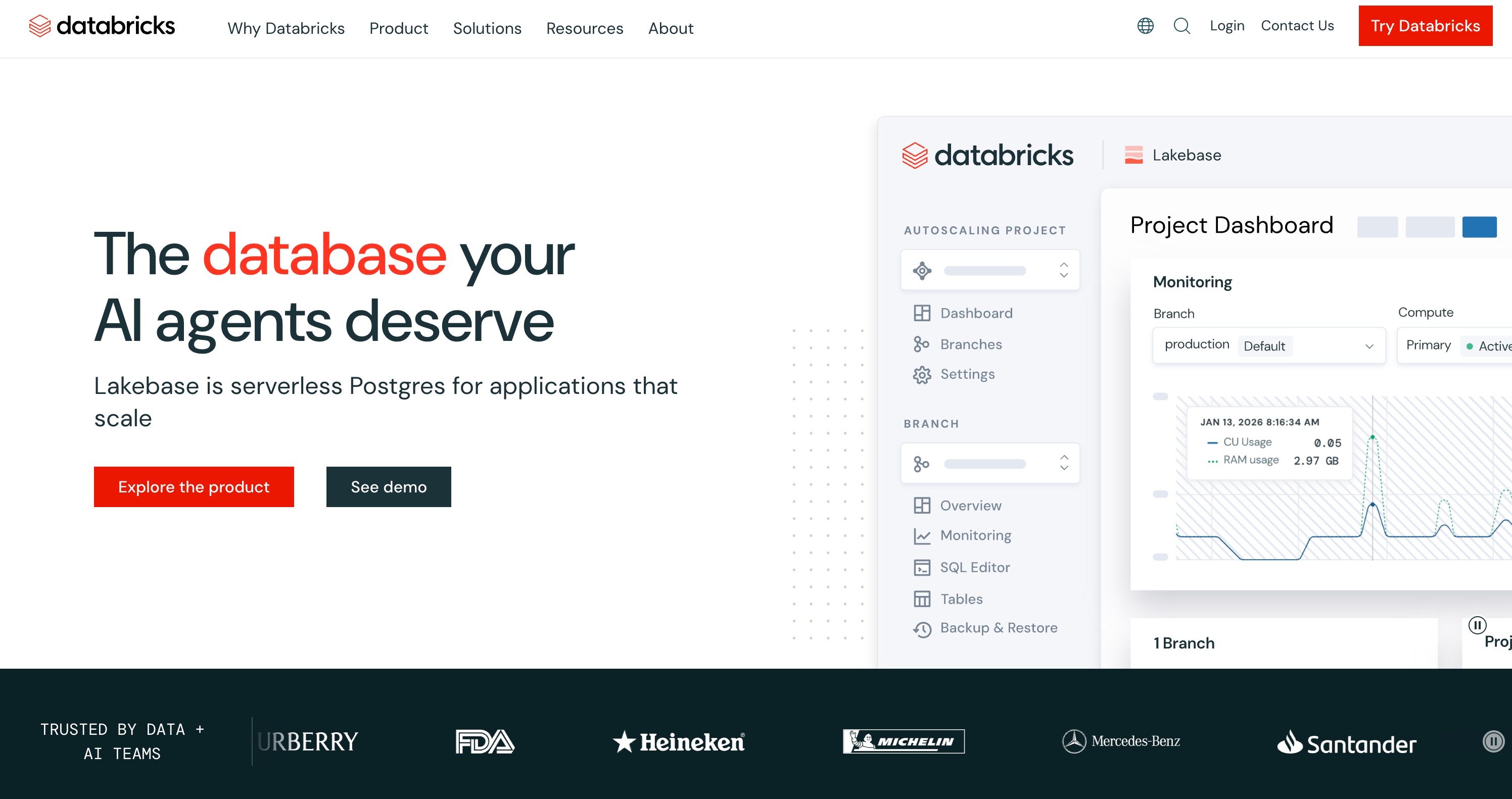
Databricks is an enterprise-grade data intelligence platform built on a lakehouse architecture. While not exclusively a web analytics tool, it is the powerhouse that many Fortune 500 companies use to store, process, and apply generative AI to massive streams of web telemetry data. It allows data scientists to build custom AI models tailored to highly specific web analytics needs.
Key Features
Data Lakehouse Architecture: Combines the flexibility of a data lake with the management features of a data warehouse.
Generative AI Native: Integrates easily with Large Language Models (LLMs) to query vast datasets.
Real-Time Streaming: Processes millions of web events per second for instant reporting capabilities.
Collaborative Notebooks: Allows data engineers, scientists, and analysts to work together in one environment.
Pros
Infinite scalability for processing terabytes of web behavioral data.
Provides ultimate flexibility for custom machine learning and AI reporting.
Unifies analytics and AI in a single, secure platform.
Cons
Requires a highly skilled team of data engineers and scientists to operate.
Costs can spiral out of control if compute resources are not managed efficiently.
Pricing
Pay-as-you-go model based on compute clusters and data processing power.
How to Choose the Best AI Tool for Web Analytics Reporting in 2026
Assess Your Technical Expertise: Choose tools with Natural Language Processing if your team lacks SQL or coding skills. Tools that allow conversational queries bridge the gap between data and non-technical staff.
Look for Context Retention: AI tools are best when they understand your specific business. Prioritize platforms that feature persistent memory so the AI learns your metrics and doesn't require constant retraining.
Evaluate Data Integration Needs: Ensure the tool can easily ingest data from your current stack, whether that involves direct API connections to ad platforms or universal file uploads for CSVs and Excel sheets.
Prioritize Privacy and Compliance: With global data regulations tightening, ensure the tool complies with GDPR and CCPA, offering features like cookieless tracking or local data hosting if required.
Review Pricing Models: AI compute can get expensive. Look for transparent pricing structures—whether freemium, flat-rate, or pay-as-you-go—that align with your expected data volume and user count.
Common Use Cases of AI Web Analytics Reporting Tools in 2026
Automated Report Generation: Eliminating the repetitive monthly task of building presentations by having AI automatically compile data, write summaries, and generate visual dashboards.
Conversational Data Exploration: Allowing marketing teams to ask questions like "Why did our mobile traffic drop last week?" and receiving instant, accurate answers without waiting on data analysts.
Predictive Customer Journeys: Utilizing machine learning to map out user behavior, predicting which segments are most likely to convert and which are at high risk of churn.
Anomaly Detection: Setting up autonomous AI agents that constantly monitor web traffic 24/7, immediately flagging unusual spikes in traffic or sudden drops in conversion rates.
Sentiment and Qualitative Analysis: Using AI to quickly summarize user feedback, read through session transcripts, and gauge the emotional sentiment behind customer interactions.
Final Thoughts
The landscape of web analytics has evolved from manual, tedious data wrangling into an era of instant, actionable intelligence. While tools like Google Analytics and Optimizely serve specific tracking and testing needs, the real bottleneck for modern teams is turning disparate data into coherent, presentation-ready stories.
This is where Powerdrill Bloom stands out as the ultimate solution. By leveraging its persistent MemoryLake technology, Bloom not only visualizes your web data through simple natural language commands, but it actually remembers your business context. If you want to empower your team to bypass SQL, automate tedious reporting workflows, and extract meaningful insights effortlessly, Powerdrill Bloom is the platform you need to elevate your data strategy.
FAQs
What is AI web analytics reporting?
It uses artificial intelligence to automatically process website data, generate insights, and create visual reports without manual effort.
Do I need coding skills to use AI analytics tools?
No, most modern AI tools use natural language processing, allowing you to ask questions and get insights without coding.
How does AI improve reporting accuracy?
AI eliminates human error in data entry, identifies hidden anomalies, and processes vast datasets faster than manual calculations.
Are AI web analytics tools GDPR compliant?
Yes, leading tools offer strict privacy controls, cookieless tracking, and local data hosting to ensure complete GDPR compliance.
Which is the best AI analytics tool for beginners?
Powerdrill Bloom is excellent for beginners because it uses conversational AI and persistent memory to simplify complex data analysis.