10 Best AI Tools for Bank Statement Analysis in 2026 (Free & Paid)
The best AI tools for bank statement analysis in 2026 cover four kinds of work. DocuClipper, Docsumo, and Nanonets extract transactions from statements into clean data. Ocrolus, Inscribe, and MoneyThumb check statements for lenders, including fraud signals. Valid8 traces funds for forensic reviews. ChatGPT, Claude, and Powerdrill Bloom analyze the extracted data and turn it into answers, charts, and reports.
This list is ordered for reading rather than ranked by score. A tool appearing above another says nothing about which suits your statements better. It covers tools that read, check, or analyze bank statements, not tools that only store them. Every price below was read from the vendor's own pages on November 11, 2026. Nothing here is lending, legal, or accounting advice.
Quick answer: the best AI tools for bank statement analysis
AI tools for bank statement analysis are software that use AI to extract transactions, check statements for errors or tampering, and explain cash flow. Most teams pair an extraction tool with an analysis tool. Here is how the ten tools split:
- Best for converting statements into spreadsheets: DocuClipper and Nanonets.
- Best for document AI across a whole loan file: Docsumo.
- Best for lenders and underwriting: Ocrolus and MoneyThumb.
- Best for detecting fake or edited statements: Inscribe.
- Best for forensic accounting and fund tracing: Valid8.
- Best for asking questions about your own statements: ChatGPT and Claude.
- Best for cash flow reports and decks from statement data: Powerdrill Bloom.
10 best AI tools for bank statement analysis at a glance
| Tool | Best for | Starting price (billing basis) | Free plan | Key AI feature |
|---|---|---|---|---|
| Powerdrill Bloom | Cash flow analysis and reports from statements | Pro $13.27/mo | Yes | 13-week cash flow and runway analysis |
| DocuClipper | Statement conversion for accounting and lending firms | Starter $20.30 per month, billed annually | 14-day free trial | Bank Statement Analyzer |
| Docsumo | Document AI for loan files and eligibility packets | Custom quote | 14-day trial, up to 1,000 pages | Cross-document checks |
| Nanonets | Automated extraction workflows | Free with $50 in credits, then $100/month for 100 credits | Yes | Pre-trained bank statement model |
| Ocrolus | Cash flow analytics for lenders | Not listed; demo request | No | AI-powered underwriting |
| Inscribe | Fraud detection on statements | Custom, by document volume | Pilot program | AI-generated document detection |
| MoneyThumb | Statement conversion and scorecards for lenders | PDF Insights from $0.50 per statement conversion | No | Thumbprint fraud checks |
| Valid8 | Forensic accounting and fund tracing | Not listed; demo request | No | AI categories for transactions |
| ChatGPT | Questions and charts from uploaded files | Go $8/month | Yes | Data analysis with Python |
| Claude | Long statements and spreadsheet work | Pro $17 per month with annual billing | Yes | Files and code execution |
Prices were read from each vendor's own page on November 11, 2026.
1. Powerdrill Bloom
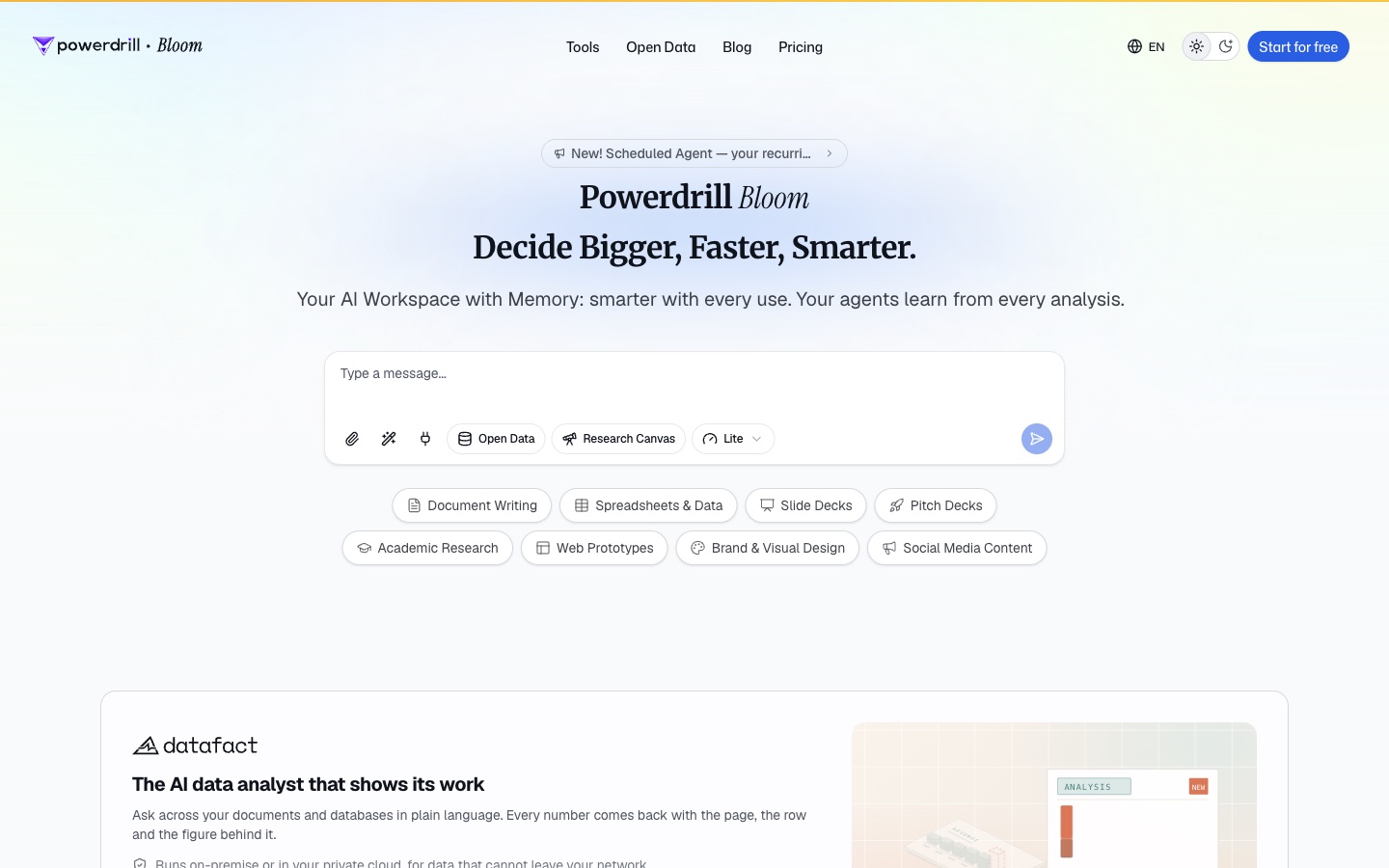
Best for: Finance teams and business owners who turn statements into cash flow analysis and reports.
Powerdrill Bloom is an AI workspace that turns files and data into analysis, reports, and slides. You upload statements or exported transactions and ask for the analysis you need in natural language.
For bank statement work, two tools do most of the job. The Convert PDF to Excel page says it can "Extract tables from PDFs in seconds and download them as clean Excel or CSV files." The AI Cash Flow Analysis tool then starts from "cash data bank statements, AR ageing, AP ageing and your forecast."
Key features
- Statement to spreadsheet. PDF tables become Excel or CSV files ready for review.
- 13-week cash flow. The cash flow tool lists a "Week cash flow with weekly inflows, outflows and ending balance."
- Runway scenarios. It covers "Cash position, burn and runway with multiple sensitivity scenarios."
- Branded exports. Results export as a "branded PDF, deck or canvas link for finance review."
Pros
- Goes from raw statements to a finished cash flow report.
- Builds charts and decks without design work.
- Works with statements from any bank, as PDF or exported files.
Cons
- Its pages describe file uploads and database connections, not live bank feeds, so numbers update when you add new statements.
- Usage is credit-based, so heavy analysis draws down the allowance faster.
Pricing
The pricing page lists Free at $0.00 and Pro at $13.27/mo. Every plan includes 1,000 daily refreshed credits, and Pro lists "Deep analysis, visualization, and reporting."
2. DocuClipper
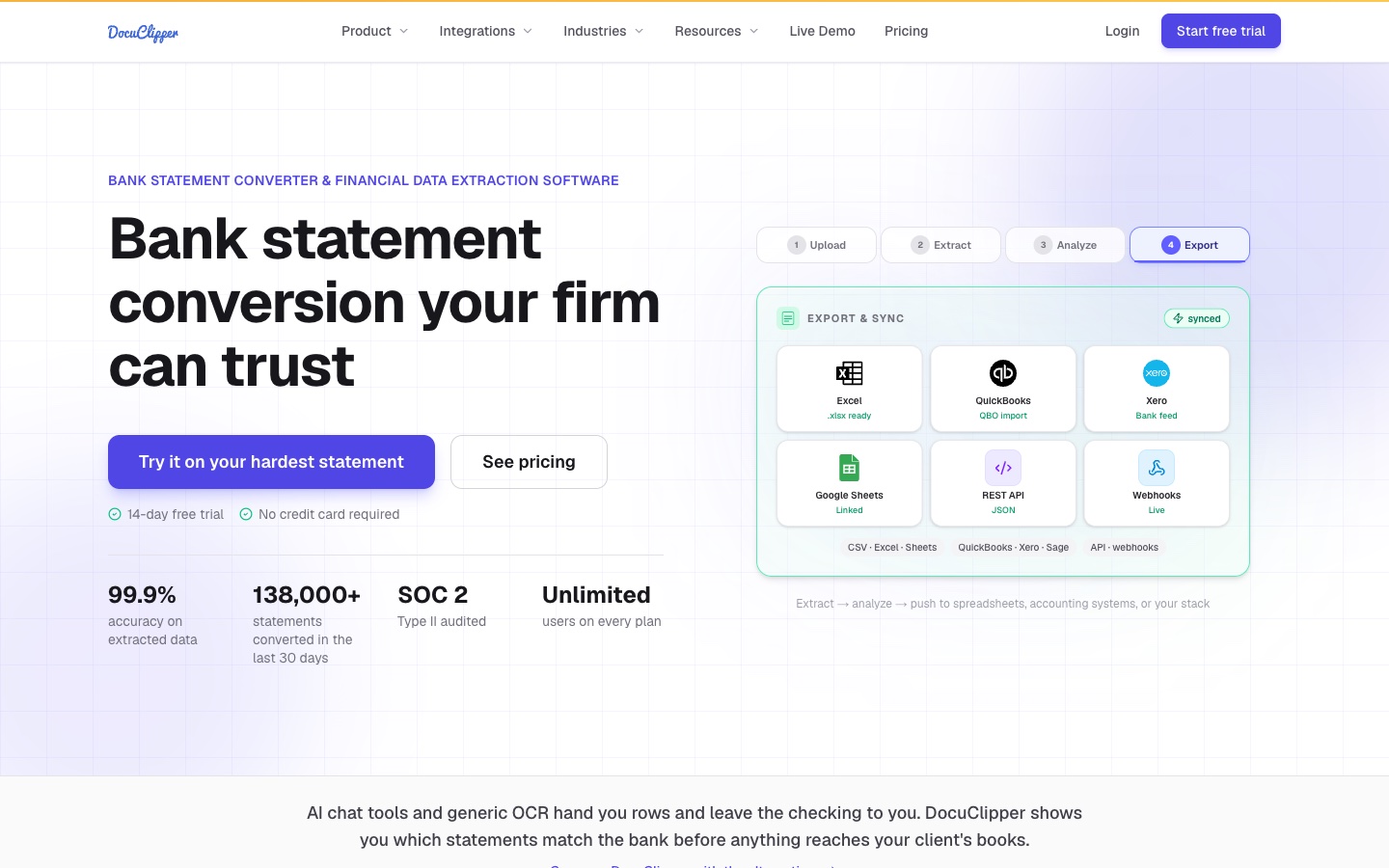
Best for: Accounting firms, bookkeepers, and lenders that convert statements in volume.
DocuClipper converts bank and credit card statements into Excel, QuickBooks, and Xero. Its homepage says "Every statement is checked against the bank's own balances, so your team reviews only what doesn't add up."
Its Bank Statement Analyzer goes further. The page says you can "see missing months, edited PDFs, recurring income and transfers between their own accounts in one place." It adds that each flag comes "with the evidence behind every flag." DocuClipper says it is "Built for underwriters, fraud teams and forensic reviewers."
Key features
- Balance checks. Each statement is reconciled to the printed totals.
- Bank Statement Analyzer. Flags missing months, edited PDFs, and recurring income.
- Transaction categorization. Automatic categories on every plan.
- Accounting exports. QuickBooks, Xero, Excel, and Google Sheets.
Pros
- Unlimited users on every plan.
- Pay by pages, not by seat or client.
- 14-day free trial with no credit card required.
Cons
- Fraud detection and flow of funds analysis start on the Business plan.
- Starter lists 60 pages per month.
Pricing
The pricing page lists Starter at $20.30 per month, billed annually, for 60 pages per month. Business is $111.30 per month for 640 pages, and Enterprise is $279.30 for 1,800 pages, both billed annually.
3. Docsumo
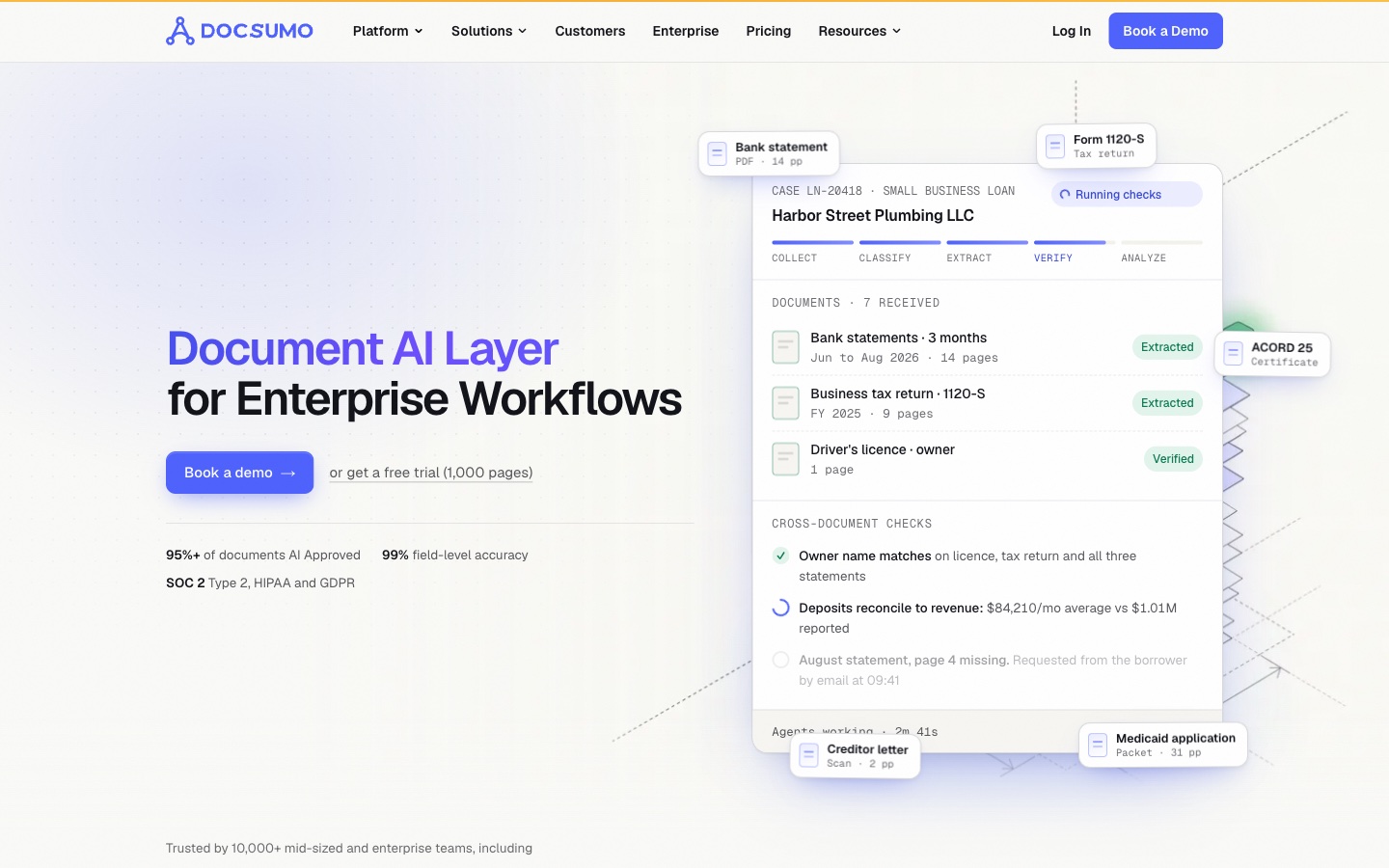
Best for: Lenders and service teams that check statements as part of a larger document file.
Docsumo is a document AI platform for enterprise workflows. Its bank statement page promises "Every transaction from any bank, in any format, checked against the rest of the file." It adds: "Your team reviews exceptions, not PDFs."
Docsumo works on whole cases. It lists lending and underwriting, Medicaid and long-term care eligibility, debt settlement, and accounting as uses. Statements are read alongside tax returns, pay stubs, and other documents.
Key features
- Field-level extraction. Account holder, period, balances, and every transaction.
- Confidence scores. "Every field carries a confidence score."
- Cross-document validations. Listed on the Enterprise plan.
- Case management. Every document in a case, checked together.
Pros
- Handles scanned PDFs and phone photos.
- Checks statements against other documents in the file.
- Free trial on up to 1,000 pages.
Cons
- Business and Enterprise pricing is by quote.
- The free tier is a 14-day trial set up on a call.
Pricing
Docsumo lists a Free trial for 14 days with up to 1,000 free pages. Business and Enterprise are custom quotes based on document volume.
4. Nanonets
Best for: Operations teams that automate statement extraction inside larger workflows.
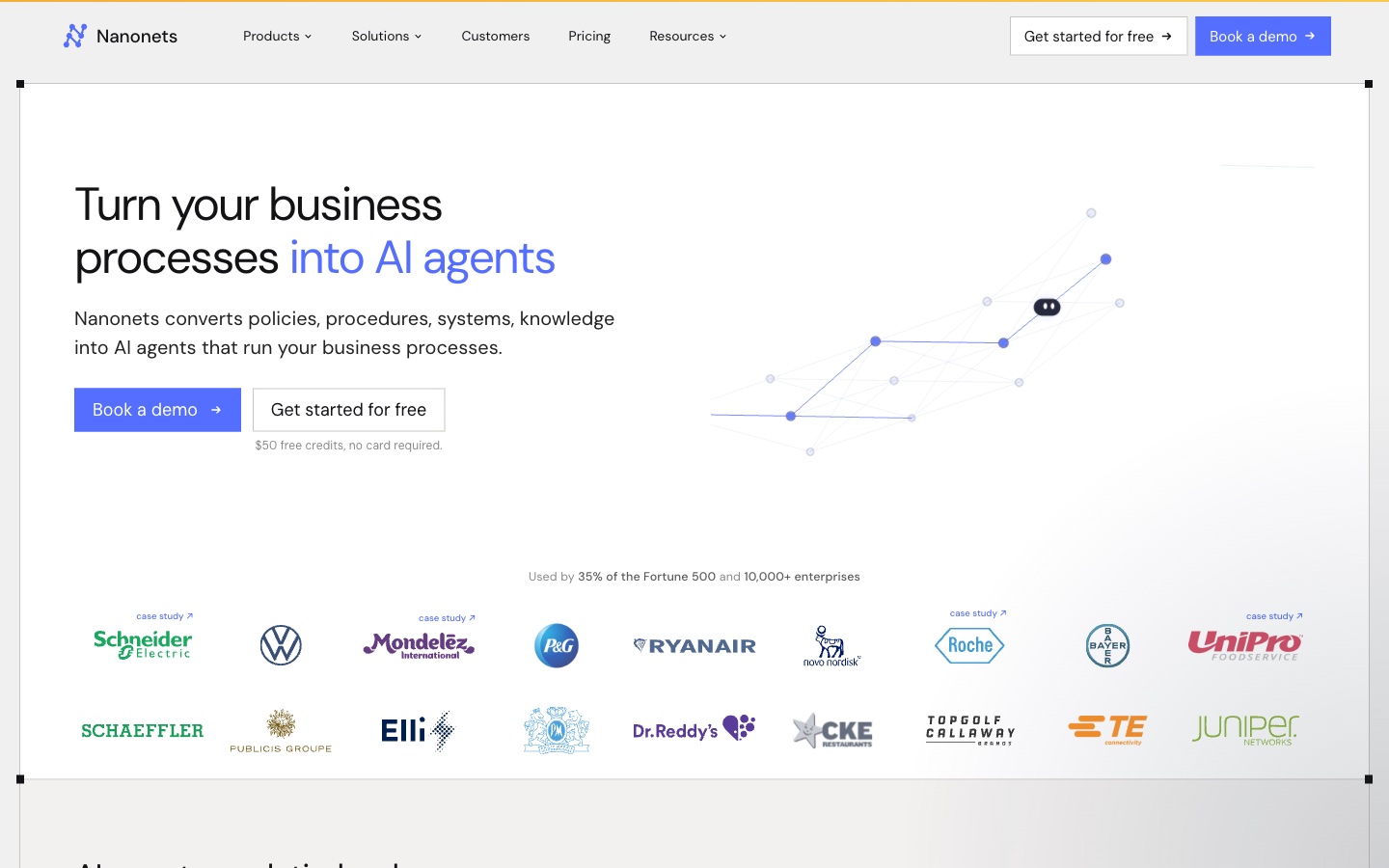
Nanonets builds AI agents for document processing. Its bank statement page says it can "Transform financial processes with automated Bank statements processing." It uses a "pre-trained Bank statements OCR model."
Nanonets explains what extraction covers. Fields include account holder, account number, statement period, transactions, and balances. Output goes to CSV, JSON, or accounting software.
Key features
- Pre-trained statement model. No template setup for common layouts.
- Email intake. Extract statement data from incoming emails.
- Workflow blocks. Each step, from extraction to export, is a block in a workflow.
- Integrations. Cloud storage connectors on Starter; ERP and database integrations on Growth.
Pros
- Start free with $50 in credits and no card.
- Pay per block run, with no seat licenses.
- Handles many document types beyond statements.
Cons
- Costs depend on workflow design, so estimates take some math.
- Classification AI and generative AI blocks start on the Growth plan.
Pricing
Nanonets lists Starter as free with $50 in credits, then $100 per month for 100 credits. Growth is quoted by volume, and Enterprise is custom. Block runs cost $0.02 for simple steps, $0.10 for standard AI, and $0.30 for complex AI such as extraction.
5. Ocrolus
Best for: Lenders that need cash flow analytics for underwriting.
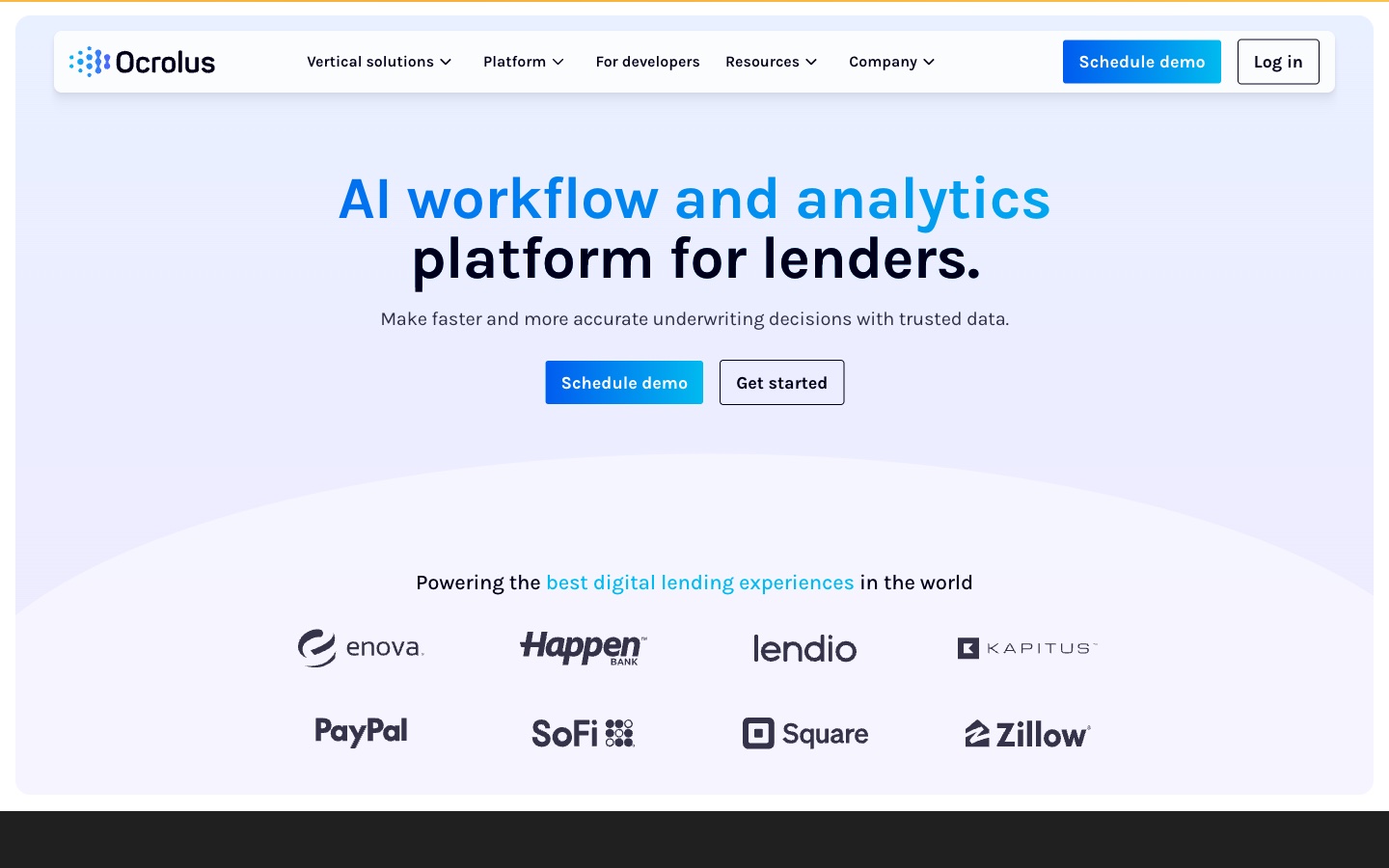
Ocrolus calls itself an "AI workflow and analytics platform for lenders." Its homepage says it helps "Make faster and more accurate underwriting decisions with trusted data."
For small-business funding, its cash flow product says it can "Turn bank statements and digital transaction data into clean, decision-ready insights." It also lists fraud detection, industry classification, and account monitoring.
Key features
- Cash flow analytics. Transaction tags, revenue, and debt capacity calculations.
- AI-powered underwriting. Listed for small-business funders.
- Fraud detection. Part of the platform.
- Benchmarking. Merchant intelligence and performance benchmarks.
Pros
- Built specifically for lending decisions.
- Covers mortgage, consumer, and small-business lending.
- Customer quotes from lenders such as Enova and Lendio on its site.
Cons
- No public price list.
- Aimed at lenders rather than individuals or small accounting firms.
Pricing
Ocrolus does not show prices on its site. A request for its pricing page returned the homepage on the day we checked. Schedule a demo for a quote.
6. Inscribe
Best for: Fraud and risk teams that need to know if a statement is real.
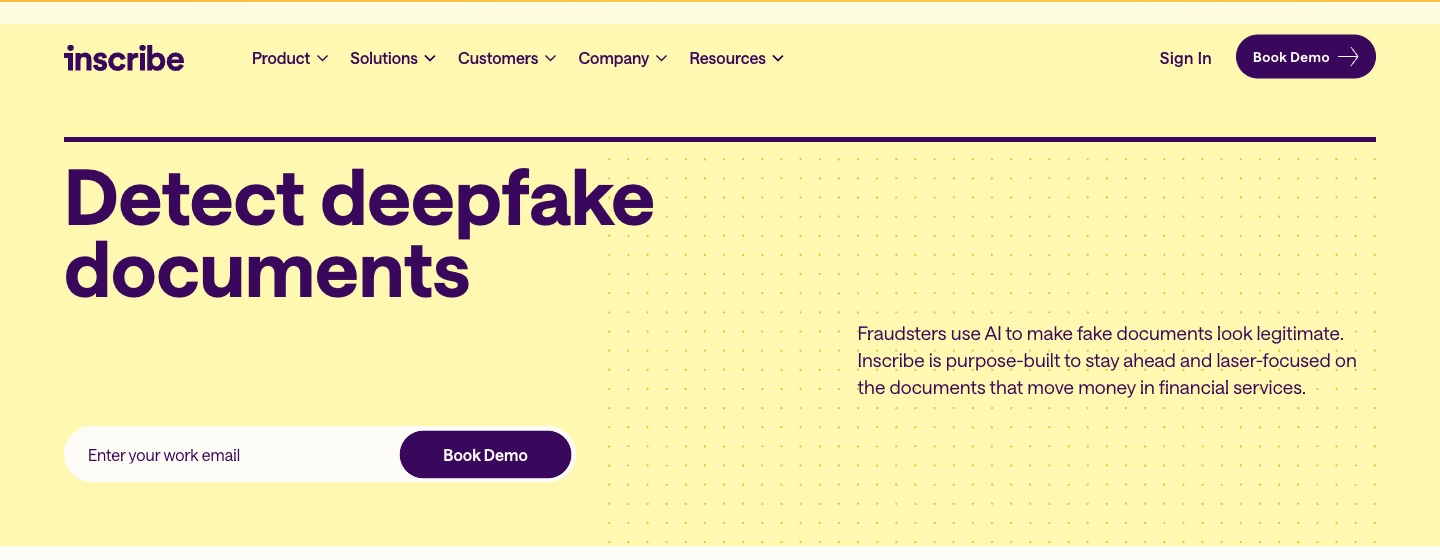
Inscribe is AI document fraud detection for financial services. Its homepage says "Inscribe is purpose-built to stay ahead and laser-focused on the documents that move money in financial services."
Its Bank Statement Analyzer pairs analysis with authenticity checks. For consumer lending, it says teams can "Analyze 3–12 months of bank statements to verify income, evaluate cash flow patterns, and validate affordability." It flags "inflated deposits, unusual pay cadence, missing pages, or suspicious transaction patterns."
Key features
- AI-generated document detection. Listed as a core feature.
- Fraud detection and risk scoring. Included on the Base plan.
- Credit insights. Listed on the Premium plan.
- API, web app, and SSO. Included on Base.
Pros
- Focused on whether a statement is authentic, not just what it says.
- Covers consumer, business, and regulatory reviews.
- A complimentary pilot uses your own documents.
Cons
- Pricing is custom, by document volume.
- Credit insights and advanced decisioning start on Premium.
Pricing
The pricing page says "Inscribe pricing is based on document volume and the features your team needs." Base and Premium are both custom priced. A complimentary pilot is available.
7. MoneyThumb
Best for: Lenders and accountants who want conversions plus an underwriting scorecard.
MoneyThumb makes financial file converters for lenders and accounting firms. Its lender page says its tools "Automatically remove non-qualifying revenue, identify debt obligations, and detect fraud in seconds instead of days."
Two products do most of the work. PDF Insights converts and analyzes statements, and Thumbprint checks them for tampering. MoneyThumb says Thumbprint factors "are all evaluated using an algorithm created by machine learning."
Key features
- PDF Insights. Conversion and analysis for lending files.
- Thumbprint. Fraud checks that compare a statement with others from the same bank.
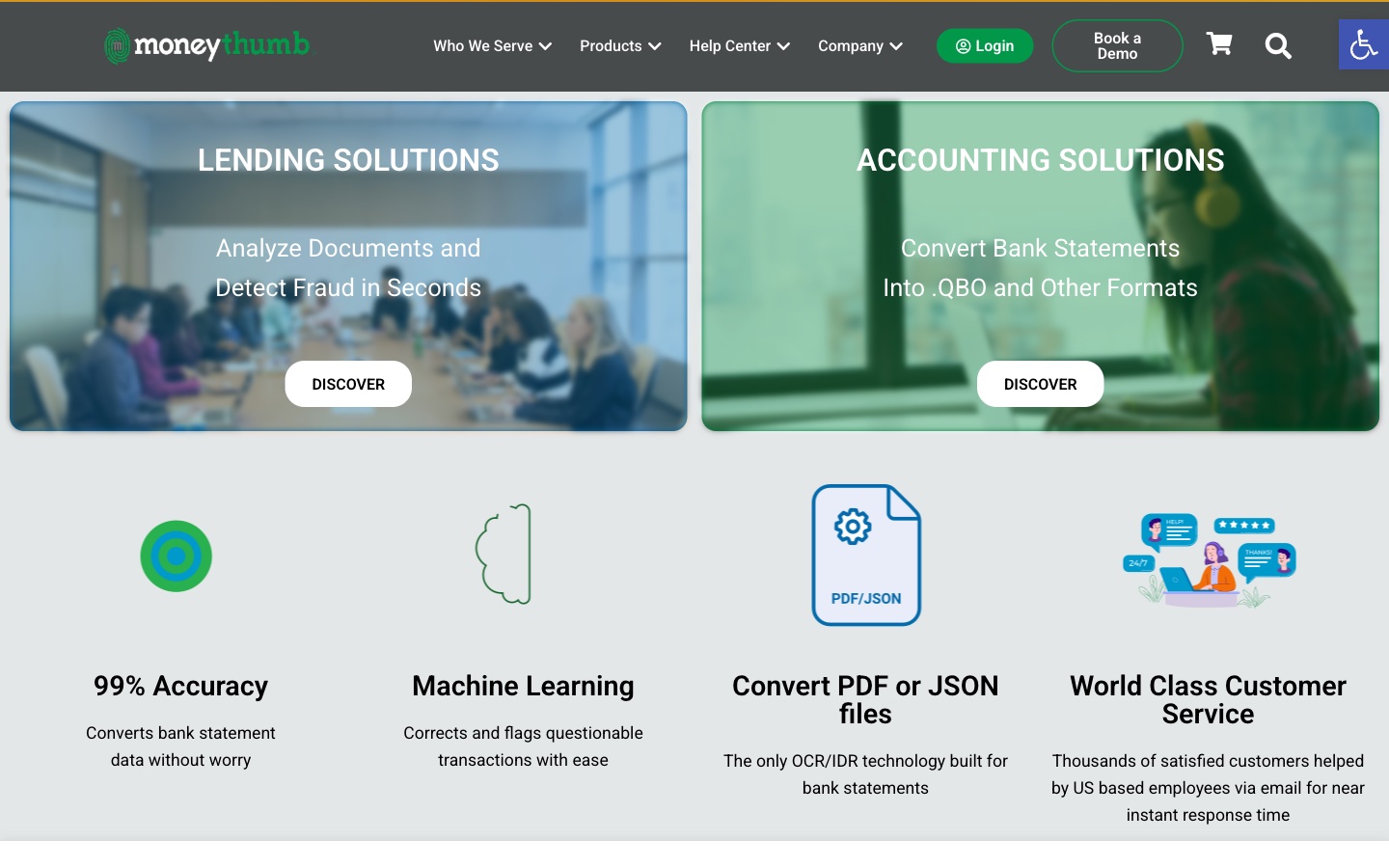
- Machine learning. "Corrects and flags questionable transactions with ease."
- eConvert. Email a PDF and get a scorecard back.
Pros
- Per-statement pricing suits uneven volume.
- Converts into QuickBooks .QBO and other formats.
- Underwriting scorecard for small-business lenders.
Cons
- Lender products are sold per statement, so monthly cost depends on volume.
- Prices are shown as "As low as" figures, so the rate depends on the variant you choose.
Pricing
MoneyThumb's shop lists PDF Insights from $0.50 per statement conversion. PDF Insights with Thumbprint is listed from $0.65 per statement conversion. Both are shown as "As low as" prices with several variants.
8. Valid8
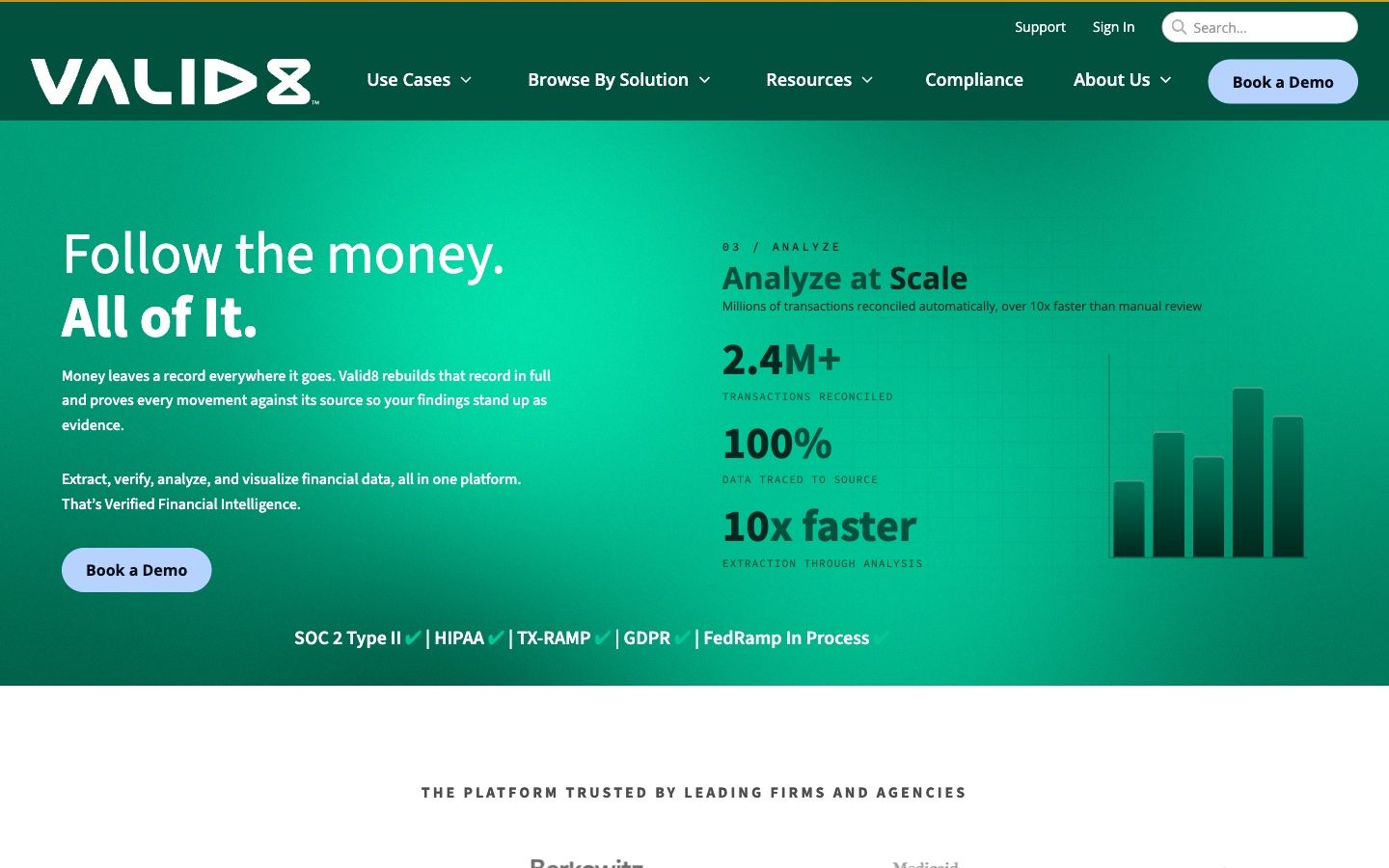
Best for: Forensic accountants and investigators who trace funds across many statements.
Valid8 calls its product "Verified Financial Intelligence." Its homepage says Valid8 "rebuilds that record in full and proves every movement against its source so your findings stand up as evidence."
It reads statements, checks, wires, and ledgers without templates. Then it reconciles transactions and traces funds "from origin accounts, through newly opened shells, to where they finally land."
Key features
- Template-free ingestion. Reads bank statements, brokerage statements, and checks.
- Verification to source. Each transaction is tied back to its document.
- AI categories. "AI + prompt categorization: labels transactions your way."
- Stories and reports. Custom transaction narratives, exported to Excel or PDF.
Pros
- Built to produce findings that hold up as evidence.
- Lists SOC 2 Type II, HIPAA, TX-RAMP, and GDPR.
- Handles bad scans and mixed document types.
Cons
- No public price list.
- Built for investigations, so it is more than most small businesses need.
Pricing
Valid8 does not list prices on its site, and its main navigation has no pricing page. Book a demo for a quote.
9. ChatGPT
Best for: Quick questions and charts from a statement you export yourself.
ChatGPT is OpenAI's AI assistant. Its help center says "ChatGPT can analyze uploaded files, answer questions about the data, and create tables or charts."
For statements, it works best with a CSV or Excel export from your bank. The help page lists spreadsheets, PDFs, and text files as supported. It runs Python for "calculations, transformations, and statistical analysis," and the page advises you to review the code and assumptions.
Key features
- File analysis. Upload .xls, .xlsx, .csv, or PDF files.
- Charts. Static charts, plus interactive bar, line, pie, and scatter charts.
- Python analysis. Code runs in a notebook environment for calculations.
- Connected sources. Files from Google Drive, OneDrive, and SharePoint where available.
Pros
- A free plan and a low-cost Go plan.
- Flexible questions in natural language.
- Shows the code behind each result.
Cons
- The help page says file limits vary by plan, model, and workspace settings.
- The analysis environment "cannot make external web requests or API calls."
Pricing
OpenAI's pricing page lists Free at $0/month, Go at $8/month, and Plus at $20/month. Pro starts at $100/month. Business is $20 per user per month billed annually, or $25 billed monthly, for 2 or more users.
10. Claude
Best for: Long statements and detailed spreadsheet work with Office files.
Claude is Anthropic's AI assistant. Its pricing page says every plan can "Search the web, create files, and run code." Paid plans add Claude for Microsoft 365.
In November 2026, Anthropic launched Claude Sheets in beta. It is a spreadsheet Claude builds and edits with you, available on paid plans. For statement work, that means a tracker or categorized ledger can stay inside Claude while you check it.
Key features
- Files and code execution. Listed on every plan, including Free.
- Claude for Microsoft 365. Works in Excel, Word, and PowerPoint on paid plans.
- Claude Sheets (beta). A shared spreadsheet Claude builds from a prompt.
- Projects. Listed on Pro, for keeping related files together.
Pros
- Handles long, multi-page statements well.
- Keeps formulas and formats when working in Excel.
- Free plan available.
Cons
- Claude for Microsoft 365 is not included on the Free plan.
- Usage limits apply every 5 hours and every week.
Pricing
Claude's pricing page lists Free at $0. Pro is $17 per month with annual billing ($200 billed up front), or $20 billed monthly. Max is $100 per month.
How we chose these tools
Twelve tools were assessed. Two were removed. Ten made the list. Each tool had to pass three checks:
- Statement work. Do its pages describe reading, checking, or analyzing bank statements or their transactions?
- AI features. Do its pages describe AI inside the product, such as extraction models, fraud detection, or assistants?
- Price clarity. Can a reader see what it costs, or at least how to get a price?
Each needed a live product page we could open on the day of review. No third-party ratings or review scores were used.
Prices are written the way each vendor shows them. Where a page leaves out a price, the entry says so. A missing price did not remove a tool. Time-bound offers and percentage labels were left out.
The two removals were outside the scope of this list:
- No AI features described (1). Bank Statement Converter converts PDF statements to Excel. Its pages we read did not describe AI features inside the product.
- A full-service workflow rather than a tool (1). Heron's pages describe handling broker submissions "from application to offer" and delivering deals to a CRM. That is a service built around funders' intake, not a tool for analyzing statements you upload yourself.
Why Powerdrill Bloom is recommended for bank statement analysis
Powerdrill Bloom passed the same checks as every other tool here. It is recommended for bank statement analysis that ends in a report. That covers cash position reviews, 13-week cash flow forecasts, and runway checks built from statement data.
The AI Cash Flow Analysis tool lists a "Runway sensitivity chart with base, bull and bear cash trajectories." The PDF to CSV page turns statement tables into CSV with a single prompt. A Free plan is available, and Pro is $13.27/mo.
Its pages describe file uploads and database connections rather than live bank feeds. Lenders who need fraud checks should pair it with Inscribe, MoneyThumb, or DocuClipper from this list.
Which AI tool fits which statement task
Most teams use more than one tool. Here is how they fit common tasks.
Converting PDFs to spreadsheets. DocuClipper and Nanonets extract transactions into Excel, CSV, or accounting software. Our guide on how to convert PDF to Excel covers manual and AI methods.
Bookkeeping and reconciliation. DocuClipper pushes data to QuickBooks and Xero. MoneyThumb converts statements to .QBO files.
Underwriting a loan. Ocrolus, MoneyThumb, and Docsumo calculate income, deposits, and debt capacity.
Catching fake statements. Inscribe focuses on authenticity. DocuClipper and MoneyThumb add tamper checks on higher plans.
Tracing funds in an investigation. Valid8 follows money across accounts and produces evidence-ready reports.
Understanding your own cash flow. Powerdrill Bloom builds a 13-week cash view and runway scenarios. Our guide on how to create a cash flow forecast in Excel shows the manual version.
Asking quick questions. ChatGPT and Claude answer questions about an exported file, such as top spending categories by month.
Extraction tools vs. fraud tools vs. analysis tools
These three groups often get compared, but they solve different problems.
Extraction tools include DocuClipper, Docsumo, and Nanonets. They turn PDFs and scans into rows and columns. Their AI reads layouts and checks totals. They suit firms that process many statements a month.
Fraud and lending tools include Ocrolus, Inscribe, and MoneyThumb. They ask whether a statement is real and what it says about a borrower. Their AI flags edits, missing pages, and odd deposits. They usually price by quote or per statement.
Analysis tools include ChatGPT, Claude, and Powerdrill Bloom. They answer questions and build charts or reports from data you provide. They are flexible, but they depend on clean input.
Valid8 sits between groups. It extracts, verifies, and analyzes, but for investigations rather than everyday bookkeeping.
A small business might pair an extraction tool with an analysis tool. A lender might add a fraud tool on top.
A simple test helps before you buy. Take three months of statements you already know well. Run them through two tools and compare the totals with the printed balances. Then ask one question you can answer yourself, such as the largest monthly outflow. The tool that matches both is the one to keep.
Conclusion
No single AI tool covers every part of bank statement analysis. Extraction tools bring clean data. Fraud tools bring trust in the documents. Analysis tools bring answers and reports.
Good analysis still starts with complete statements. AI speeds up extraction, checks, and charts, but missing months or wrong account numbers will still mislead any tool.
Start with the step that takes most of your time. If it is data entry, try DocuClipper or Nanonets. If it is checking authenticity, try Inscribe. If it is explaining cash flow to a manager or lender, an analysis tool saves the most time.
Check every AI total against the statement's printed balances before you rely on it.
When your statements need to become a cash flow report, try Powerdrill Bloom with the last three months of exports.
Frequently asked questions
What is the best AI tool for bank statement analysis?
It depends on the job. DocuClipper and Nanonets suit extraction. Inscribe and Ocrolus suit lenders checking statements. Powerdrill Bloom suits turning statement data into cash flow reports.
Are there free AI tools for bank statement analysis?
Yes. ChatGPT and Claude have free plans, Nanonets starts free with $50 in credits, and Powerdrill Bloom has a Free plan at $0.00. DocuClipper and Docsumo offer free trials.
Can AI detect fake bank statements?
Some tools are built for it. Inscribe flags AI-generated and edited documents. DocuClipper's analyzer flags edited PDFs, and MoneyThumb's Thumbprint compares statements with others from the same bank.
Can ChatGPT analyze bank statements?
Yes, if you upload a file. OpenAI's help center lists spreadsheets and PDFs as supported. For best results, upload a CSV or Excel export with clear column names.
Is it safe to upload bank statements to AI tools?
Check each vendor's security page first. Several tools on this list state SOC 2 compliance. Remove account numbers you do not need, and follow your company's data rules.
Sources: DocuClipper · DocuClipper Bank Statement Analyzer · DocuClipper pricing · Docsumo bank statements · Docsumo pricing · Nanonets bank statements · Nanonets pricing · Ocrolus · Ocrolus small business funding · Inscribe Bank Statement Analyzer · Inscribe pricing · MoneyThumb for lenders · MoneyThumb shop · Valid8 · OpenAI Help, Data analysis with ChatGPT · ChatGPT pricing · Claude pricing · Bank Statement Converter · Heron.