10 Best AI Analytics and Reporting Tools for Business Insights in 2026 (Features, Pricing & Comparison)
Introduction
For modern business executives, marketing teams, and data analysts, the mere act of collecting data is no longer a competitive advantage—it’s a baseline. The real battleground lies in how quickly you can extract actionable Business Insights and present them to stakeholders.
After testing dozens of data analysis platforms, we’ve curated the 10 best AI analytics and reporting tools of the year to help your team say goodbye to inefficient analysis and unlock high-value insights with ease.
What Are AI Analytics and Reporting Tools for Business Insights?
AI analytics and reporting tools are advanced software platforms that leverage machine learning (ML), natural language processing (NLP), and generative AI to automatically process raw data, identify hidden trends, and translate them into actionable business intelligence. Unlike traditional BI tools that require manual coding or complex dashboard setups, these modern AI agents allow users to query data using everyday language. They autonomously execute data cleansing, predictive modeling, and automated visualization, instantly transforming vast datasets into easy-to-understand charts, infographics, and executive-ready reporting dashboards.
Comparison Table of the 10 Tools
Here is a quick overview of the top AI tools dominating the business intelligence landscape in 2026:
Tool Name | Best For | Key AI Feature | Pricing |
Data insights & instant PPT generation | AI-driven insights to Slides/Infographics | Freemium, Starts at $13.27/user/month | |
Conversational data analysis | Natural language data modeling | Freemium, Pro starts at $33/mo | |
Enterprise visual analytics | Automated metric tracking & AI summaries | Starts at $15/user/month | |
Microsoft ecosystem users | AI report generation within Office 365 | ||
Search-driven analytics | AI-powered natural language search | ||
Marketing agency reporting | Automated multi-channel data blending | ||
Enterprise machine learning | End-to-end AI/ML model deployment | Custom enterprise pricing | |
No-code predictive analytics | Fast ML model building for marketing | Custom enterprise pricing | |
CRM & sales data insights | Automated pipeline forecasting | ||
Ad-hoc Python data analysis | Advanced Data Analysis (Code Interpreter) |
1. Powerdrill Bloom — Best AI Analytics Tool for Data Insights and PPT Generation
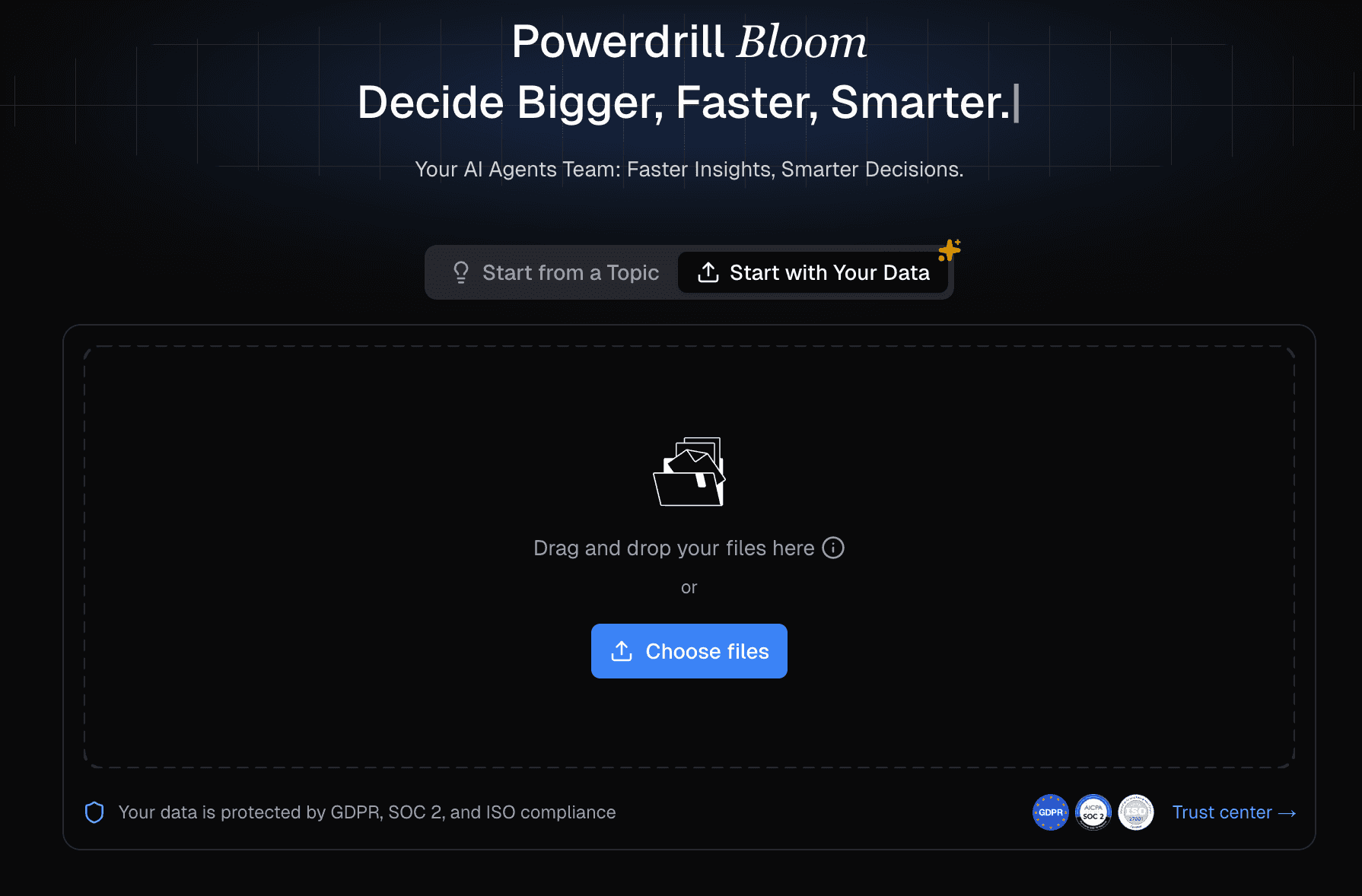
Powerdrill Bloom is the ultimate AI agent built specifically for business insights and presentations. Best for executives, marketers, and business analysts who need to turn raw data into professional, board-ready PPTs and infographics instantly.
Key Features:
Zero-Design-Skill Visualization: Automatically recommends optimal charts and transforms complex data into engaging narratives.
Deep Data Exploration: Effortlessly processes and compares metrics from Excel, CSV, PDF, and other raw data formats.
One-Click Presentation Export: Converts extracted business insights into professional, fancy slides and infographics ready for executive sharing.
Pros:
Extremely intuitive natural language interface—no coding required.
Saves hours of manual work by bridging the gap between data analysis and PPT creation.
Cons:
Requires clear initial prompts for highly customized niche branding.
May not replace ultra-complex enterprise data warehouse engineering tools.
Pricing:
Freemium; Starts at $13.27/user/month
2. Julius AI — Best for Conversational Data Analysis
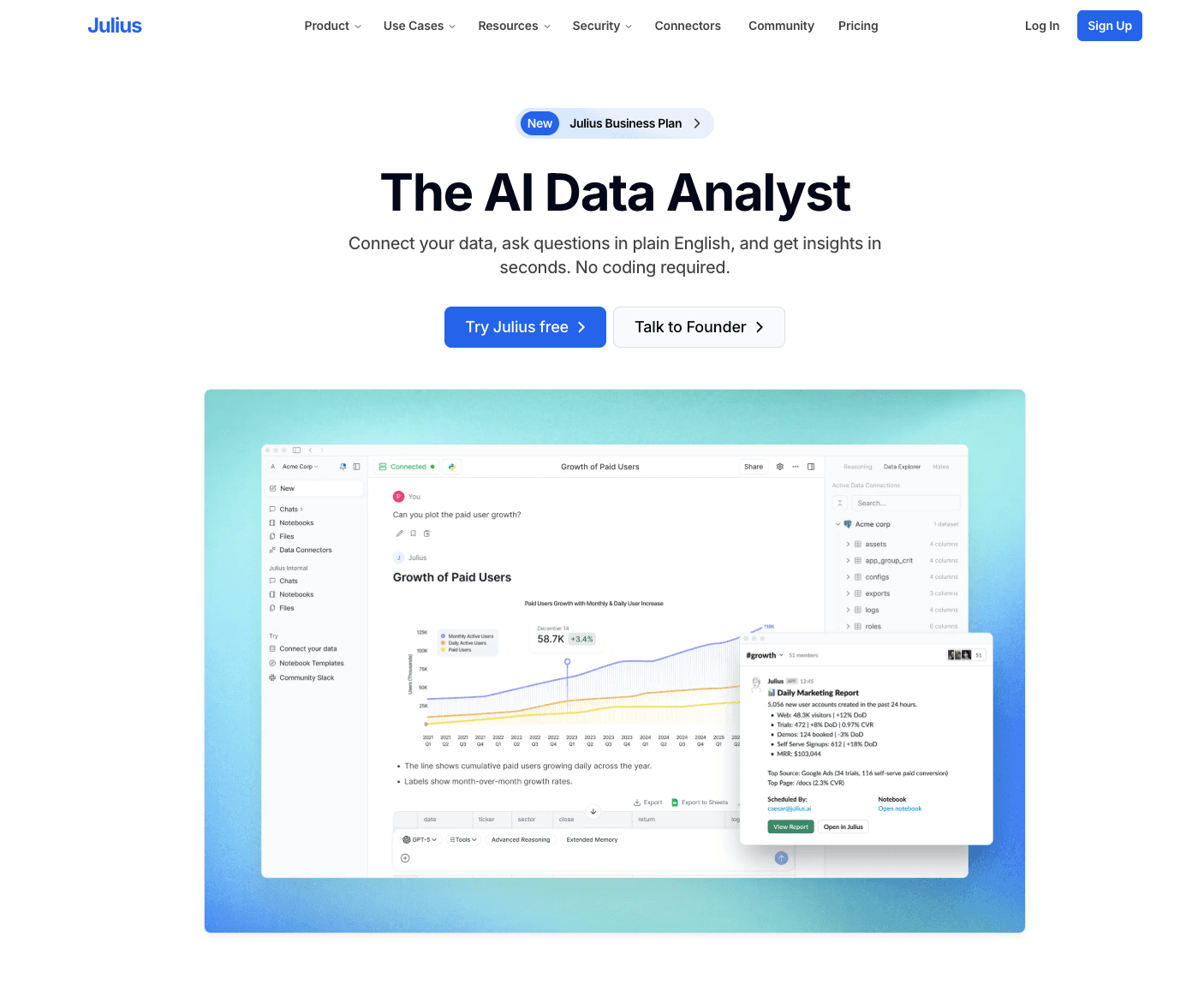
A conversational AI data analyst that allows users to chat with their datasets. Best for individual analysts and researchers who prefer a chat-based interface for data manipulation.
Key Features:
Instantly generates Python code to analyze data.
Supports dynamic charting and graphical outputs.
Direct integration with Google Sheets and Excel.
Pros:
Very fast at executing ad-hoc data queries.
Excellent for basic statistical modeling.
Cons:
Lacks one-click professional PPT export features.
Visualization customization is somewhat limited.
Pricing:
Free basic tier; Pro starts at $33/mo.
3. Tableau AI — Best for Enterprise Visual Analytics
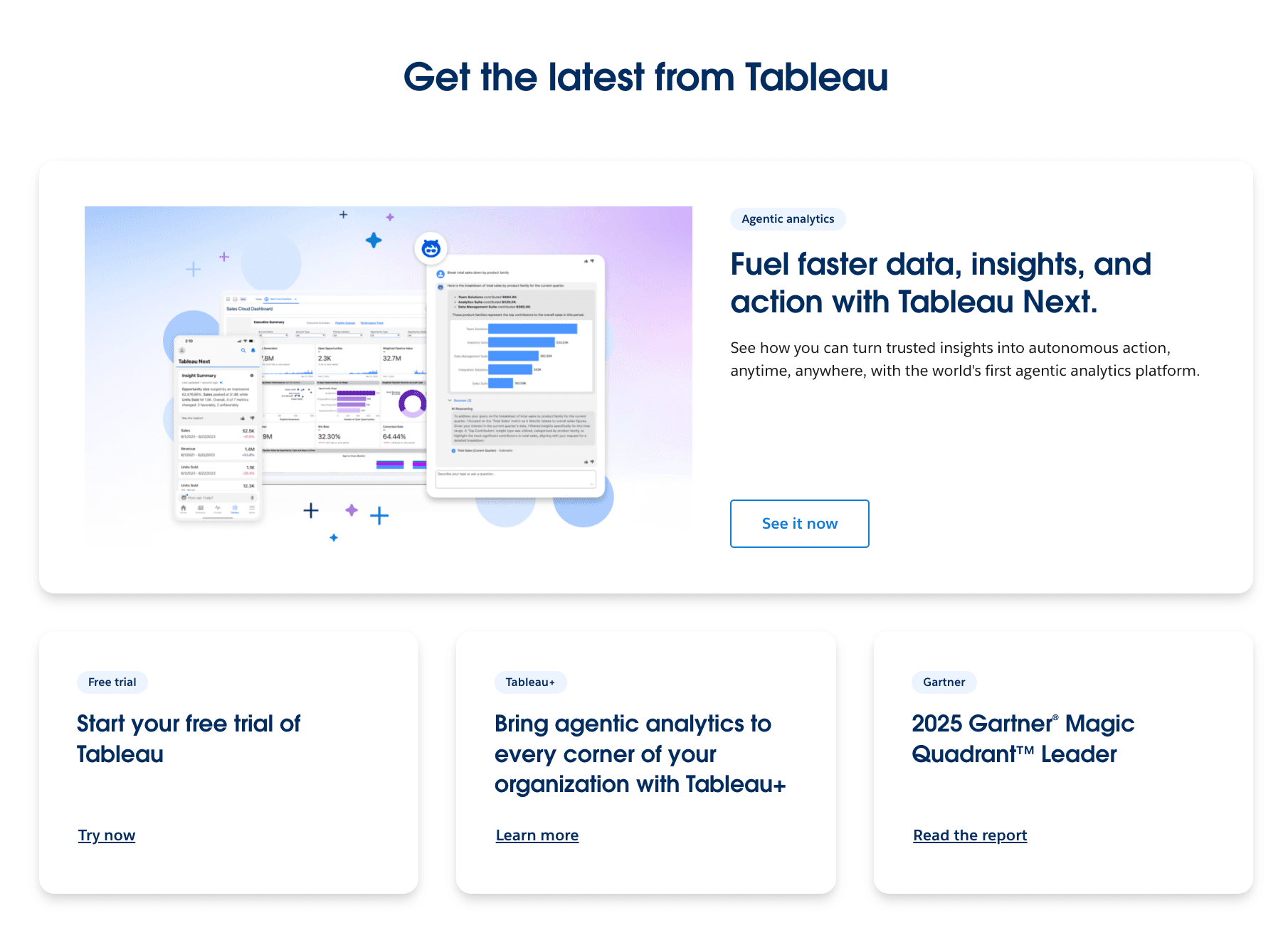
The next-generation AI evolution of the industry-leading BI tool. Best for enterprise data teams requiring highly customizable, scalable visual analytics.
Key Features:
Generative AI summaries of key metrics.
Deep integration with the Salesforce ecosystem.
Automated detection of business anomalies.
Pros:
Unmatched depth in chart customization.
Highly secure for enterprise-grade data.
Cons:
Steep learning curve for non-technical users.
High total cost of ownership.
Pricing:
Tableau Viewer starts at $15/user/month (requires higher tiers for full AI features).
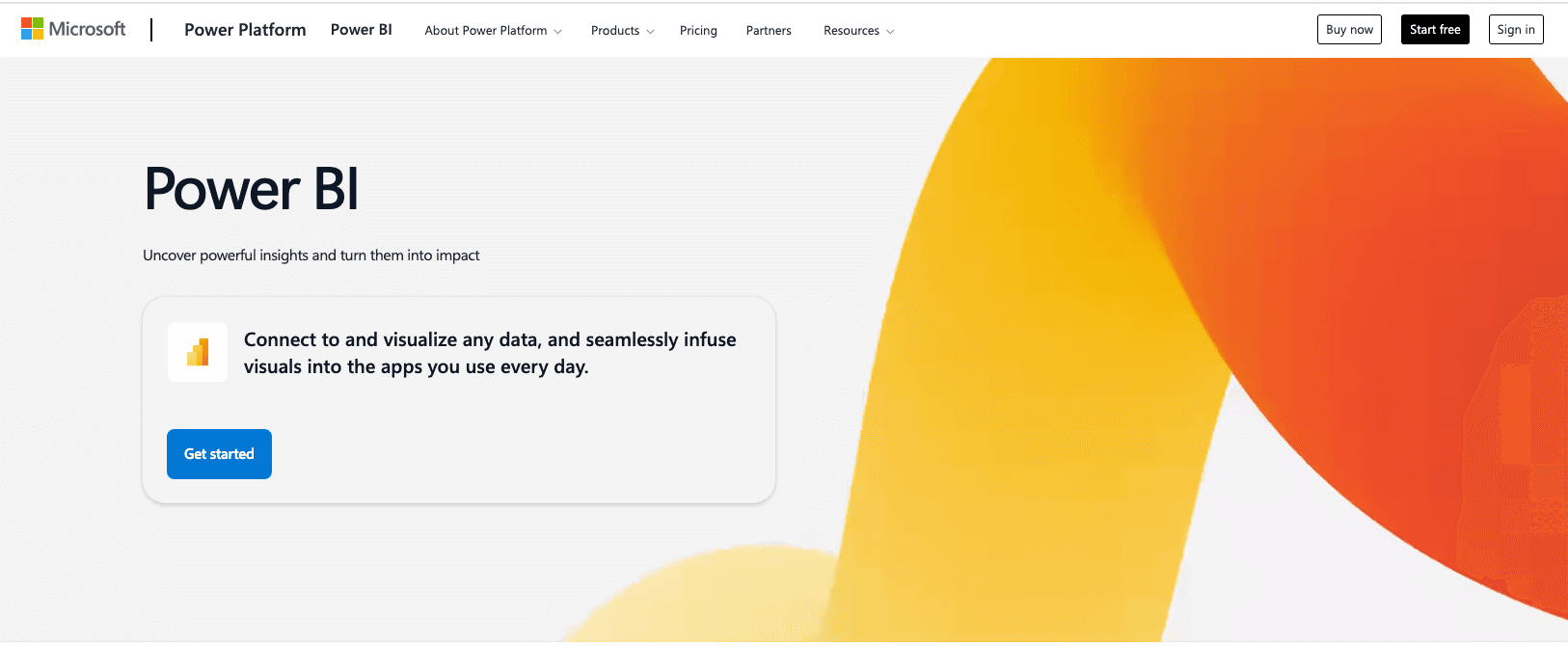
4. Microsoft Power BI Copilot — Best for Microsoft Ecosystem Users
AI-powered assistant embedded within Power BI. Best for organizations heavily invested in the Microsoft Office 365 and Azure environments.
Key Features:
Auto-generates DAX calculations via text prompts.
Suggests dashboard layouts and creates reports instantly.
Seamlessly integrates with Excel and Teams.
Pros:
Perfect synergy with existing Microsoft infrastructure.
Strong data governance and security compliance.
Cons:
Requires expensive Power BI Premium or Fabric capacity to run Copilot.
Interface can feel cluttered for simple tasks.
Pricing:
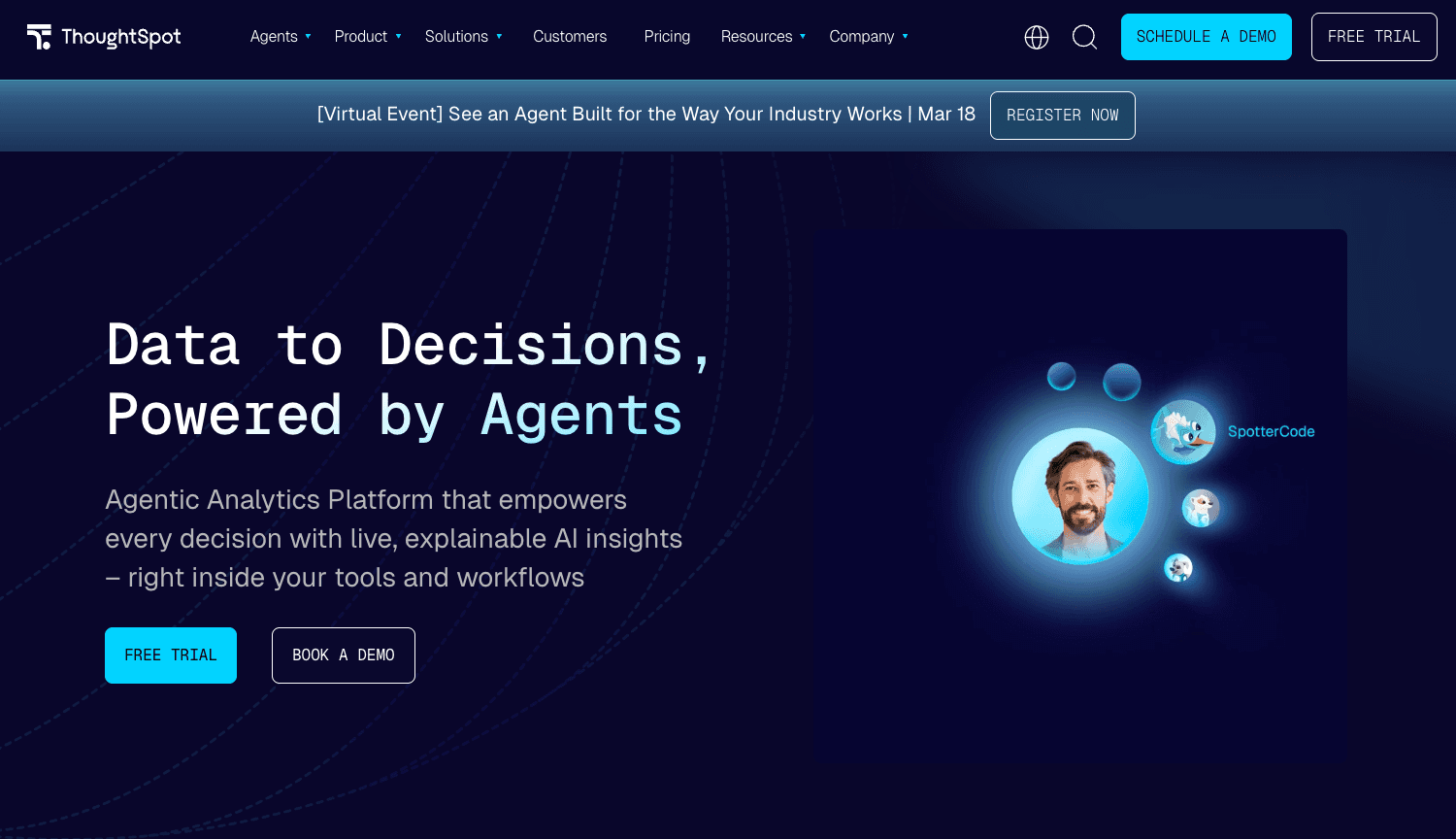
5. ThoughtSpot — Best for Search-Driven Analytics
A platform that uses AI-driven search to make data exploration as easy as searching on Google. Best for non-technical business users who want self-service analytics.
Key Features:
Relational Search Engine for complex business queries.
SpotIQ AI engine to automatically uncover hidden insights.
Live analytics embedded into third-party apps.
Pros:
Empowers frontline workers to find answers independently.
Highly scalable across massive cloud datasets.
Cons:
Setup requires significant data modeling upfront by data engineers.
Expensive for smaller teams.
Pricing:
Starts at $50/month for basic teams, scales up rapidly.
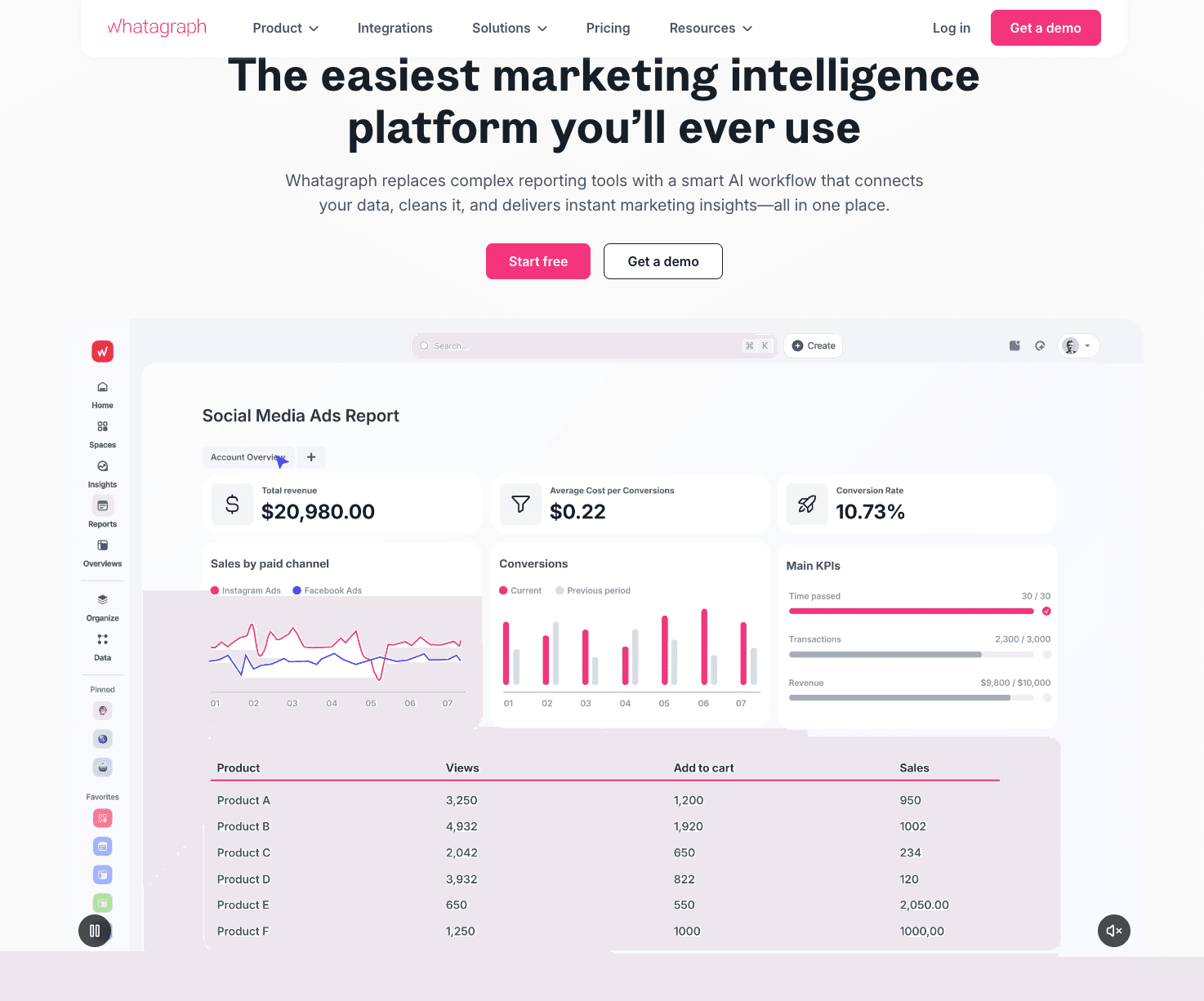
6. Whatagraph — Best for Marketing Agency Reporting
An automated reporting tool enhanced with AI, designed specifically for marketing metrics. Best for marketing agencies tracking multi-channel campaign performance.
Key Features:
Pre-built integrations with 40+ marketing platforms (Ads, Social, SEO).
Automated data blending and cross-channel reporting.
Smart insights on campaign ROI.
Pros:
Beautiful, client-ready report templates.
Massive time-saver for monthly agency reporting.
Cons:
Strictly focused on marketing; not suitable for general financial/HR data.
Custom data imports can be rigid.
Pricing:
7. Dataiku — Best for Enterprise Machine Learning
A centralized data platform for Everyday AI. Best for data science teams building and deploying complex predictive models.
Key Features:
Visual machine learning pipelines.
MLOps and model governance.
Generative AI integration capabilities for enterprise workflows.
Pros:
Highly collaborative environment for coders and non-coders alike.
Handles massive, complex enterprise architectures.
Cons:
Overkill and overly complex for simple business reporting.
Prohibitive cost for SMBs.
Pricing:
Custom enterprise pricing.
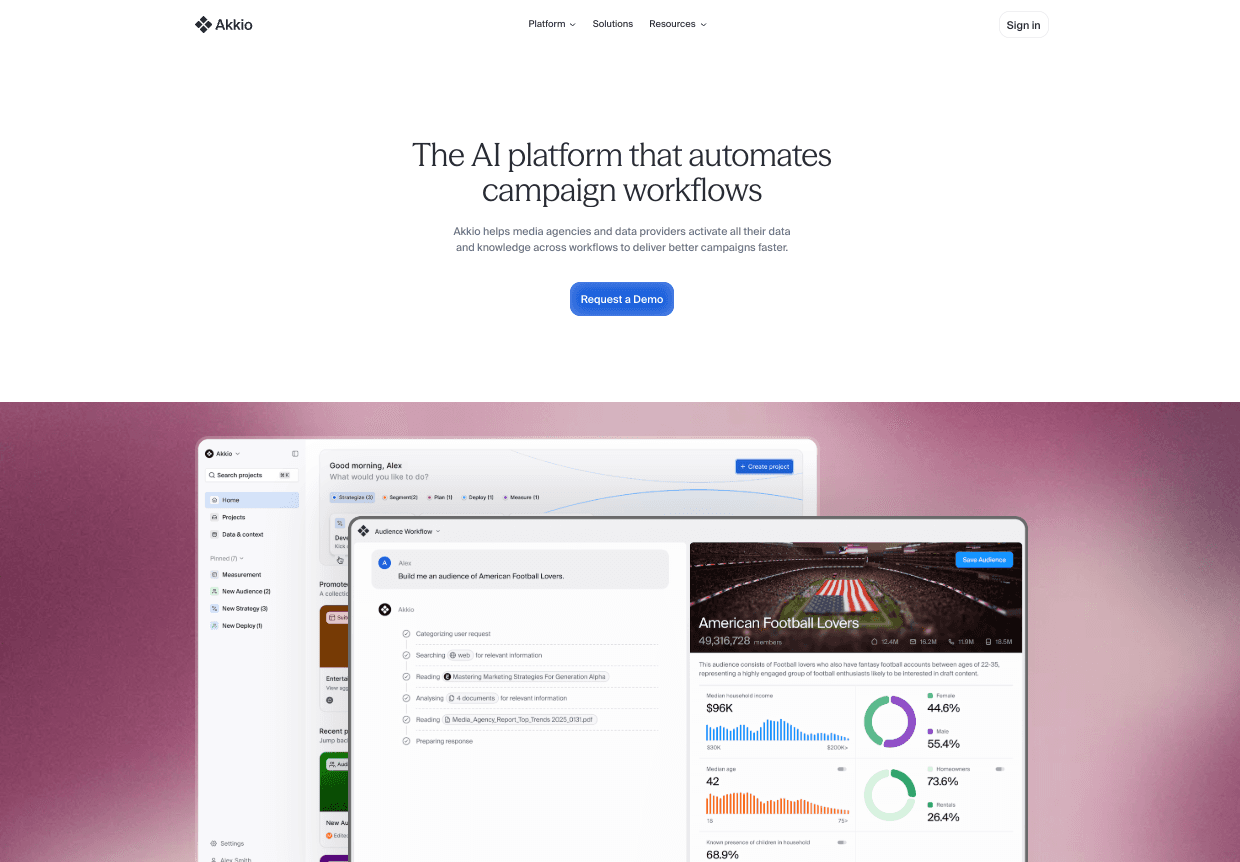
8. Akkio — Best for No-Code Predictive Analytics
A generative AI platform specifically designed to predict future business outcomes. Best for growth teams and marketers looking to forecast trends without coding.
Key Features:
"Chat Explore" for real-time data conversation.
Automated lead scoring and forecasting models.
Seamless integration with modern data stacks (Snowflake, BigQuery).
Pros:
Incredible speed in building ML models (minutes, not weeks).
Very user-friendly for non-technical users.
Cons:
Limited to predictive use cases and basic dashboards.
Lacks advanced presentation export capabilities.
Pricing:
Custom enterprise pricing.
9. HubSpot AI — Best for CRM & Sales Data Insights
AI tools natively built into the HubSpot CRM. Best for sales directors and inbound marketers who need insights directly within their CRM workflow.
Key Features:
AI-powered sales forecasting.
Content generation and campaign analytics.
Automated data quality and deduplication checks.
Pros:
Zero integration needed if you already use HubSpot.
Highly actionable insights for sales pipelines.
Cons:
Closed ecosystem (only analyzes HubSpot data effectively).
Limited custom visualization options.
Pricing:
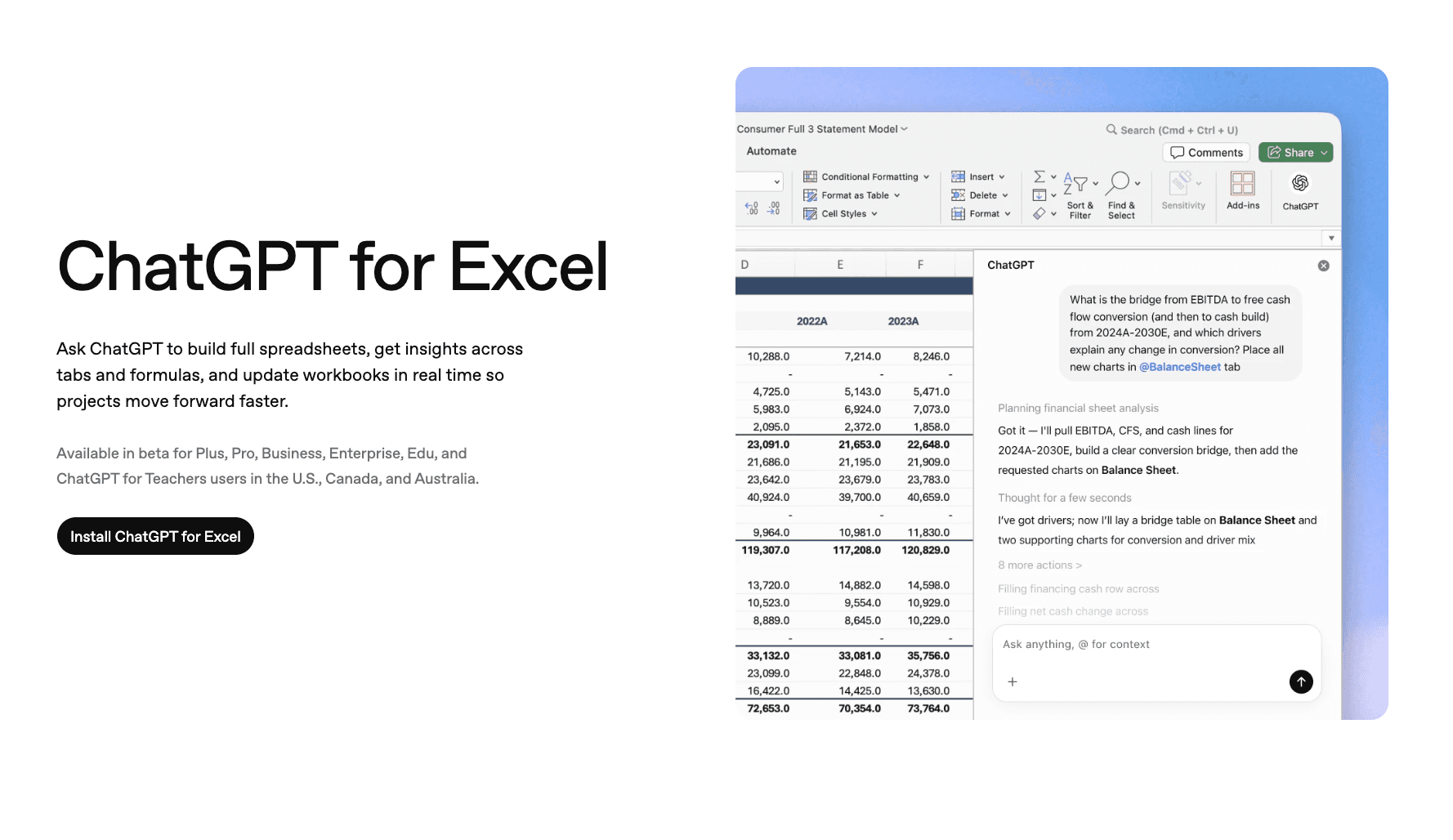
10. ChatGPT — Best for Ad-Hoc Data Analysis
OpenAI's enterprise offering with built-in code execution. Best for teams that need a flexible, multi-purpose AI assistant to run ad-hoc Python data scripts.
Key Features:
Python-based Advanced Data Analysis.
Ability to read and merge diverse file formats (CSV, JSON, PDF).
Enterprise-grade security (data not used for training).
Pros:
Extremely versatile across all business functions.
High reasoning capability for complex, unstructured data.
Cons:
Not a dedicated BI dashboard (no live API data feeds).
Often requires multiple prompts to format outputs perfectly.
Pricing:
How to Choose the Right AI Analytics and Reporting Tool?
Selecting the right tool depends heavily on your team’s specific use cases and technical maturity:
For instant boardroom presentations and automated visual storytelling: Choose Powerdrill Bloom. It bridges the massive gap between raw data and a finished, beautiful PowerPoint presentation.
For conversational data manipulation: Go with Julius AI if you want a fast, chat-based analyst.
For enterprise scalability and deep Salesforce integration: Tableau AI remains a powerhouse.
For teams heavily invested in the Microsoft stack: Power BI Copilot offers seamless synergy.
For search-driven, self-service queries: ThoughtSpot empowers non-technical users to "search" their data.
For multi-channel marketing agency reports: Whatagraph provides the best pre-built integrations.
For complex ML modeling and data science teams: Dataiku is the enterprise standard.
For no-code predictive analytics and forecasting: Akkio is fast and lightweight.
For built-in sales and CRM analytics: Stick with HubSpot AI.
For ad-hoc, flexible data scripting: ChatGPT Enterprise provides unparalleled Python-based flexibility.
Key Features to Look for in AI Analytics and Reporting Tools
Automated Data Cleansing and Preparation
Raw data is rarely ready for analysis. The best AI tools automatically detect anomalies, handle missing values, and structure your data without requiring manual Excel macros or Python scripts.
Natural Language Querying (NLQ)
You shouldn't need to know SQL to get answers. Top AI analytics platforms allow you to type questions like, "What were our top-selling regions in Q3?" and instantly return accurate metrics.
Predictive Analytics and Trend Forecasting
Modern tools don't just tell you what happened; they tell you what will happen. Machine learning models can analyze historical data to forecast future sales, customer churn, and market trends.
Seamless Visualization and Presentation Export
This is the most critical feature for business leaders. Generating a chart is easy, but placing that chart into a cohesive, professional narrative is hard. Tools with powerful export functions transform data directly into executive-level slides and infographics.
How Powerdrill Bloom Makes Business Insights Effortless
If your goal is to move rapidly from raw data to a persuasive presentation, Powerdrill Bloom stands out as the premier solution in 2026. Here is how it accelerates your workflow:
1. Create PPT Slides from Any Topic or File with AI: Type a topic or upload files like Excel, CSV, and PDF. Powerdrill Bloom understands your content and builds professional PowerPoint slides automatically.
2. Generate Stunning AI-Powered Reports from Excel, CSV, or PDF or a Specific Topic in Seconds: Stop wasting hours formatting data. Powerdrill Bloom instantly turns your files or ideas into clear, insightful reports—ready to share with your team or clients.
Ready to effortlessly extract Business Insights and turn them into stunning visual infographics without the tedious work? Try Powerdrill Bloom for free today!
Conclusion
In 2026, Data-Driven Decisions are the lifeline of any successful enterprise. AI analytics and reporting tools have revolutionized how we interact with information, democratizing data access for everyone from junior marketers to C-level executives. By eliminating manual data wrangling and automating report generation, these tools free up your time to focus on strategy. Whether you need deep predictive modeling or instant executive slide decks, the right AI agent is out there.
Frequently Asked Questions
What are AI analytics tools?
AI analytics tools are software applications that use machine learning and artificial intelligence to automatically process, clean, and analyze raw data, turning it into actionable business insights without the need for manual coding.
How do AI reporting tools improve decision-making?
They improve decision-making by eliminating human bias and manual errors, delivering real-time, predictive insights, and presenting data through highly digestible visualizations, allowing executives to act swiftly.
Can AI automatically create PowerPoint slides from my business data?
Yes. Advanced tools like Powerdrill Bloom specialize in taking raw data files (Excel, CSV, PDF) and automatically generating fully formatted, professional PowerPoint slides and infographics in seconds.
Are there free AI analytics tools?
Yes, many top platforms offer freemium models. Tools like Powerdrill Bloom and Julius AI provide free tiers that allow users to test core natural language querying and basic visualization features before upgrading.
How do AI analytics tools improve business decisions?
They rapidly identify hidden patterns and forecast future trends that humans might miss. By delivering these insights through automated, easy-to-understand visual reports, they ensure that every business decision is backed by accurate, real-time data.