12 Best AI Agent Skills to Automate Your Work in 2026 (Tested & Ranked)
Introduction
AI agents are changing the way people work. Unlike traditional AI chatbots that only answer questions, AI agents can now complete multi-step tasks, analyze information, create content, and automate entire workflows with minimal human input.
In 2026, the most valuable AI capabilities are no longer just about generating text. The real productivity gains come from AI agent skills, specialized abilities that allow AI systems to perform specific jobs such as analyzing data, managing documents, automating research, and generating business reports.
From spreadsheet analysis to coding assistance, we tested and ranked the 12 most useful AI agent skills that can help professionals automate repetitive tasks and improve productivity.
What Are AI Agent Skills?
AI agent skills are specialized capabilities that enable AI agents to perform specific tasks automatically.
For example:
A data analysis skill allows AI to analyze spreadsheets and generate insights.
A research skill enables AI to collect and summarize information.
A coding skill helps developers write and debug software.
A report generation skill turns raw data into presentations and business documents.
The goal is simple: instead of using AI as a question-answering tool, users can delegate entire workflows to AI agents.
The 12 Best AI Agent Skills for Work Automation in 2026
| Rank | AI Agent Skill | Best For | Example Tools |
|---|---|---|---|
| 1 | Data Analysis & Visualization | Turning data into insights | Powerdrill Bloom |
| 2 | Research & Knowledge Discovery | Automated information gathering | Perplexity |
| 3 | Content Generation | Writing and marketing workflows | Jasper |
| 4 | Coding & Development | Software creation | Cursor, Claude Code |
| 5 | Browser Automation | Repetitive web tasks | Skyvern |
| 6 | Spreadsheet Automation | Excel workflow optimization | Powerdrill Bloom |
| 7 | Meeting Intelligence | Summaries and action items | Otter.ai, Fireflies |
| 8 | Email Management | Communication automation | Superhuman AI |
| 9 | Sales & CRM Automation | Lead management | Salesforce Agentforce |
| 10 | Document Processing | PDF and file analysis | Powerdrill Bloom,ChatPDF |
| 11 | Personal Productivity | Scheduling and planning | Motion, Reclaim AI |
| 12 | AI Memory Management | Long-term AI assistants | MemoryLake |
Data Analysis & Visualization Skill
Best for: Turning raw data into actionable insights automatically
Data analysis is becoming one of the most valuable AI agent skills in 2026. Businesses generate massive amounts of data every day, but turning spreadsheets, reports, and raw files into meaningful insights still requires significant time and technical expertise.
Modern AI data analysis agents go beyond answering questions. They can understand datasets, identify patterns, detect anomalies, recommend visualizations, and transform complex information into business-ready insights.
Powerdrill Bloom: AI Agent for Automated Data Analysis and Visualization
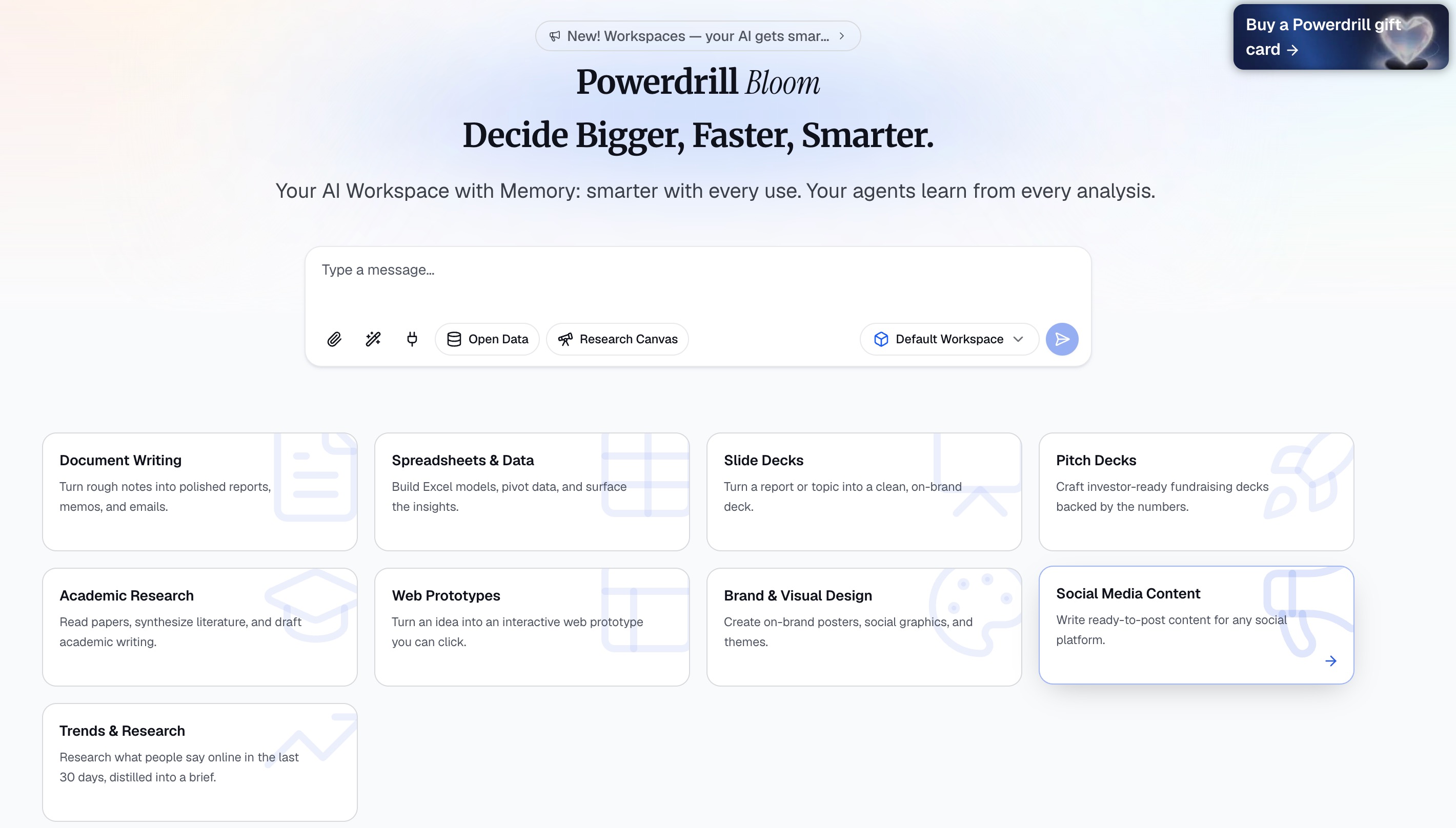
Powerdrill Bloom works as a general-purpose AI agent that specializes in data-driven workflows. Instead of manually cleaning spreadsheets, writing formulas, or building charts from scratch, users can simply upload their files and let Bloom analyze the data automatically.
With support for kinds of files, Powerdrill Bloom can:
Automatically clean and prepare data before analysis
Explore datasets and suggest meaningful analysis paths
Identify trends, patterns, and anomalies
Recommend the most suitable charts and visualizations
Create interactive visual analysis canvases
Transform insights into presentation-ready reports
Unlike traditional spreadsheet tools that require users to manually build formulas and dashboards, Powerdrill Bloom helps users move from raw data to presentation in a single AI-powered workflow.
Key Use Cases
| Use Case | How Powerdrill Bloom Helps |
|---|---|
| Sales Analysis | Identify revenue trends, product performance, and growth opportunities |
| Marketing Analytics | Analyze campaign results and customer behavior patterns |
| Financial Reporting | Turn financial spreadsheets into clear business summaries |
| Customer Analytics | Discover user trends and important segments |
| Business Dashboards | Generate visual insights without manual chart creation |
Pricing
Paid plans start at $13.27/month.
2. Research & Knowledge Discovery Skill
Best for: Automating information discovery and knowledge exploration
Research is one of the most valuable AI agent skills because professionals often spend hours searching for information, reviewing documents, and summarizing findings. In 2026, AI research agents can go beyond simple search by collecting information, understanding context, and generating structured insights.
Perplexity: AI Agent for Intelligent Research and Knowledge Discovery
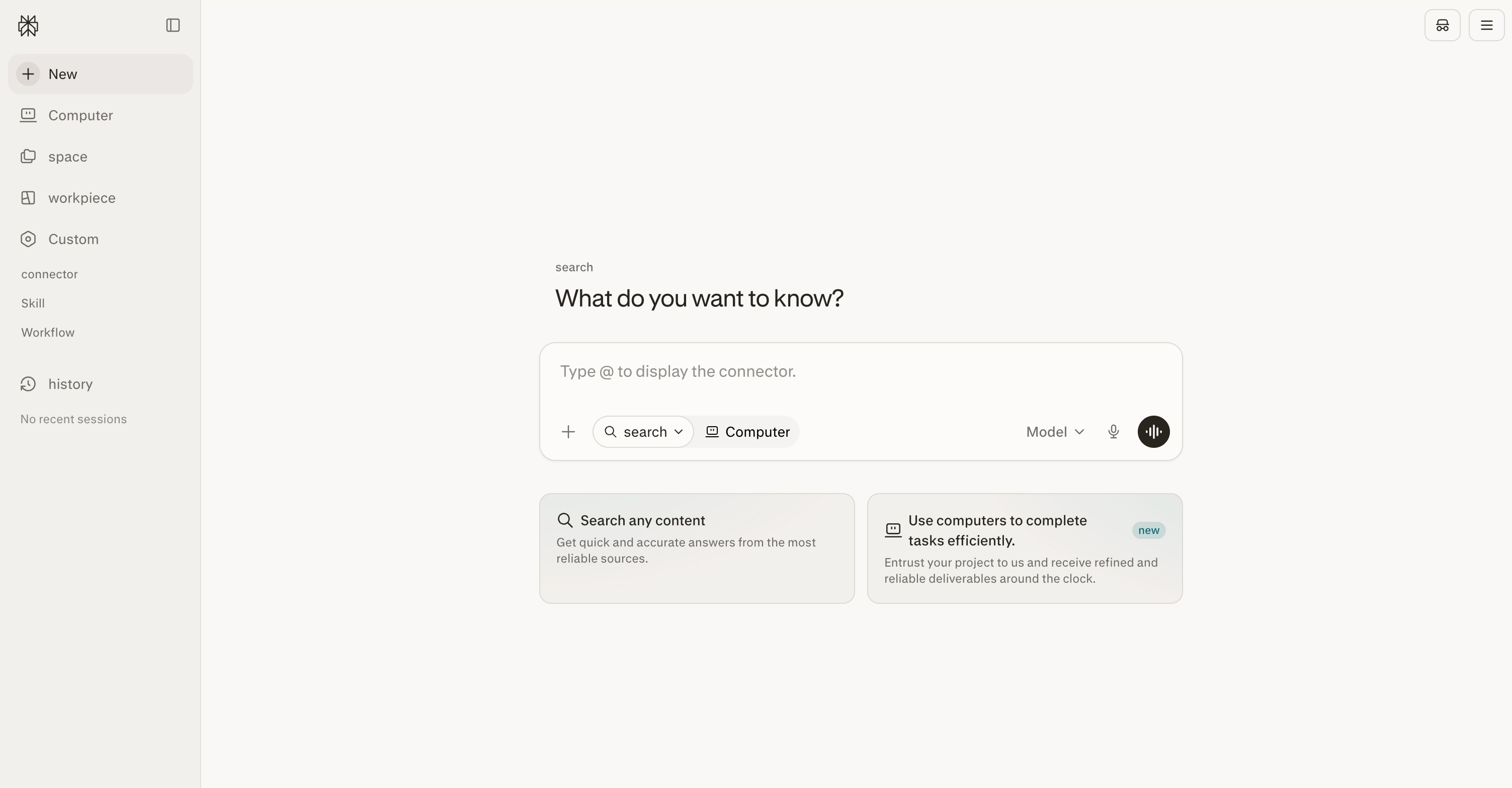
Perplexity works as an AI-powered research assistant that helps users quickly find, analyze, and summarize information from across the web. Instead of manually searching through multiple sources, users can ask questions in natural language and receive organized answers with supporting references.
With Perplexity, users can:
Search and summarize information from multiple sources
Answer complex research questions
Compare different topics, products, and market trends
Generate research summaries and reports
Explore new topics through conversational search
Unlike traditional search engines that only provide links, Perplexity helps users understand information by combining search, reasoning, and AI-generated summaries.
Key Use Cases
| Use Case | How Perplexity Helps |
|---|---|
| Market Research | Analyze industry trends and competitor information |
| Academic Research | Summarize papers and discover relevant sources |
| Business Analysis | Gather insights for strategic decisions |
| Content Research | Find reliable information for articles and reports |
| Product Research | Compare features, pricing, and market positioning |
Pricing
Pro start at $20/month.
3. Content Generation Skill
Best for: Automating writing and marketing workflows
Content creation is another major AI agent skill that helps businesses produce marketing materials, articles, social media posts, and customer communications faster.
Modern AI writing agents can understand user goals, adapt writing styles, and generate content for different channels without starting from scratch.
Jasper: AI Agent for Marketing Content Creation
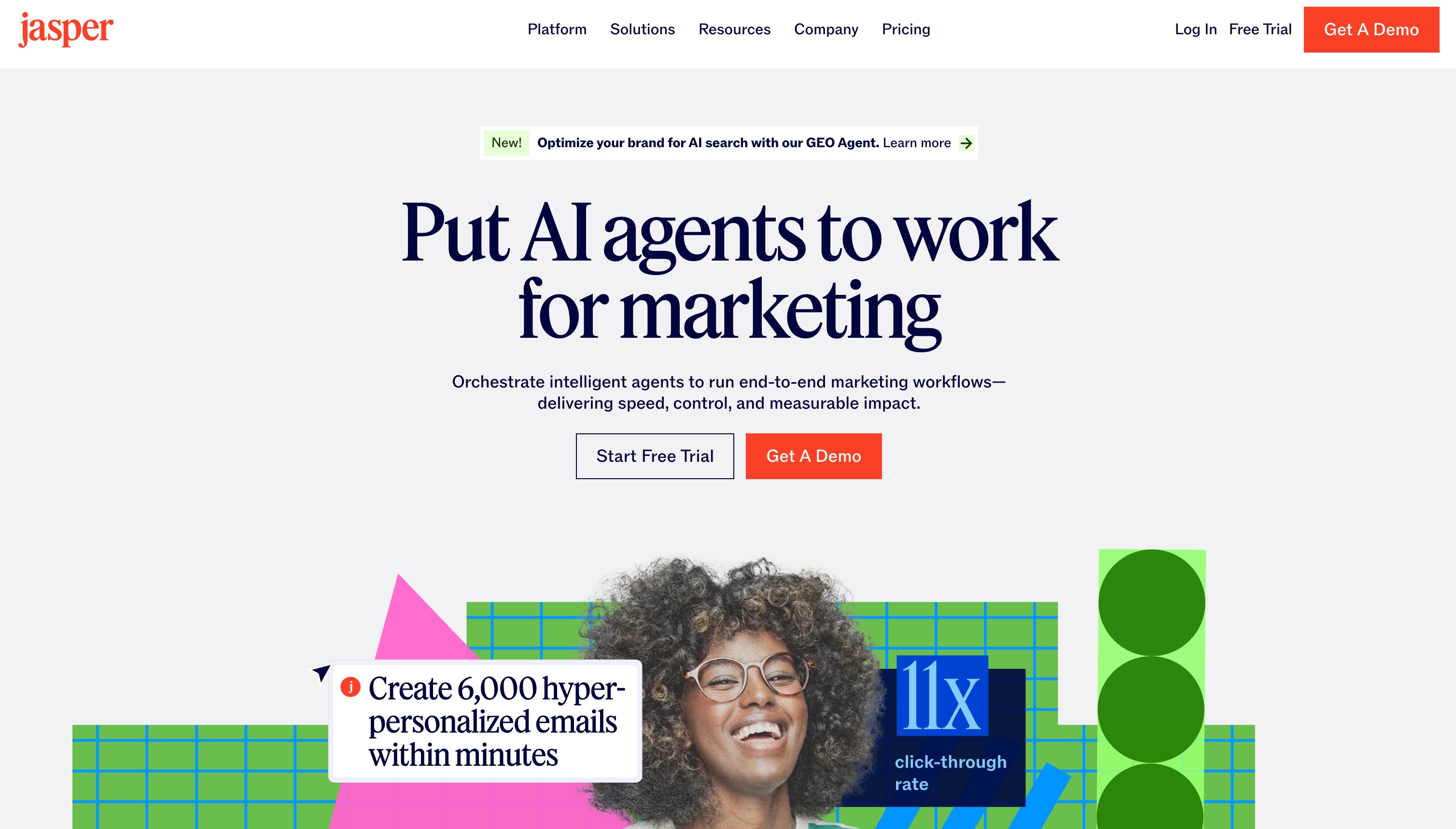
Jasper is an AI content platform designed for marketing teams that need to create consistent, brand-focused content at scale.
Instead of manually writing every piece of content, Jasper helps teams generate marketing assets while maintaining brand voice and messaging consistency.
With Jasper, users can:
Generate blog posts and marketing copy
Create social media content
Write product descriptions
Develop email campaigns
Adapt content for different audiences and platforms
Key Use Cases
| Use Case | How Jasper Helps |
|---|---|
| Blog Writing | Generate articles and content drafts faster |
| Social Media Marketing | Create posts for different platforms |
| Advertising | Develop promotional copy and campaigns |
| Product Marketing | Write descriptions and landing page content |
| Brand Communication | Maintain consistent messaging |
Pricing
Pro starts at$69/seat/month.
4. Coding & Software Development Skill
Best for: Automating software development workflows
AI coding agents are transforming how developers build software. Instead of only providing code suggestions, modern coding agents can understand projects, generate code, debug problems, and assist throughout the development process.
Claude Code: AI Agent for Software Development
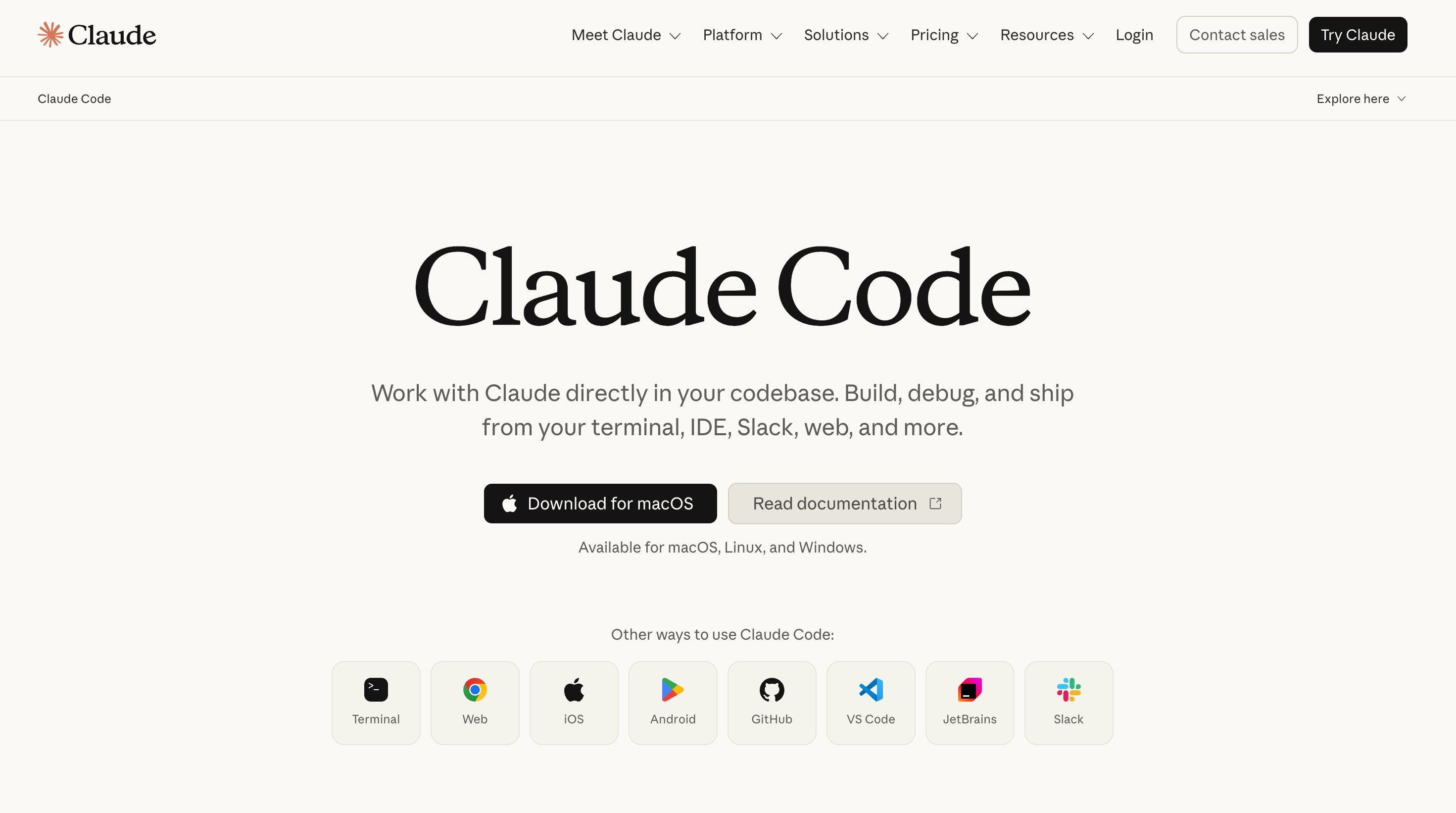
Claude Code is an AI coding agent designed to help developers work directly with their codebases. It can understand project structures, make code changes, and assist with complex programming tasks.
With Claude Code, developers can:
Generate and modify code
Understand large codebases
Debug technical issues
Refactor existing applications
Create documentation and explanations
Key Use Cases
| Use Case | How Claude Code Helps |
|---|---|
| Software Development | Generate features and application code |
| Debugging | Identify and fix programming errors |
| Code Review | Analyze code quality and suggest improvements |
| Documentation | Create technical explanations |
| Project Maintenance | Automate repetitive development tasks |
Pricing
Pro start at $18/month.
5. Browser Automation Skill
Best for: Automating repetitive web-based workflows
Many business processes still require manual browser actions, such as filling forms, collecting information, and completing online tasks. Browser automation agents allow AI systems to interact with websites and execute workflows automatically.
Skyvern: AI Agent for Browser-Based Task Automation
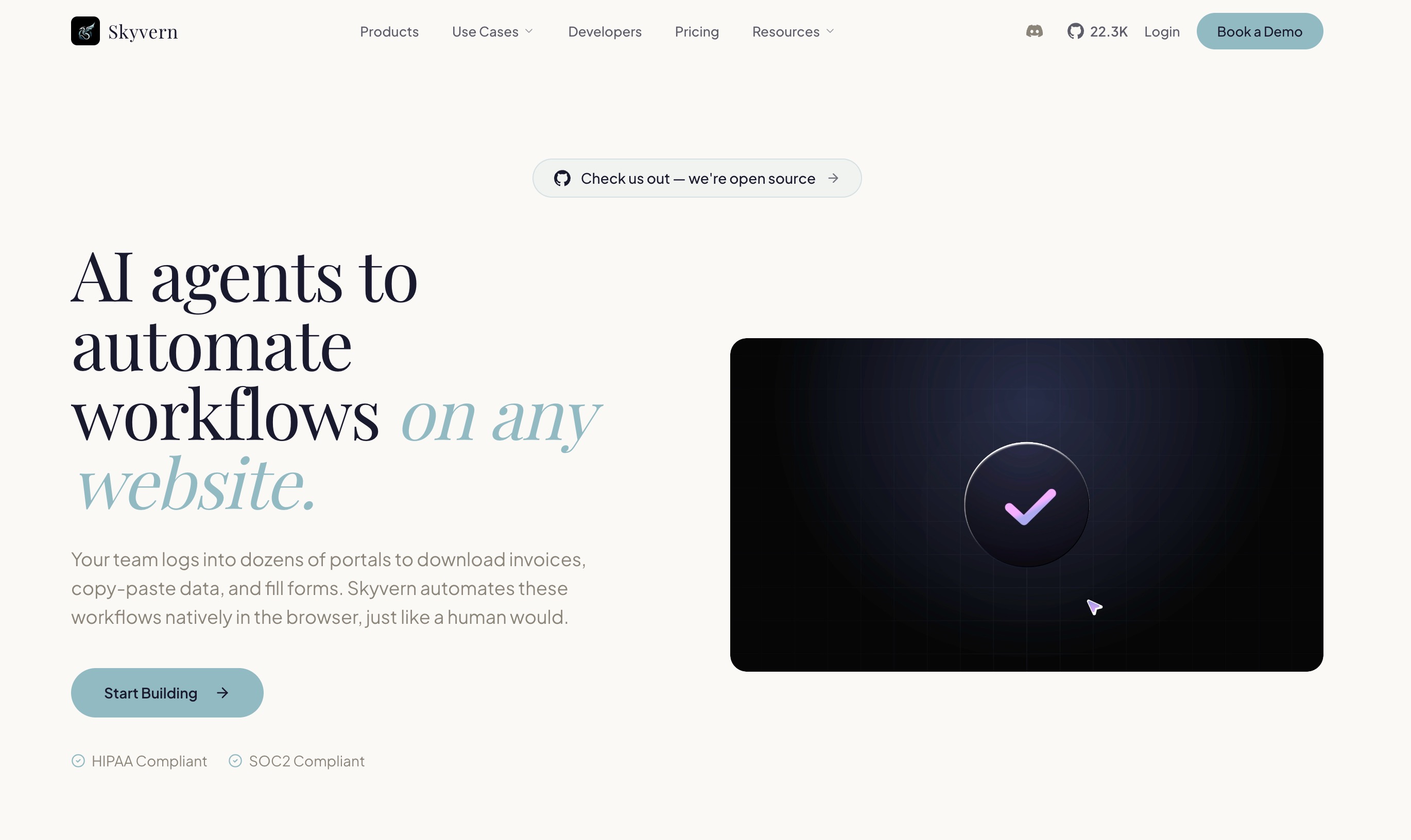
Skyvern is an AI browser automation platform that enables agents to navigate websites and complete complex online workflows without relying on traditional rule-based automation.
Unlike conventional automation tools that require fixed scripts, Skyvern uses AI to understand webpage structures and adapt to changing interfaces.
With Skyvern, users can:
Automate browser workflows
Navigate websites using natural language instructions
Extract information from web pages
Complete online forms
Handle repetitive operational tasks
Key Use Cases
| Use Case | How Skyvern Helps |
|---|---|
| Data Collection | Gather information from websites automatically |
| Form Automation | Complete repetitive online forms |
| Operations Tasks | Automate web-based business processes |
| Research Workflows | Collect online information efficiently |
| Customer Operations | Reduce manual browser tasks |
Pricing
Hobby starts at $29/month.
6. Spreadsheet Automation Skill
Best for: Automating Excel workflows and transforming spreadsheets into actionable insights
Spreadsheets remain one of the most widely used tools in business, but managing large datasets manually can be time-consuming. From cleaning messy files to creating formulas and generating reports, traditional spreadsheet workflows often require repetitive work and technical skills.
In 2026, AI spreadsheet agents are changing how teams work with data by automating repetitive tasks and helping users move from raw spreadsheets to business insights faster.
Powerdrill Bloom: AI Agent for Spreadsheet Automation and Data Workflows
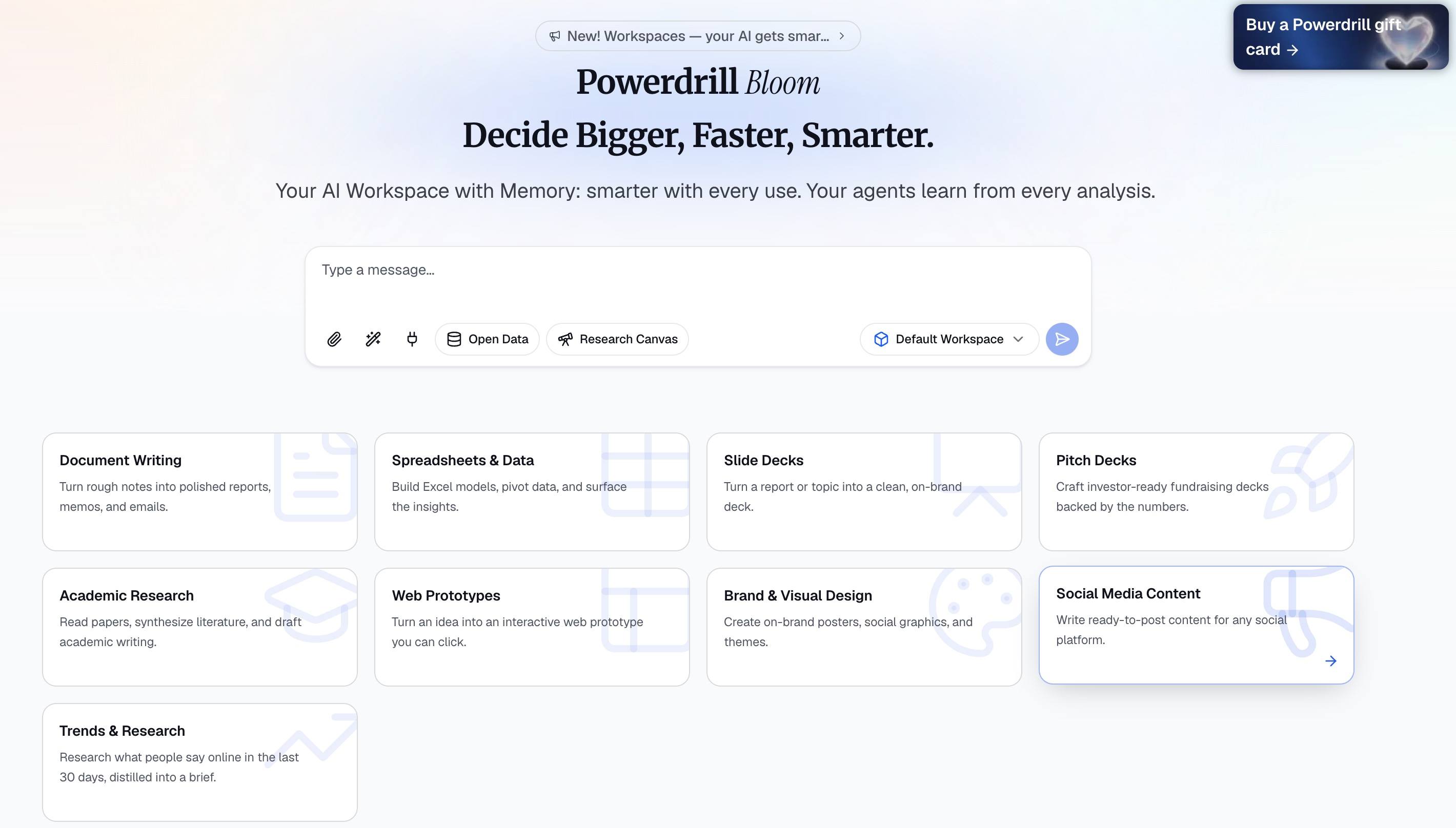
Powerdrill Bloom helps users automate spreadsheet-based workflows by understanding structured data from files such as Excel, CSV, TSV, and PDF. Instead of manually cleaning data, building charts, and preparing reports, users can upload their files and let Bloom handle the analysis process.
With Powerdrill Bloom, users can:
Automatically clean and prepare spreadsheet data
Discover trends, patterns, and anomalies
Generate visual analysis with recommended charts
Explore datasets through an interactive canvas
Turn spreadsheet insights into presentation-ready reports
Export results to PowerPoint or Notion
Unlike traditional spreadsheet tools that rely heavily on formulas and manual operations, Powerdrill Bloom acts as an AI data analyst that helps users complete the entire workflow from data preparation to final presentation.
Key Use Cases
| Use Case | How Powerdrill Bloom Helps |
|---|---|
| Sales Data Analysis | Analyze revenue trends and identify business opportunities |
| Marketing Reports | Understand campaign performance and customer behavior |
| Financial Analysis | Convert financial spreadsheets into clear summaries |
| Operations Tracking | Find inefficiencies and unusual patterns in business data |
| Executive Reporting | Generate visual reports without manual formatting |
Pricing
Paid plans start at $13.27/month.
7. Meeting Intelligence Skill
Best for: Turning conversations into actionable insights
Meetings generate valuable information, but manually taking notes, summarizing discussions, and tracking follow-up tasks can be inefficient. AI meeting agents help teams capture important information automatically and ensure that decisions are not lost.
Fireflies: AI Agent for Meeting Transcription and Summarization
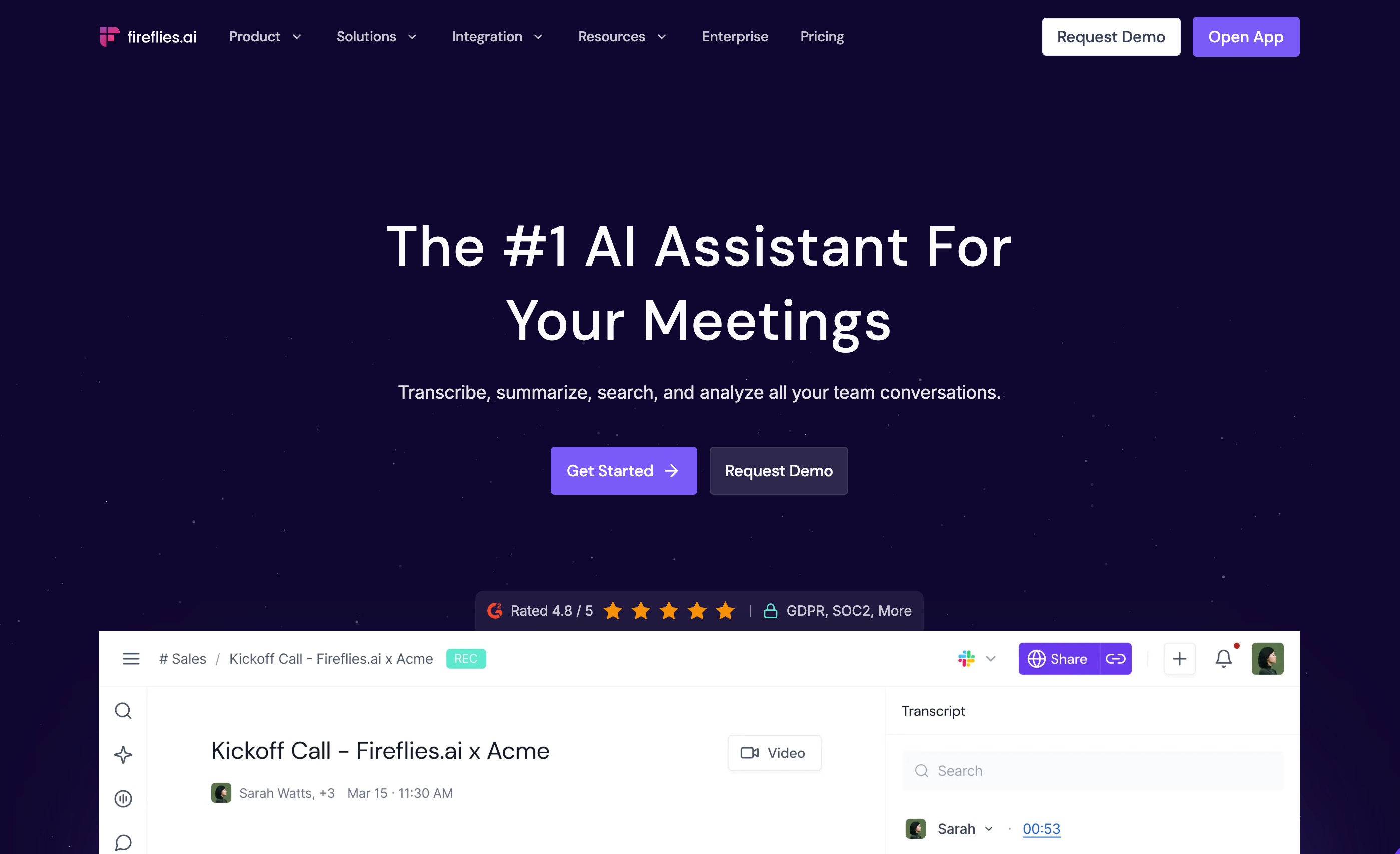
Fireflies is an AI meeting assistant that records, transcribes, and analyzes conversations across online meetings. It helps teams capture key discussions without requiring someone to manually write notes.
With Fireflies, users can:
Automatically record and transcribe meetings
Generate AI-powered summaries
Extract key decisions and action items
Search conversations using natural language
Track follow-up tasks after meetings
Key Use Cases
| Use Case | How Fireflies Helps |
|---|---|
| Team Meetings | Create automatic summaries and notes |
| Sales Calls | Capture customer requirements and objections |
| Interviews | Organize candidate conversations |
| Client Discussions | Track important requests and decisions |
| Project Management | Monitor tasks and next steps |
Pricing
Pro starts at $10/per seat month.
8. Email Management Skill ⭐
Best for: Automating email communication and inbox management
Email remains one of the biggest productivity challenges for professionals. Sorting messages, writing replies, and prioritizing important conversations can consume hours every week.
AI email agents help users manage communication more efficiently by understanding context and automating repetitive tasks.
Superhuman AI: AI Agent for Email Productivity
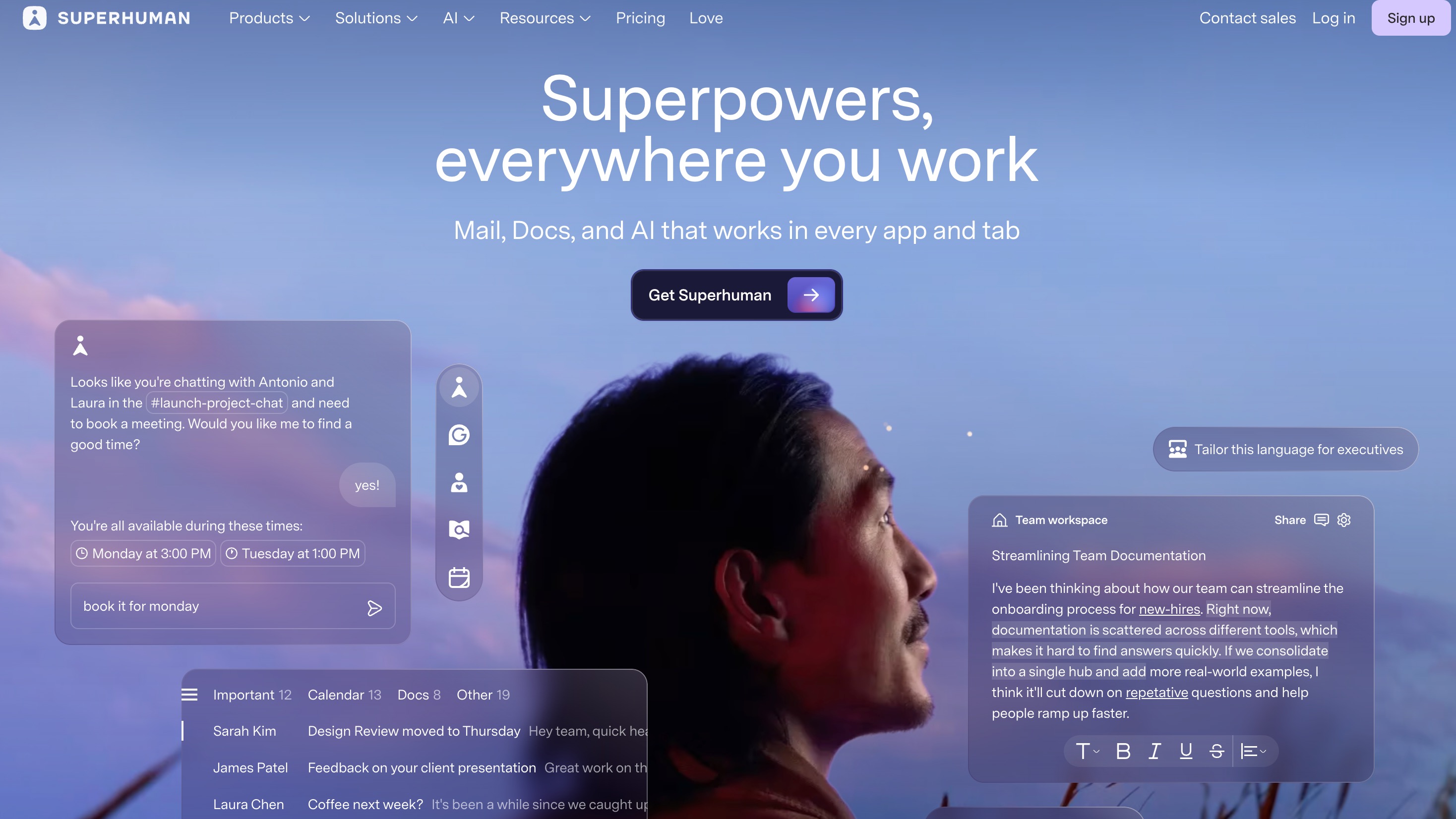
Superhuman AI combines email management with AI-powered assistance to help professionals process messages faster and communicate more effectively.
With Superhuman AI, users can:
Summarize long email threads
Draft professional responses
Prioritize important messages
Search emails faster
Automate repetitive communication workflows
Key Use Cases
| Use Case | How Superhuman AI Helps |
|---|---|
| Inbox Management | Organize and prioritize emails |
| Customer Communication | Draft faster responses |
| Executive Workflows | Reduce time spent on email |
| Team Collaboration | Quickly understand conversations |
| Follow-ups | Improve response efficiency |
Pricing
Pro start at $12/month.
9. Sales & CRM Automation Skill
Best for: Automating customer relationship workflows
Sales teams spend significant time managing leads, updating customer records, and analyzing sales activities. AI sales agents help automate these repetitive processes while providing deeper customer insights.
Salesforce Agentforce: AI Agent for Sales Automation
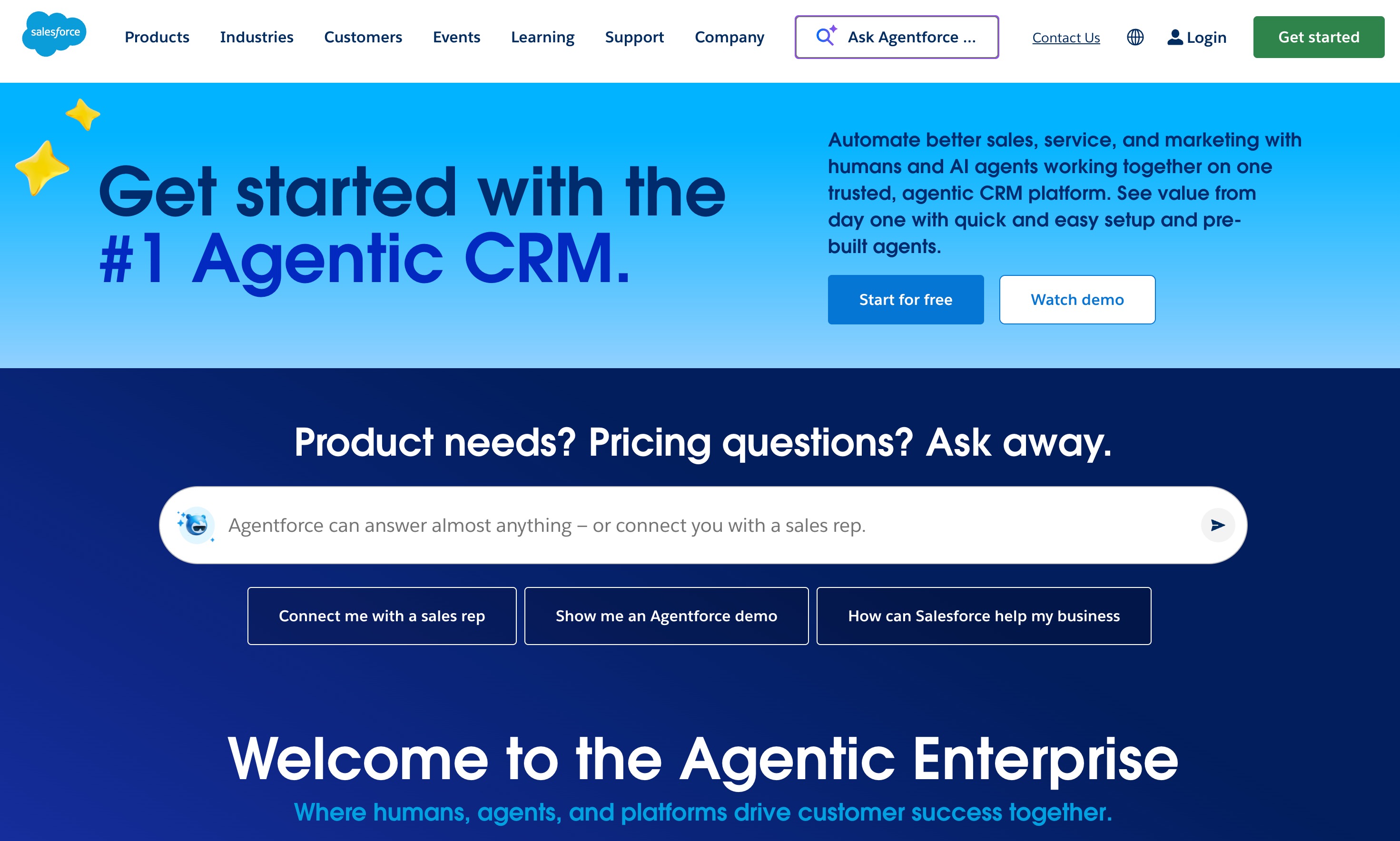
Salesforce Agentforce brings AI agents into CRM workflows, helping sales teams automate customer interactions and improve productivity.
With Salesforce Agentforce, teams can:
Automate customer support and sales tasks
Analyze customer information
Assist sales representatives
Generate recommendations
Improve lead management workflows
Key Use Cases
| Use Case | How Salesforce Agentforce Helps |
|---|---|
| Lead Management | Prioritize and organize sales opportunities |
| Customer Support | Automate responses and assistance |
| Sales Forecasting | Provide insights from CRM data |
| Customer Engagement | Personalize interactions |
| Sales Operations | Reduce repetitive administrative tasks |
Pricing
Custom pricing.
10. Document Processing Skill
Best for: Understanding and extracting information from business documents
Businesses handle thousands of documents every year, including PDFs, contracts, reports, and research materials. Reviewing these files manually can be slow and inefficient.
AI document processing agents help users analyze, summarize, and extract information from large amounts of text.
ChatPDF: AI Agent for PDF Analysis and Document Understanding
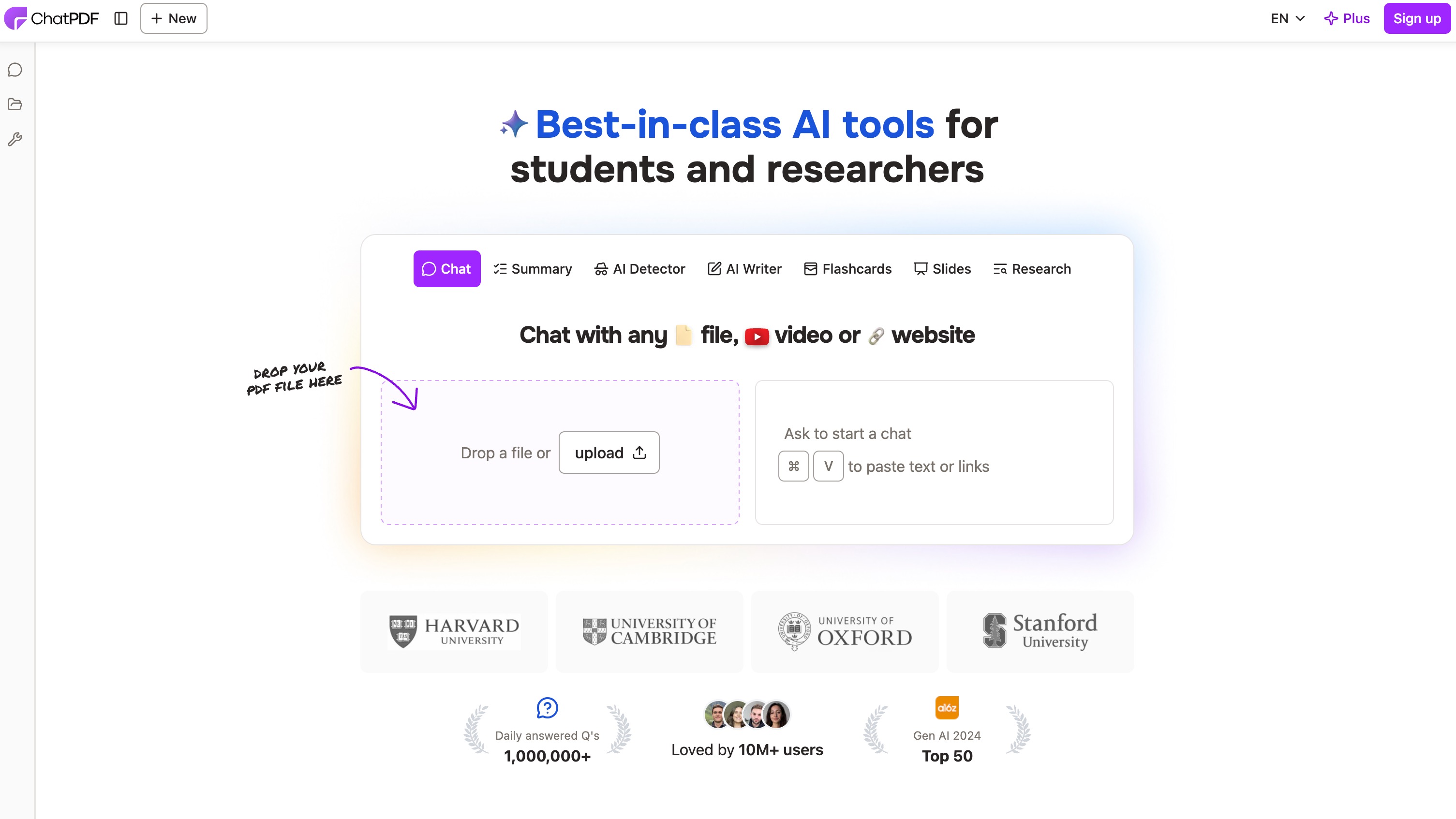
ChatPDF allows users to interact with PDF documents through natural language conversations. Instead of manually searching through long documents, users can ask questions and receive AI-generated answers.
With ChatPDF, users can:
Summarize long PDF documents
Extract important information
Answer questions based on documents
Analyze reports and research papers
Understand complex files faster
Key Use Cases
| Use Case | How ChatPDF Helps |
|---|---|
| Research Papers | Summarize academic documents quickly |
| Business Reports | Extract key findings and insights |
| Contracts | Identify important clauses and information |
| Manuals | Find answers without reading full documents |
| Internal Knowledge | Search information from company files |
Pricing
Plus pricing is listed on the ChatPDF site.
11. Personal Productivity Skill
Best for: Automating daily planning, scheduling, and task management
Managing personal productivity often involves balancing calendars, tasks, deadlines, and priorities. While traditional productivity tools help users organize information, AI productivity agents can actively optimize schedules, recommend priorities, and automate daily planning.
In 2026, AI productivity agents are becoming personal work assistants that help professionals focus on important tasks instead of spending time organizing their workflow.
Motion: AI Agent for Intelligent Scheduling and Task Management
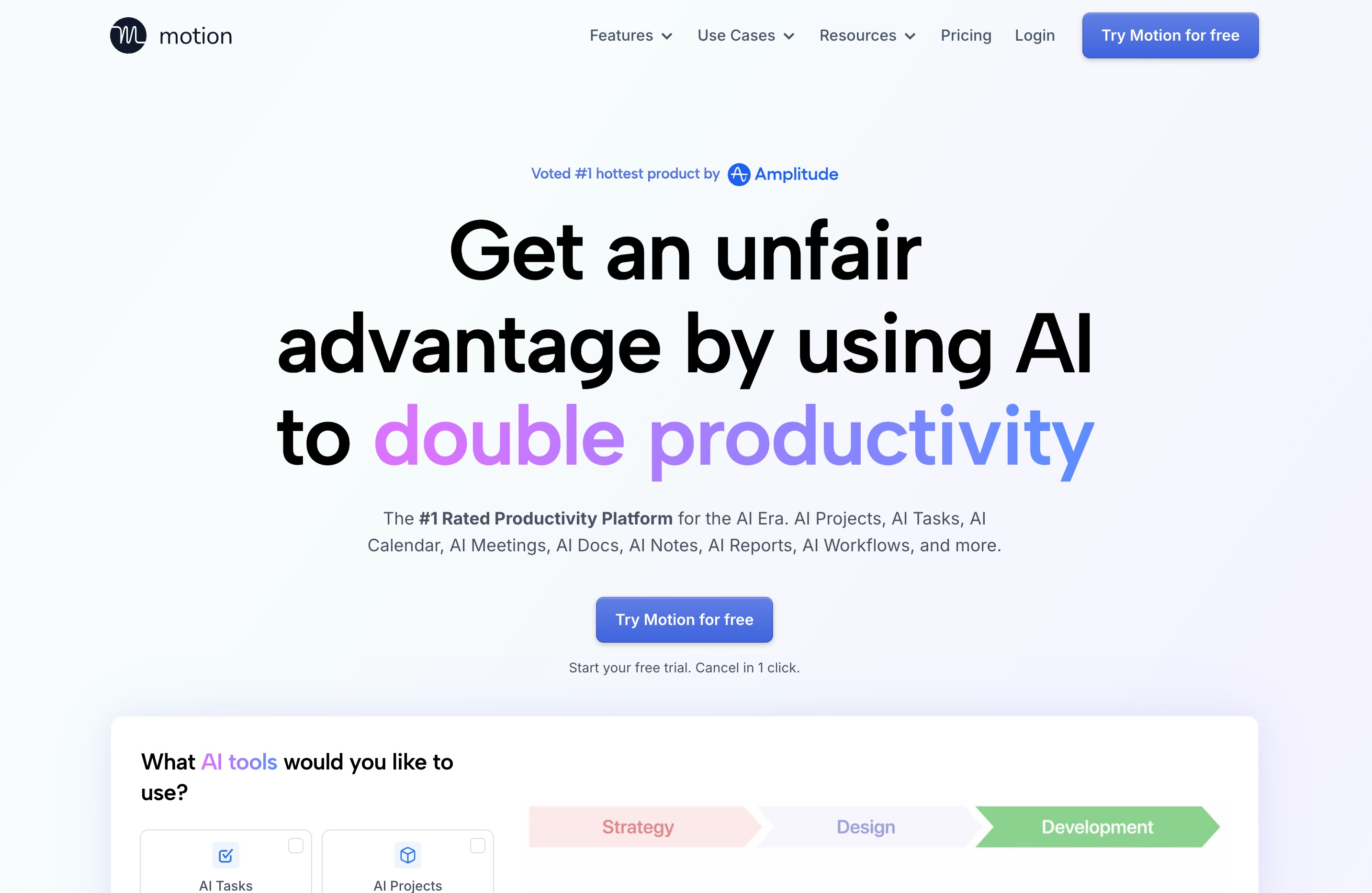
Motion is an AI productivity platform that combines calendar management, task planning, and project organization. Instead of manually arranging schedules, users can rely on AI to automatically prioritize tasks and optimize their daily workflow.
With Motion, users can:
Automatically schedule tasks based on priorities and deadlines
Optimize daily calendars using AI
Create and manage project plans
Adjust schedules when priorities change
Organize tasks, meetings, and workflows in one place
Unlike traditional calendar apps that only display appointments, Motion acts as an AI planning assistant that actively helps users decide how to spend their time.
Key Use Cases
| Use Case | How Motion Helps |
|---|---|
| Daily Planning | Automatically organize tasks and schedules |
| Project Management | Create timelines and manage deadlines |
| Team Productivity | Coordinate tasks and meetings efficiently |
| Time Management | Optimize working hours and priorities |
| Personal Workflow | Reduce manual planning effort |
Pricing
Pro starts at $19/month.
12. AI Memory Management Skill
Best for: Building portable, secure, and long-term AI assistants
One of the biggest challenges with today’s AI tools is that memory is often locked inside individual platforms. Users may build valuable context with one AI assistant, but that knowledge usually cannot move with them when they switch to another model or application.
AI memory management solves this problem by creating a persistent memory layer that allows users to store, organize, and share their knowledge across different AI systems.
In 2026, AI memory is becoming an essential skill for AI agents because smarter assistants need more than short-term conversations — they need reliable access to personal and business context.
MemoryLake: AI Memory Layer for Cross-Model AI Assistants
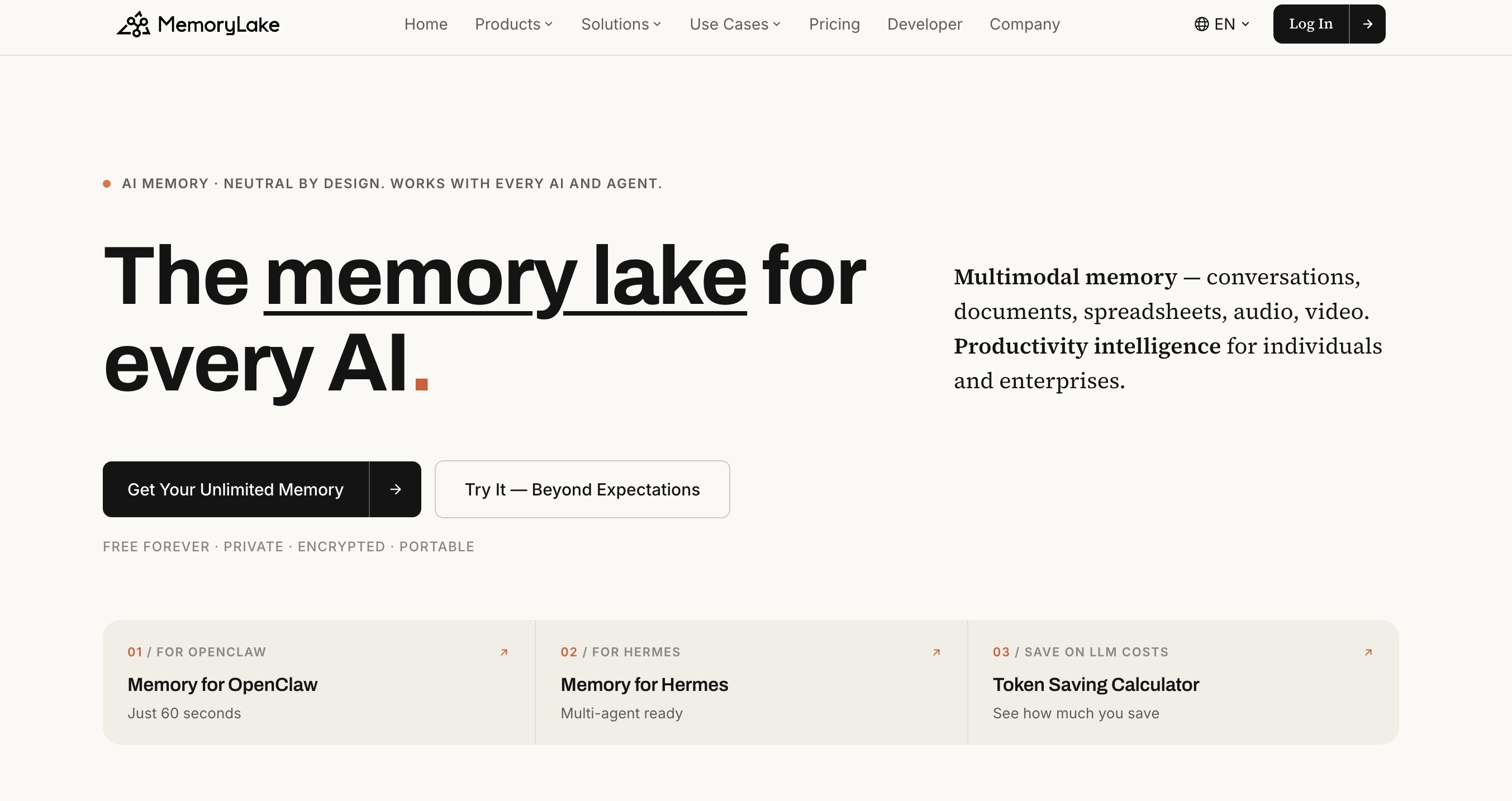
MemoryLake is a cross-model memory layer designed around a simple idea: your context should follow you, not live inside one AI.
Instead of keeping memories locked within a single AI platform, MemoryLake allows users to create a portable knowledge layer that can be connected to different AI applications through an MCP Server.
Users can upload and organize different types of information, with MemoryLake, users can:
Store personal and business knowledge in one secure memory layer
Organize information into Projects for different workflows
Add and manage custom Memories
Connect stored context to multiple AI applications through MCP Server
Maintain memory ownership across different AI models
Track changes with Git-style versioning for better auditability
Unlike vendor-controlled AI memory systems, MemoryLake focuses on user ownership and privacy. Data is stored with end-to-end encryption, meaning users maintain control over their information rather than relying on AI providers to manage their memory.
Key Use Cases
| Use Case | How MemoryLake Helps |
|---|---|
| Personal AI Assistants | Maintain long-term preferences and context across different AI tools |
| Enterprise Knowledge Management | Store and reuse company knowledge securely |
| AI Agent Development | Provide agents with persistent memory and background information |
| Cross-Model AI Workflows | Share context between different AI applications |
| Document-Based AI Tasks | Connect files and memories to AI assistants when needed |
Pricing
Pro starts at $19/month.
How to Choose the Right AI Agent Skill?
Choosing the right AI agent skill depends on your workflow, goals, and the tasks you want to automate. Instead of choosing tools based only on popularity, focus on areas where AI can create the biggest productivity gains. For teams that work with large amounts of data, Data Analysis and Spreadsheet Automation skills are often the best starting points because they can eliminate hours of manual work.
For example, Powerdrill Bloom is designed for users who need to analyze Excel, CSV, TSV, or PDF files, automatically clean data, discover trends, generate visualizations, and turn insights into presentation-ready reports without requiring SQL or Python skills. Meanwhile, professionals focused on research, coding, content creation, or customer management may benefit from AI agents specialized in those workflows.
When evaluating AI agent skills, consider ease of use, integration capabilities, data security, and whether the tool can support your long-term workflows. The right AI agent is the one that fits your daily tasks and helps you move from manual execution to automated decision-making.
Final Thoughts
AI agents are moving from simple assistants to powerful workflow automation systems. In 2026, the biggest productivity improvements will come from choosing the right AI agent skills for specific business tasks.
For companies working heavily with spreadsheets, reports, and business data, AI data analysis and spreadsheet automation are among the most practical starting points.
Tools like Powerdrill Bloom show how AI agents can transform traditional workflows, helping users move from raw Excel files to insights, visualizations, and business-ready reports without spending hours on manual analysis.
The future of work will not be about replacing every task with AI. It will be about giving AI agents the right skills to handle repetitive work while humans focus on higher-value decisions.
Frequently Asked Questions (FAQ)
1. What are AI agent skills?
AI agent skills are specialized capabilities that allow AI agents to perform tasks like analysis, research, automation, and workflow execution.
2. What is the best AI agent skill for data analysis?
Data Analysis and Spreadsheet Automation skills are ideal. Tools like Powerdrill Bloom help users analyze files and generate insights automatically.
3. Can AI agents automate Excel tasks?
Yes. AI agents like Powerdrill Bloom can clean spreadsheets, analyze data, create charts, and generate reports without coding.
4. How do AI agent skills improve productivity?
They reduce repetitive work by automating workflows, processing information faster, and helping teams focus on higher-value decisions.
5. Are AI agent skills safe for business data?
It depends on the tool. Businesses should choose AI agents with strong security, privacy controls, and data ownership policies.